

 DownloadMagic Particles Mod
Get the files on 9Minecraft
Guides
Step-by-step, in-game.
Creating and Using Custom Magic ParticlesSetting Up Magic Particles Magic Particles Mod is a server-side Fabric cosmetics mod, so everything is configured by…How to Apply a Magic Particle to Yourself or a PlayerUsing the Set Command The core command for applying an effect is /mp set [id] . The [id] must match the identifier…How to Create Your First Custom Magic Particle with a JSON FileUnderstanding the JSON Structure Magic Particles Mod reads particle definitions from JSON files placed in the mod's…How to Disable or Clear a Magic Particle EffectThe Disable Command If a particle is following you and you want it gone, use /mp disable . This clears your currently…How to Reload Particles After Editing JSON FilesWhy Reload Matters Magic Particles Mod loads its JSON definitions when the server starts. If you edit a file while…
Frequently asked questions
What is the Magic Particles Mod?
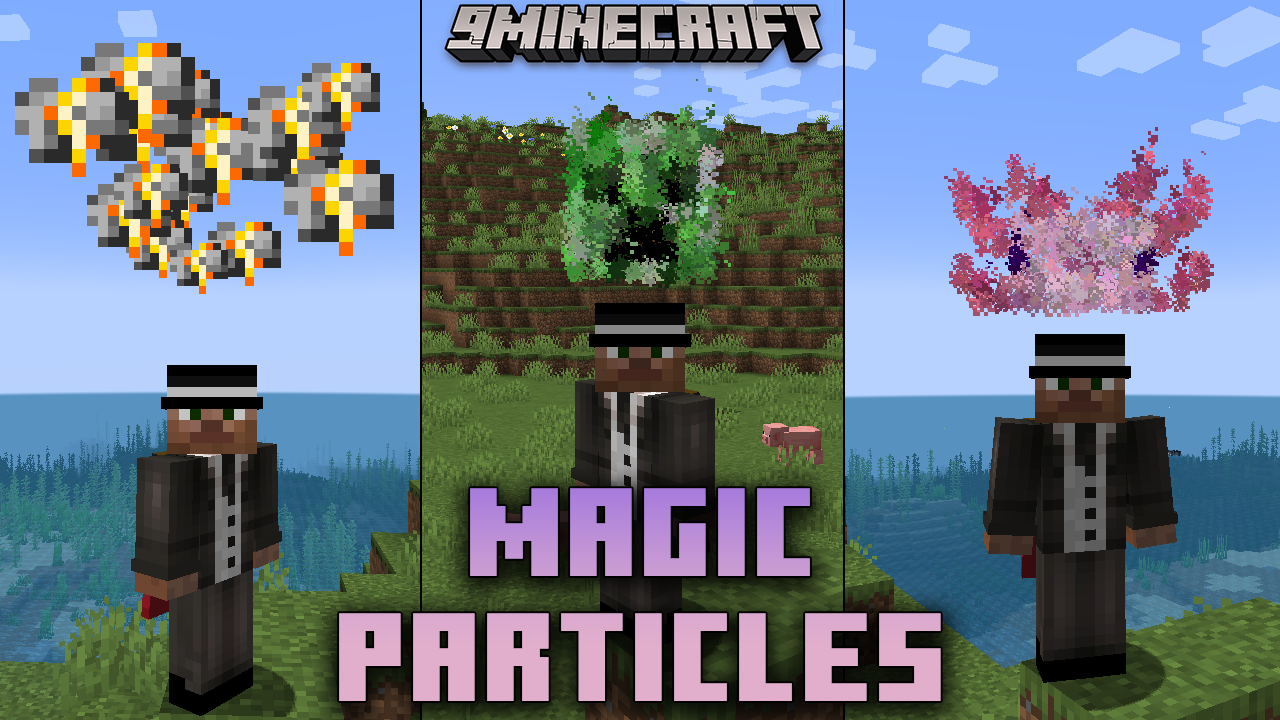
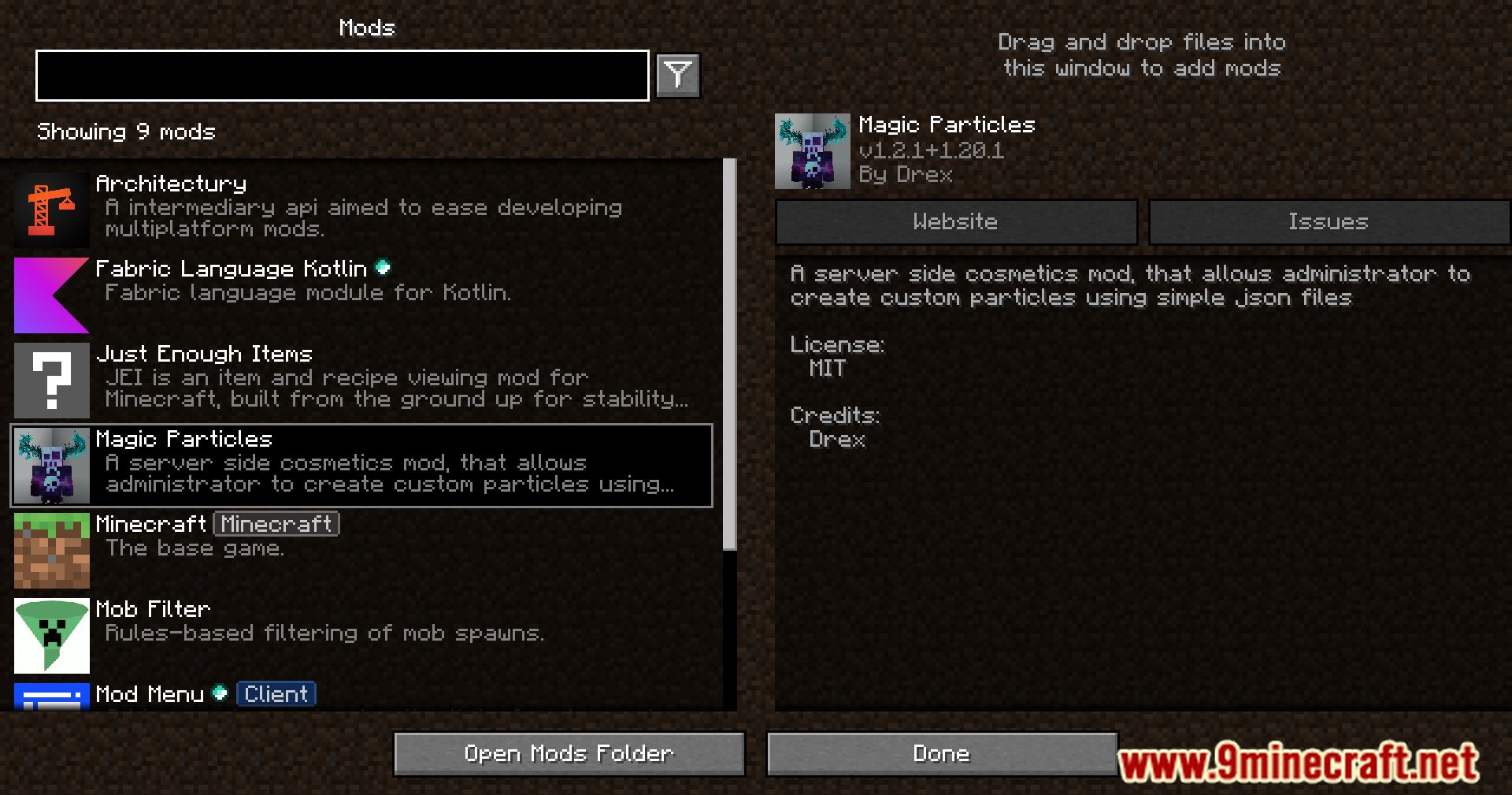
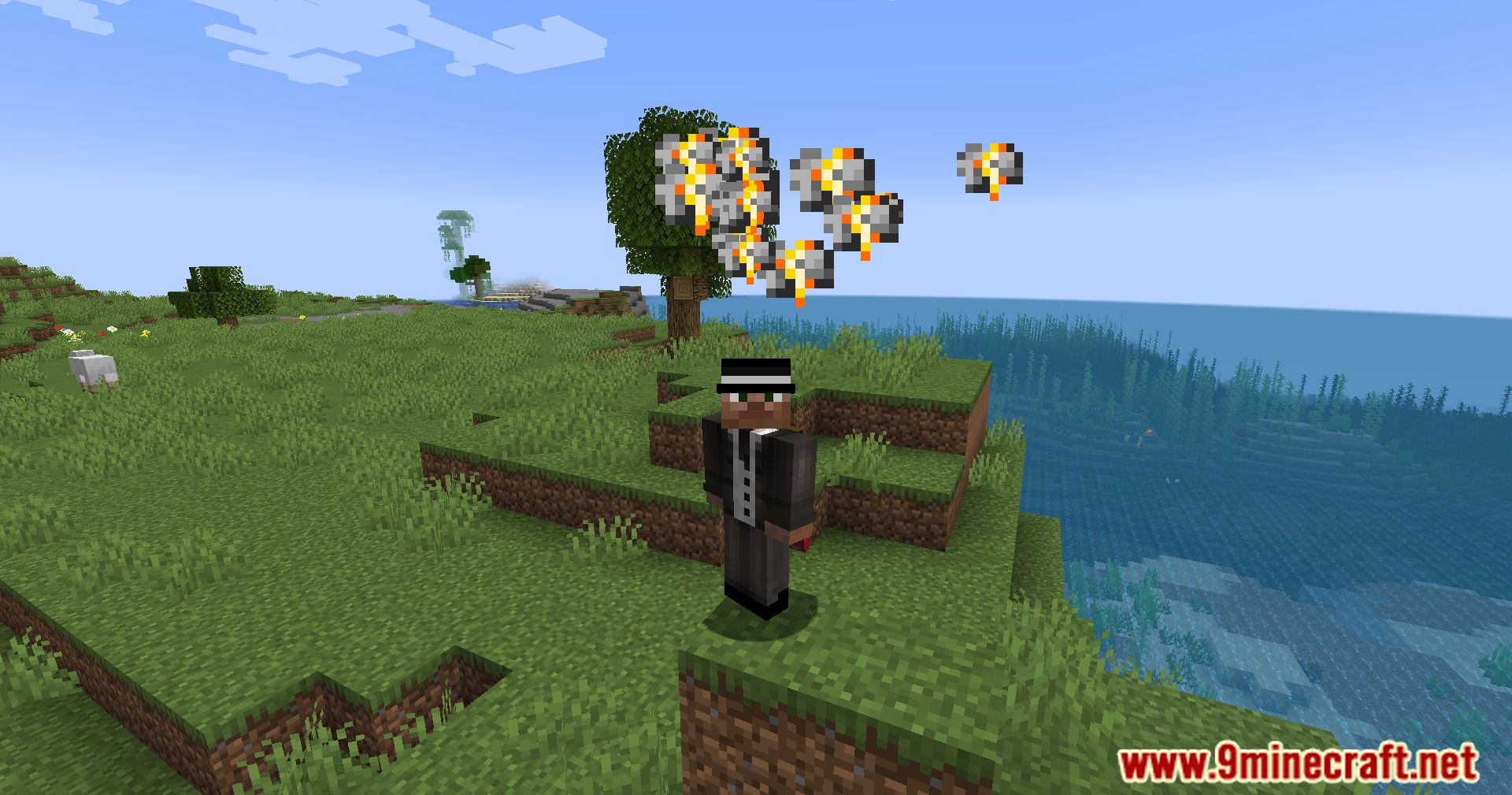
It is a Fabric server-side cosmetics mod that lets administrators create custom particle effects using simple JSON files. It is aimed at server owners who want to add magical visuals and customization to their worlds.
How do administrators create custom particles?
They design and implement custom particles by editing JSON files. This makes the mod accessible even for administrators with limited technical skill.
What command lists all available magic particles?
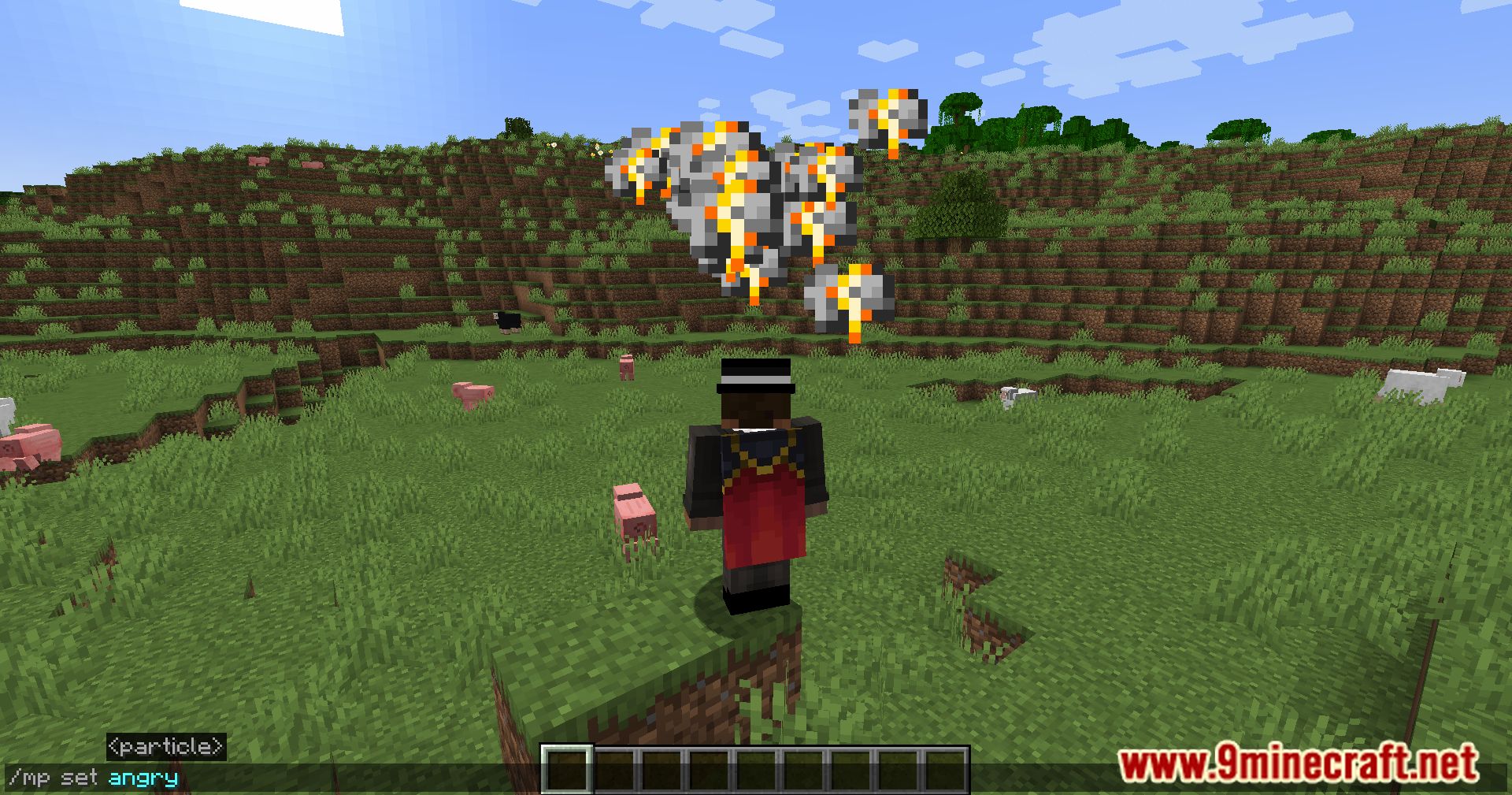
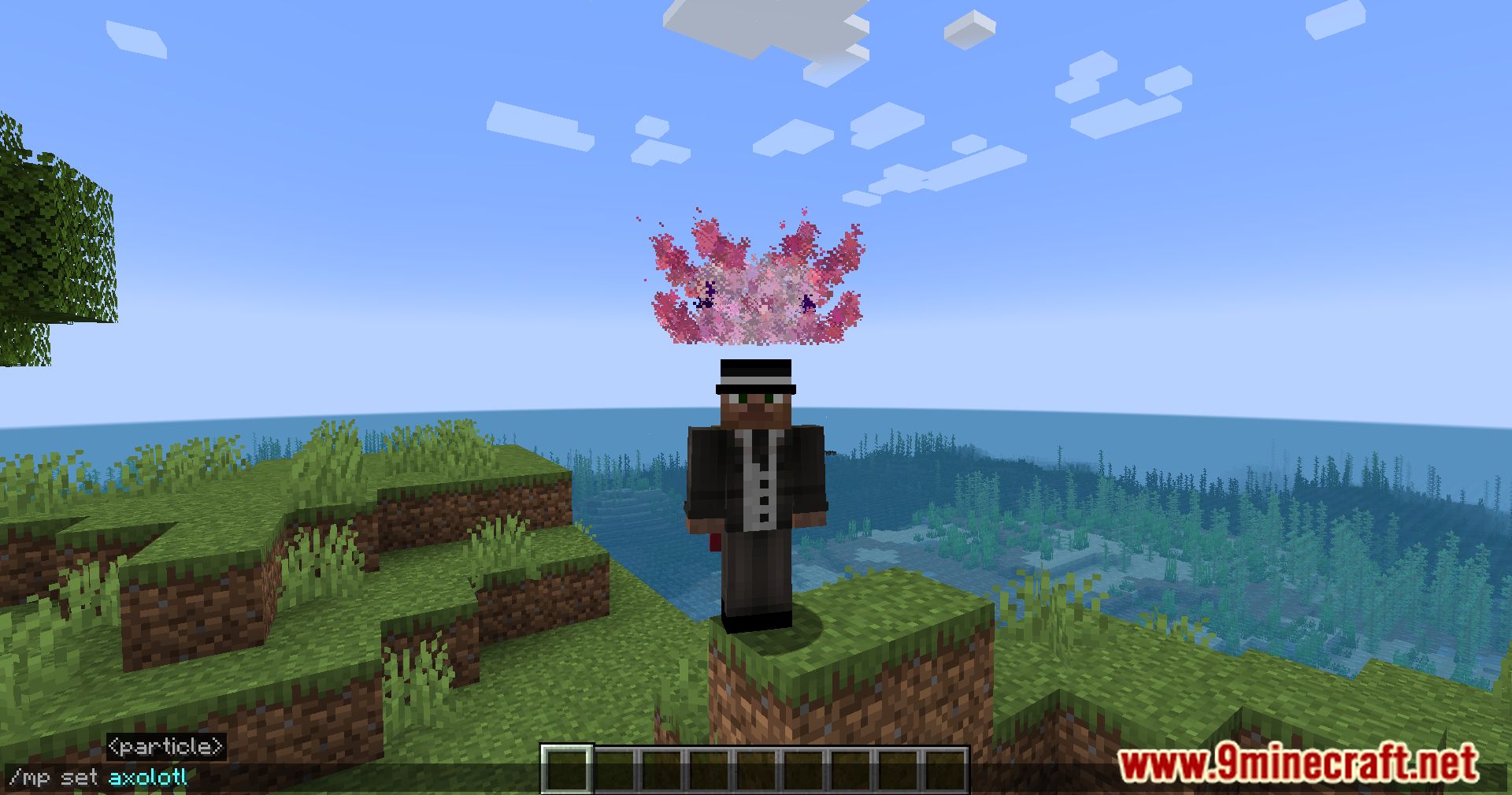
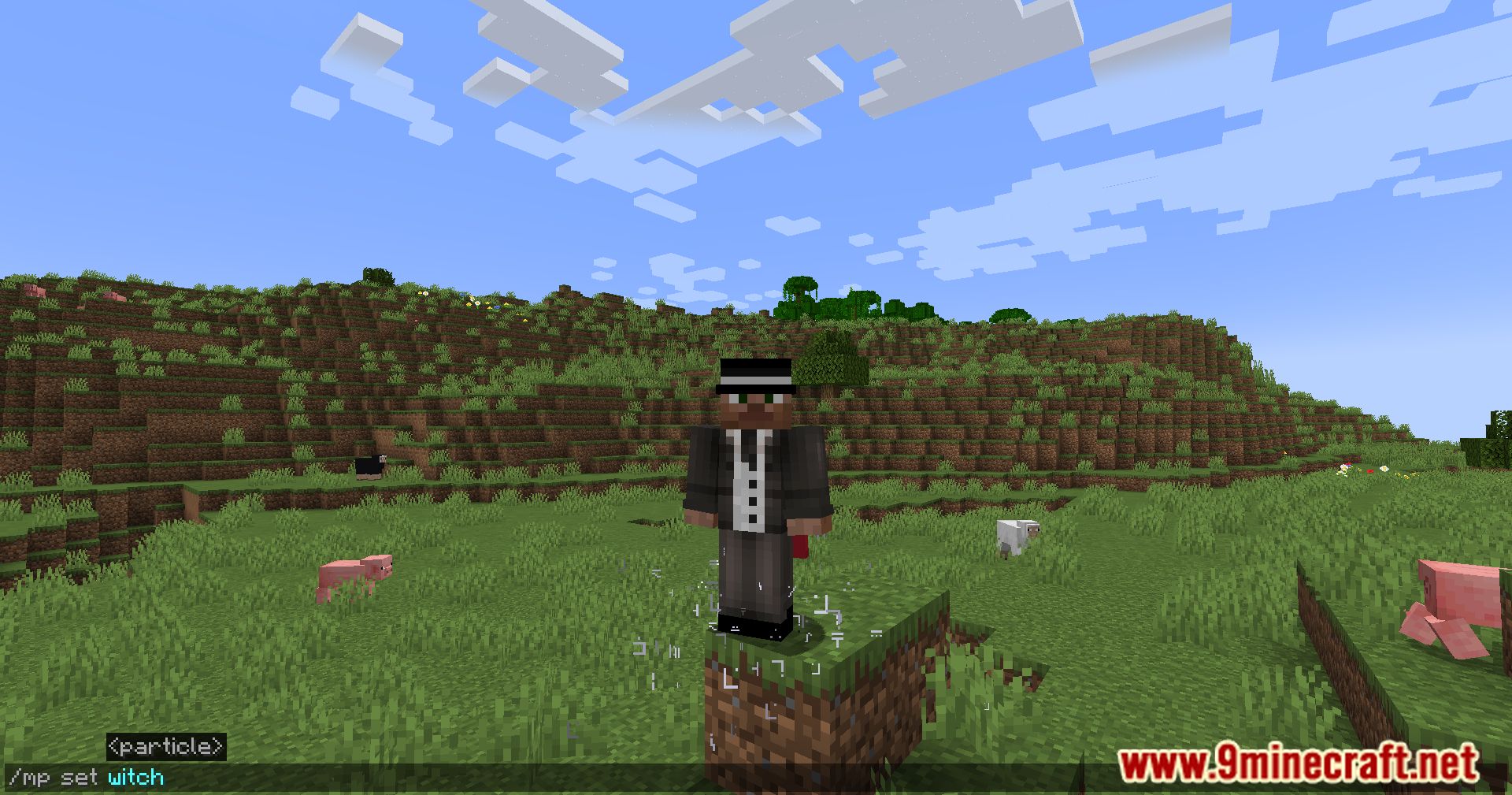
The /mp command lists all available magic particles. Related commands include /mp set [id], /mp disable, and /mp reload.
How do you enable a specific magic particle?
Use /mp set [id] to set the current magic particle. To turn it off, use /mp disable.
See all 6 Magic Particles questions ›
Gallery
12 images from the Magic Particles Mod page.

You May Also Like
Wikis that share the most with this one
Wikis on the same theme: magic
More mod wikis on the site
The most downloaded mods that have a wiki here
A few wikis from each of the other kinds