

 DownloadMacro Keybind
Get the files on 9Minecraft
Overview
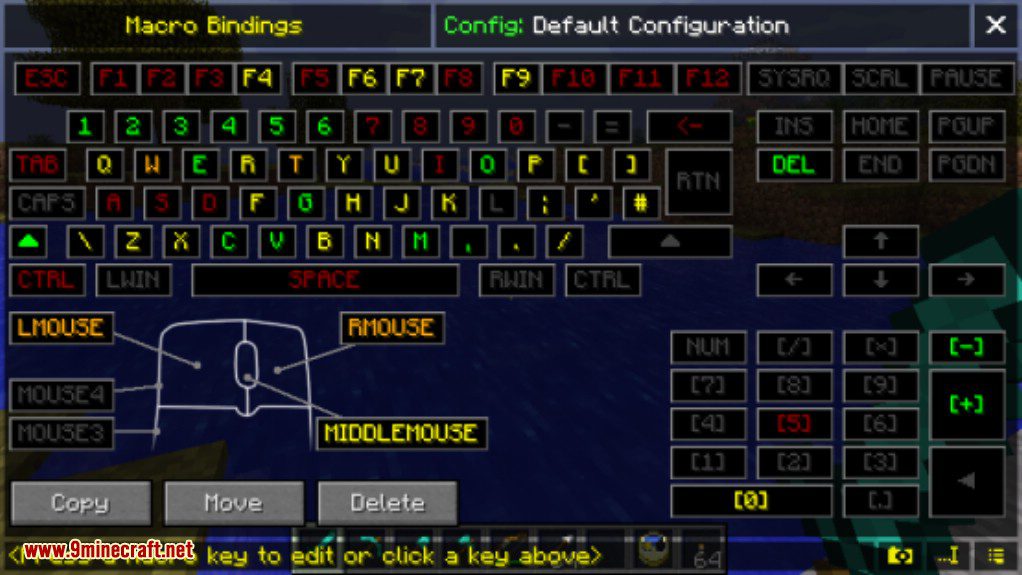
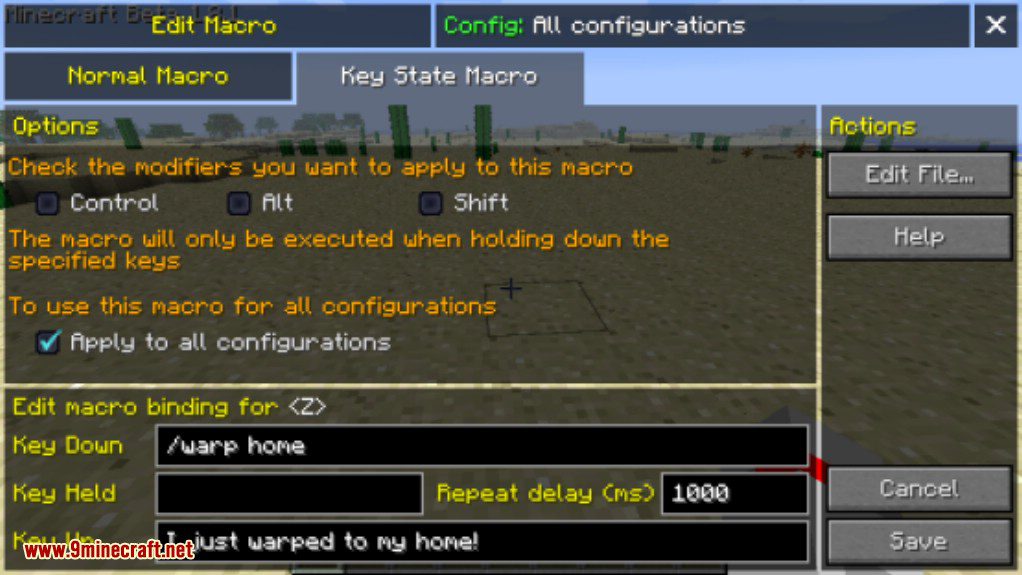
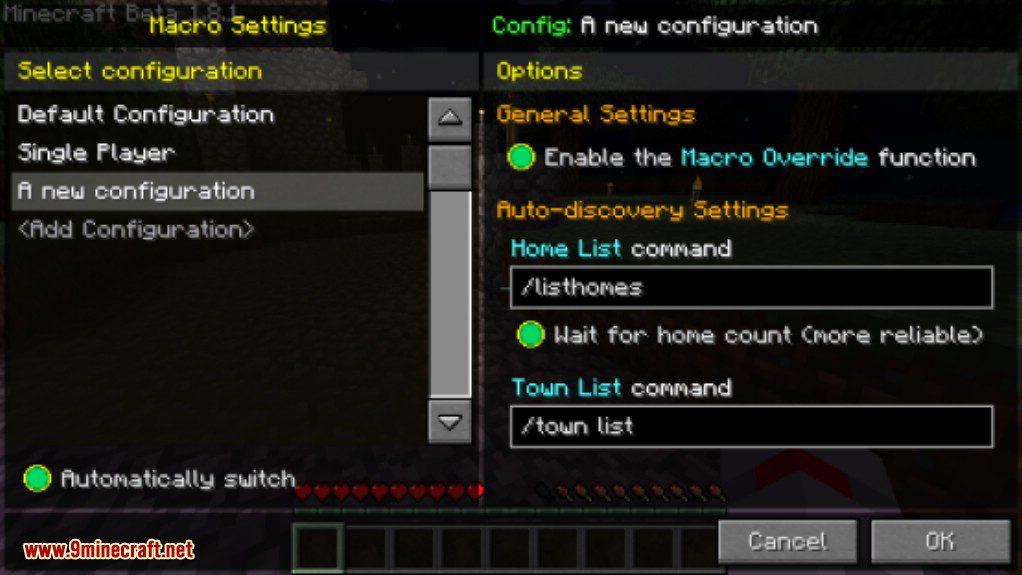
The Macro/Keybind Mod is a versatile client-side modification for Minecraft that empowers players to automate various in-game actions by binding commands, chat messages, and intricate scripts to their keyboard keys. It provides a user-friendly graphical interface for managing keybinds and macros, eliminating the need for manual configuration file editing. The mod supports a wide range of functionalities, from simple command execution to complex, multi-step automation, and can adapt its configurations based on the server being played on.
Guides
Step-by-step, in-game.
Frequently asked questions
How do I open the keybind menu?
Can I bind a macro to a key that's already used for something else?
How do I make a macro run multiple commands at once?
Can I have different macros for different servers?
See all 20 Macro Keybind questions ›
Gallery
7 images from the Macro Keybind Mod page.
You May Also Like
Wikis that share the most with this one
More mod wikis on the site
The most downloaded mods that have a wiki here
A few wikis from each of the other kinds