

 DownloadLightweight Inventory Sorting Mod
Get the files on 9Minecraft
Guides
Step-by-step, in-game.
Combine Partial Stacks of the Same ItemUnderstand Auto-Stacking When you use the sort feature, the mod automatically combines all partial stacks of…Keep Your Ender Chest OrganizedOpen Your Ender Chest Place an Ender Chest and open it. Your Ender Chest inventory will display on screen. Sort Like…Sort Items Inside Chests and Storage ContainersOpen Your Storage Container Place or open any compatible container: regular chests, Ender Chests, barrels, or Shulker…Sort Your Inventory AlphabeticallyAccess the Sort Feature Open your player inventory (default: E key). Look for the sorting buttons in the inventory…
Frequently asked questions
How do I sort my inventory?
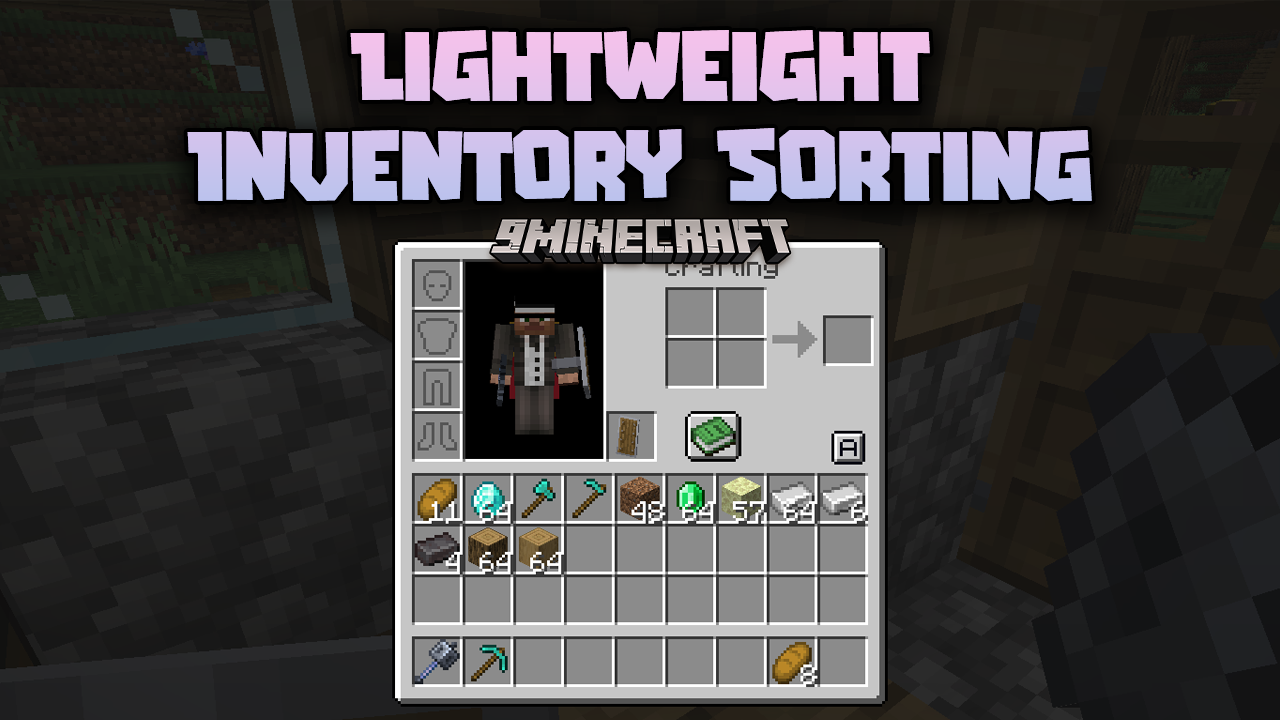
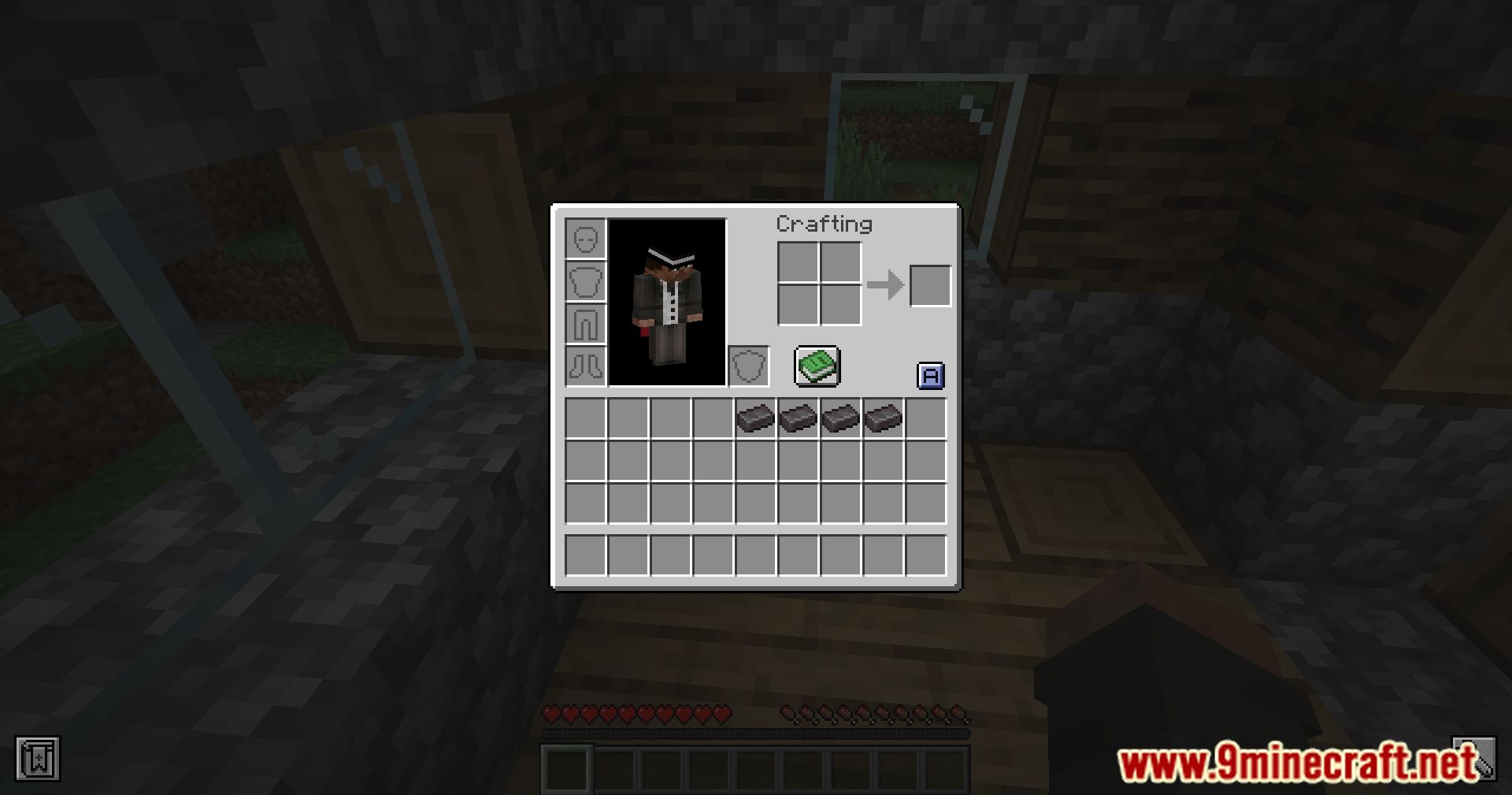
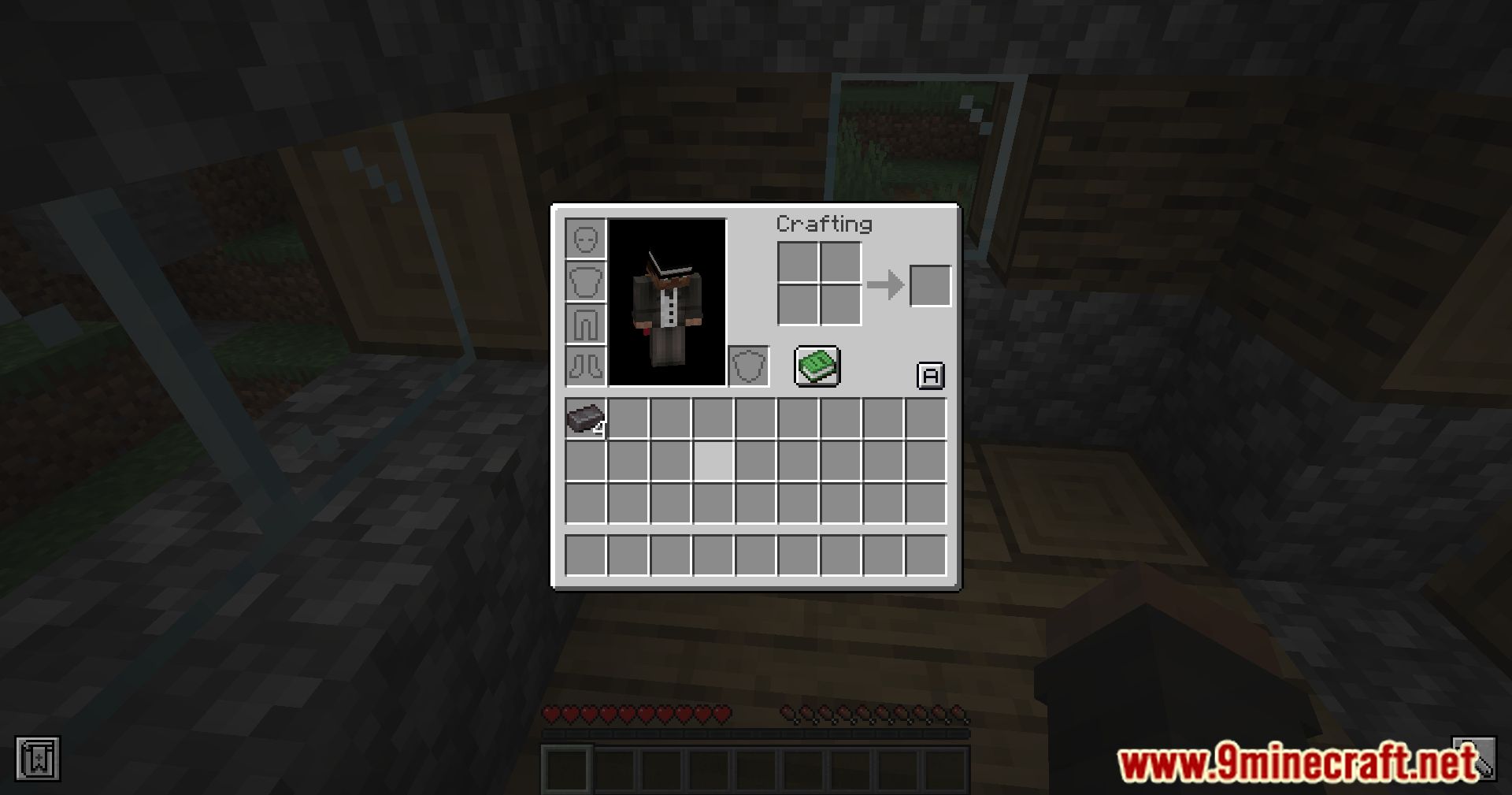
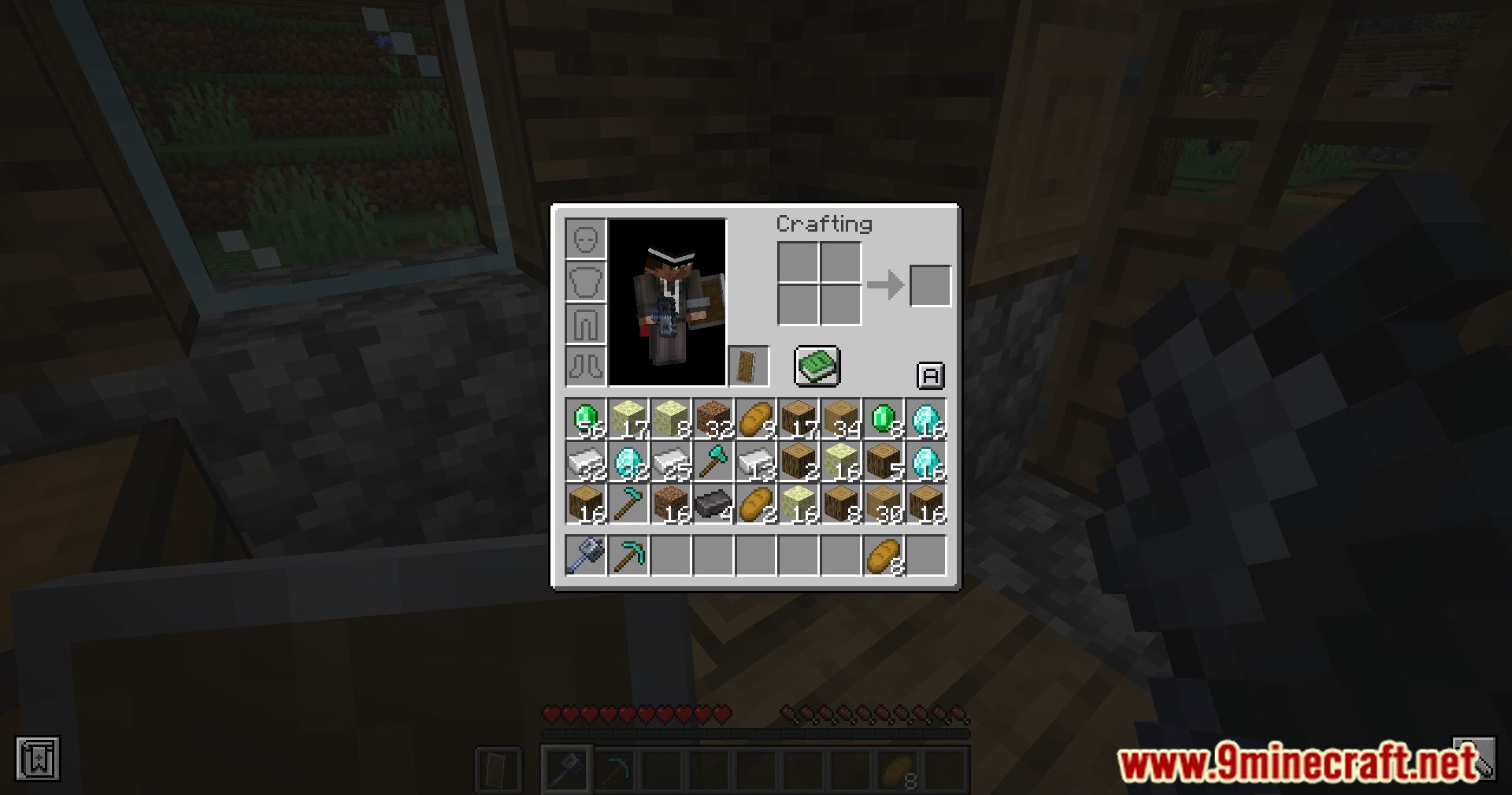
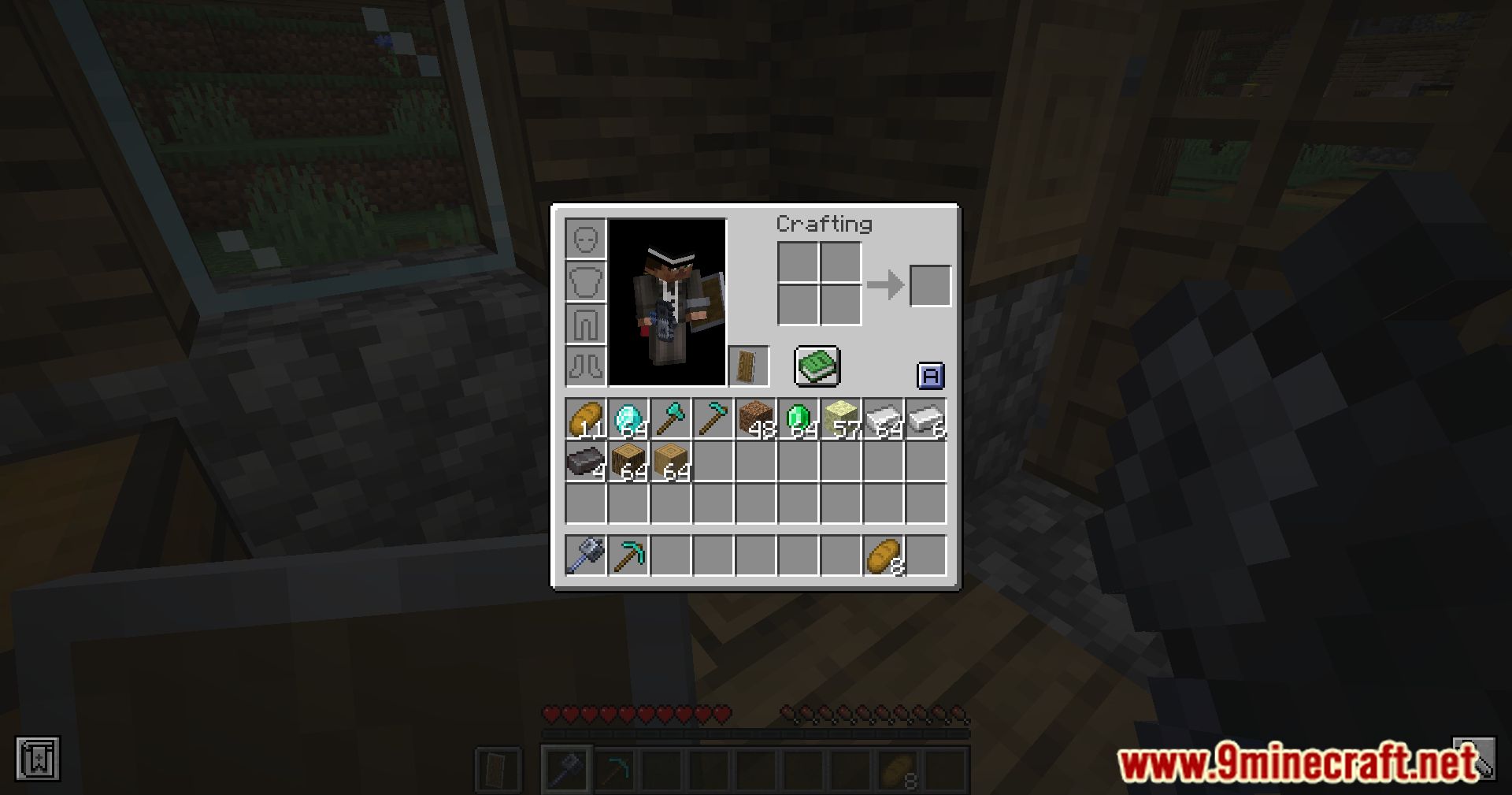
Open your inventory and look for the sort button (usually displayed as an icon in the inventory screen). Click it to sort all items alphabetically, or click again to reverse the order.
Can I sort containers like chests?
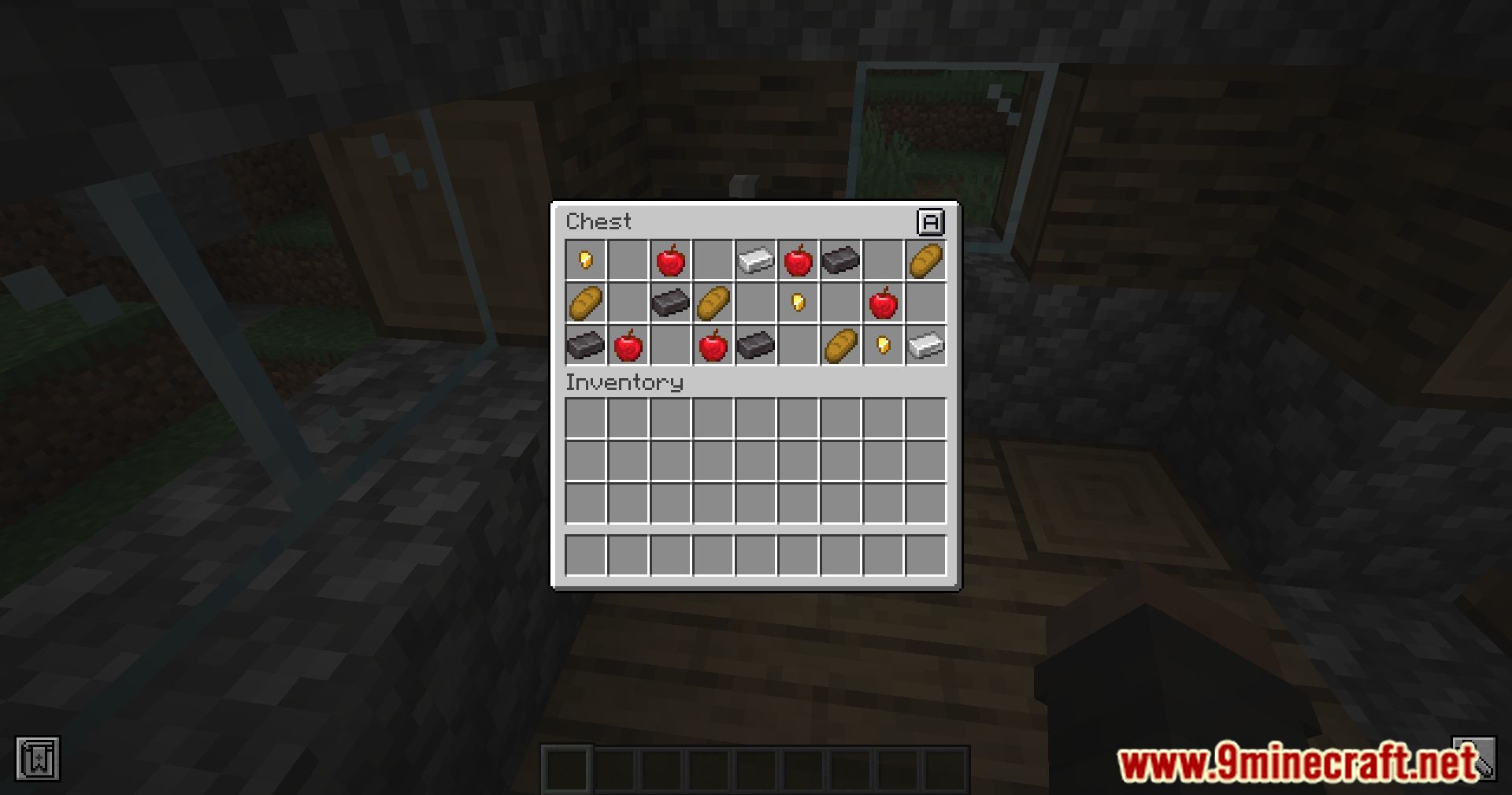
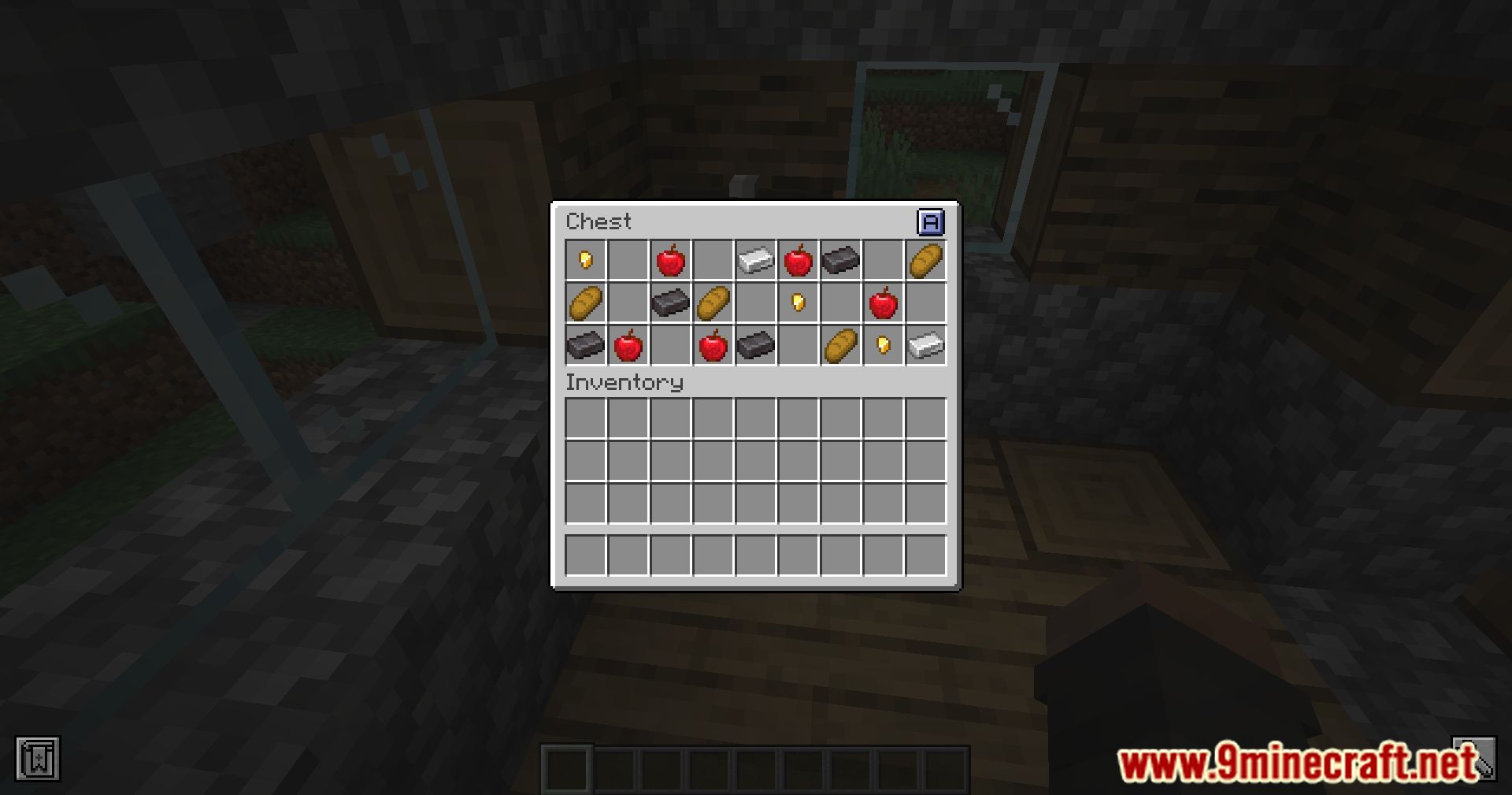
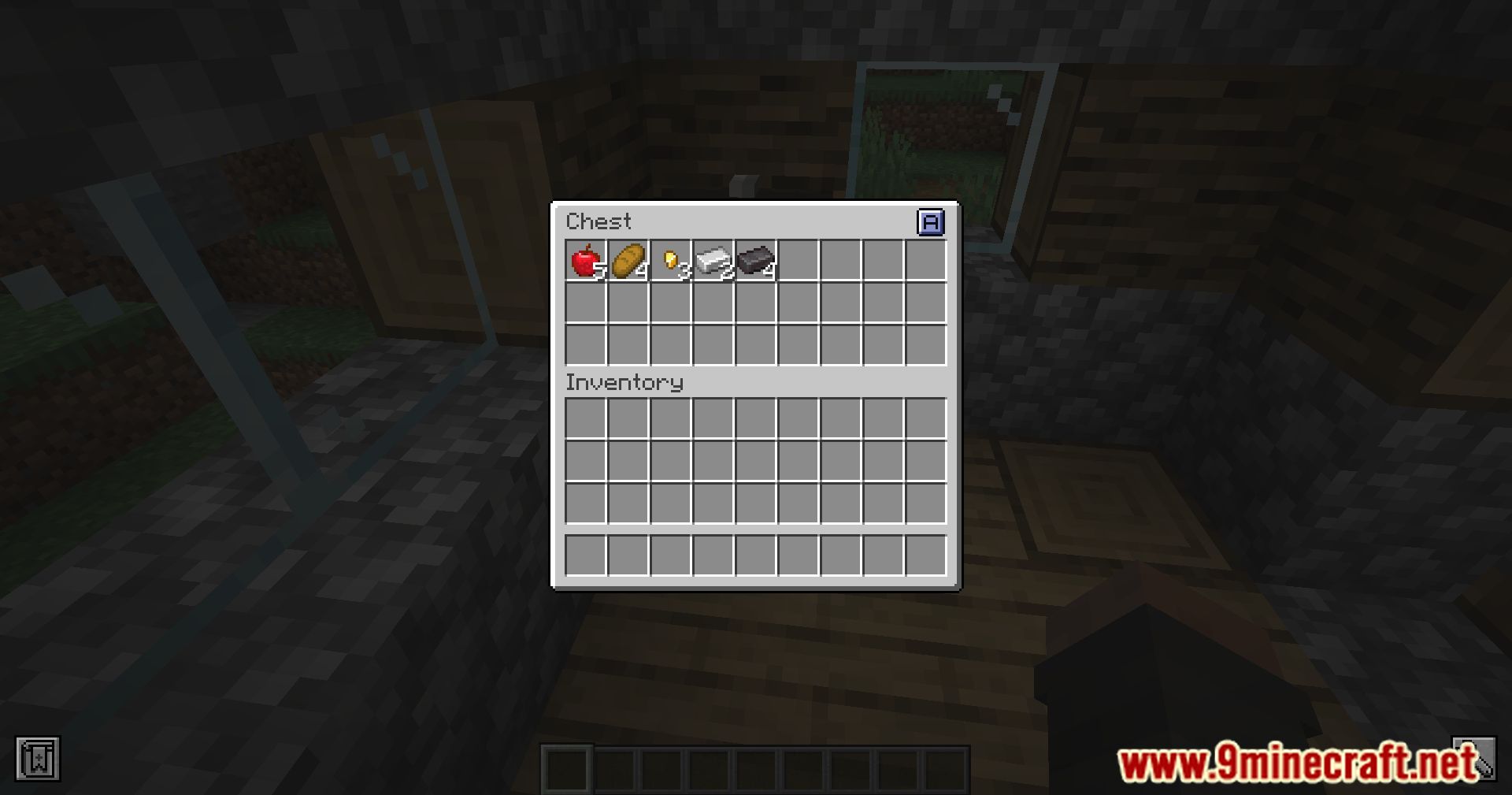
Yes, open any chest, barrel, Shulker Box, or Ender Chest and use the same sort button that appears in the container's interface to organize its contents.
Does sorting combine partial stacks automatically?
Yes, when you sort, the mod automatically merges partial stacks of identical items into full stacks, freeing up inventory slots.
What order does alphabetical sorting use?
Items are sorted by their in-game name in alphabetical order from A to Z; click the sort button again to reverse the order to Z to A.
See all 10 Lightweight Inventory Sorting questions ›
Gallery
11 images from the Lightweight Inventory Sorting Mod page.
You May Also Like
Wikis that share the most with this one
Wikis on the same theme: light
More mod wikis on the site
The most downloaded mods that have a wiki here
A few wikis from each of the other kinds