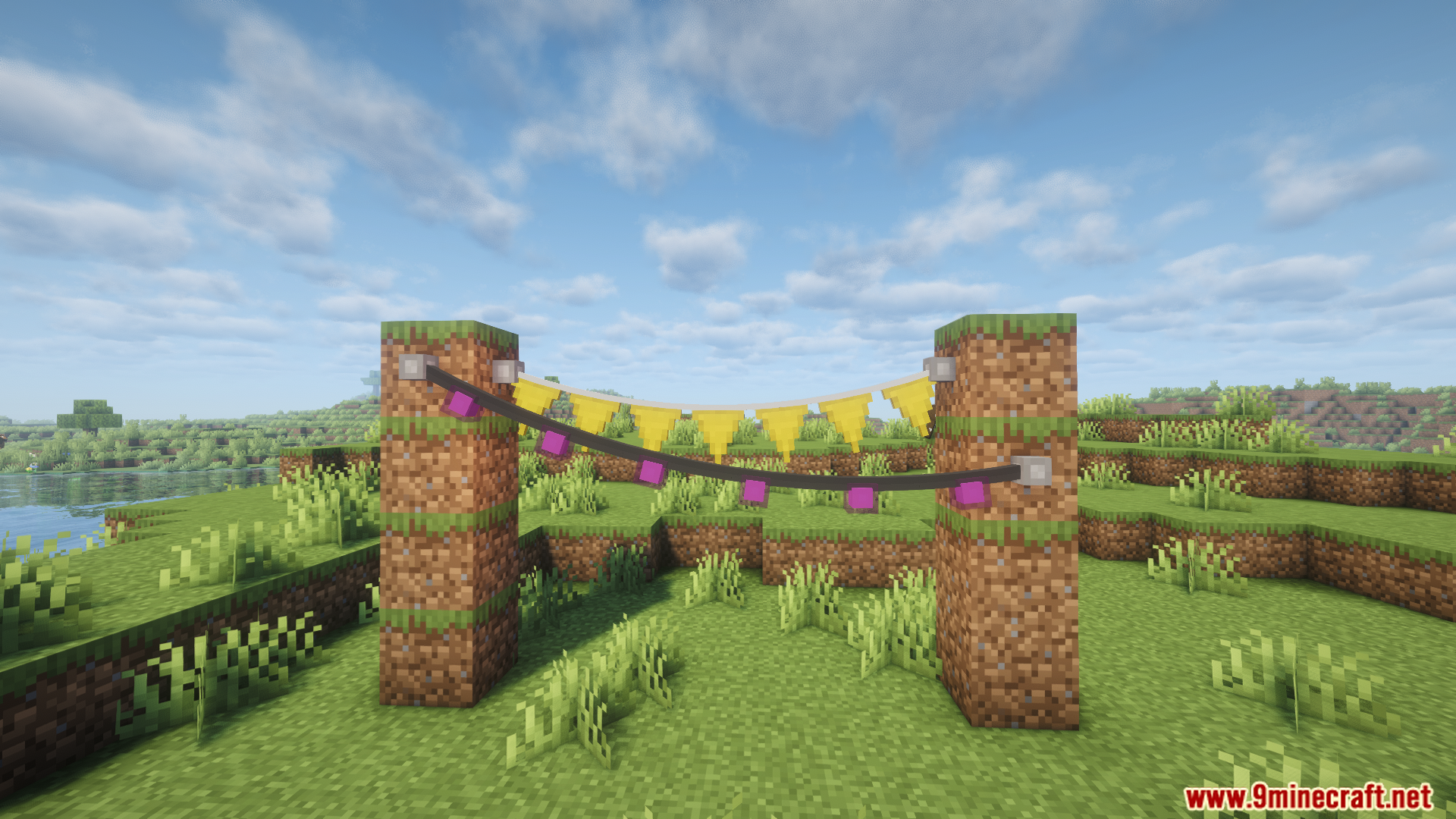
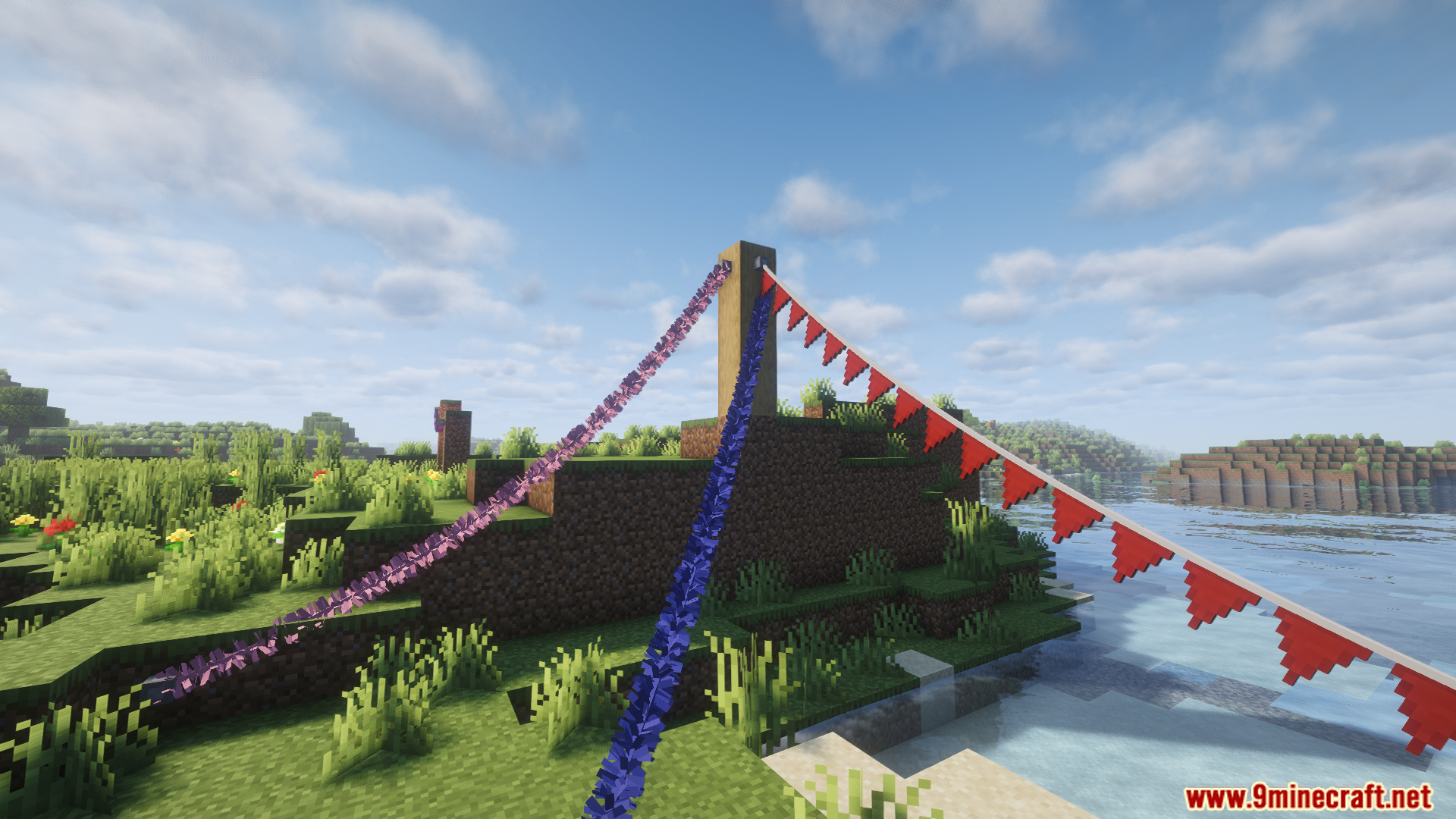
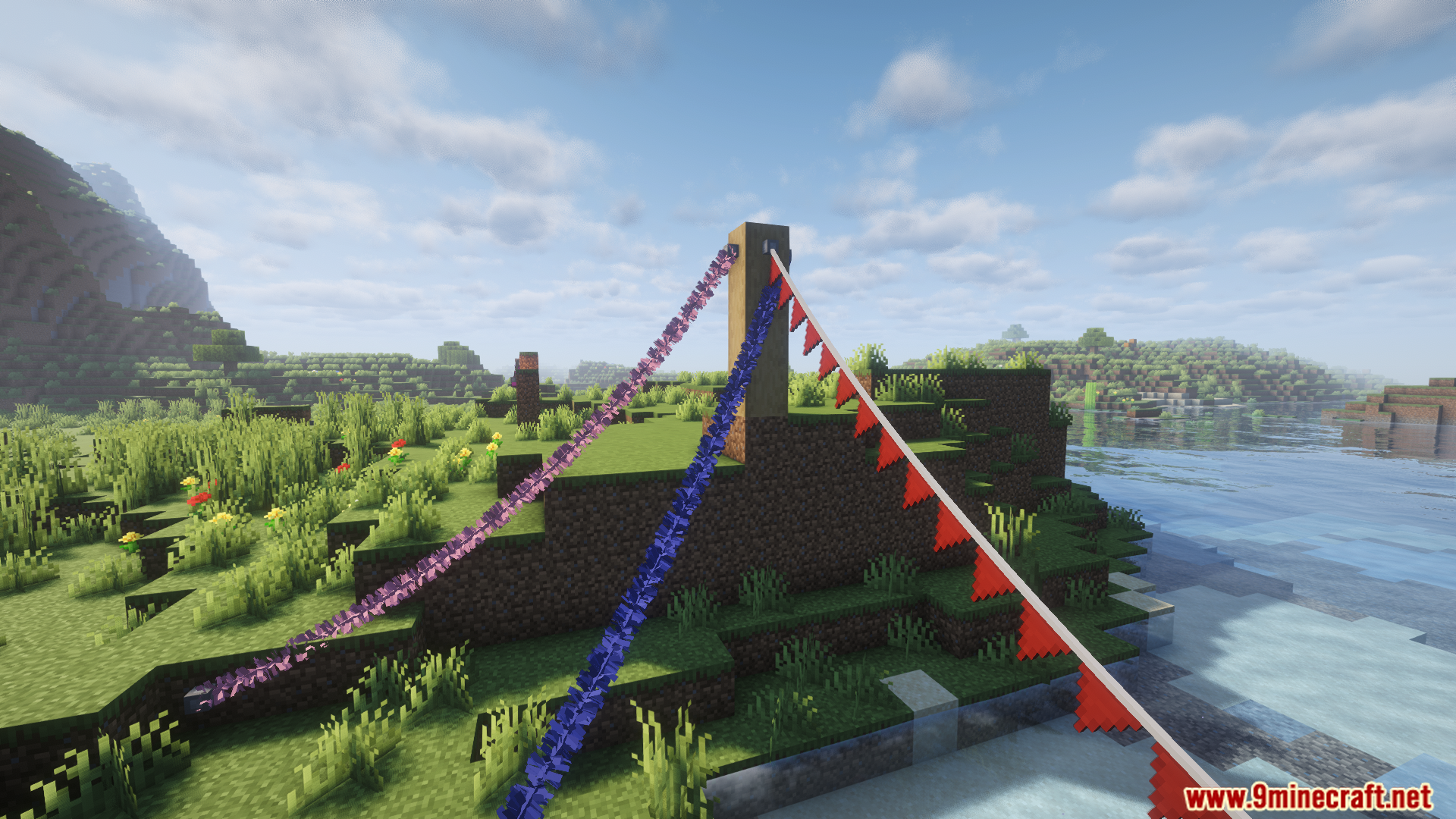
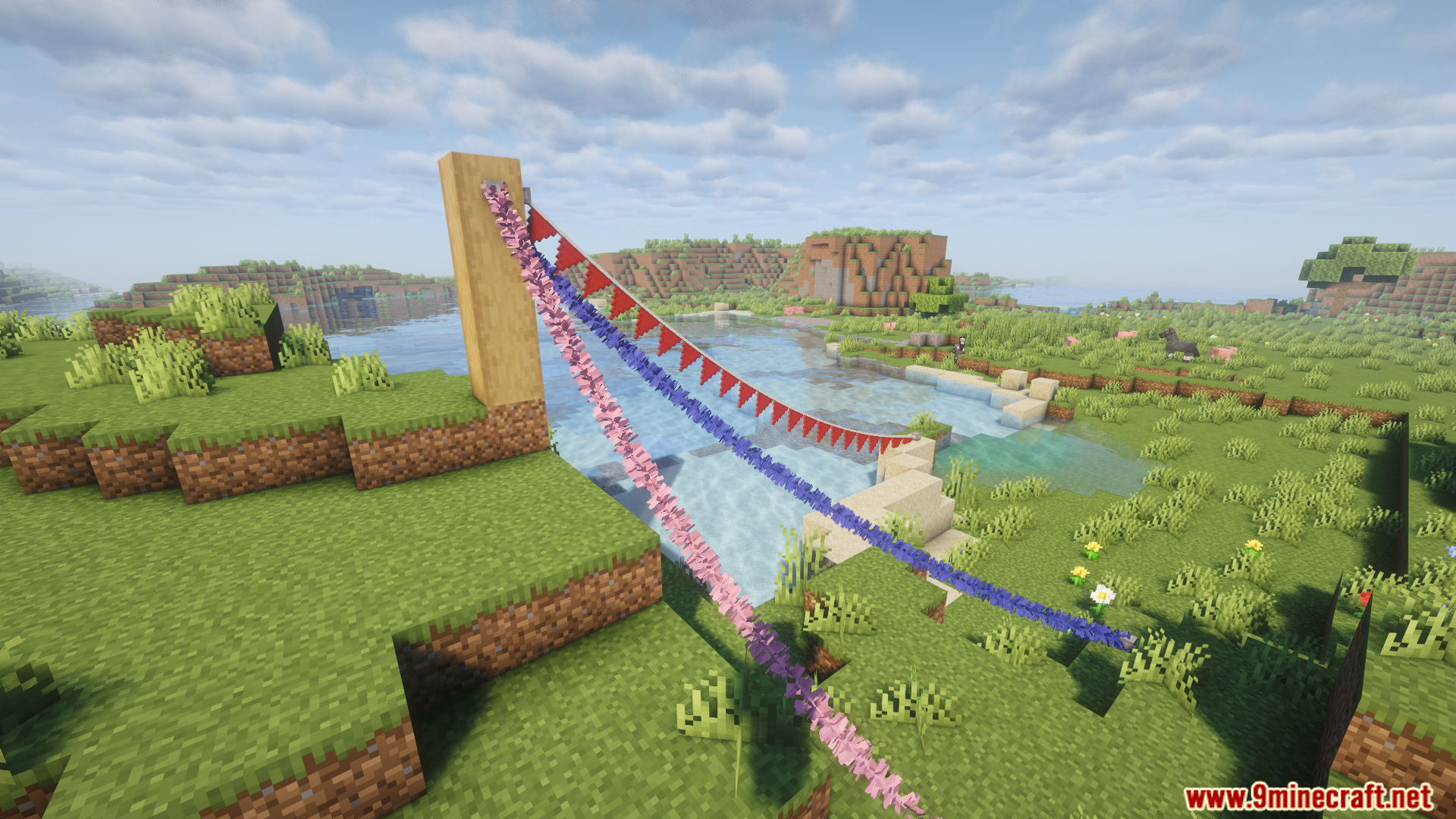
DownloadFairy Lights
Get the files on 9Minecraft
Guides
Step-by-step, in-game.
Craft Your First String LightsGather Your Materials Before crafting, you'll need string (or rope), dye in your chosen color, and light sources.…Create Custom Patterns with Mixed ColorsUnderstanding Pattern Customization The Fairy Lights Mod lets you combine multiple colors and light shapes on a…Set Up Letter Bunting with Custom MessagesCraft Letter Bunting Blocks Start by crafting individual letter bunting pieces. You'll need string and paper or…Troubleshoot Lights Not Appearing or WorkingCheck Your Anchor Points Ensure both anchor points are solid blocks or valid structures. The mod needs two distinct,…
Recipes
Every recipe the mod adds, grouped by how it is made.
Items
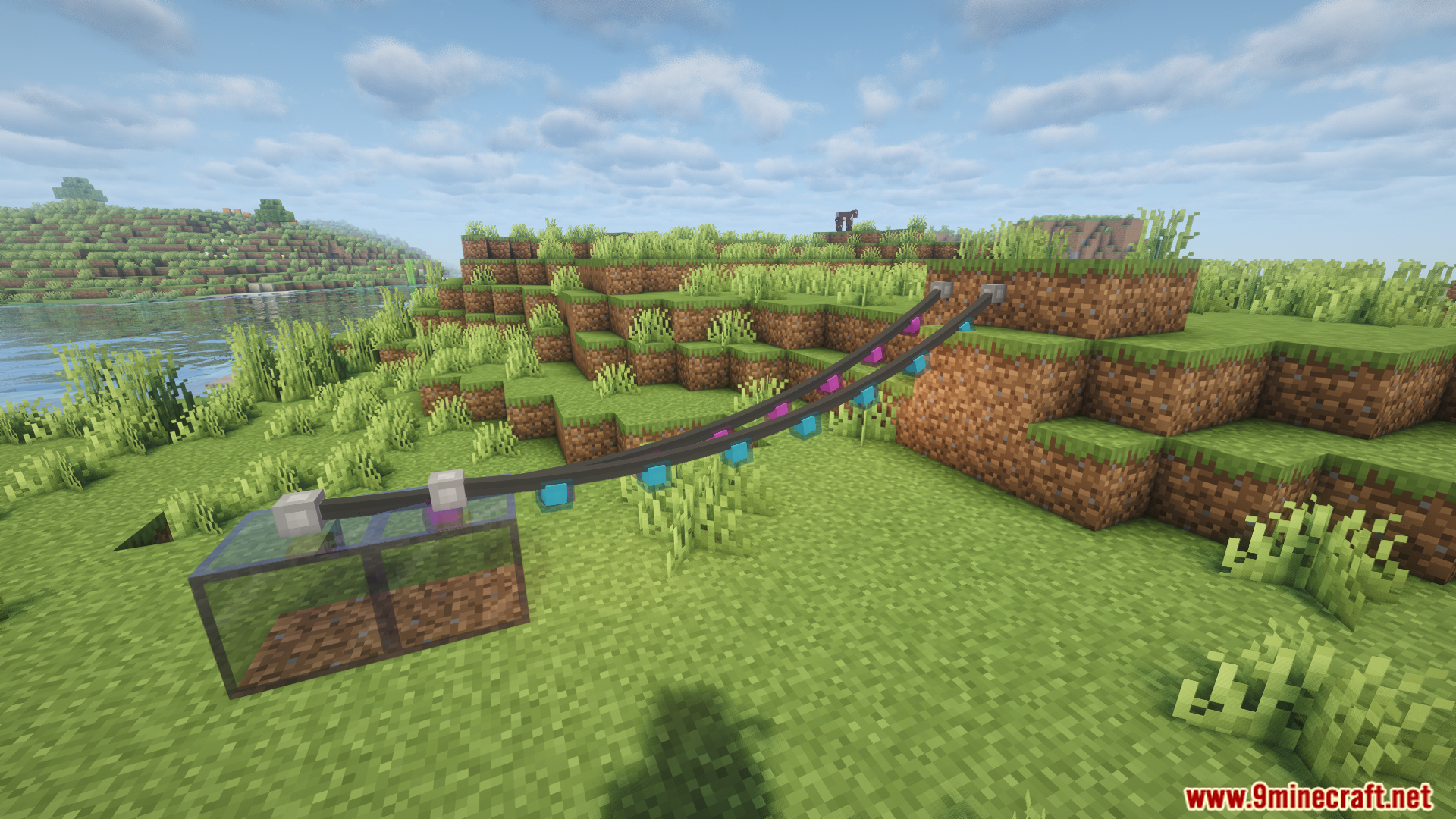
 Hanging Lights
 Letter Bunting
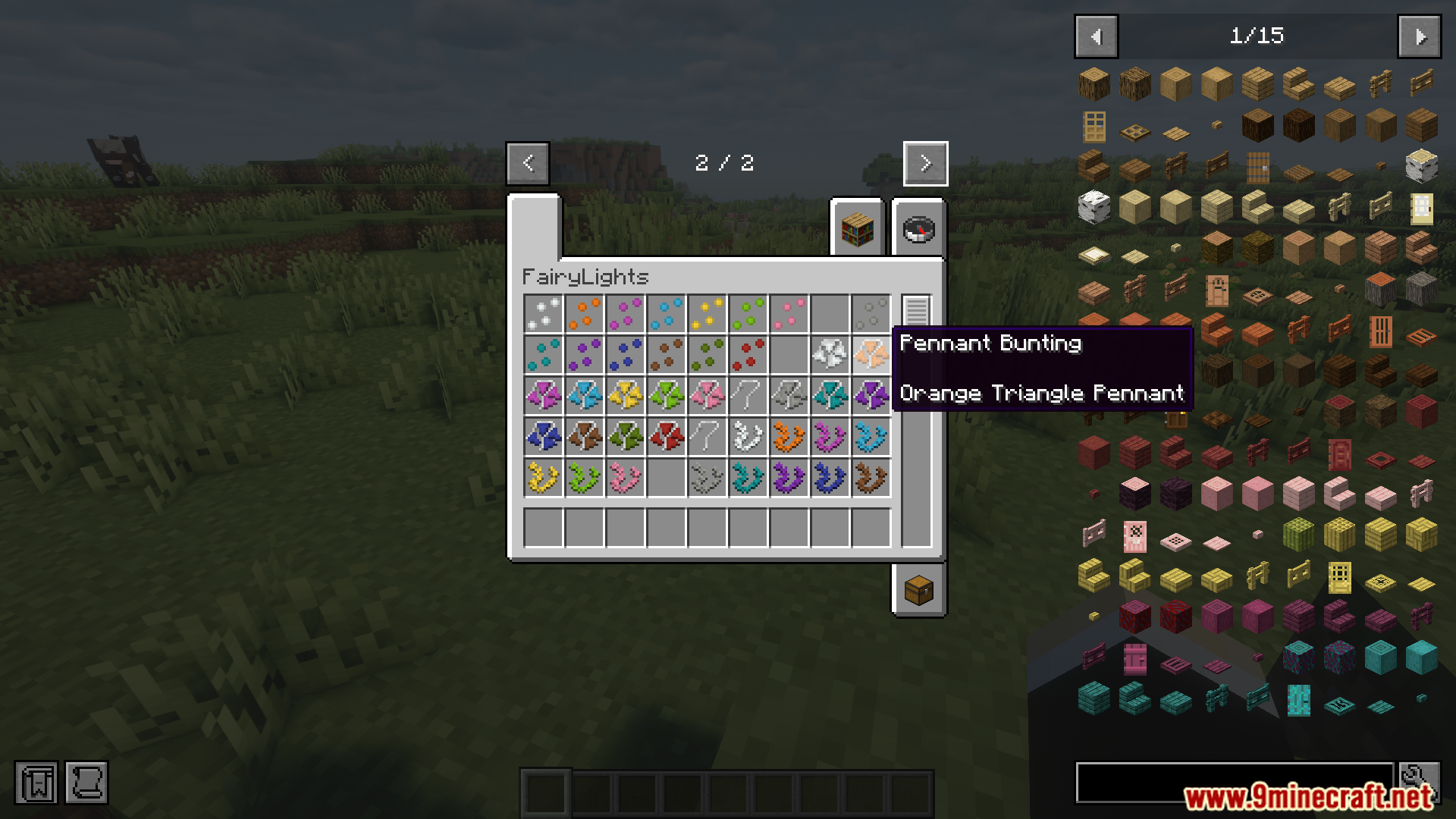
 Pennant Bunting
 Spearhead Pennant
 Square Pennant
 Swallowtail Pennant
 Tinsel Garland
 Triangle Pennant
 Vine Garland
Blocks
C
 Candle Lantern
 Candle Lantern Light
 Connection Fastener
F
 Fairy Light
 Flower Light
G
 Ghost Light
H
 Heart Light
I
 Icicle Lights
 Incandescent Light
J
 Jack o'Lantern
M
 Meteor Light
 Moon Light
O
 Oil Lantern
 Oil Lantern Light
 Orb Lantern
P
 Paper Lantern
S
 Skull Light
 Snowflake Light
 Spider Light
 Star Light
W
 Witch Light
Mobs
Creatures this mod adds.
Fastener
Frequently asked questions
How do I craft string lights?
Start by gathering string and light bulbs or shapes from the mod's crafting recipes. Combine these on a crafting table to create a basic string light, then place it by right-clicking between two blocks or attachment points to hang it in your world.
Can I mix different colors on one string?
Yes, the mod lets you create custom patterns by combining different colored lights and shapes on a single string. Use the custom pattern crafting system to arrange your preferred colors and light types before placing the string.
How do I make letter bunting with words?
Craft individual letter blocks from the mod, then arrange them on bunting to spell out your message. Place the completed letter bunting on walls or between posts to display your custom text.
Why arent my lights showing up?
Check that you've placed the lights between two valid attachment points (like fences, walls, or poles) and that they're not clipping into solid blocks. If lights still don't appear, verify the mod is properly loaded and try breaking and replacing the string.
Do Fairy Lights work in Bedrock edition?
This mod is designed for Java Edition and is not available for Bedrock Edition. If you're playing Bedrock, you'll need to use alternative decoration mods compatible with that version.
What blocks can I attach lights to?
Lights attach to most solid blocks and fence-like structures including fences, walls, poles, and posts. Experiment with different blocks in your build to find the attachment points that work best for your design.
Do the lights actually move or is it just visual?
The lights sway and move realistically when players walk through them or nearby, creating an interactive decorative effect. This is purely visual and doesn't affect gameplay mechanics.
Can I use Fairy Lights for halloween and christmas?
Yes, the mod includes themed light shapes for both Halloween (like jack-o-lantern lights) and winter (like tinsel garlands), letting you decorate seasonally throughout the year.
Do Fairy Lights affect server performance?
The mod is generally lightweight, but having many strings with animated movement in one area can impact performance on servers or lower-end machines. Reduce the number of lights or their animation settings if you experience lag.
How do I remove or change lights ive already placed?
Break the string light with your hand or a tool to remove it completely, then craft and place a new one if you want different colors or patterns. You can also use creative mode to quickly test different configurations.
You May Also Like
Wikis that share the most with this one
More mod wikis on the site
The most downloaded mods that have a wiki here
A few wikis from each of the other kinds
Gallery
9 images from the Fairy Lights Mod page.