

 DownloadInherent Statues Mod
Get the files on 9Minecraft
Guides
Step-by-step, in-game.
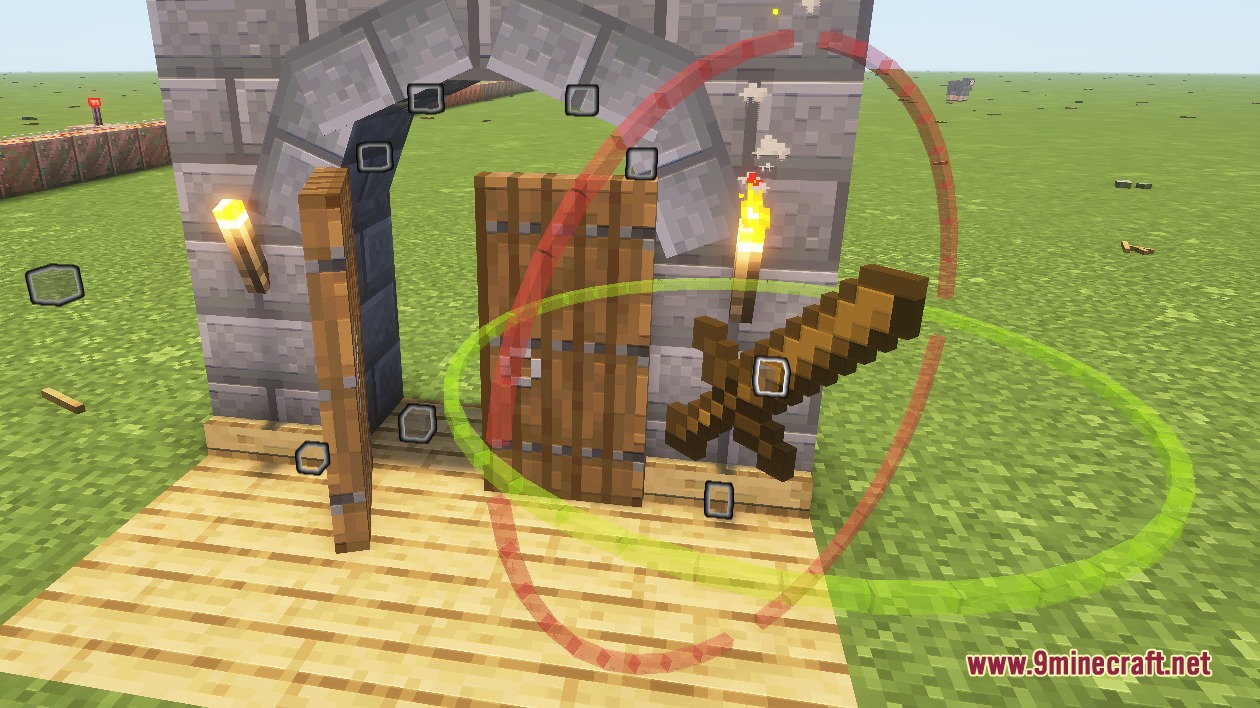
Add Text Displays to Your BuildsCreating Text Displays The mod supports text displays alongside item and block displays. Use the wand to select a…Build Decorated Furniture and ShelvesPlanning Your Furniture Layout Before placing displays, decide what pieces you need: shelves, tables, chairs, or…Create Your First Display ItemGetting Started with the Wand To create your first display, you need to convert a Breeze rod into an editing wand.…Rotate Displays at Custom AnglesUnderstanding Rotation Controls The mod provides circular rotation tools that appear when you select a display and…
Frequently asked questions
How do I get the wand to start editing?
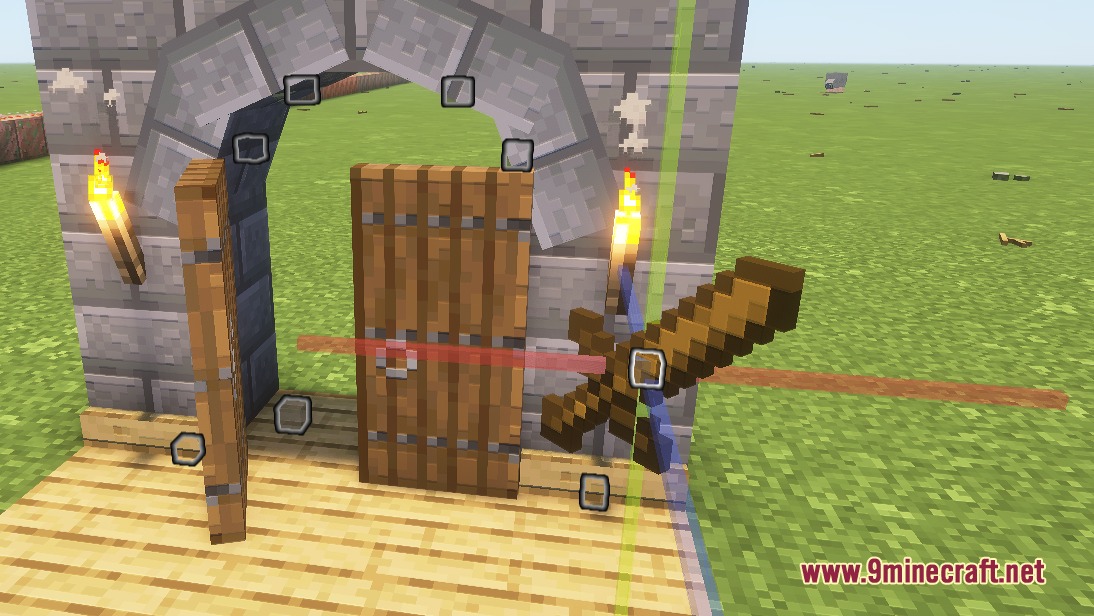
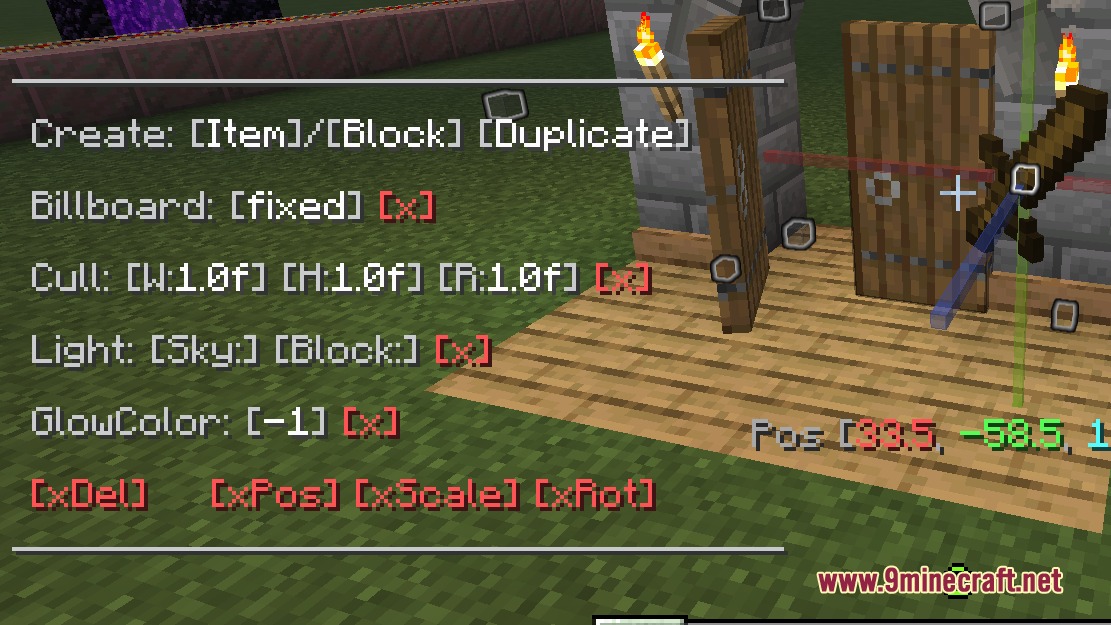
Hold a Breeze rod in your main hand and look for the 'Get Wand' prompt in your chat box. Click it to convert the rod into your editing tool. You'll then be able to select and edit displays.
Can I edit displays that other players placed?
Yes, any player on a multiplayer server can edit displays that others have created. This makes collaborative decoration possible, though you may want to establish building rules with your team to avoid conflicts.
What types of displays can I create?
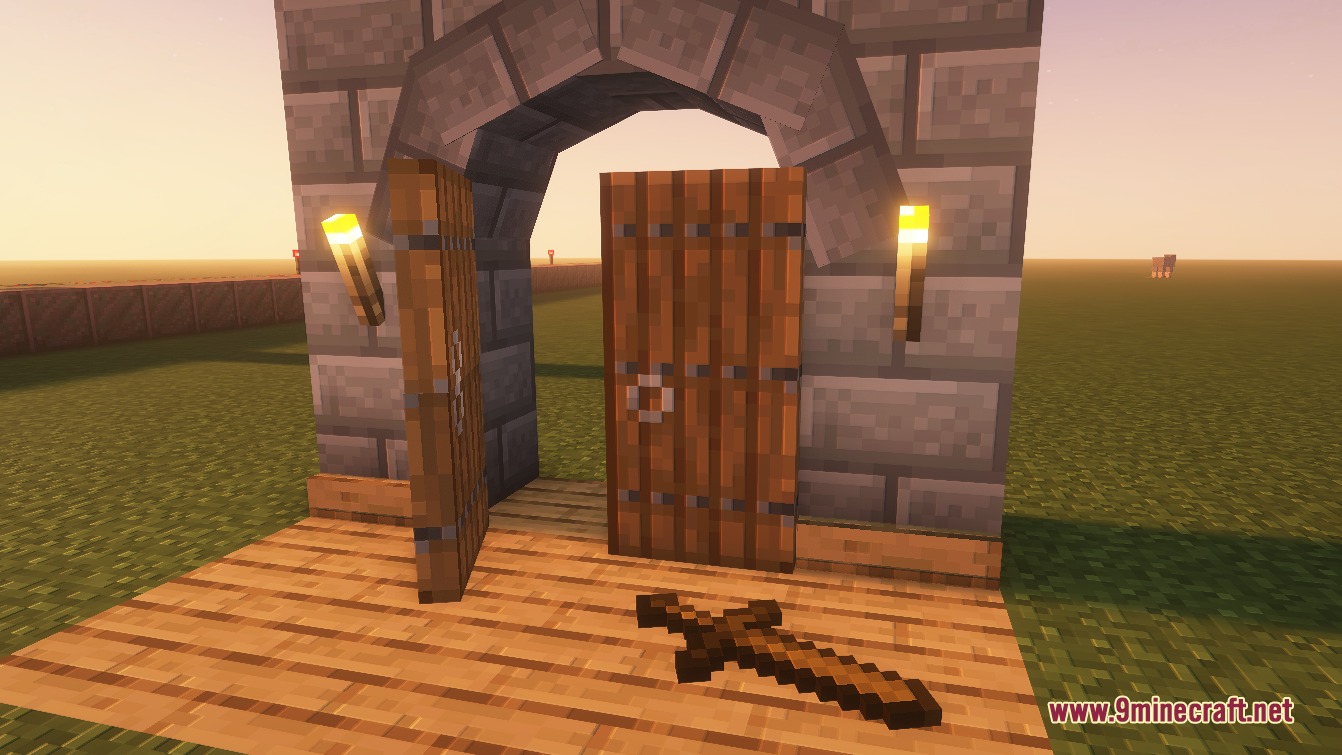
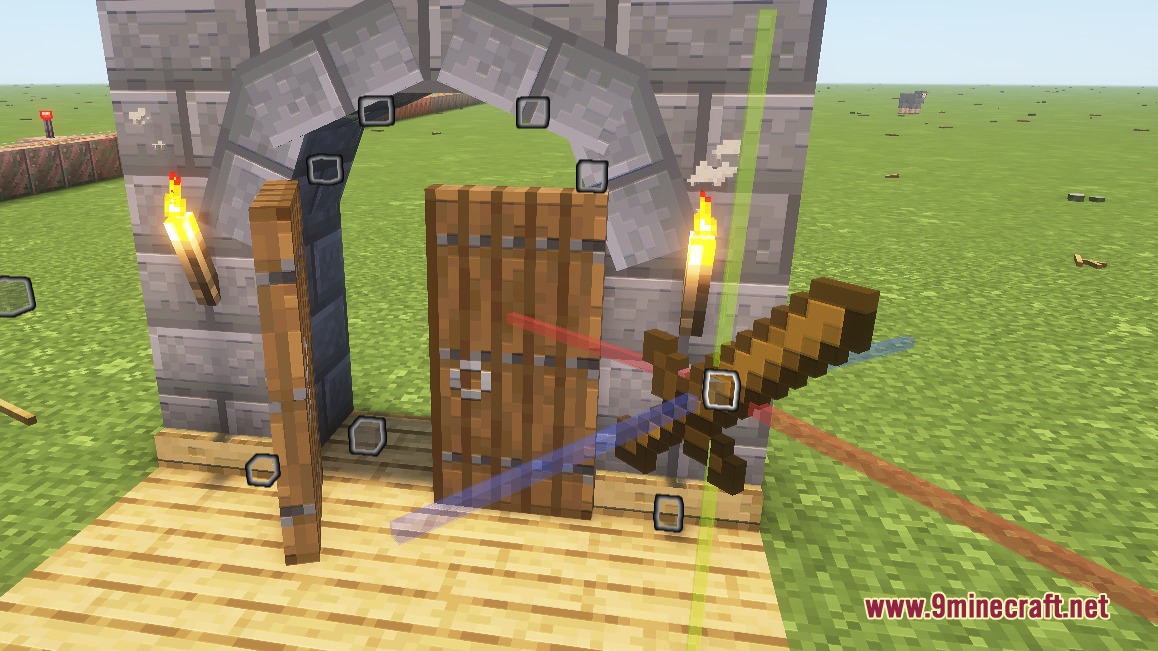
You can create item displays (like floating swords or pickaxes), block displays (for custom-positioned blocks), and text displays (for signs and labels). Each type can be positioned, rotated, and scaled independently.
Do my displays disappear if I log out or the server restarts?
No, all displays you create are permanently saved to your world. They'll remain exactly where you placed them even after logging out or server restarts.
See all 10 Inherent Statues questions ›
Gallery
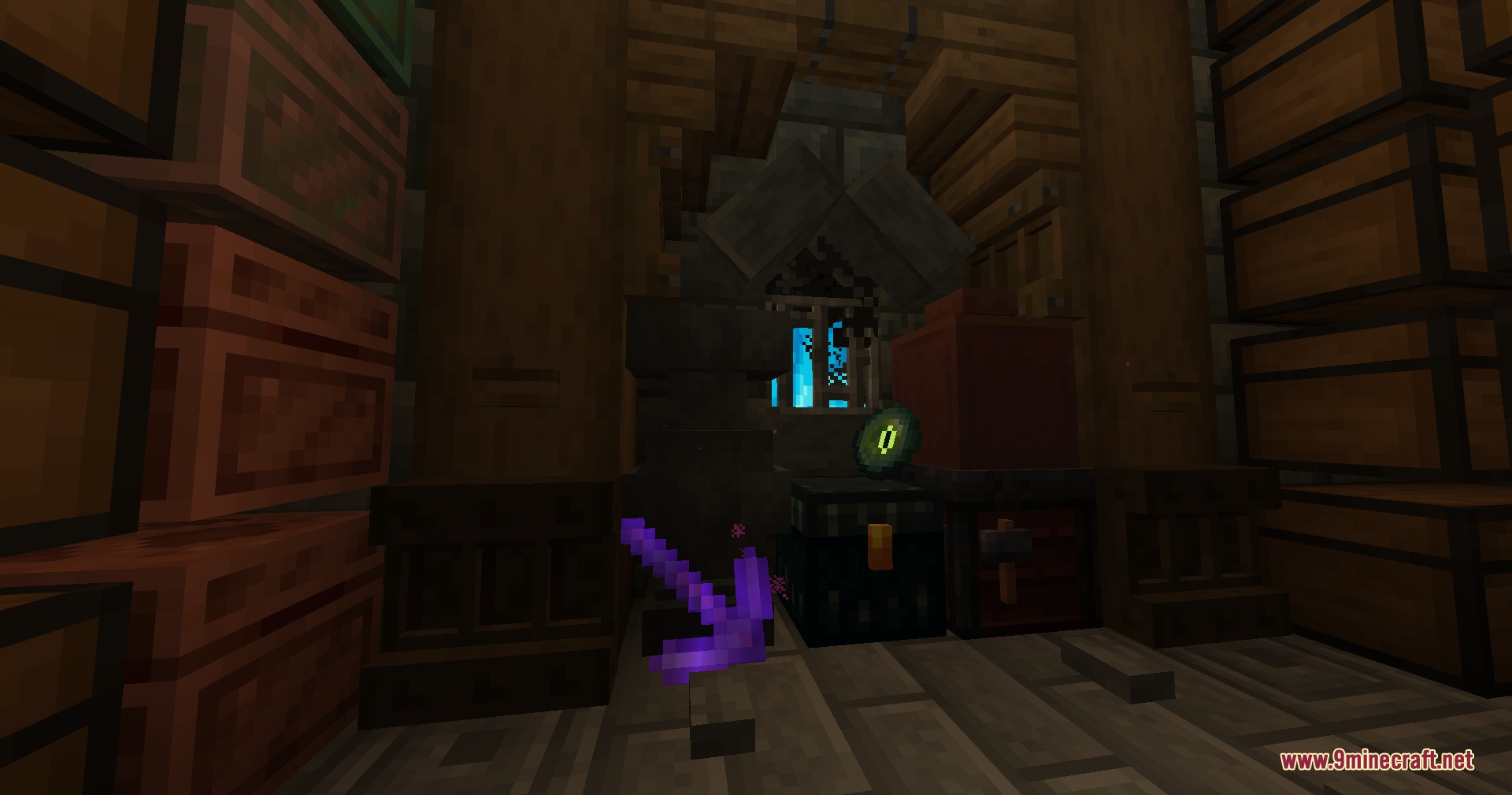
9 images from the Inherent Statues Mod page.
You May Also Like
Wikis that share the most with this one
Wikis on the same theme: world
More mod wikis on the site
The most downloaded mods that have a wiki here
A few wikis from each of the other kinds