DownloadStraw Statues
Get the files on 9Minecraft
Guides
Step-by-step, in-game.
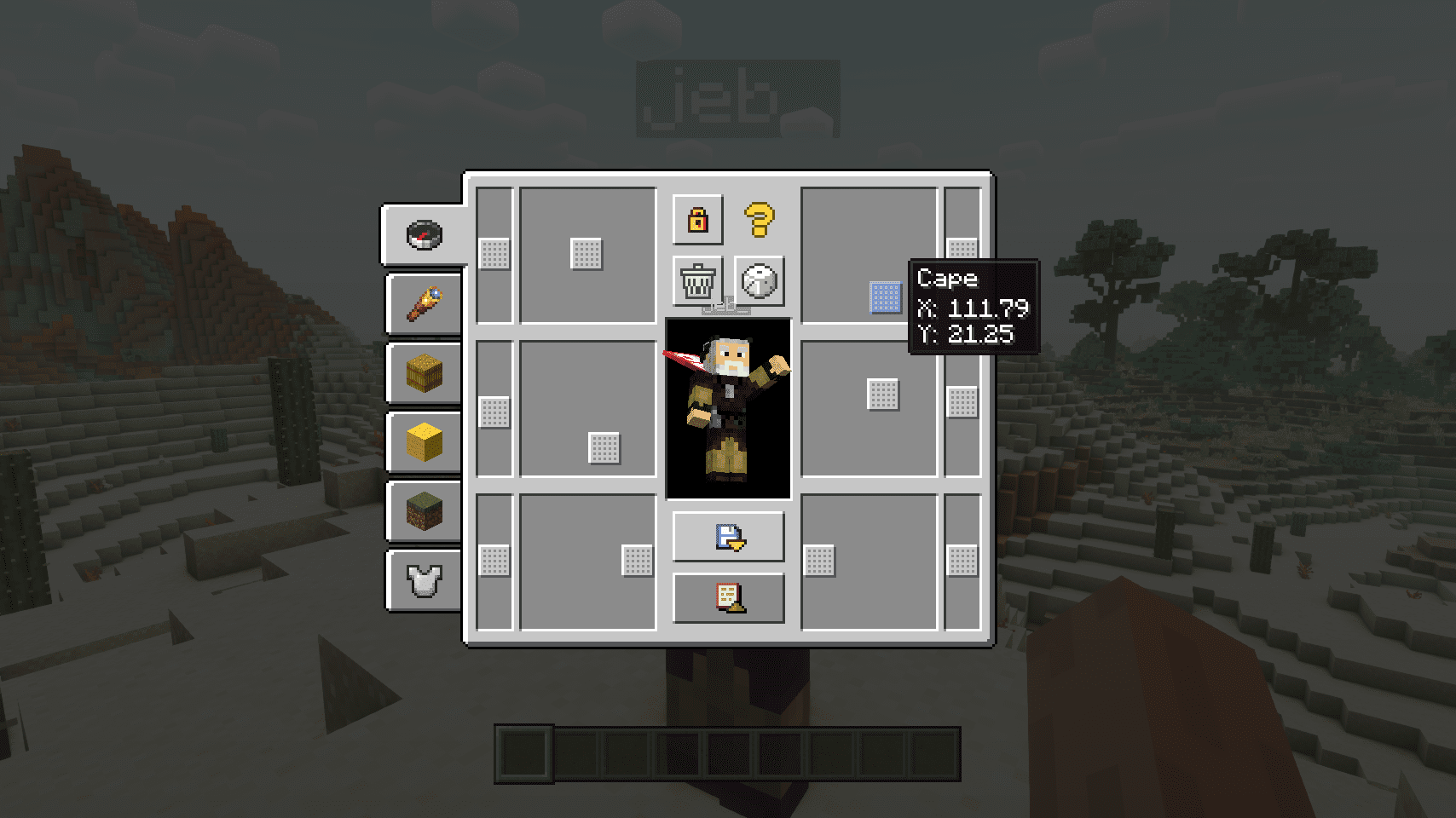
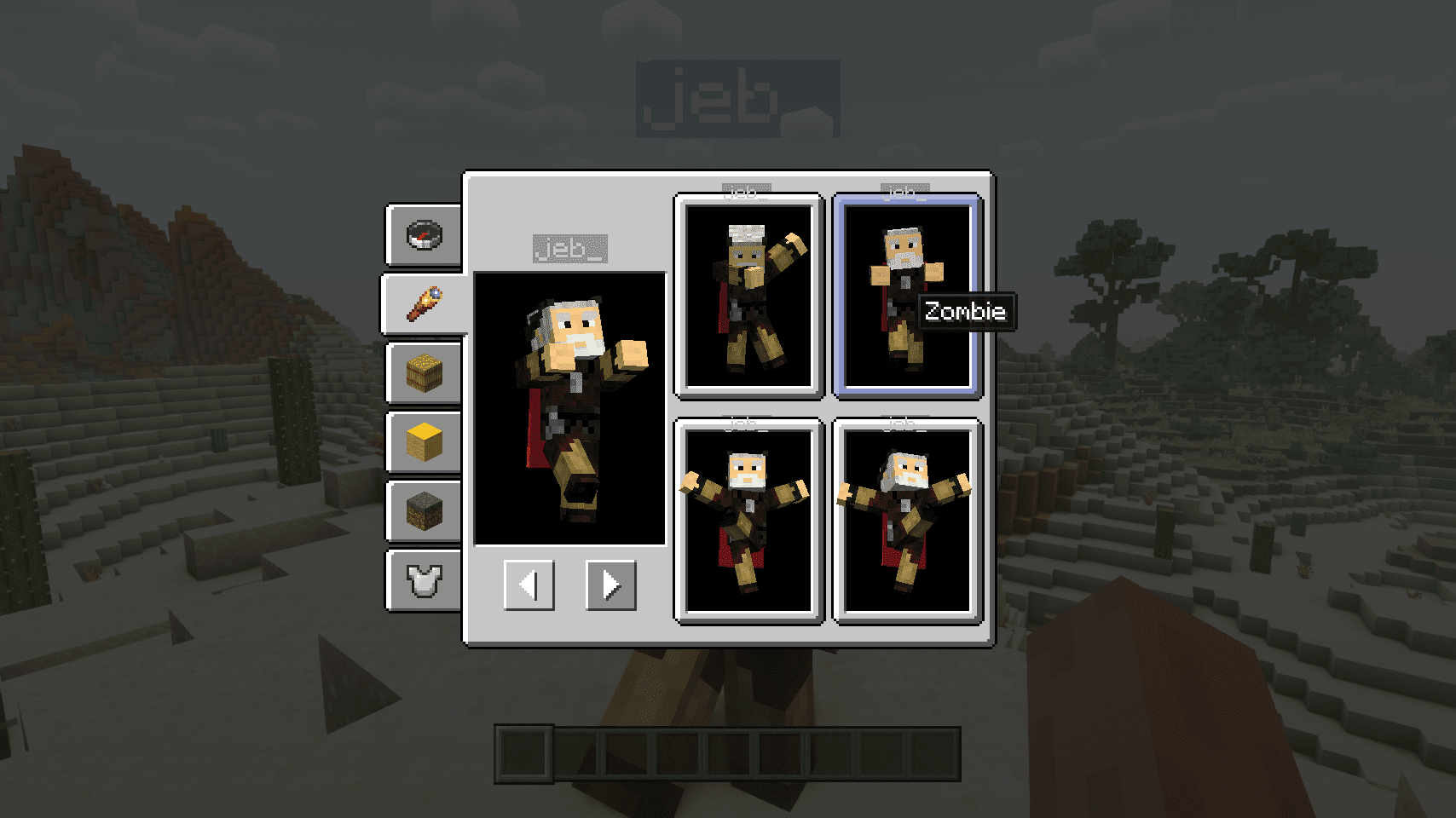
Apply a Player Skin to Your Straw StatueGetting Started Right-click your straw statue to open its customization screen. Look for the skin selection…Create Multiple Statues Quickly with Random PosesSpawning with Shift-Click Hold Shift and right-click on a straw statue block in your hand to place it with a…Equip Armor and Weapons on Your StatueOpening the Equipment Menu Right-click your straw statue to access its customization screen. Look for the equipment…Pose Your Statue with Custom Limb RotationsUsing Built-in Poses Right-click your straw statue to open the customization screen. Select from the available preset…
Recipes
Every recipe the mod adds, grouped by how it is made.
Items
 Straw Statue
Mobs
Creatures this mod adds.
Straw Statue
Frequently asked questions
How do I create my first straw statue?
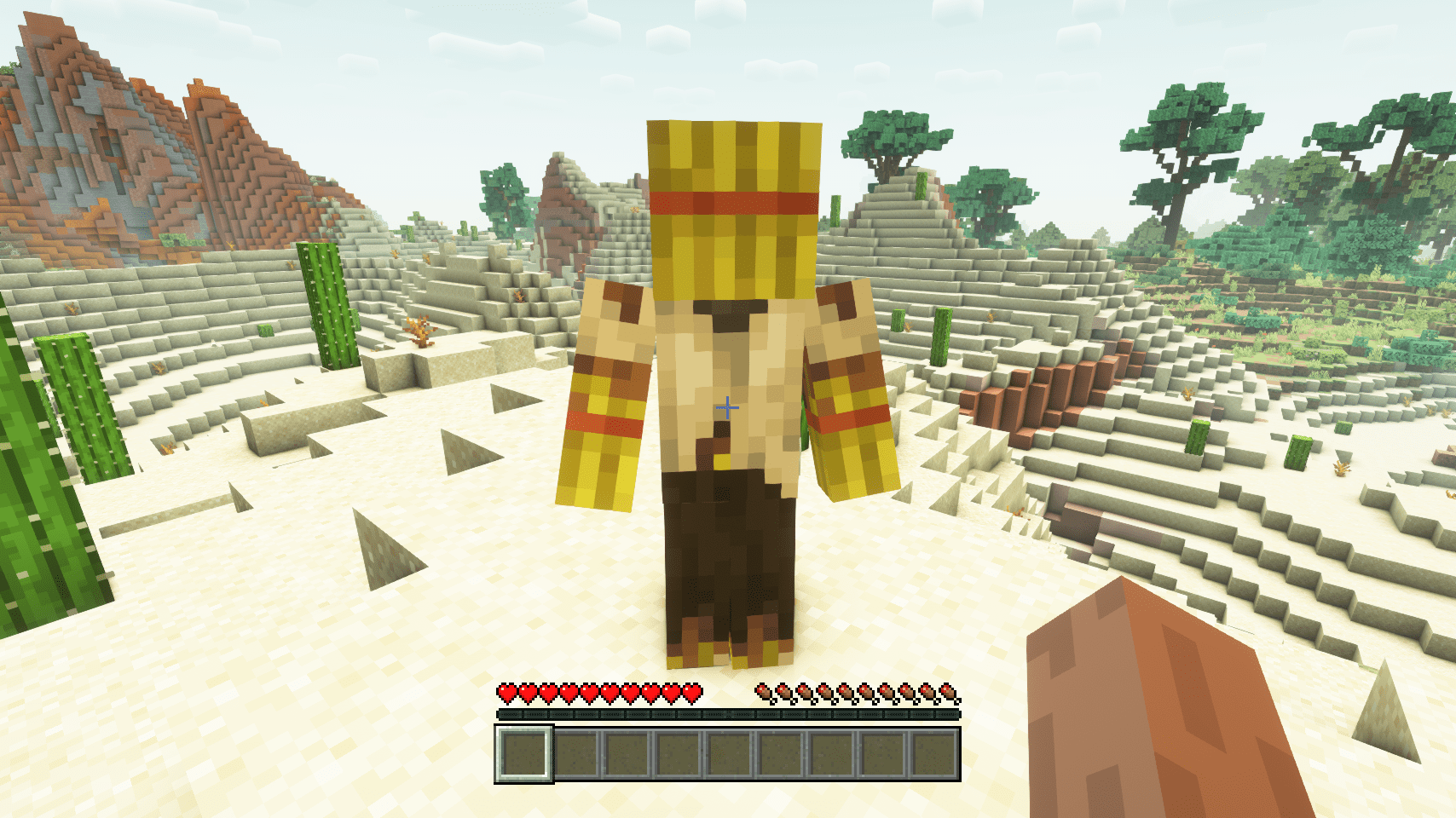
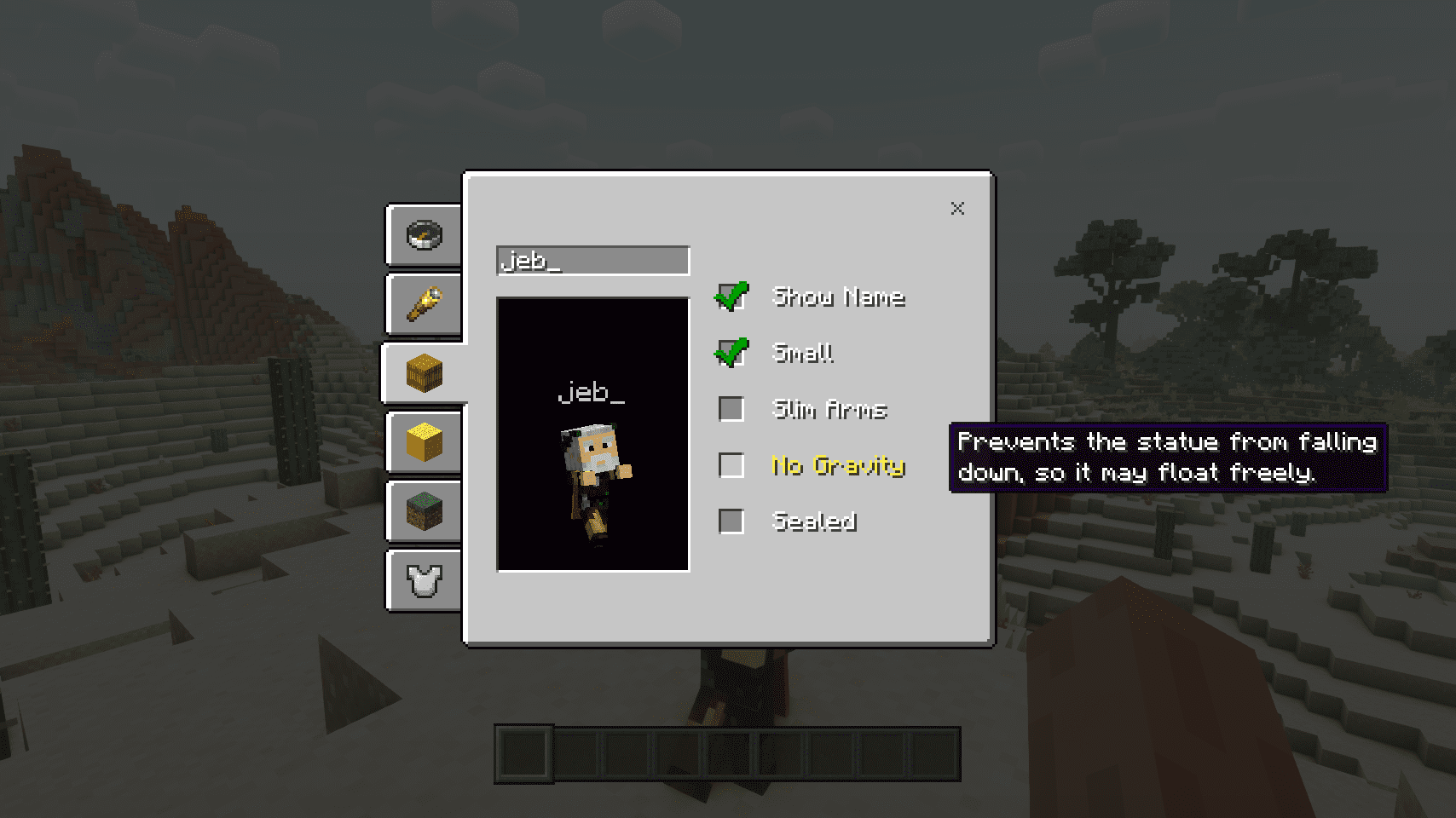
Place a straw statue block in the world like any other block. It will spawn as a default player model that you can then customize by right-clicking it to open the editor interface.
Why doesn't the player skin show up on my statue?
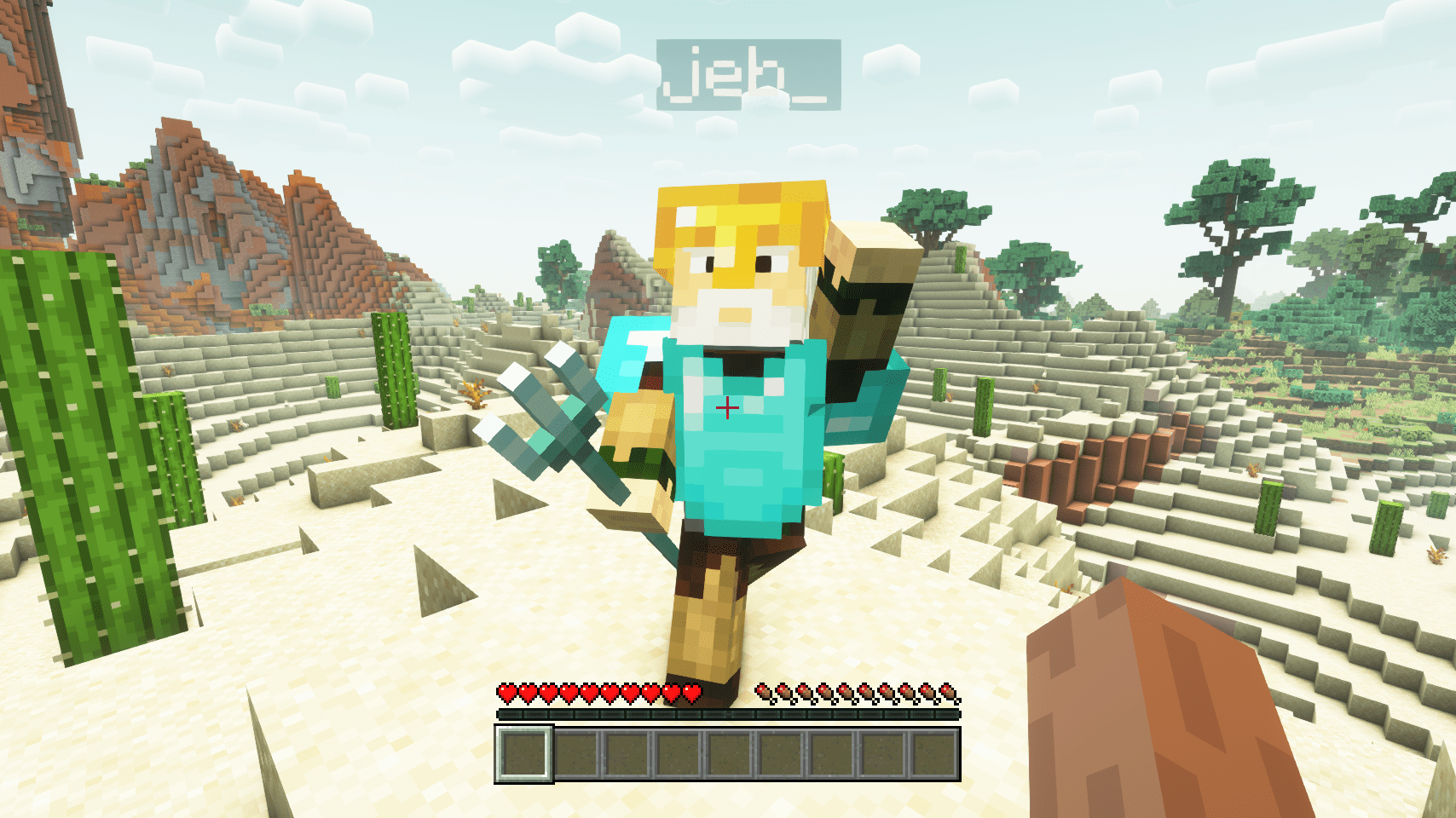
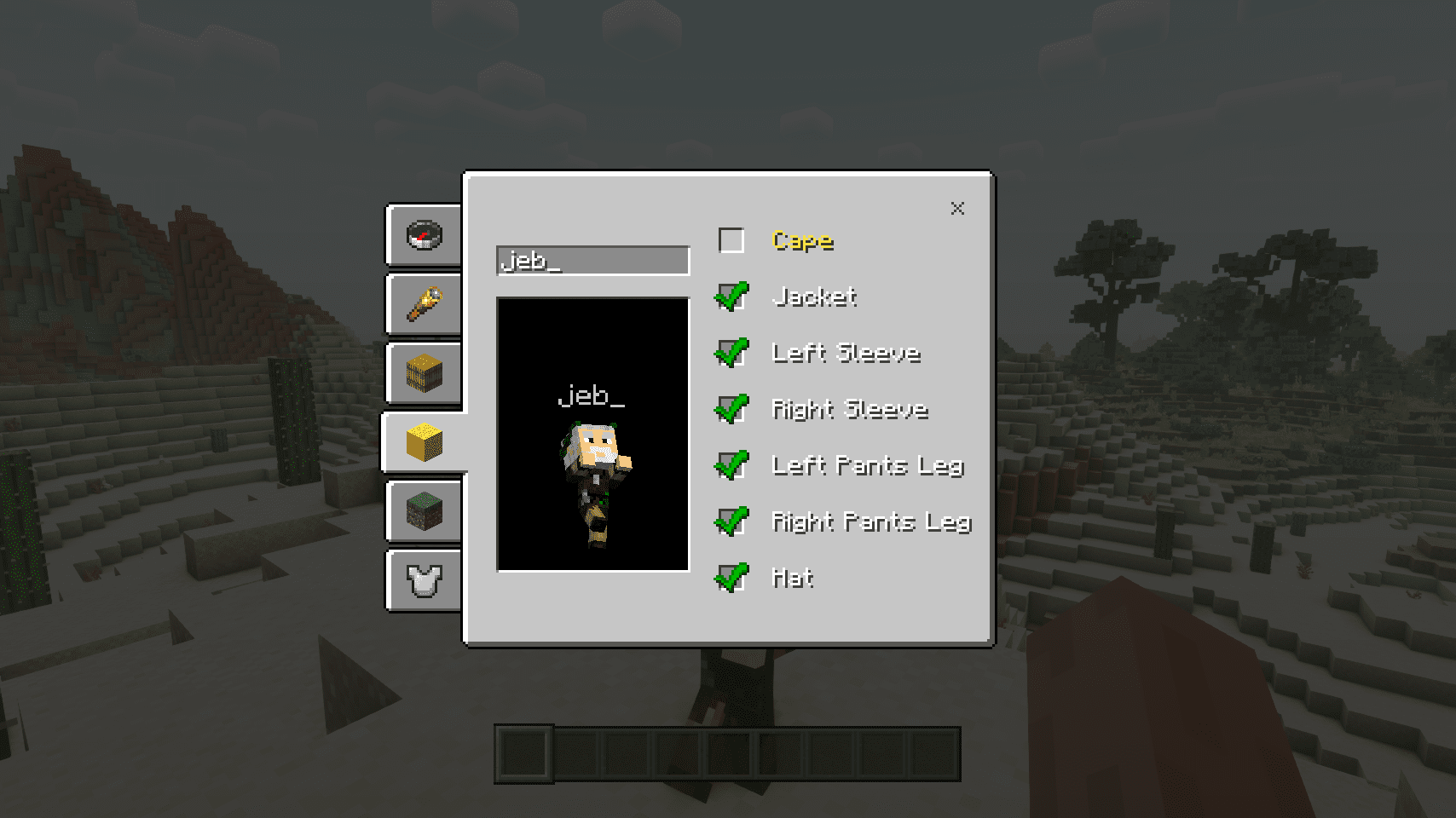
Make sure you've entered the correct player name in the statue editor and that the name matches an actual Minecraft player account. The skin will load from the player's profile once confirmed.
Can I rotate individual body parts or just use preset poses?
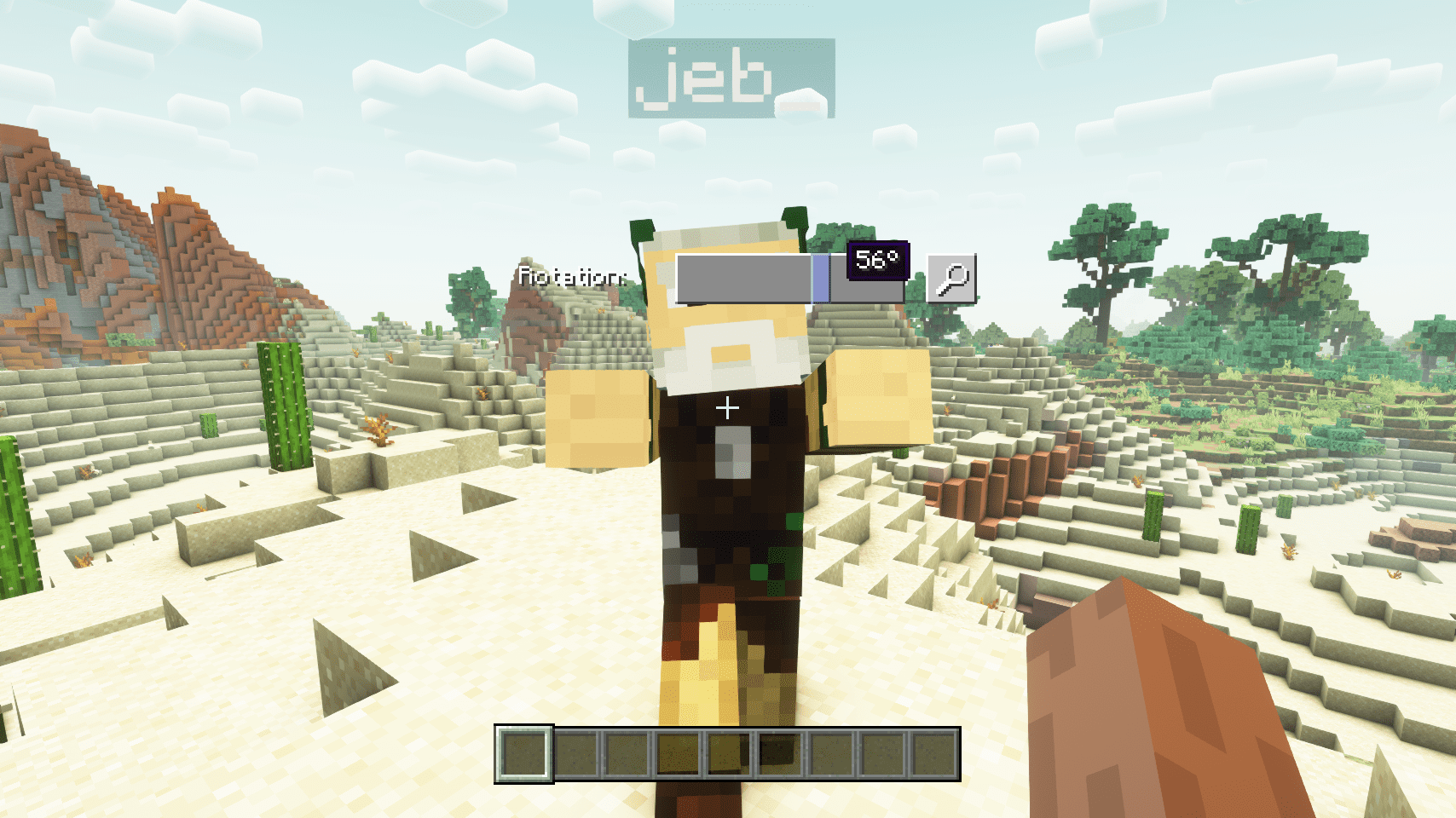
You can do both—select a built-in pose as a starting point, then fine-tune any individual limb (arms, legs, head, torso) by adjusting their rotation values for complete customization.
How do I make a statue hold a weapon or tool?
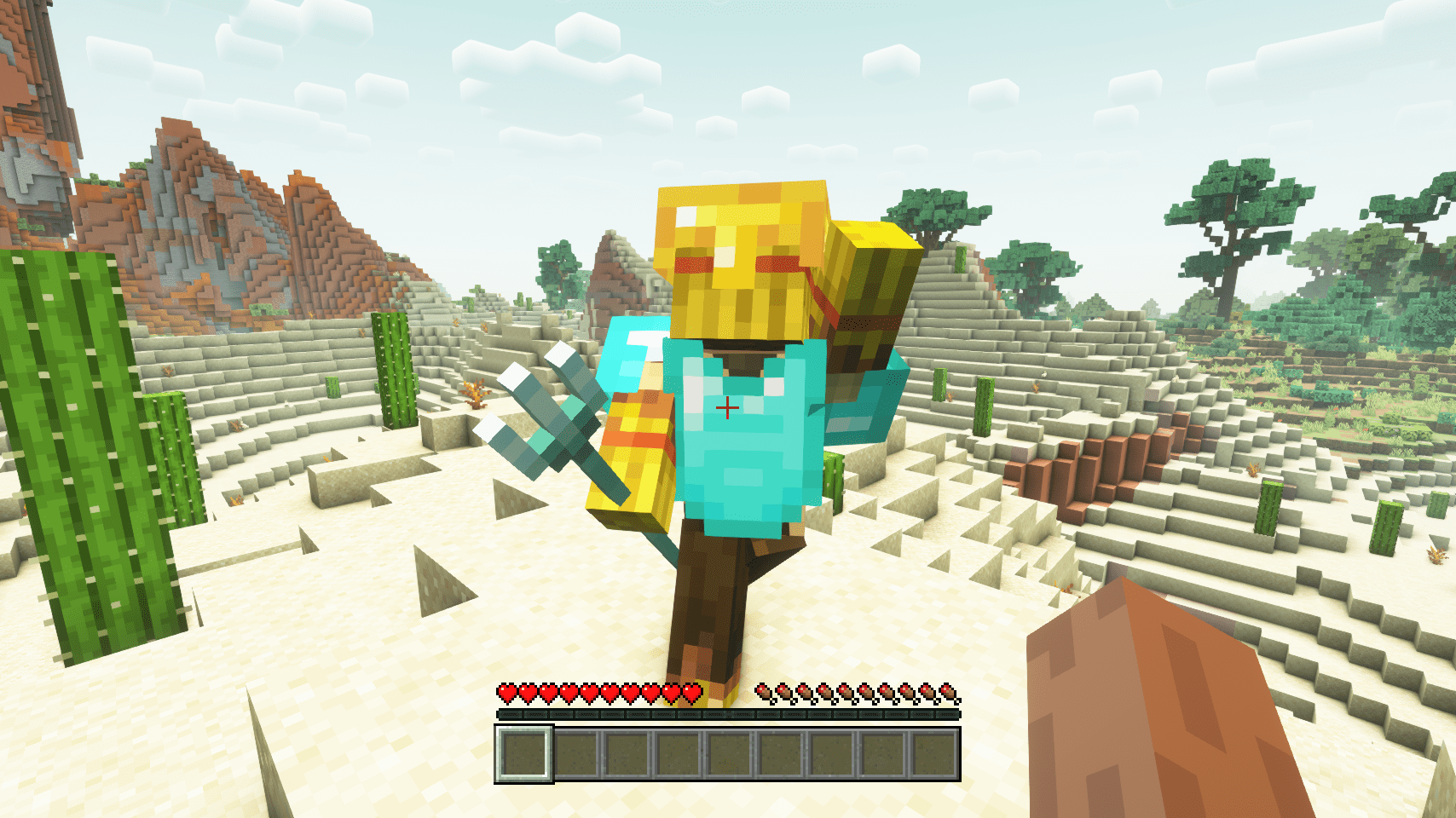
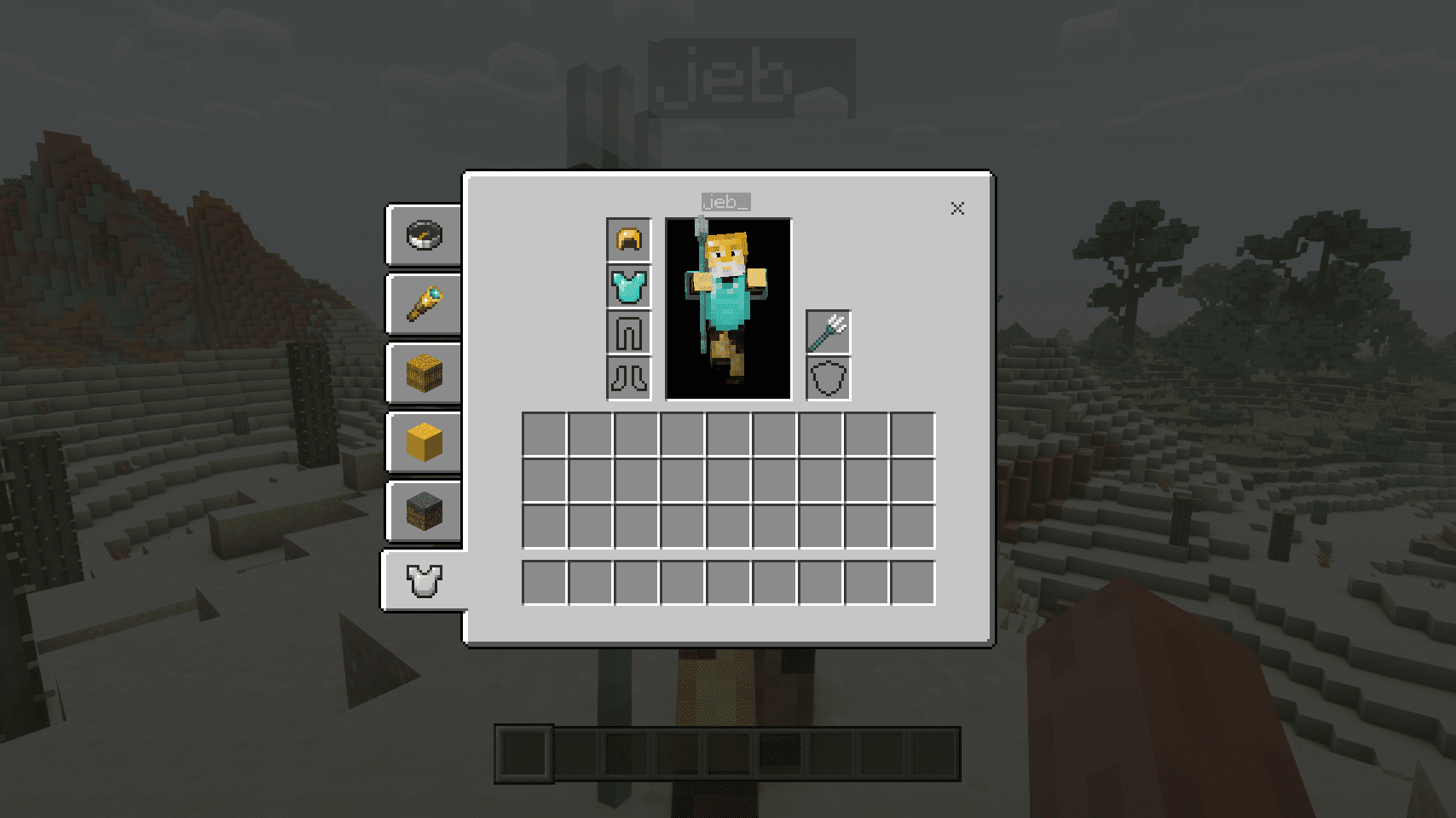
Open the statue editor, go to the equipment section, and select which hand slot you want to fill. You can equip any item, including weapons, tools, or decorative objects.
What's the fastest way to create multiple statues with different poses?
Use shift-click placement or set up a dispenser to spawn statues, which will generate them with randomized poses instantly instead of posing each one individually.
Can I make a statue smaller, like a child-sized version?
Yes, the mod includes a scale or size option in the statue settings that lets you create smaller versions of your statues.
How do I move a statue after I've placed and customized it?
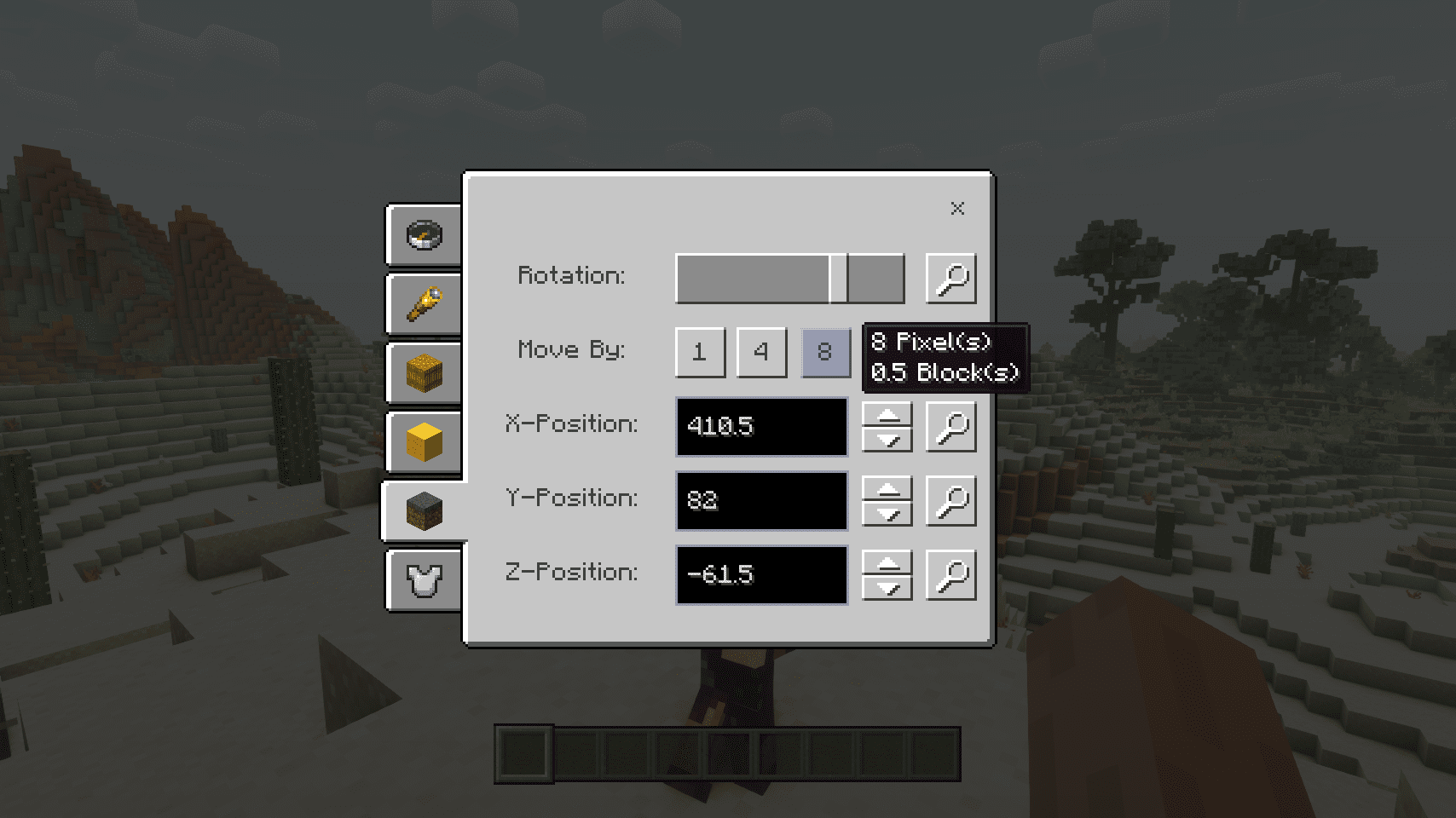
Use the position adjustment tools in the editor to move the statue with pixel-perfect precision, or break and replace it if you prefer.
What does 'focus mode' do?
Focus mode zooms in or adjusts your view so you can see the statue more clearly while editing its pose and appearance without other elements blocking your view.
Can I hide parts of the skin like sleeves or hats?
Yes, the mod lets you toggle visibility of skin layers such as sleeves, hats, jackets, and other cosmetic elements independently.
Do Straw Statues affect performance or lag?
Straw statues are generally lightweight, but having many statues with complex poses or custom skins in one area may impact performance depending on your system.
You May Also Like
Wikis that share the most with this one
More mod wikis on the site
The most downloaded mods that have a wiki here
A few wikis from each of the other kinds
Gallery
12 images from the Straw Statues Mod page.