DownloadFuzss Linked Chests
Get the files on 9Minecraft
Guides
Step-by-step, in-game.
Organize Multiple Storage Networks by ColorPlanning Your Channel System With 4,096 possible dye combinations, you can create many specialized storage networks.…Secure a Chest with Private OwnershipMaking a Chest Private Private chests give you exclusive access and increased storage capacity, perfect for valuables…Set Up Your First Linked Chest NetworkCreating a Channel Linked chests work by assigning dyes to create color channels. Each unique combination of dyes…Troubleshoot Chests Not LinkingChecking Your Dye Setup If chests aren't sharing items, verify the basics: 1. Open both chests' dye interfaces by…
Recipes
Every recipe the mod adds, grouped by how it is made.
Items
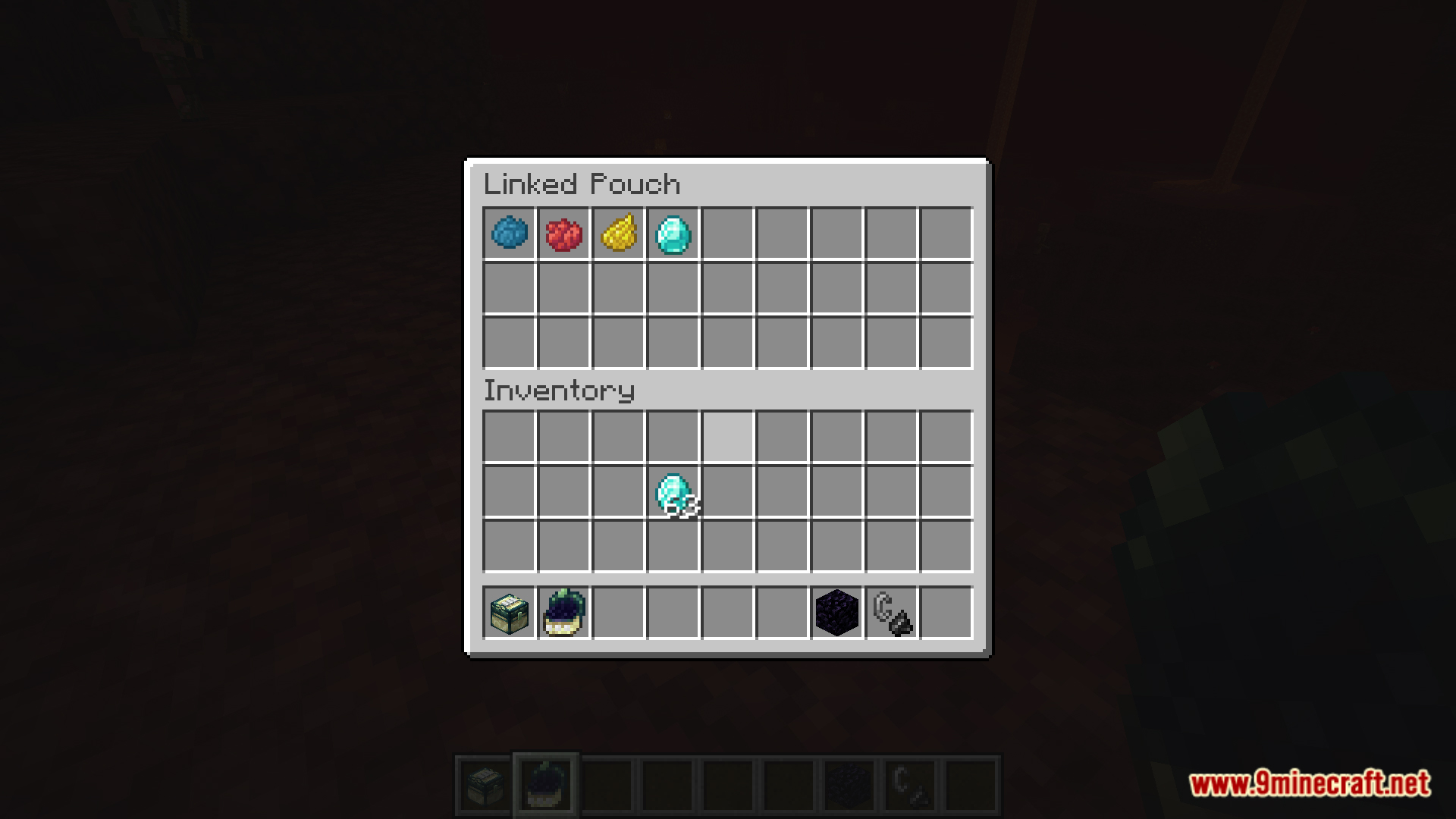
 Linked Pouch
Blocks
 Linked Chest
Frequently asked questions
How do I make my first linked chest?
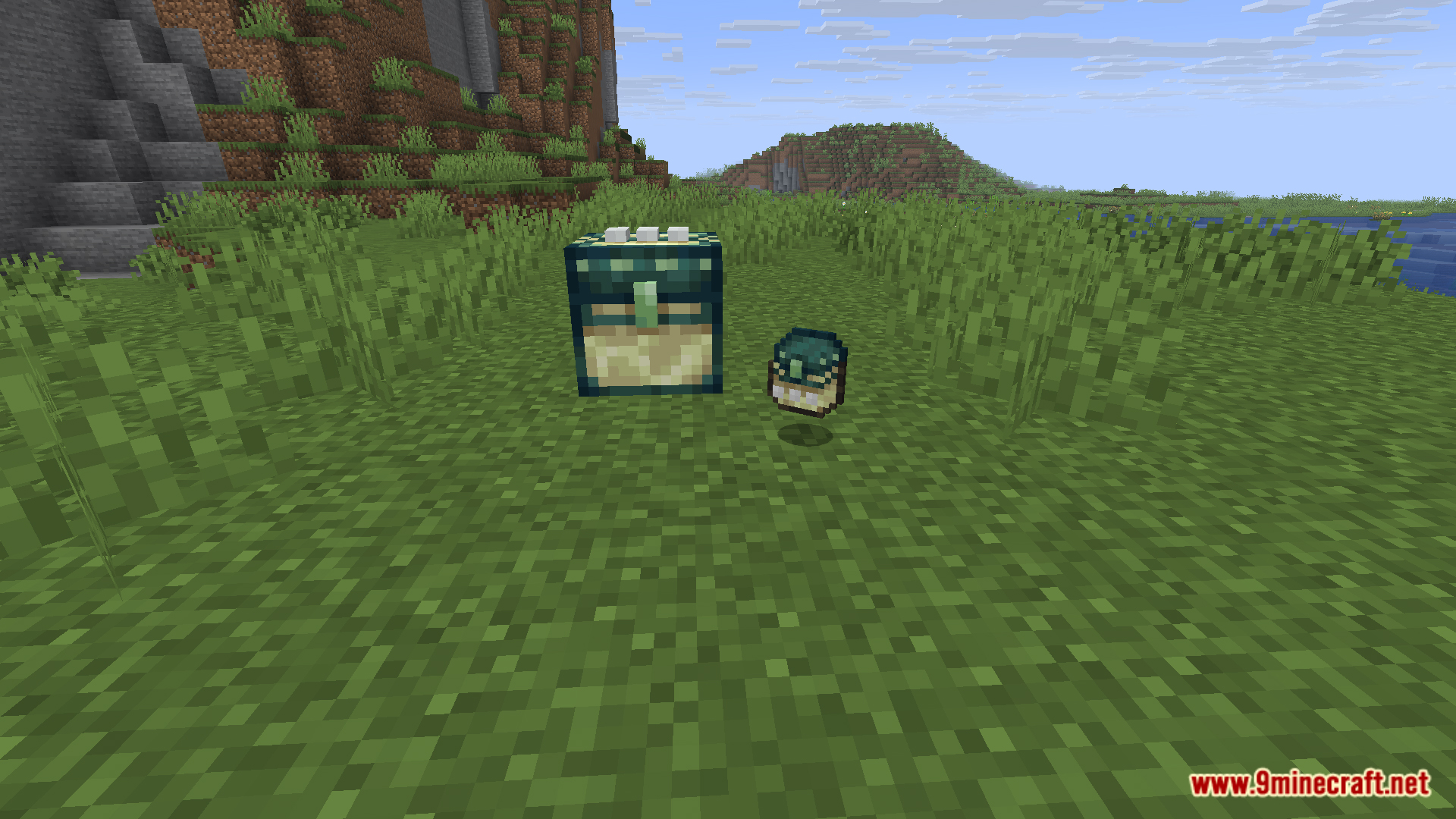
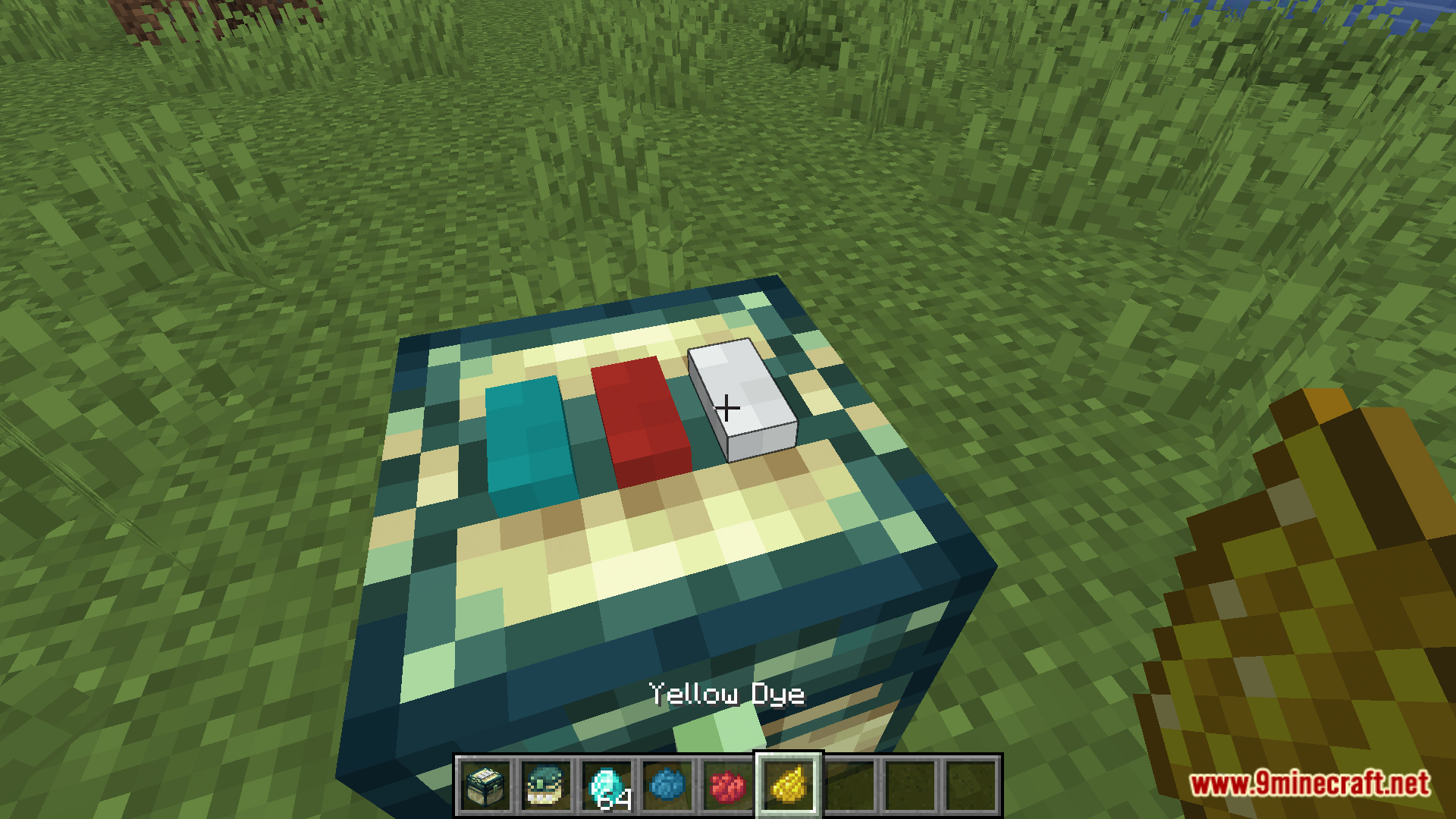
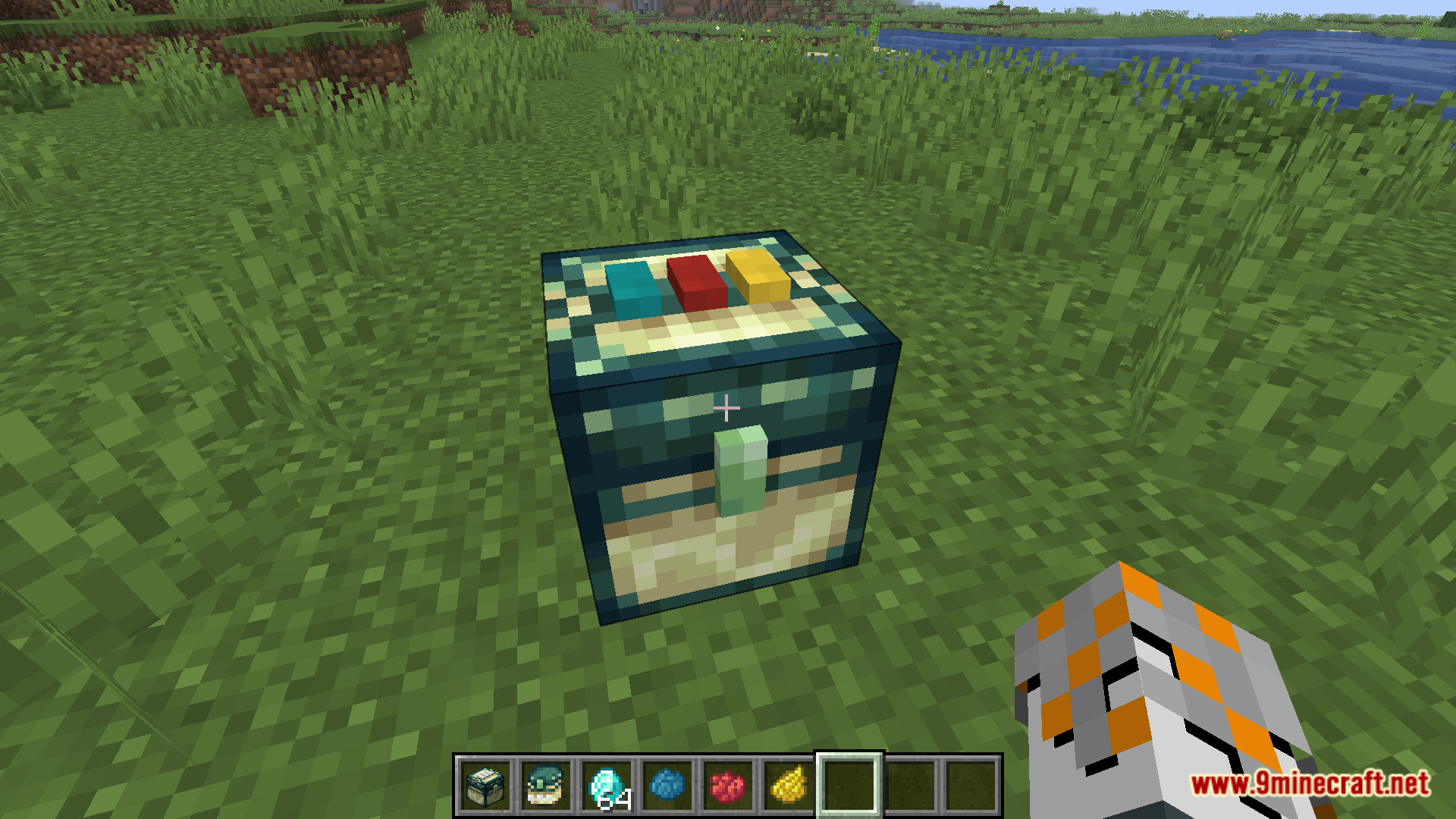
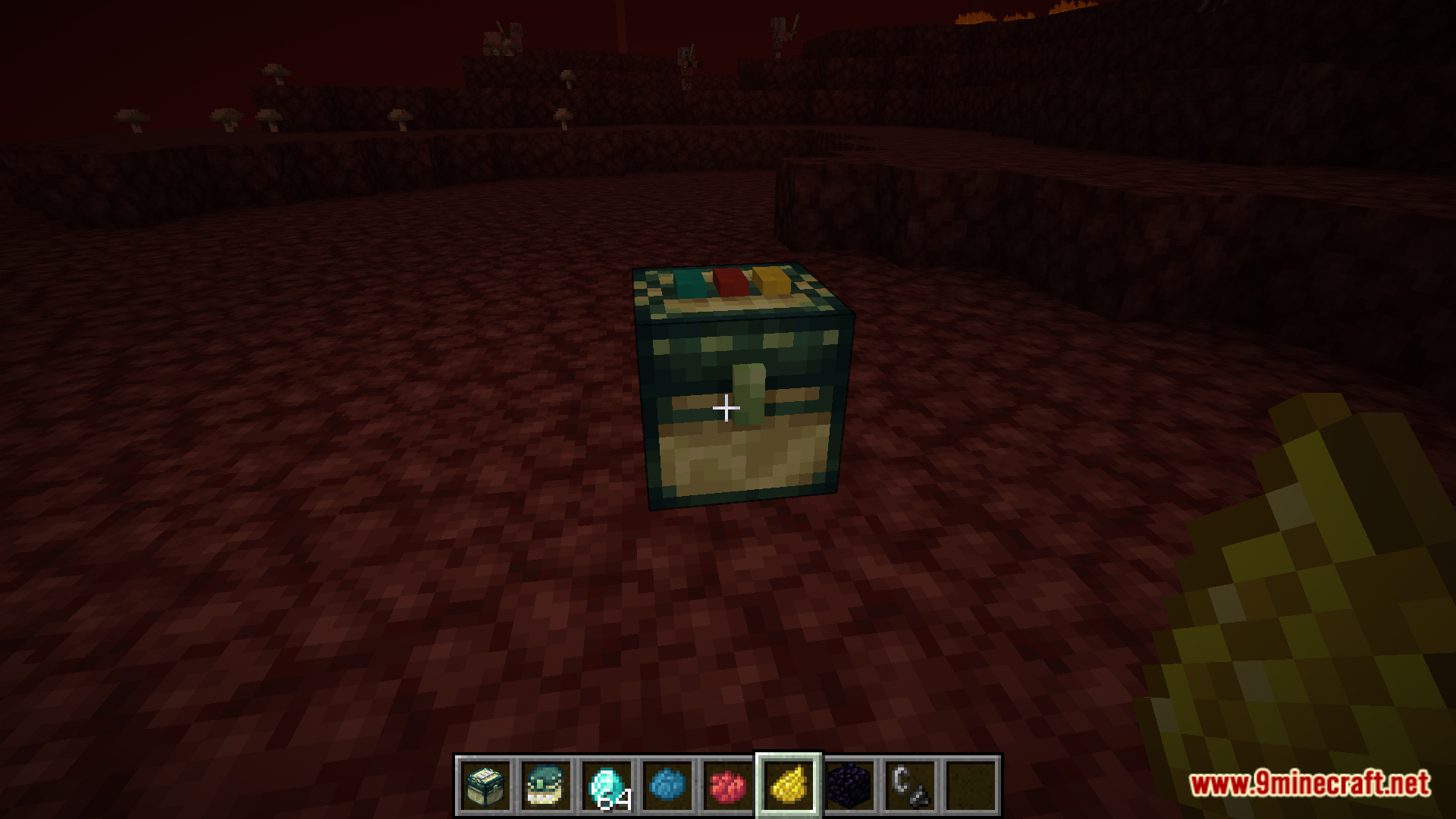
Place a chest, then right-click the top buttons on its surface to apply dyes. Each button represents one dye slot—use the same dye combination on multiple chests to link them into a shared inventory on that color channel.
How many different chest networks can I create?
You can create up to 4,096 unique channels by combining different dyes across the three button slots on each chest's top.
What happens if I put the same dyes on chests in different dimensions?
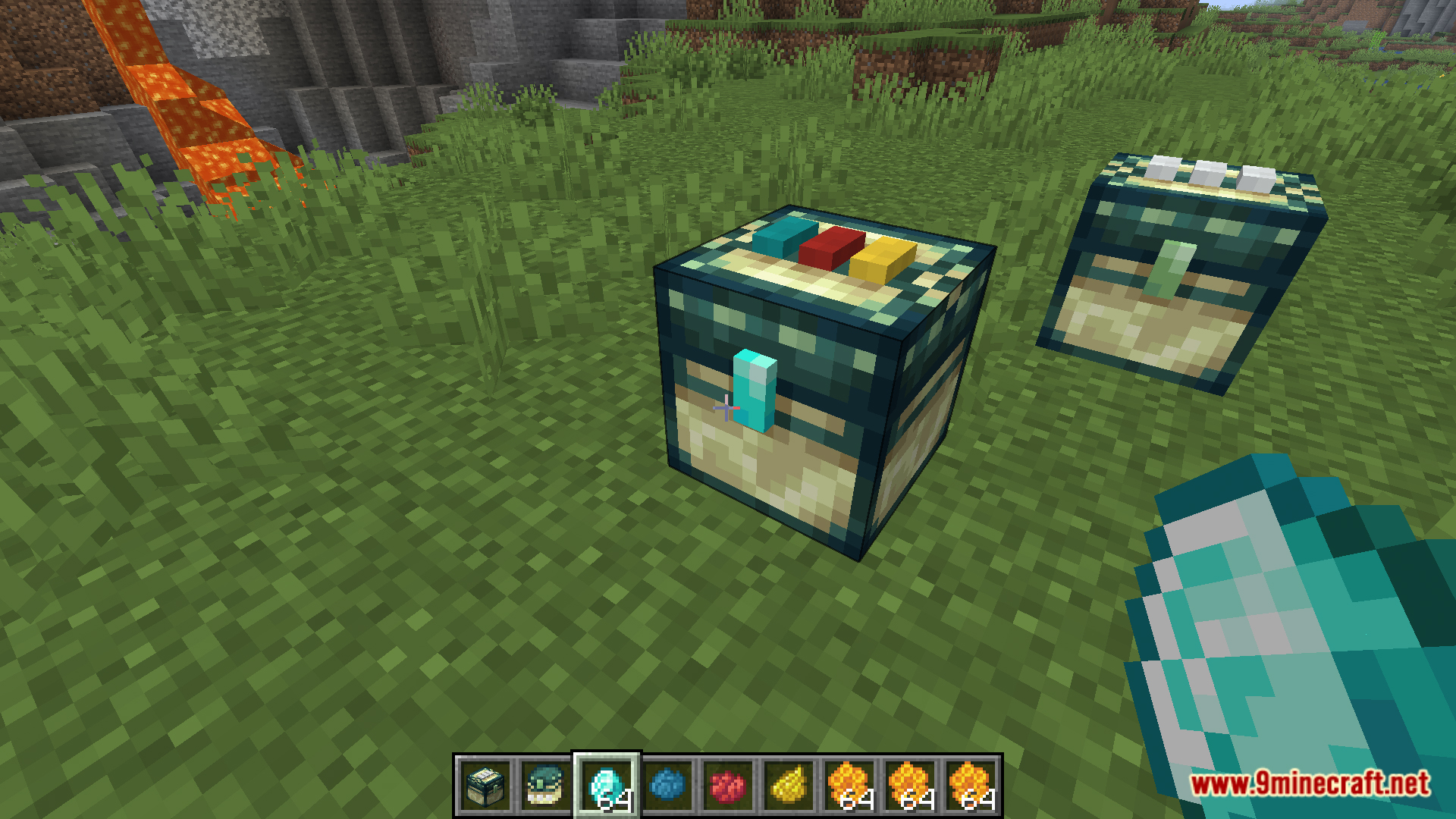
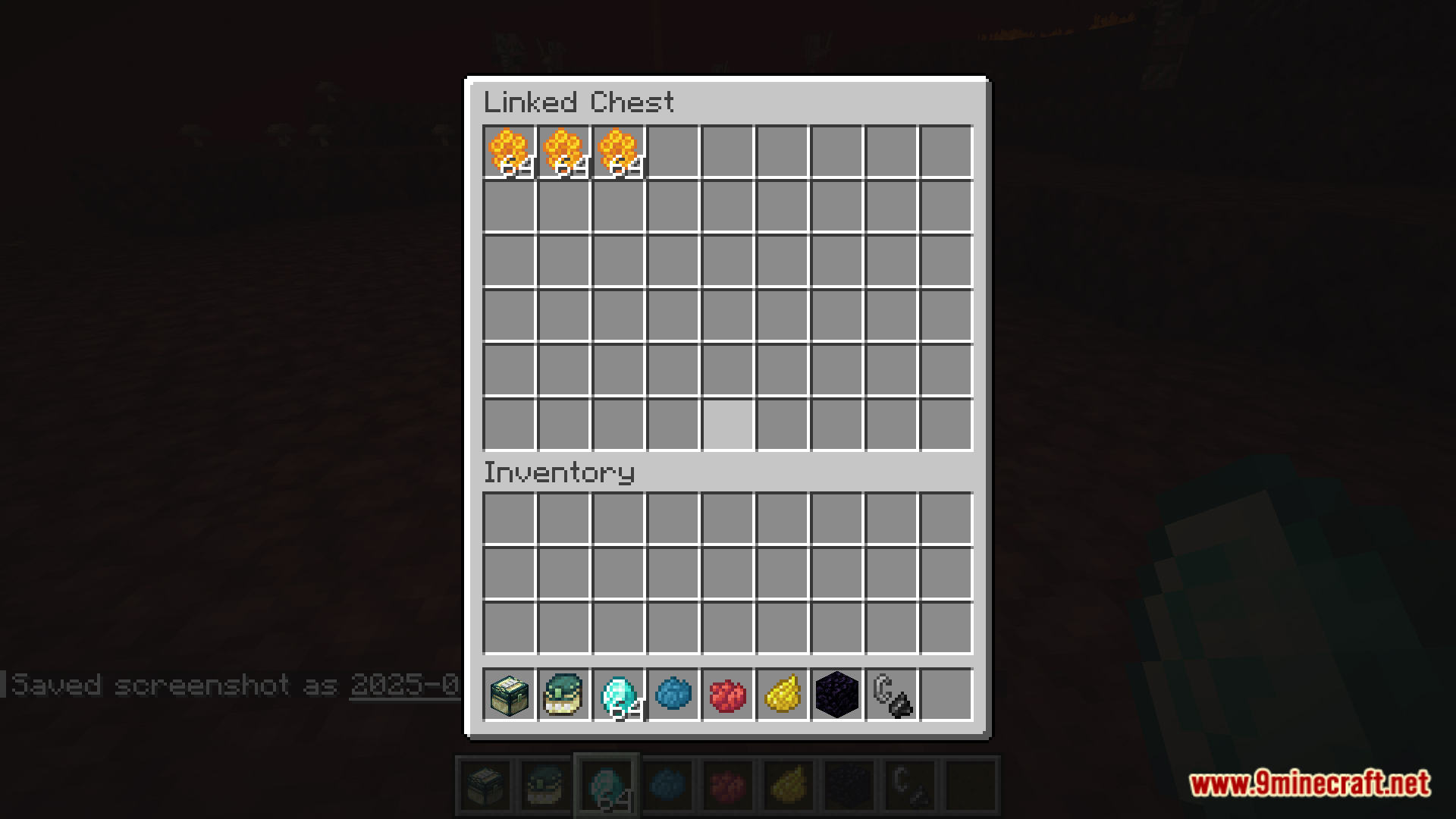
Chests with matching dye combinations share inventory across all dimensions—the channel is global, so a linked chest in the Nether will access the same items as one in the Overworld if they have the same dyes.
How do I make a chest private so only I can access it?
Right-click the lock symbol on the chest with a diamond; you become the owner and gain double storage capacity, while other players cannot see or access the contents unless they open it directly.
Can I remove dyes from a chest to change its channel?
Yes, right-click the dyed buttons to remove them one at a time, then apply new dyes to reassign the chest to a different channel.
Do linked chests work with hoppers and other redstone contraptions?
Yes, hoppers and other automation can insert and extract items from linked chests just like normal chests, treating the shared inventory as a single storage block.
What if I accidentally link a chest to the wrong channel?
Remove all dyes from the chest by right-clicking each button, then reapply the correct dye combination to move it to the right channel.
Can multiple players use the same linked chest network?
Yes, all players can access and share items on the same color channel unless the chest is made private with a diamond, in which case only the owner can access it.
Can I link a private chest to a shared network?
No, private chests (locked with a diamond) are isolated to their owner and cannot be linked to a color channel that other players access.
You May Also Like
Wikis that share the most with this one
Wikis on the same theme: chest
More mod wikis on the site
The most downloaded mods that have a wiki here
A few wikis from each of the other kinds
Gallery
11 images from the Fuzss Linked Chests Mod page.