
 blocks
 DownloadFramed Blocks Mod
Get the files on 9Minecraft
Guides
Step-by-step, in-game.
Building Functional Blocks: Framed Chest, Door, and BookshelfFunctional Framed Blocks Several Framed blocks keep their vanilla function while accepting camo. These include Framed…Crafting Framed Blocks from the Framed CubeThe Framed Cube Is the Root Most Framed shapes are produced through the framedblocks:frame recipe type, which…How to Apply a Camo to Any Framed Block with the Camo ApplicatorGetting the Camo Applicator Craft the Camo Applicator and keep it in your hotbar. It is the tool that transfers the…Making Slopes, Corners, and Panels Fit TogetherPick the Right Family Framed shapes come in families that share edges. Slopes: Framed Slope , Framed Double Slope ,…Using Framed Collapsible and Bouncy BlocksFramed Collapsible Block Framed Collapsible Block and Framed Collapsible Copycat Block change their shape when…Using the Framed Blueprint to Plan BuildsWhat the Blueprint Does The Framed Blueprint is your planning tool. It lets you lay out Framed blocks and shapes in…
Recipes
Every recipe the mod adds, grouped by how it is made.
Items
 Camo Applicator
 Framed Axe
 Framed Blueprint
 Framed Hammer
 Framed Key
 Framed Screwdriver
 Framed Wrench
 Glow Paste
 Paint Roller
 Phantom Paste
Blocks
 Framed Activator Rail Slope
 Framed Adjustable Double Copycat Panel
 Framed Adjustable Double Copycat Slab
 Framed Adjustable Double Panel
 Framed Adjustable Double SlabFramed Banner
 Framed BarsFramed Board
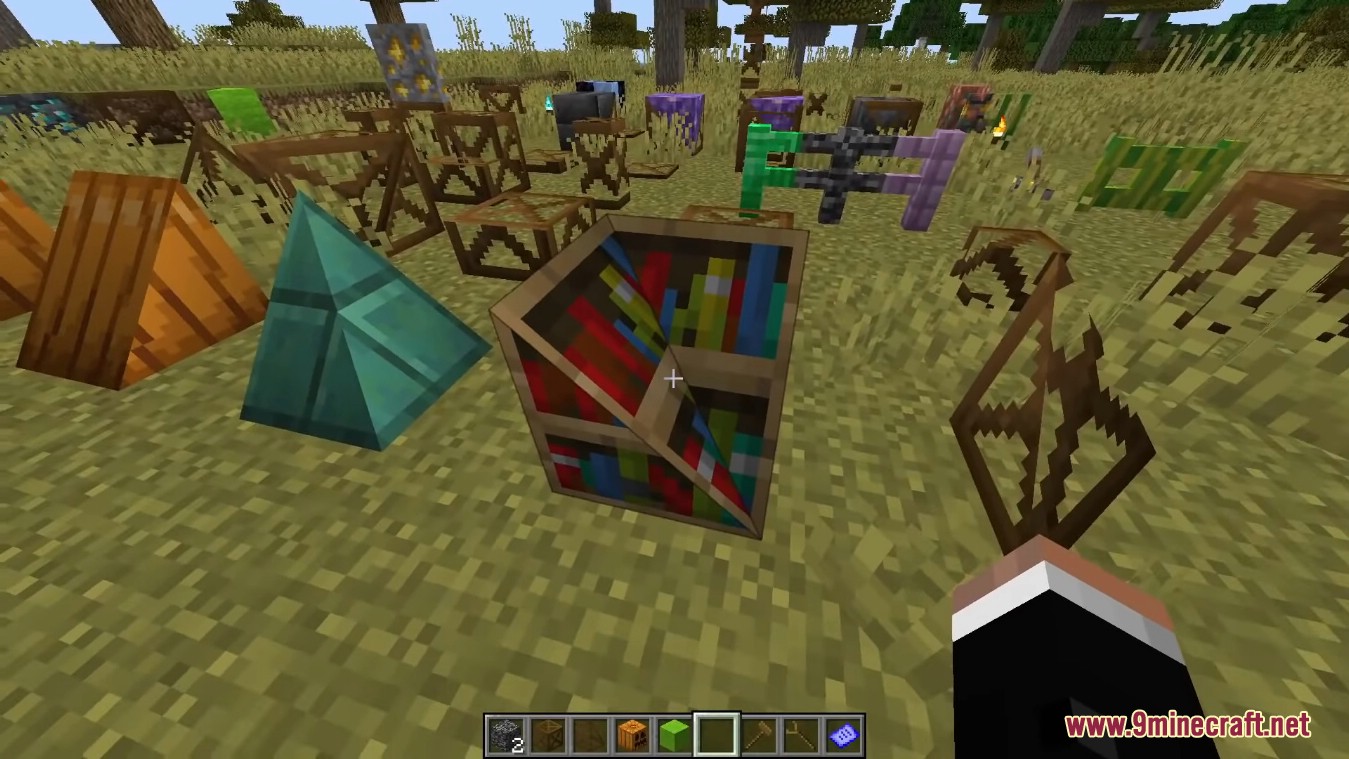
 Framed Bookshelf
 Framed Bouncy Cube
 Framed Button
 Framed Centered Panel
 Framed Centered Slab
 Framed Chain
 Framed Checkered Cube
 Framed Checkered Panel
 Framed Checkered Slab
 Framed Chest
 Framed Chiseled Bookshelf
 Framed Collapsible Block
 Framed Collapsible Copycat Block
 Framed Compound Slope Panel
 Framed Compound Slope Slab
 Framed Copper Lantern
Frequently asked questions
How do I apply a block texture to a Framed Block?
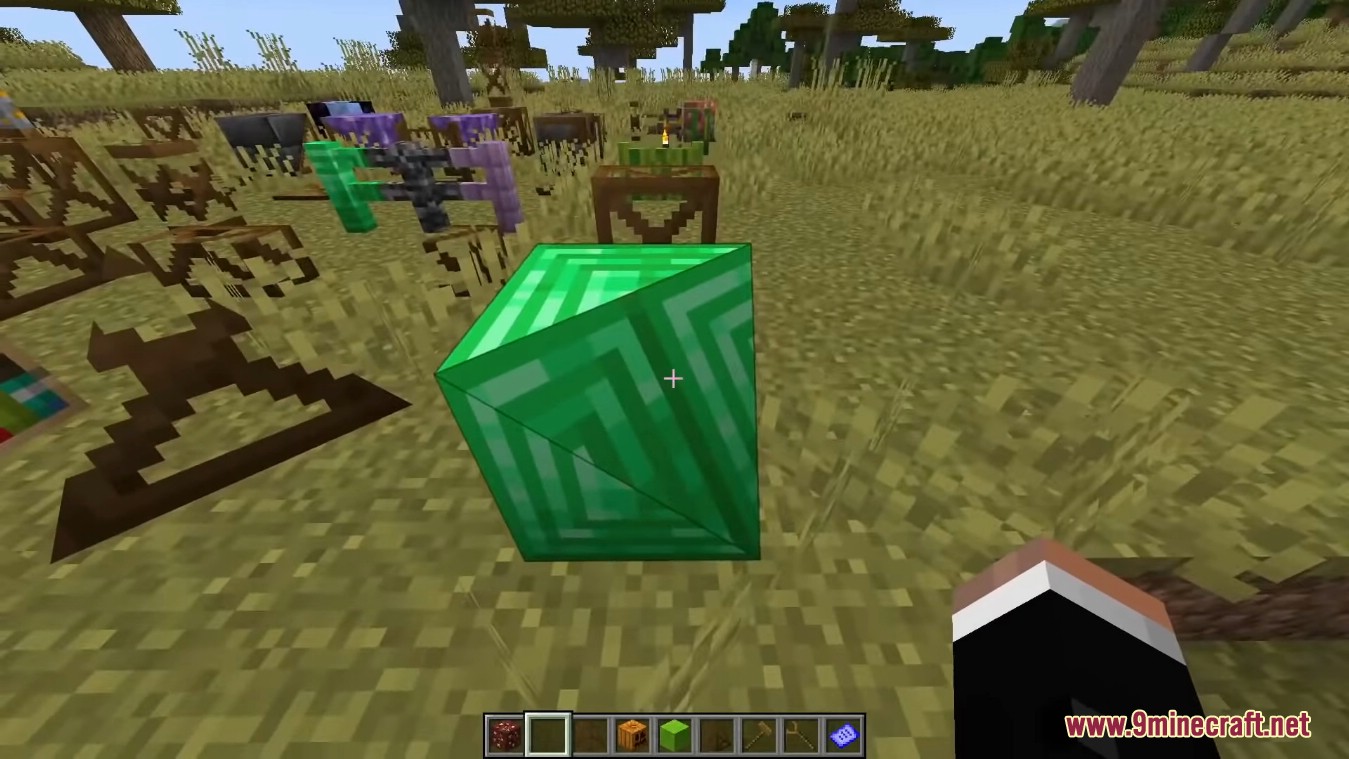
Use the Camo Applicator on a framed block while holding the block you want to copy. The framed block then renders with that block's appearance while keeping its framed shape.
Camo Applicator on a framed block while holding the block you want to copy. The framed block then renders with that block's appearance while keeping its framed shape.How do I craft a  Framed Cube?
What is the Camo Applicator used for?
The Camo Applicator applies or removes camouflage on framed blocks. Right-click a framed block with it to copy the held block's texture onto it.
Camo Applicator applies or removes camouflage on framed blocks. Right-click a framed block with it to copy the held block's texture onto it.How do I rotate a framed shape like a slope or corner?
Use the framedblocks:rotate_shape recipe type, which lets you rotate an existing framed shape into another orientation. This is how slopes, corners, and edges are reoriented.
See all 12 Framed Blocks questions ›
Gallery
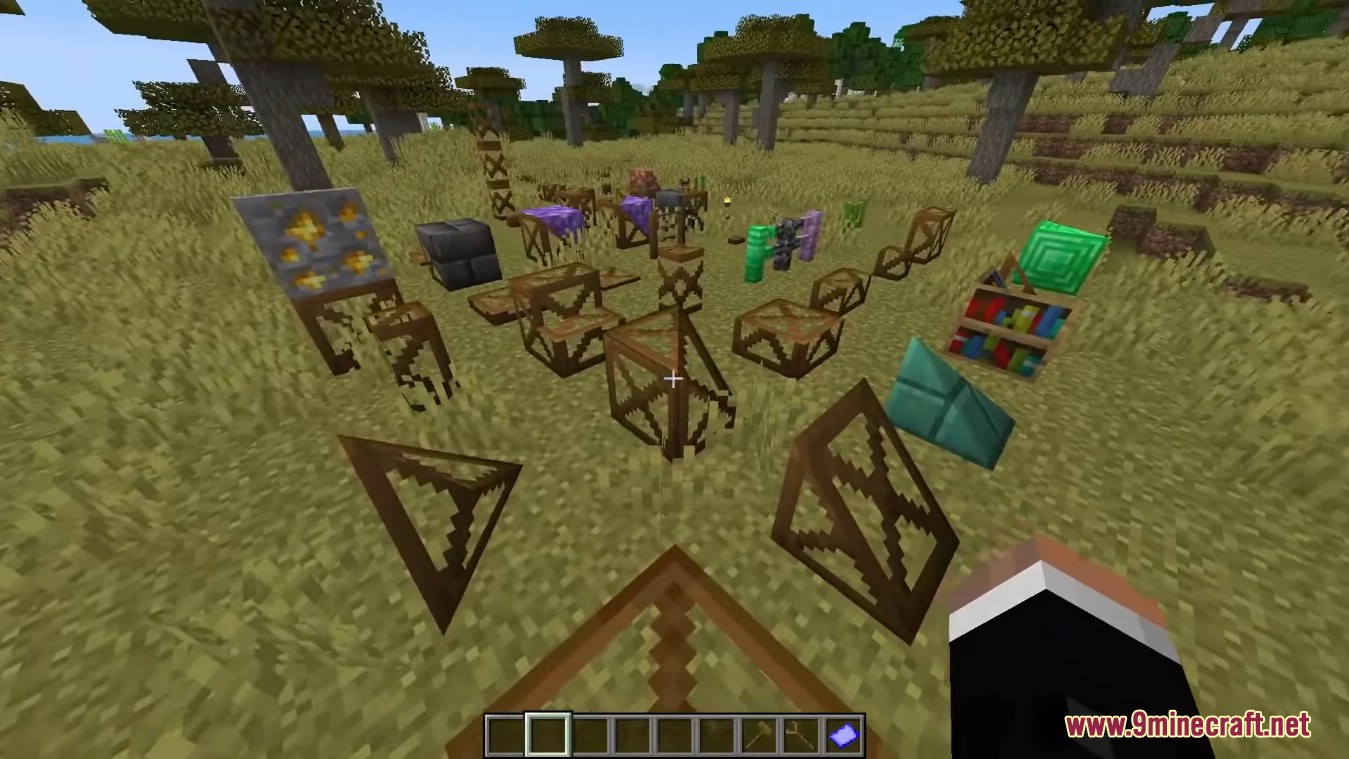
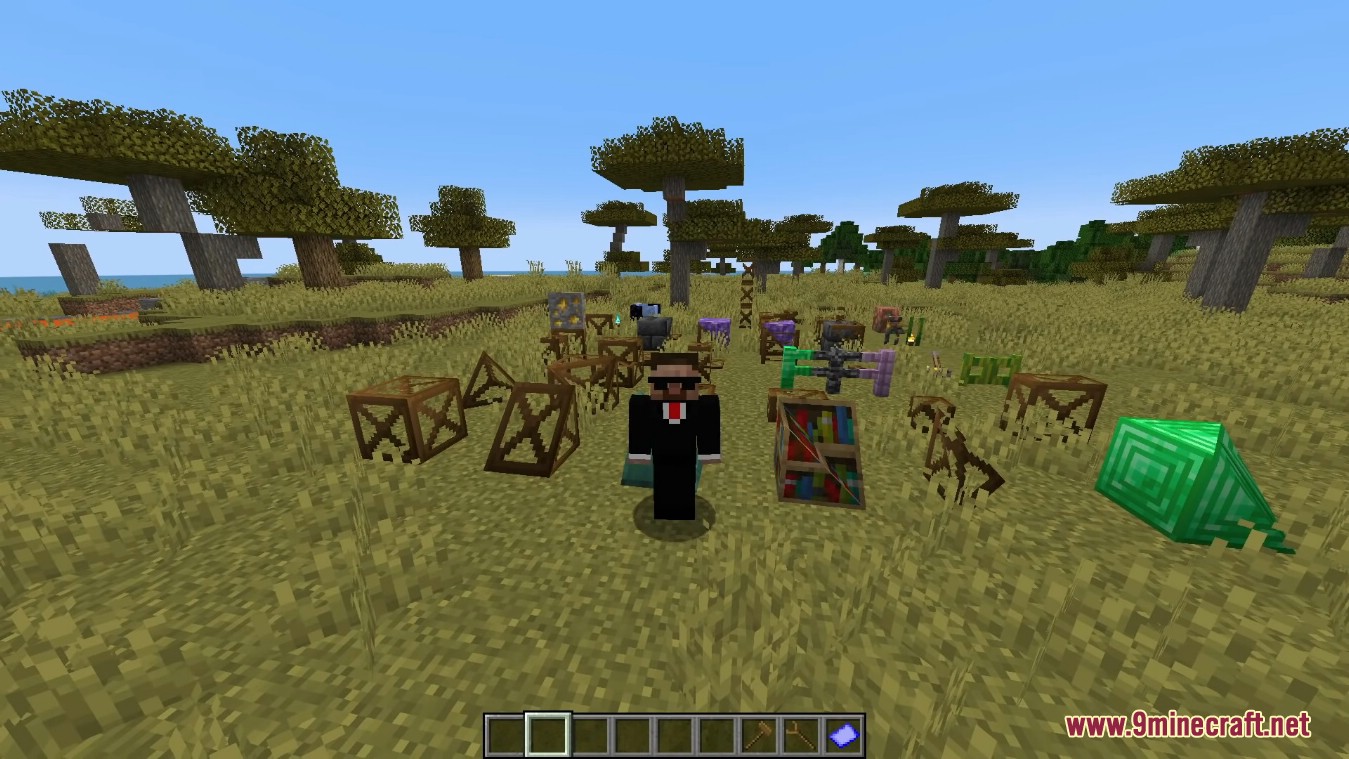
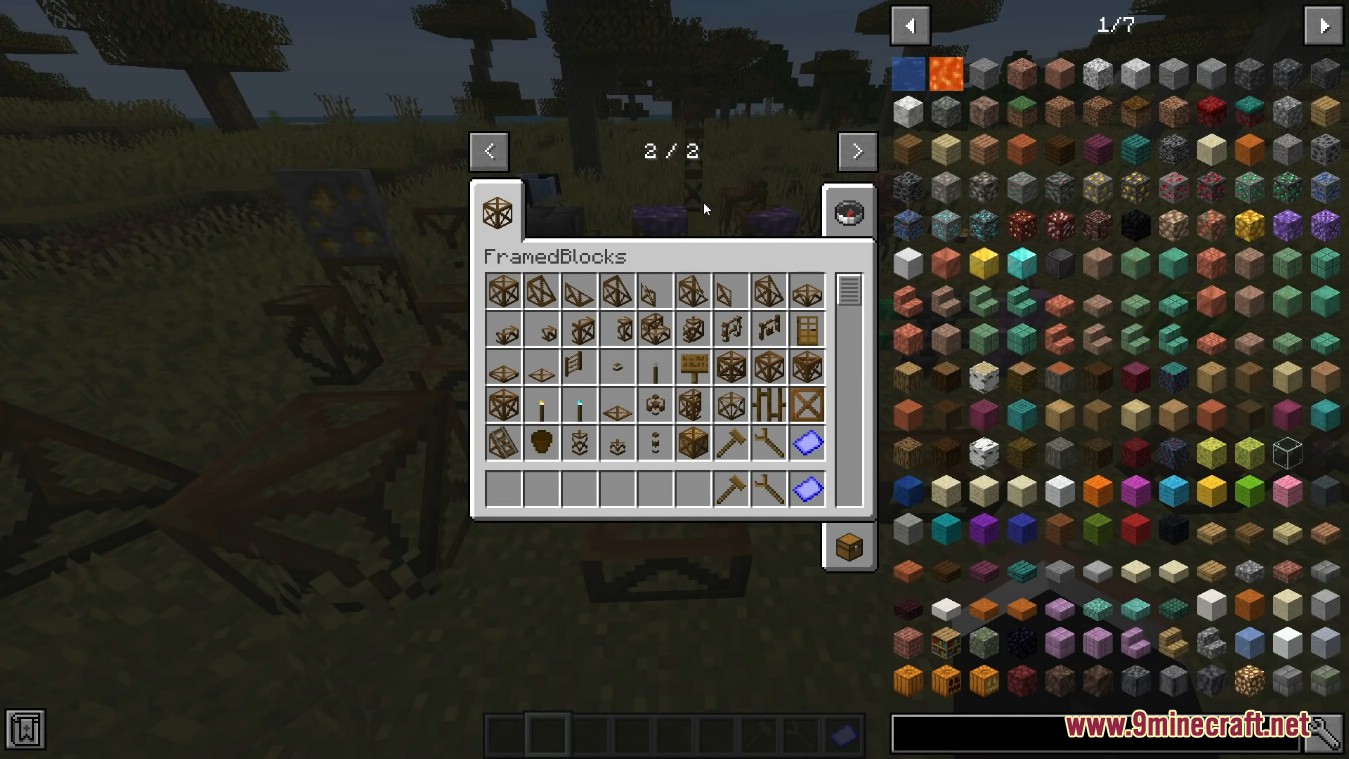
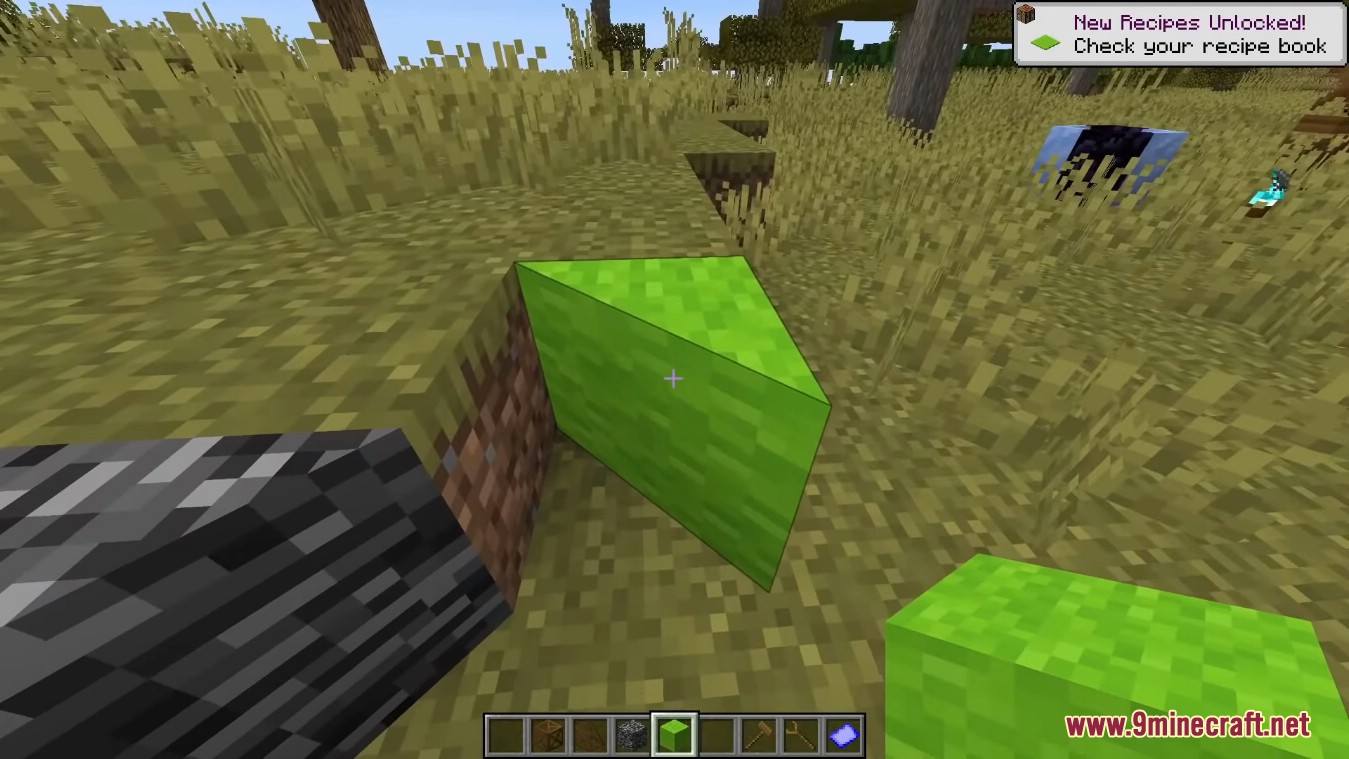
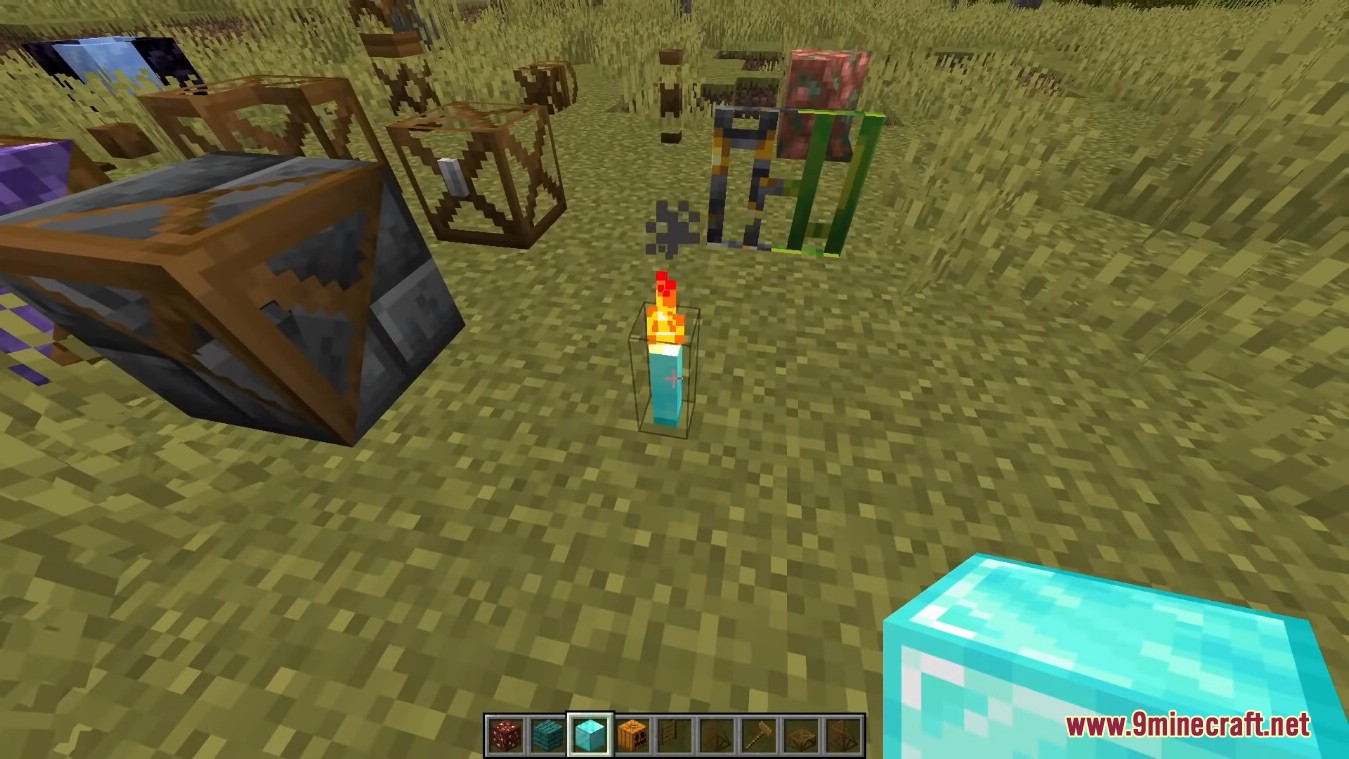
12 images from the Framed Blocks Mod page.
You May Also Like
Wikis that share the most with this one
Wikis on the same theme: cat
More mod wikis on the site
The most downloaded mods that have a wiki here
A few wikis from each of the other kinds