

 DownloadCursors Extended Mod
Get the files on 9Minecraft
Guides
Step-by-step, in-game.
How to Add Your Own Cursors with the Mod's Java APIWhat the API Is For The mod exposes a Java API so mod developers and pack authors can register new cursors and assign…How to Change Your Cursor in Cursors Extended ModOpening the Cursor Settings Once the mod is installed, you configure cursors through the in-game settings rather than…How to Install and Use Custom Cursor Resource PacksWhere Custom Cursors Come From The mod reads cursor textures from resource packs, so any pack that follows its folder…How to Make the Cursor Change Based on What You HoverUnderstanding Adaptive Cursors The mod's main feature is that the cursor swaps depending on context — hovering a…
Frequently asked questions
How do I turn the custom cursors on or off?
Open the mod's settings through  Mod Menu or the in-game options screen and toggle the cursor replacement setting. Disabling it restores the vanilla system cursor without uninstalling the mod.
Why is my cursor still the normal one after installing?
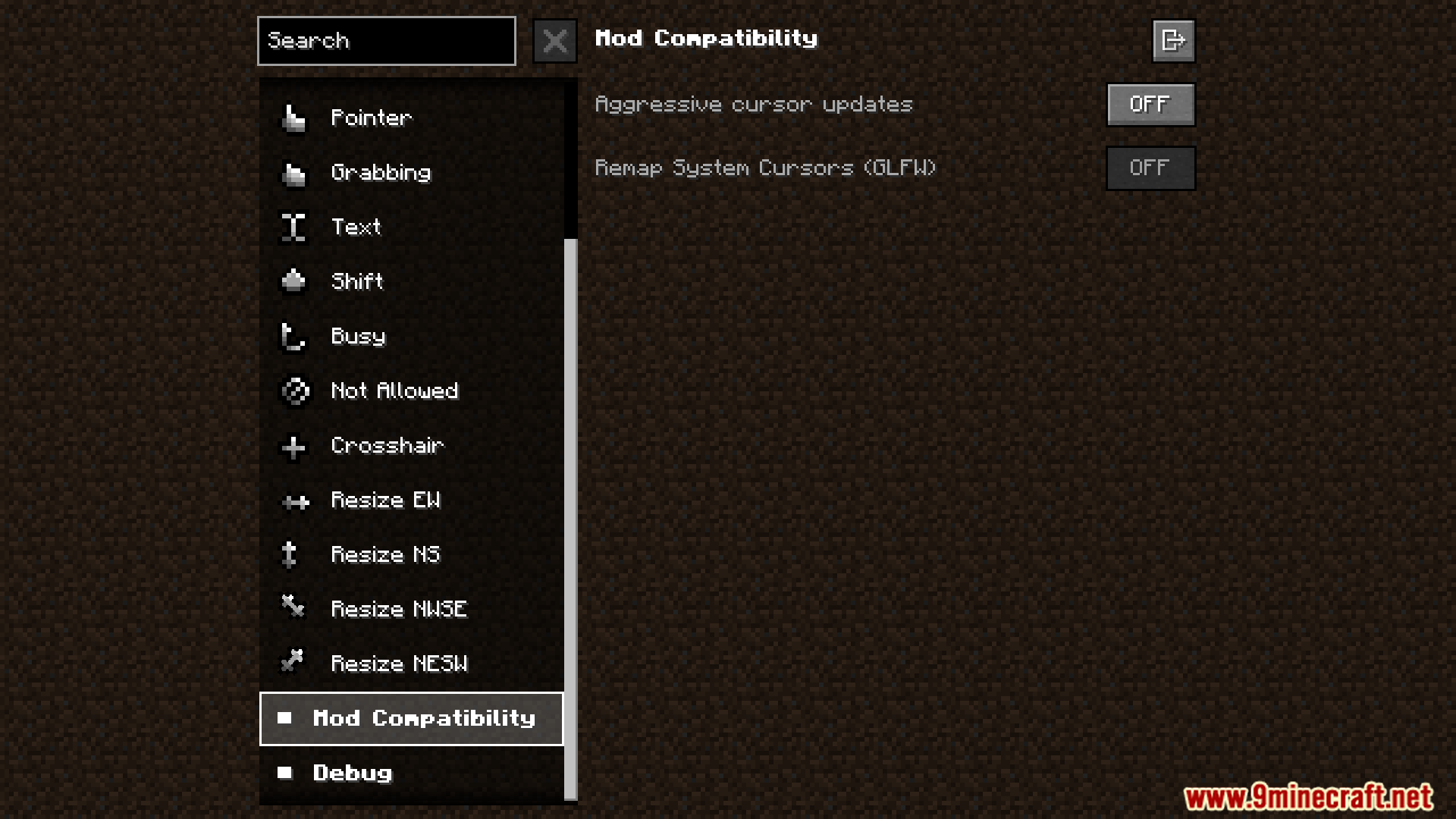
The mod's cursor replacement is likely disabled in its config, or another mod that overrides the cursor is loading after it. Check the mod's settings first, then look for conflicting cursor or UI mods.
How do I make the cursor change when I hover over buttons?
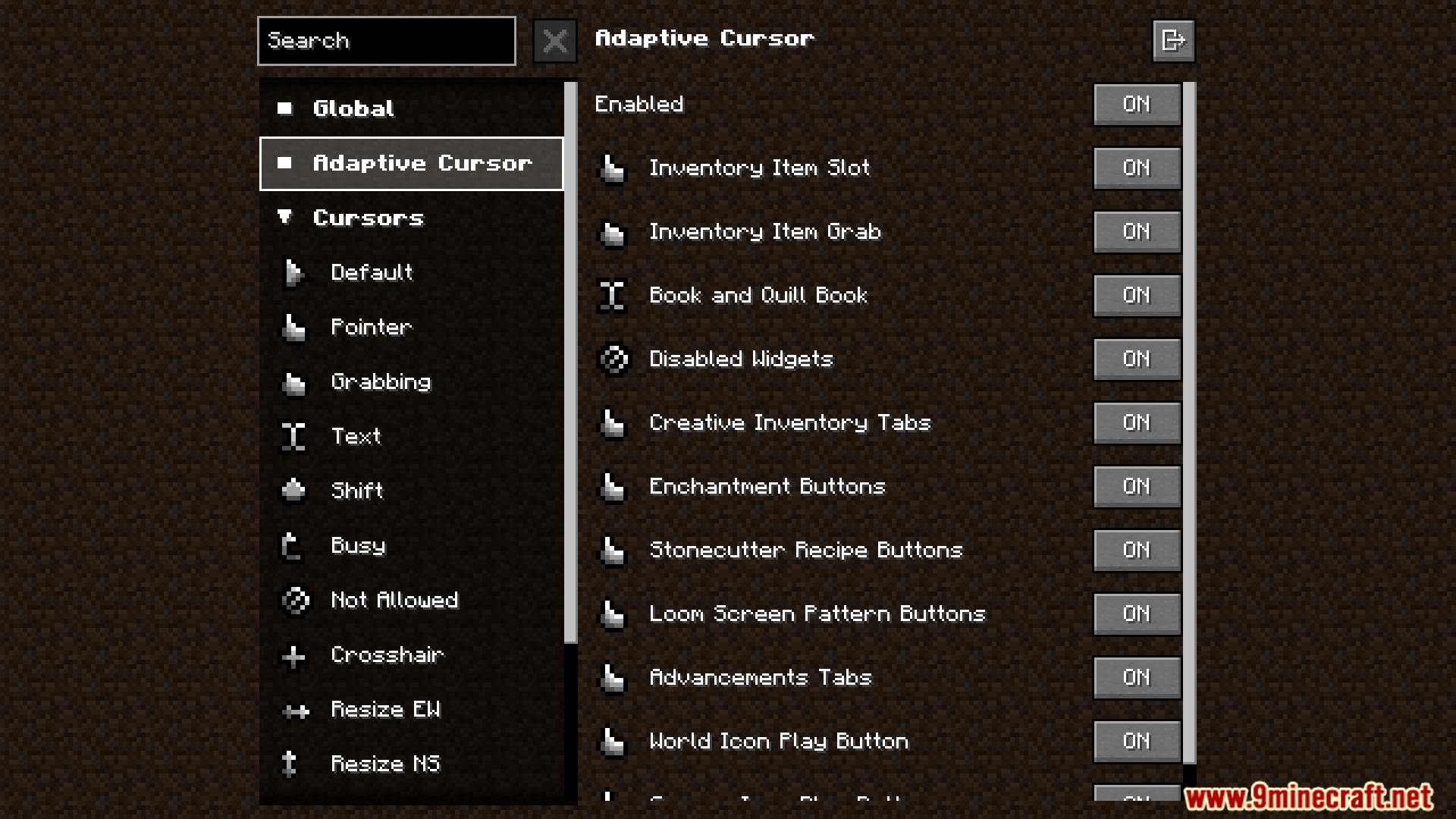
Adaptive cursors are handled automatically once the mod is active, but you need the context rules enabled in settings. If hovering doesn't change anything, make sure adaptive/contextual cursors aren't turned off in the config.
Can I use my own cursor images?
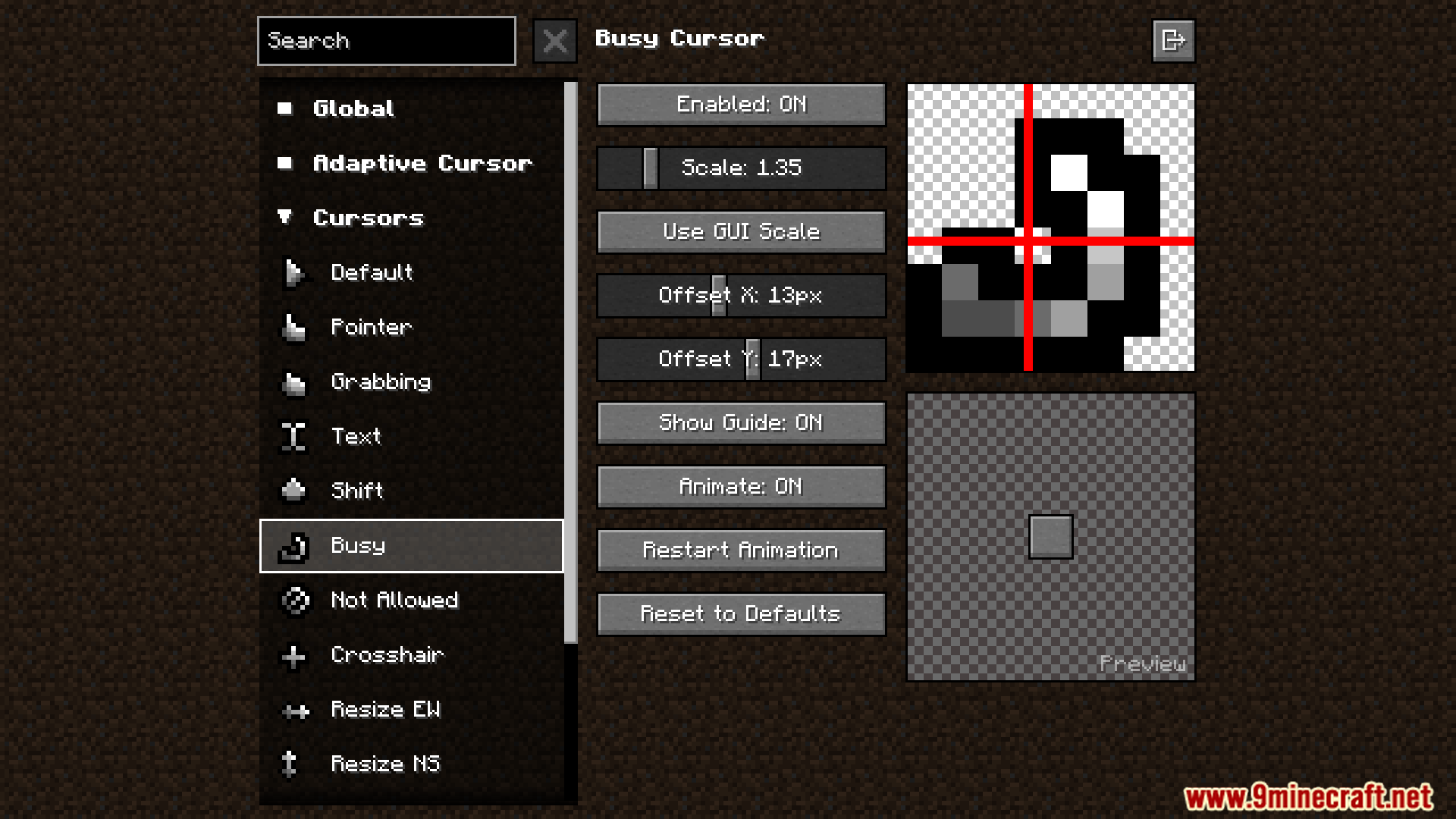
Yes, the mod supports resource packs, so you can drop custom cursor textures into a pack and load it like any other. Animated cursors work too as long as the texture is set up as an animation.
See all 10 Cursors Extended questions ›
Gallery
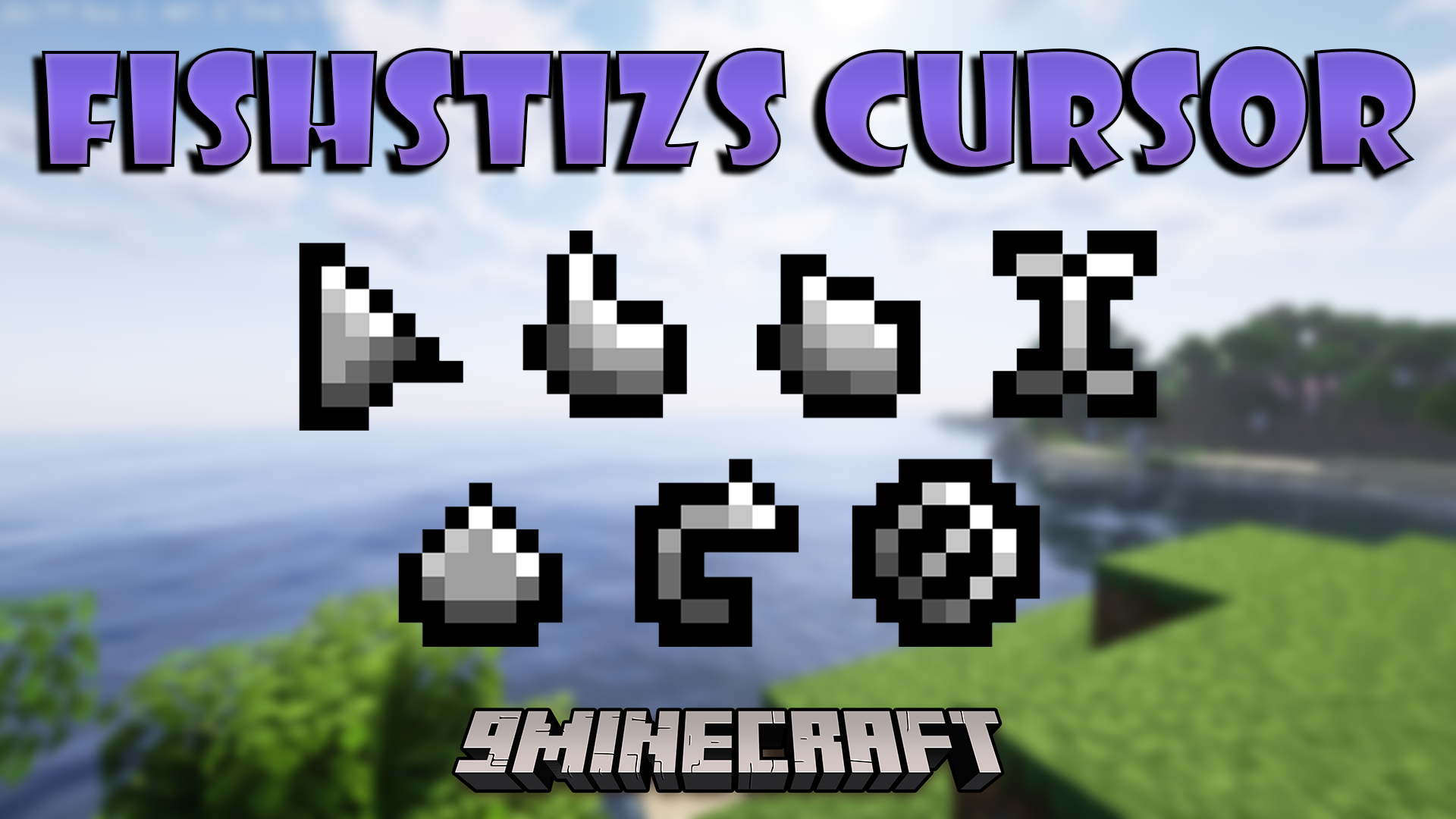
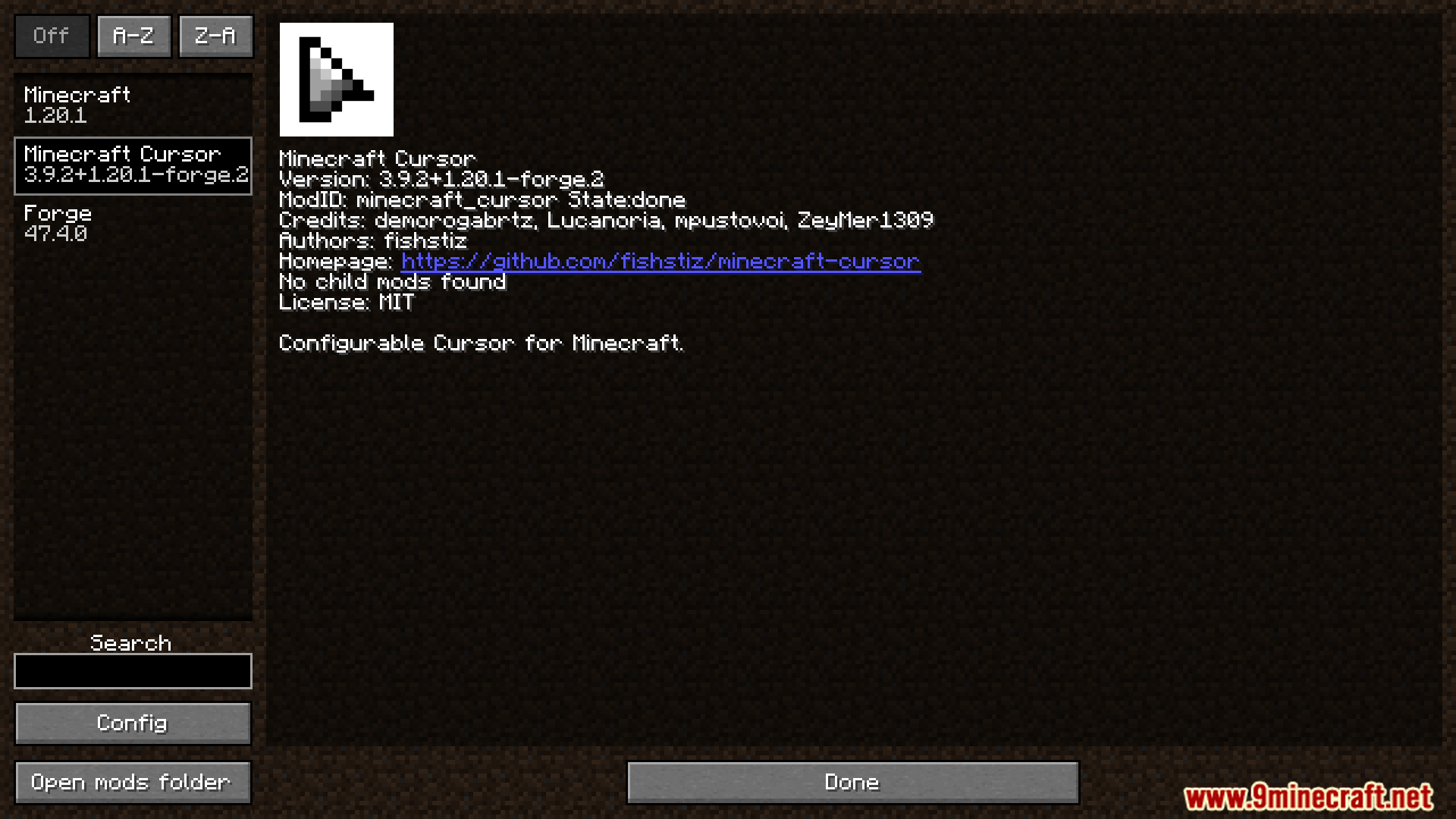
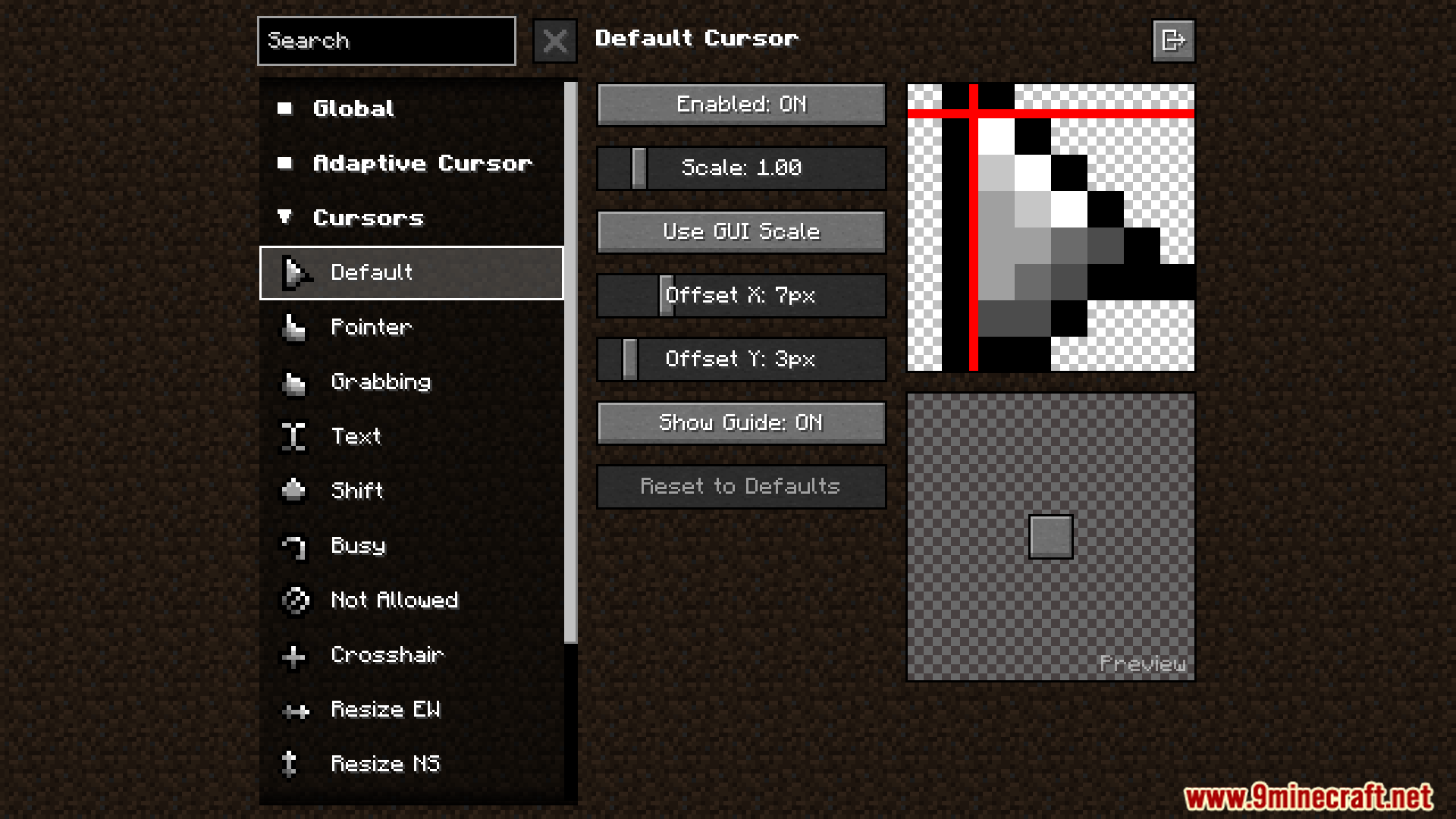
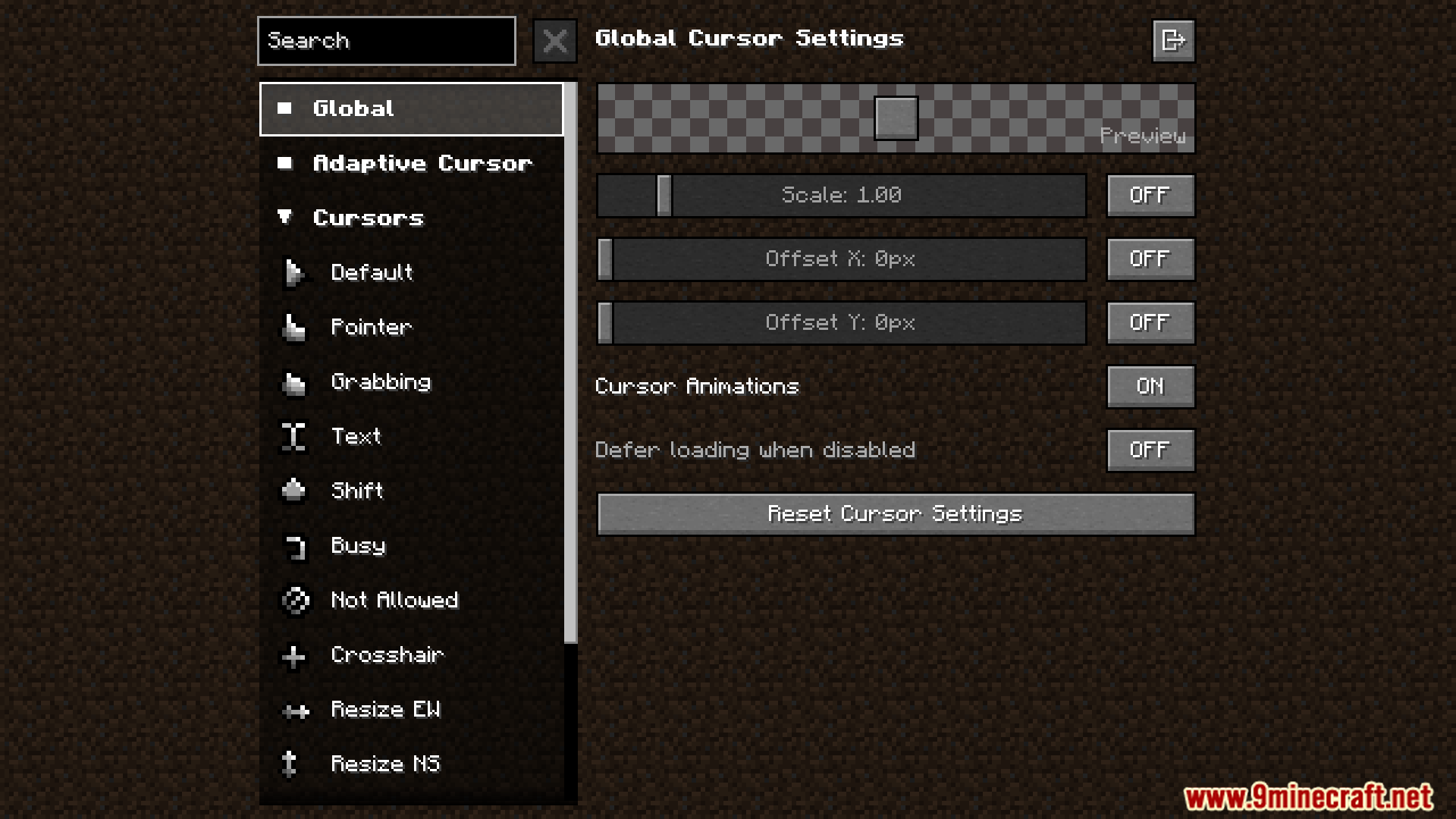
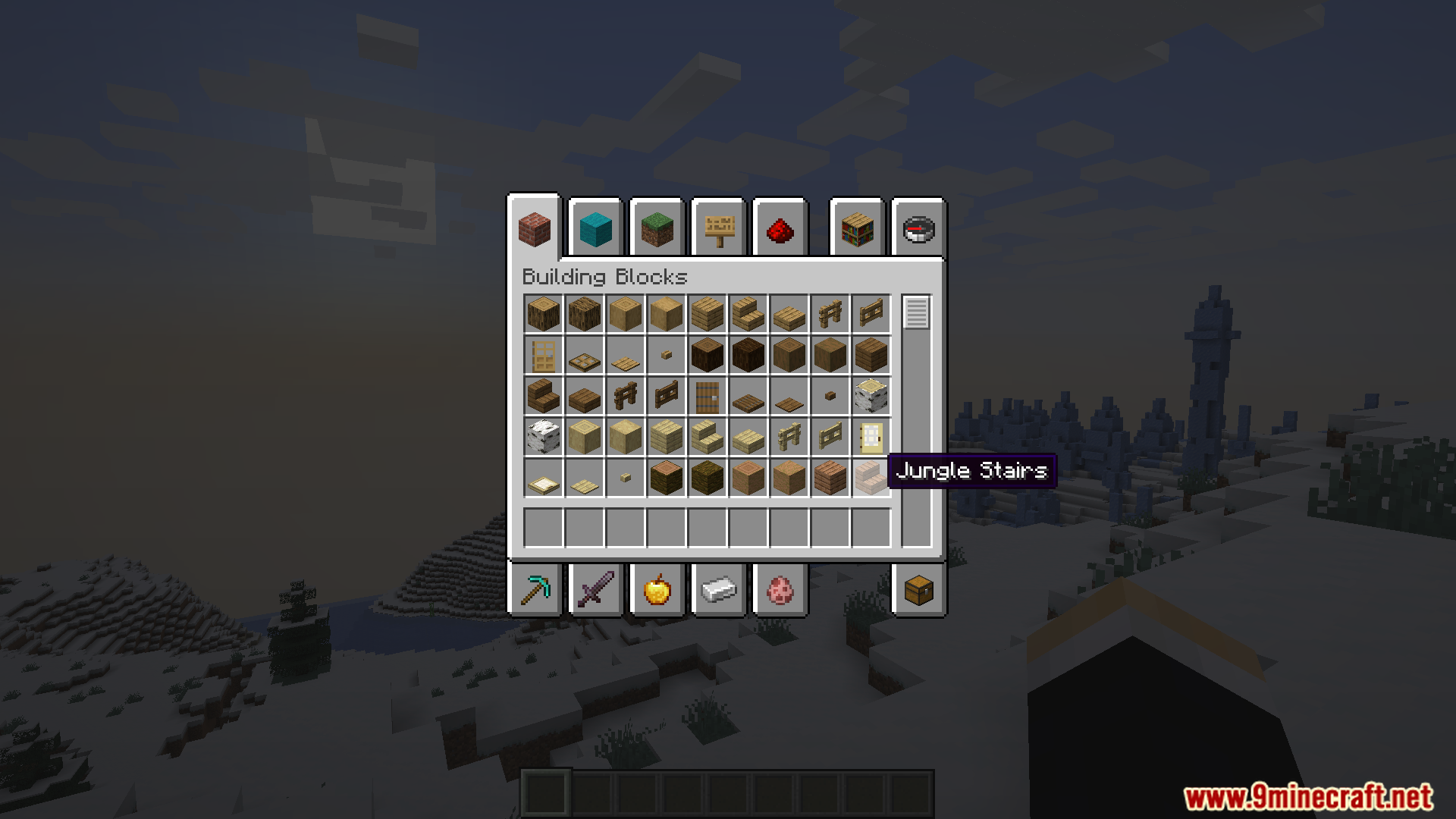
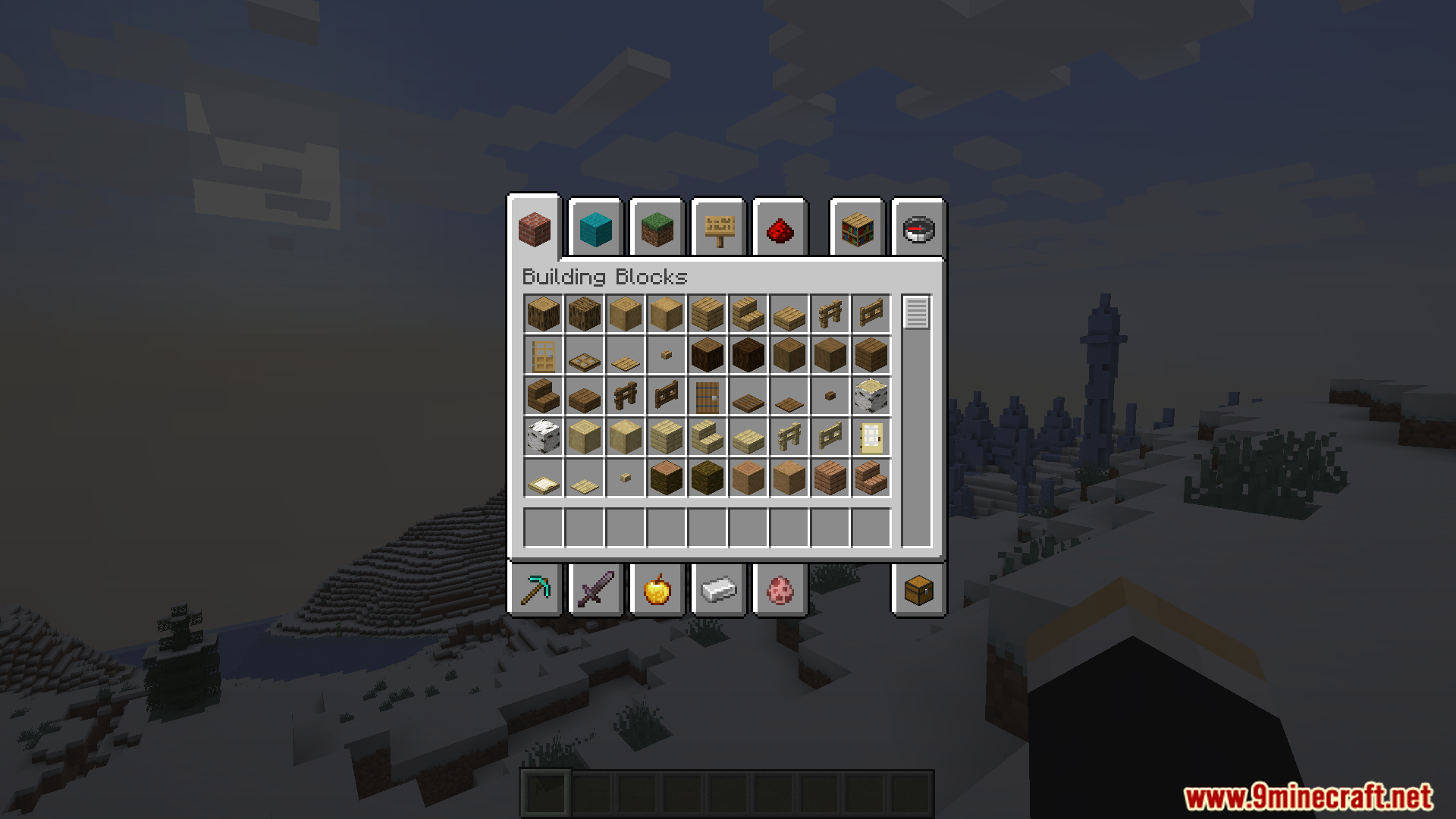
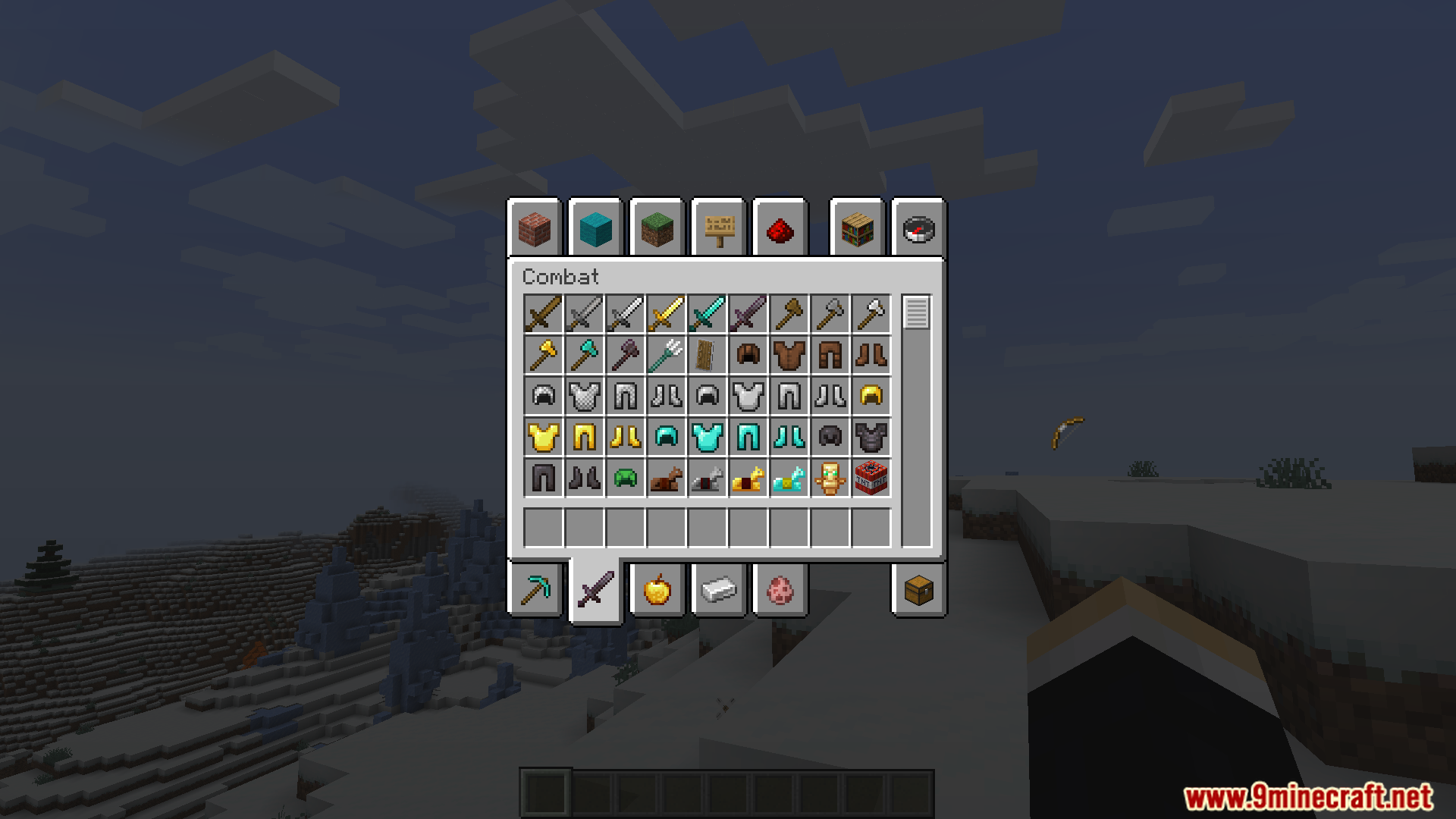
12 images from the Fishstizs Cursor Mod page.

You May Also Like
Wikis that share the most with this one
Extended CraftingExtended MushroomsExtended Block ShapesExtended Bone Meal ModInventory Extended ModGravestone Extended ModExtended IndustrializationExtended Block Shapes BlockusExtended Illumina Resource PackLord of the Rings Renewed Extended ModPolymer Patch For Extended Drawers ModBookshelf Extended Enchanting Reach Mod
Wikis on the same theme: fish
More mod wikis on the site
The most downloaded mods that have a wiki here
A few wikis from each of the other kinds