

 DownloadField Guide Mod
Get the files on 9Minecraft
Guides
Step-by-step, in-game.
Add Custom Notes and Lore to Your Field Guide EntriesAccess Entry Details Open your Field Guide and click on an entry you've already unlocked. Look for an edit or notes…Earn Rewards and XP from DiscoveriesUnderstand Reward Systems When you unlock a new entry, the server may grant you experience points, items, or trigger…Find Hidden or Rare Entries in Your Field GuideUnderstand Hidden Entries Some entries in your Field Guide may be marked as hidden or locked. These are typically…Scan Your First Entity and Unlock a Field Guide EntryEquip and Aim Your Spyglass Hold a spyglass in your main hand. Look through it by right-clicking (or holding the…
Frequently asked questions
How do I start using the Field Guide Mod?
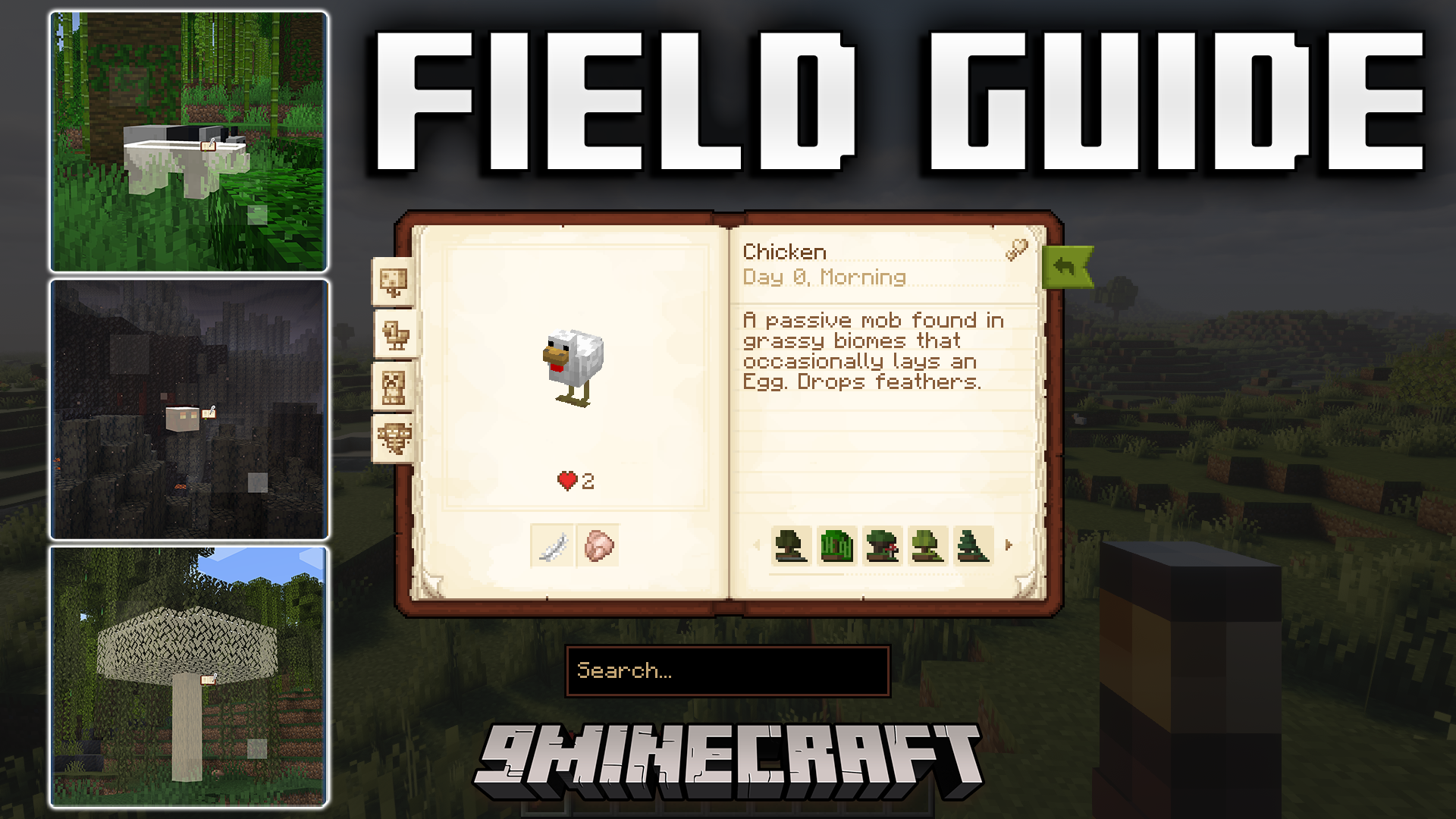
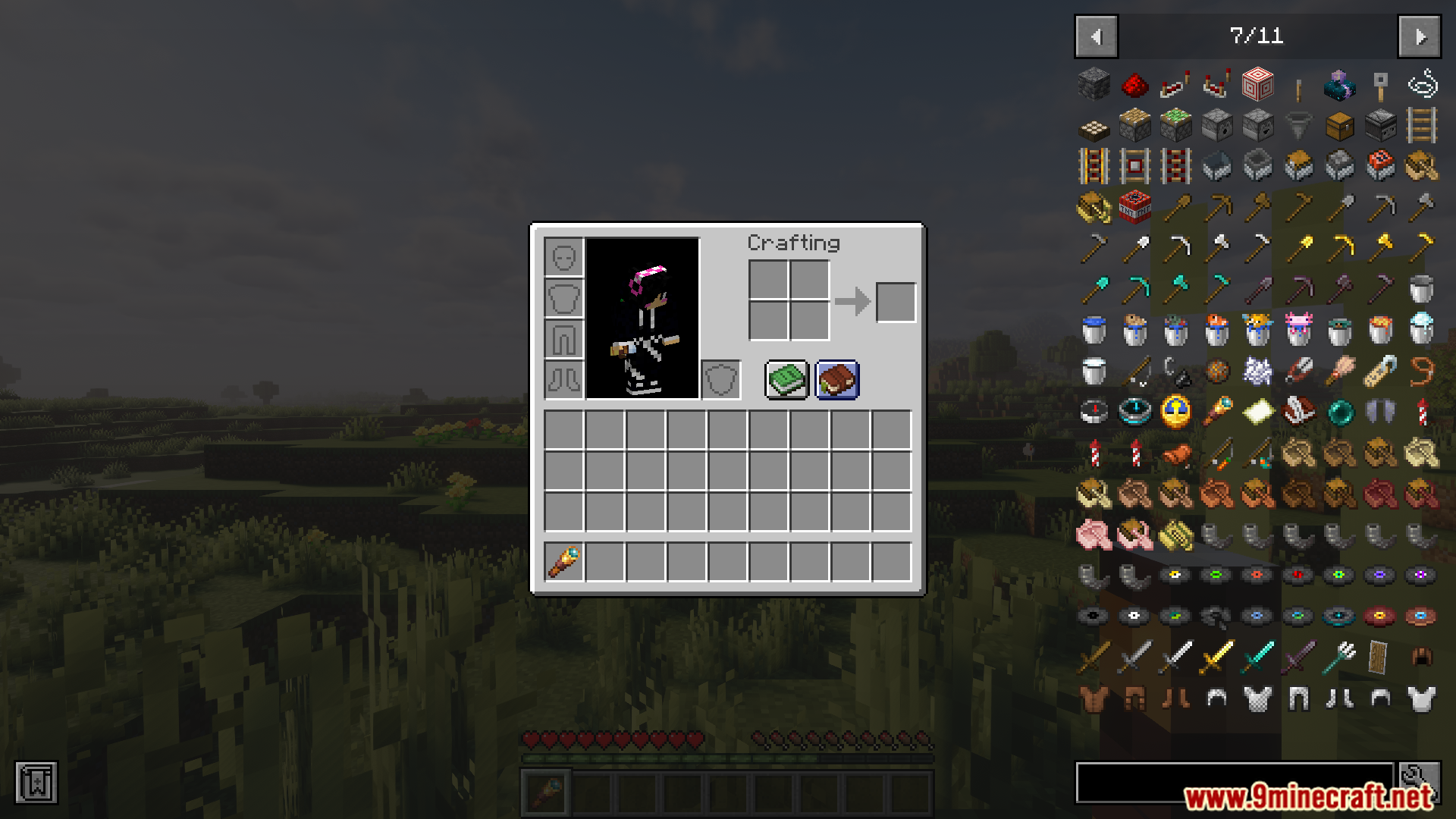
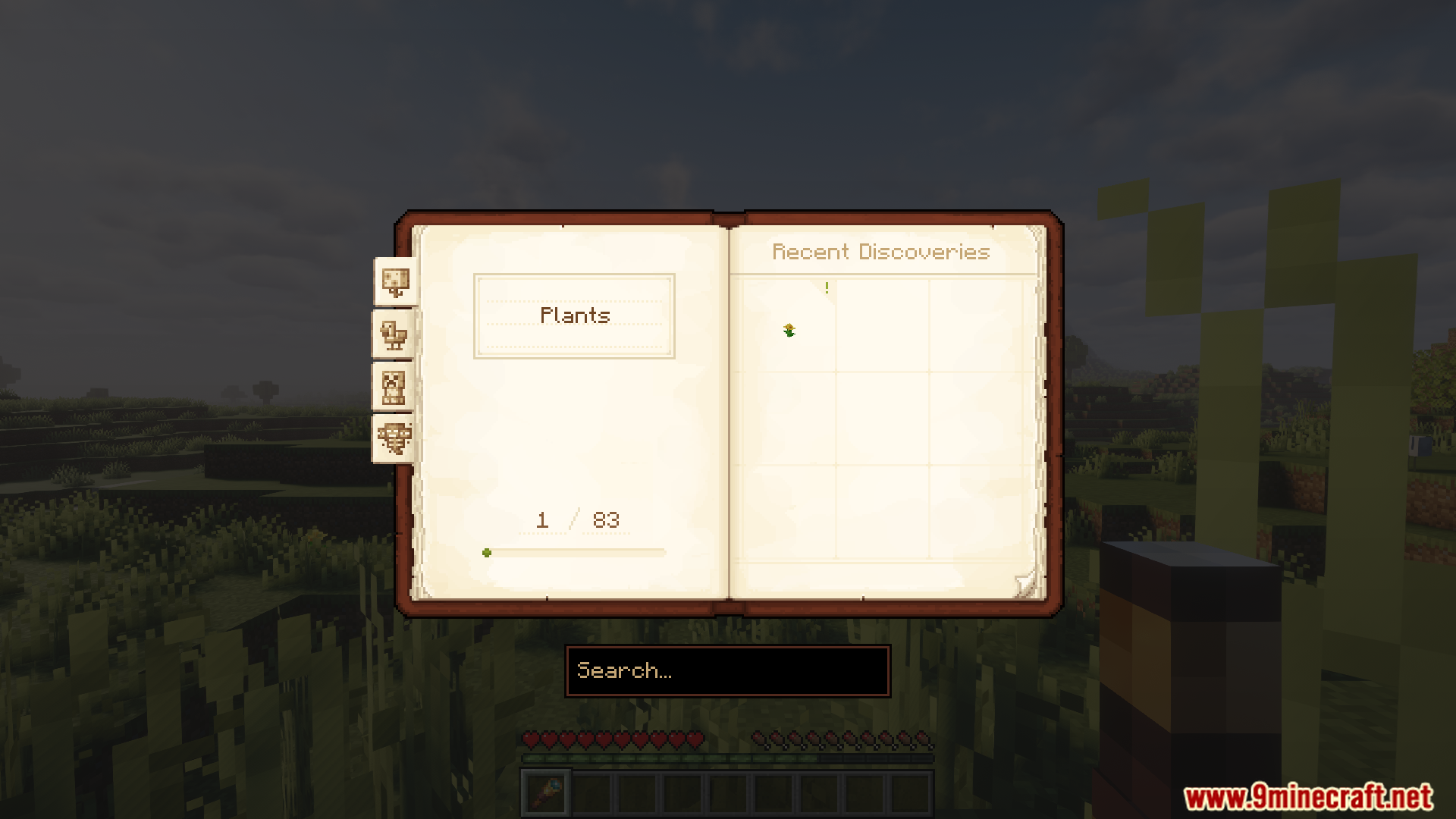
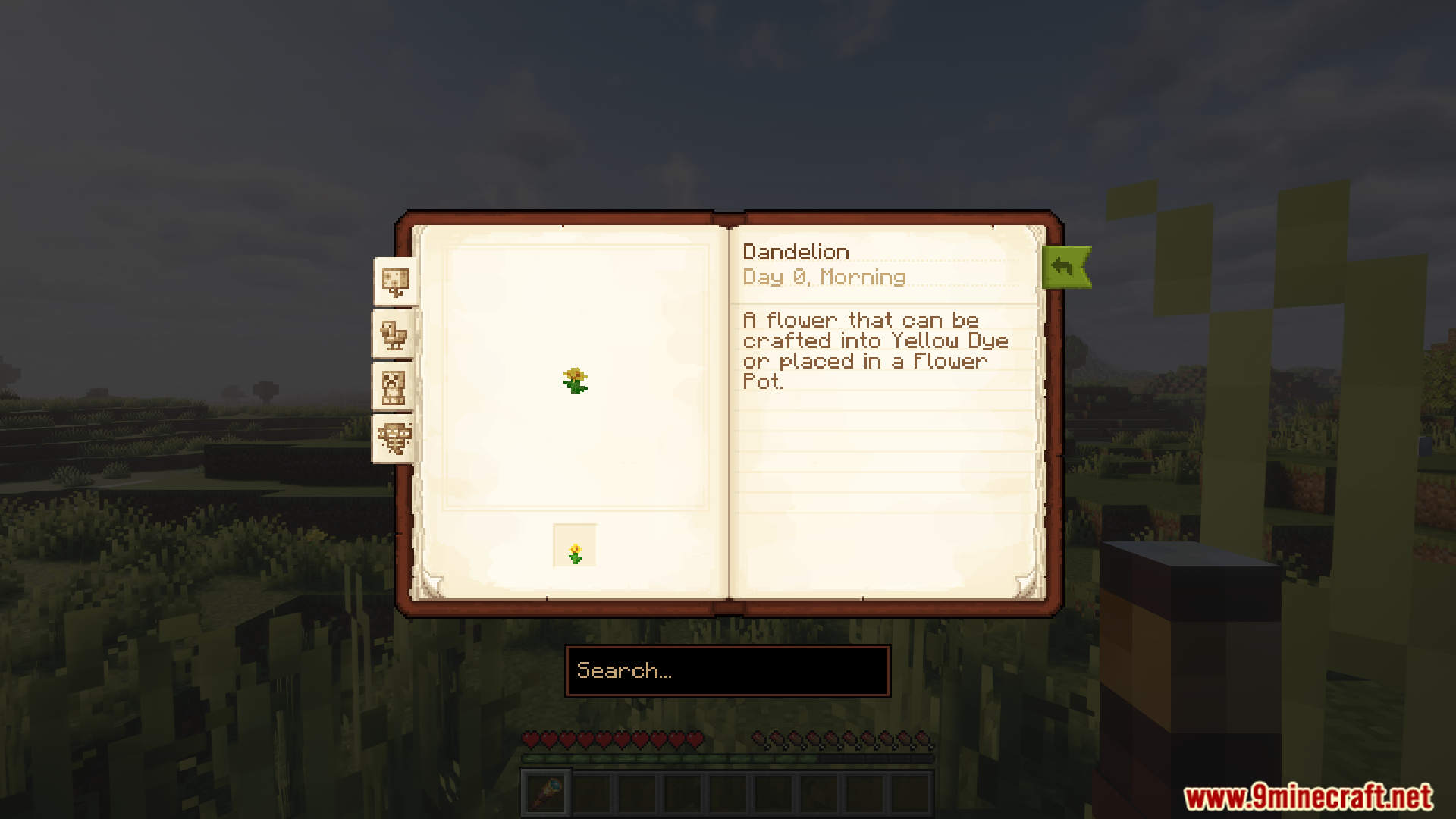
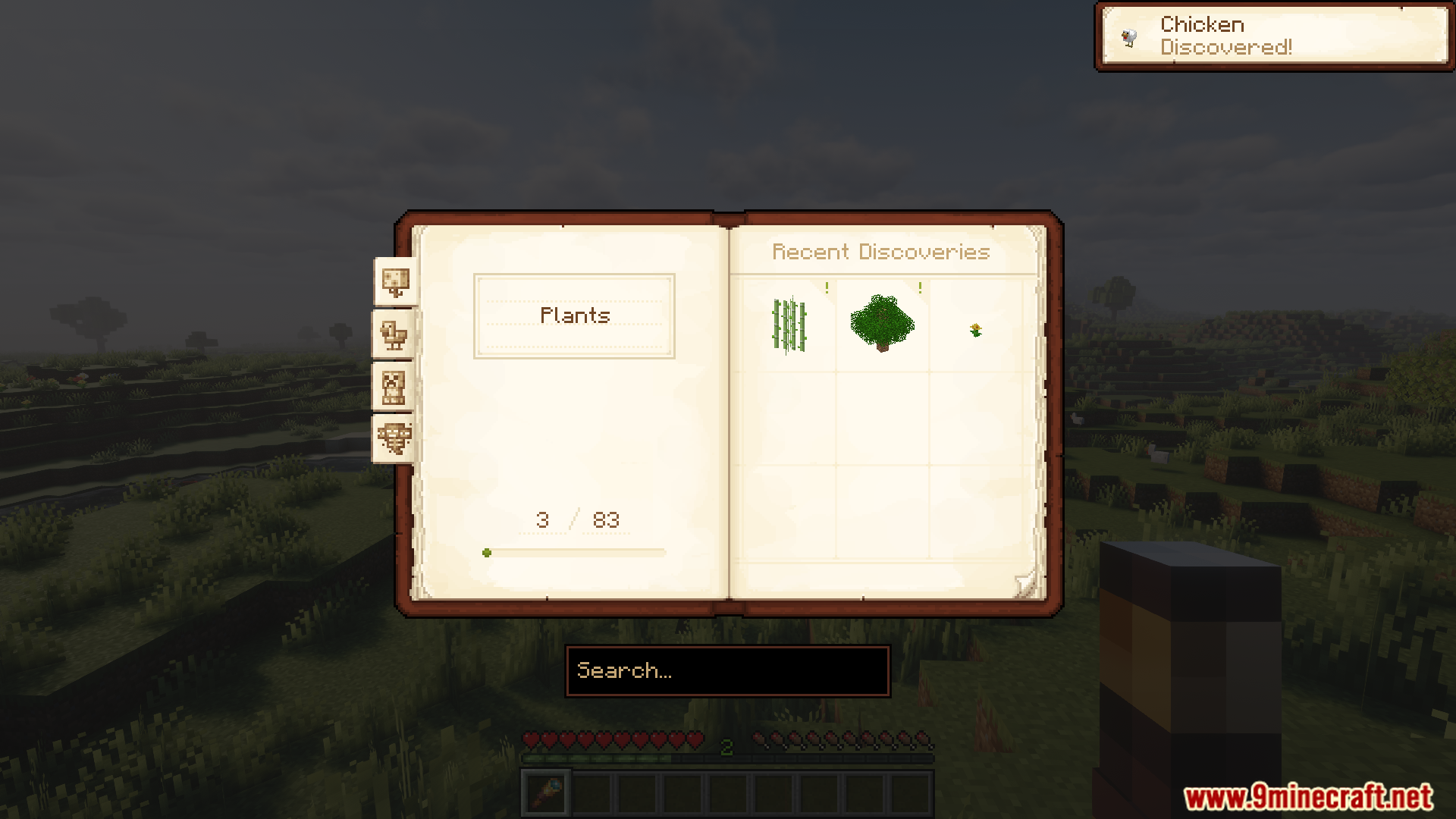
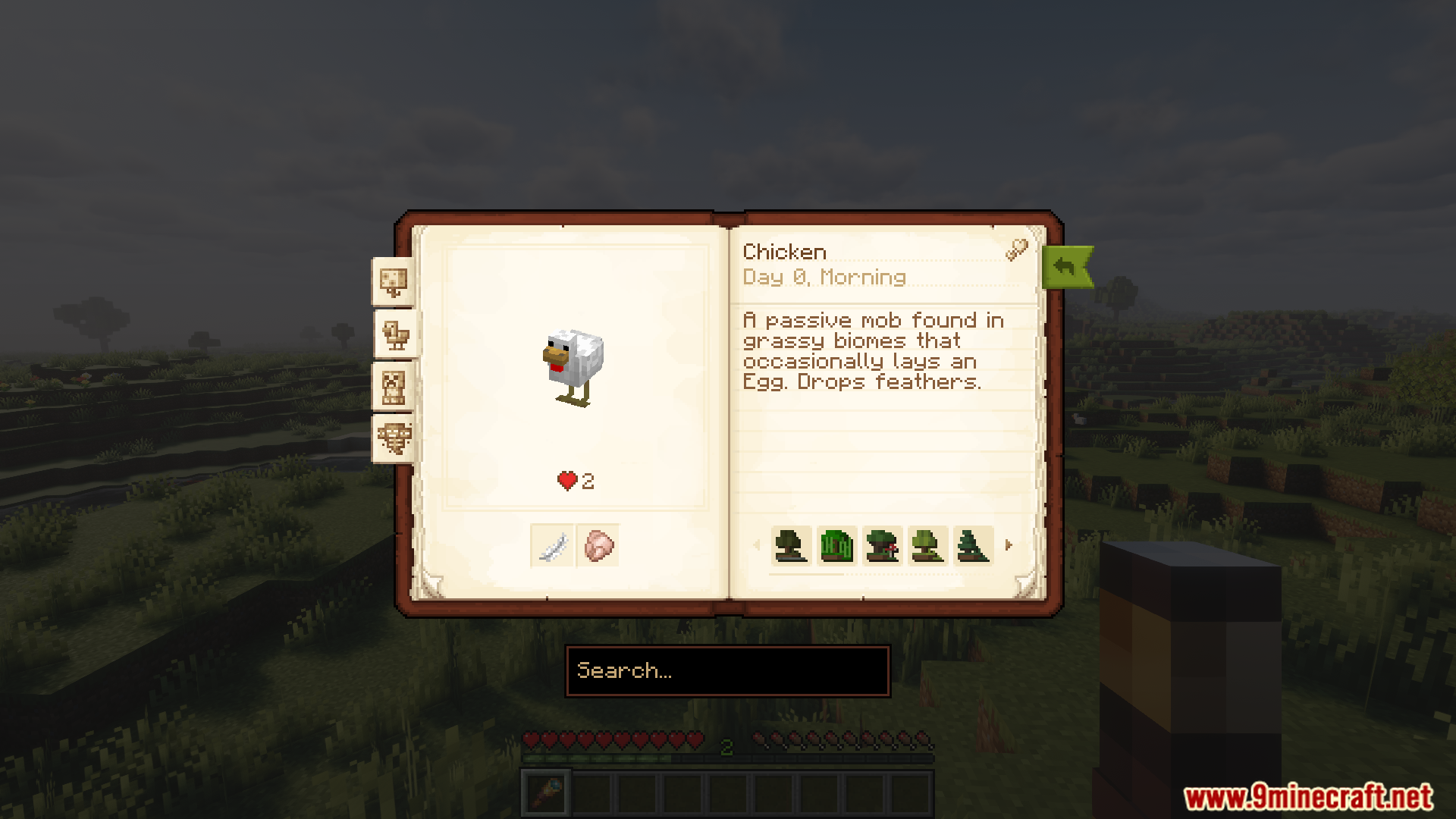
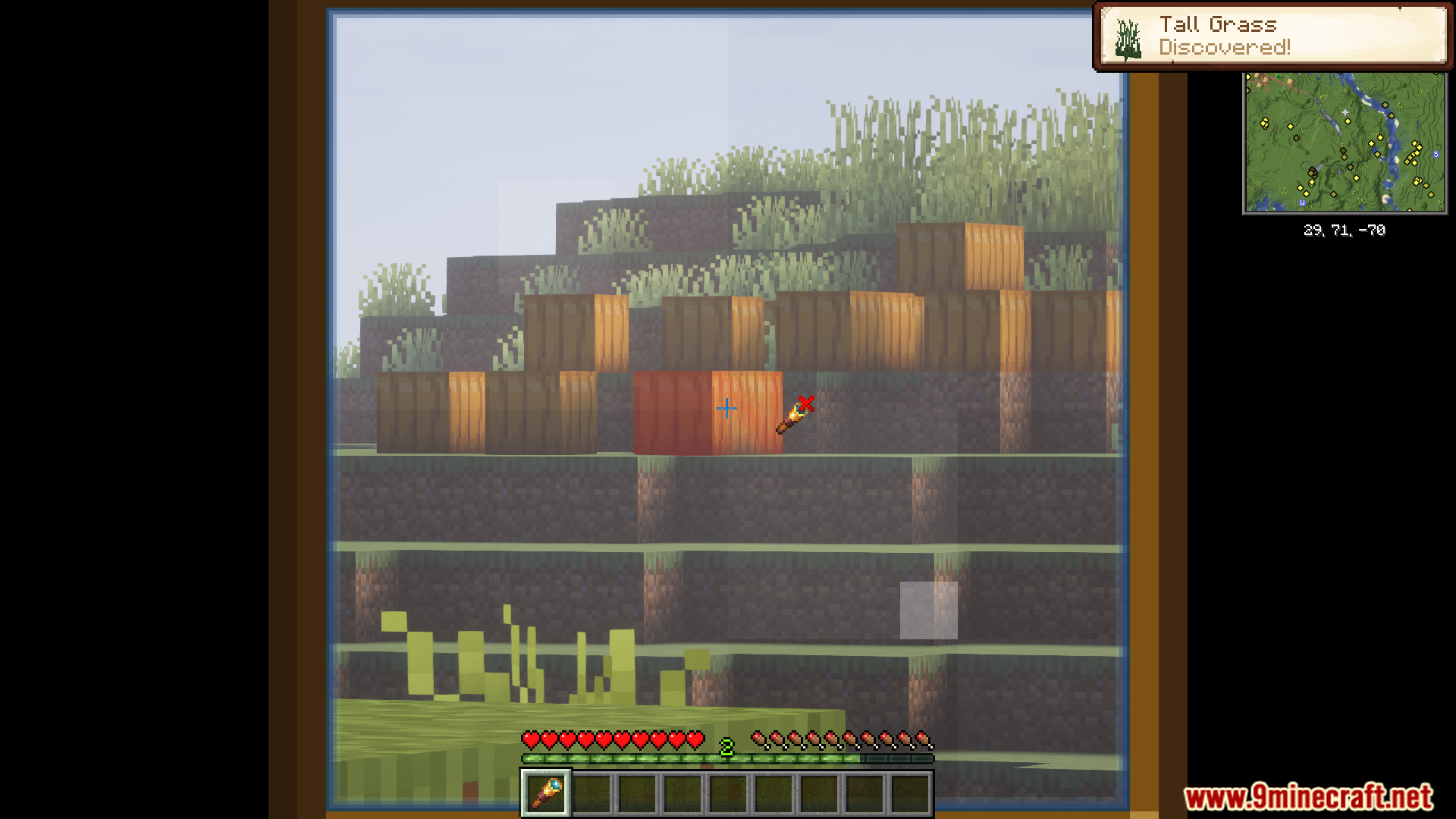
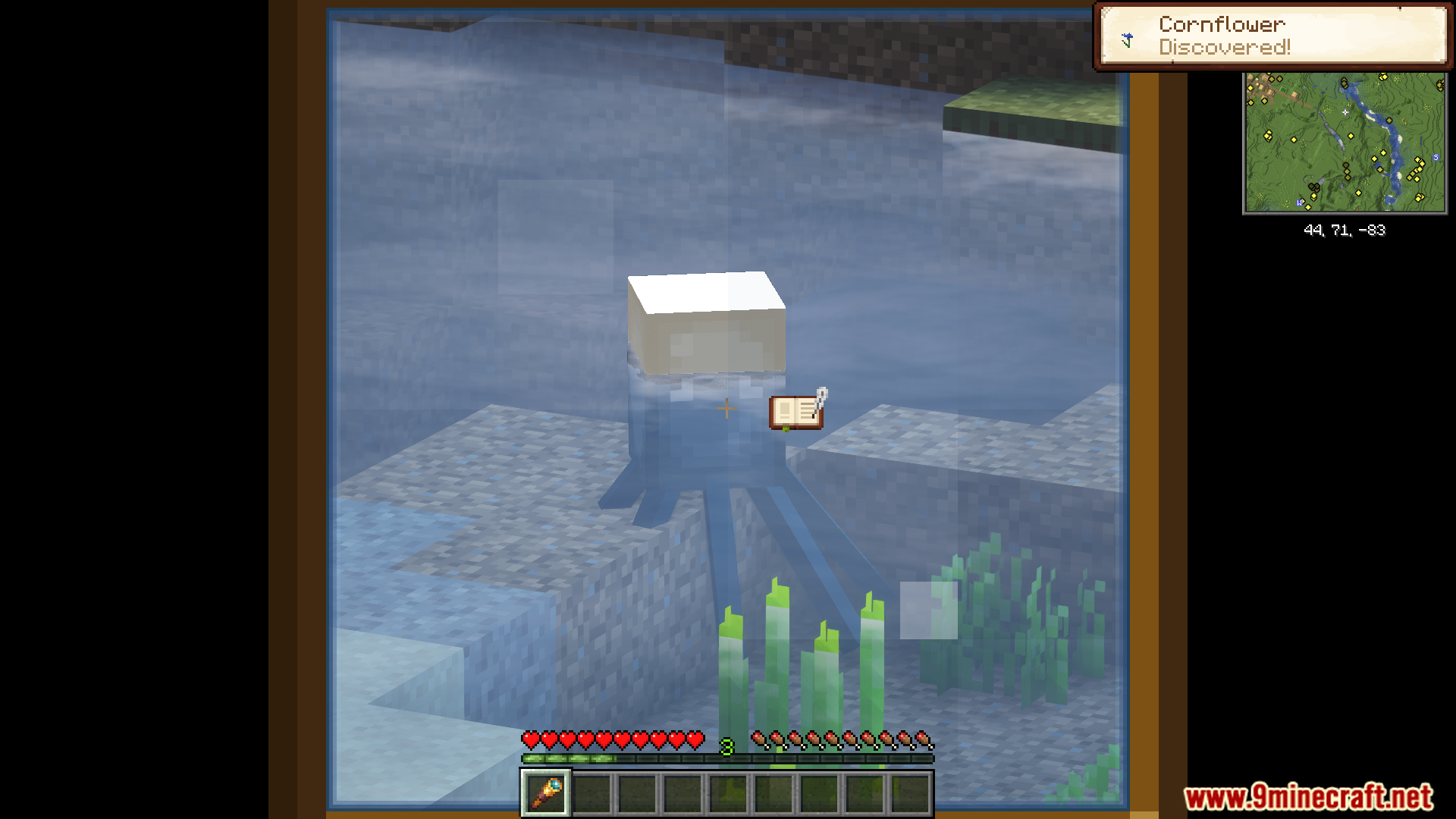
Equip a spyglass and look at any plant, animal, or monster through it to scan and unlock your first Field Guide entry. Open your Field Guide (check your inventory or use the configured keybind) to see what you've discovered so far.
What's the difference between scanning and just looking at something?
You must be holding and actively using a spyglass (right-click to aim) to scan entities and plants. Simply walking past or looking at them without the spyglass won't register a discovery.
Can I scan modded creatures and plants?
Yes, the mod works with modded entities and plants automatically without requiring extra configuration. Any entity or plant in your world can be scanned as long as it's recognized by the game.
Do my discoveries save if I leave the server or world?
Progress is saved per server or world, so your Field Guide entries persist when you log back in. If you join a different server or create a new world, you'll start with a fresh guide.
See all 10 Field Guide questions ›
Gallery
12 images from the Field Guide Mod page.
You May Also Like
Wikis that share the most with this one
 Depth of Field Test3 Shaders
More mod wikis on the site
The most downloaded mods that have a wiki here
A few wikis from each of the other kinds