

 DownloadFarsight Mod
Get the files on 9Minecraft
Guides
Step-by-step, in-game.
Increase Your View Distance Beyond Server LimitsAccess the Mod Configuration Farsight Mod works automatically once installed, but you can customize how far chunks…Preserve Loaded Chunks When Server Unloads ThemUnderstand Client-Side Chunk Retention Farsight Mod automatically saves chunks your client has loaded. Once you've…Troubleshoot Lag and Performance IssuesIdentify the Problem If you experience frame rate drops after installing Farsight Mod, the most likely cause is…Use Farsight Mod on Multiplayer ServersVerify Server Compatibility Farsight Mod is entirely client-side, meaning it requires no special server configuration…
Frequently asked questions
How do I enable Farsight after installing it?
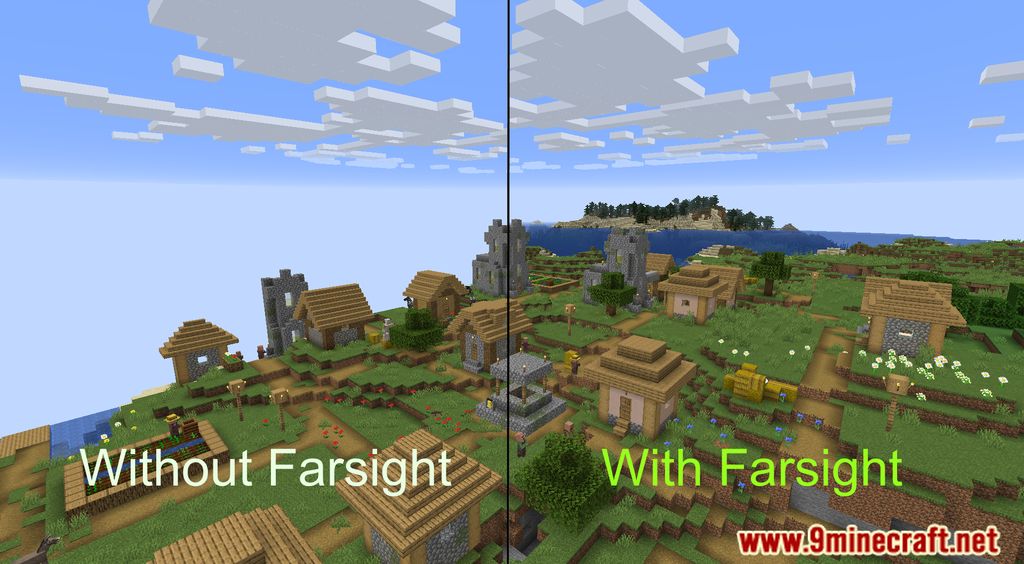
Farsight Mod is enabled by default once installed. Open your mod settings or config file to adjust the maximum render distance if needed—the mod will start caching chunks automatically as you explore.
Why can't I see chunks the server hasn't loaded yet?
Farsight can only display chunks that the server has already sent to your client. If you haven't visited an area yet, the server won't provide that chunk data, so the mod can't show it—you need to travel there first or wait for the server to load it.
Will chunks stay visible after the server unloads them?
Yes, that's the main feature—once Farsight caches a chunk on your client, it remains visible even after the server unloads it. This is a client-side copy, so changes made by other players won't update until you revisit the area.
See all 10 Farsight questions ›
Gallery
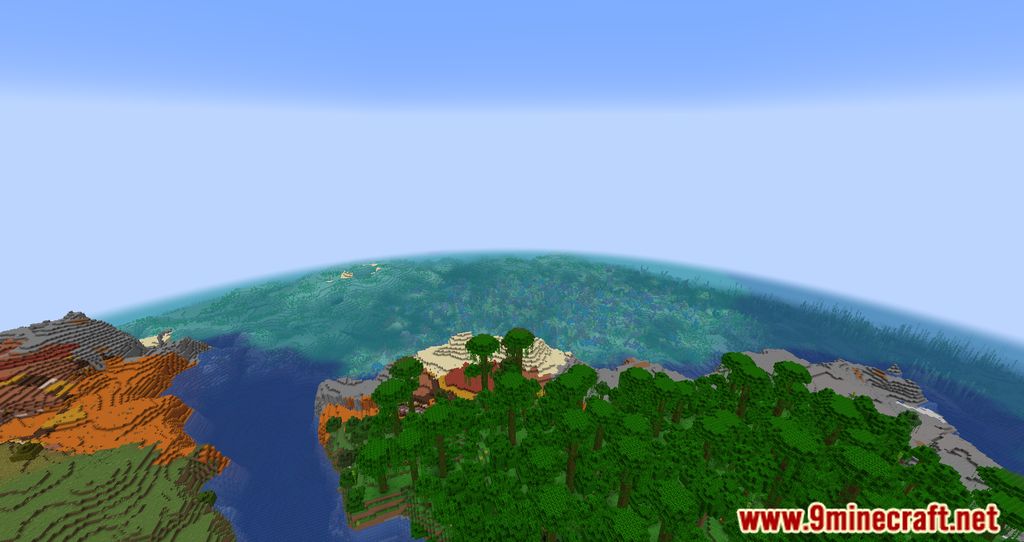
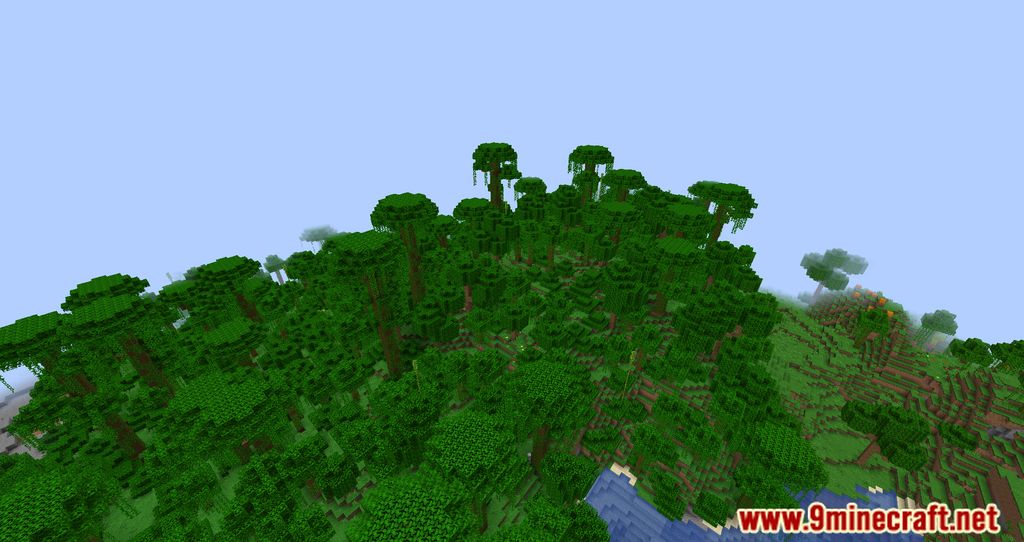
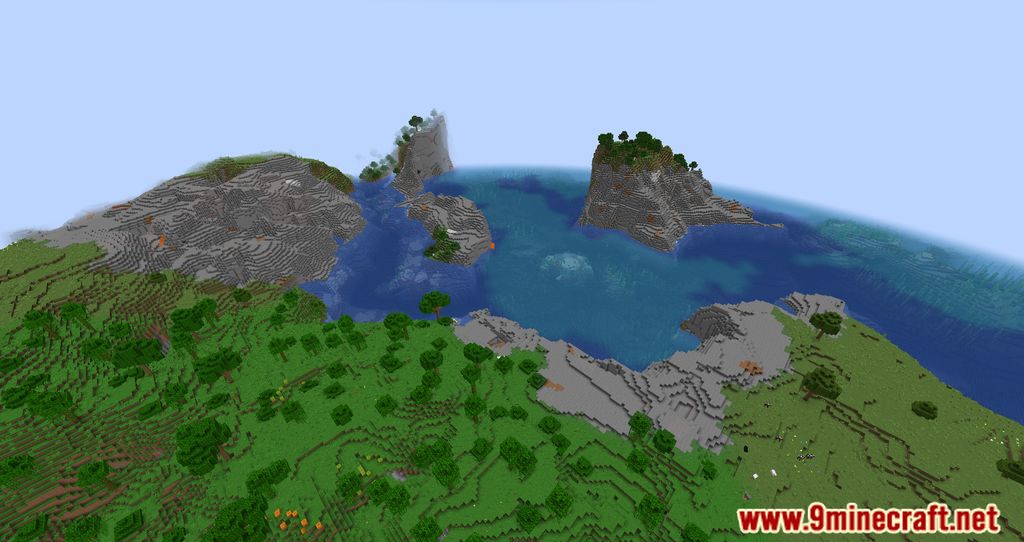
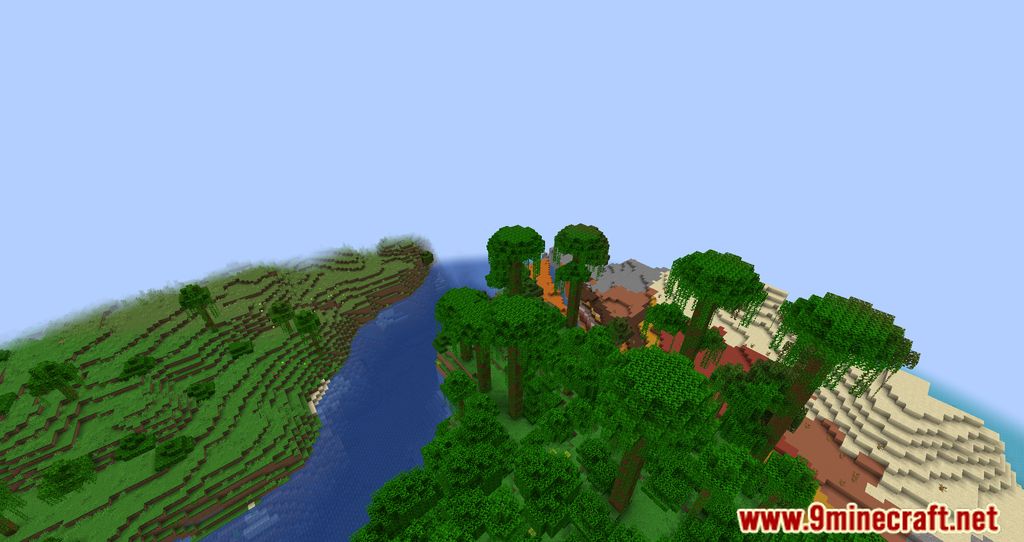
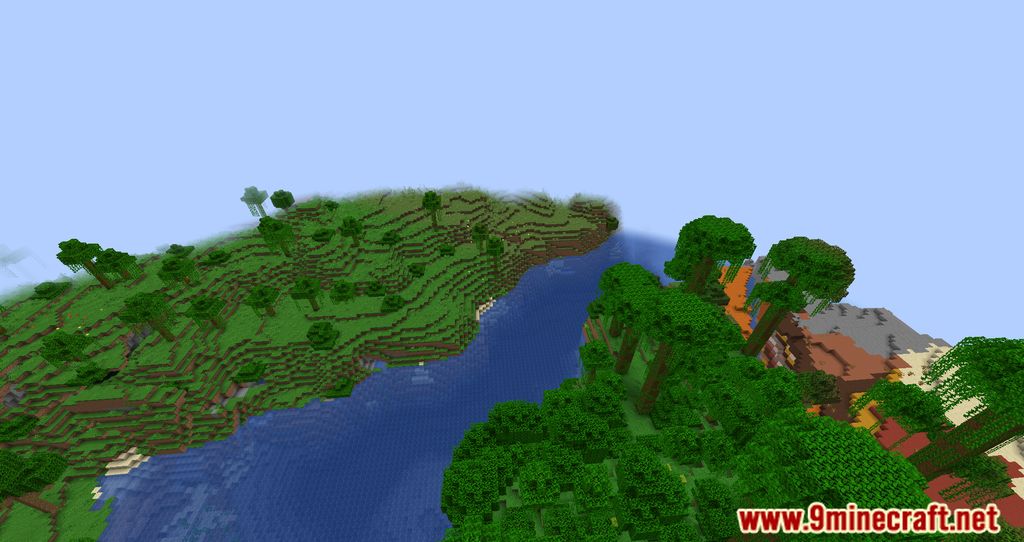
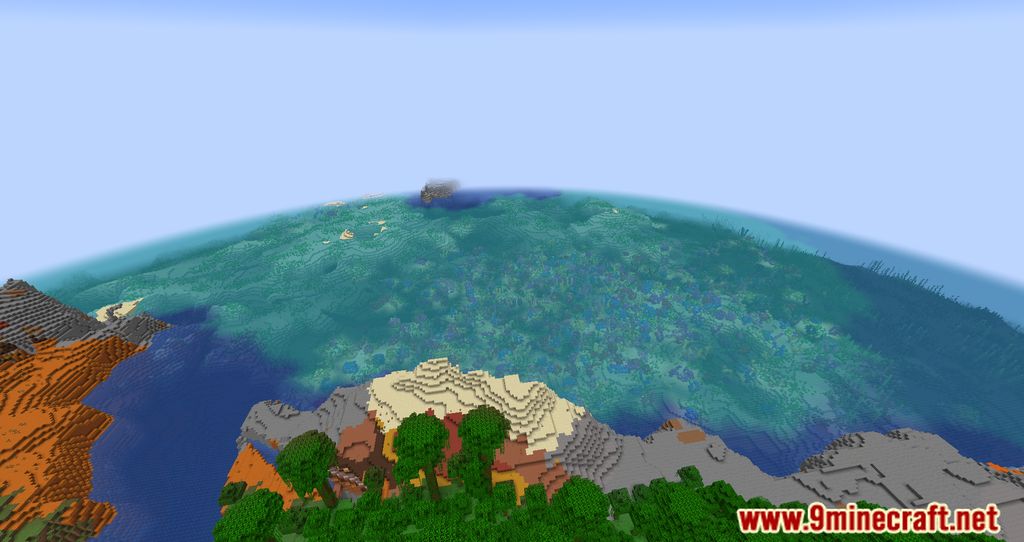
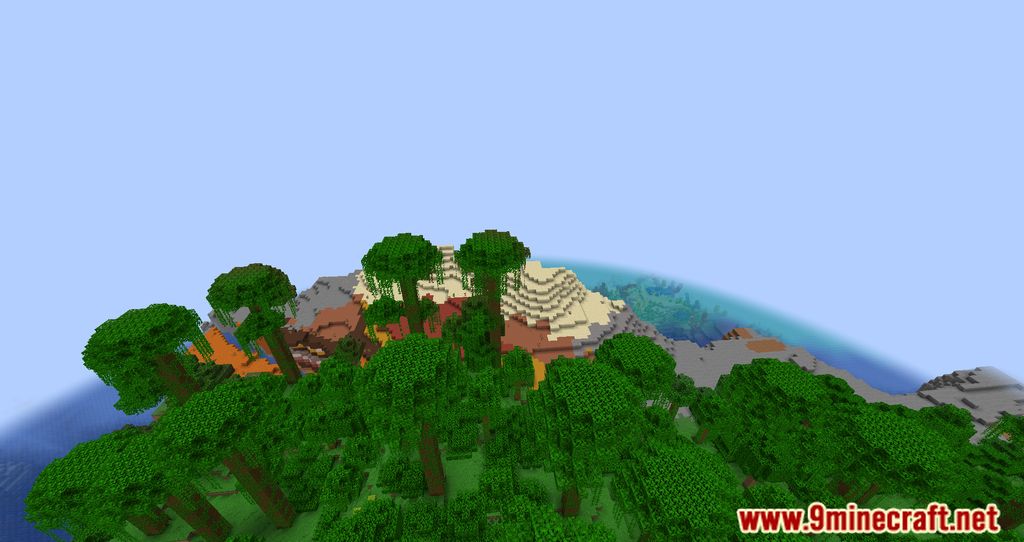
11 images from the Farsight Mod page.
You May Also Like
Wikis that share the most with this one
Wikis on the same theme: end
More mod wikis on the site
The most downloaded mods that have a wiki here
A few wikis from each of the other kinds