

 DownloadFacet Mod
Get the files on 9Minecraft
Guides
Step-by-step, in-game.
Highlight Blocks Beyond Normal ReachUsing Extended Block Highlighting Facet's highlighting system outlines targeted blocks with neon borders, even when…Mark Important Blocks with Graffiti MarkersPlacing Private Visual Markers Graffiti markers let you leave four different colored marks on block surfaces as…Measure Distance Between Two PointsReading the Block Counting HUD The Block Counting HUD displays coordinate differences and total distance to your…Preview Block Rotation Before PlacingUsing Holographic Preview The holographic preview feature lets you see exactly how a functional block (like a…
Frequently asked questions
How do I activate the holographic preview?
Can I use the distance measuring tool in Survival mode?
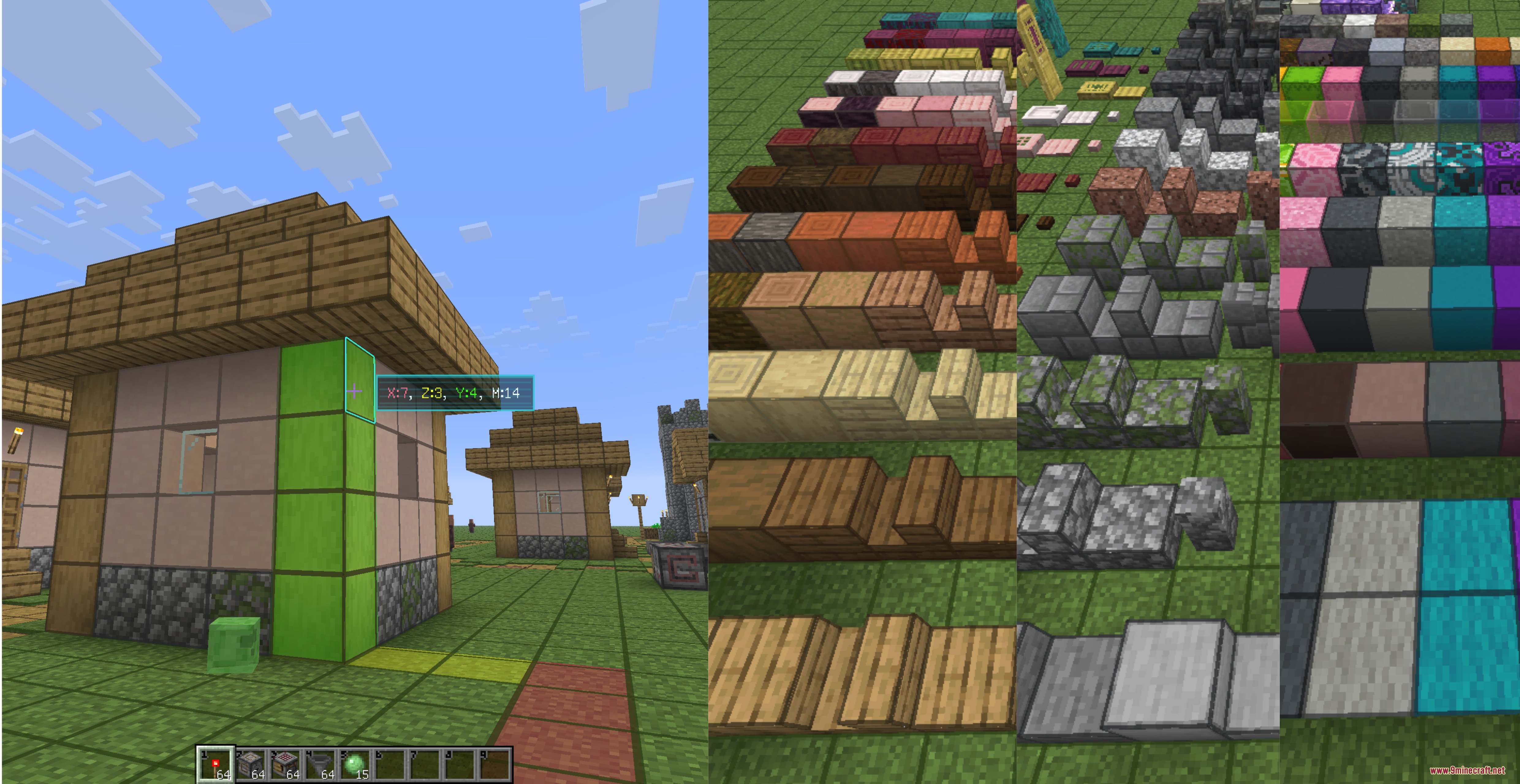
Yes, the Block Counting HUD works in both Survival and Creative modes. Look at any block and it will display the X, Y, Z coordinate differences and total Manhattan distance from your position.
What's the difference between Manhattan distance and regular distance?
Manhattan distance counts the total steps you'd need to walk along the X, Y, and Z axes separately (like navigating city blocks), while regular distance is the straight-line measurement through space. The mod shows you both values so you can plan builds accurately.
How many graffiti markers can I place?
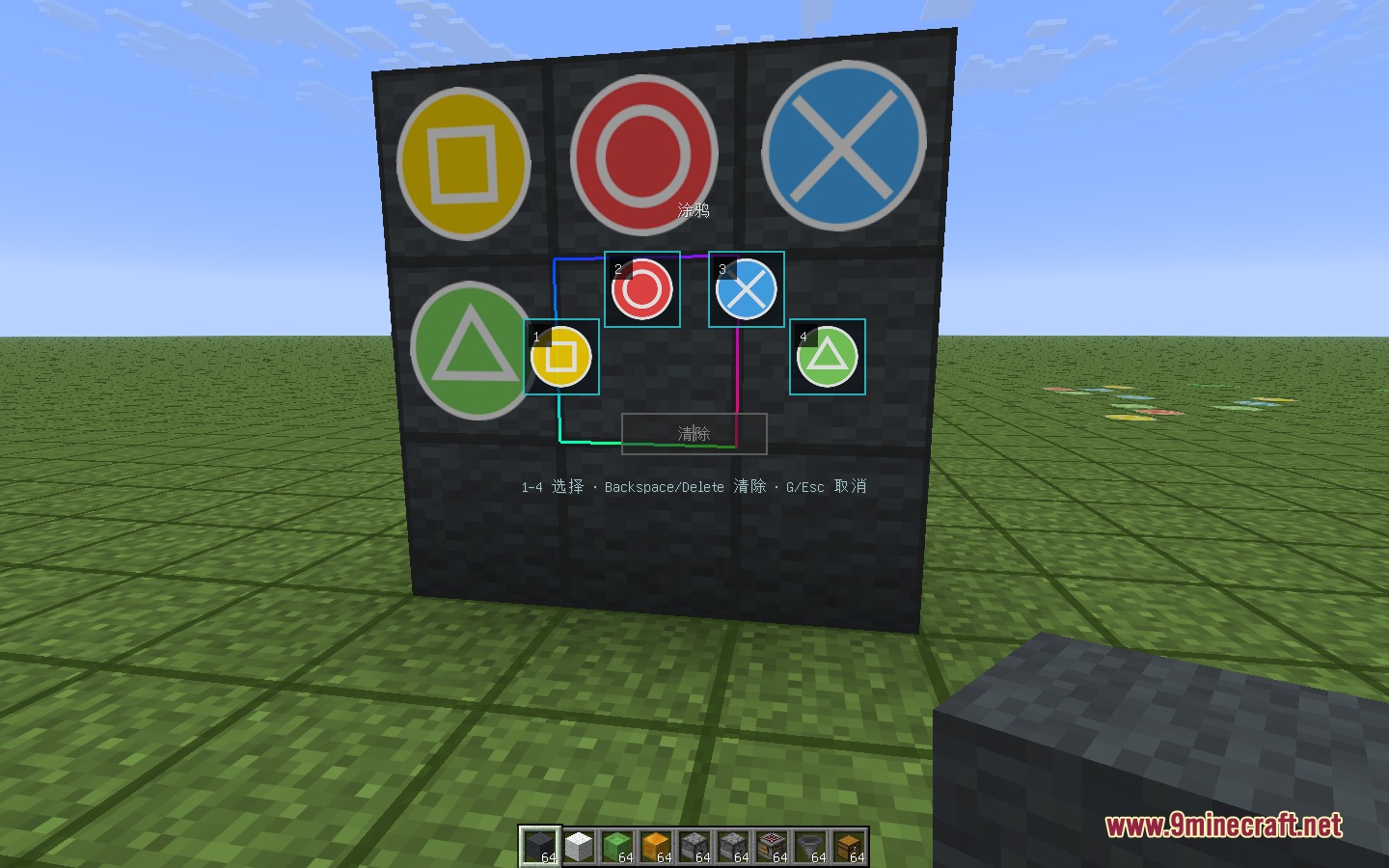
You can place four different colored visual marks on blocks using the radial wheel menu. These markers are private to you and help you organize and plan your building projects.
Gallery
6 images from the Facet Mod page.
You May Also Like
Wikis that share the most with this one
More mod wikis on the site
The most downloaded mods that have a wiki here
A few wikis from each of the other kinds