

 DownloadElytra Control Mod
Get the files on 9Minecraft
Guides
Step-by-step, in-game.
Pause Your Flight Mid-AirHow to Hover in Place The Elytra Control Mod lets you stop mid-flight without landing. Steps 1. While flying with…Set Up Custom Keybindings for Elytra ControlConfigure Your Control Keys The Elytra Control Mod uses your existing Minecraft keybinds by default, but you can…Toggle Your Elytra On and Off During FlightDisable Elytra Without Landing Sometimes you want to drop down quickly or switch to another mode of travel…Use Elytra Control for Safe Exploration and BuildingPractical Applications for Elytra Pausing The pause feature opens up new exploration and building strategies. Here's…
Frequently asked questions
How do I pause my elytra mid-flight?
Press your jump key (default spacebar) while flying with your elytra to freeze in place mid-air. Press it again to resume flight.
Can I turn off my elytra without landing?
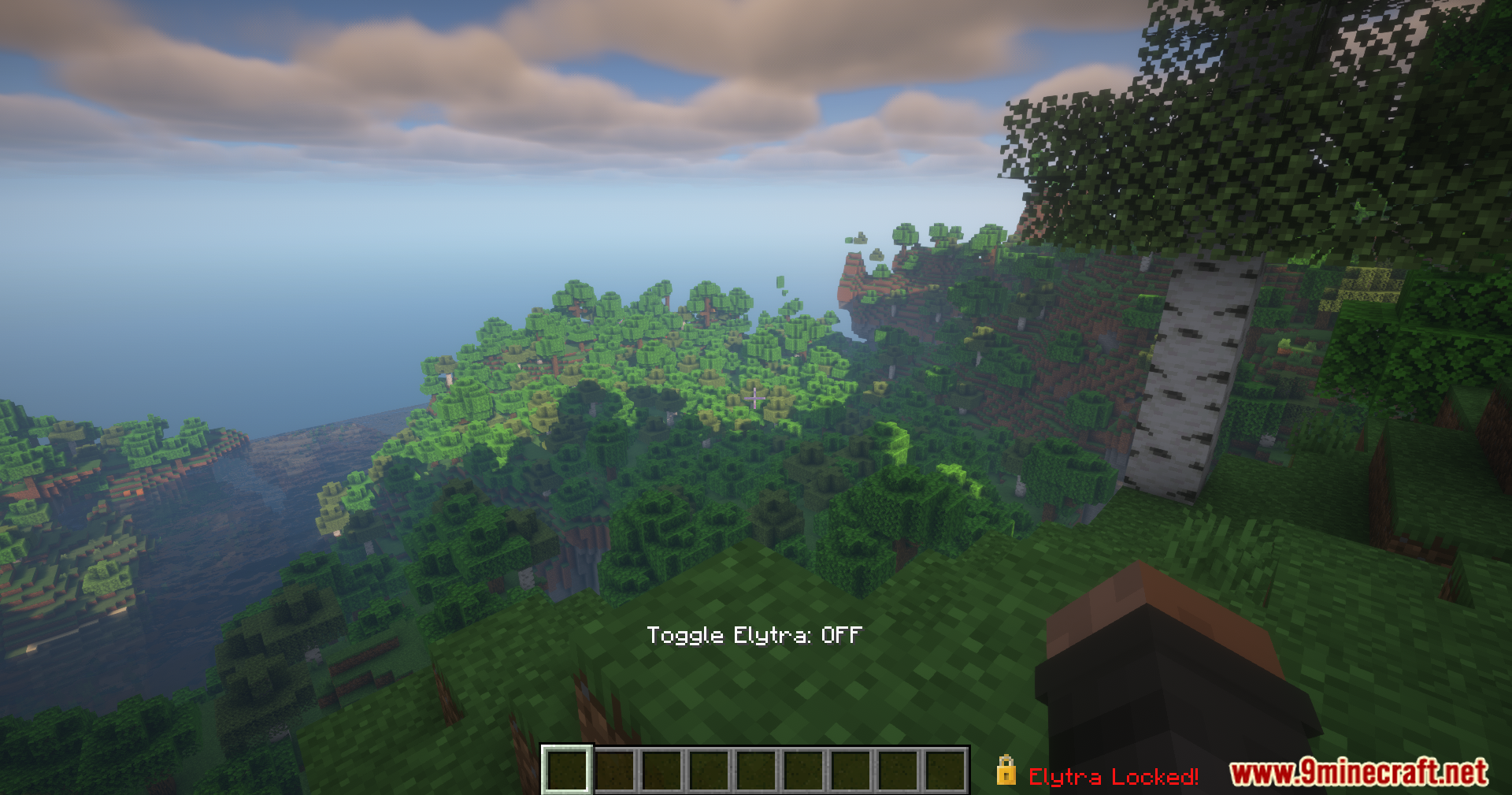
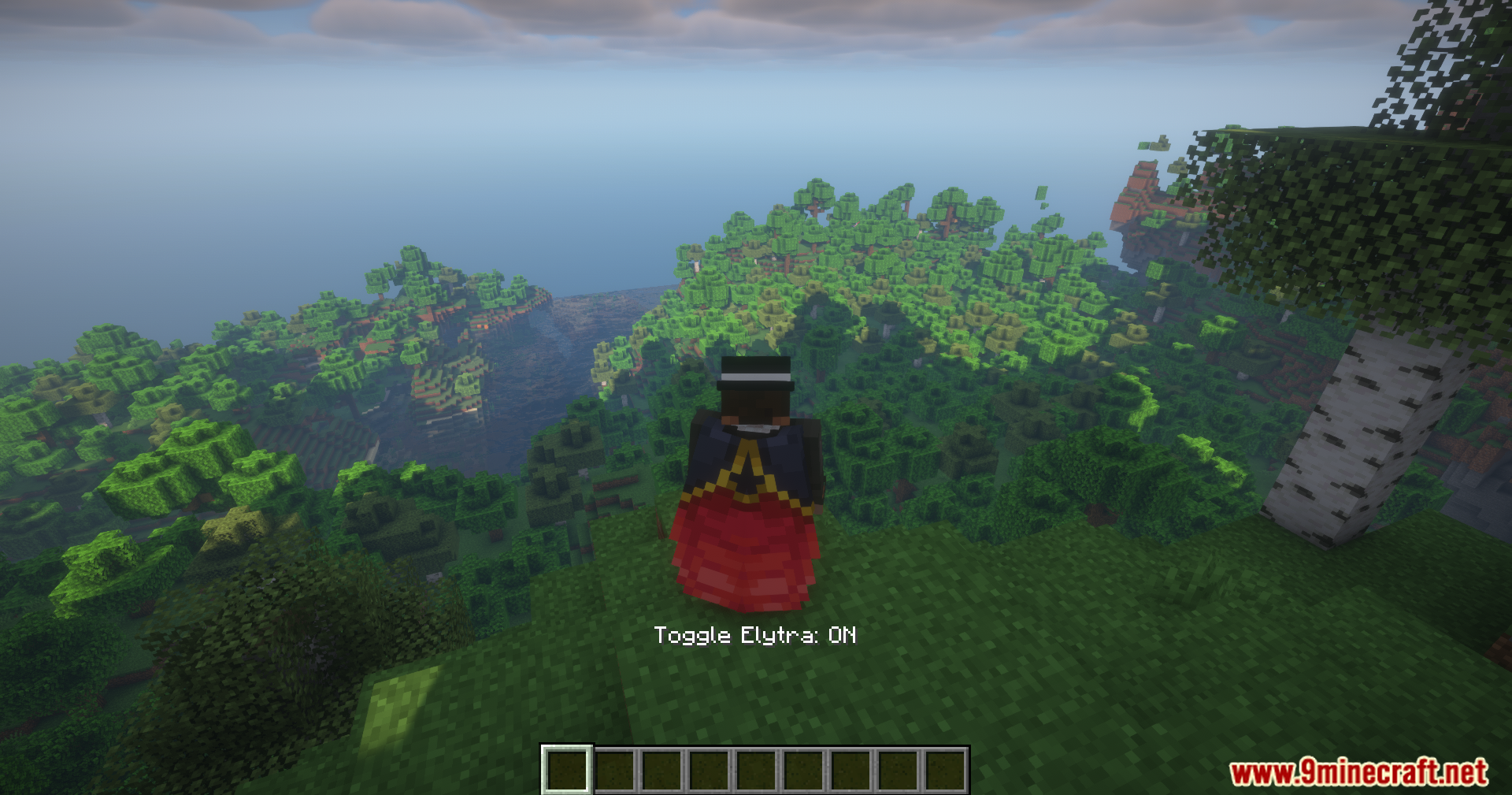
Yes, use the toggle keybinding (configurable in your controls menu) to disable your elytra while airborne. You'll begin falling normally once disabled.
What's the difference between pausing and toggling?
Pausing keeps your elytra active but stops your movement temporarily. Toggling disables the elytra entirely, so you'll fall and need to re-equip it to fly again.
How do I set custom keybinds for this mod?
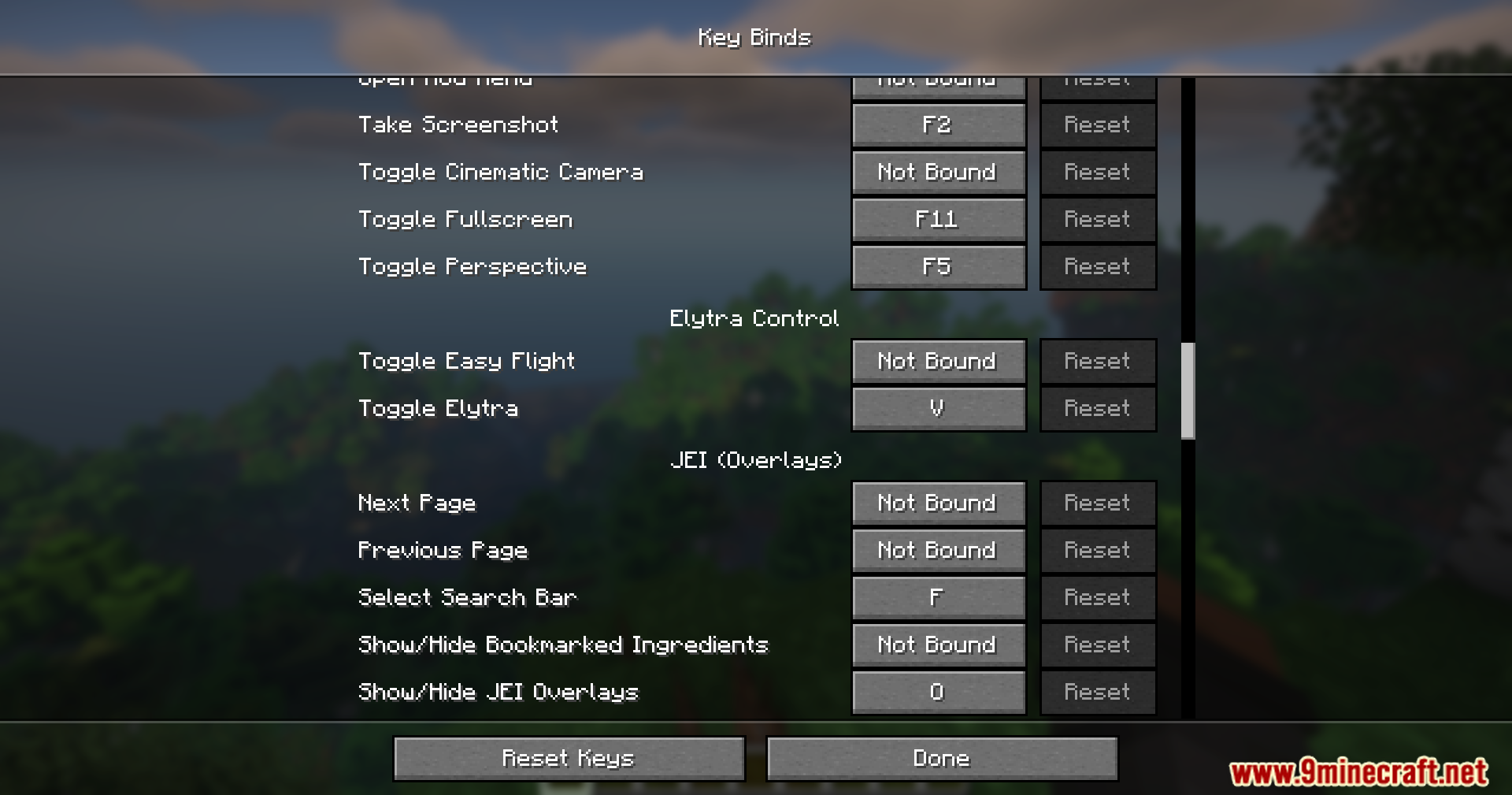
Open your Controls menu in-game, scroll down to find Elytra Control keybindings, and click to assign your preferred keys.
See all 10 Elytra Control questions ›
Gallery
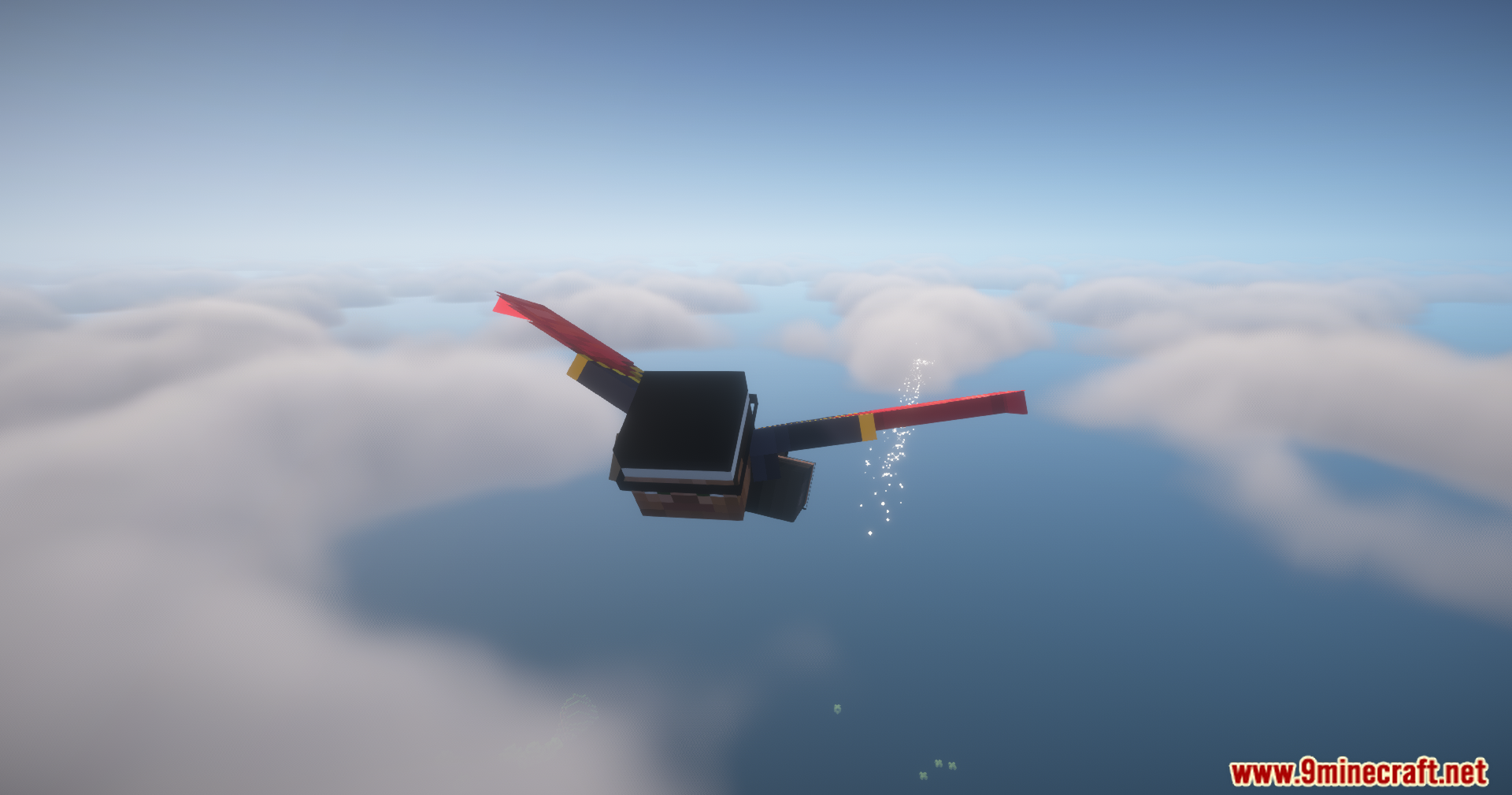
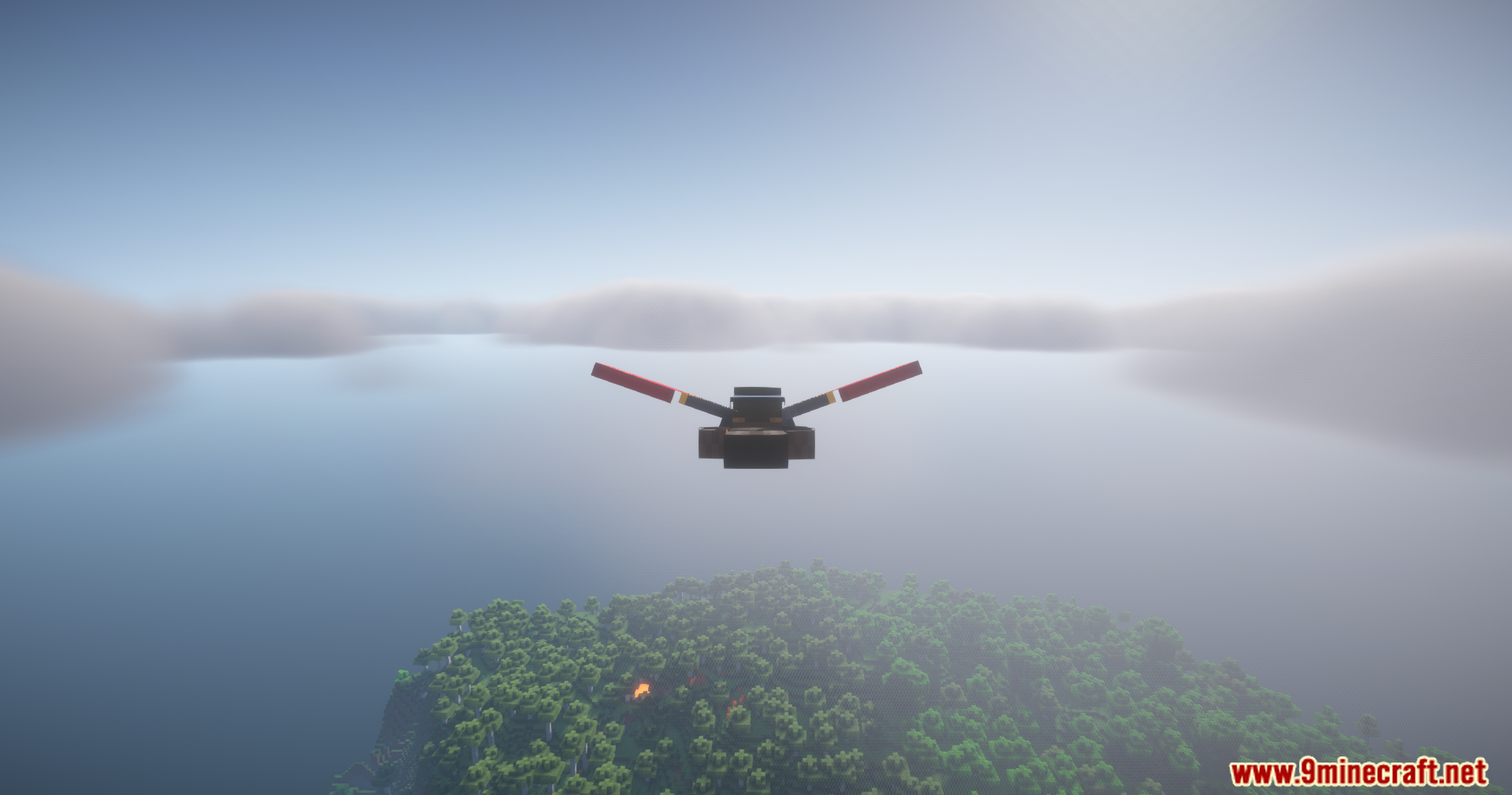
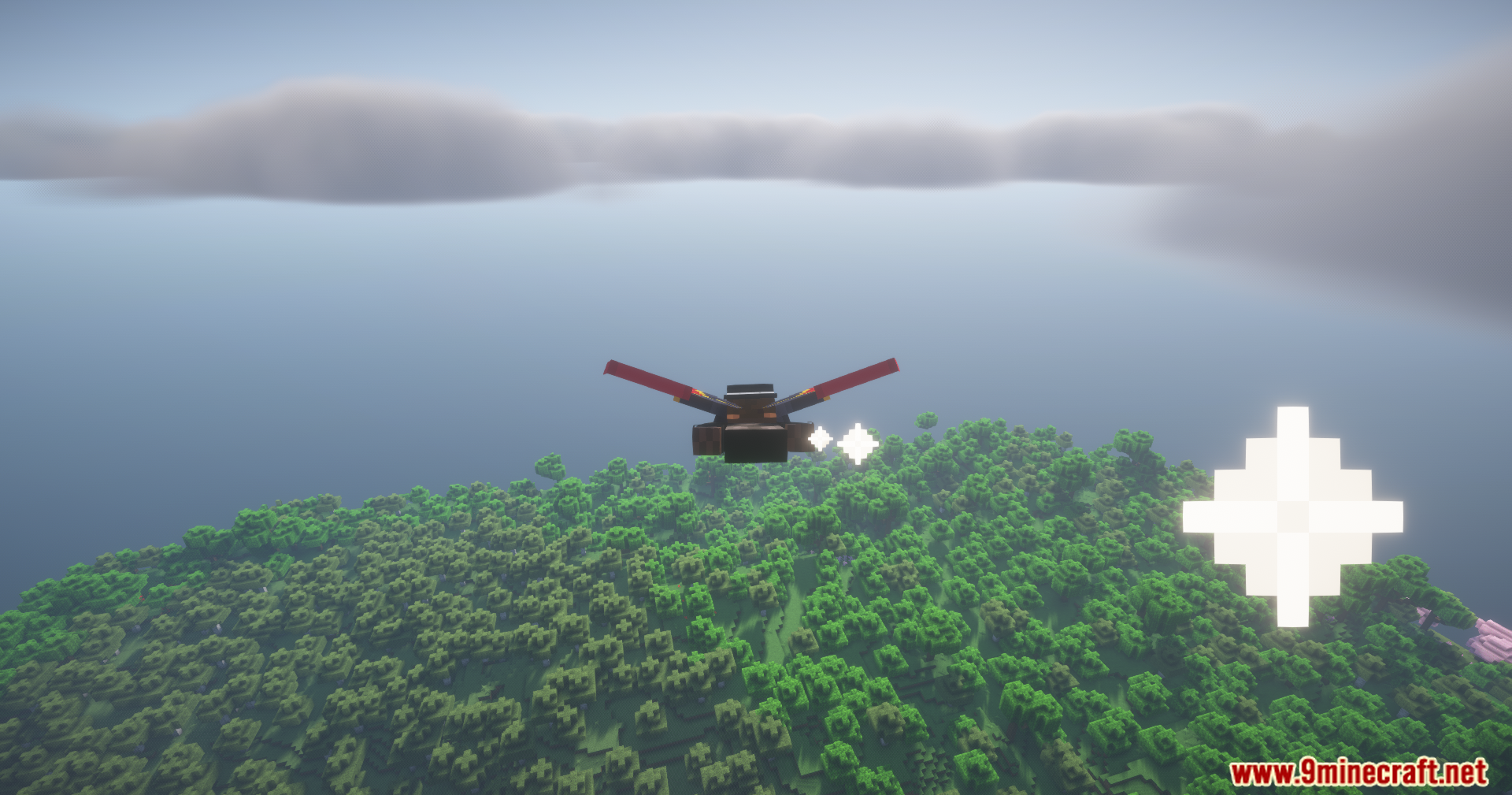
11 images from the Elytra Control Mod page.
You May Also Like
Wikis that share the most with this one
Wikis on the same theme: light
More mod wikis on the site
 Elemental Visions Adventure Mod
The most downloaded mods that have a wiki here
A few wikis from each of the other kinds