

 DownloadElytra Assistant Mod
Get the files on 9Minecraft
Guides
Step-by-step, in-game.
Check Your Elytra's Remaining Flight TimeReading the Flight Time Tooltip Elytra Assistant shows you how much flight time your Elytra has left based on its…Manually Swap Elytra Using the KeybindUsing the Manual Swap Key When auto-swap isn't active or you need direct control, use the manual swap keybind to…Prevent Accidental Firework Waste When Elytra Is UnequippedWhy Fireworks Get Blocked Elytra Assistant prevents you from using fireworks when your Elytra isn't equipped. This…Set Up Auto-Swap Between Elytra and ArmorHow Auto-Swap Works Elytra Assistant automatically equips your Elytra when you take off and switches back to your…
Frequently asked questions
How do I enable auto-swap when I take off with my Elytra?
Auto-swap is enabled by default. Simply equip your Elytra and jump or fly—the mod will automatically remove your chestplate when you're airborne and restore it when you land or stop flying.
Can I turn off auto-swap if I don't want it?
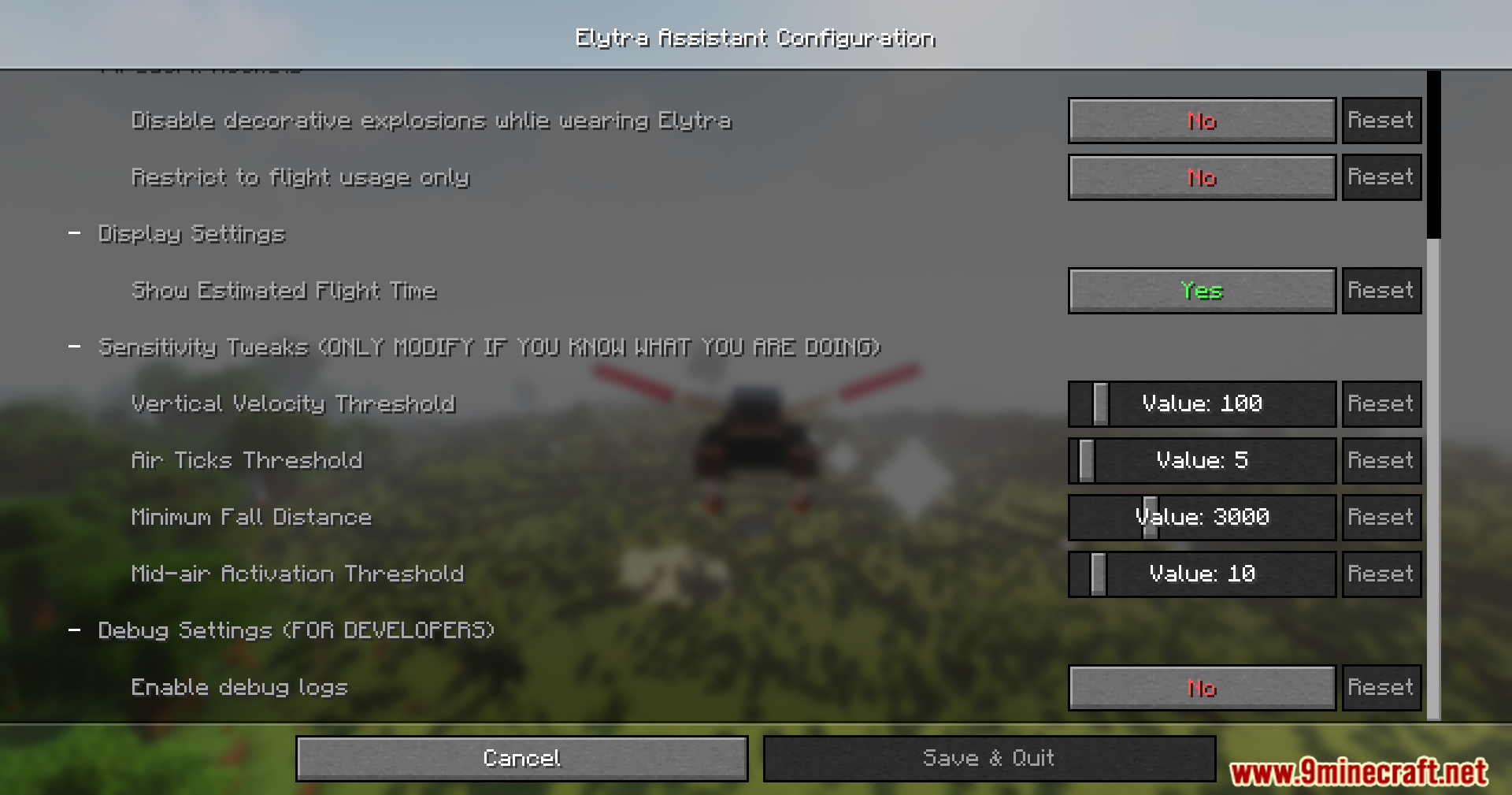
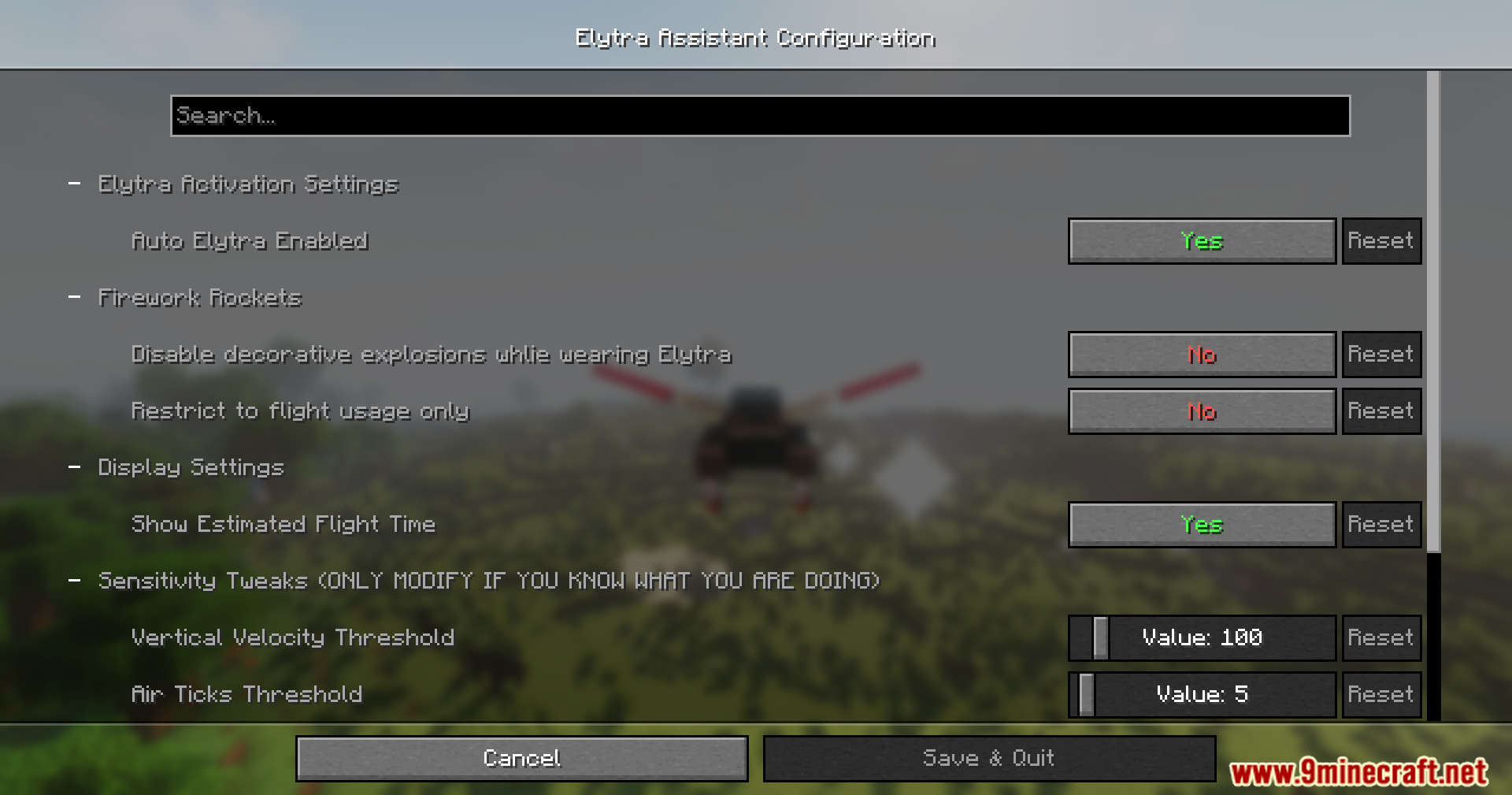
Yes, you can disable auto-swap in the mod's configuration settings. You'll then rely on manual swapping with the keybind (~) or swap manually in your inventory.
What's the keybind to manually swap between Elytra and chestplate?
The default keybind is the tilde key (~). You can change this in your controls settings if it conflicts with another mod or your preferences.
How does the flight time tooltip work?
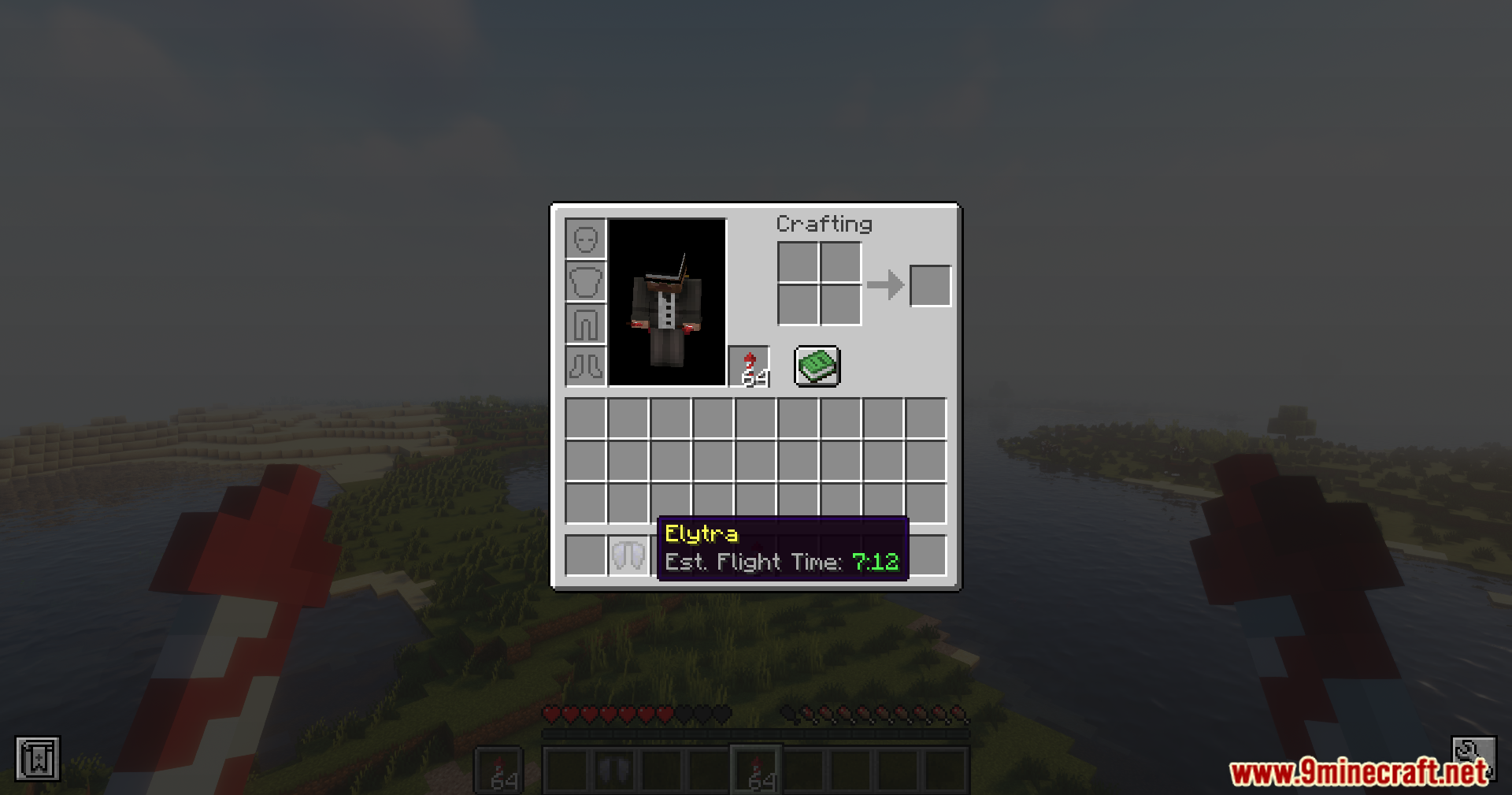
When you hover over your Elytra in your inventory, the mod displays an estimated flight duration based on the Elytra's current durability. This helps you decide whether you have enough durability for your journey.
See all 10 Elytra Assistant questions ›
Gallery
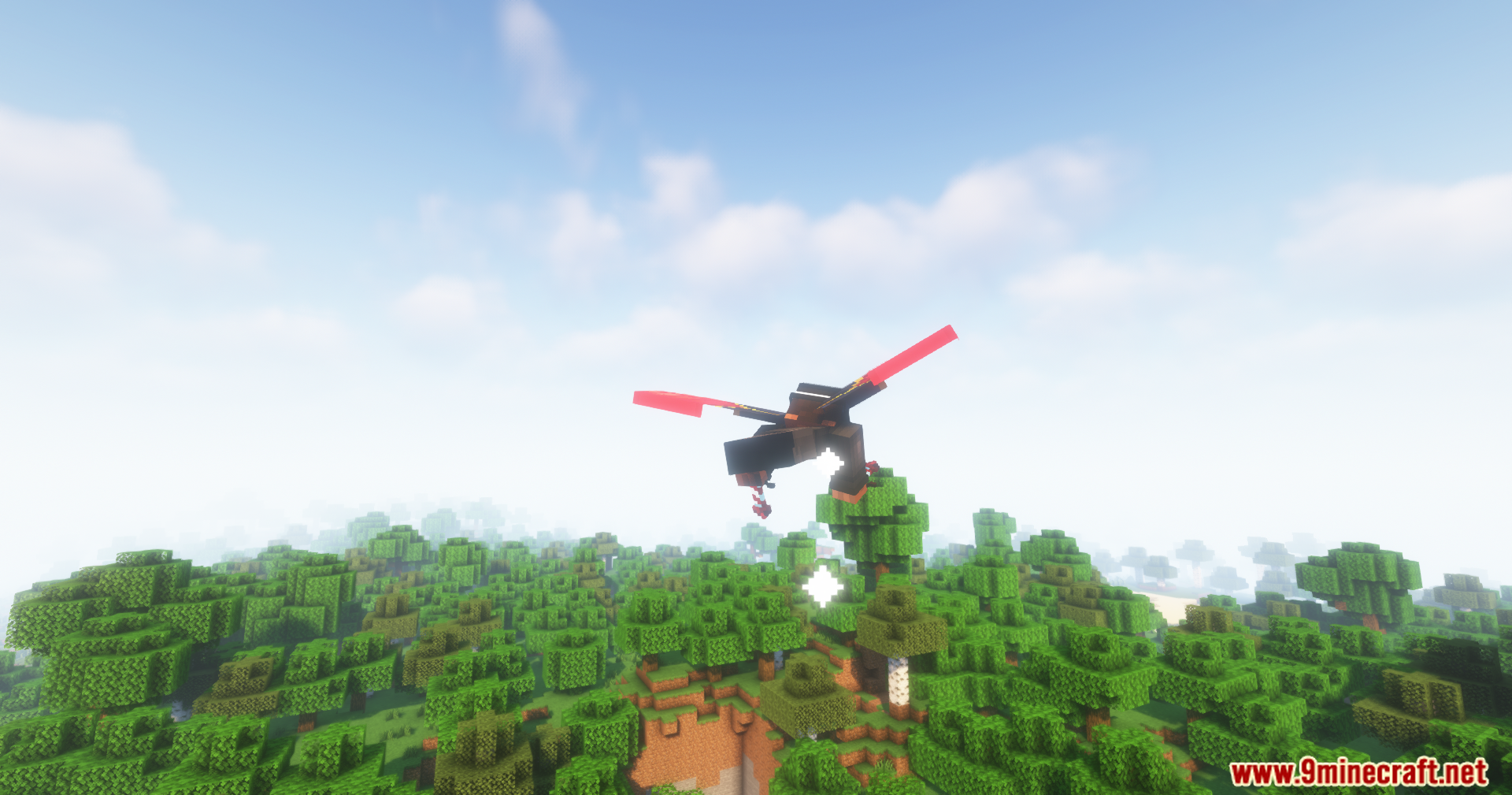
11 images from the Elytra Assistant Mod page.


You May Also Like
Wikis that share the most with this one
Wikis on the same theme: light
More mod wikis on the site
 Elemental Visions Adventure Mod
The most downloaded mods that have a wiki here
A few wikis from each of the other kinds