

 DownloadDropped Item Tweaks Mod
Get the files on 9Minecraft
Guides
Step-by-step, in-game.
Display More Items in a Dropped StackOpen Configuration Settings Access Mod Menu and open Dropped Item Tweaks Mod's configuration. Adjust Dropped Stack…Make Dropped Items Stop BobbingAccess the Configuration Menu Open Mod Menu while in-game and locate Dropped Item Tweaks Mod in the mod list. Click…Resize How Large Dropped Items AppearNavigate to Scale Settings Open Mod Menu and access Dropped Item Tweaks Mod's configuration panel. Adjust Default…Restore Vanilla Dropped Item BehaviorAccess Configuration Open Mod Menu and select Dropped Item Tweaks Mod. Reset All Options to Default Look for a Reset…
Frequently asked questions
How do I open the mod settings?
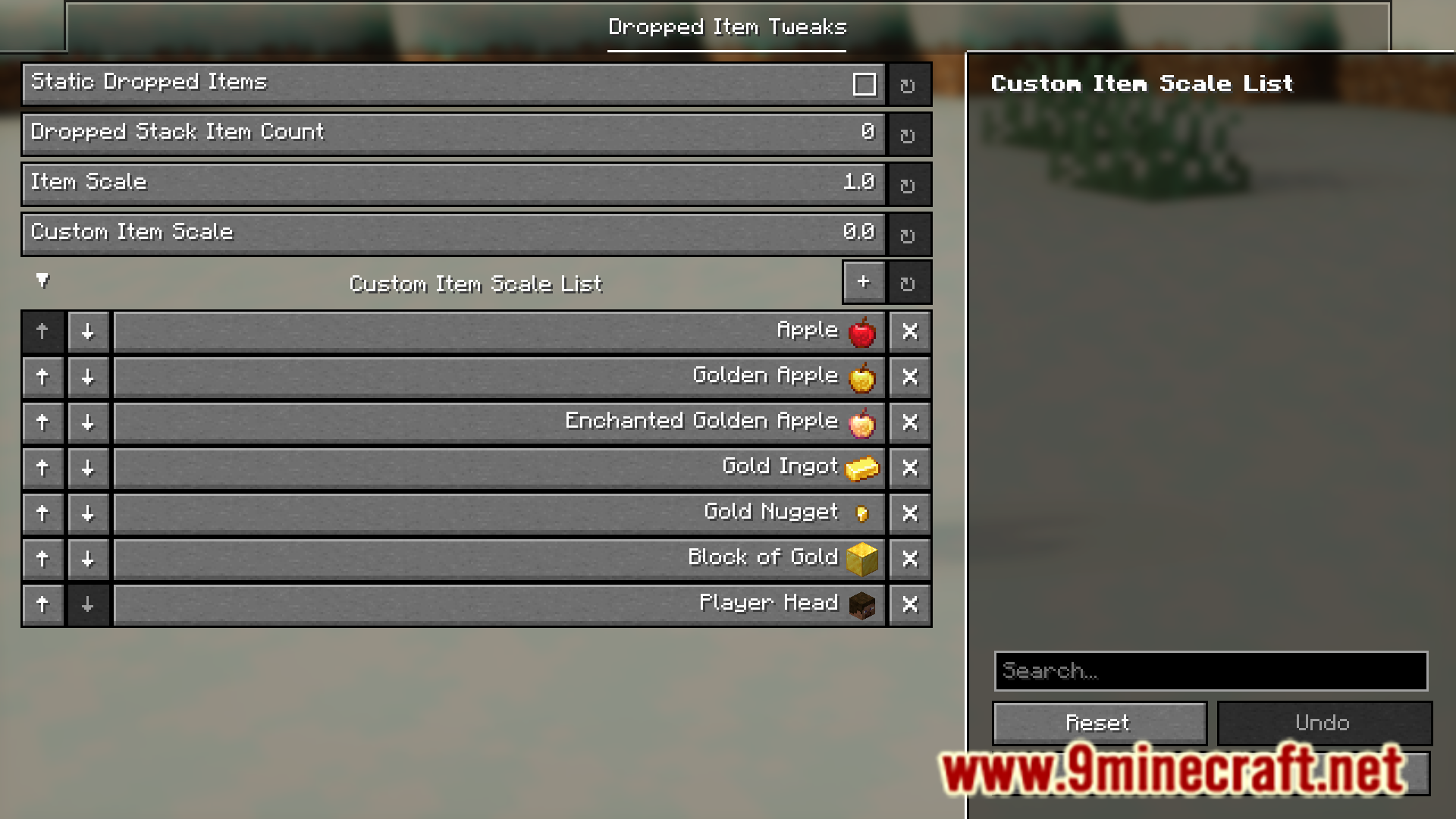
Open Mod Menu (usually accessed from the main menu or pause screen), find Dropped Item Tweaks in the list, and click to open its configuration screen.
Can I make dropped items stop moving up and down?
Yes, enable the Static Dropped Items option in the config menu to remove the bobbing effect while keeping items rotating in place.
How do I show more items when I drop a stack?
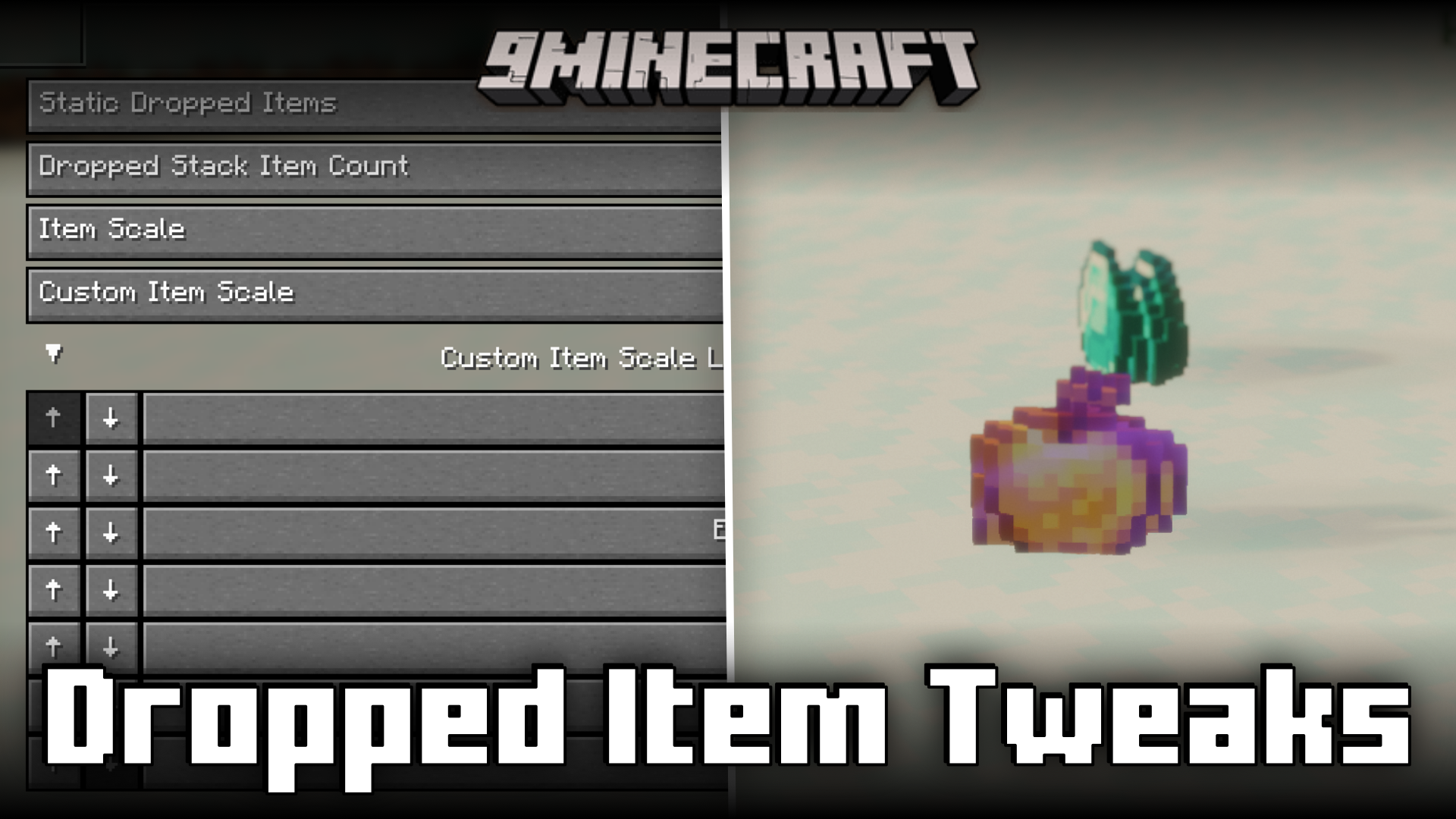
In the config, adjust the Dropped Stack Item Count setting to display more individual items visually, up to the full stack size instead of vanilla's limit of 5.
What's the difference between Item Scale and Custom Item Scale?
Item Scale sets the default size for all dropped items, while Custom Item Scale provides a secondary size option you can toggle separately in the config.
See all 10 Dropped Item Tweaks questions ›
Gallery
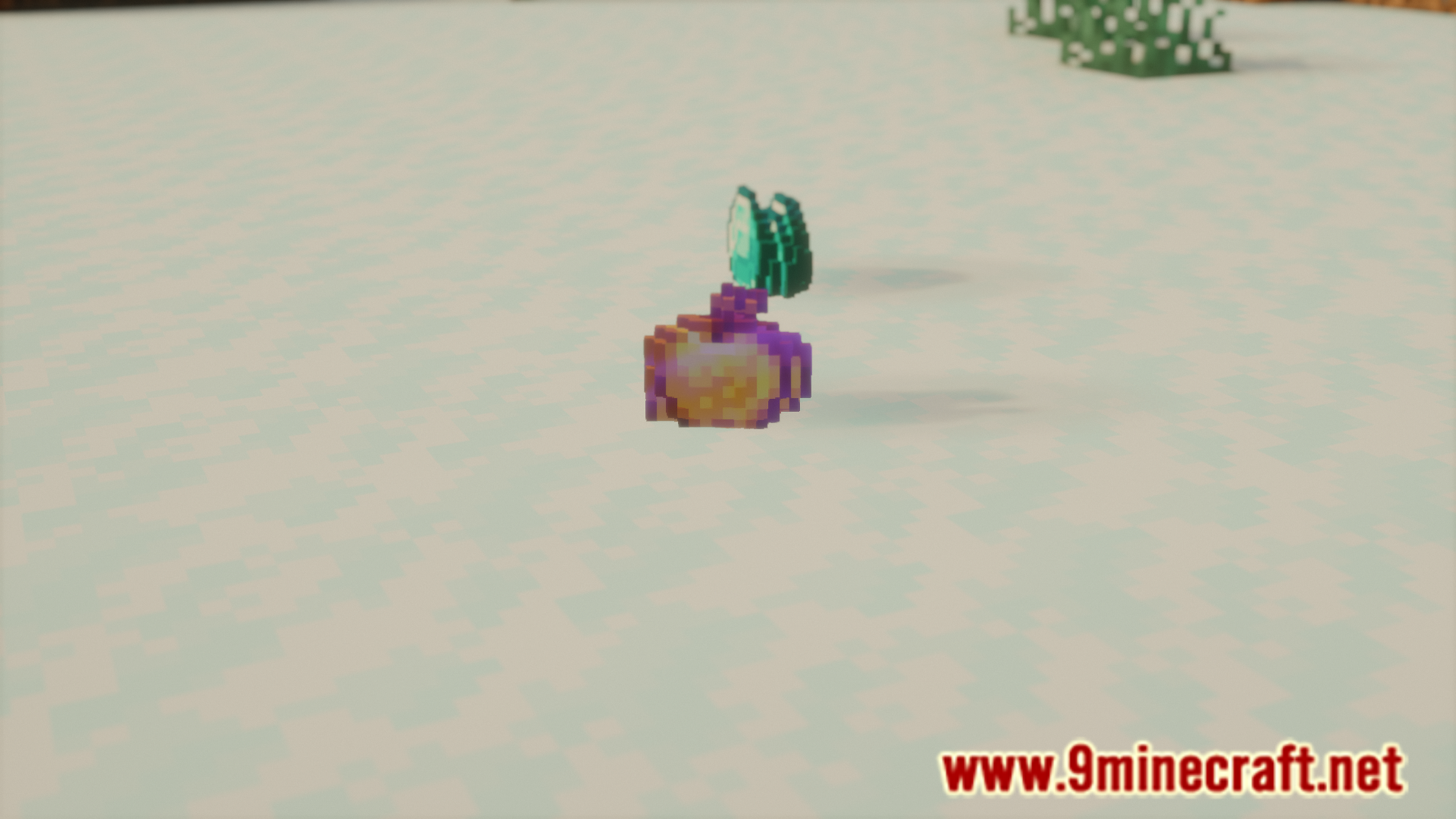
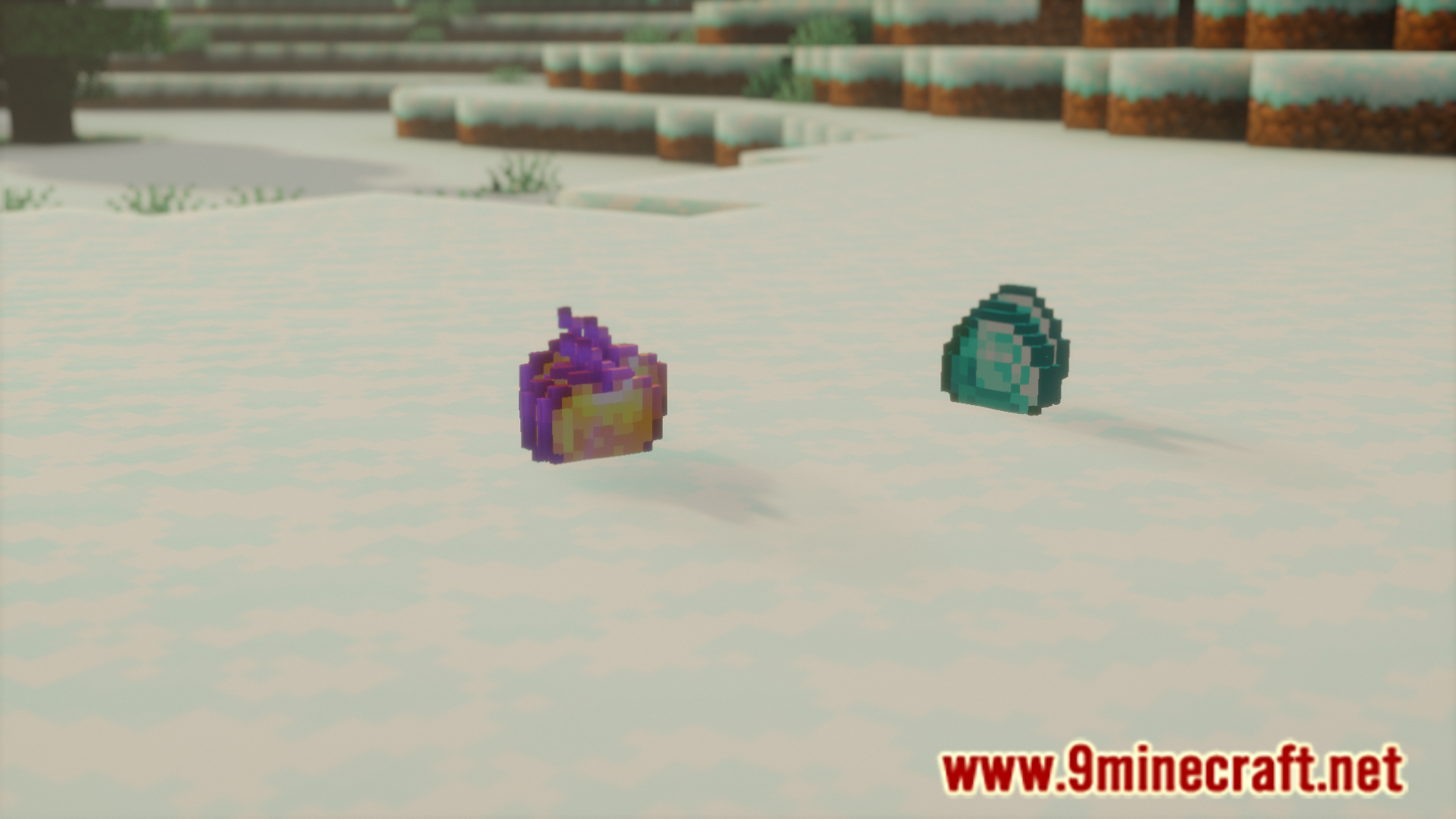
6 images from the Dropped Item Tweaks Mod page.
You May Also Like
Wikis that share the most with this one
More mod wikis on the site
 Drop Highlighter Mod
The most downloaded mods that have a wiki here
A few wikis from each of the other kinds