

 DownloadDrogstyle Mod
Get the files on 9Minecraft
Guides
Step-by-step, in-game.
Add a Bio Tooltip to Your NameCreating a Personal Bio The bio feature lets you add a short message that appears as a tooltip when other players…Change Your Display Name ColorColoring Your Name with /color Make your display name stand out by applying a custom color that other players will…Combine Name, Color, and Bio for a Complete ProfileCreating Your Full Custom Identity The Drogstyle Mod's three commands work together to create a unique in-game…Set Up Your Custom Display NameUsing the /nick Command Your display name is what other players see above your head in-game. The Drogstyle Mod makes…
Frequently asked questions
How do I set my display name?
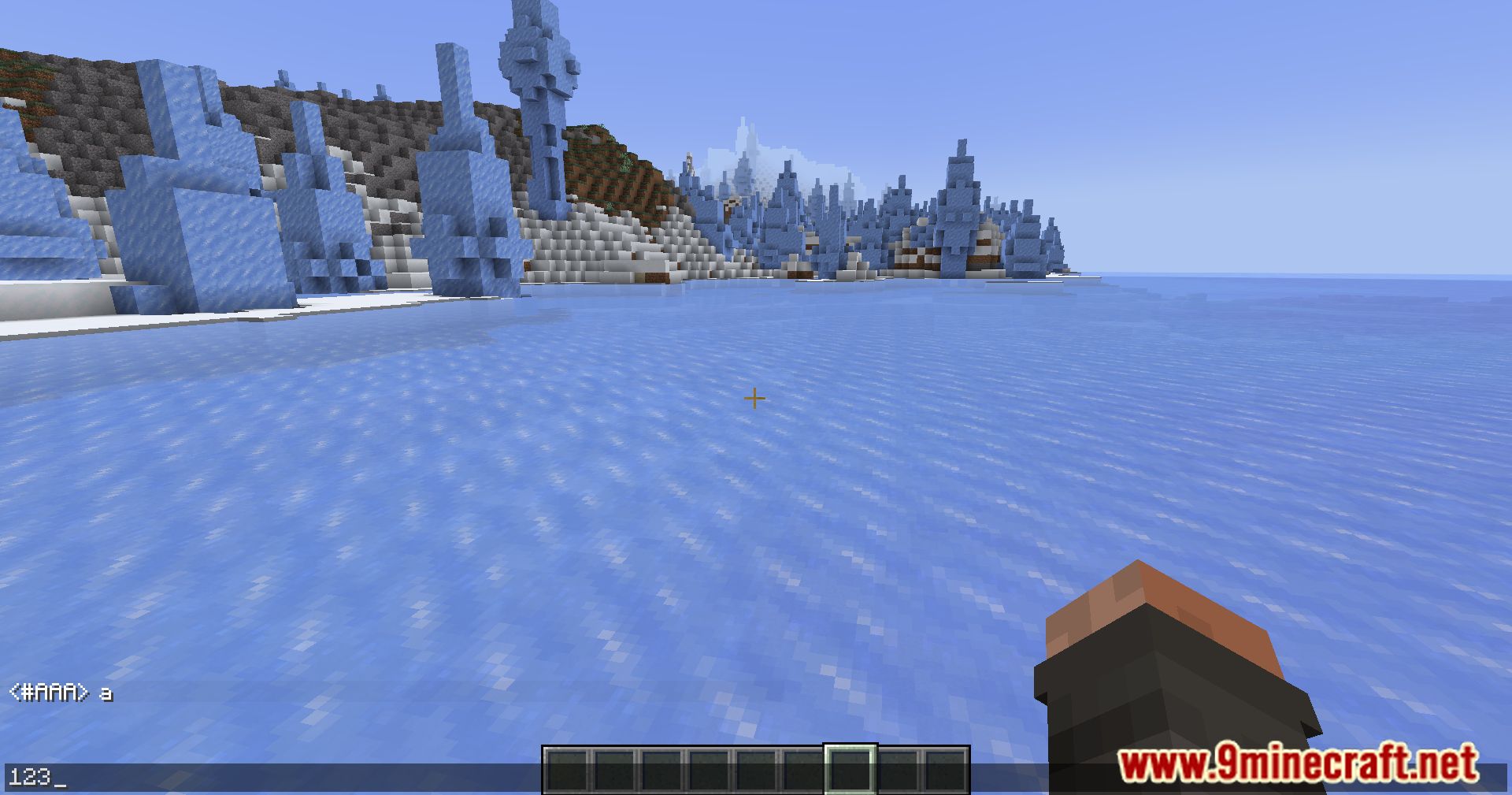
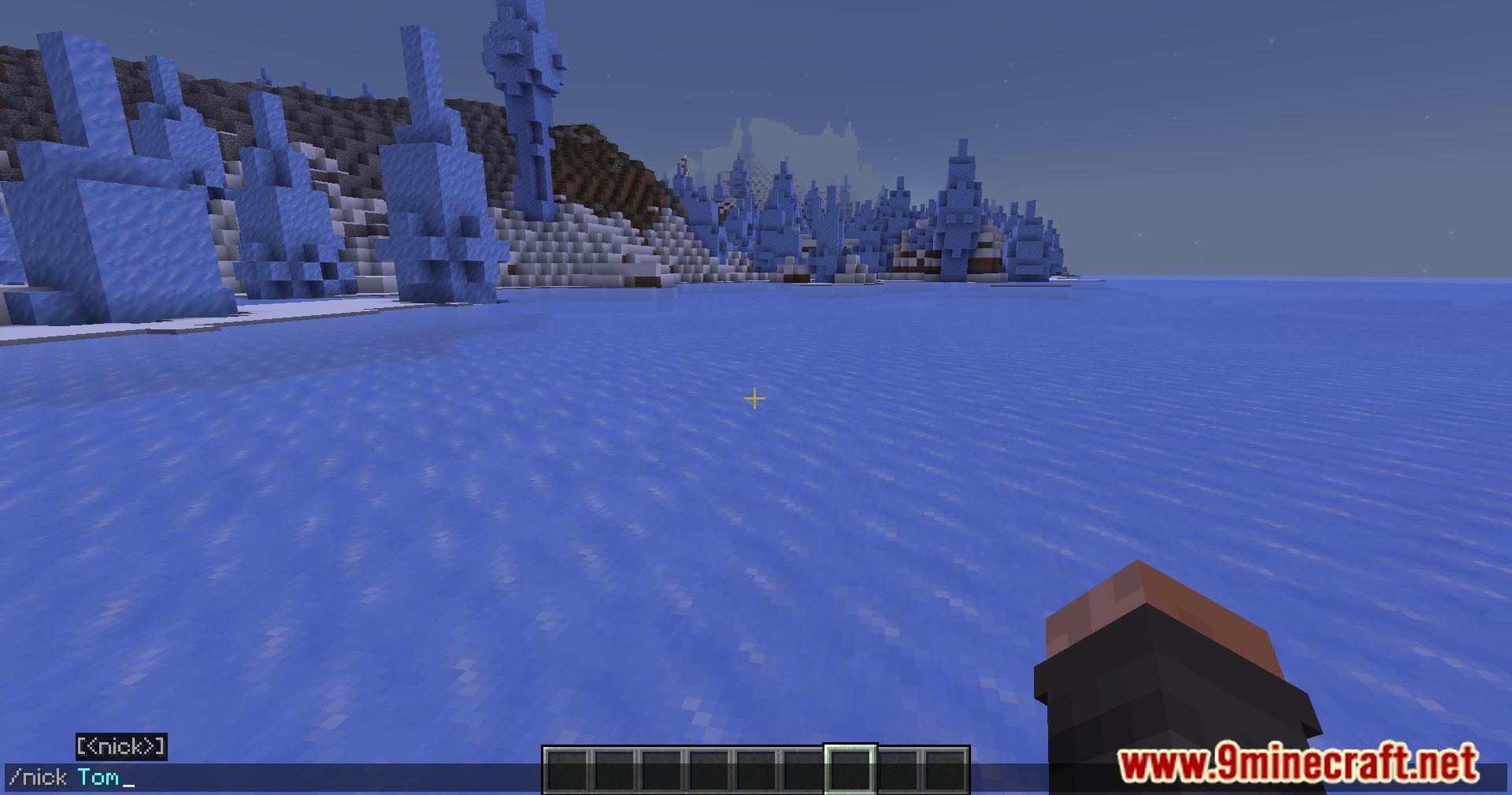
Use the command /nick [name] to set your custom display name. For example, /nick Dragon will change your display name to Dragon. To clear it and return to your username, just type /nick with no name after it.
What colors can I use for my name?
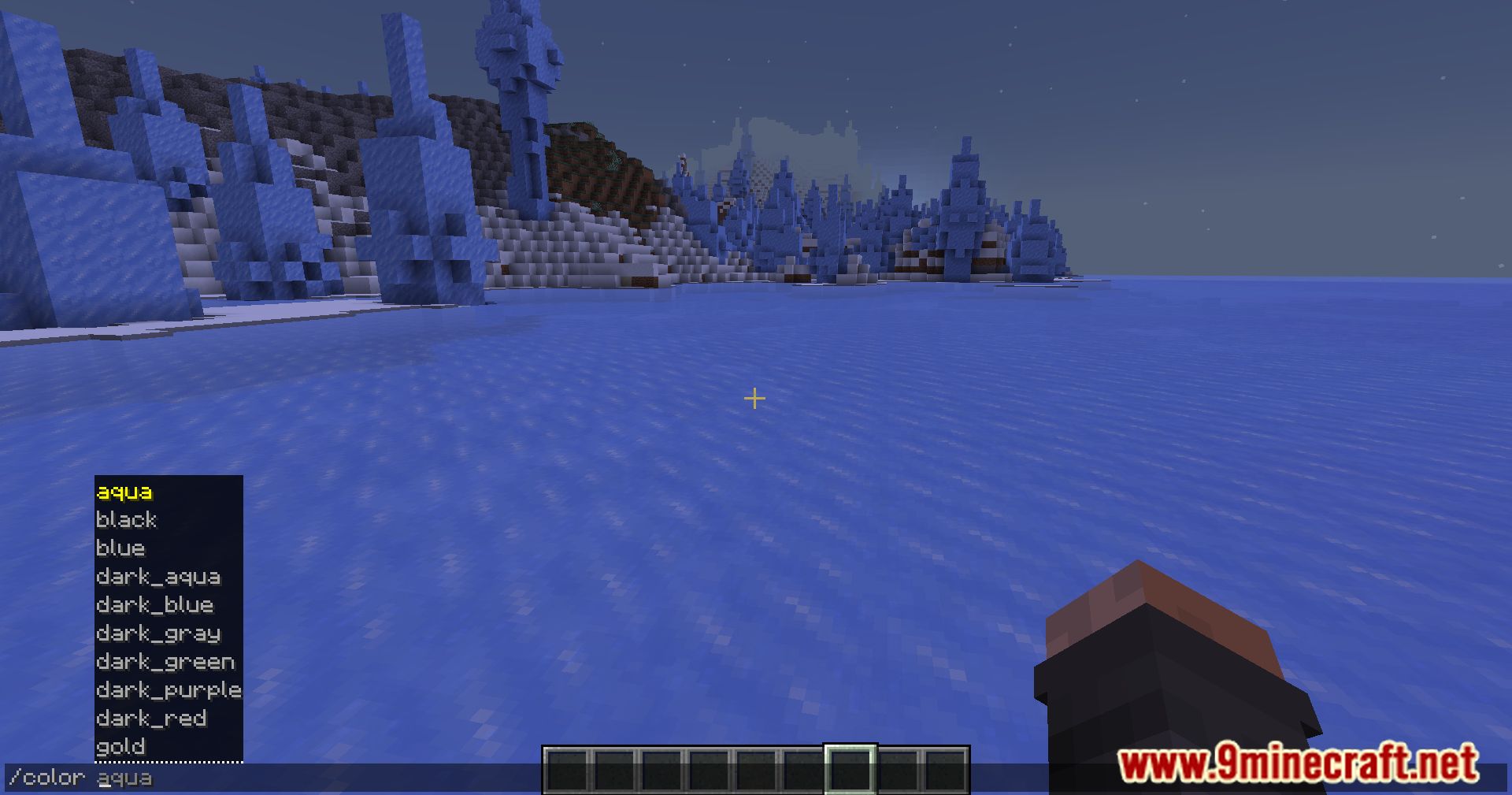
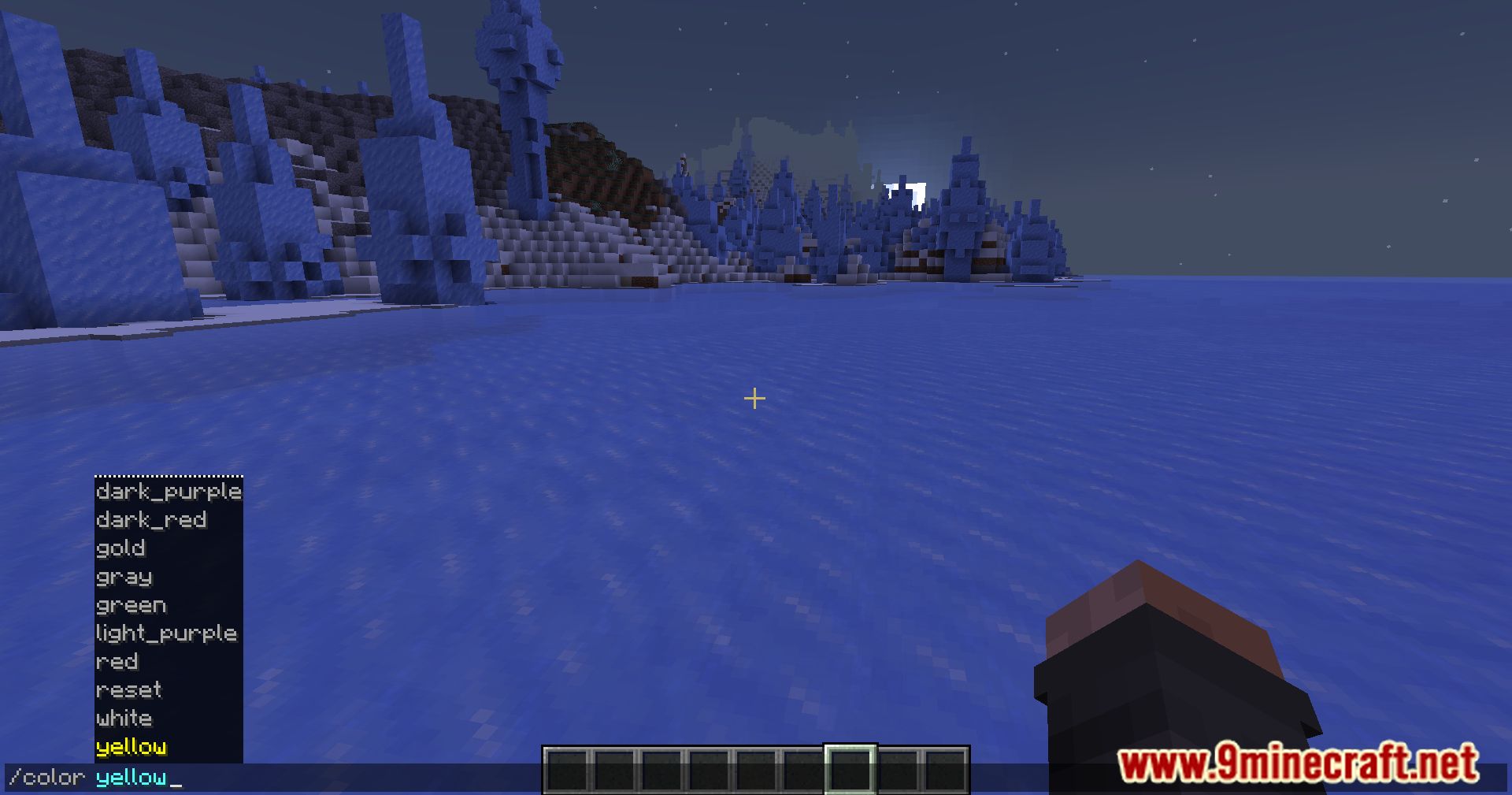
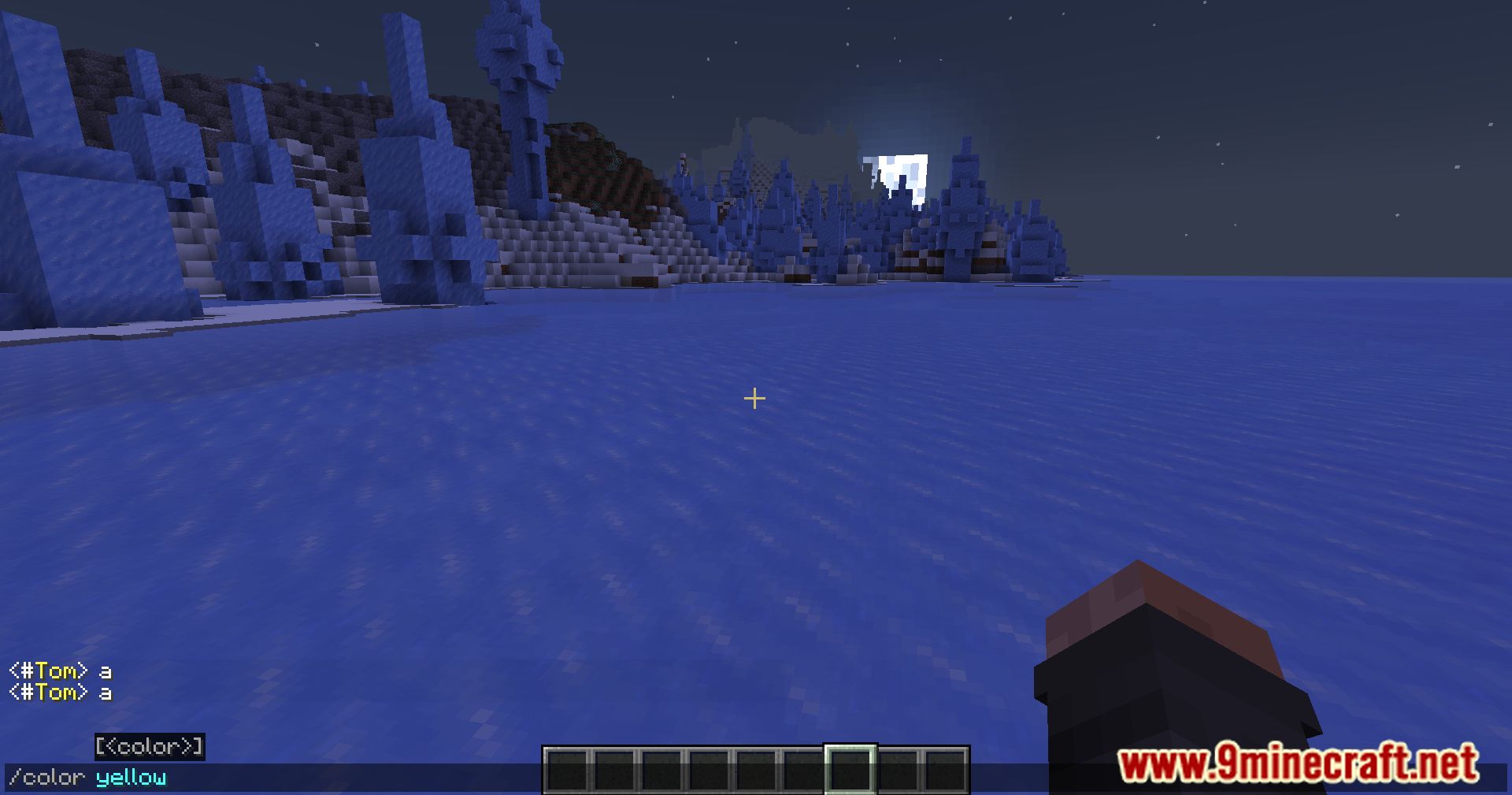
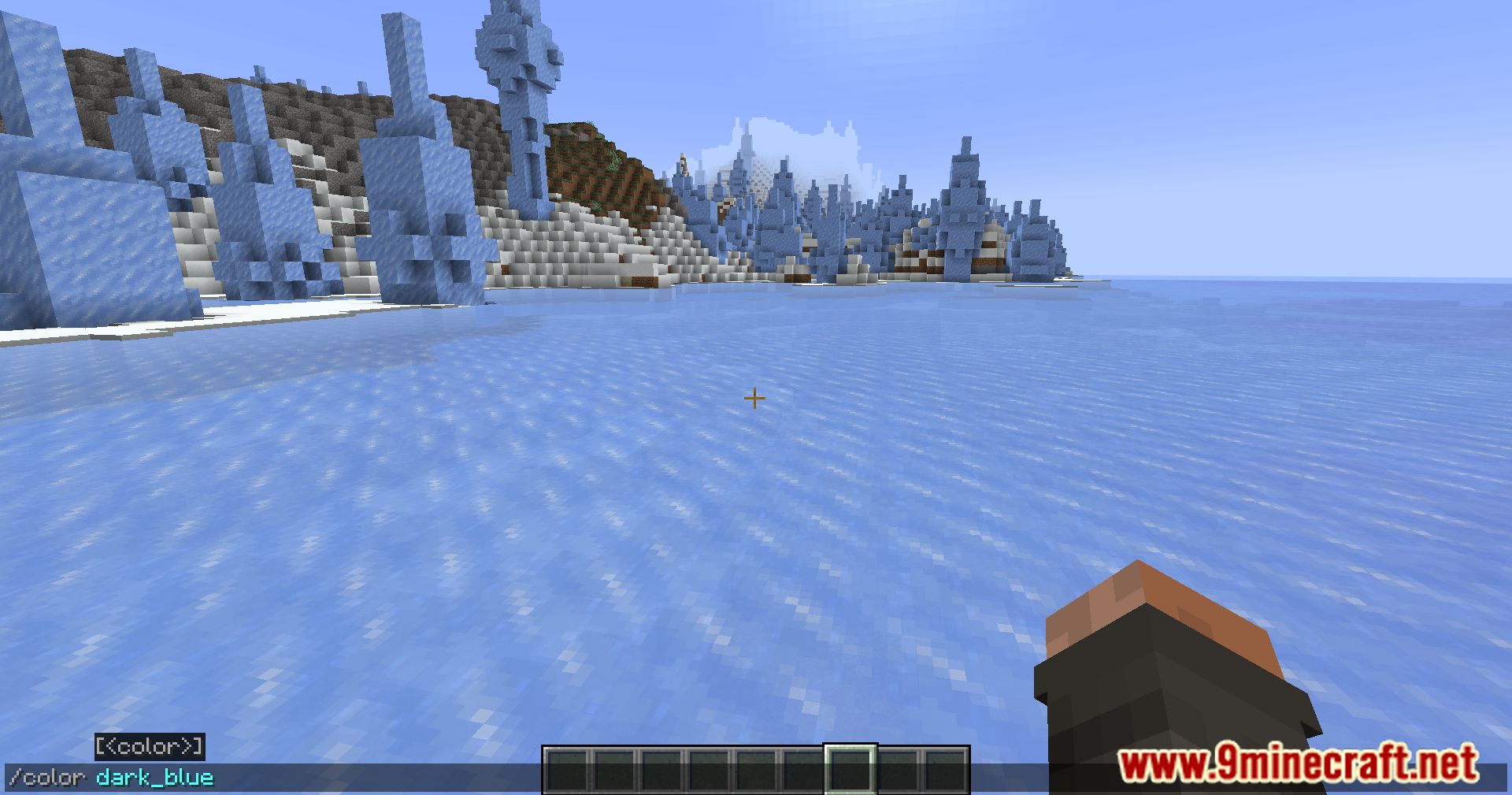
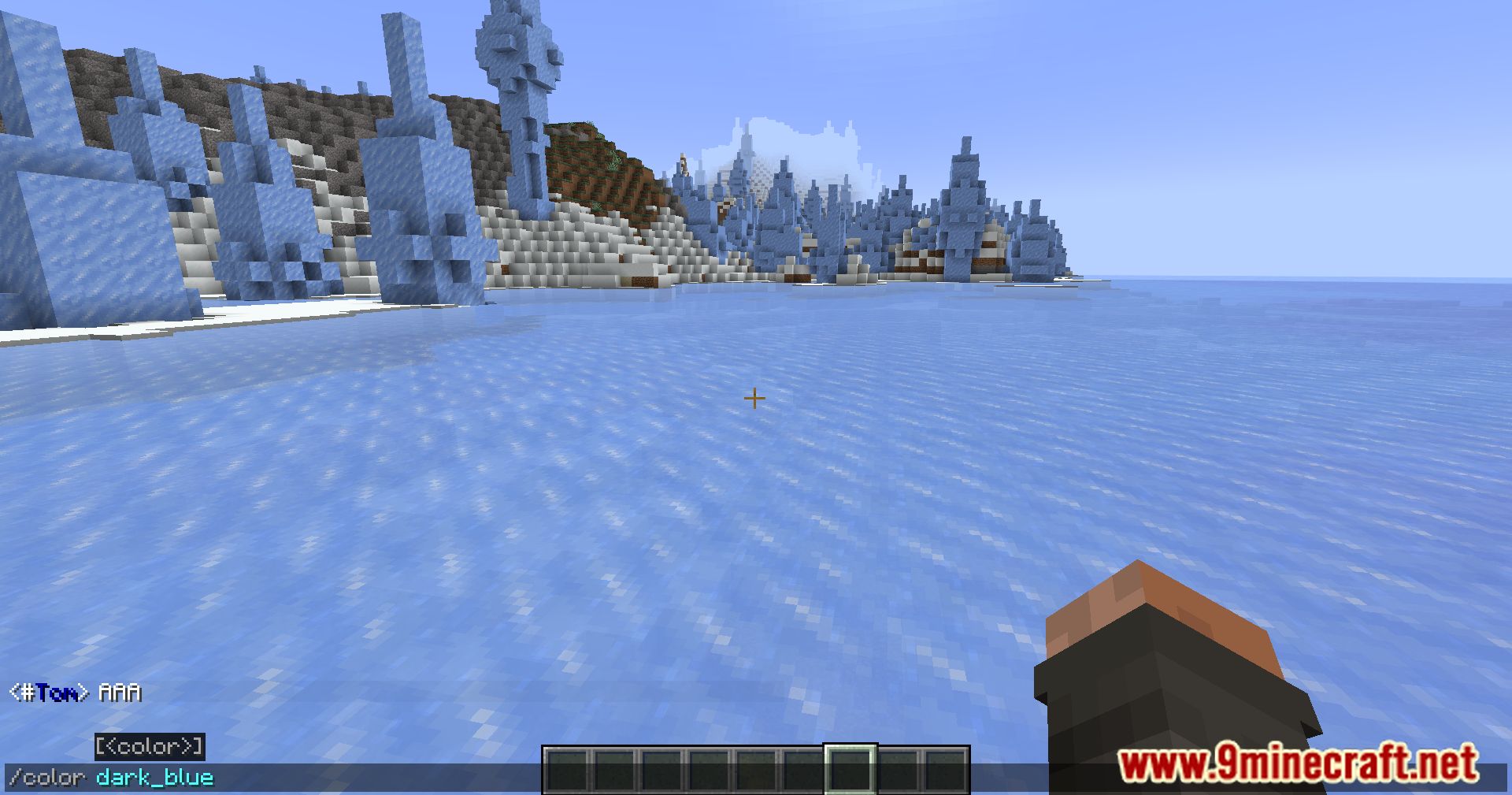
Use /color [color] to set your name color. The mod supports standard Minecraft color names like red, blue, green, yellow, and more. Type /color with no color specified to see your current color or reset to default.
How do I add a bio that shows when someone hovers over my name?
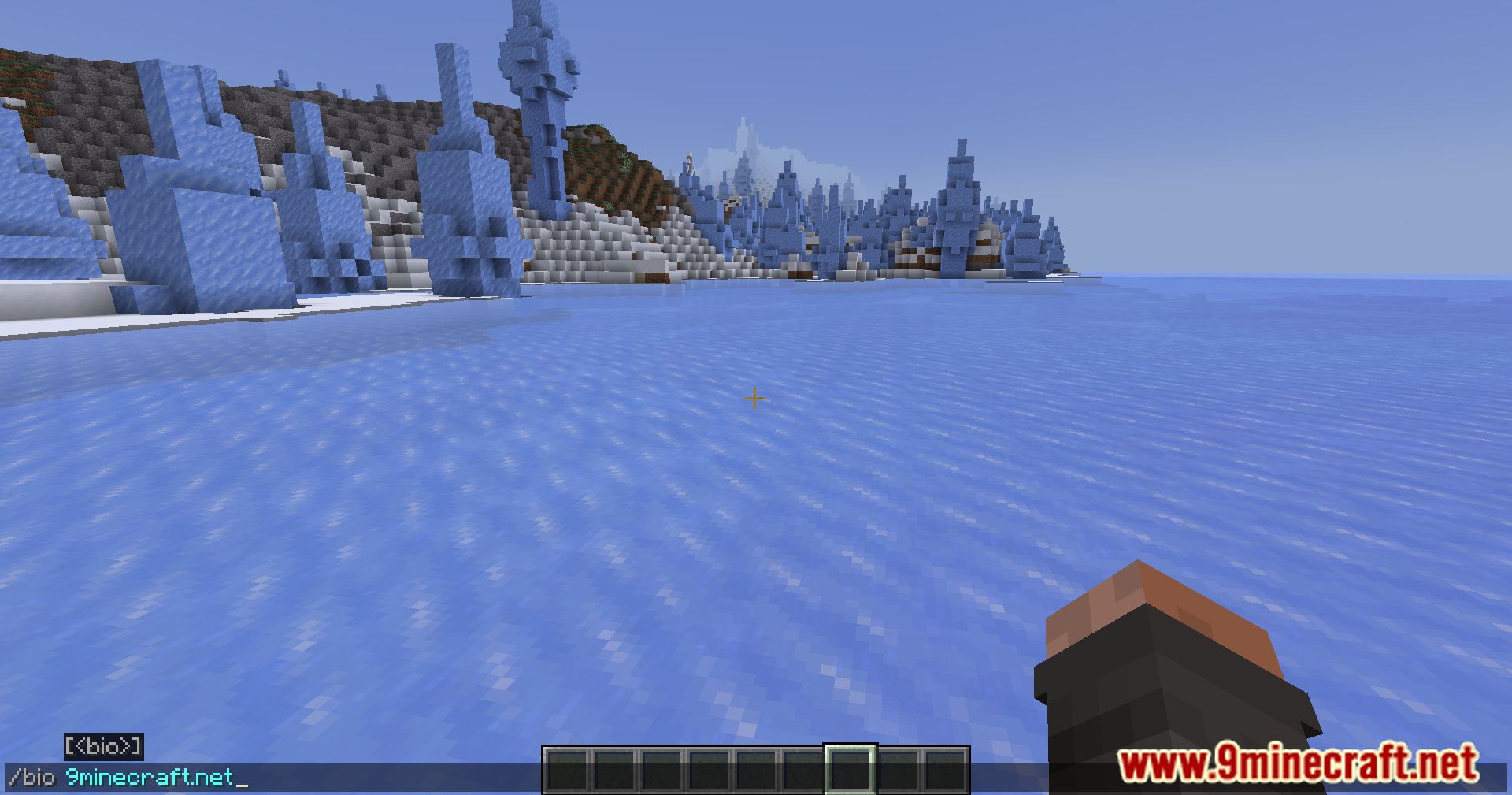
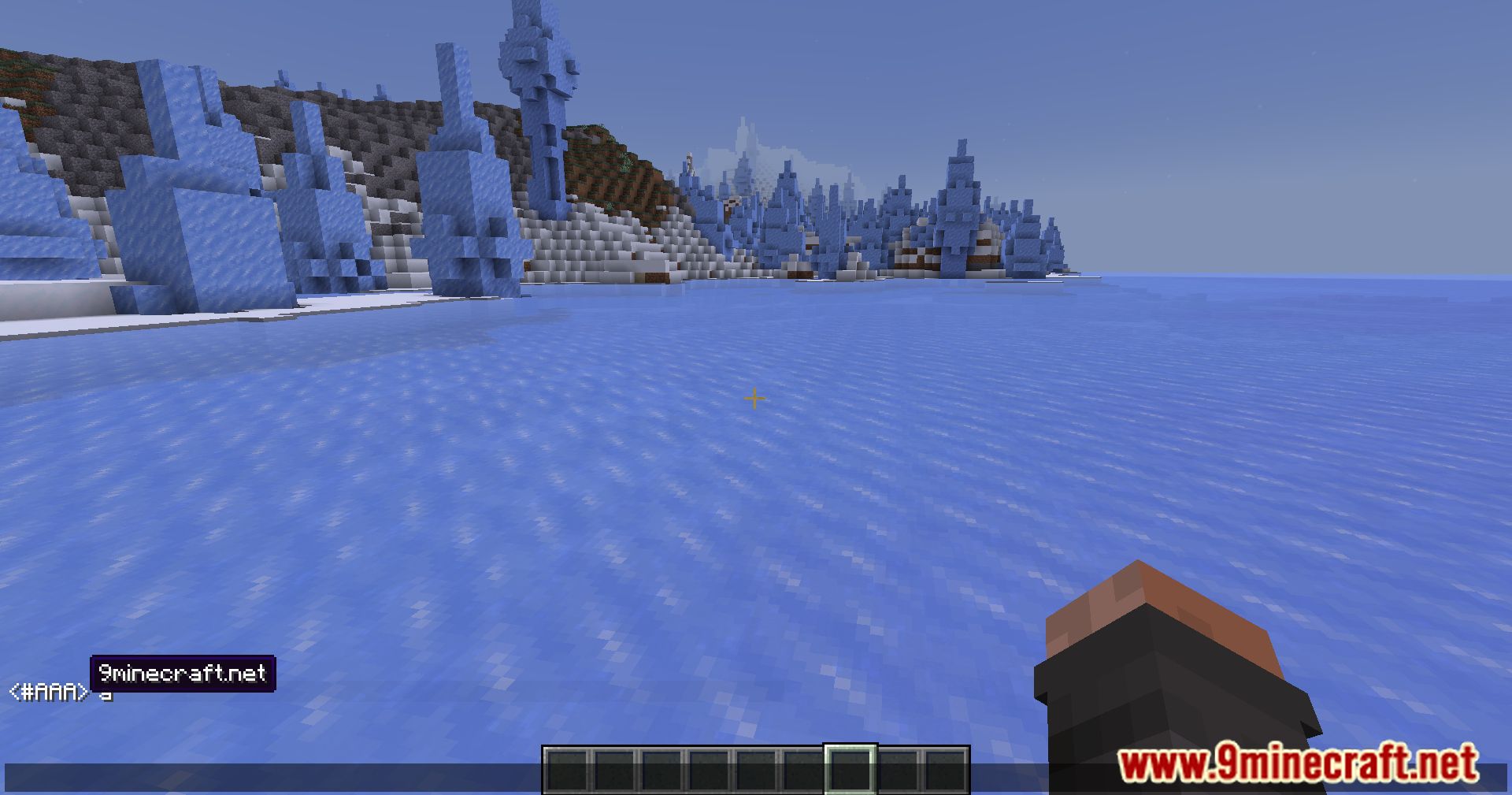
Use the /bio [bio text] command to add a personalized bio tooltip. When other players hover over your display name, they'll see your bio. Use /bio alone to clear your bio.
Can I use special characters or spaces in my display name?
Yes, you can include spaces and most special characters in your display name by using /nick [name]. If your name contains multiple words, the entire name will be applied as your display name.
See all 10 Drogstyle questions ›
Gallery
11 images from the Drogstyle Mod page.

You May Also Like
Wikis that share the most with this one
Wikis on the same theme: build
More mod wikis on the site
The most downloaded mods that have a wiki here
A few wikis from each of the other kinds