
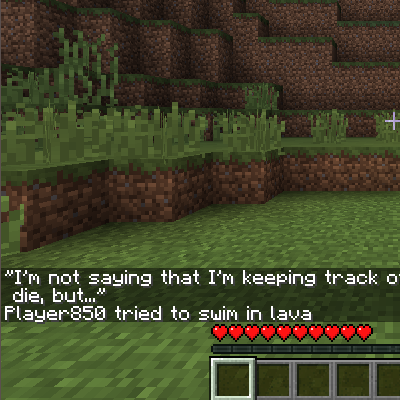
 DownloadDeath Quotes Mod
Get the files on 9Minecraft
Guides
Step-by-step, in-game.
How to Add Your Own Custom Death QuotesWriting quotes that fit Open config/deathquotes.txt and add a new line for each quote. The mod does not require…How to Disable or Silence Death QuotesEmptying the file There is no dedicated toggle documented, so the simplest way to silence the mod is to make the…How to Edit or Replace the Death Quotes FileFinding the file After you die at least once (or on first launch), the mod generates a plain text file at…How to Install a Shared Quotes Pack on a ServerWhere the file lives On a server, the mod reads config/deathquotes.txt from the server's instance directory, not from…
Frequently asked questions
How do I get the death quotes file to show up?
Just run the game once with the mod installed; if no quotes file exists, the mod creates a default one for you in the config folder. Look for deathquotes.txt inside your /config directory.
Where is the deathquotes.txt file located?
It lives in your Minecraft /config folder, named deathquotes.txt. On a server, that's the server's config folder, not your client's.
How do I add my own death quotes?
Open deathquotes.txt and add your lines following the same format as the existing entries, then save the file. The mod reads the file, so your new quotes will appear on the next death without needing to reinstall anything.
Can I replace all the default quotes with my own?
Yes, you can delete the default entries and put only your own lines in deathquotes.txt. The mod will use whatever is in the file, so a fully custom list works fine.
See all 12 Death Quotes questions ›
Gallery
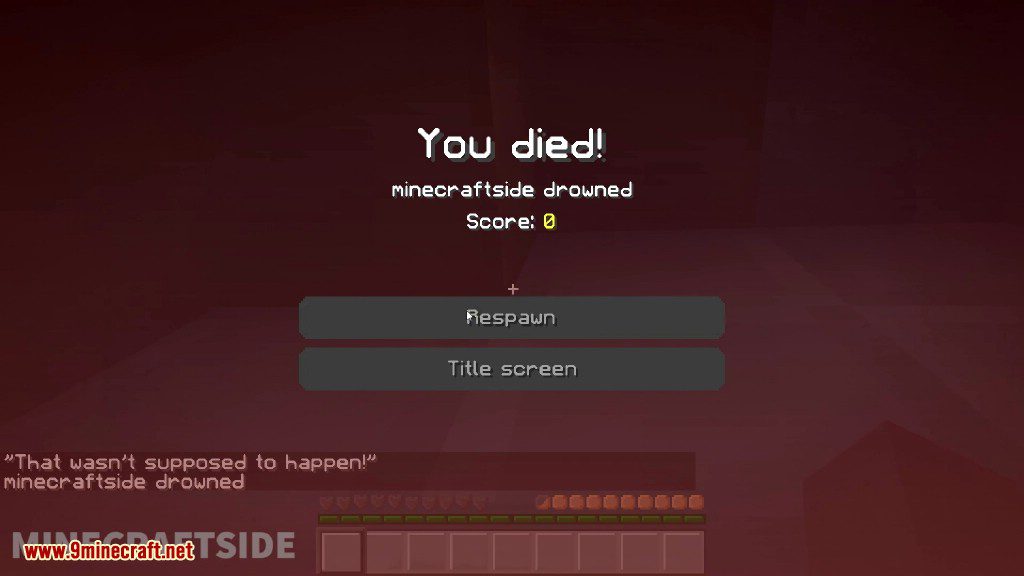
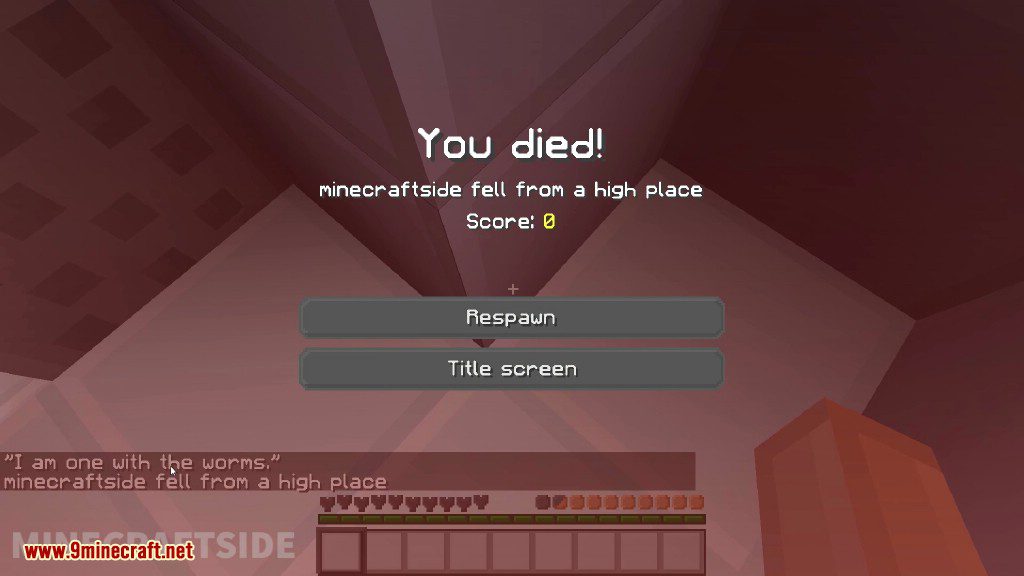
4 images from the Death Quotes Mod page.


You May Also Like
Wikis that share the most with this one
More mod wikis on the site
The most downloaded mods that have a wiki here
A few wikis from each of the other kinds