

 DownloadColor Blindness Mod
Get the files on 9Minecraft
Guides
Step-by-step, in-game.
How to Apply Color Blindness Effects to Yourself in MinecraftUsing the Effect Command To simulate color blindness on your own character, you need to apply one of the mod's custom…How to Give Color Blindness Effects to Other Players on a ServerTargeting Another Player As an operator or someone with command permissions, you can apply color blindness effects to…How to Remove or Clear Color Blindness Effects in MinecraftClearing the Effect If you applied a color blindness effect and want your normal vision back, you can remove it the…Simulating Color Blindness in MinecraftUsing the Color Blindness Effect The Color Blindness Mod adds player effects that change how colors appear in-game,…Understanding the Different Color Blindness Types in the ModThe Six Simulation Types The mod offers six distinct color blindness simulations, split into three categories based…
Frequently asked questions
What does the Color Blindness Mod do?
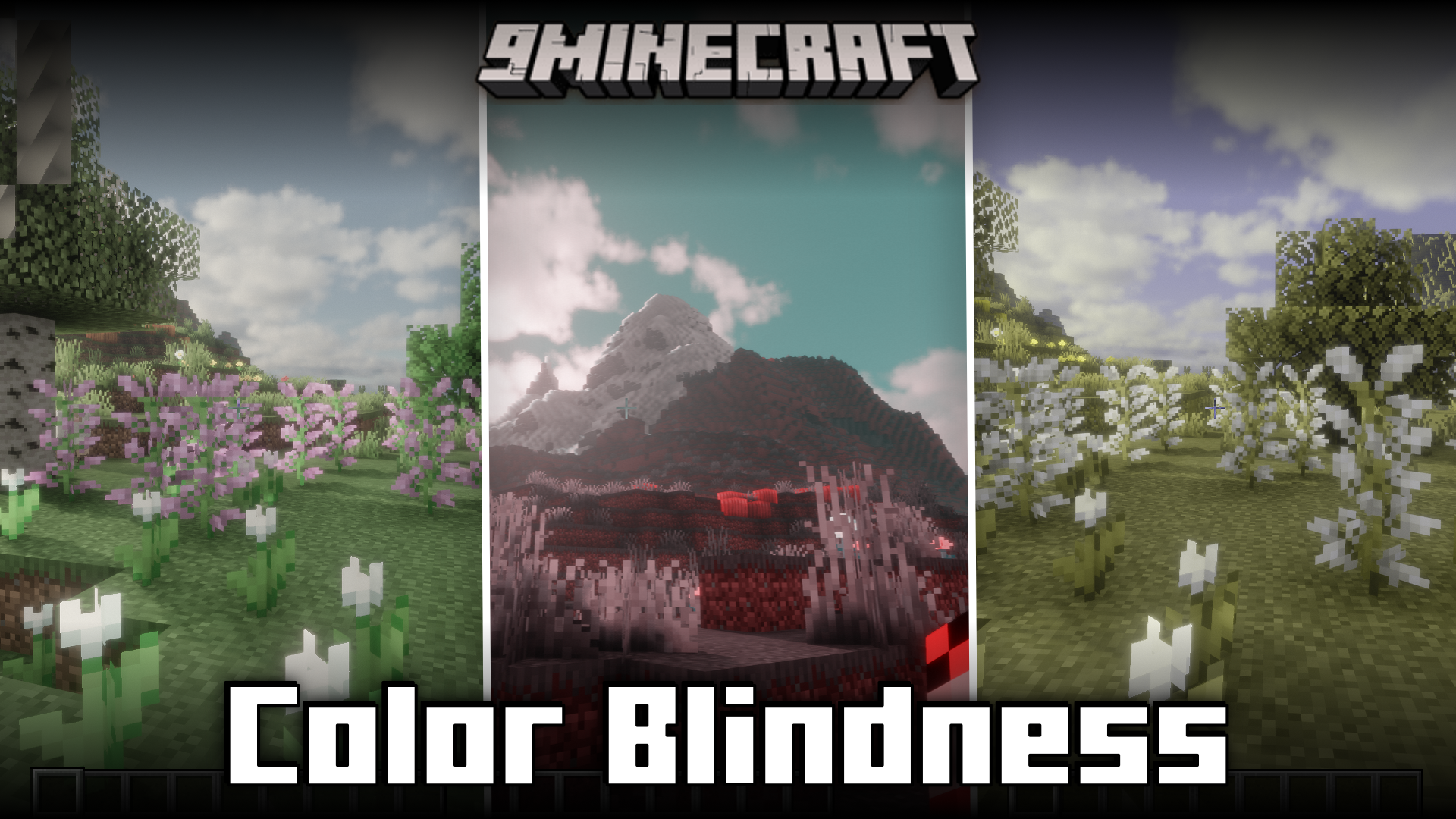
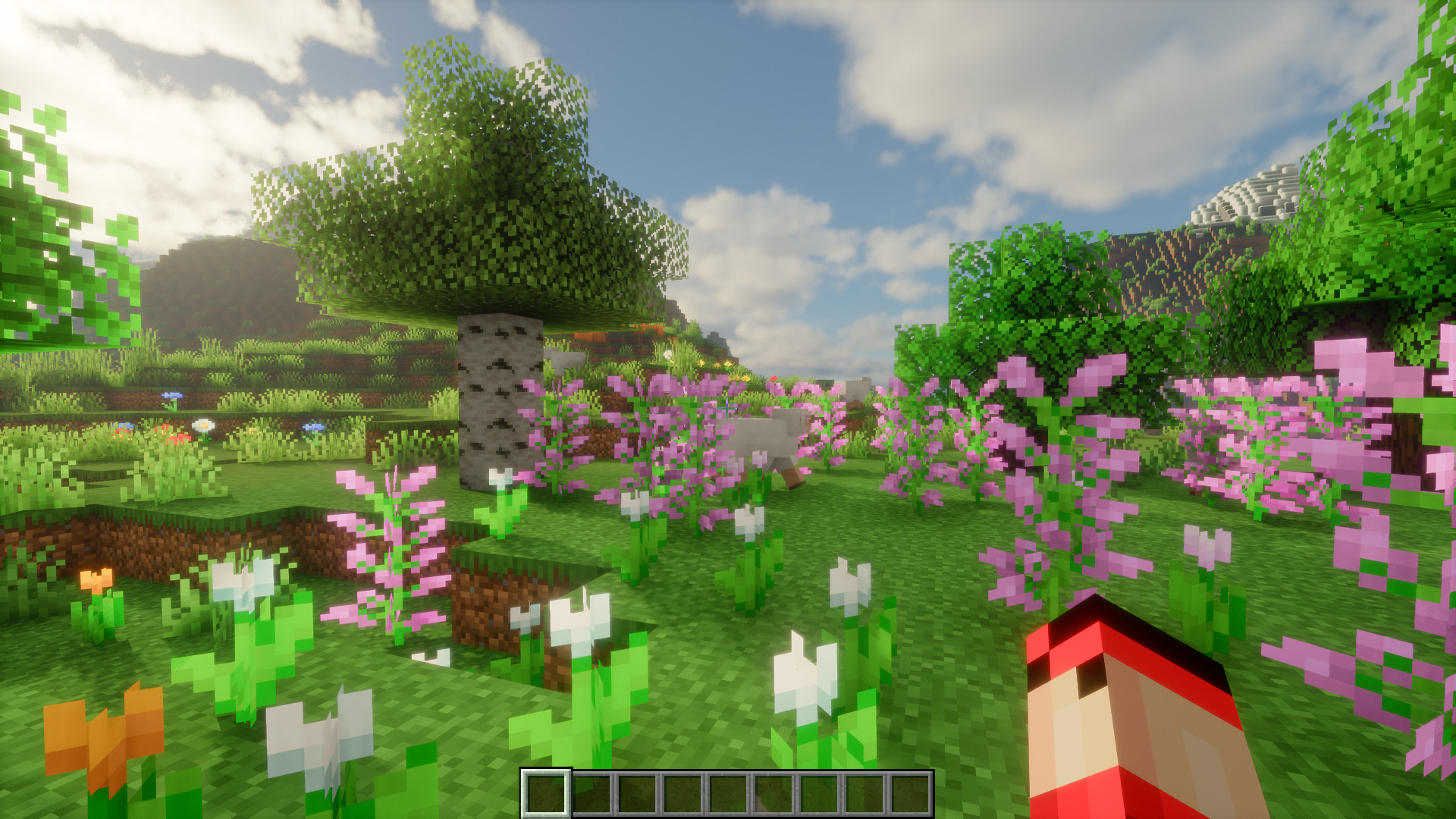
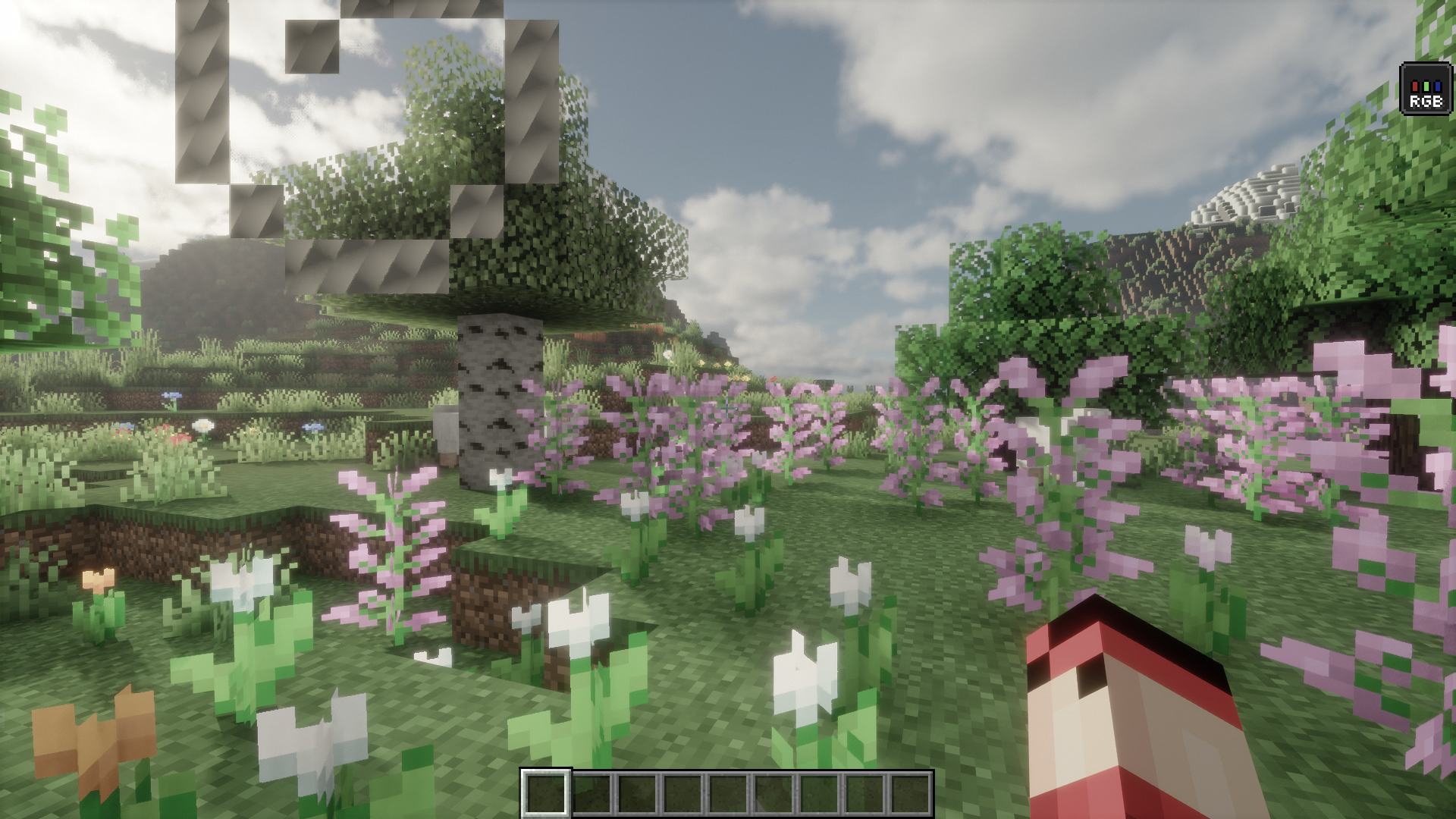
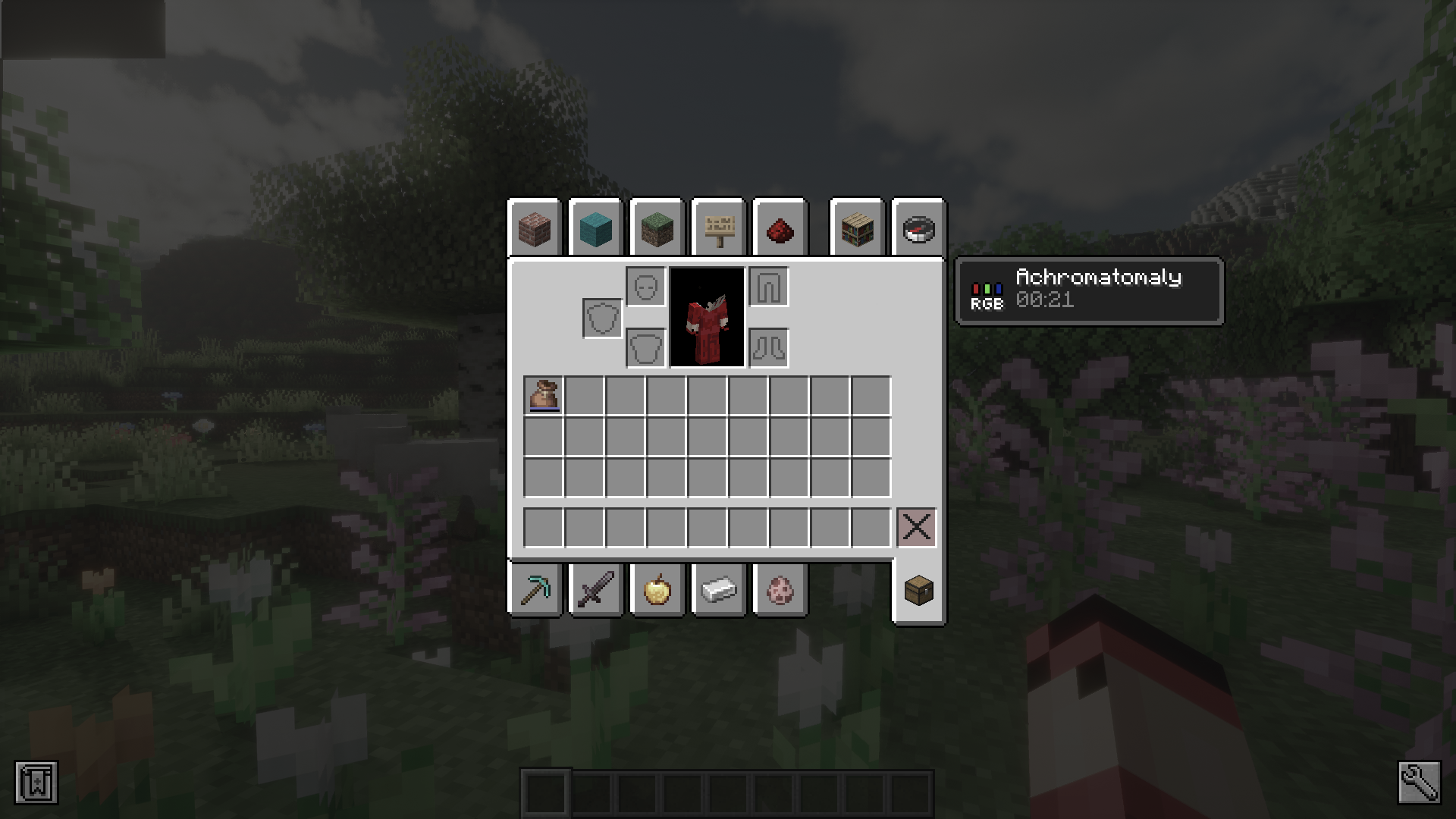
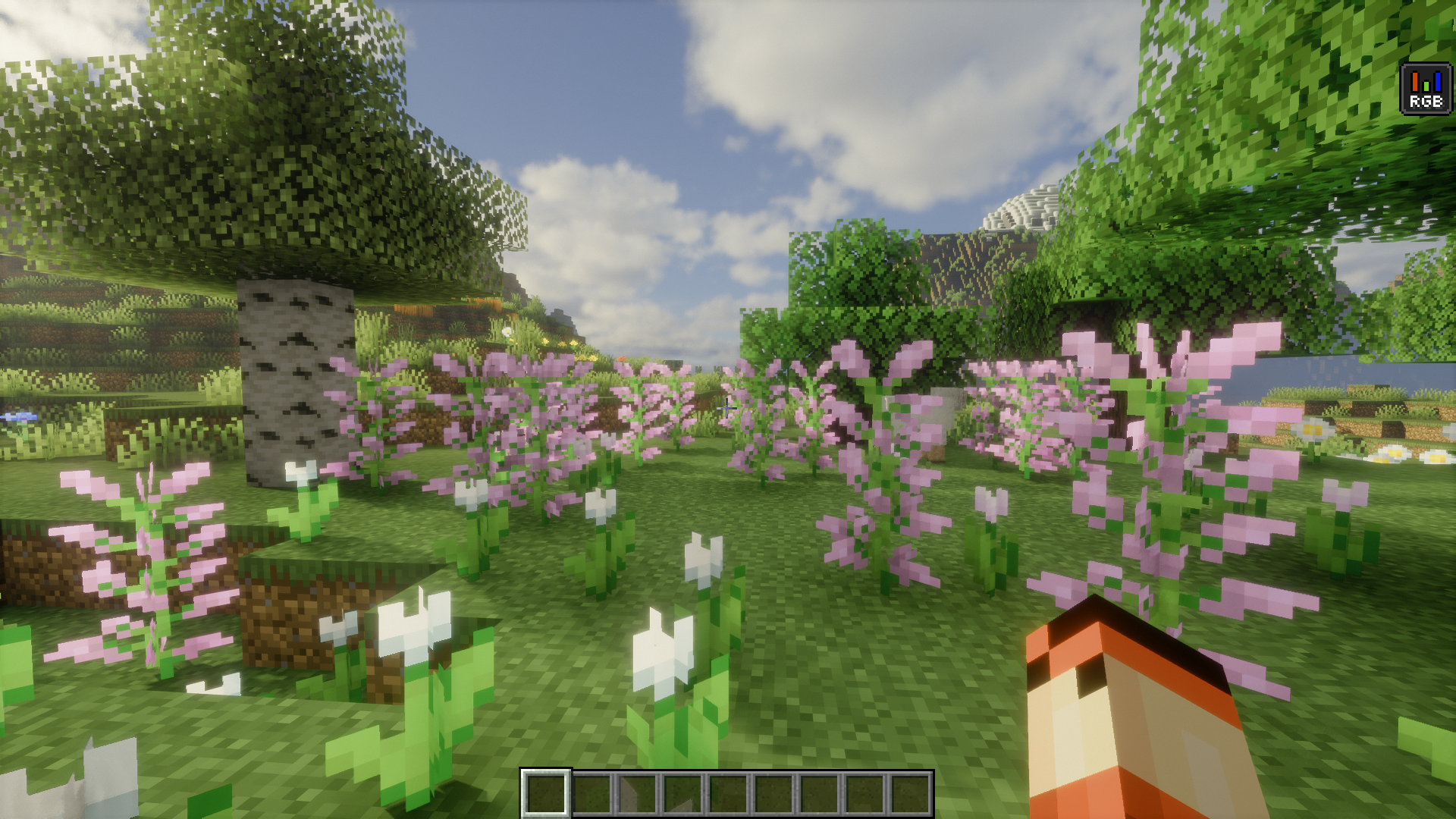
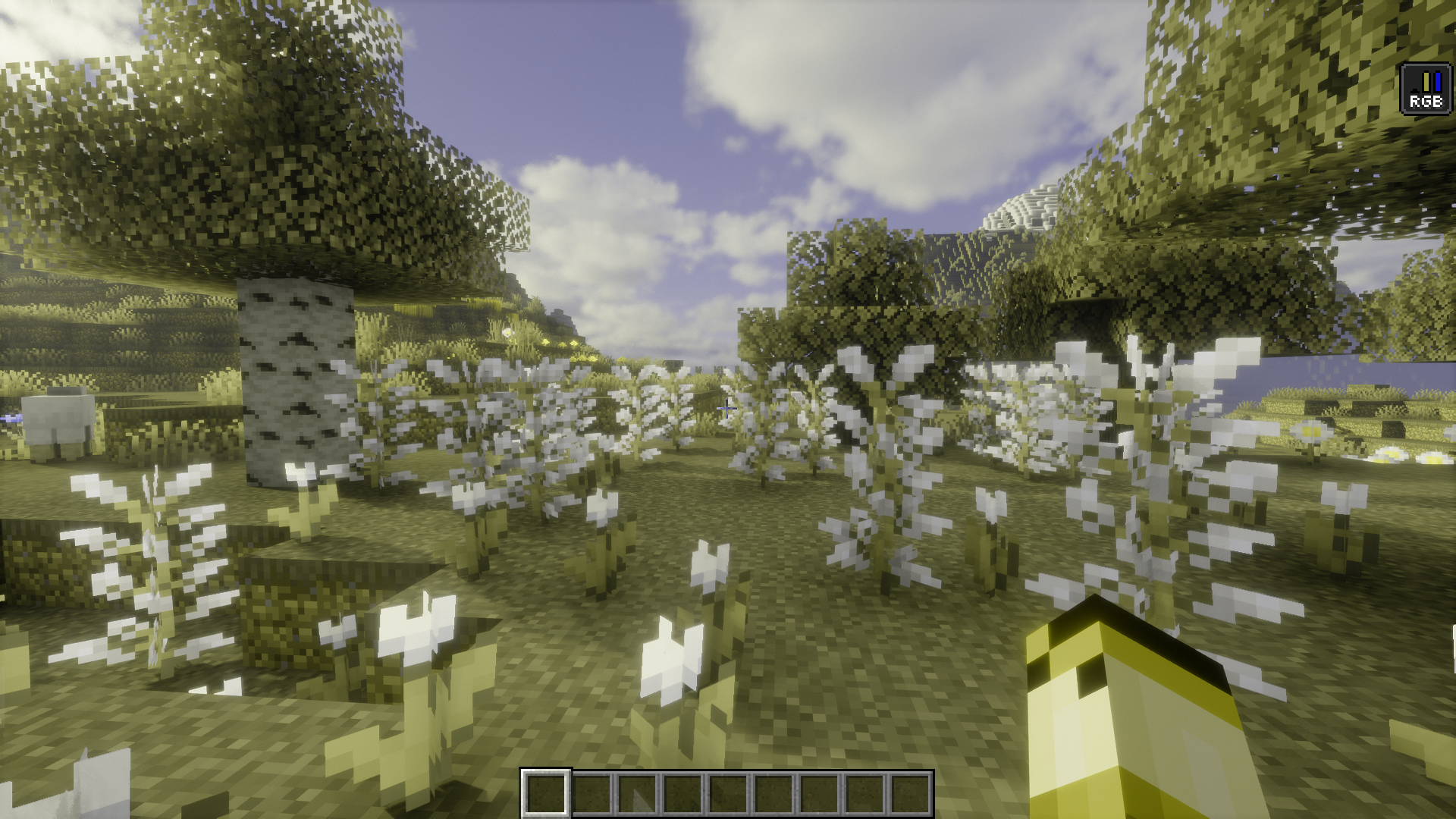
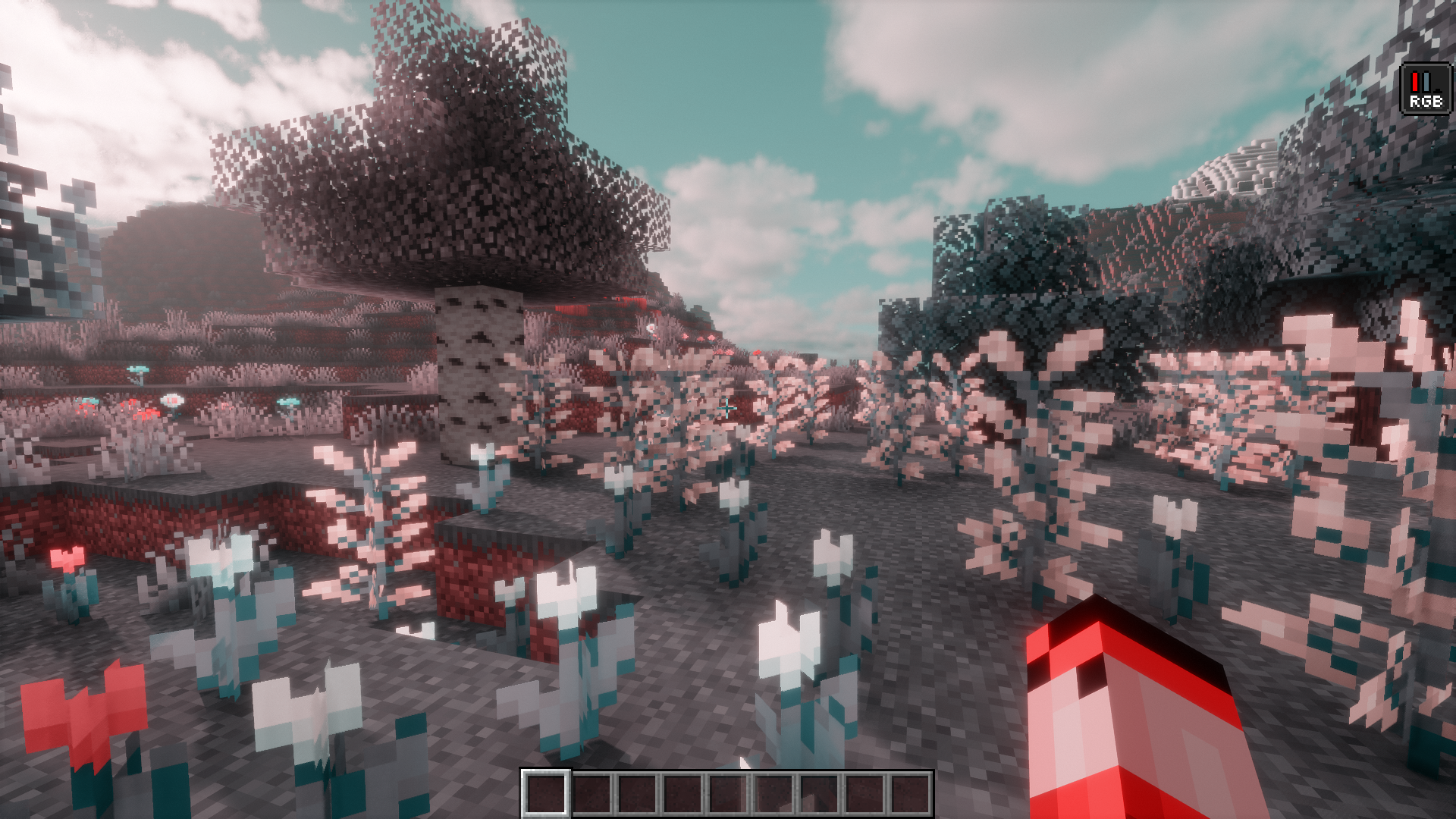
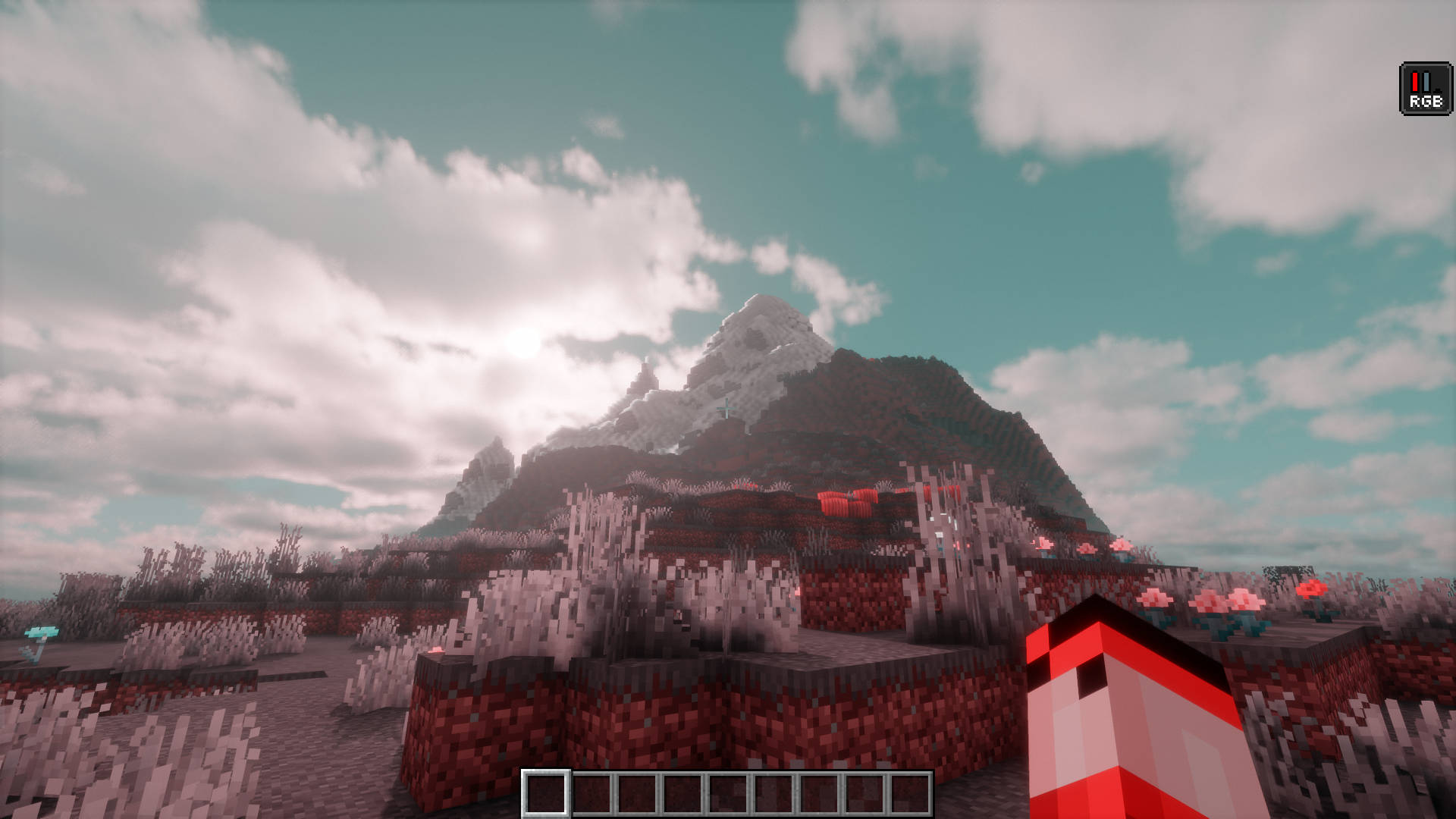
It adds player effects that make your in-game character colorblind, so the colors in the game appear different from the vanilla look. This lets you simulate color blindness in-game.
How do you apply a color blindness effect to a player?
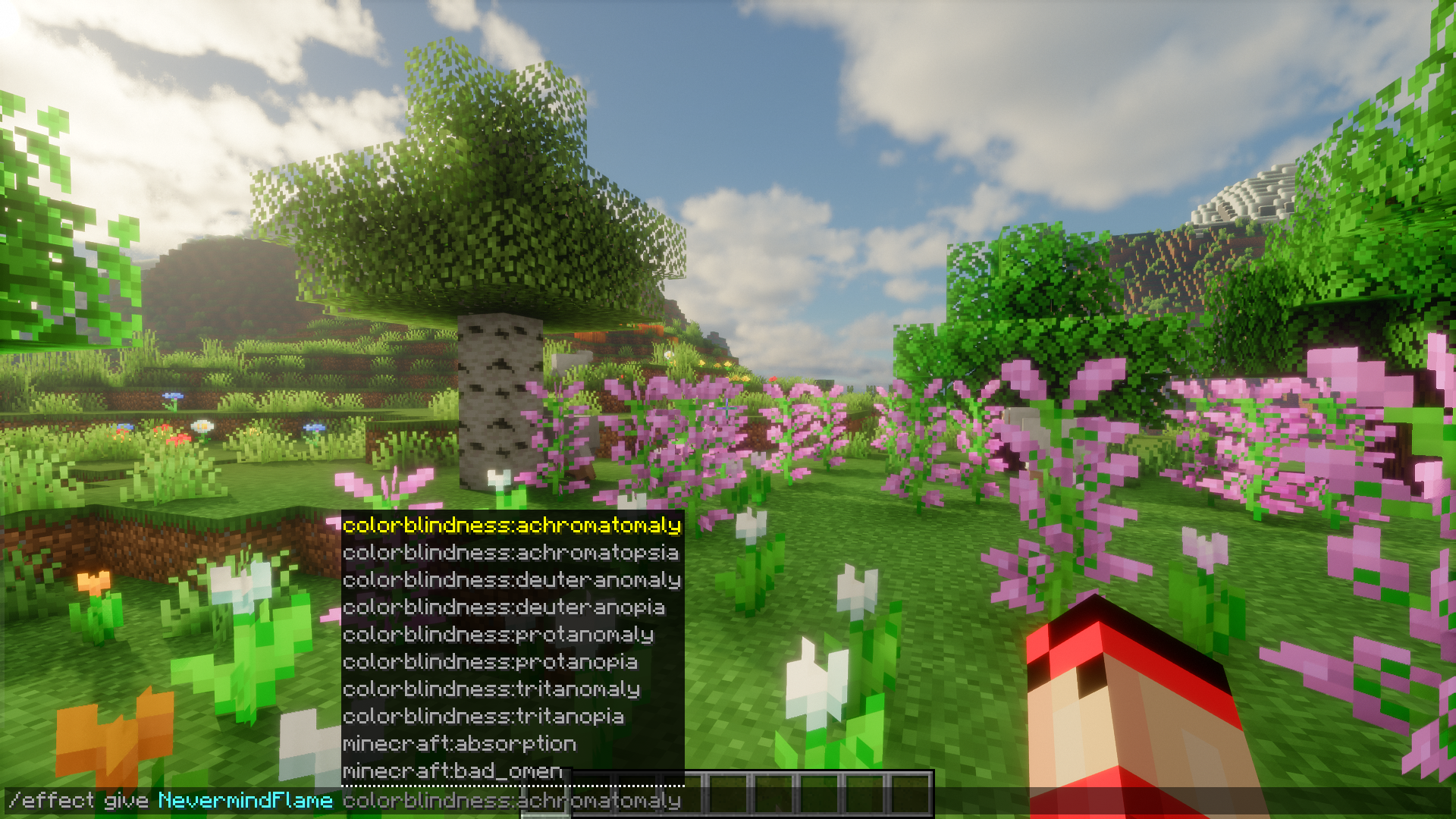
You use the command /effect give colorblindness: followed by the effect type. This applies the chosen color blindness effect to the player.
What is Achromatopsia in this mod?
Achromatopsia is one of the available types of color blindness and represents color blindness. It is listed among the mod's color blindness effect types.
What is the difference between Deuteranomaly and Deuteranopia?
Deuteranomaly is green weakness, while Deuteranopia is green blindness. Both are available types of color blindness in the mod.
See all 6 Color Blindness questions ›
Gallery
9 images from the Color Blindness Mod page.
You May Also Like
Wikis that share the most with this one
More mod wikis on the site
The most downloaded mods that have a wiki here
A few wikis from each of the other kinds