

 DownloadBetter Highlighting Mod
Get the files on 9Minecraft
Guides
Step-by-step, in-game.
Adjust Grammar Rules Through Resource PacksWhat Grammar Rules Control Grammar rules define how the mod interprets command syntax—which elements are commands,…Create a Custom Color Theme for Command HighlightingSetting Up Your Theme File Custom themes are defined through resource packs. Create a new resource pack folder in…Improve Bracket Pair Visibility in Complex CommandsUnderstanding Bracket Colorization Better Highlighting Mod automatically assigns distinct colors to matching bracket…Integrate Better Highlighting with Other Mods Using the APIUnderstanding the API Better Highlighting Mod provides an API that allows other mods to register custom syntax rules…
Frequently asked questions
How do I enable the mod after installing it?
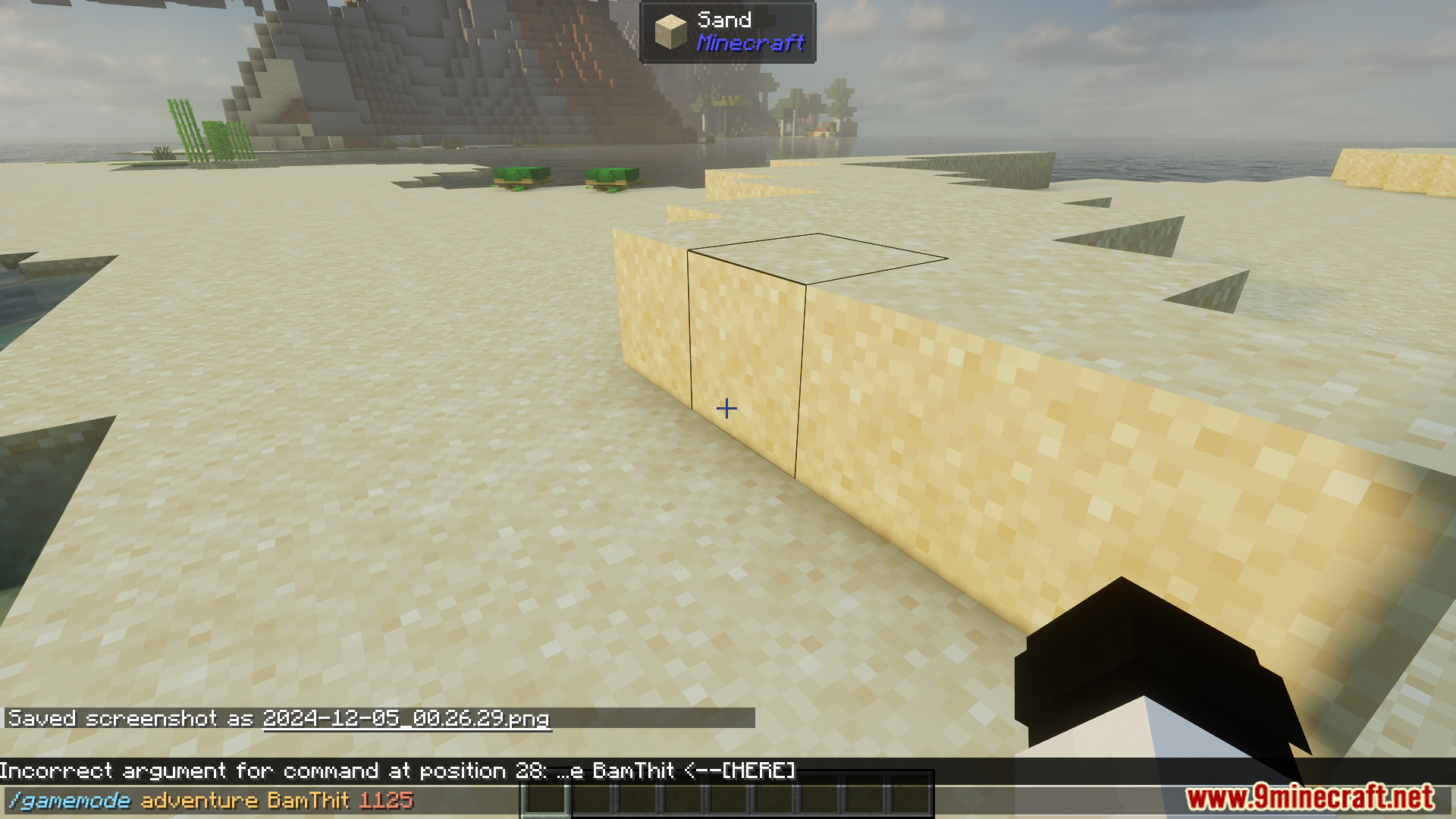
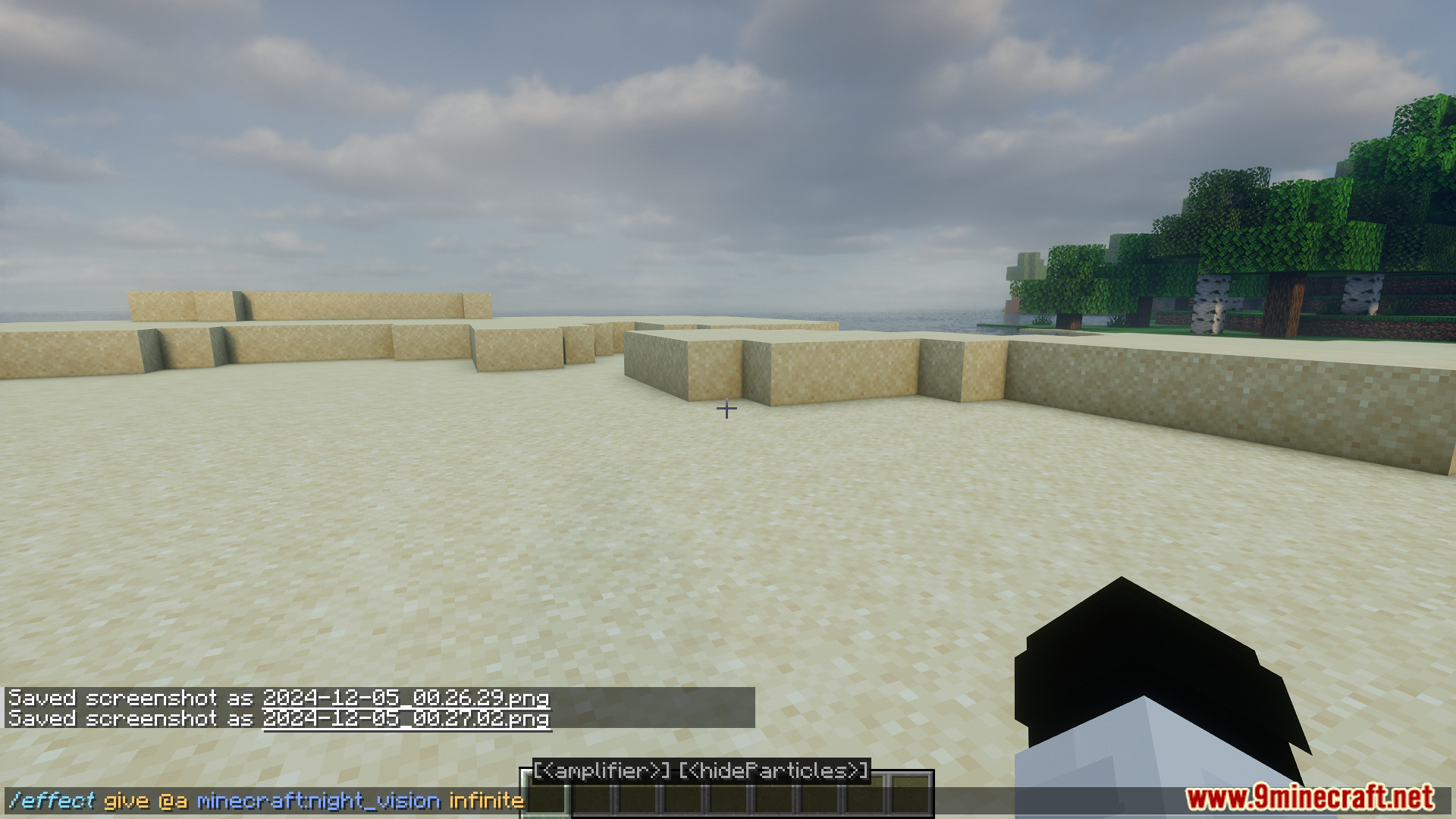
Better Highlighting Mod activates automatically once installed. Open the command input field in-game and you should immediately see colored syntax highlighting applied to your commands.
Why aren't my commands showing any colors?
Check that the mod is loaded in your mods folder and that you're typing in a command context (like chat with a / prefix or a command block). If colors still don't appear, try creating a new resource pack or resetting to the default theme.
Can I change the colors to match my preference?
Yes—create a custom color theme by making a resource pack and defining your own color values in the mod's configuration files. The wiki guide 'Create a Custom Color Theme for Command Highlighting' walks through the exact structure needed.
What's the difference between bracket pair colorization and regular highlighting?
Bracket pair colorization assigns matching colors to opening and closing brackets (like {} or []), making it easier to spot which brackets belong together in complex nested commands. Regular highlighting colors individual command elements like keywords and arguments.
See all 10 Better Highlighting questions ›
Gallery
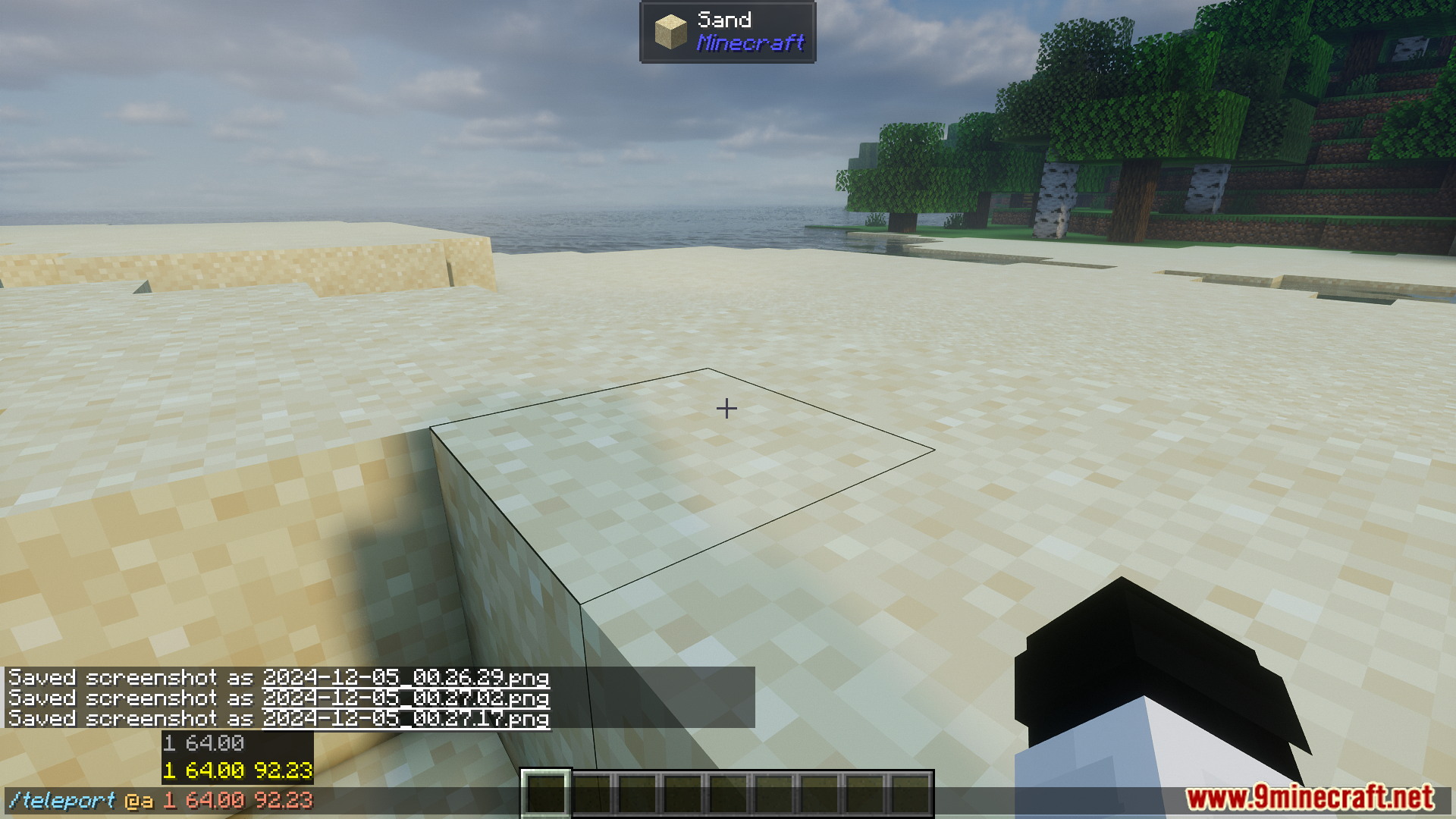
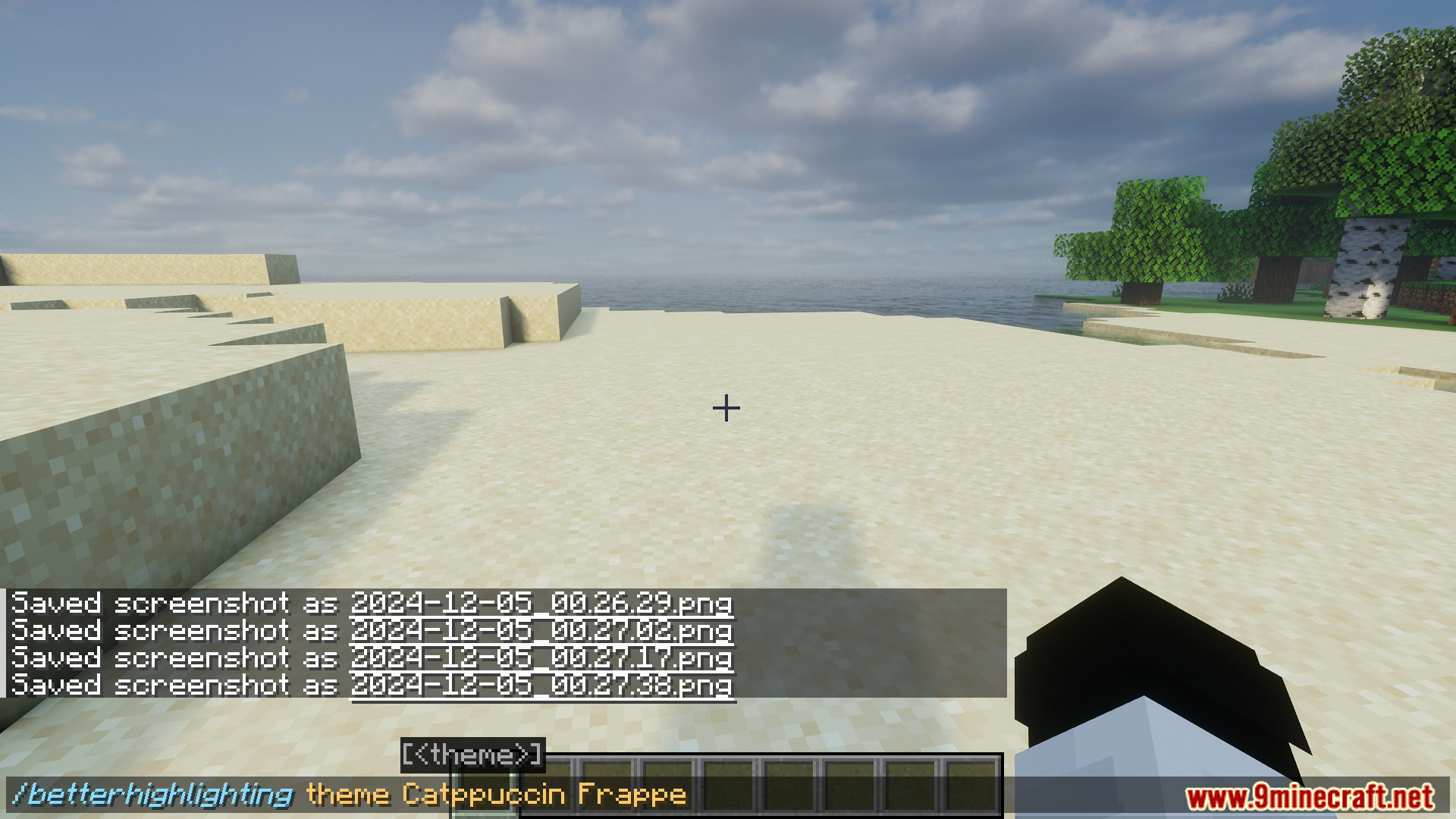
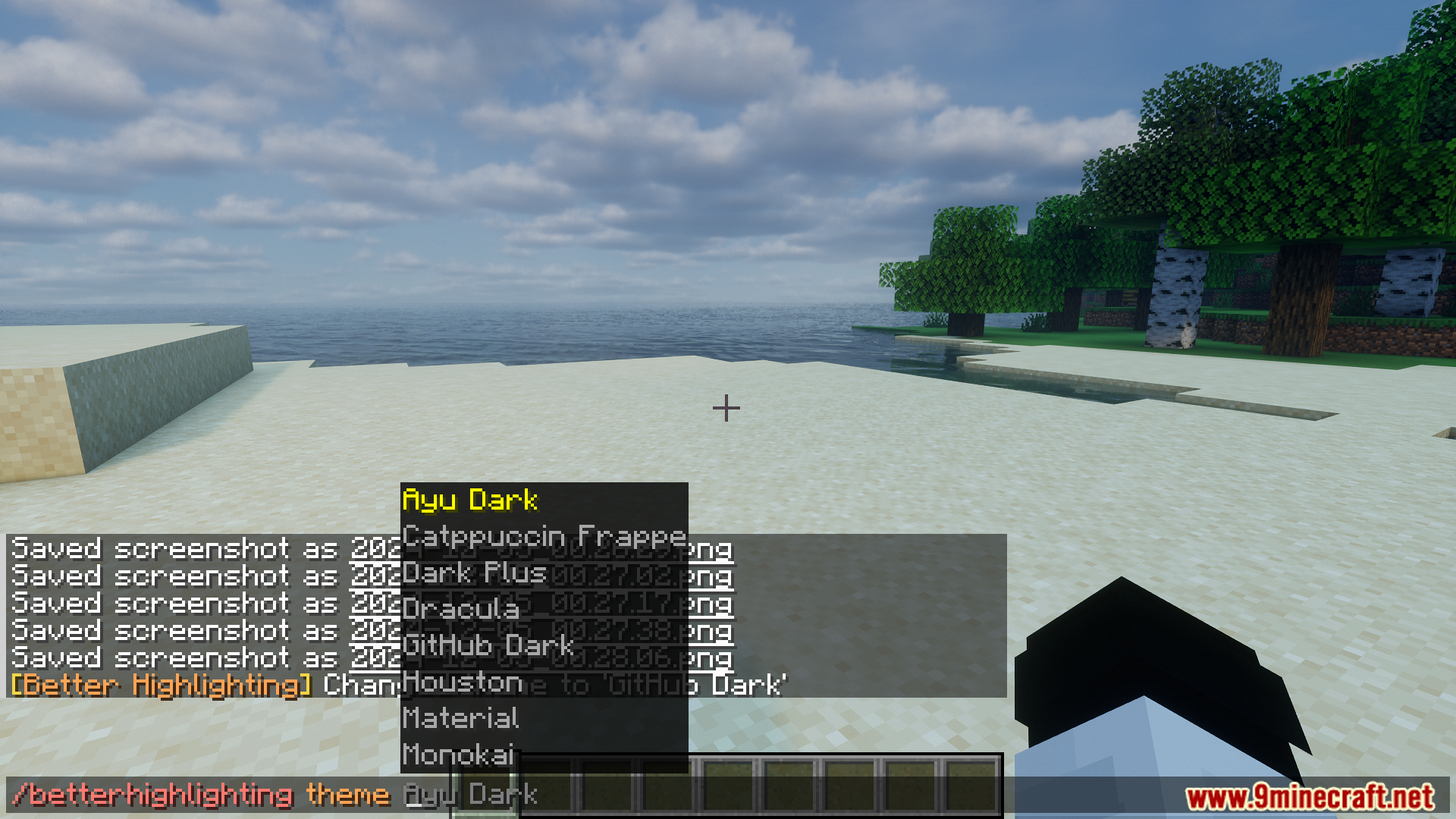
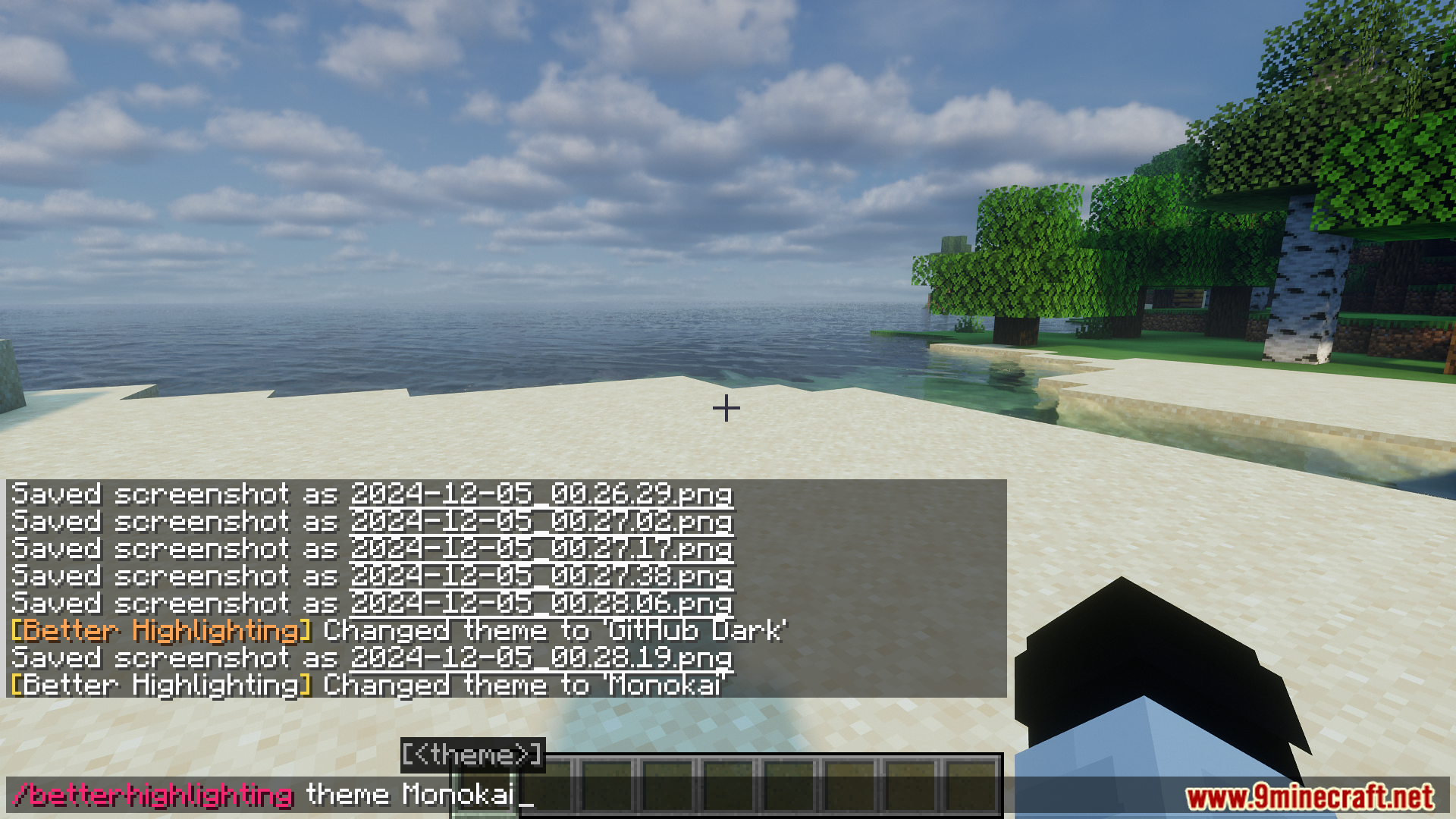
8 images from the Better Highlighting Mod page.
You May Also Like
Wikis that share the most with this one
Wikis on the same theme: light
More mod wikis on the site
The most downloaded mods that have a wiki here
A few wikis from each of the other kinds