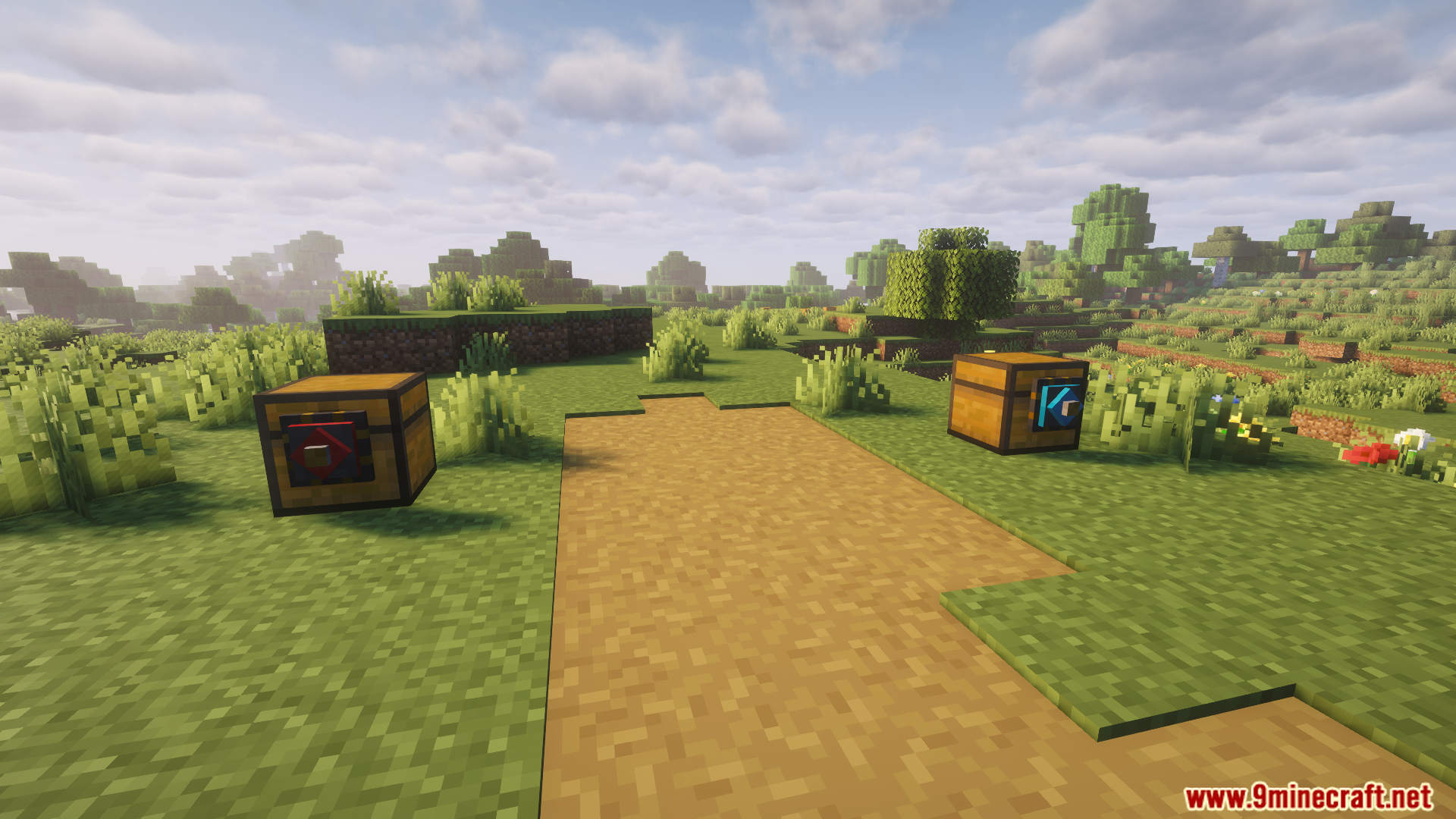
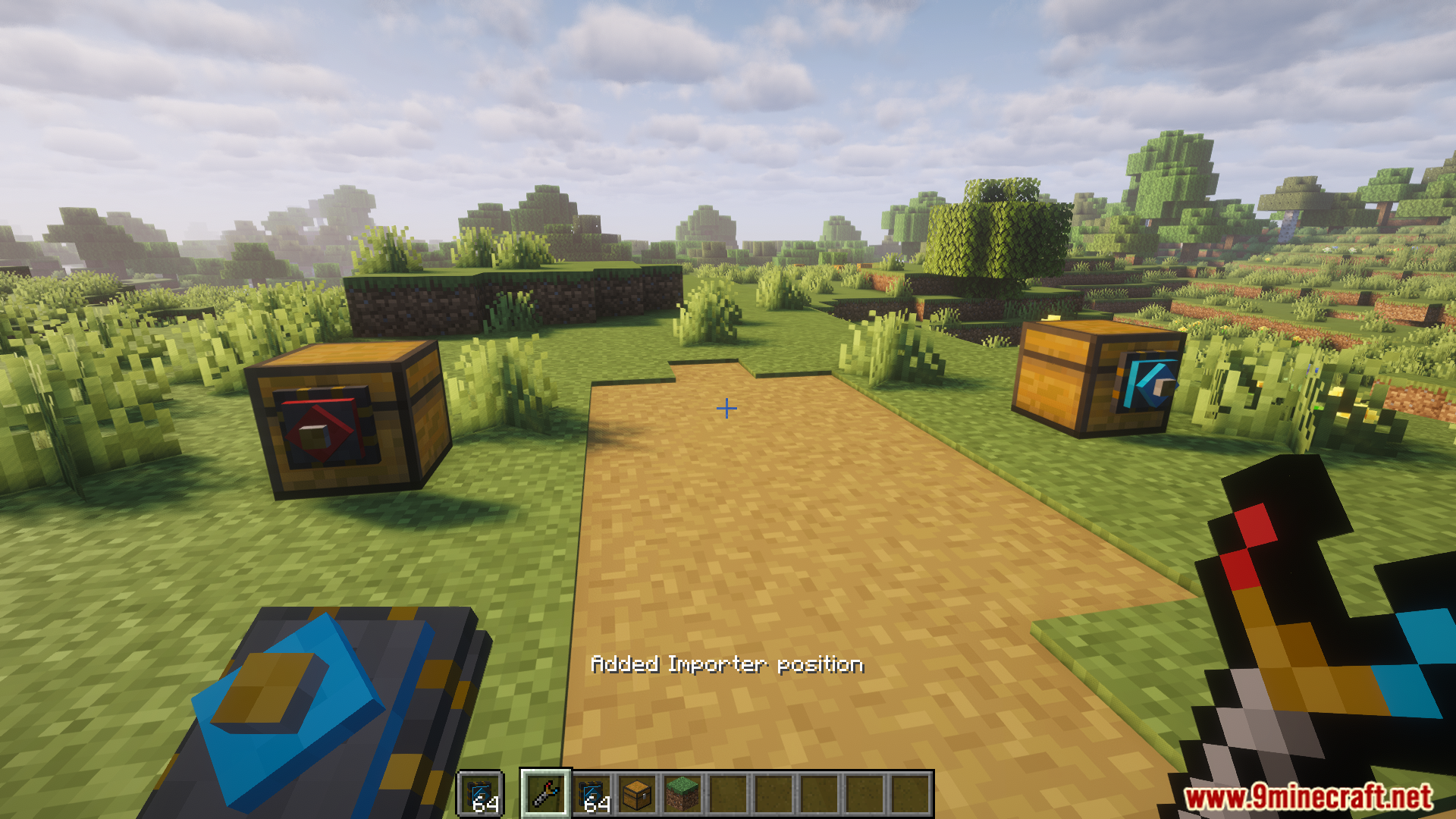
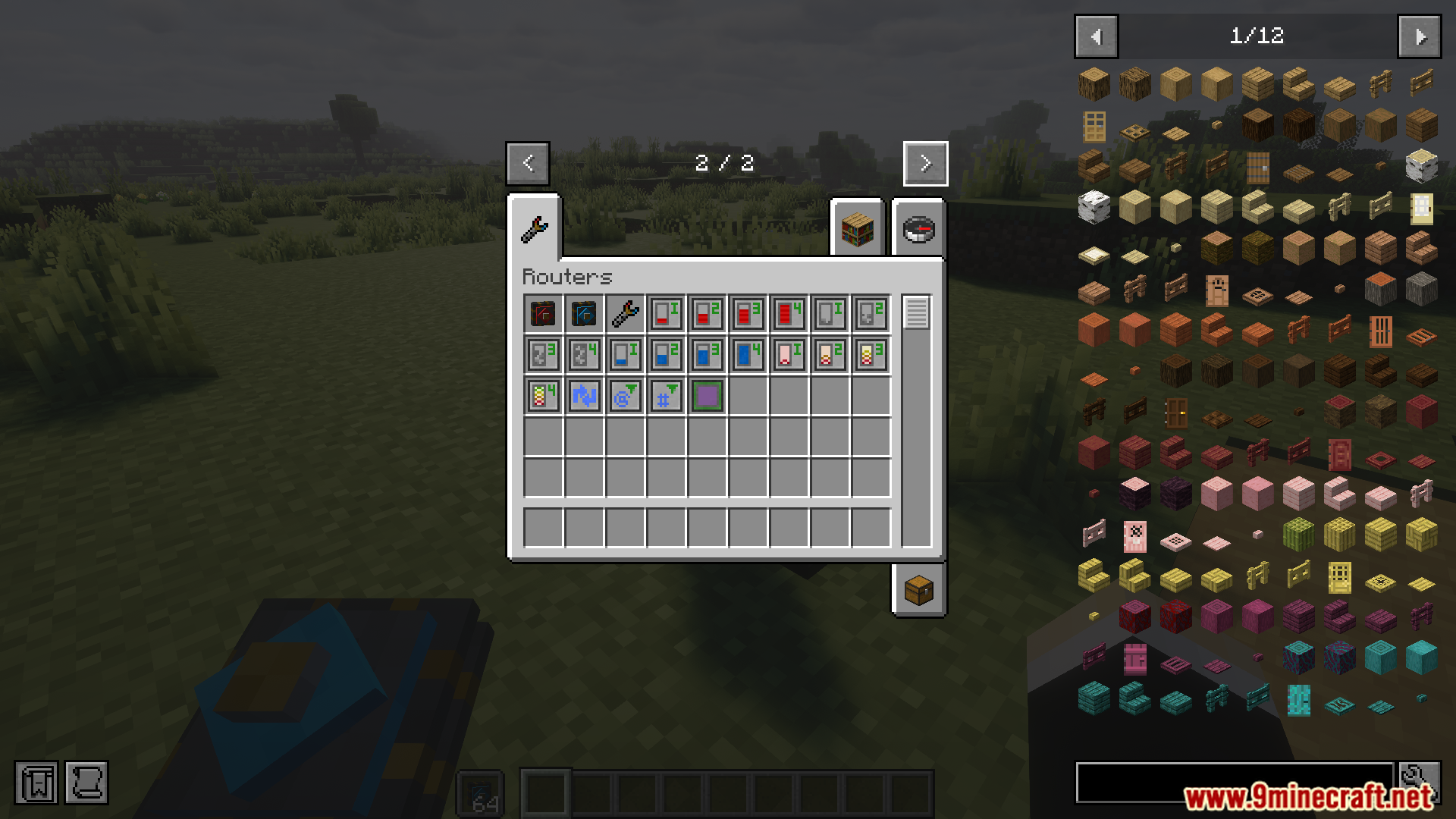
DownloadBbl Routers
Get the files on 9Minecraft
Guides
Step-by-step, in-game.
How to Filter Which Items a Router Moves (Whitelist and Blacklist)Using the Blacklist Upgrade By default a router moves everything it can. If you want to *exclude* specific items,…How to Move Fluids Between Tanks Using Fluid UpgradesSetting Up Fluid Transfer Fluid movement in Bbl Routers uses the same router-and-connector structure as item…How to Set Up a Basic Item Router Network in Bbl RoutersPlacing the Core Blocks Start by placing a Router as the central hub of your network. Connect it to your source…How to Speed Up Item Transfer With Speed UpgradesUnderstanding the Speed Tiers Bbl Routers provides Speed Upgrade I through Speed Upgrade IV . Each tier increases how…How to Transfer Energy With Energy UpgradesEnergy Transfer Basics Bbl Routers can move energy (FE/RF-style) between energy-storing blocks using Energy Upgrade I…How to Use Round Robin and Distributor for Even Item DistributionWhat Round Robin Does The Round Robin Upgrade makes the router cycle through its available destinations in order,…
Recipes
Every recipe the mod adds, grouped by how it is made.
Items
B
 Blacklist Upgrade
C
 Connector
D
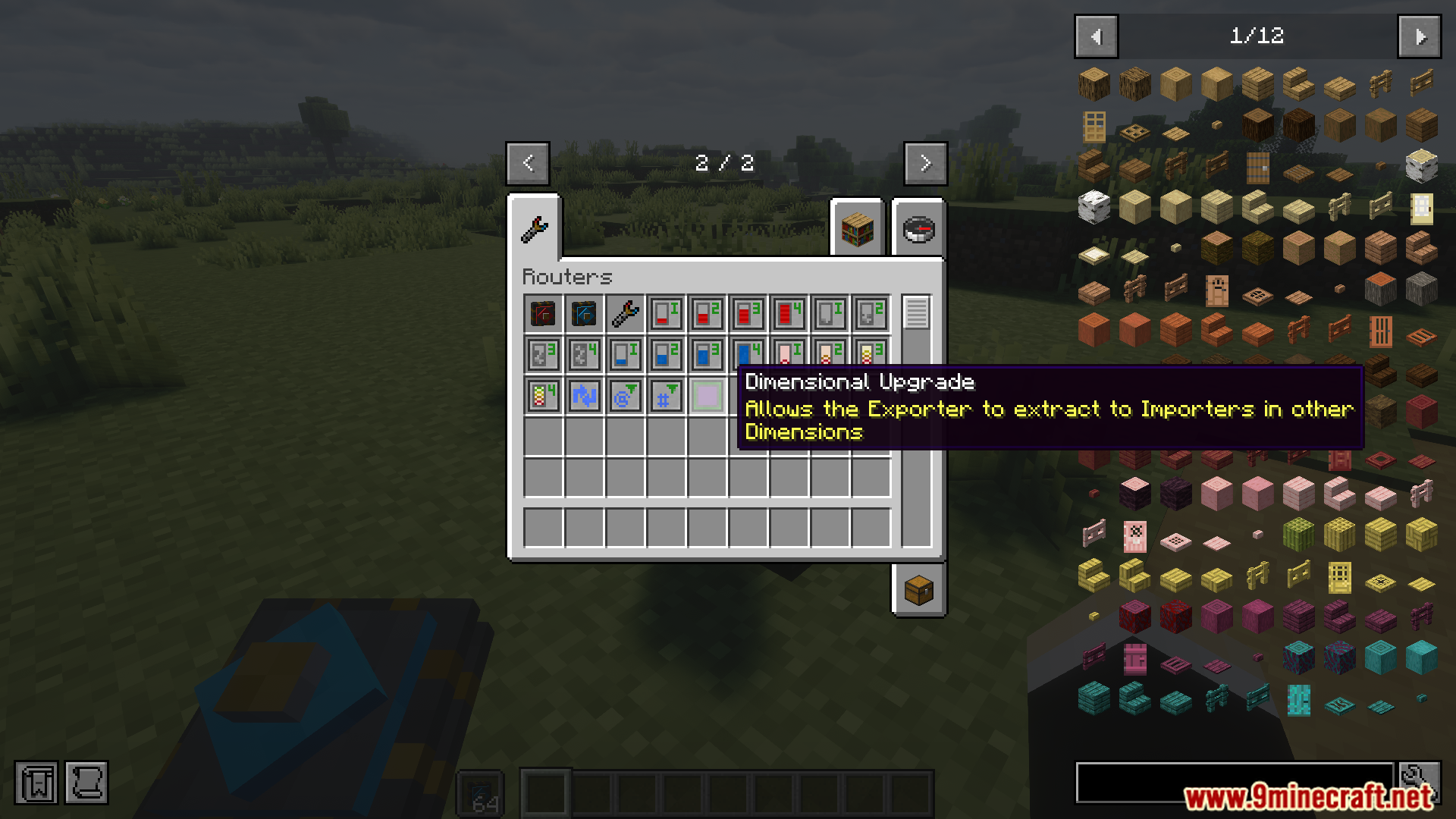
 Dimensional Upgrade
E
 Energy Upgrade I
 Energy Upgrade II
 Energy Upgrade III
 Energy Upgrade IV
F
 Fluid Upgrade I
 Fluid Upgrade II
 Fluid Upgrade III
 Fluid Upgrade IV
I
 Ignore NBT/Components Upgrade
 Item Upgrade I
 Item Upgrade II
 Item Upgrade III
 Item Upgrade IV
M
 Mod Filter Upgrade (Not Yet Implemented)
R
 Round Robin Upgrade
S
 Speed Upgrade I
 Speed Upgrade II
 Speed Upgrade III
 Speed Upgrade IV
T
 Tag Filter Upgrade (Not Yet Implemented)
Blocks
 Distributor (BETA)
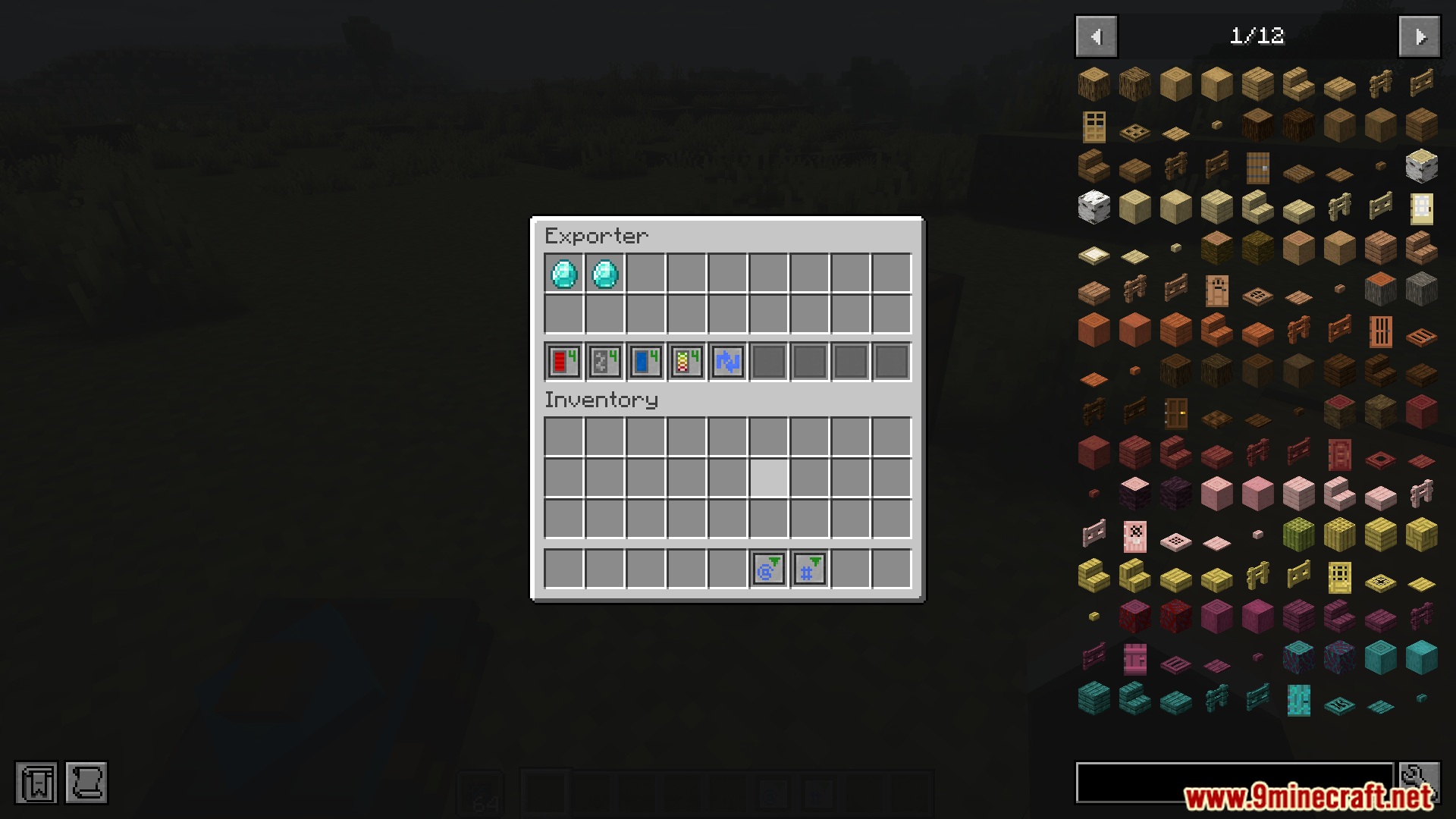
 Exporter
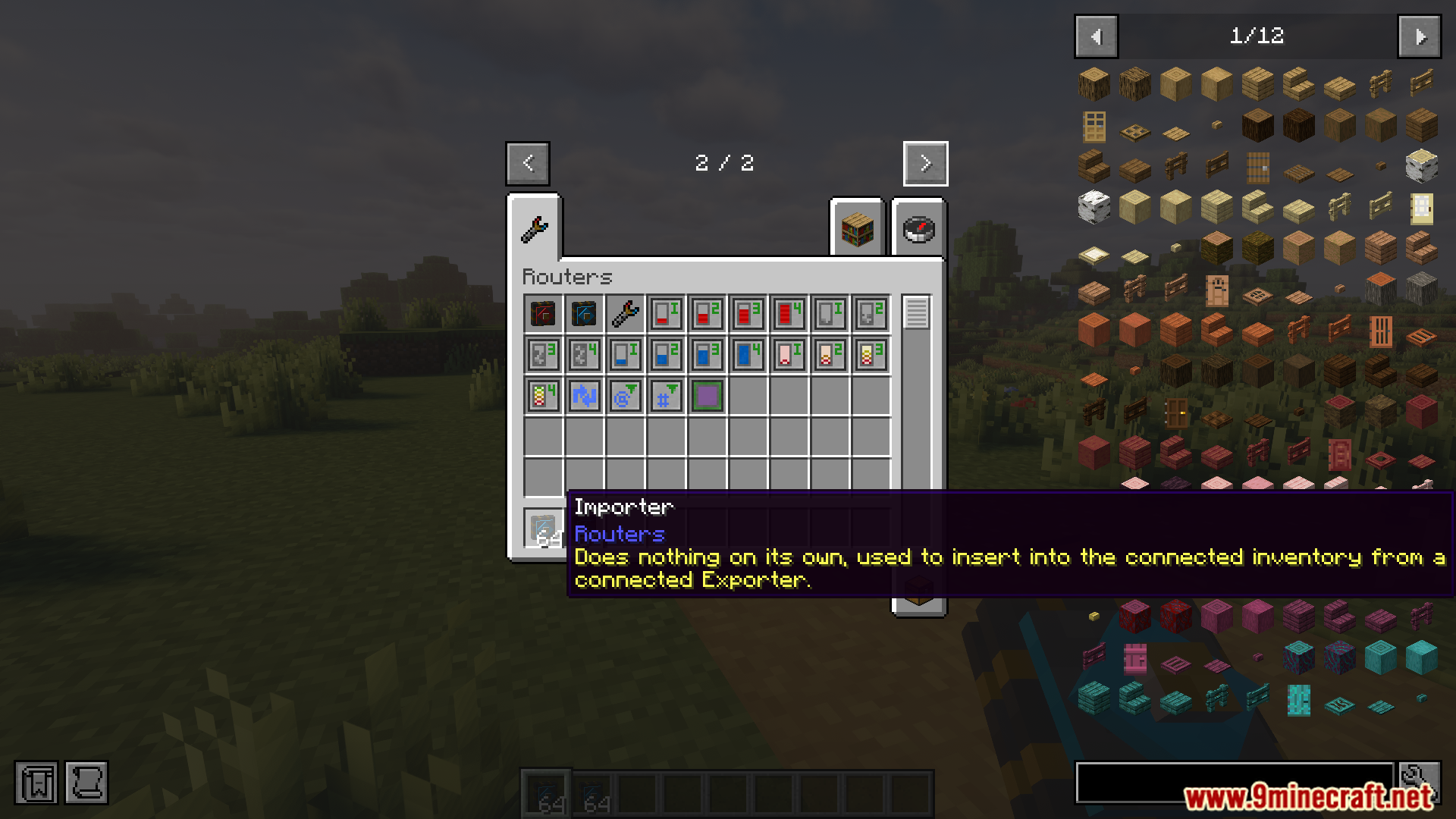
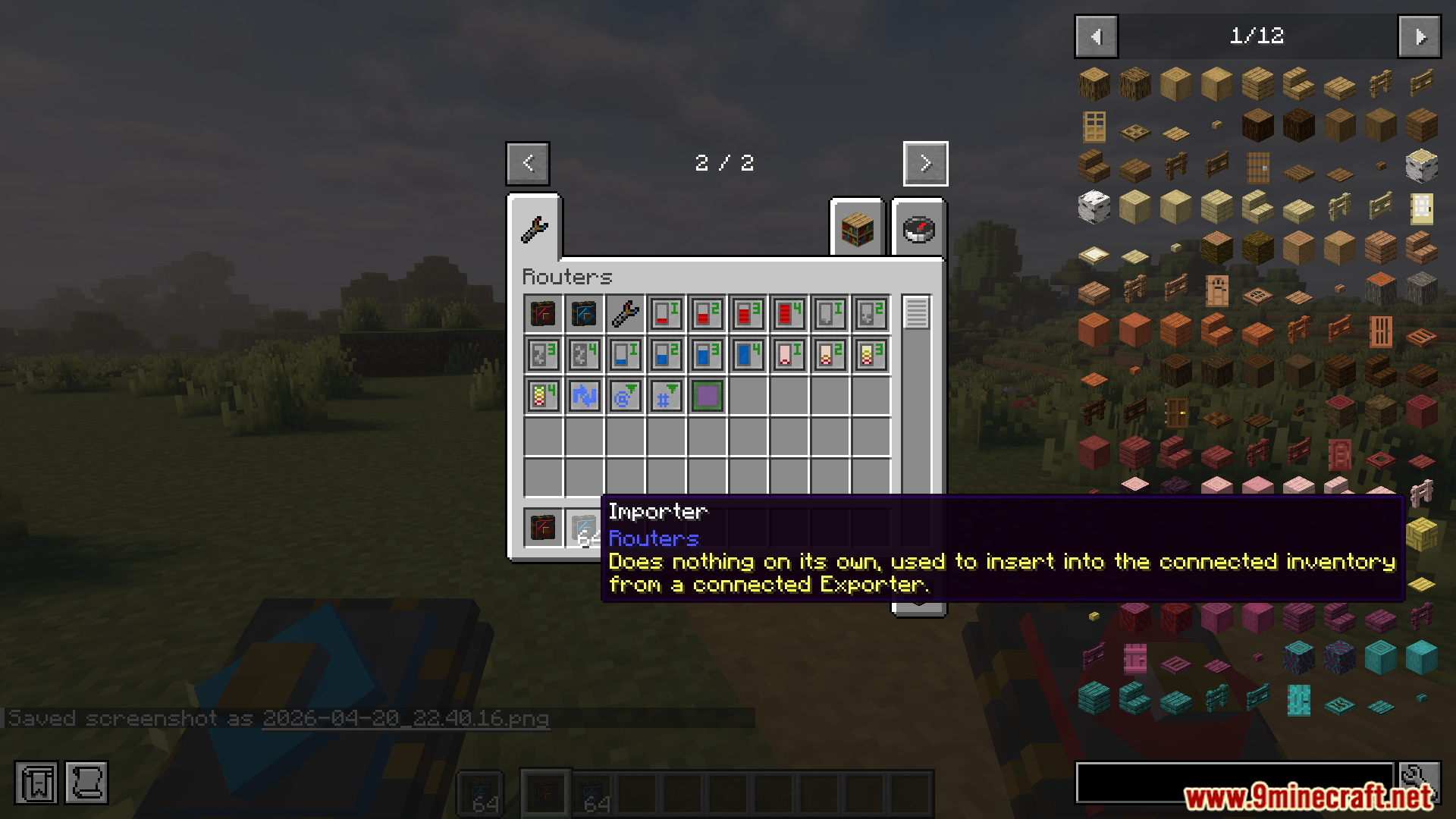
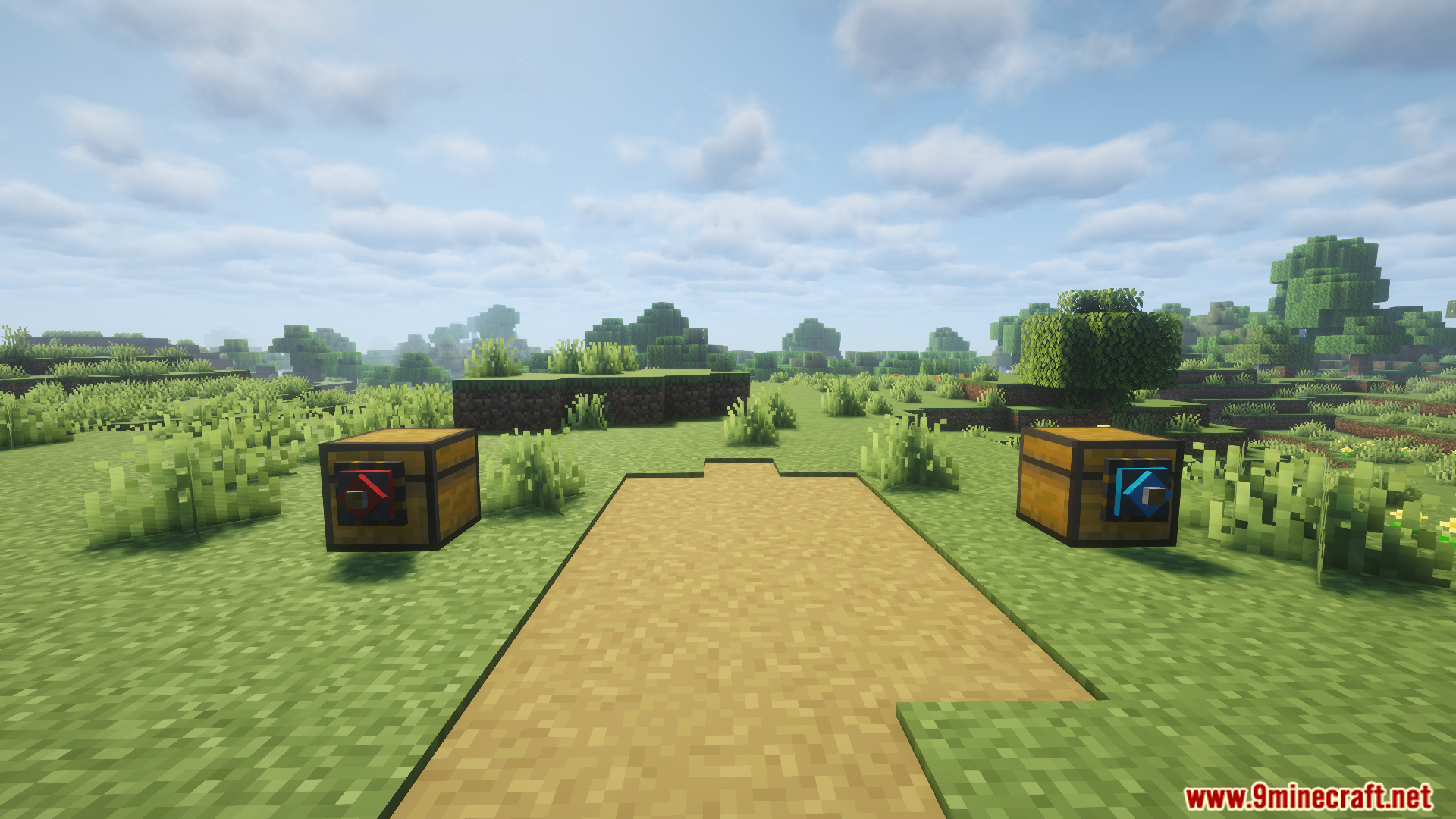
 Importer
Frequently asked questions
How do I get started with Bbl Routers?
Place a Connector against the inventory you want to pull from or push to, then place an Importer or Exporter on it to define the direction of transfer. Link routers together to form a network, and add upgrades to control what moves and how fast.
What's the difference between an Importer and an Exporter?
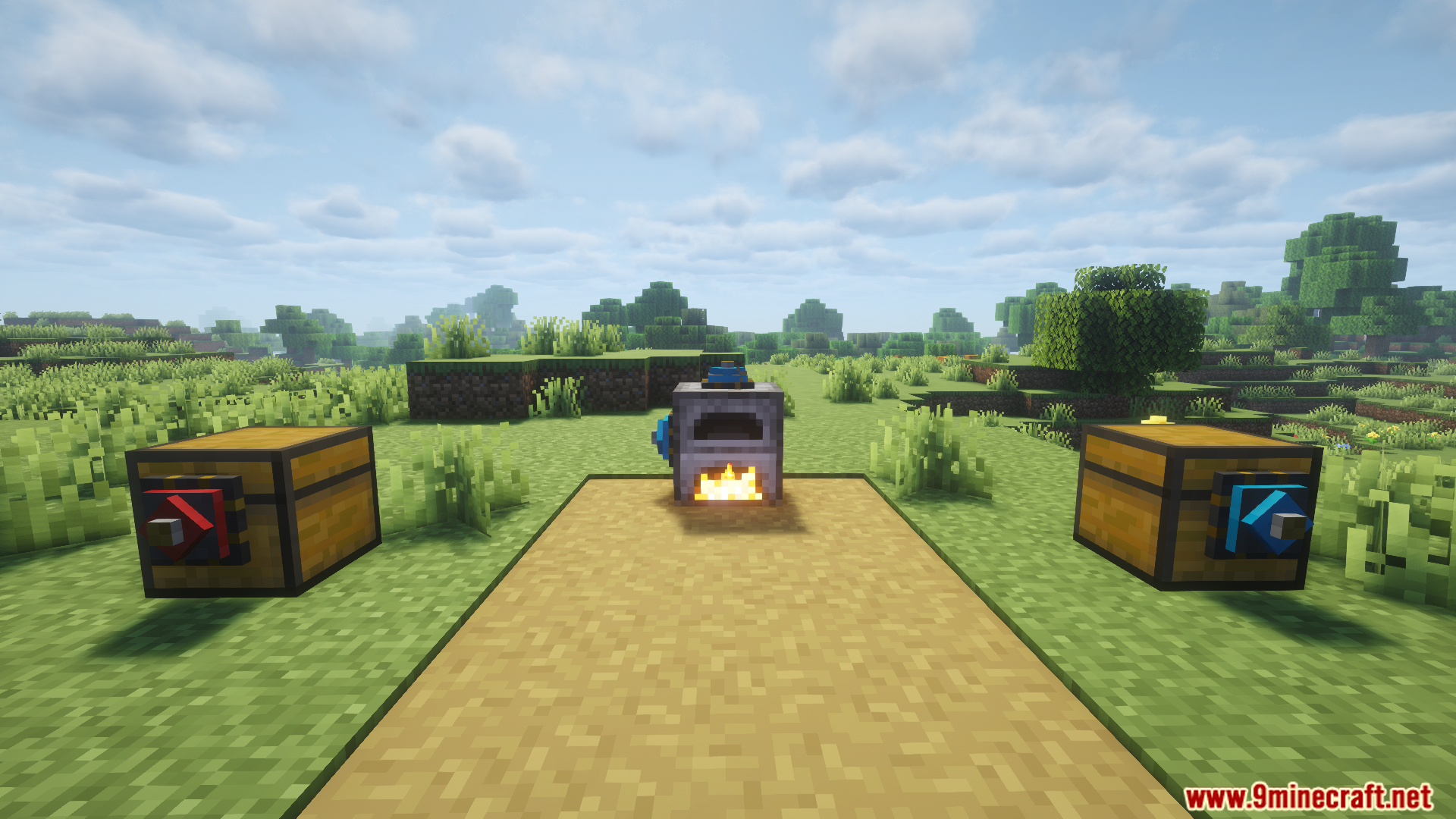
An Importer pulls items out of the inventory it's attached to and into the router network, while an Exporter pushes items from the network into the attached inventory. You typically need both on a network to move things from one place to another.
How do I connect two inventories that are far apart?
Run a line of Connectors between the two locations to extend the router network, then place an Importer at the source and an Exporter at the destination. For cross-dimension transfer, add a Dimensional Upgrade to the relevant router.
Why isn't my router moving any items?
Check that the Importer and Exporter are both connected to the same network and that the source inventory actually contains items. Also verify your filters aren't excluding everything, and that the destination has room to accept the items.
How do whitelist and blacklist filters work?
A whitelist tells the router to only move the items you specify, while a blacklist tells it to move everything except those items. You set the filter on the router or upgrade that controls the transfer.
What does the Ignore NBT/Components Upgrade do?
It makes the router treat items with different NBT data or components as identical, so enchanted, renamed, or otherwise modified items match the same filter entry. This is useful when you want to move all variants of an item together.
How do I make items distribute evenly across multiple inventories?
Use a Distributor to spread items across several outputs, or add a Round Robin Upgrade so the router cycles through destinations in turn. Both prevent one chest from filling up while others stay empty.
Can I move fluids and energy with the same router network as items?
Yes, but you need the matching upgrade type on the relevant router: Fluid Upgrades for tanks and Energy Upgrades for energy storage. Higher tiers of each upgrade increase the transfer rate.
Why are the Mod Filter and Tag Filter upgrades not working?
Those upgrades are listed as not yet implemented, so they won't function in the current version. Use the standard whitelist/blacklist filter or the Ignore NBT/Components Upgrade as a workaround for now.
Will a large router network cause lag?
Performance depends on how many routers are actively transferring and how often they tick; long chains of Connectors are generally cheap, but many simultaneous high-speed transfers can add up. If you notice lag, reduce the number of active routes or lower Speed Upgrade tiers on busy lines.
You May Also Like
Wikis that share the most with this one
Wikis on the same theme: dimension
More mod wikis on the site
The most downloaded mods that have a wiki here
A few wikis from each of the other kinds
Gallery
11 images from the Bbl Routers Mod page.