

 Download1Influence’s Smooth Boot Mod
Get the files on 9Minecraft
Guides
Step-by-step, in-game.
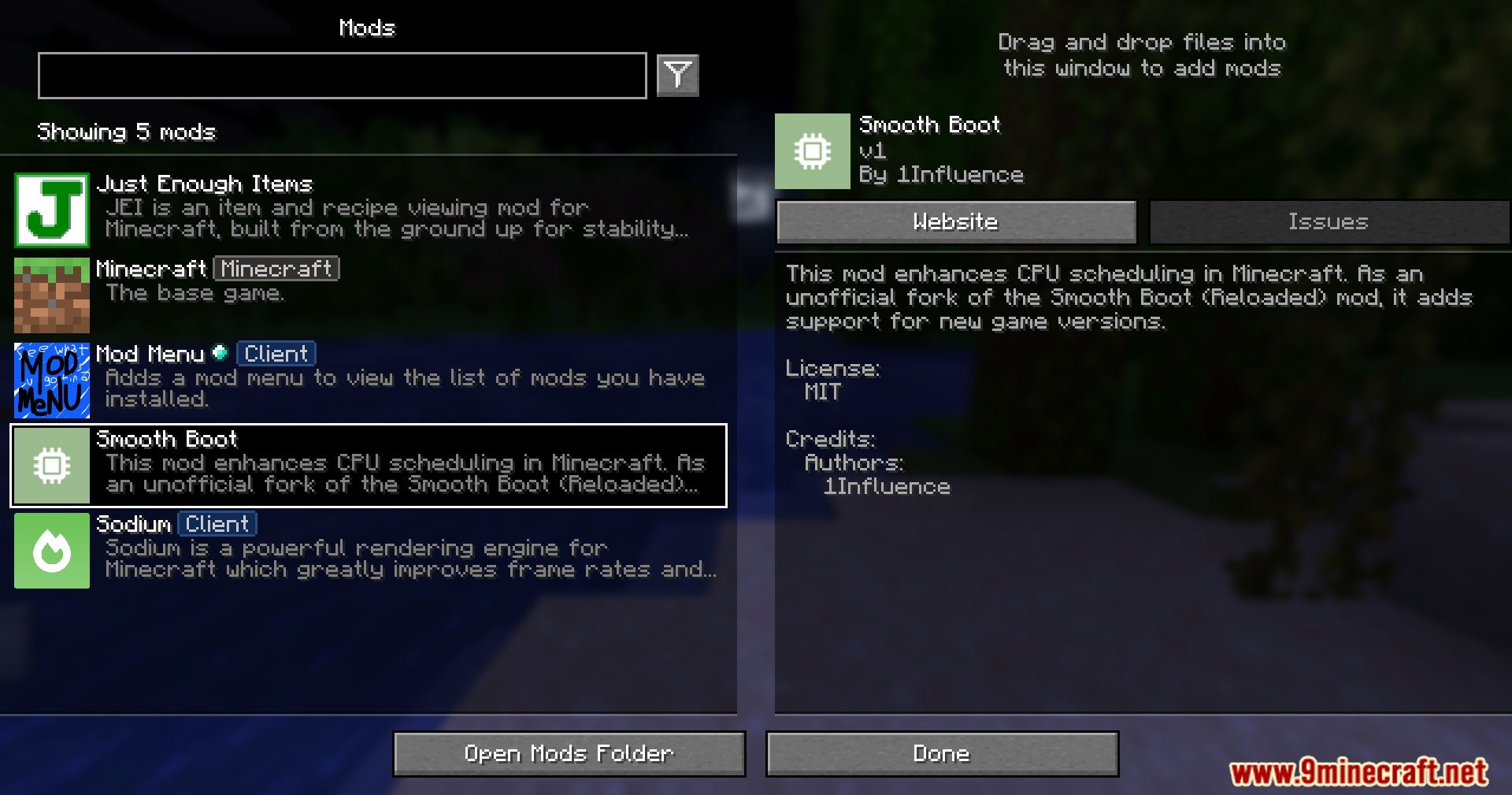
Check If Smooth Boot Is Working ProperlyVerify the Mod Is Active Open the mods menu from the main screen and search for Smooth Boot in your mod list. If it…Optimize Startup Performance on Low-End SystemsWhy Low-End PCs Benefit Most Computers with fewer CPU cores or limited RAM struggle most with Minecraft's default…Reduce Game Startup Lag and FreezingWhy Your Game Freezes on Launch Minecraft normally loads all mods and resources at once during startup, causing your…Understand How Smooth Boot Changes Startup BehaviorWhat Smooth Boot Actually Does Minecraft's default startup loads everything—textures, models, mods, configurations—in…
Frequently asked questions
Do I need to configure anything after installing Smooth Boot?
No configuration is required—the mod works automatically once installed. It applies its optimization settings to your startup process without needing manual setup.
How do I know if Smooth Boot is actually working?
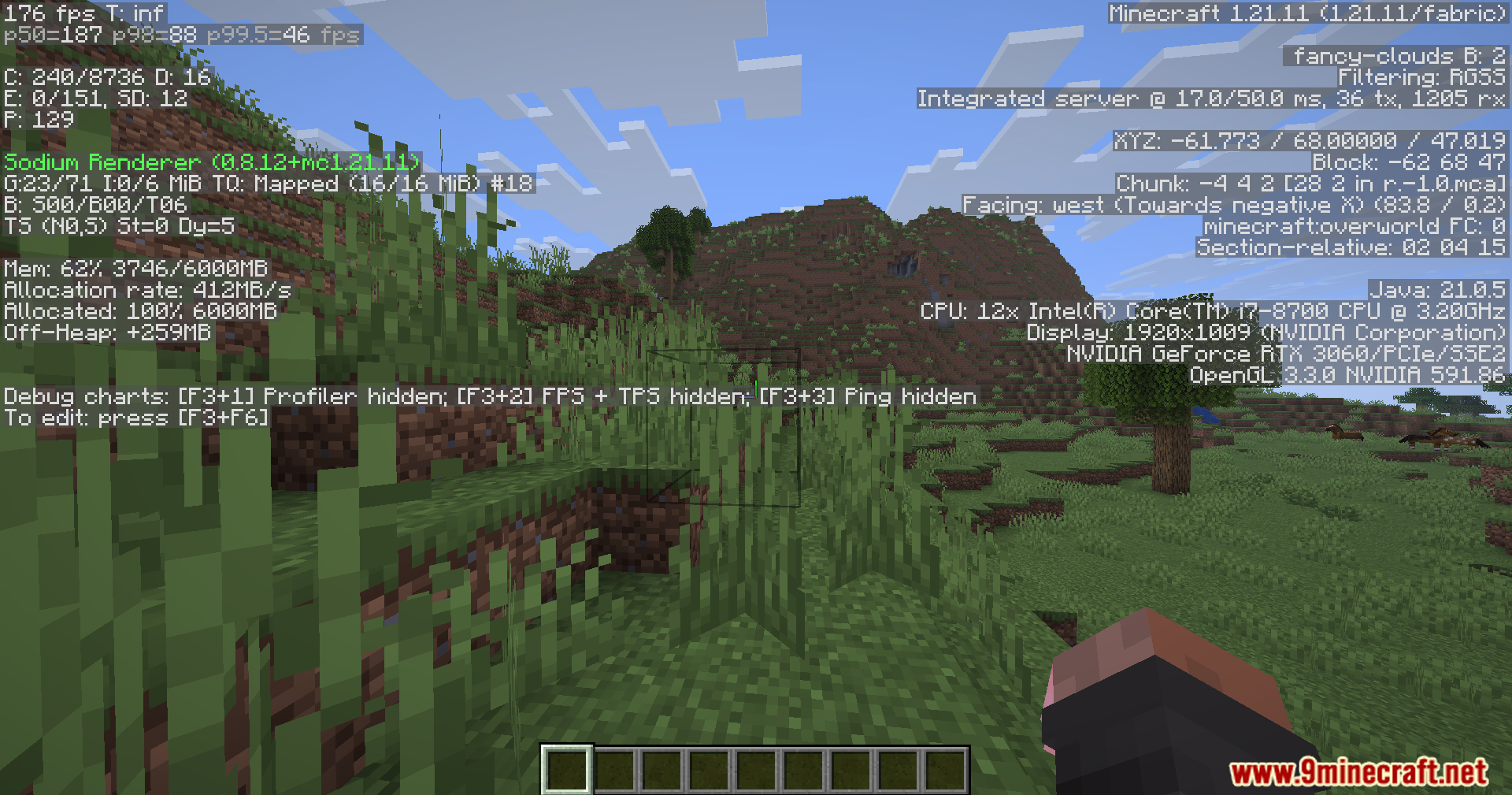
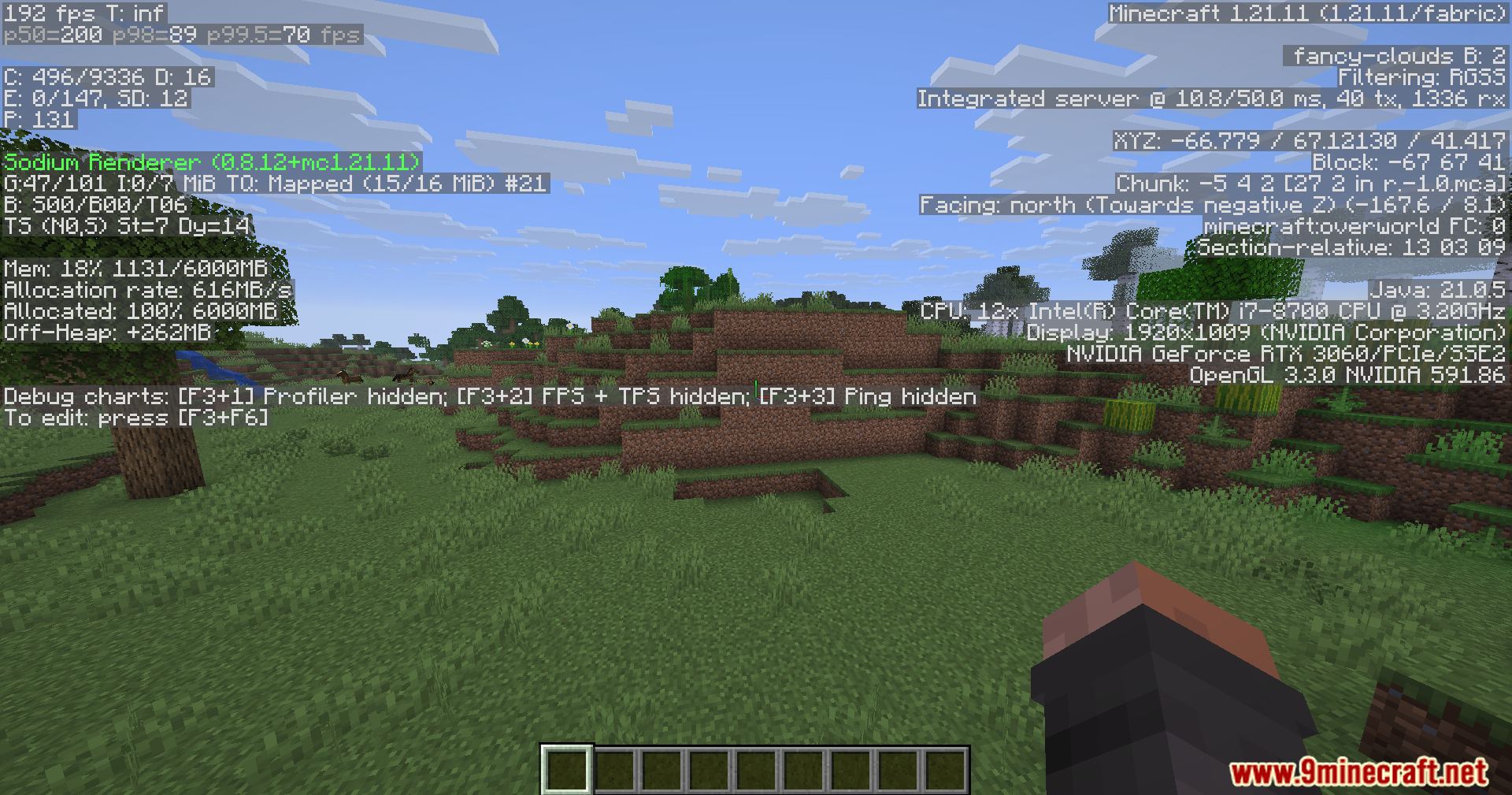
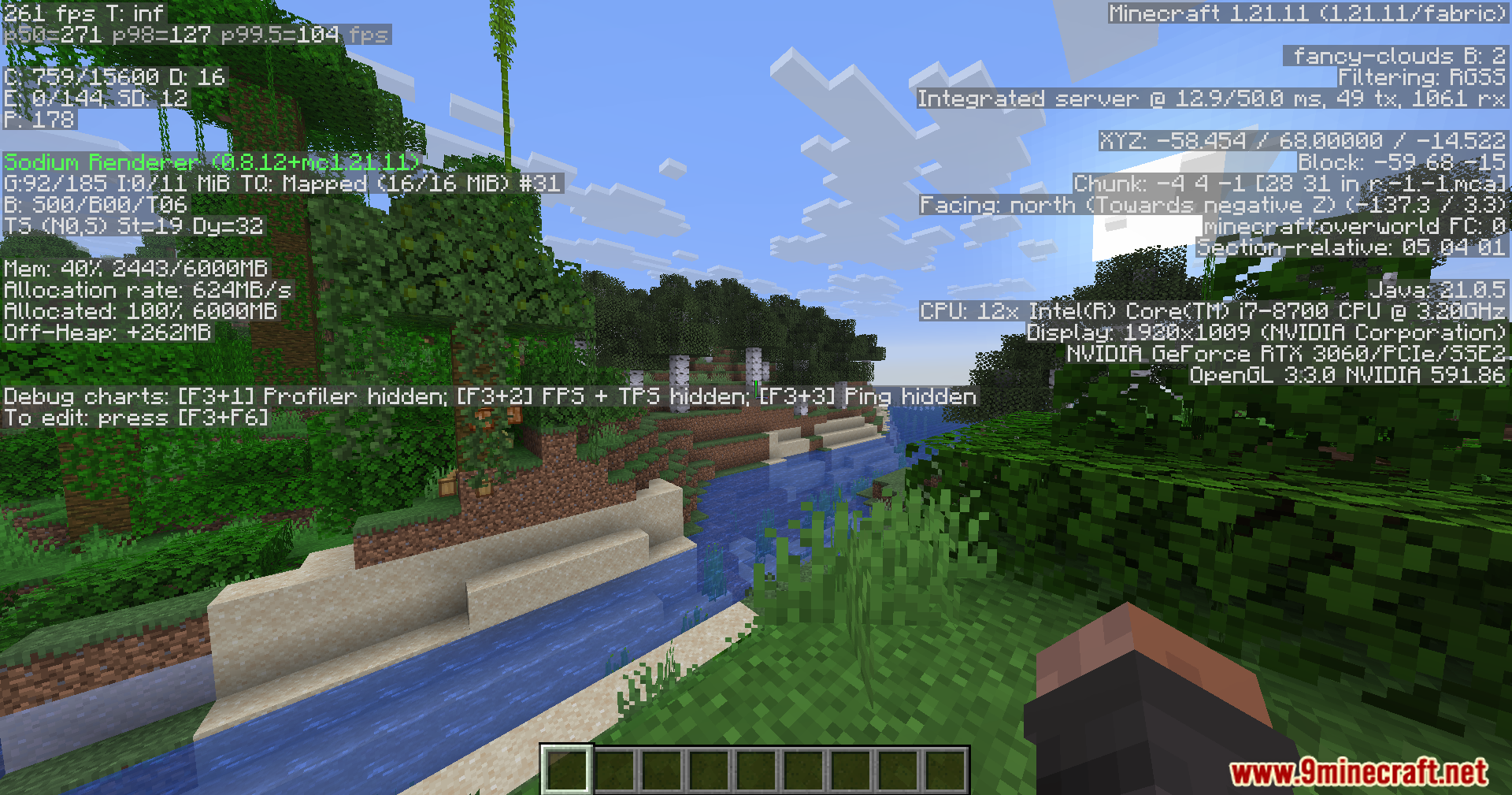
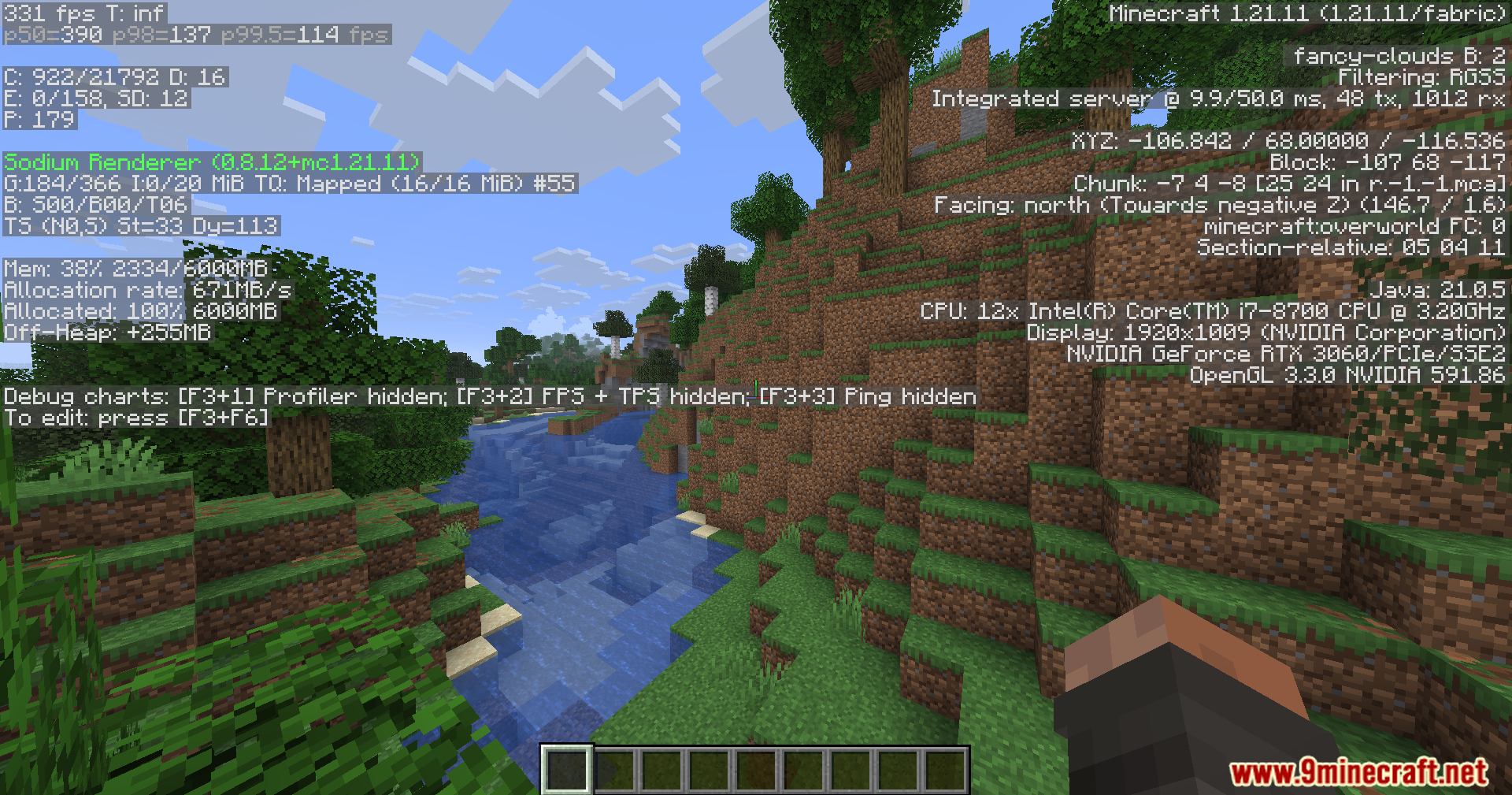
Launch the game and watch your CPU usage during the loading screen; it should stay lower and more consistent instead of spiking sharply. You can also check the debug menu (F3) to monitor frame rates and processor load during startup.
Will Smooth Boot help if my computer freezes when loading Minecraft?
Yes—freezing during startup is usually caused by sudden CPU spikes, which this mod reduces by spreading the workload across more time. You should notice smoother loading and fewer stutters.
Does this mod affect gameplay performance after the game loads?
No, Smooth Boot only changes how your computer handles the startup process; it doesn't affect in-game frame rates or performance once you're playing.
See all 10 1Influence’s Smooth Boot questions ›
Gallery
11 images from the 1Influence S Smooth Boot Mod page.
You May Also Like
Wikis that share the most with this one
 Smooth Font
More mod wikis on the site
The most downloaded mods that have a wiki here
A few wikis from each of the other kinds