

 Download2D Projectiles Mod
Get the files on 9Minecraft
Guides
Step-by-step, in-game.
Fix Arrow Direction for Custom Texture PacksLocate Your Config File Find the 2D Projectiles Mod configuration file in your .minecraft/config folder. The file…Restore Critical Hit ParticlesUnderstanding the Default Setting By default, 2D Projectiles Mod removes the particle effects that appear when arrows…Understand the Rolling Animation SpeedHow Rolling Works When you shoot an arrow or firework rocket, it now displays a rolling animation as it flies. This…Use Flat Firework Rockets with CrossbowsHow Firework Rockets Appear When you load and fire firework rockets from a crossbow, 2D Projectiles Mod displays them…
Frequently asked questions
Do I need to do anything after installing the mod?
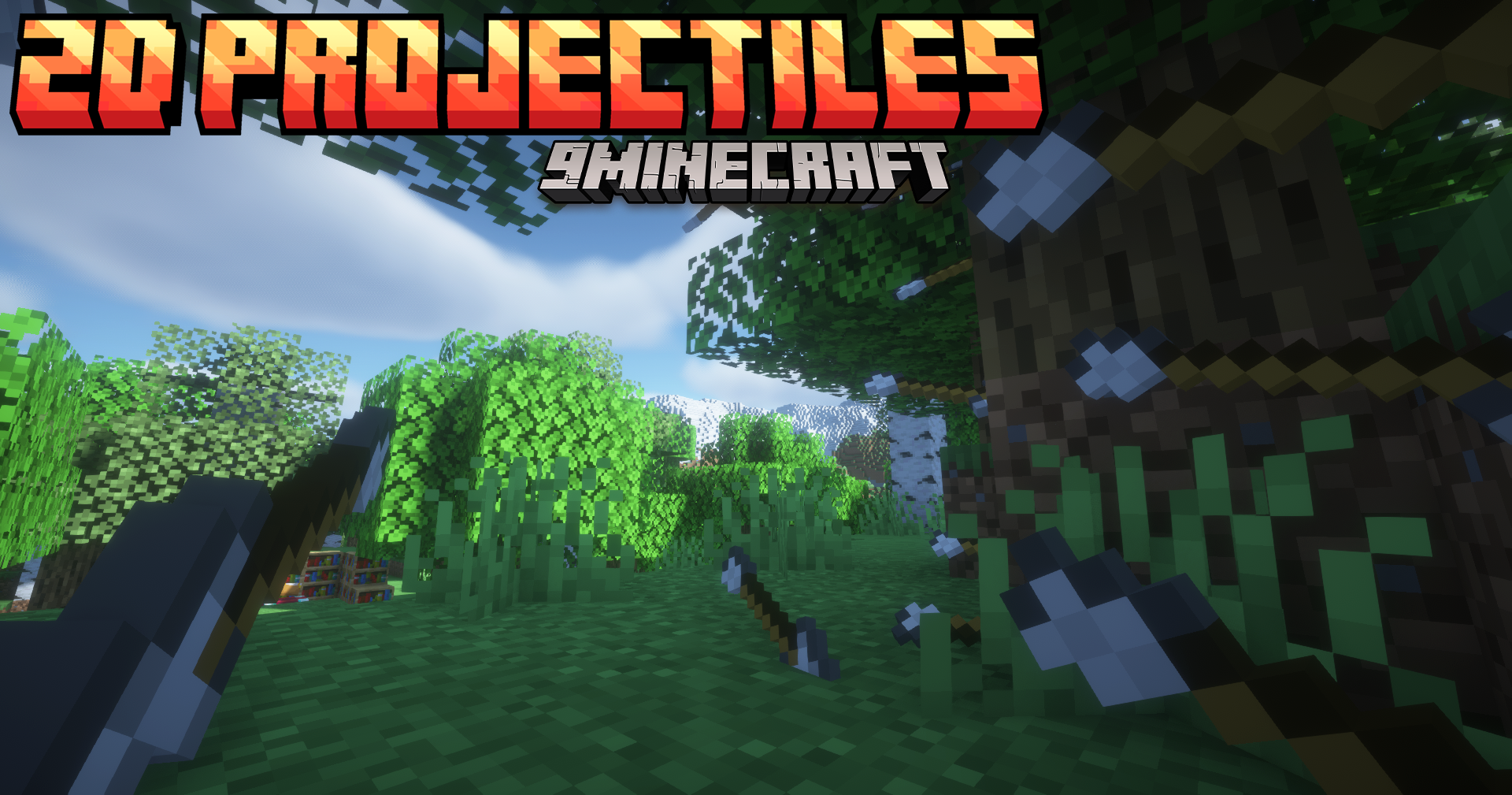
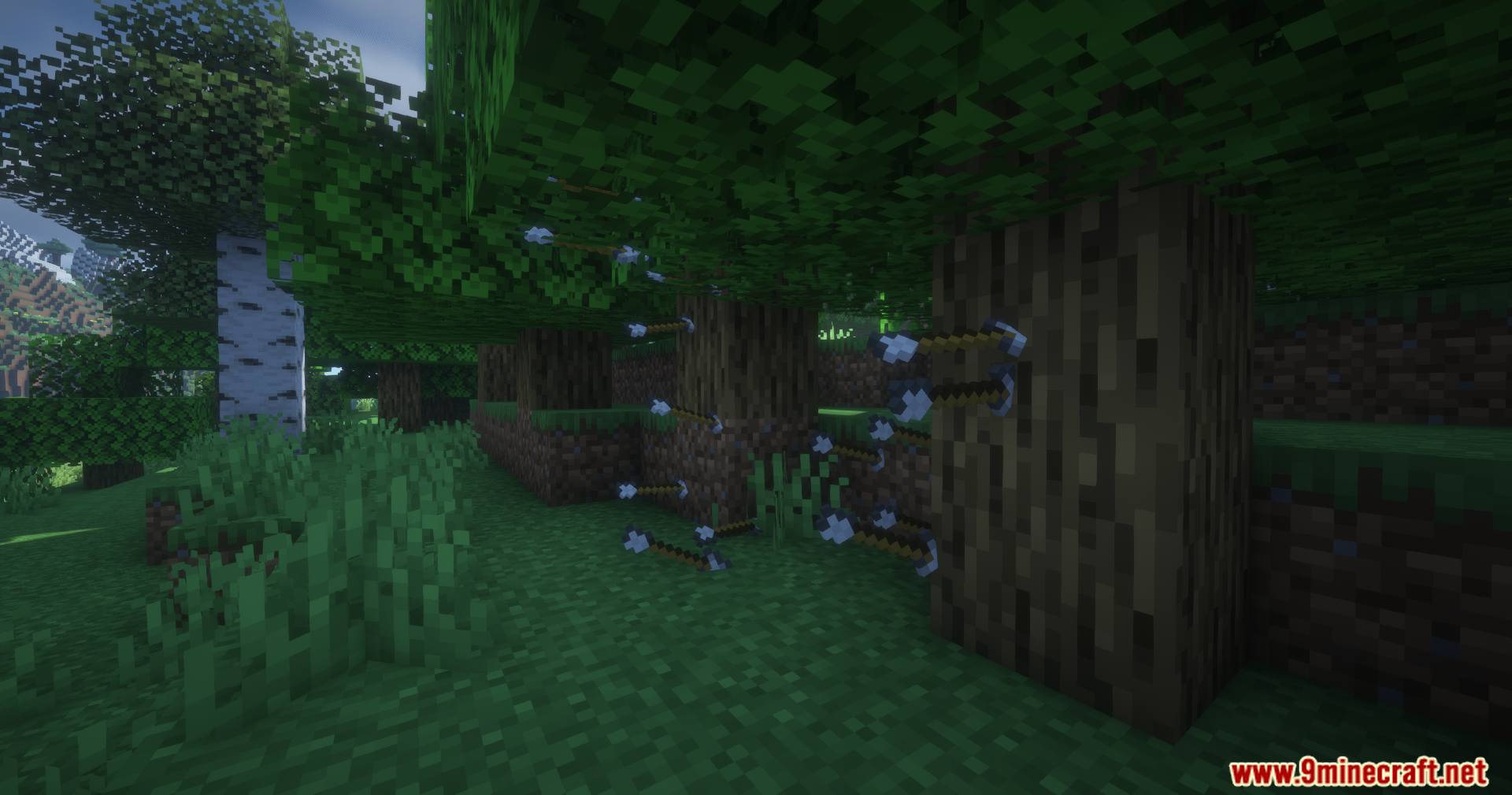
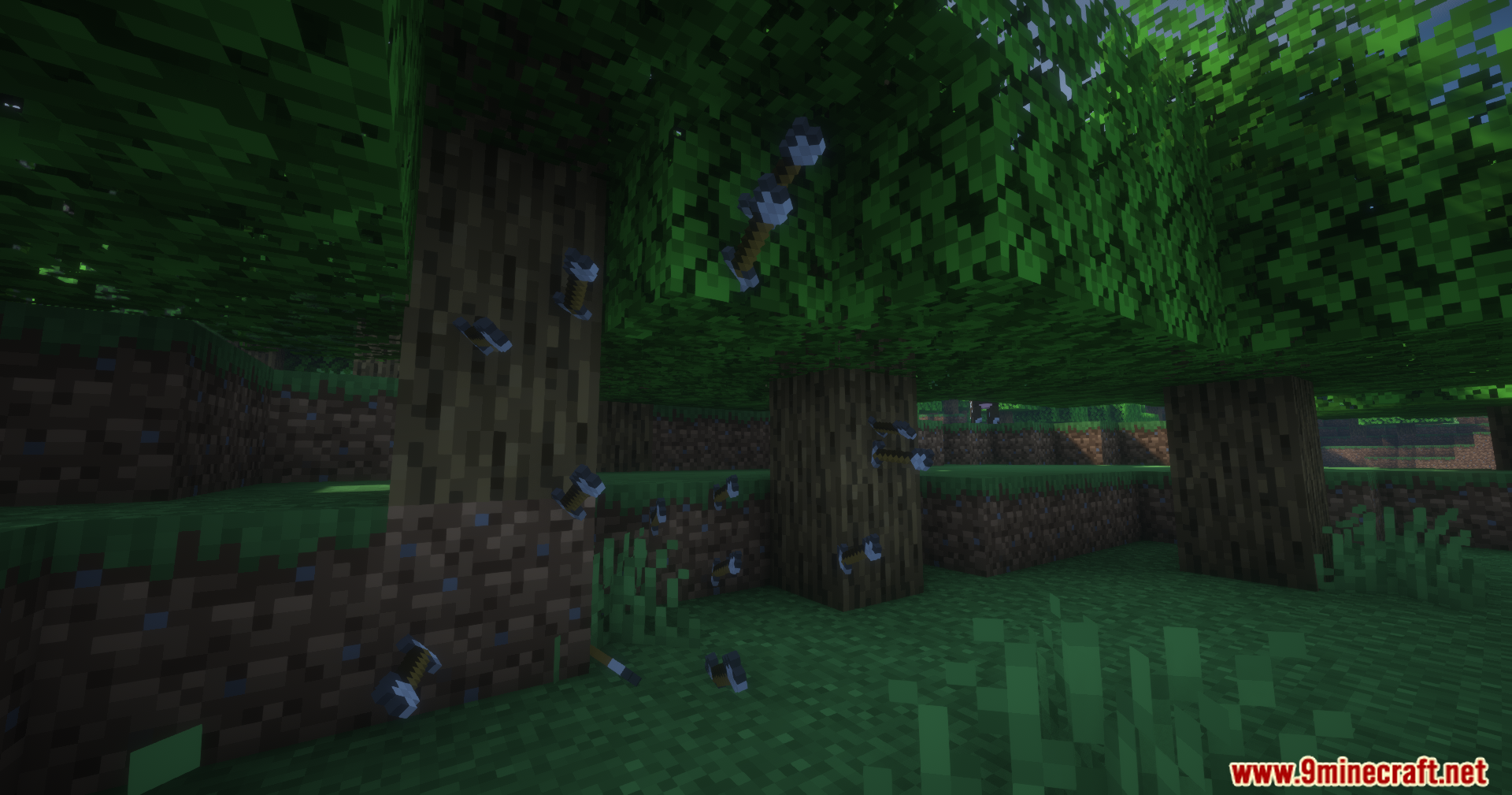
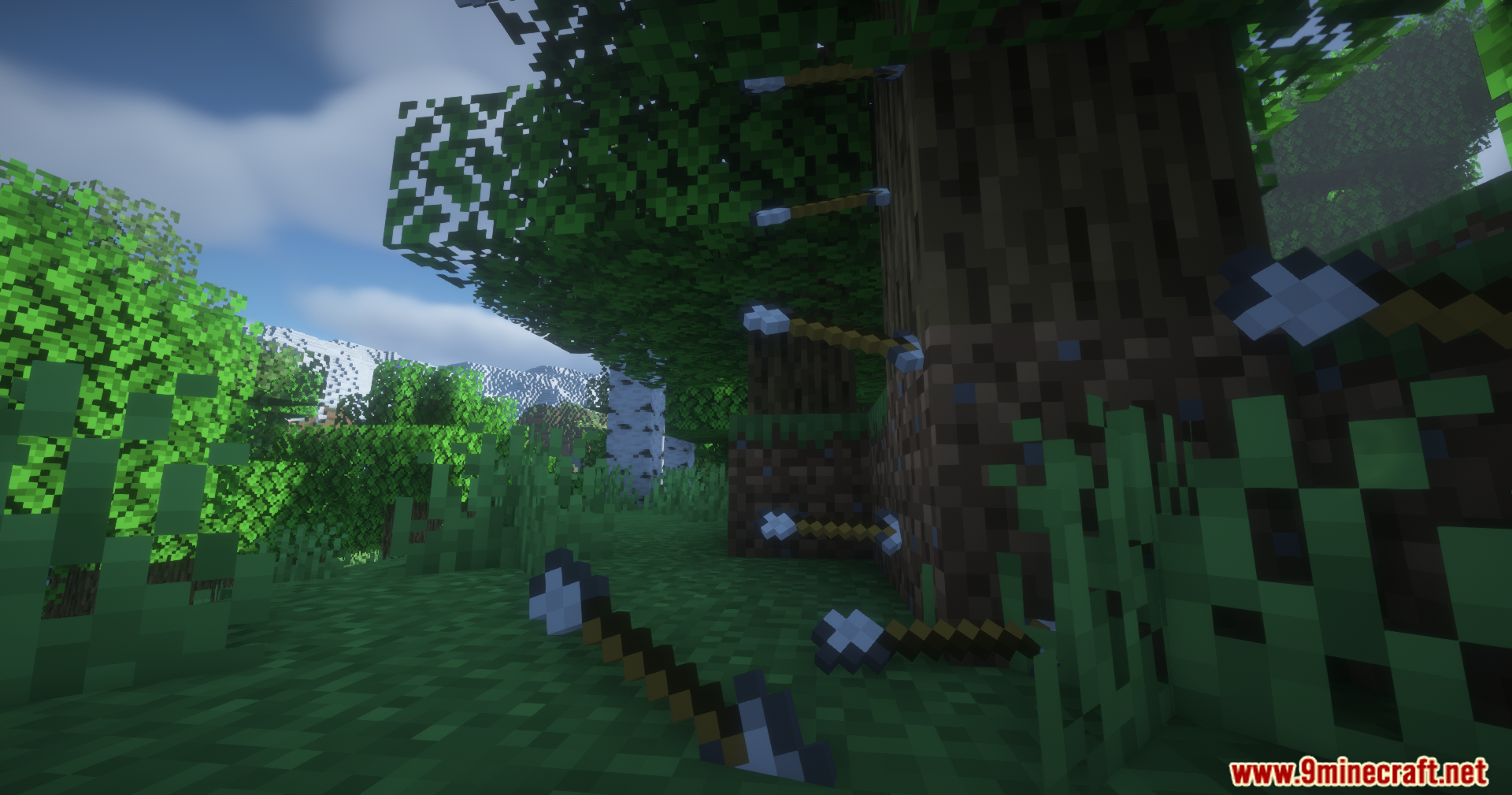
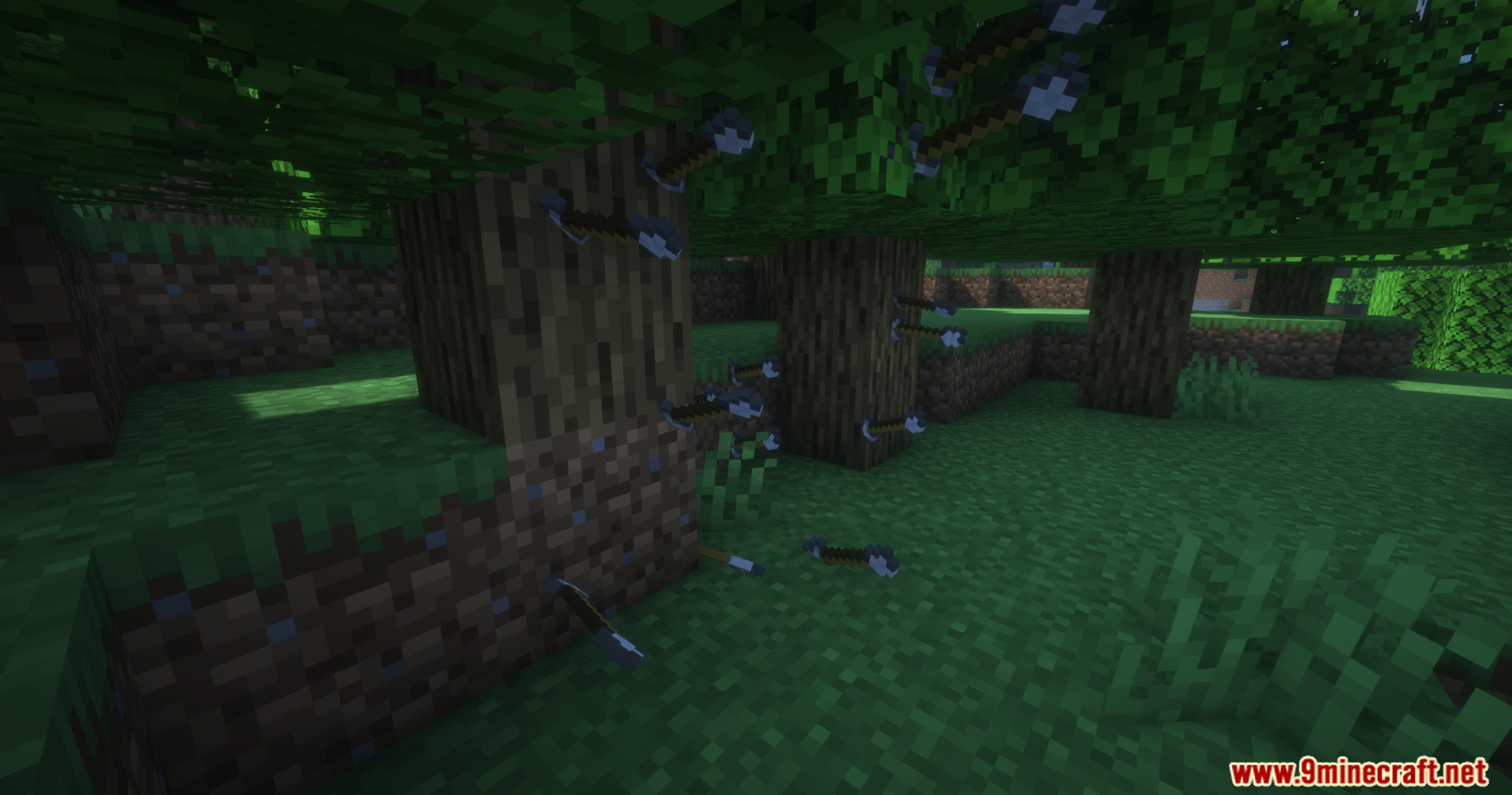
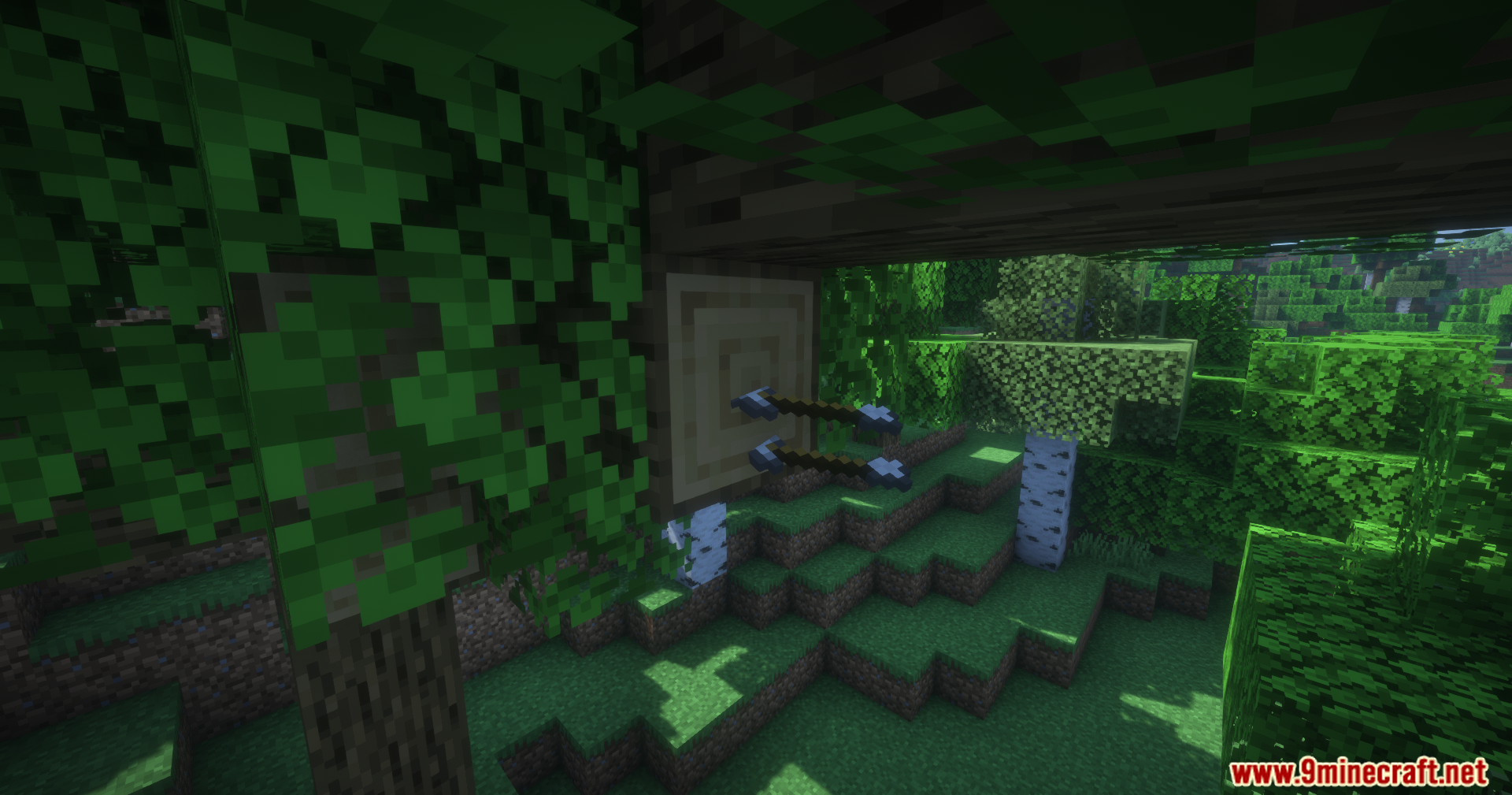
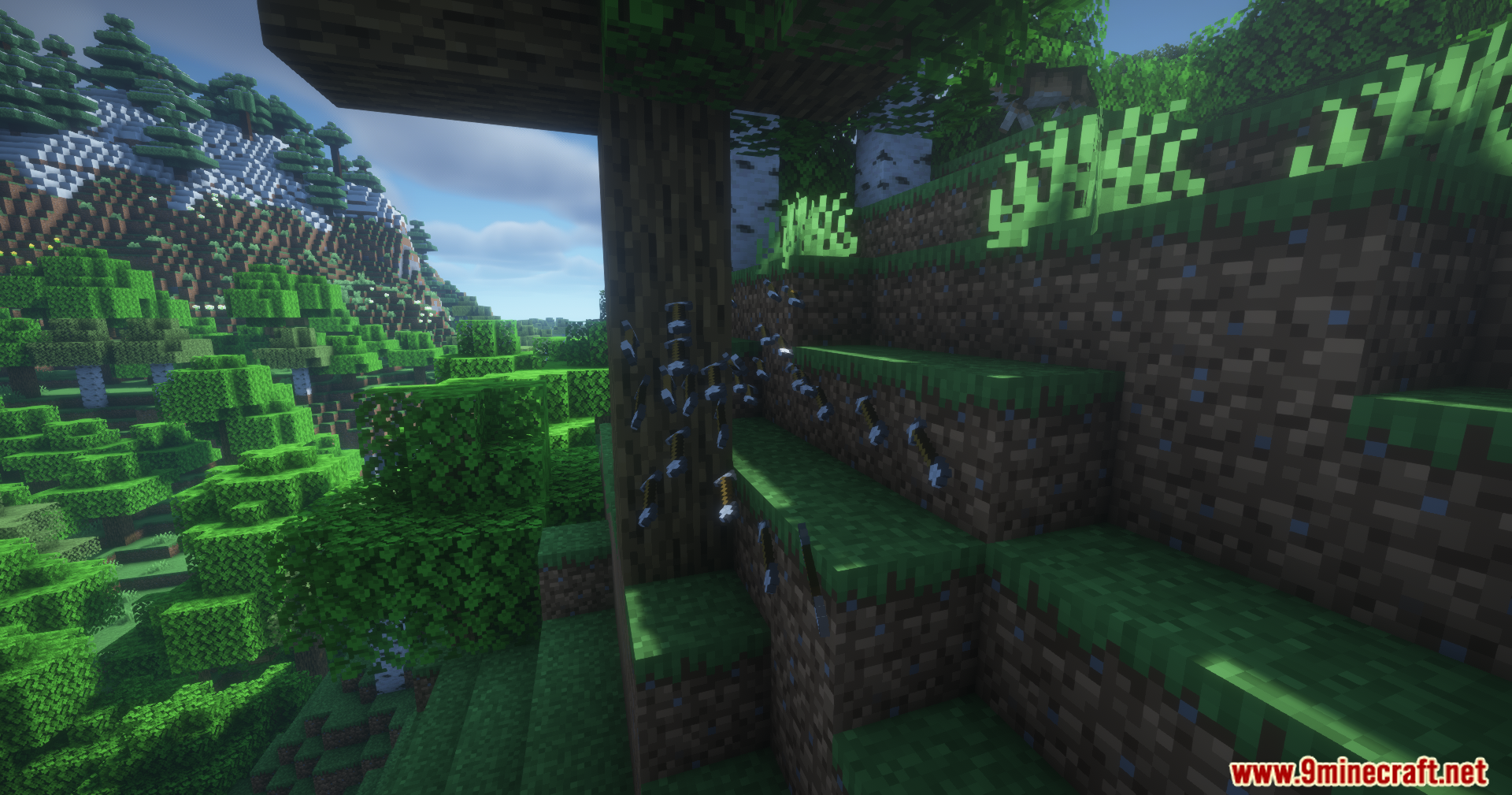
No, the mod works immediately after installation with default settings. Arrows will display as flat 2D textures and gain a rolling animation automatically.
Why are my arrows pointing the wrong direction?
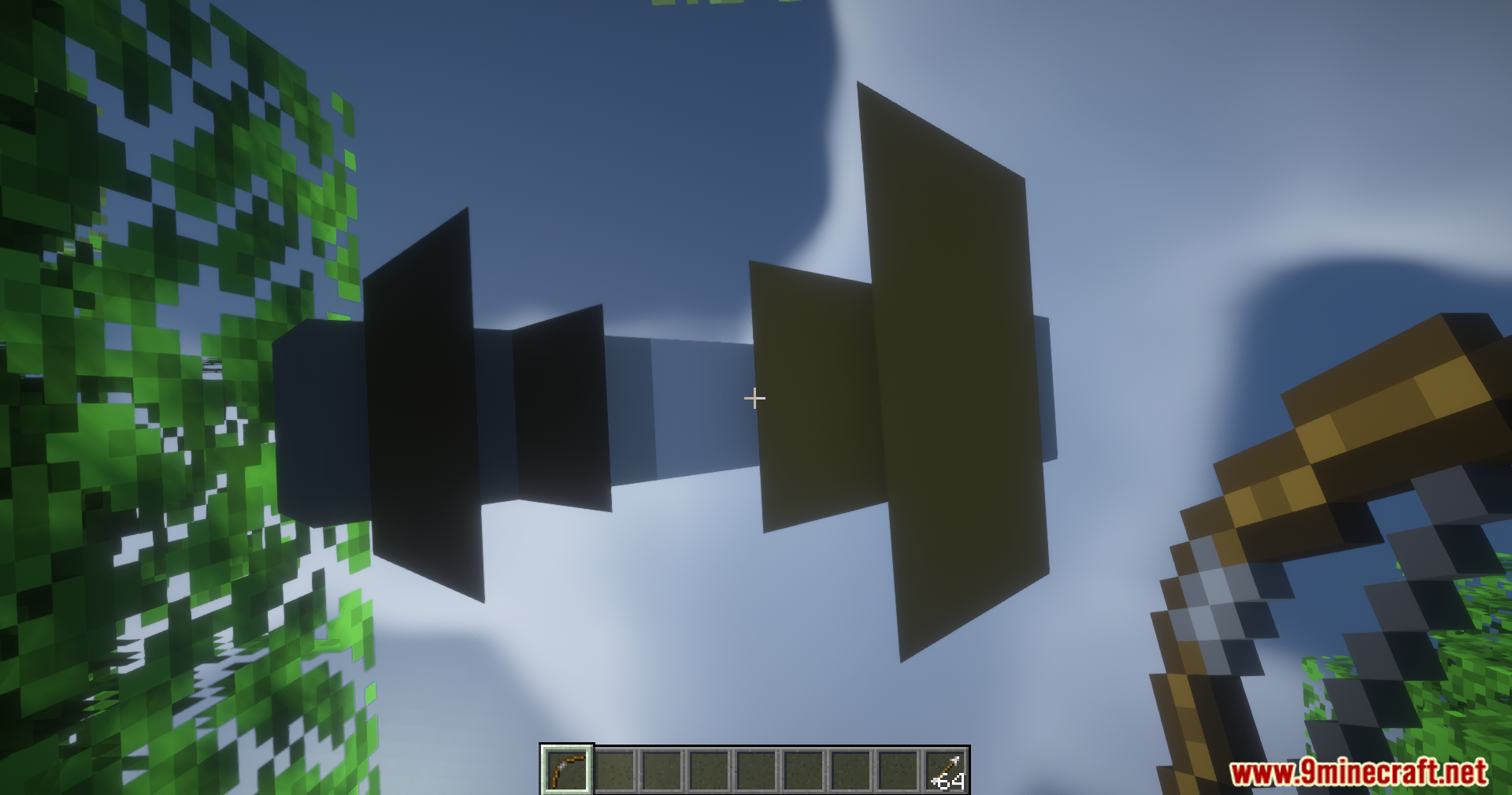
Different texture packs define arrow rotation differently. Open the config file and adjust the direction setting for your arrow type until it points correctly in flight.
How does the rolling animation speed work?
Arrows and firework rockets roll faster when traveling at higher velocities and slower when moving more gradually. This creates a visual effect that matches their actual speed.
Can I turn the critical hit particles back on?
Yes, open the config file and disable the option that removes critical hit particles. The sparkle effects will reappear on critical strikes.
See all 10 2D Projectiles questions ›
Gallery
11 images from the 2D Projectiles Mod page.
You May Also Like
Wikis that share the most with this one
Wikis on the same theme: end
More mod wikis on the site
The most downloaded mods that have a wiki here
A few wikis from each of the other kinds