
 DownloadTIS-3D
Get the files on 9Minecraft
Guides
Step-by-step, in-game.
How to Build a Keypad and Terminal InterfaceAssemble the Input Side Insert a Keypad Module into a Controller or Casing . The Keypad Module lets a player press…How to Build Your First TIS-3D ComputerPlace the Core Blocks Start with a Controller . The Controller is the brain of the system: it holds modules and…How to Use Stack, Queue, and Random Modules for DataChoose the Right Storage Module Stack Module stores values in last-in, first-out order. Queue Module stores values in…How to Write and Run Code on an Execution ModulePrepare the Module Insert an Execution Module into a Controller or Casing . The Execution Module is where your…
Recipes
Every recipe the mod adds, grouped by how it is made.
Items
A
 Audio Module
C
 Code Bible
D
 Display Module
E
 Execution Module
F
 Facade Module
I
 Infrared Module
K
 Key
 Keypad Module
P
 Prism
Q
 Queue Module
R
 RAM Module
 Random Module
 Redstone Module
 ROM Module
S
 Sequencer Module
 Serial Port Module
 Skeleton Key
 Stack Module
T
 Terminal Module
 Timer Module
 TIS-3D Reference Manual
Blocks
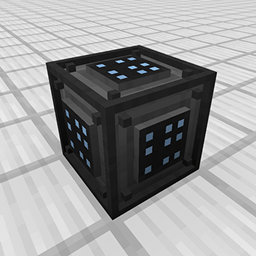
 Casing
 Controller
Frequently asked questions
How do I craft a Casing?
Casing is crafted via a shaped recipe and serves as the structural block for building TIS-3D computers. Place Casings to form the frame into which modules are inserted.
How do I make a Controller?
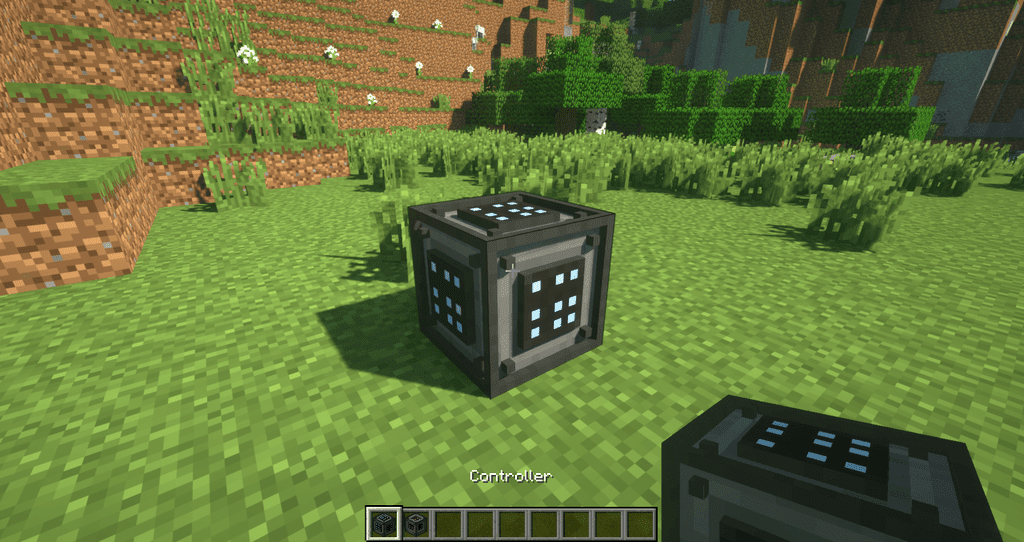
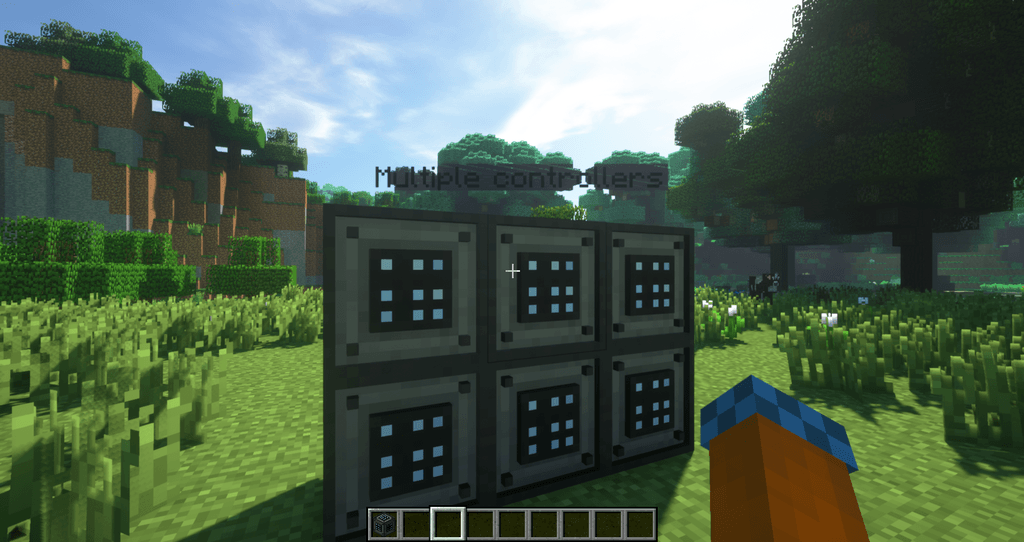
The Controller is crafted via a shaped recipe and is the block that runs your TIS-3D programs. It must be placed adjacent to the Casing structure holding your modules.
How do I insert modules into a computer?
Place a Casing, then insert modules such as Execution, RAM, or Display Modules into the Casing's slots. The Controller coordinates the inserted modules.
What does the Execution Module do?
The Execution Module executes TIS-3D assembly code and is inserted into a Casing. You need at least one to run programs on a Controller.
How do I write and load code?
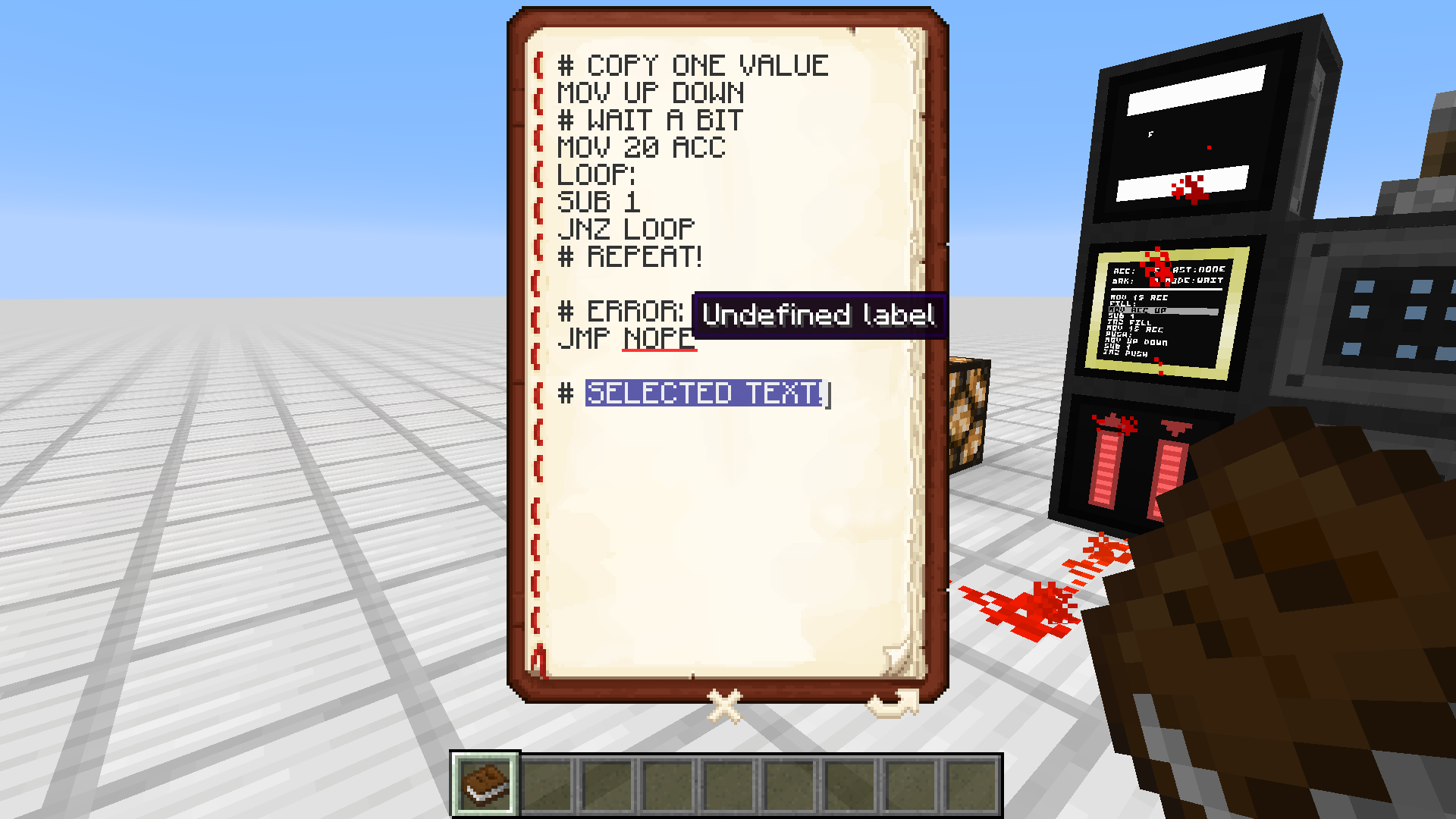
Use the Code Bible to write and edit programs, then load them into an Execution Module. The TIS-3D Reference Manual documents the instruction set.
What is the Code Bible for?
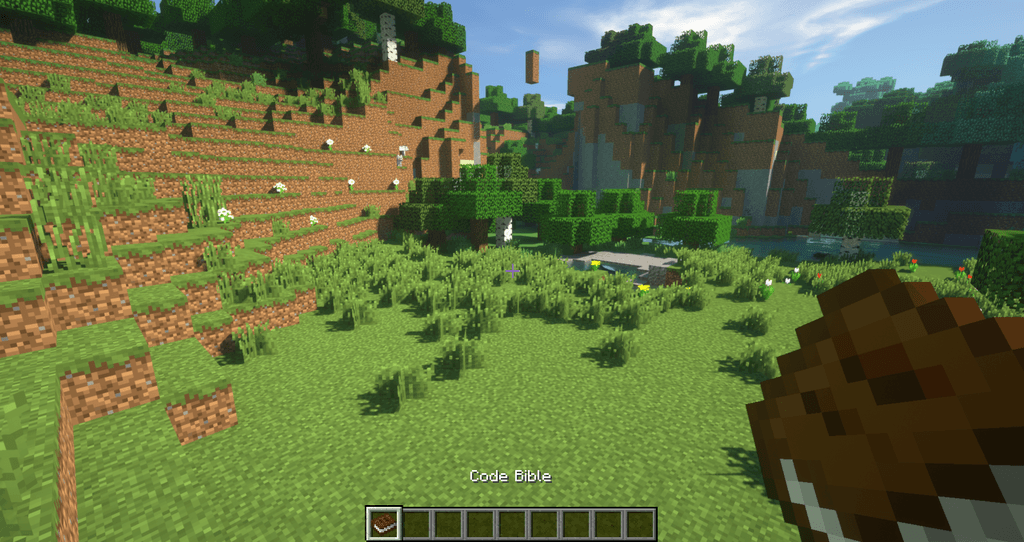
The Code Bible is a crafting-crafted item used to author and store TIS-3D programs. Programs written in it can be transferred to Execution Modules.
What does the TIS-3D Reference Manual contain?
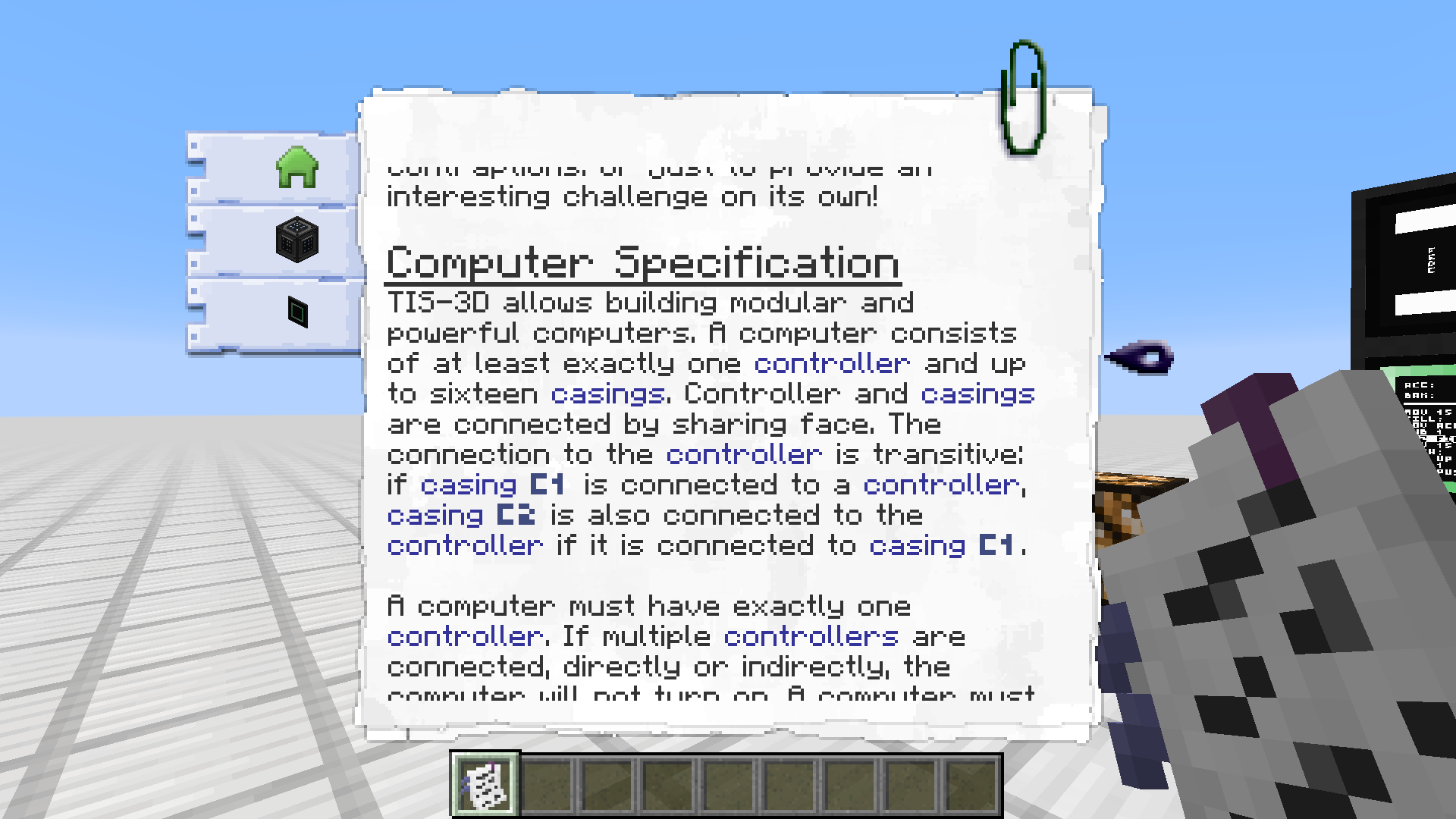
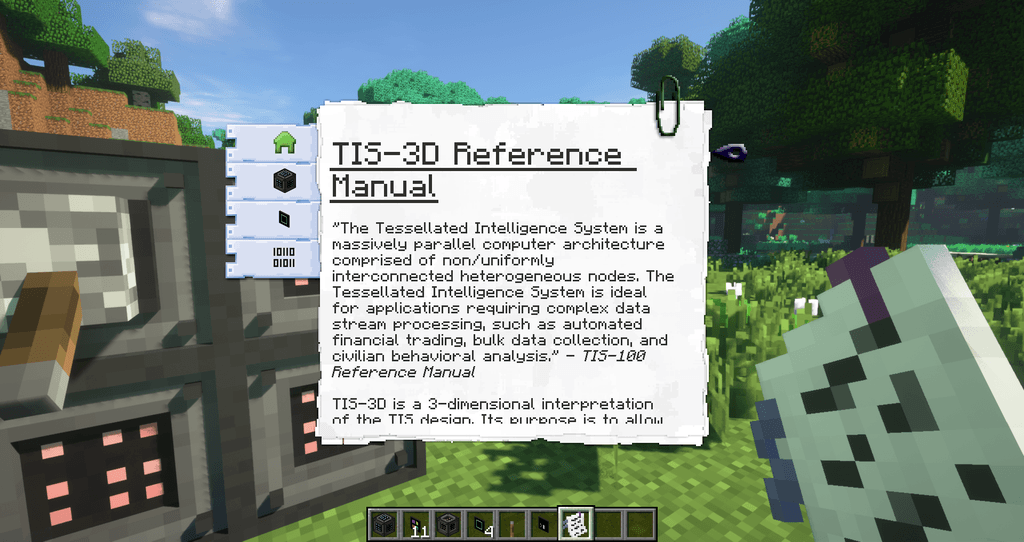
The TIS-3D Reference Manual is a crafted item that documents the mod's instructions and module behavior in-game. Use it to look up opcodes and module details.
How do I display output from a program?
Insert a Display Module into a Casing connected to your Controller. The Execution Module can then write characters to the Display Module's screen.
How do I get input from the player?
Use a Keypad Module or Terminal Module inserted into a Casing to receive player input. The Execution Module reads input values from these modules.
How do I connect modules together?
Modules communicate through the Casing they are inserted into, coordinated by the Controller. Use a Serial Port Module for external connections.
What is the Prism used for?
The Prism is a crafted item used in TIS-3D recipes and module interactions. Check the TIS-3D Reference Manual for its specific in-game function.
How do I make a Key or Skeleton Key?
The Key and Skeleton Key are crafted items used with TIS-3D blocks such as the Controller. Refer to the TIS-3D Reference Manual for their exact recipes and uses.
Gallery
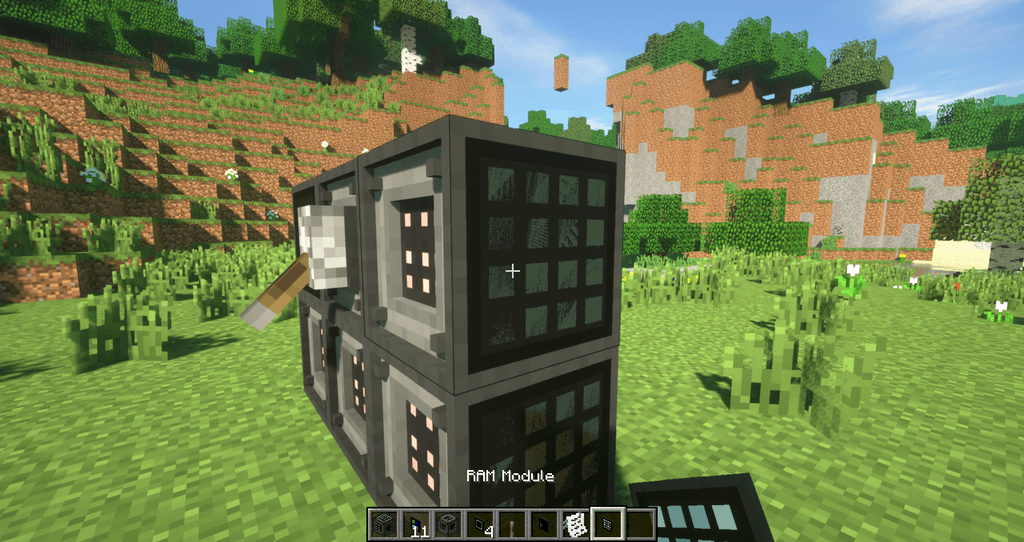
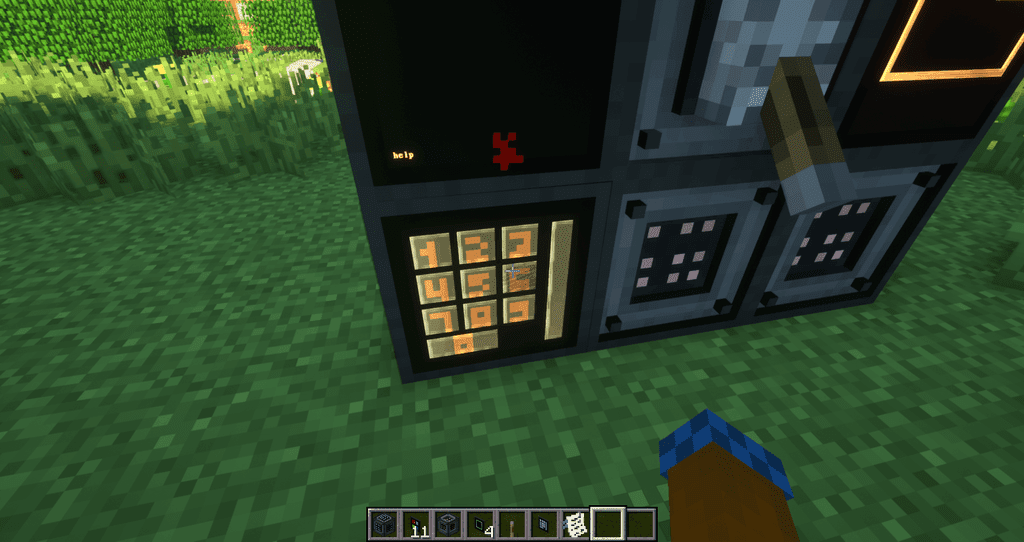
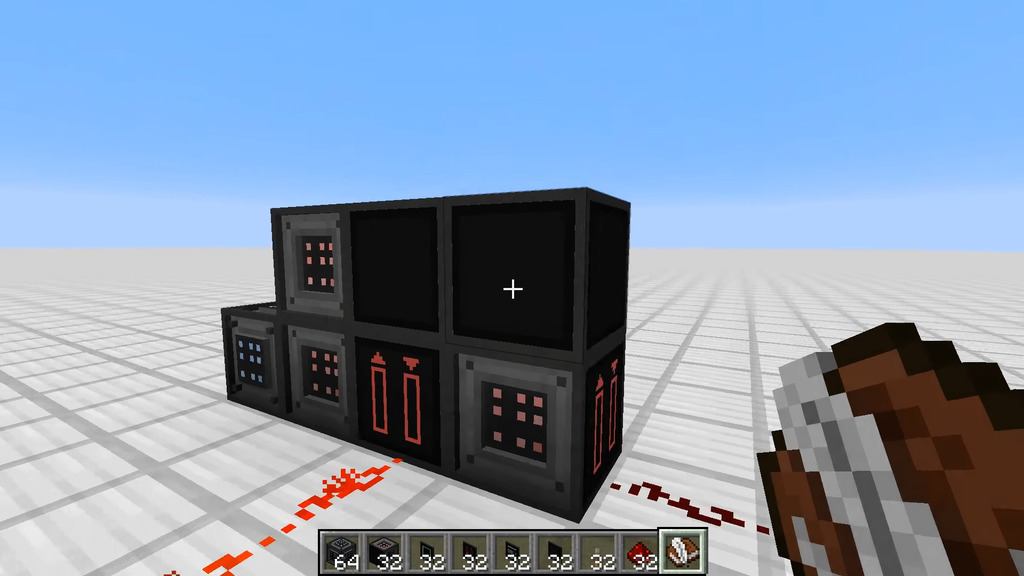
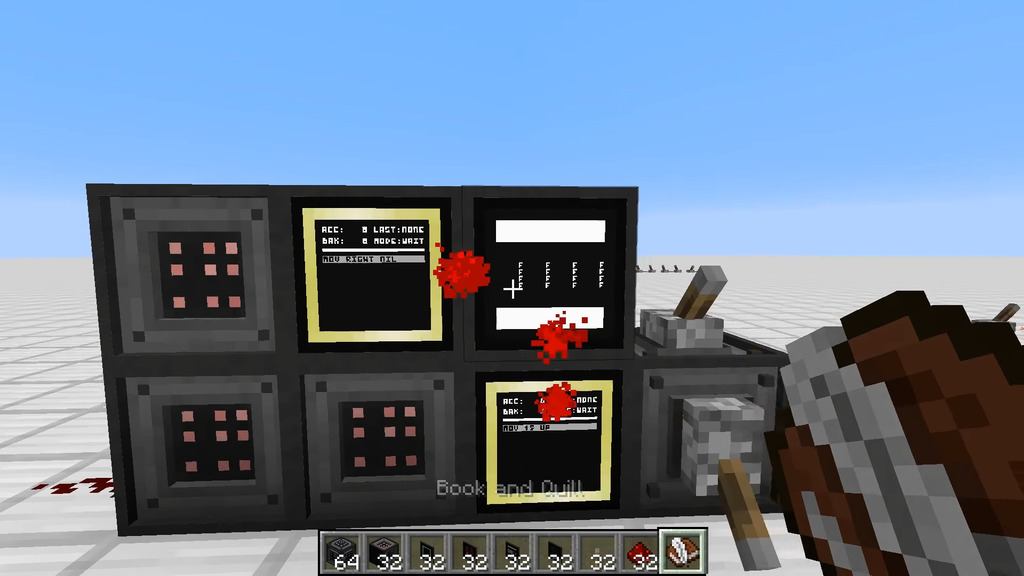
12 images from the Tis 3D Mod page.
You May Also Like
Wikis that share the most with this one
More mod wikis on the site
The most downloaded mods that have a wiki here
A few wikis from each of the other kinds