

 DownloadTips Enhancement Mod
Get the files on 9Minecraft
Guides
Step-by-step, in-game.
Create a Custom Tip for the Loading ScreenLocate the Configuration File Find the Tips Enhancement Mod config file in your .minecraft/config folder. The file…Display Different Tips on Different ScreensIdentify Available Screens Tips Enhancement Mod supports multiple menu locations: Loading Screen — appears while the…Format Tips with Colors and StylingUnderstand Minecraft Color Codes Tips Enhancement Mod uses standard Minecraft formatting codes. Each code starts with…Set Up Tips for a Multiplayer Server or ModpackPrepare Your Config File Create or edit the Tips Enhancement Mod config with messages relevant to your server or…
Frequently asked questions
Where do I find the config file to edit my tips?
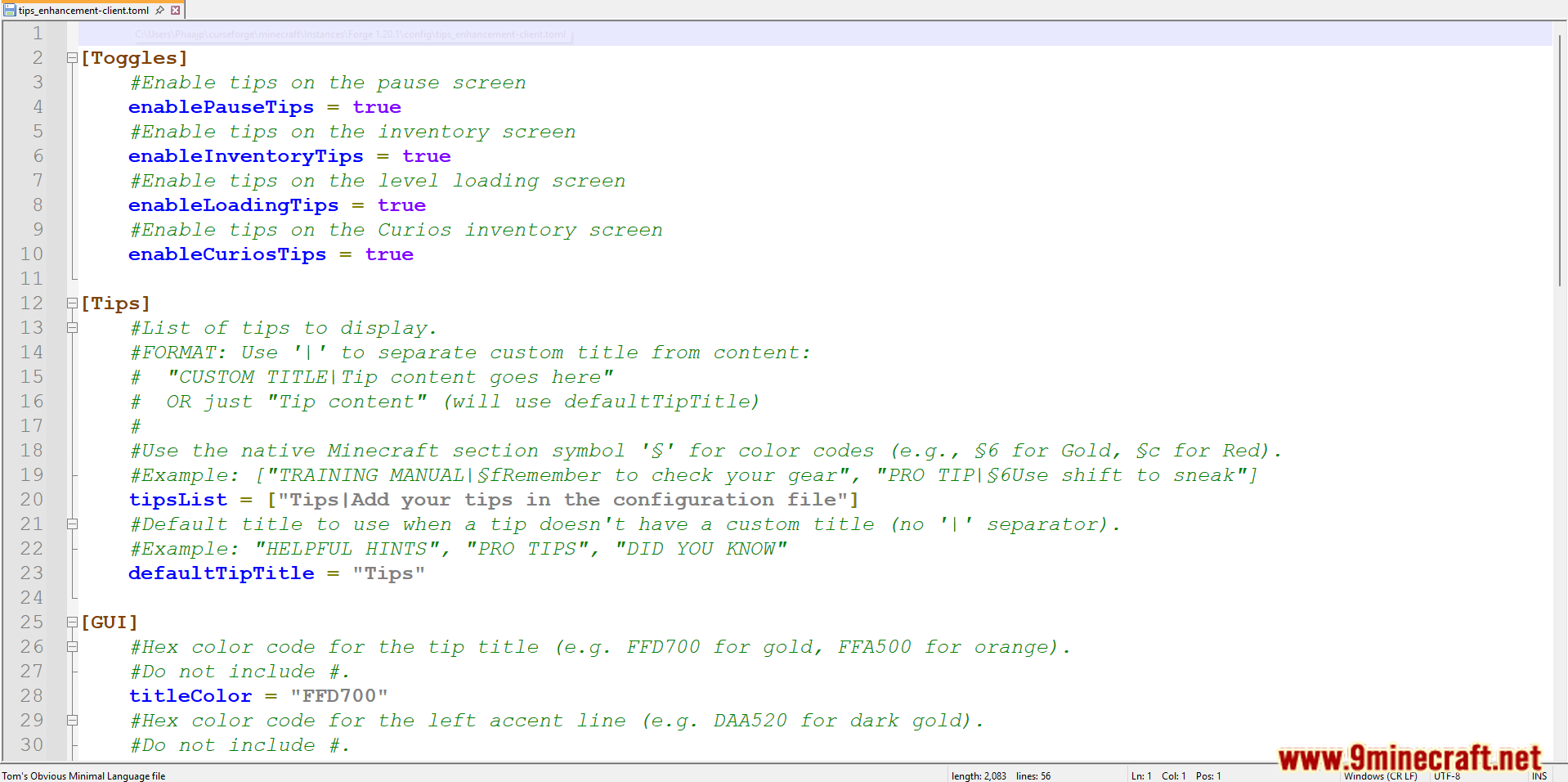
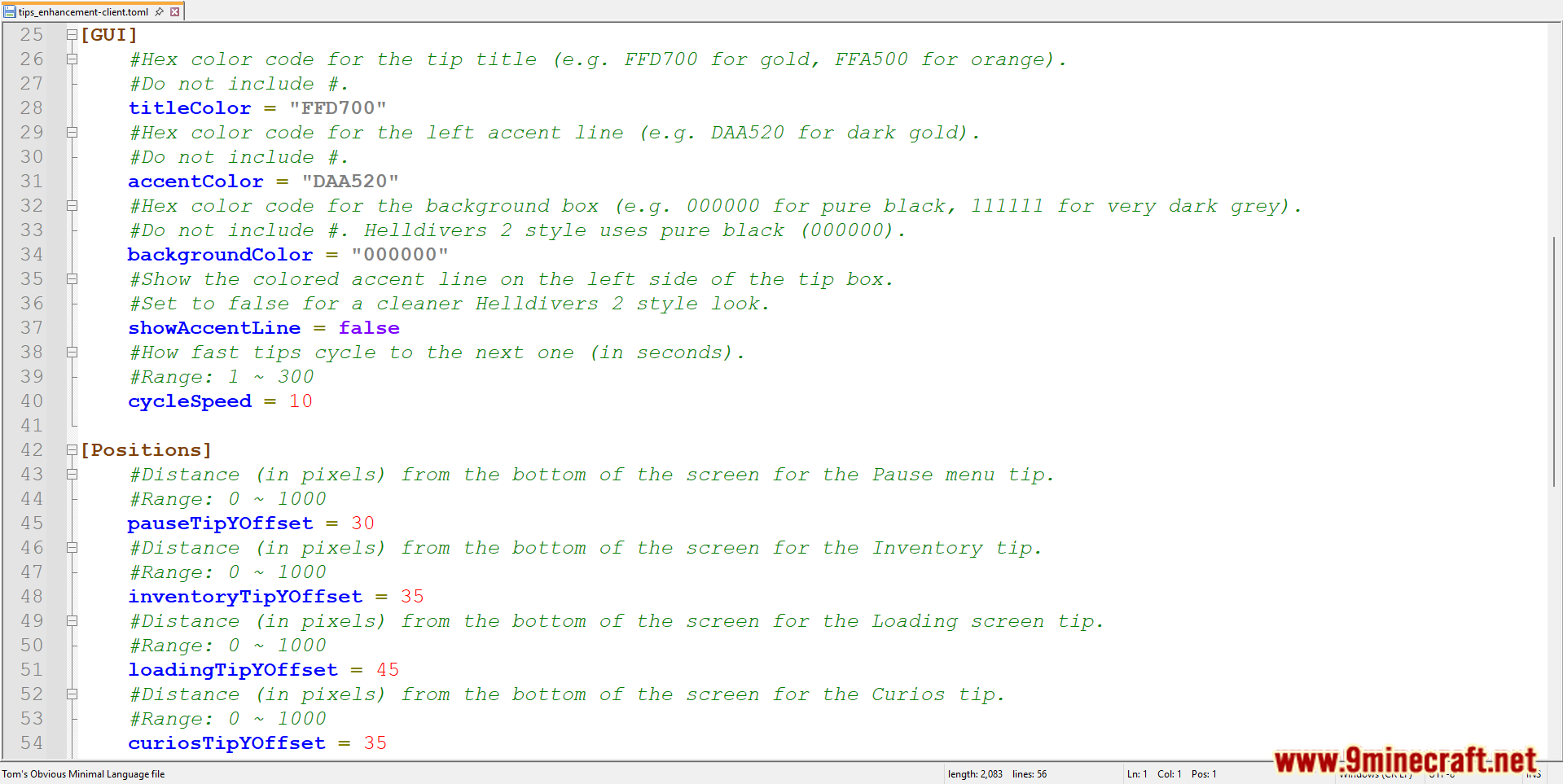
The Tips Enhancement Mod config file is located in your game's config folder (usually .minecraft/config). Look for a file named something like "tips-enhancement.toml" or "tips-enhancement.json" depending on your mod version, then open it with any text editor.
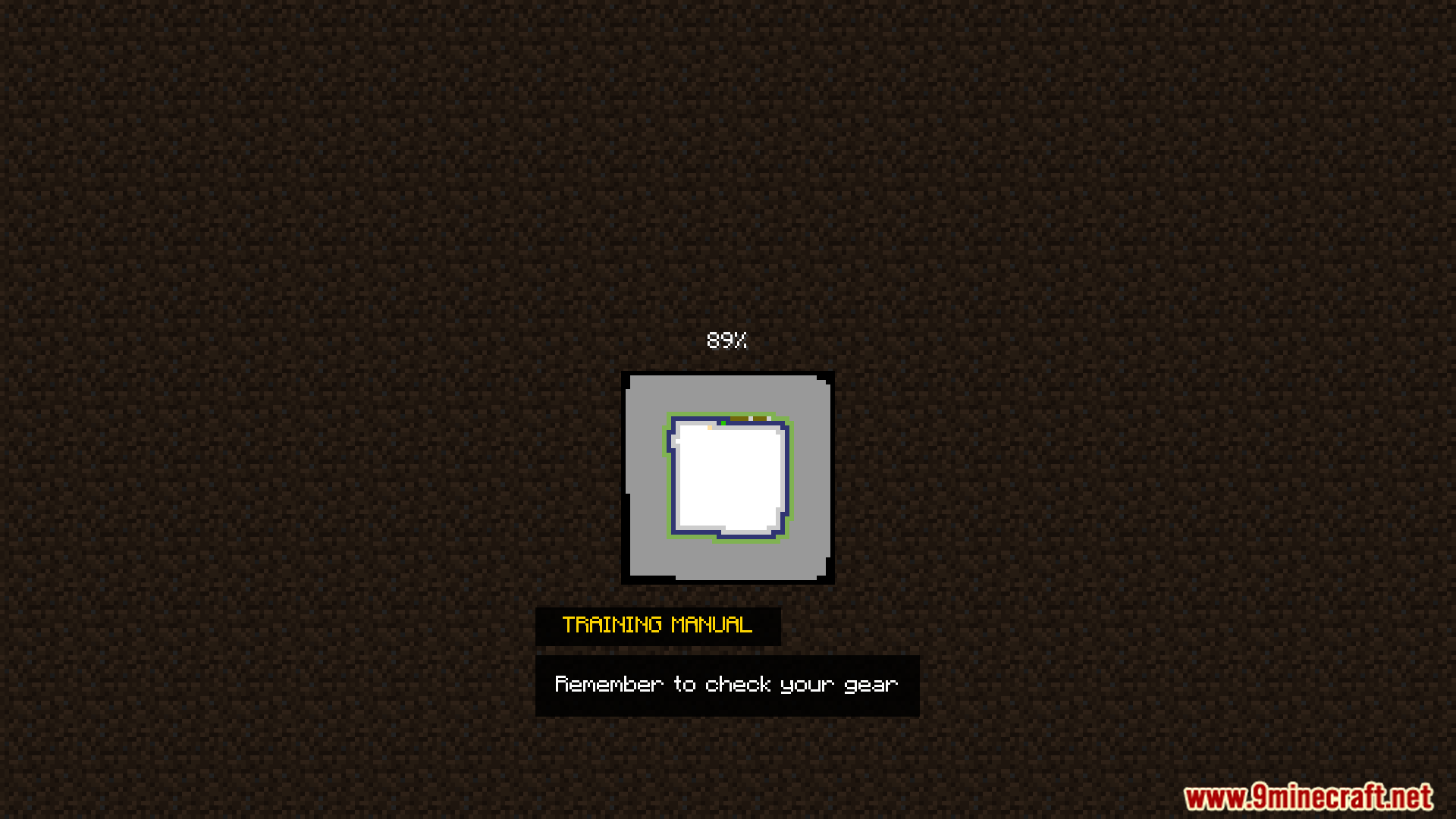
How do I add a tip to the loading screen?
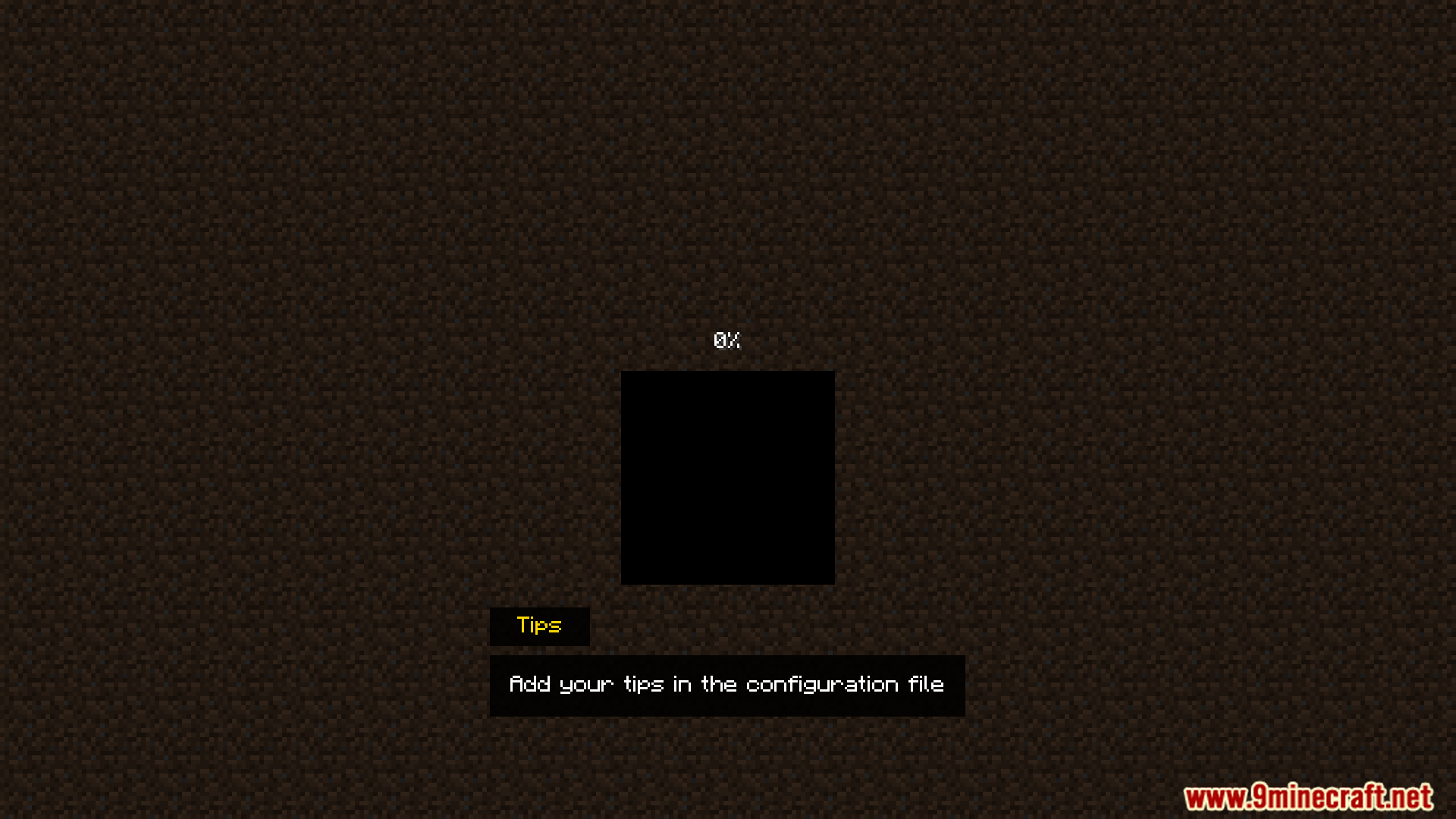
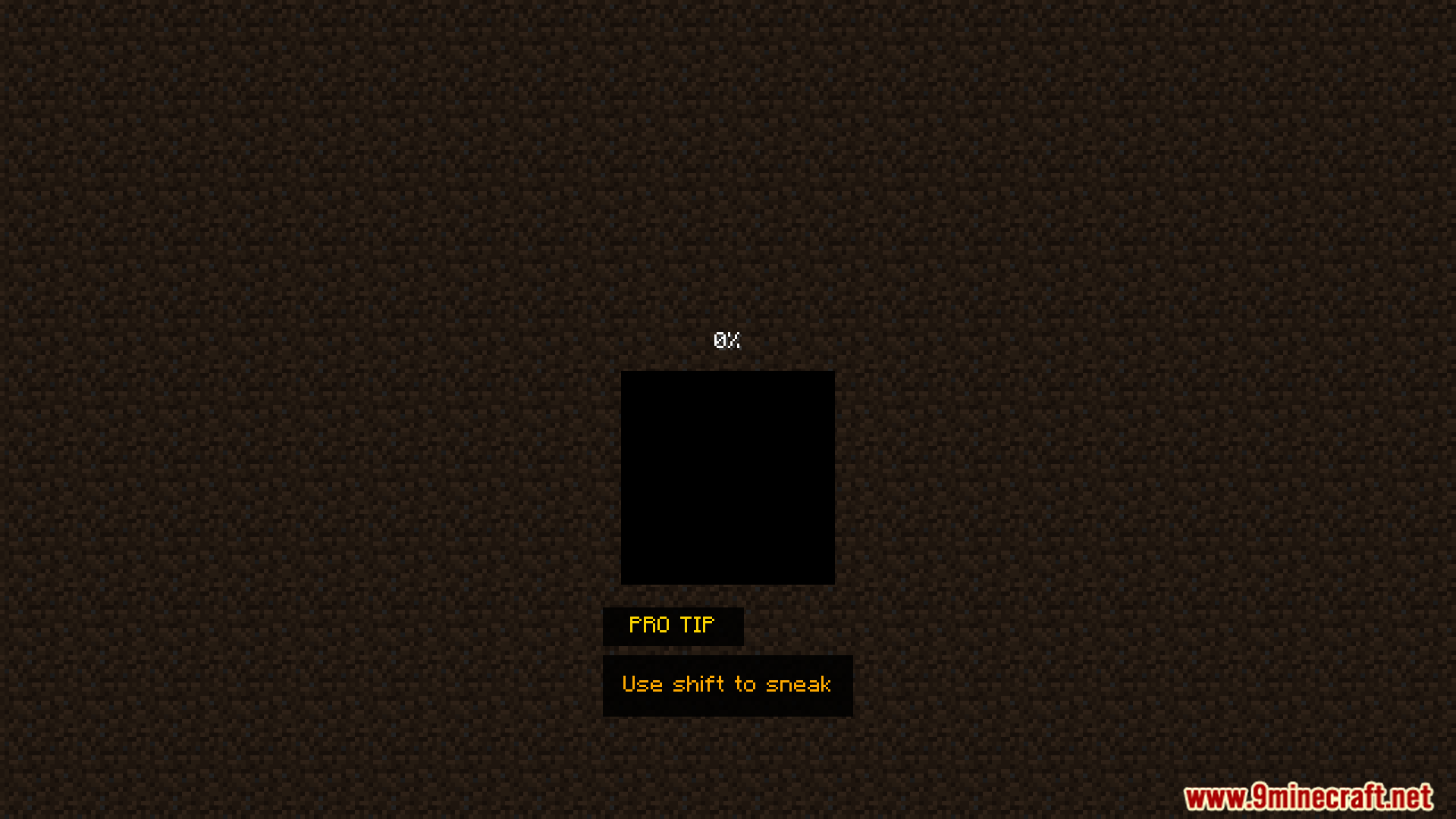
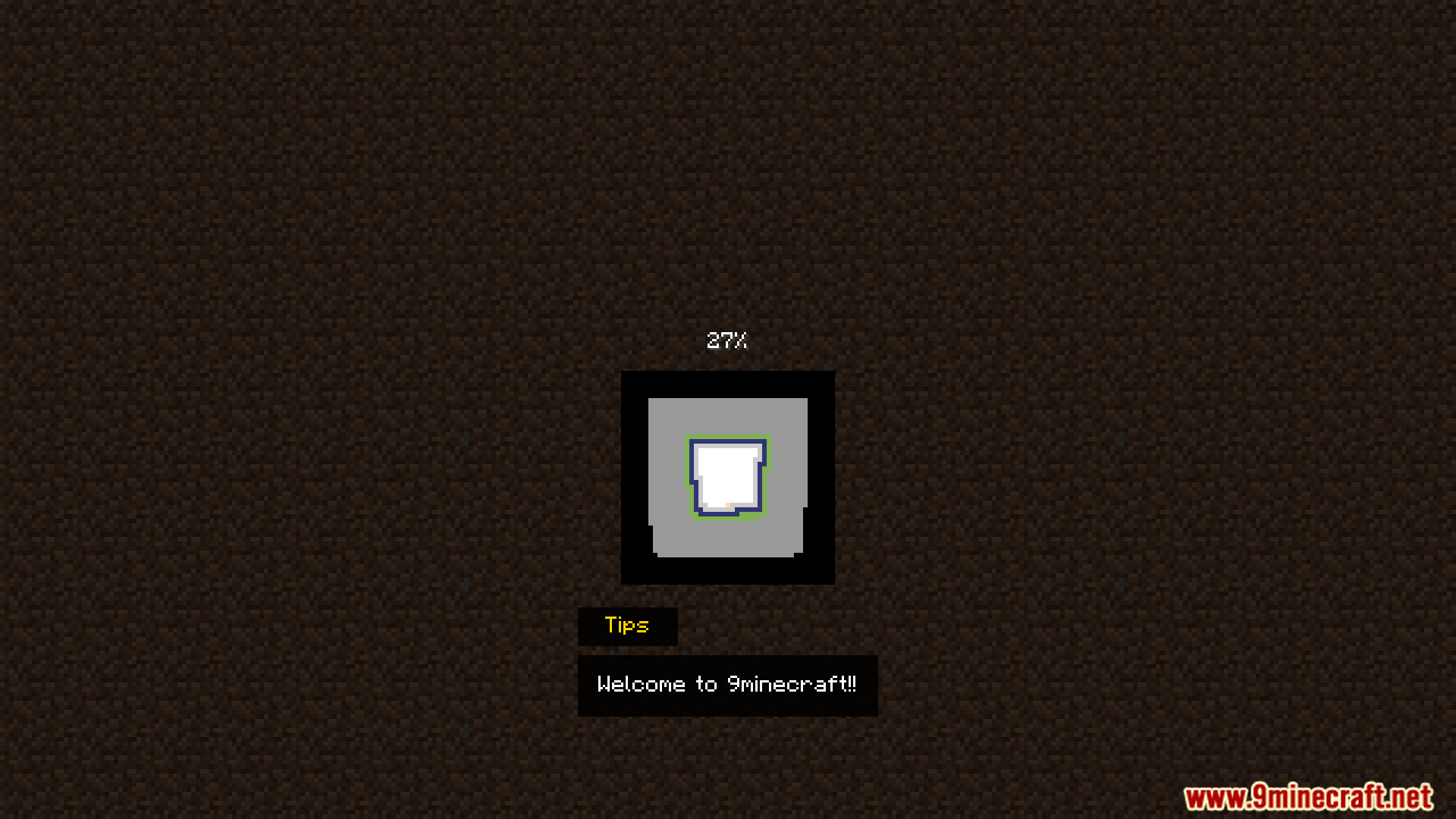
Open your mod's config file and find the section for loading screen tips, then add your custom text between the quotation marks. Save the file and restart your game—your tip will appear the next time you load a world.
What color codes work for tips?
Tips Enhancement Mod uses standard Minecraft color codes like &c for red, &a for green, &b for cyan, and &l for bold formatting. You can combine codes (for example &c&l makes bold red text) by placing them before the text you want to style.
Can I have different tips on pause menu vs loading screen?
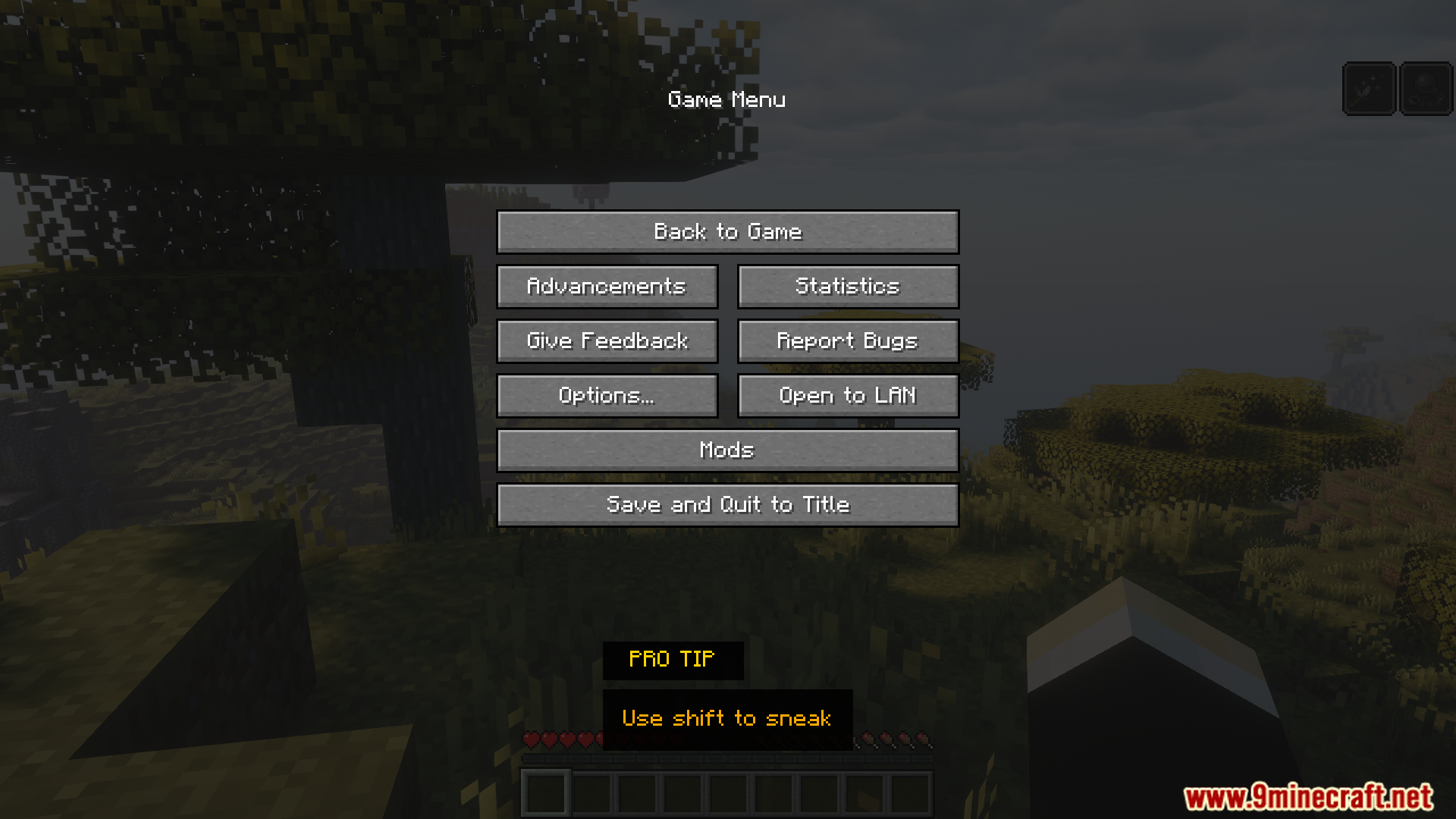
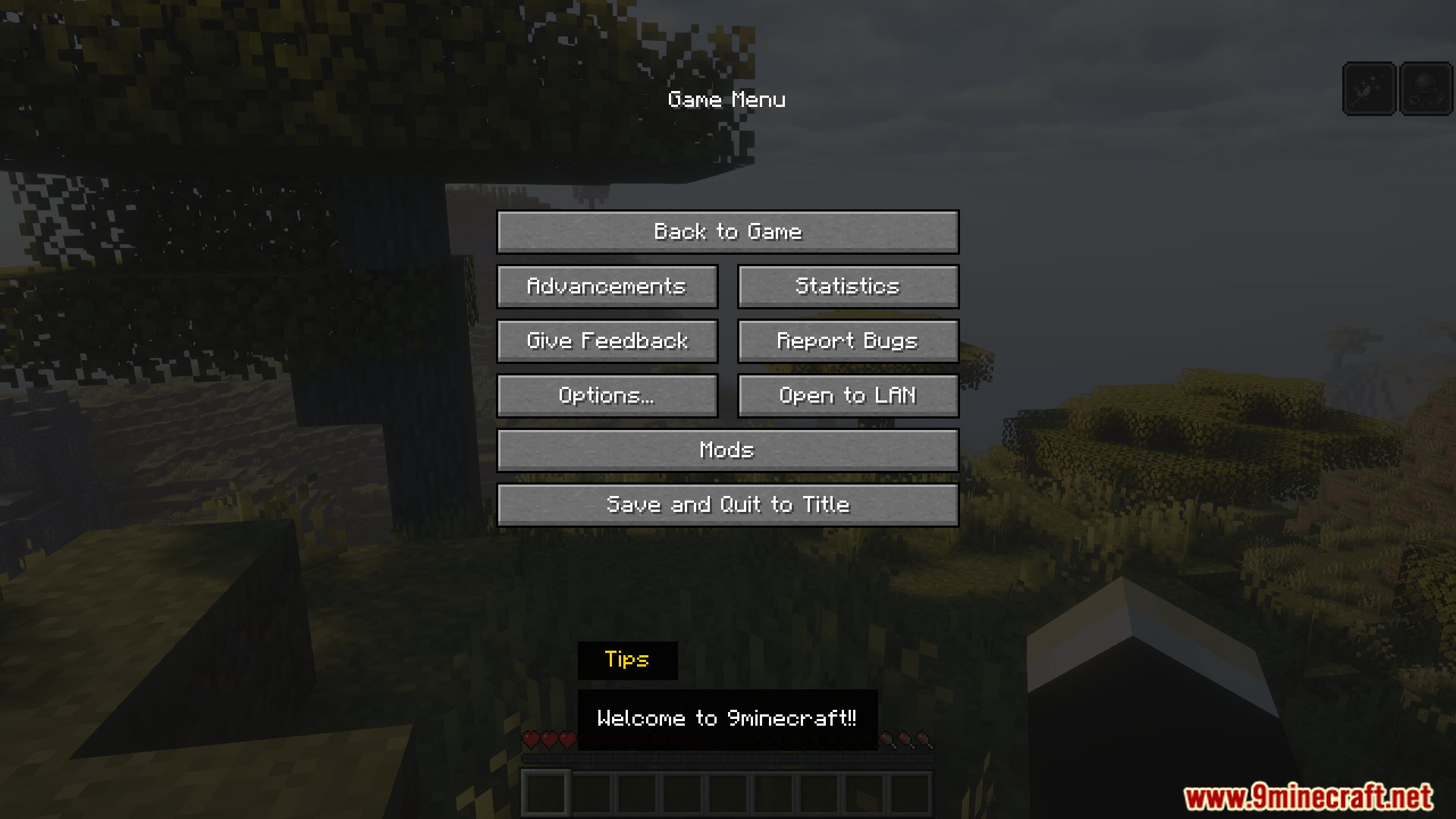
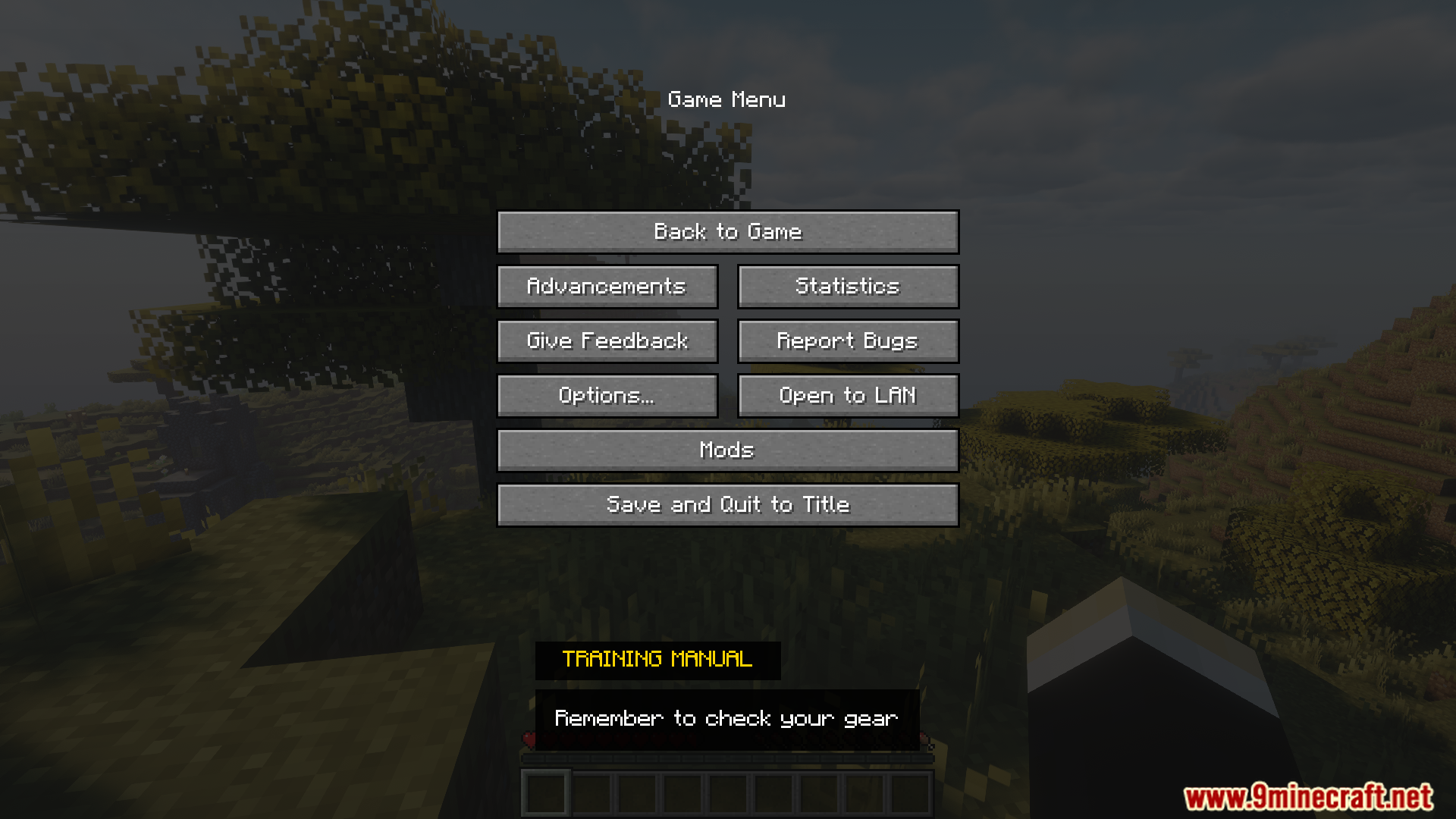
Yes—the config file has separate sections for each screen type (loading screen, pause menu, inventory screen). You can set completely different tips for each location by editing the appropriate section.
See all 10 Tips Enhancement questions ›
Gallery
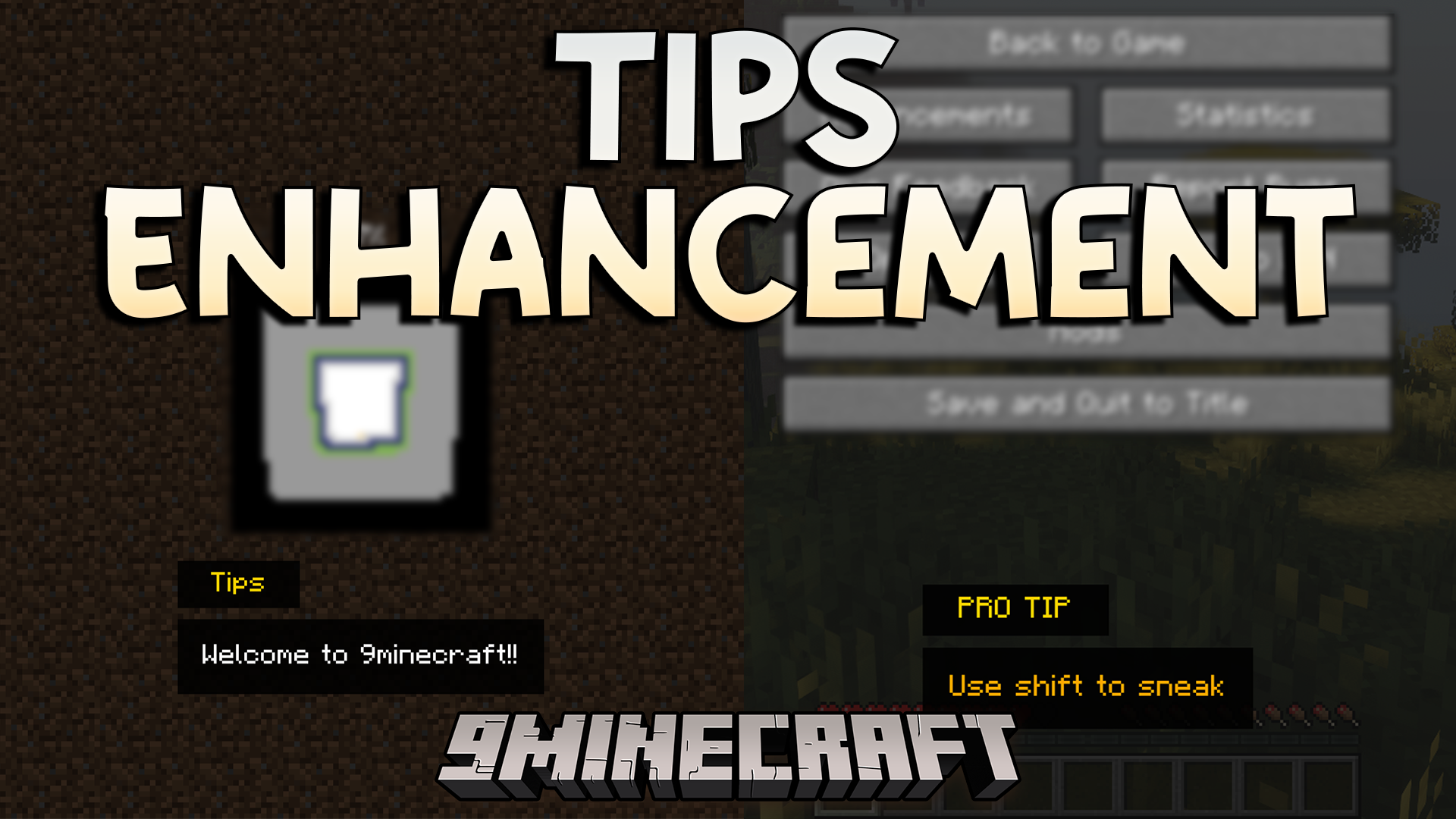
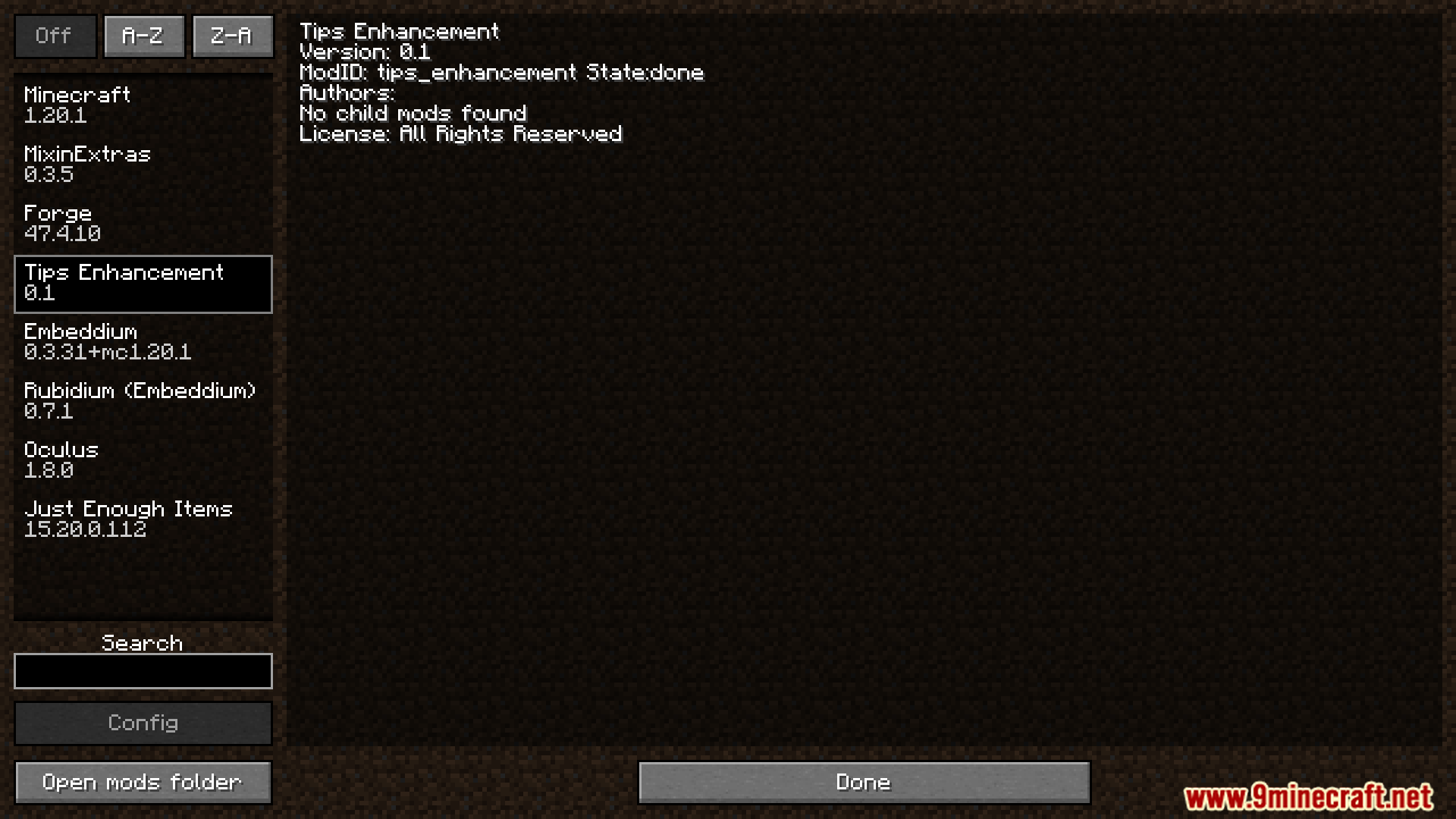
11 images from the Tips Enhancement Mod page.
You May Also Like
Wikis that share the most with this one
More mod wikis on the site
The most downloaded mods that have a wiki here
A few wikis from each of the other kinds