

 DownloadWTHIT Mod
Get the files on 9Minecraft
Contents (8)
Overview
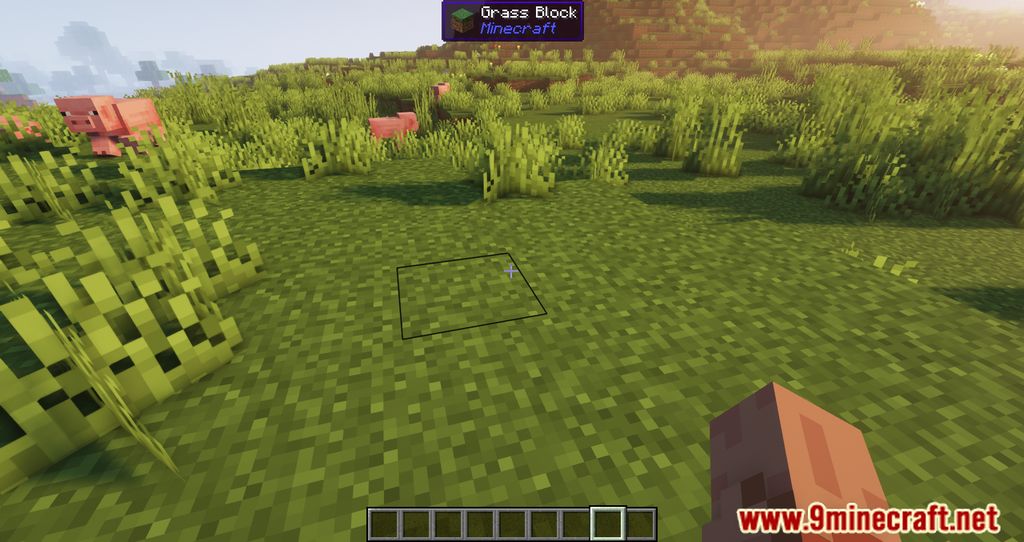
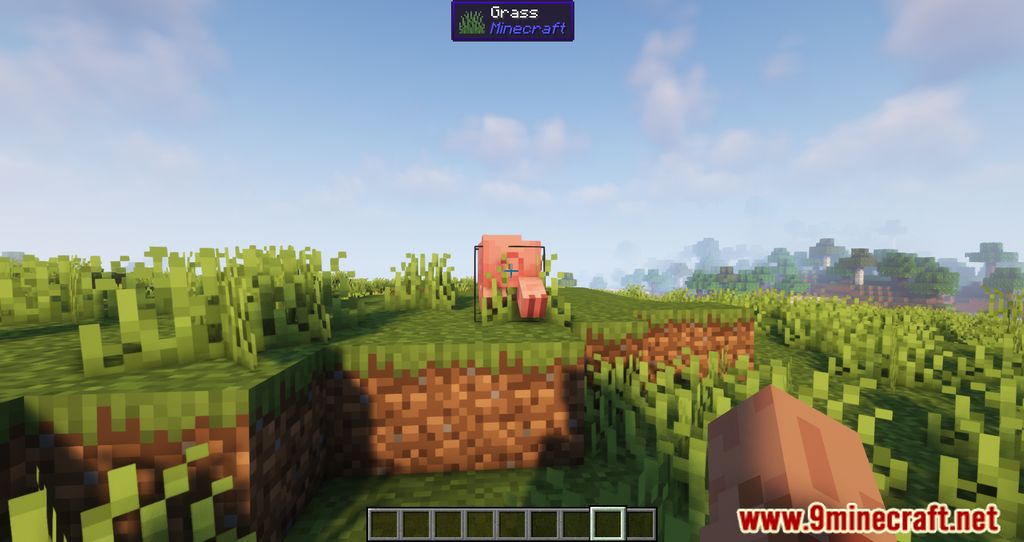
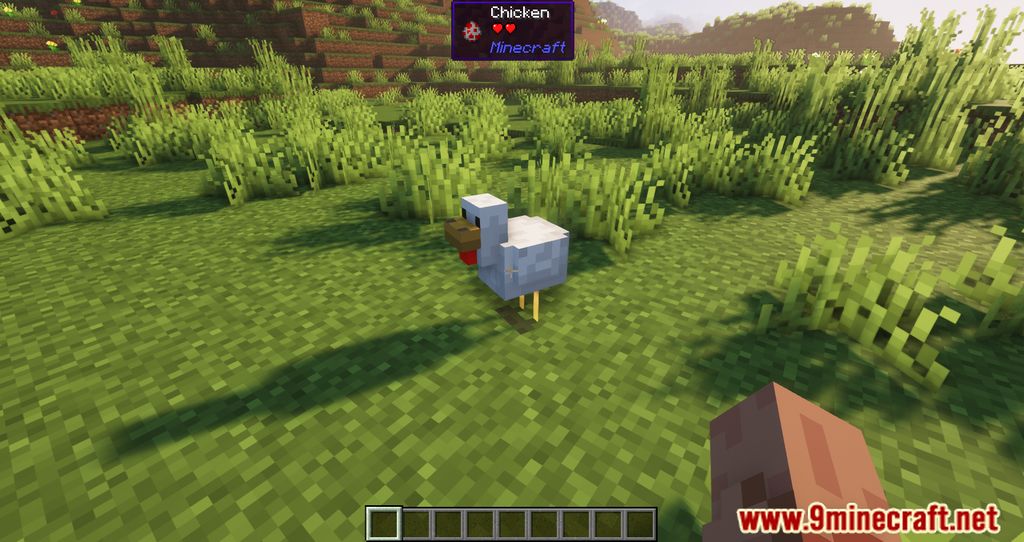
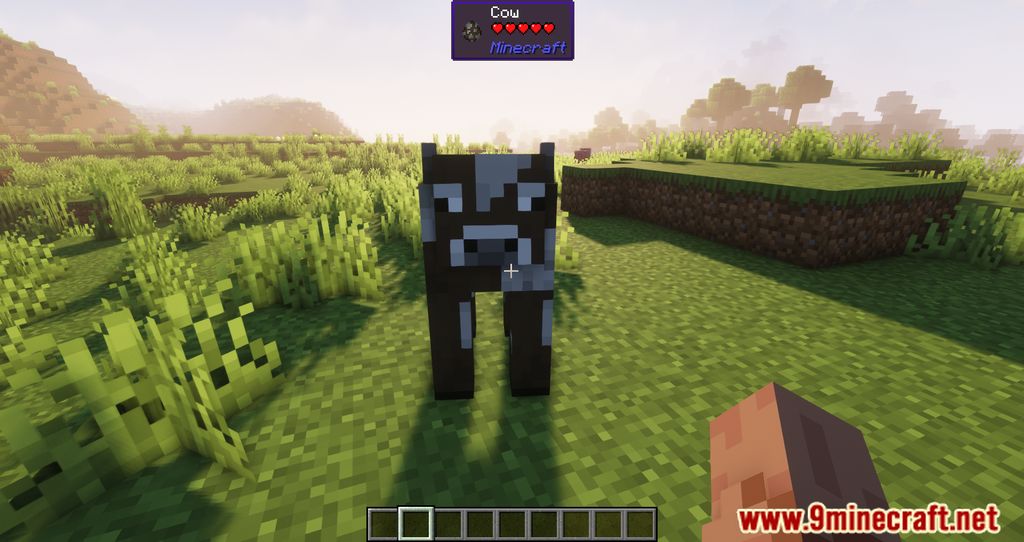
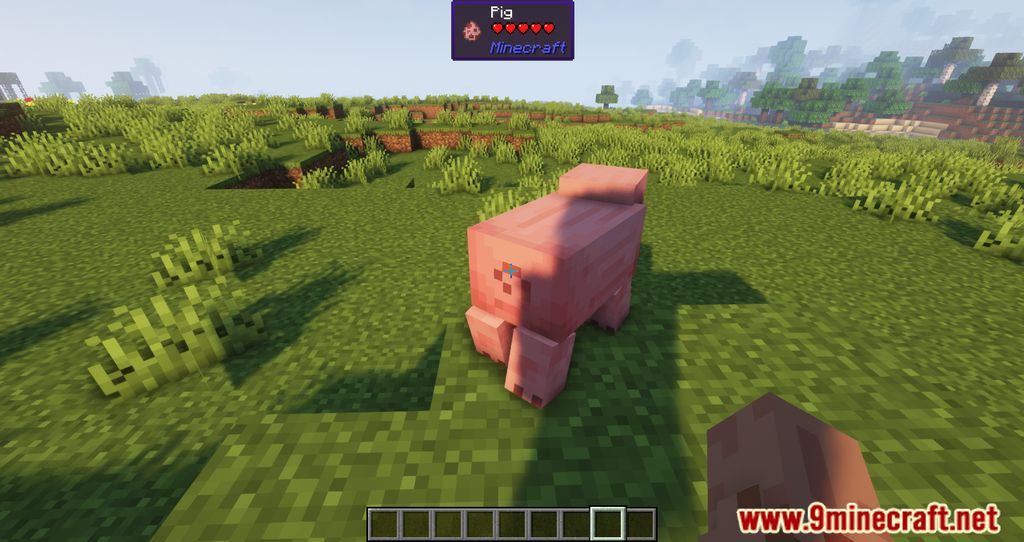
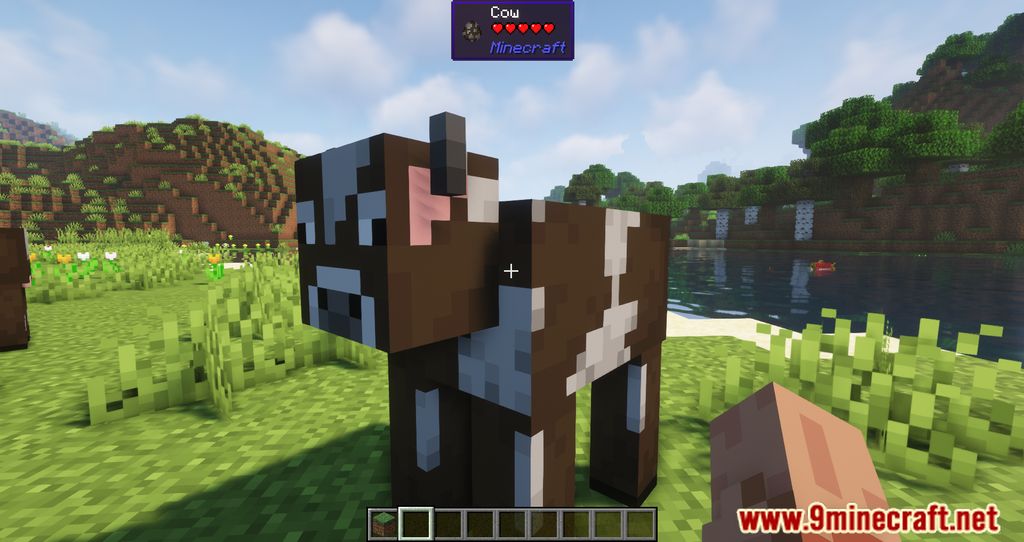
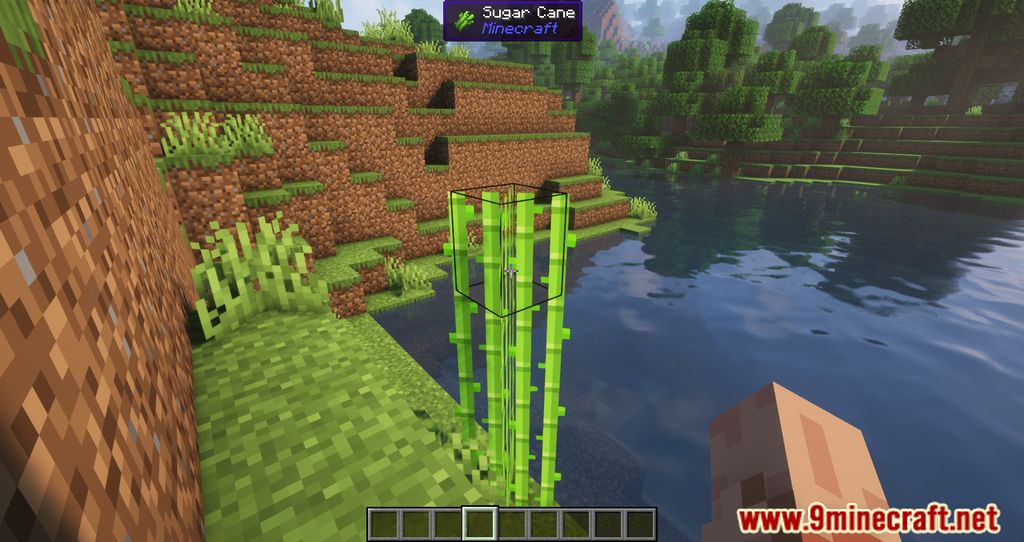
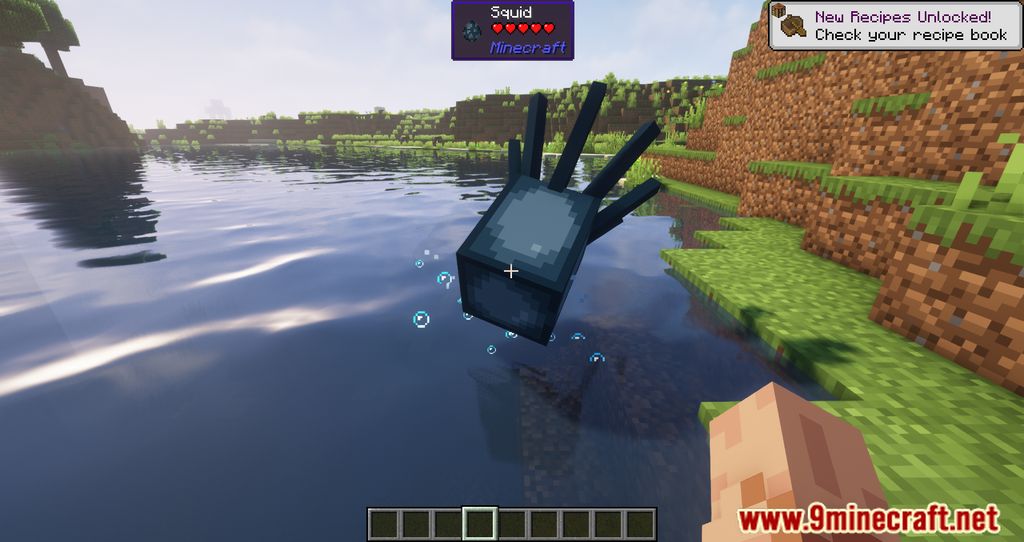
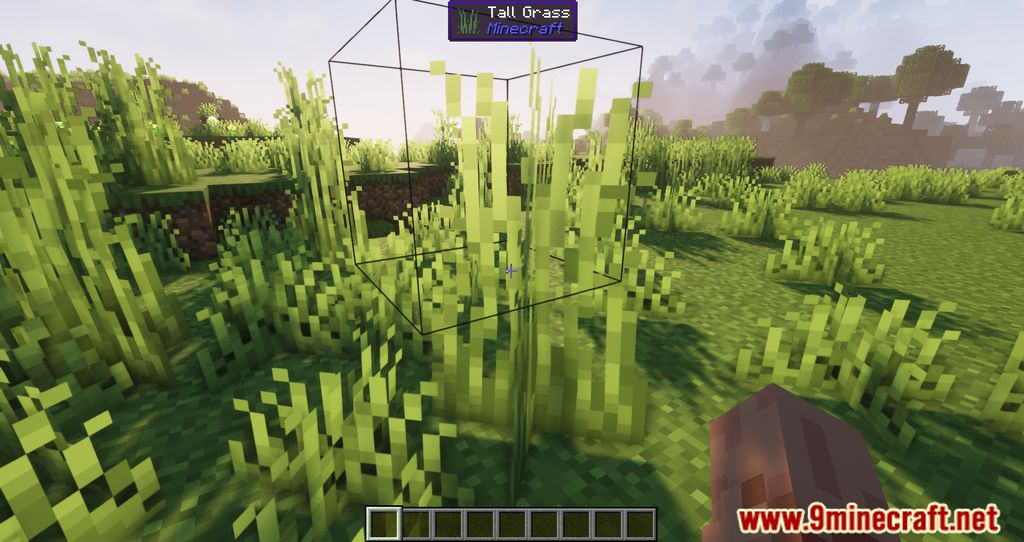
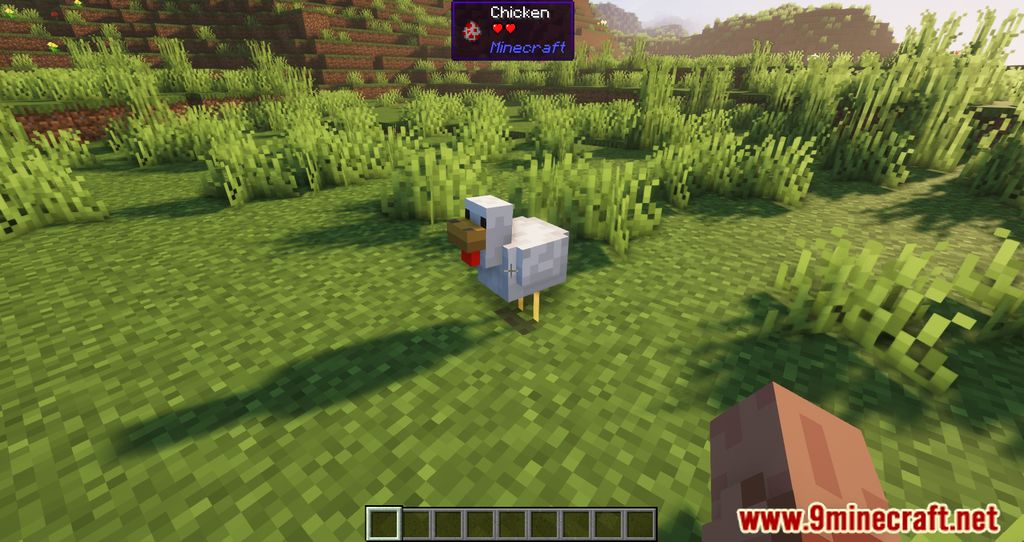
WTHIT (What The Hell Is That?) is a modern fork of the popular HWYLA (Here's What You're Looking At) mod, which itself was a fork of the original WAILA (What Am I Looking At). It serves as an essential information tool for both vanilla and modded Minecraft, allowing players to identify any object in the world simply by looking at it.
Unlike its predecessors, WTHIT is designed with a focus on performance and extensibility, offering a robust API for other mod developers to add their own custom tooltips. It is available for Fabric, Quilt, and Forge/NeoForge loaders, making it a staple in almost every modern modpack. While primarily a client-side mod, installing it on a server enables advanced features such as viewing the contents of inventories and detailed NBT data.
Guides
Step-by-step, in-game.
Configuration
Every setting in the mod config file, with what it changes.
| Option | What it does |
|---|---|
vanilla_optionsAdd to Vanilla's Options | Adds WTHIT's settings button to the vanilla options screen |
overlay_alignAlignment | Sets horizontal alignment of the overlay text |
overlay_background_alphaBackground Alpha | Sets transparency of the overlay background |
blacklist | Blocks listed item entries from being displayed |
format_block_nameBlock Name | Sets the text format used for block names |
sneaky_details_descBody text is hidden unless sneaking | Hides body text unless the player is sneaking |
boss_bars_overlap | Controls whether the overlay overlaps boss health bars |
overlay_anchor_bottomBottom | Anchors the overlay to the bottom of the screen |
overlay_anchor_centerCenter | Anchors the overlay to the center of the screen |
display_tooltip_descCollect data and render the tooltip | Collects data and renders the tooltip |
overlay_colorColor | Sets the text color of the overlay |
display_mode | Sets how crafting progress is rendered |
display_tooltip | Toggles whether the WTHIT tooltip is shown |
ttsEnable TTS | Enables reading block and entity names aloud via system text-to-speech |
format_entity_nameEntity Name | Toggles showing the entity's name in the tooltip |
expand_all | Expands all collapsed config categories at once |
format_fluid_nameFluid Name | Toggles showing the fluid's name in the tooltip |
plugin_harvestHarvest | Enables the harvest plugin showing crop maturity info |
Other settings in this file
5 more options the mod ships without its own description. Names are taken straight from the config file.
- plugin__DO_NOT_TRANSLATE_
- edit
- false
- formatting
- general
Frequently asked questions
What does the WTHIT Mod do?
 things like health level and the mod a block originates from.
What does WTHIT stand for?
Is WTHIT client-side only?
What Minecraft versions does WTHIT support?
Dependencies
Other mods needed to run this one.
Gallery
11 images from the Wthit Mod page.

You May Also Like
Wikis that share the most with this one
More mod wikis on the site
The most downloaded mods that have a wiki here
A few wikis from each of the other kinds