

 DownloadDatamosh Shaders
Get the files on 9Minecraft
Guides
Step-by-step, in-game.
Adjust Glitch Intensity and Block SizeAccess Shader Settings Open your shader options menu while in-game. This is typically found in Video Settings >…Disable Glitches for Specific ActivitiesTemporarily Turn Off the Shader If you need to disable Datamosh Shaders for tasks like precise building, reading…Make Glitches More Visible in Dark EnvironmentsUnderstand Glitch Visibility Datamosh Shaders create effects through contrast — bright and dark lines, color shifts,…Reduce Performance Impact of Glitch EffectsIdentify Performance-Heavy Settings The datamosh effect processes every frame as a screen filter, which can impact…
Frequently asked questions
How do I turn on Datamosh Shaders after installing it?
Open your shader settings menu (usually accessible from Video Settings) and select Datamosh Shaders from the available shader list. The glitchy effects will apply immediately to your screen.
Why do the glitches look so faint or barely visible?
Glitch intensity is often tied to motion and contrast in your scene—bright, fast-moving areas show effects more clearly than dark or static ones. Try adjusting the glitch intensity setting in the shader options, or move to a more visually varied area to see the effect better.
Can I make the block size of the glitches bigger or smaller?
Yes, most shader configurations include a block size or resolution setting that lets you control how large the pixelated glitch blocks appear on screen. Smaller blocks create finer detail, while larger blocks make the effect more obvious.
Does this shader affect my FPS or cause lag?
Datamosh Shaders works as a screen filter and has minimal performance impact since it doesn't change how the world loads. If you experience lag, try reducing glitch intensity or block size, or lower your render distance in Video Settings.
See all 10 Datamosh Shaders questions ›
Gallery
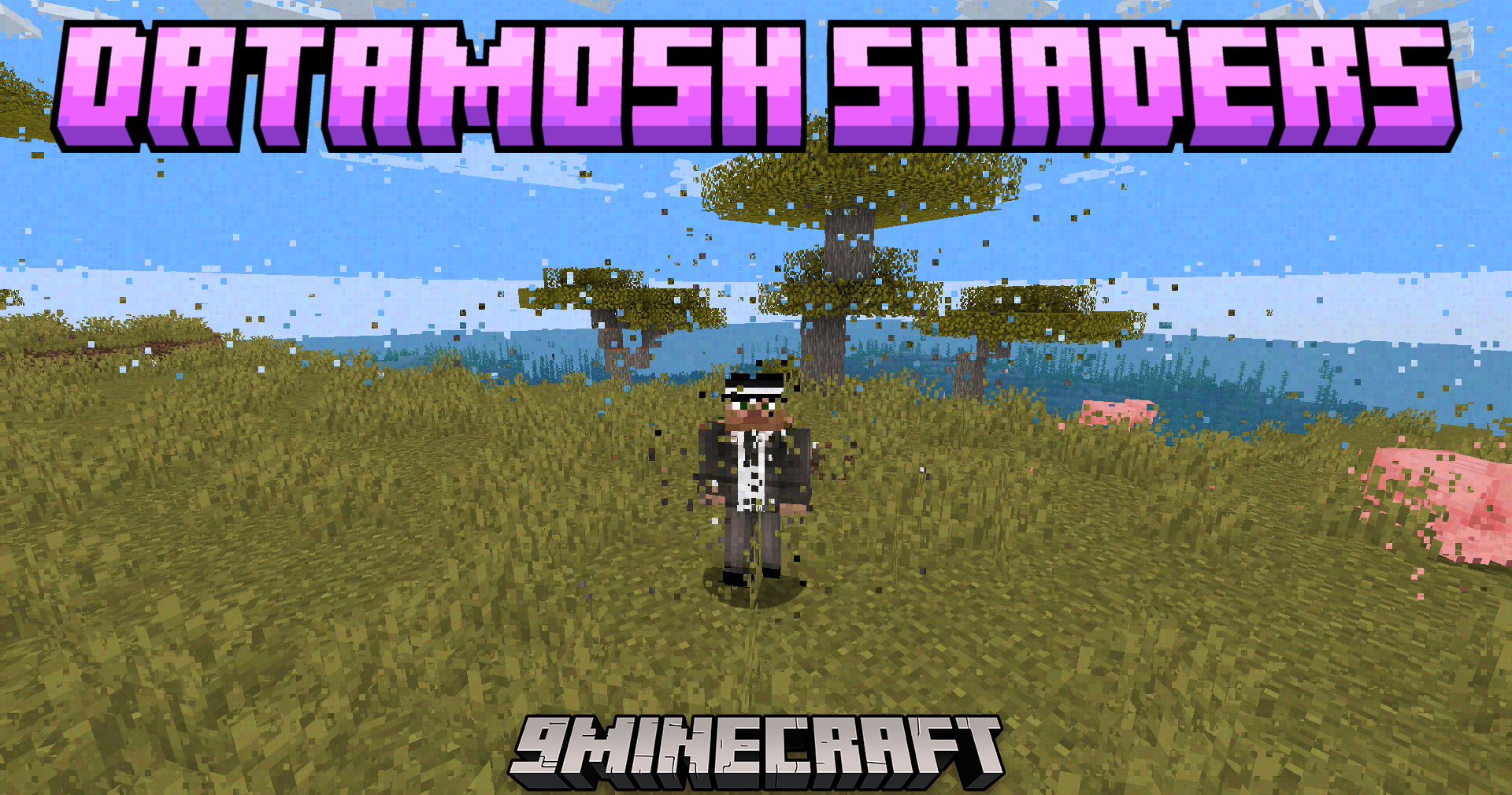
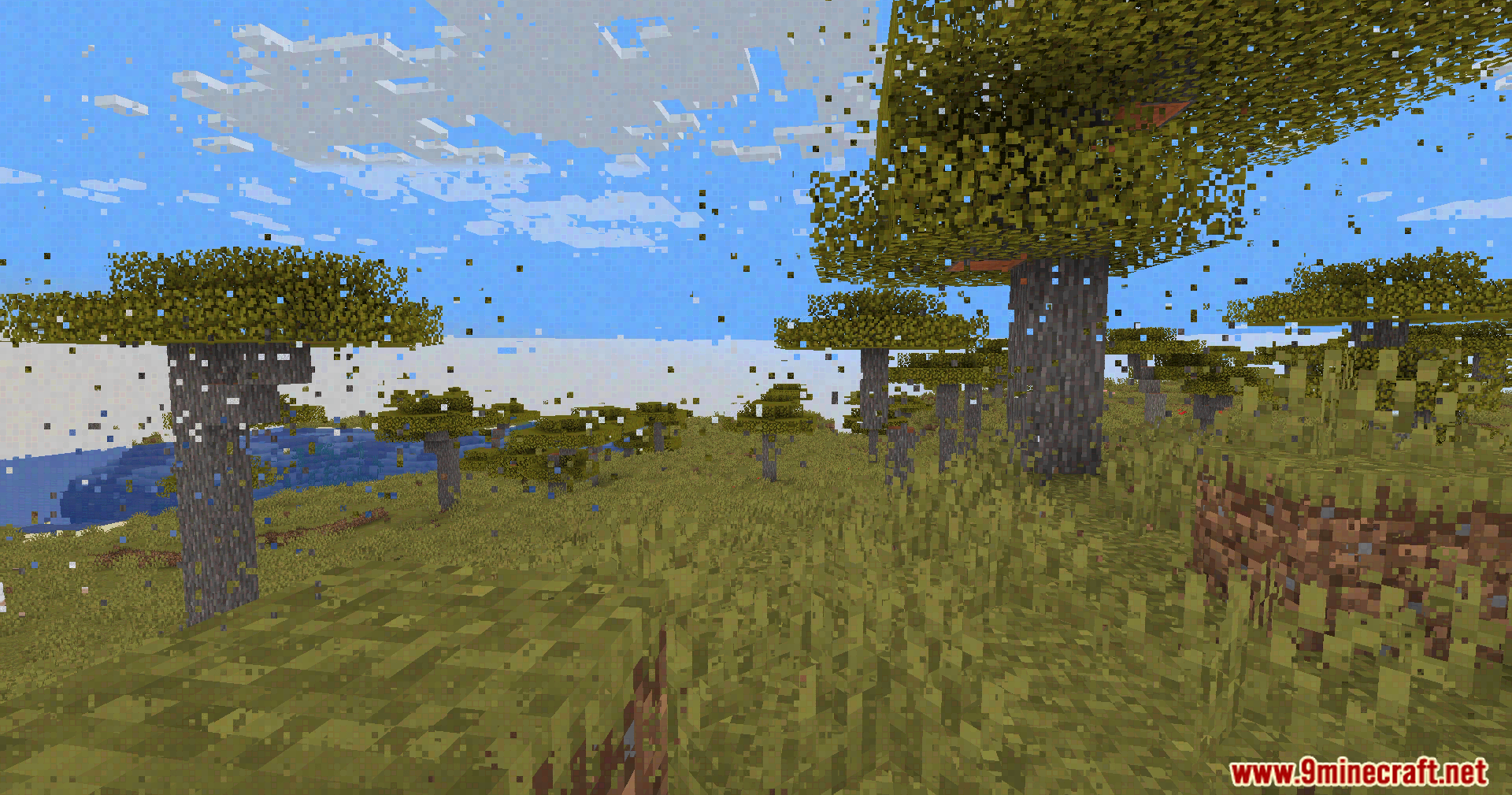
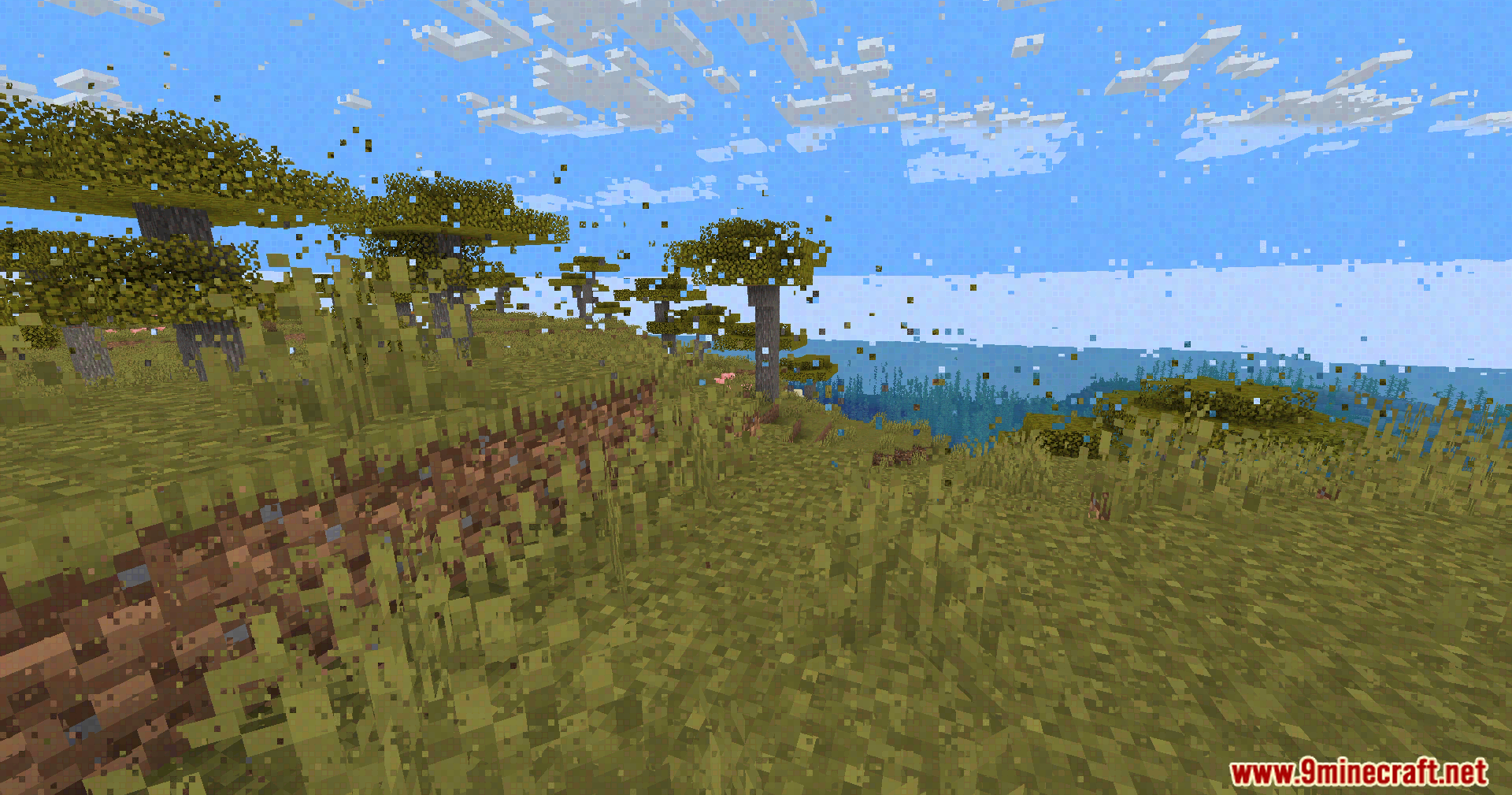
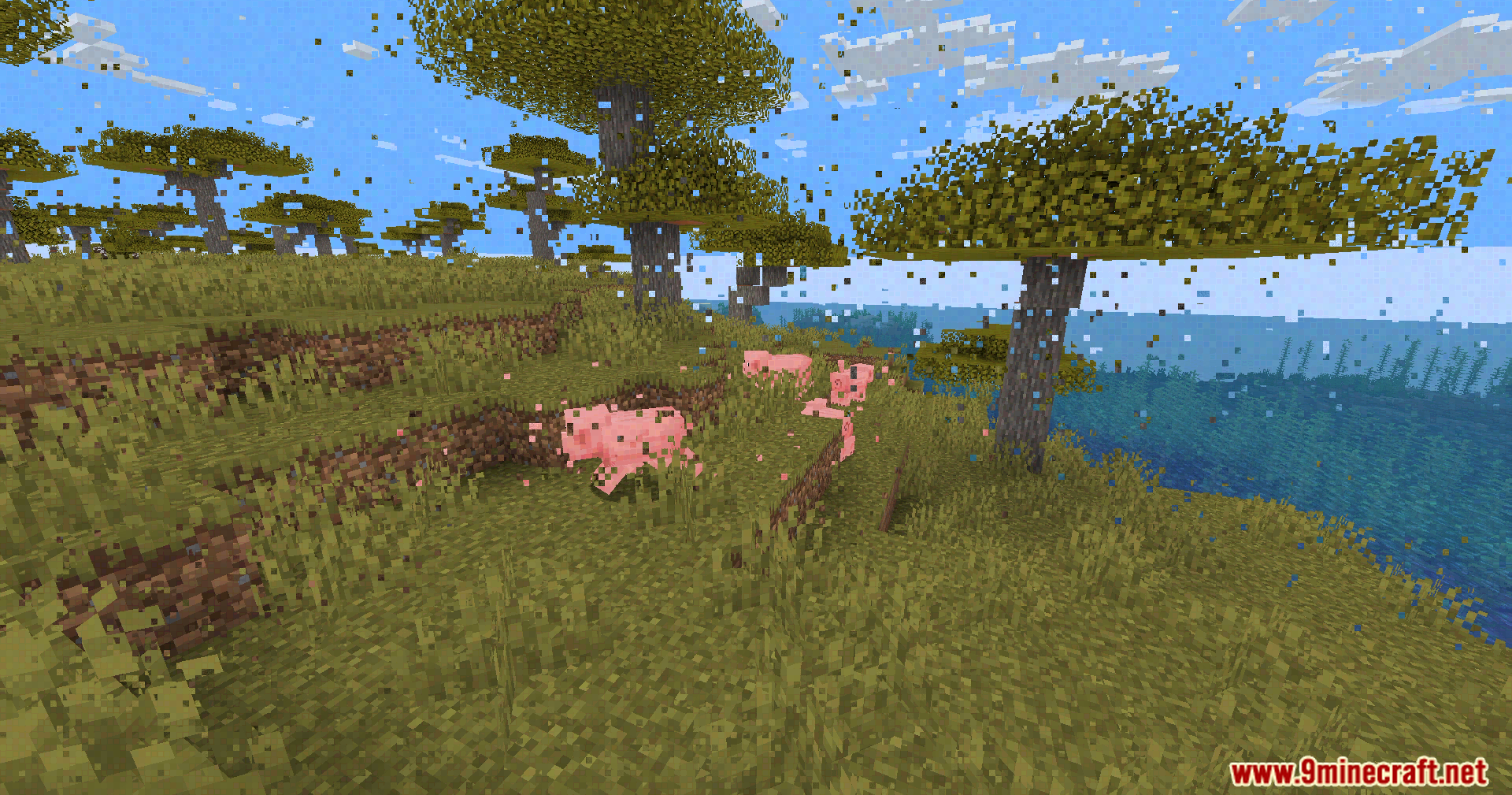
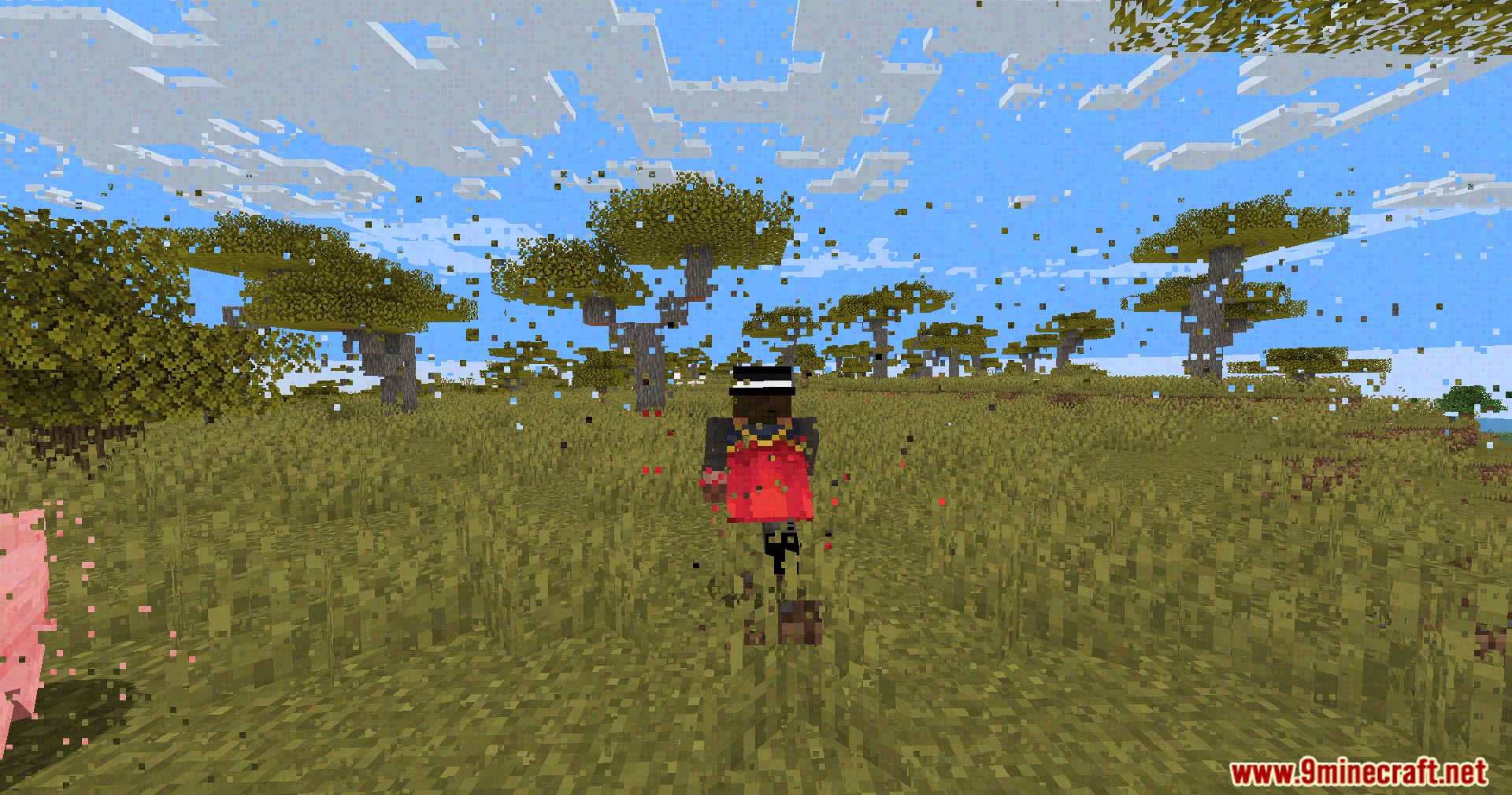
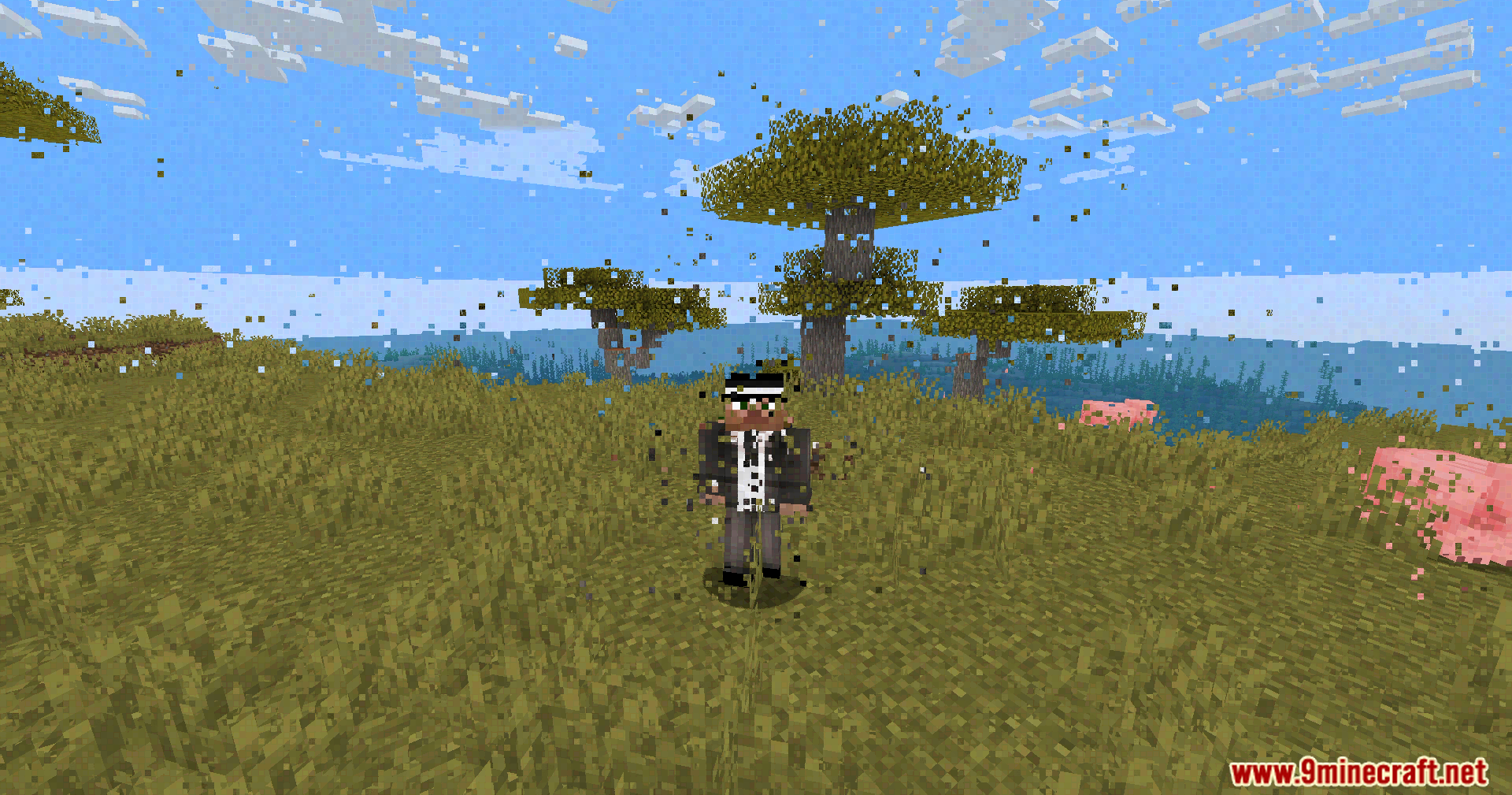
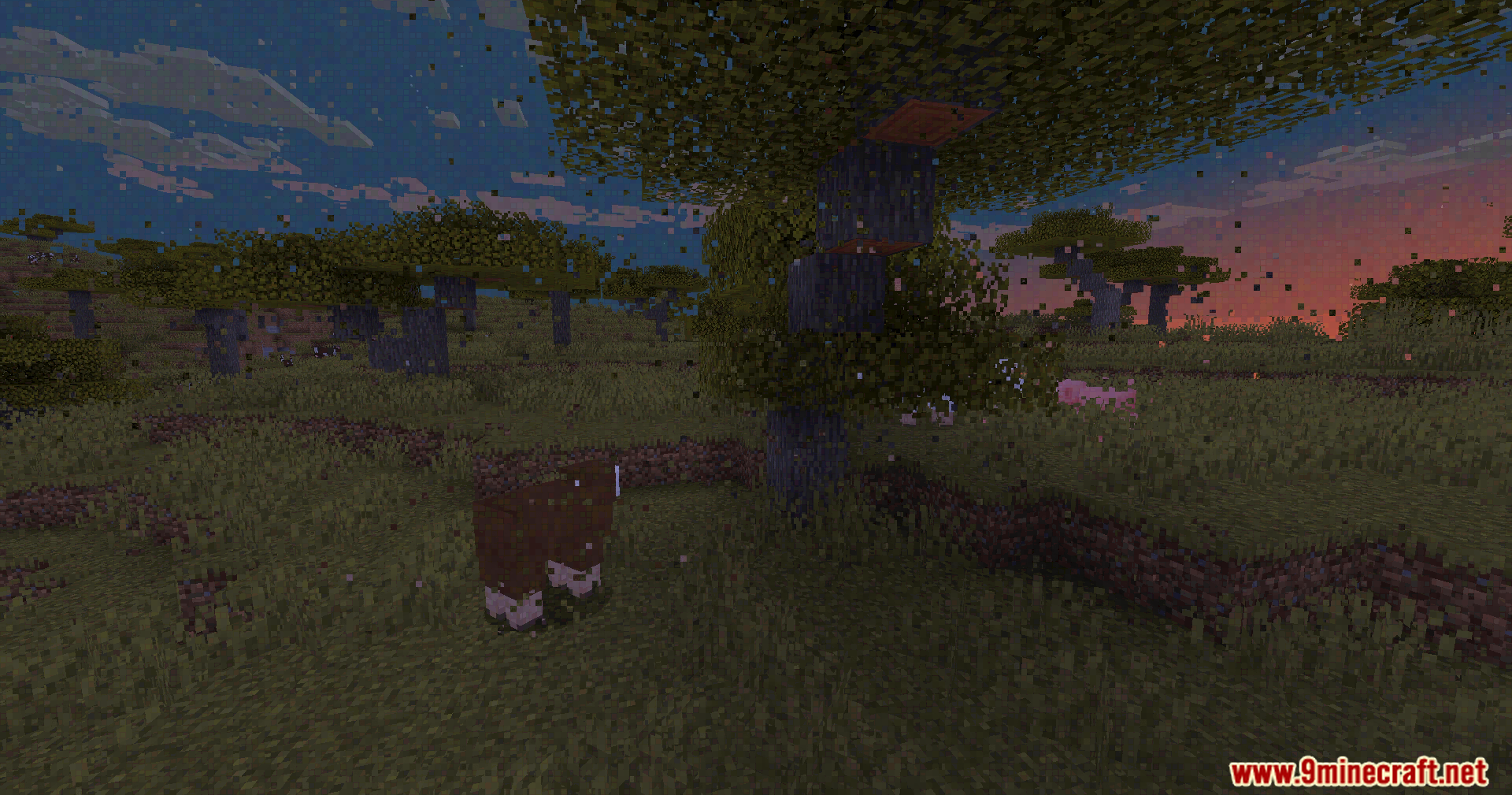
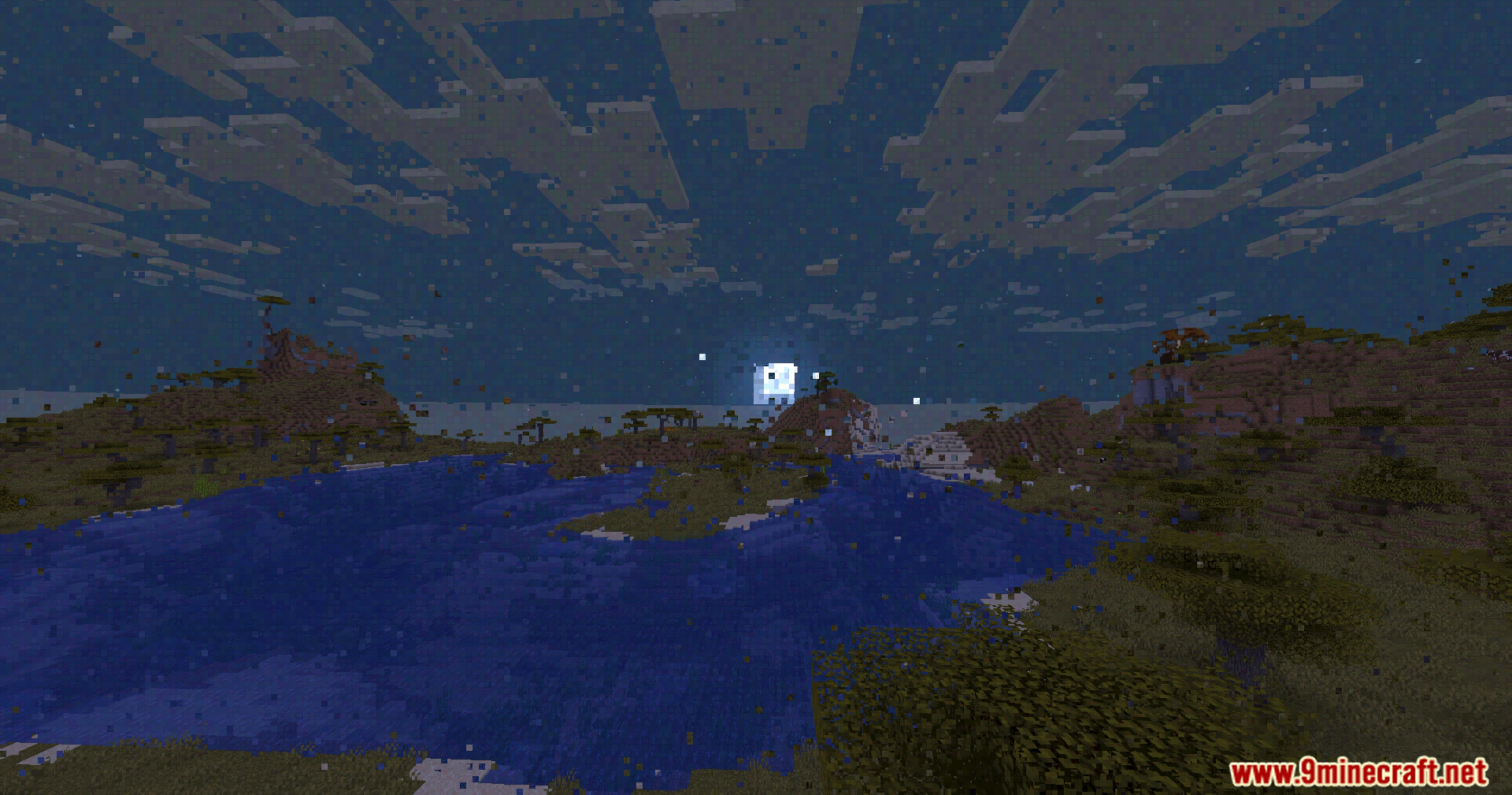
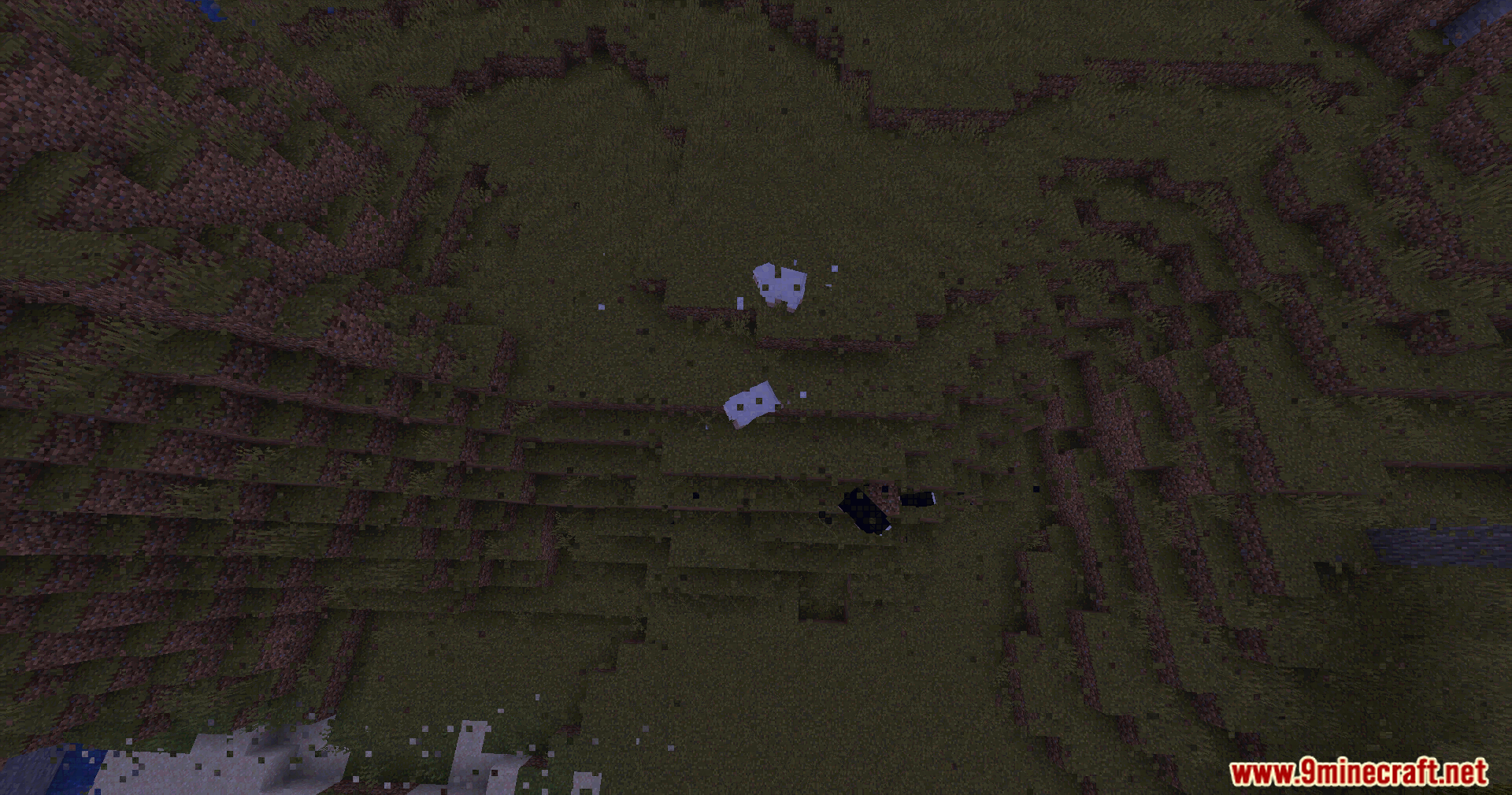
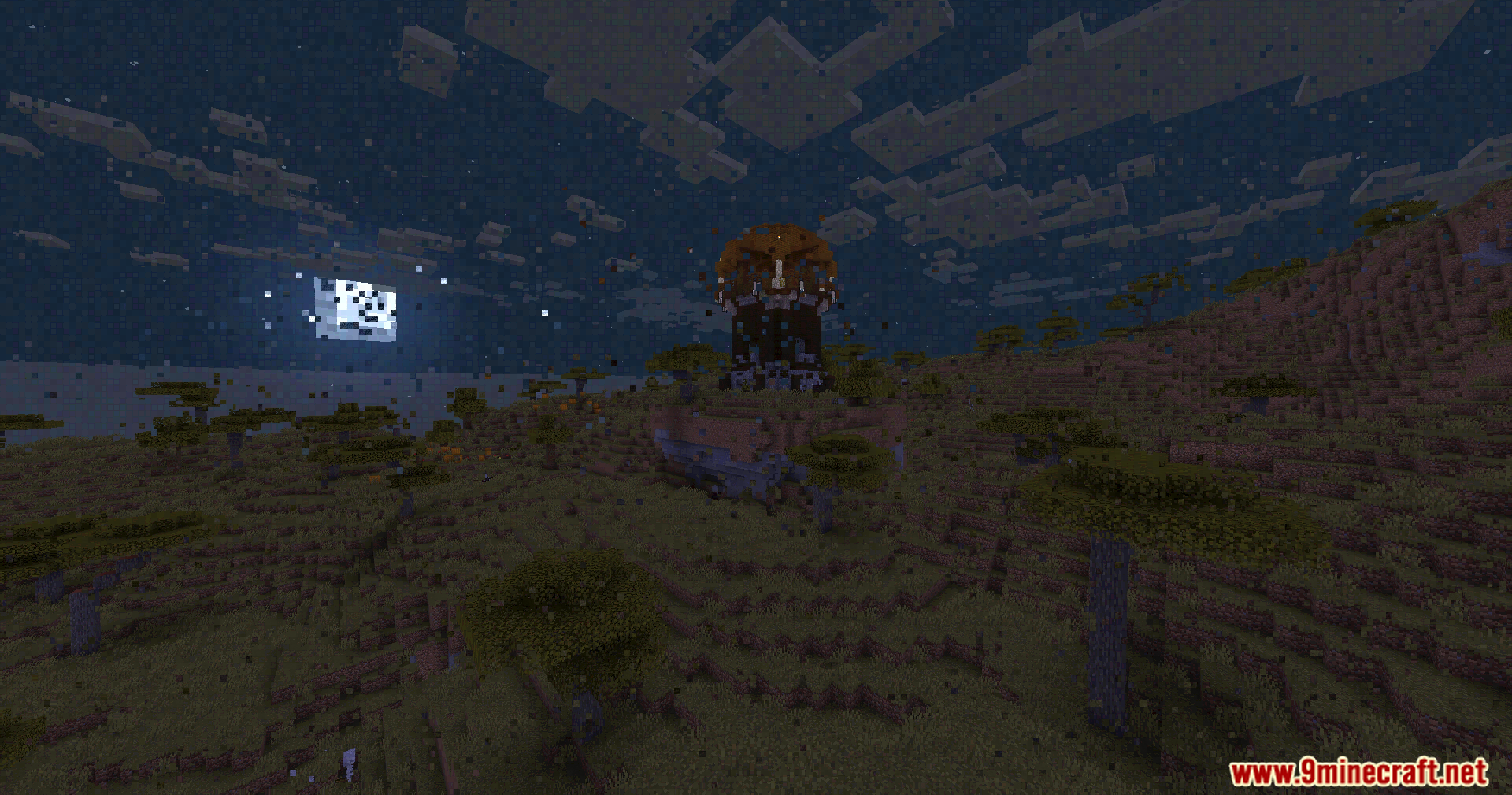
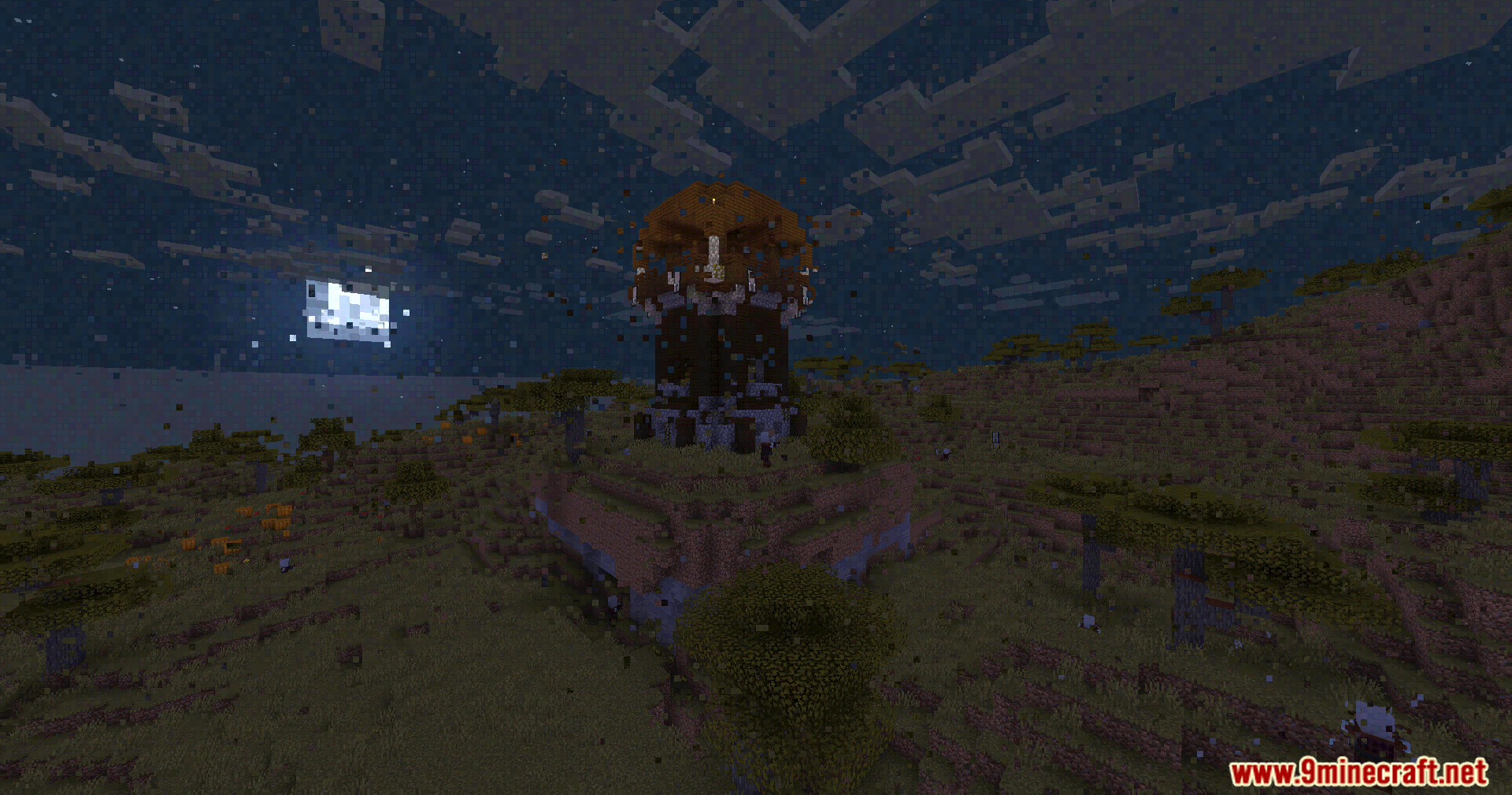
11 images from the Datamosh Shaders page.
You May Also Like
Wikis that share the most with this one
 Danix Low End Shaders
 Demonic Possession Shaders
 Depth of Field Test3 Shaders
 Depth Style Shaders
More shader wikis on the site
 Crossfrog’s Soft Outlines Shaders
The most downloaded mods that have a wiki here