

 blocks
 DownloadDynamic Crosshair Compat Mod
Get the files on 9Minecraft
Guides
Step-by-step, in-game.
Configuring Dynamic Crosshair Compat for a Modded ModpackPlan before you tweak In a large modpack you may have dozens of mods adding tools, guns, and machines. The Compat…Fixing the Crosshair Not Changing When Using Modded BlocksUnderstanding the problem A common complaint is that the crosshair stays in its default shape when you point at a…How to Make the Dynamic Crosshair React Correctly to Modded Tools and WeaponsWhy the crosshair ignores some modded items Dynamic Crosshair normally decides what shape to show by reading the…Troubleshooting the Crosshair When It Stops Adapting After Adding ModsFirst, isolate the cause If the crosshair worked before you added new mods and now behaves oddly, the new mods are…
Frequently asked questions
What does Dynamic Crosshair Compat actually do?
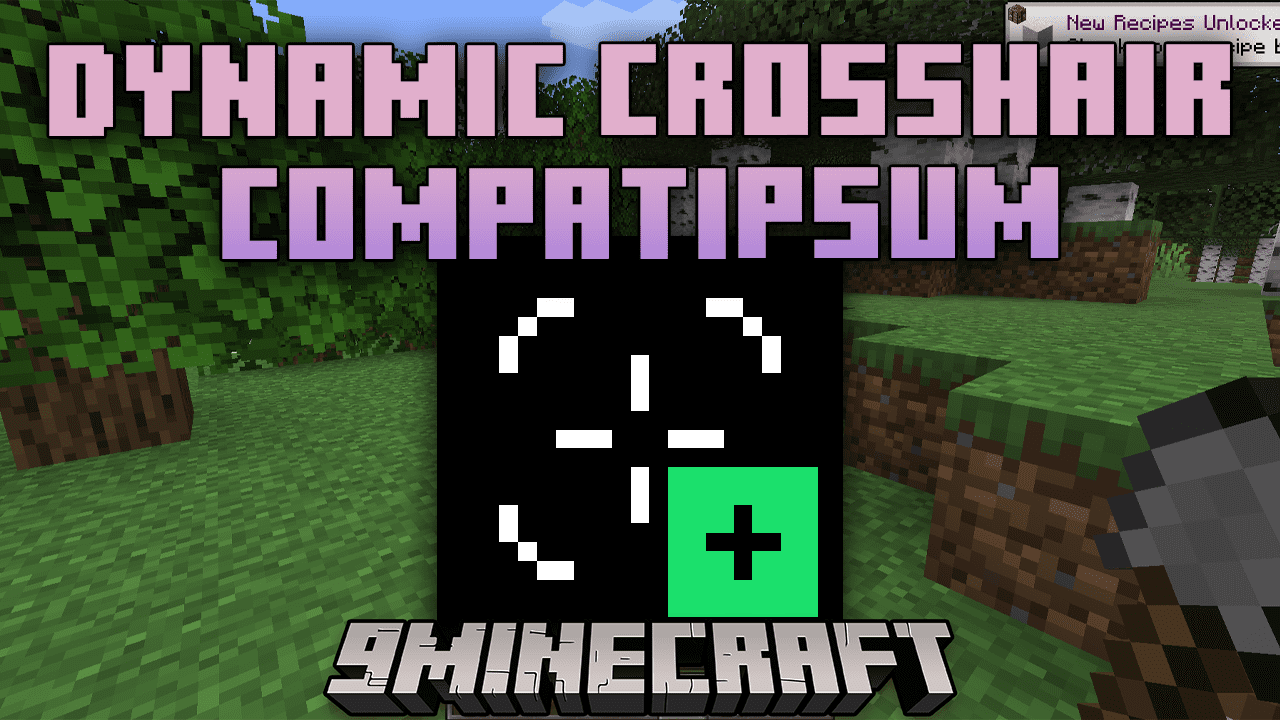
It's an add-on for Dynamic Crosshair that makes the crosshair react correctly to items, blocks, and interactions added by other mods. Without it, the crosshair often falls back to its default state when you're holding or targeting modded content.
Do I need Dynamic Crosshair installed for this to work?
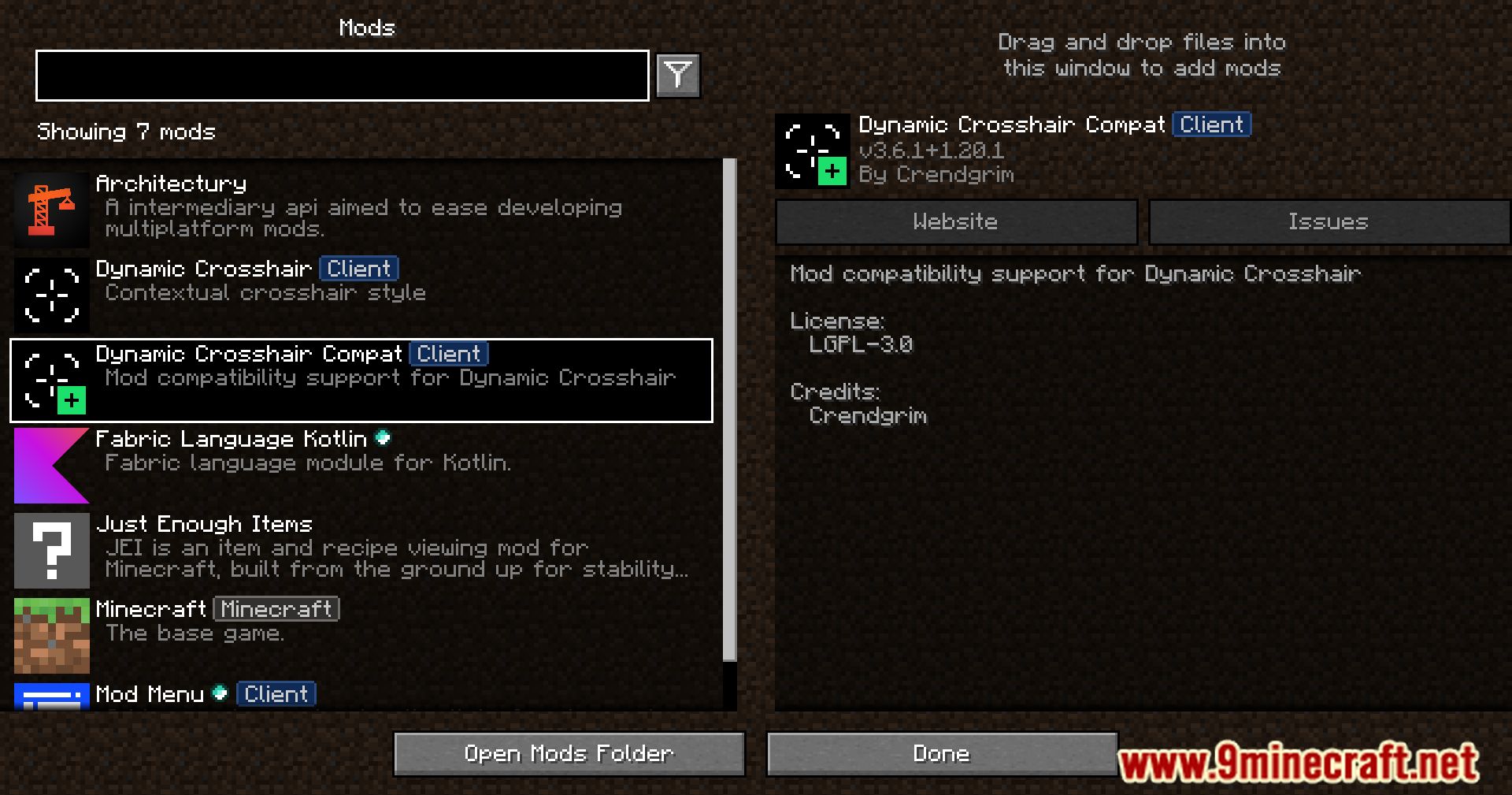
Yes, this is only a compatibility layer and won't function on its own. Install it alongside the base Dynamic Crosshair mod, since it hooks into that mod's crosshair logic.
How do I get the crosshair to change when I hold a modded tool or weapon?
Just install this add-on and make sure both it and the base Dynamic Crosshair mod are loaded. The compat layer reads the modded item's behavior and maps it to the appropriate crosshair state automatically.
Why is my crosshair stuck on the default shape with modded blocks?
 base mod
See all 10 Dynamic Crosshair Compat questions ›
Gallery
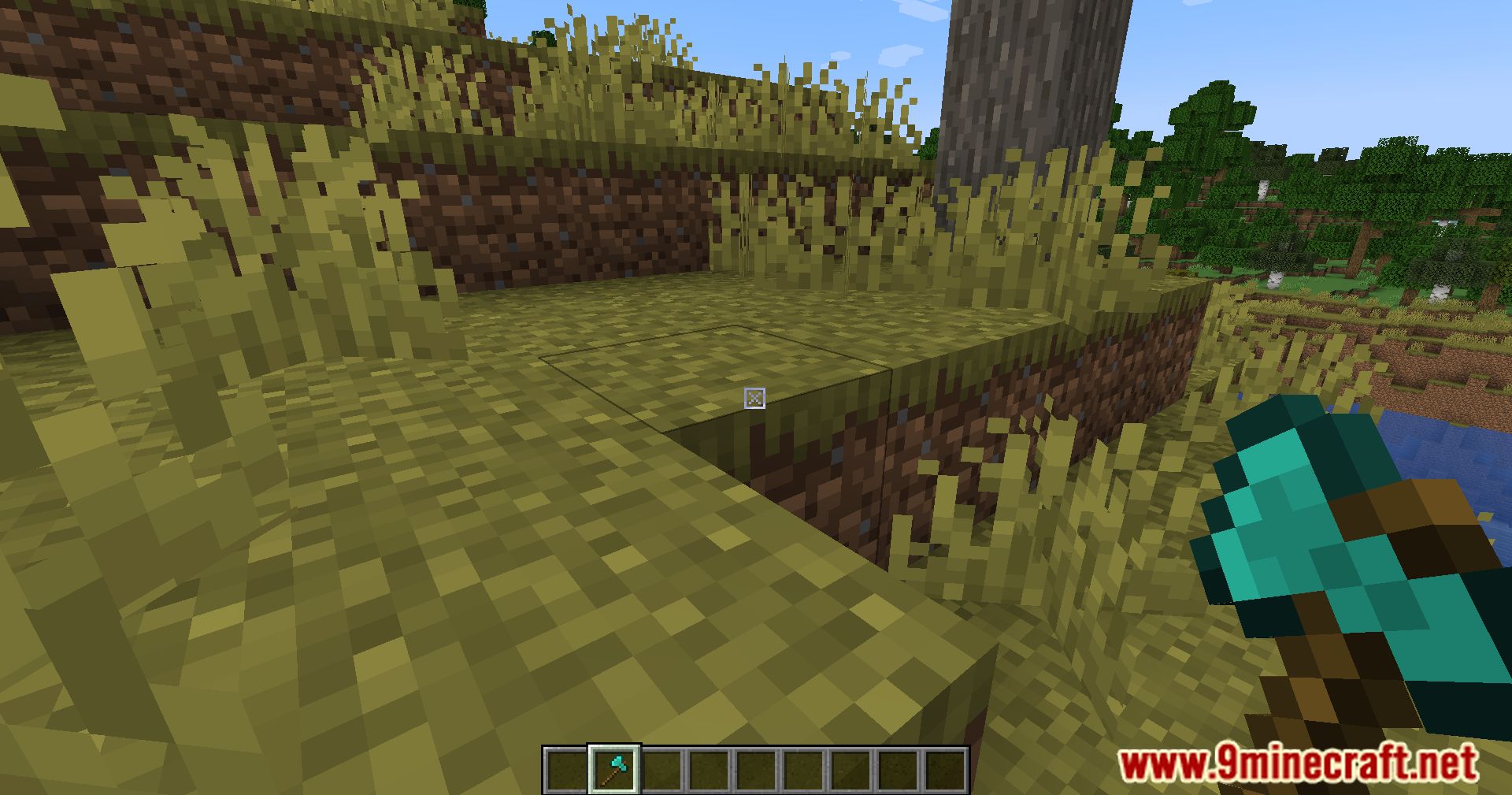
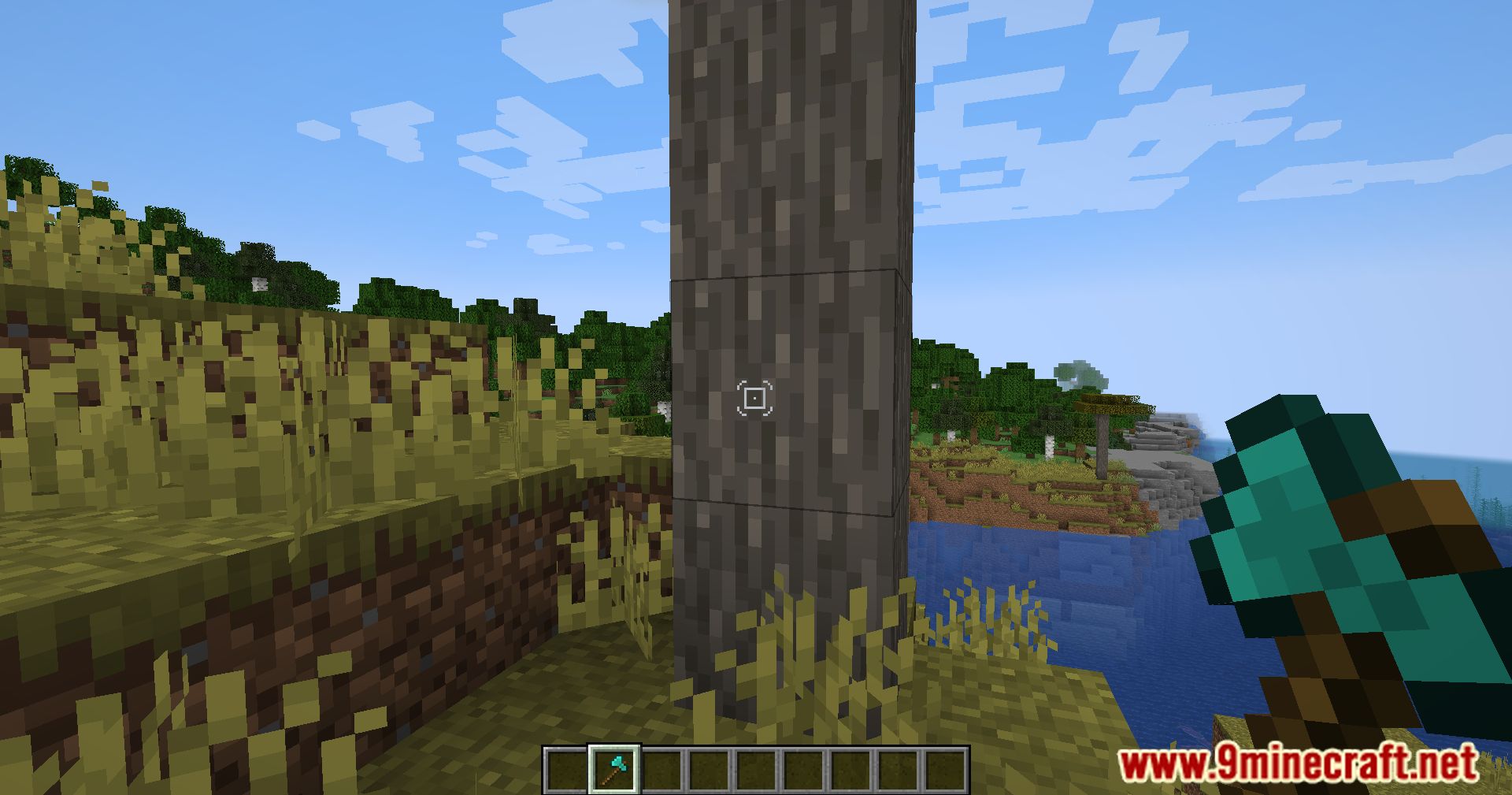
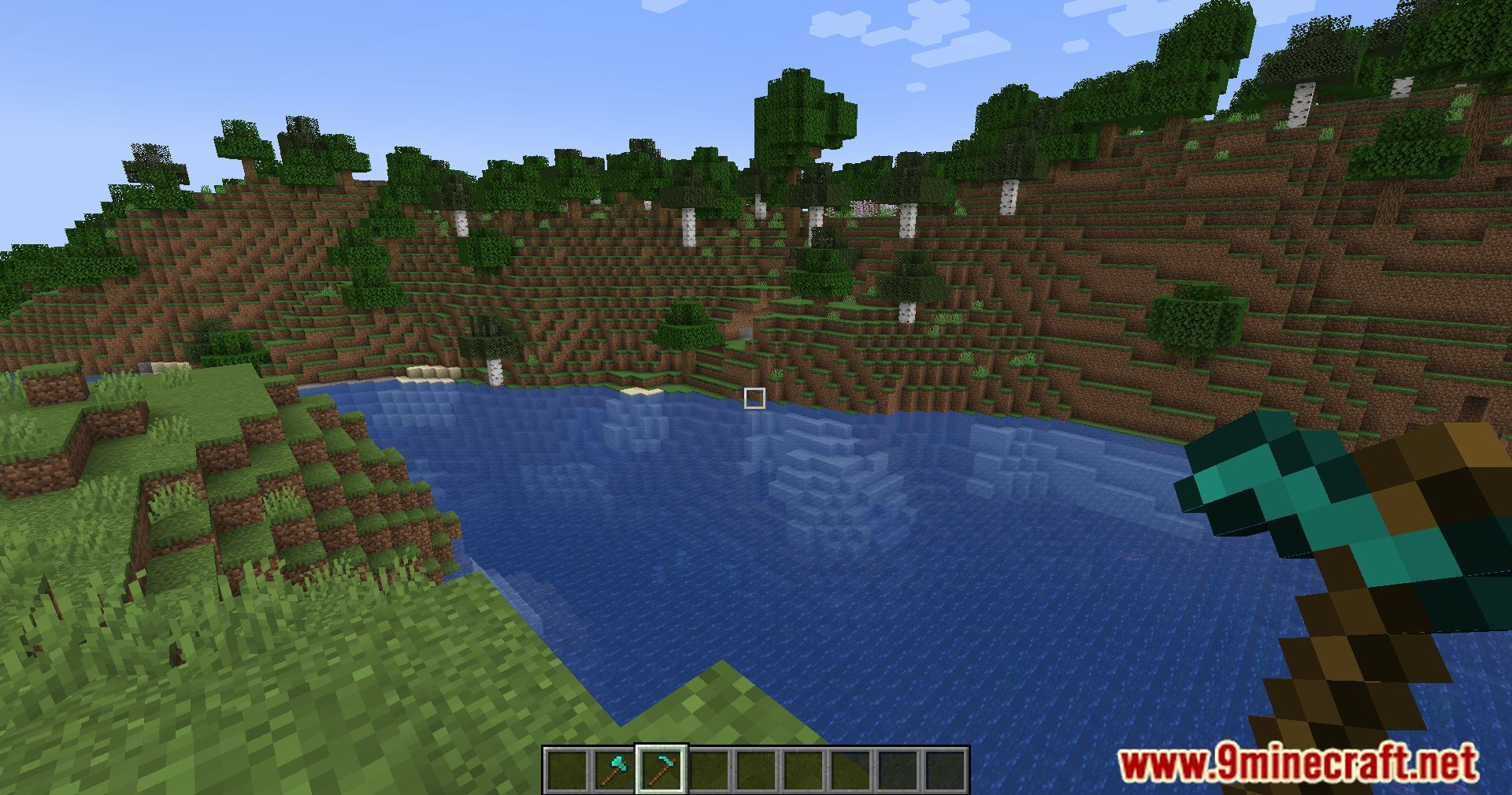
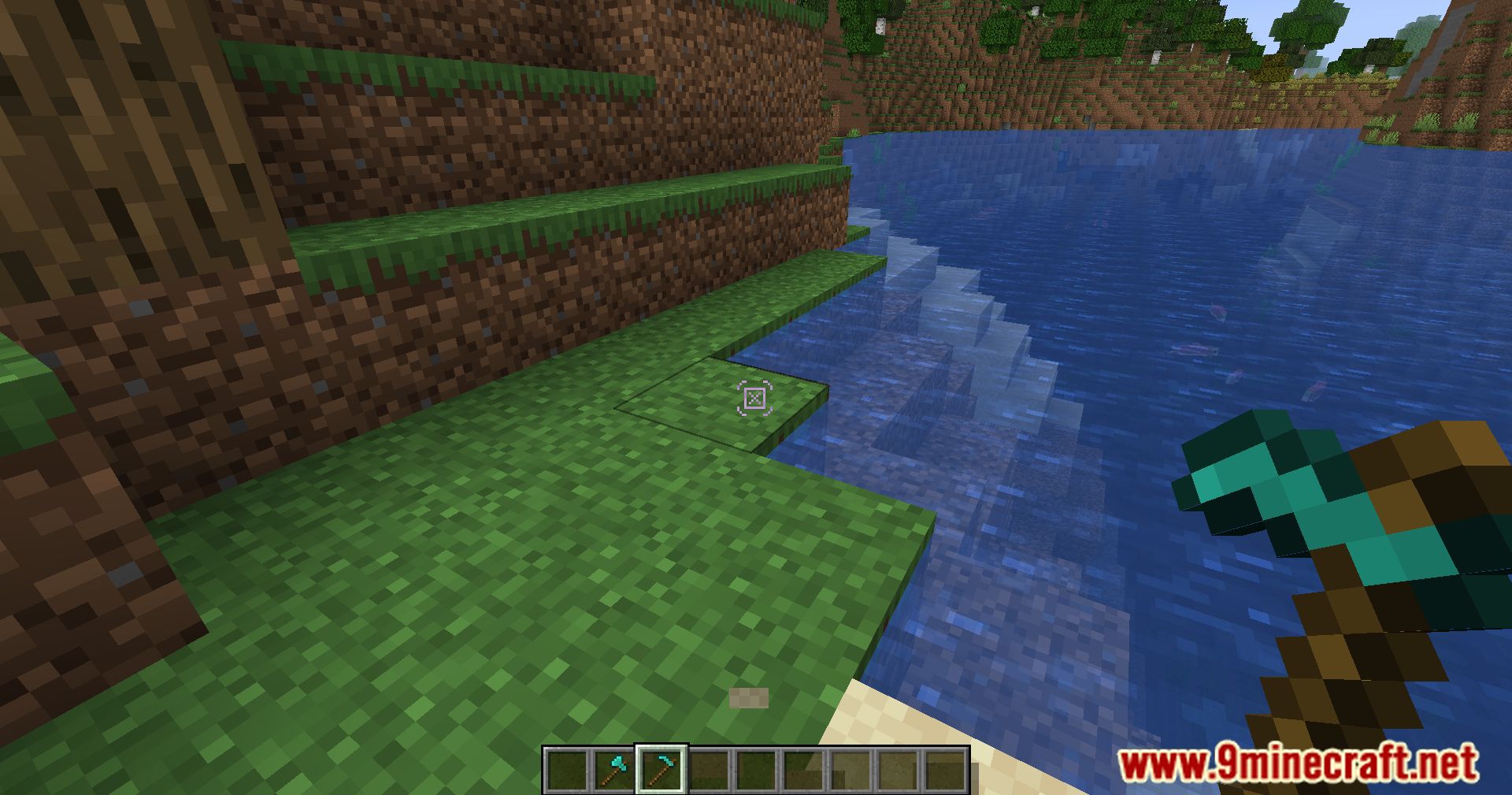
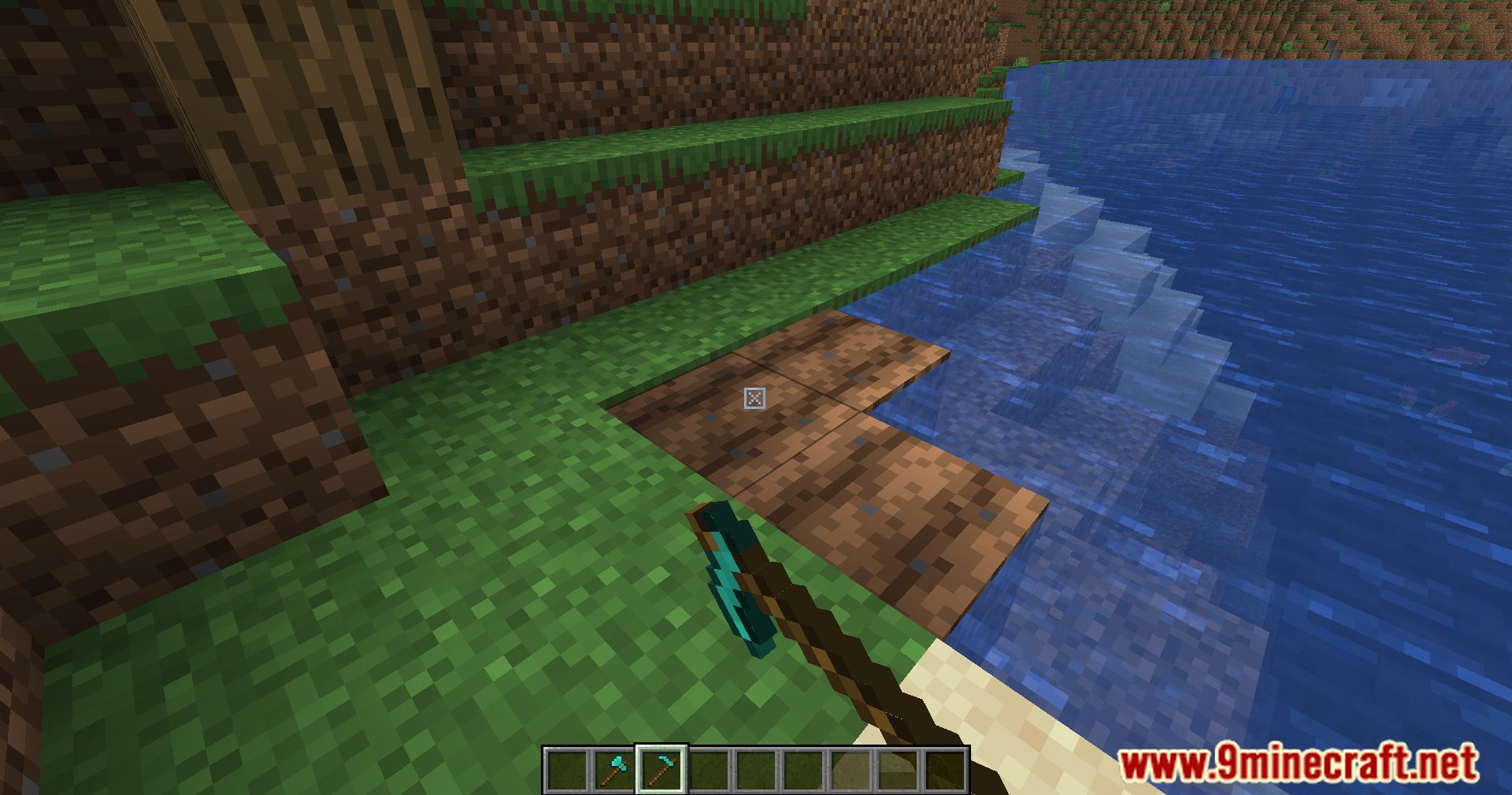
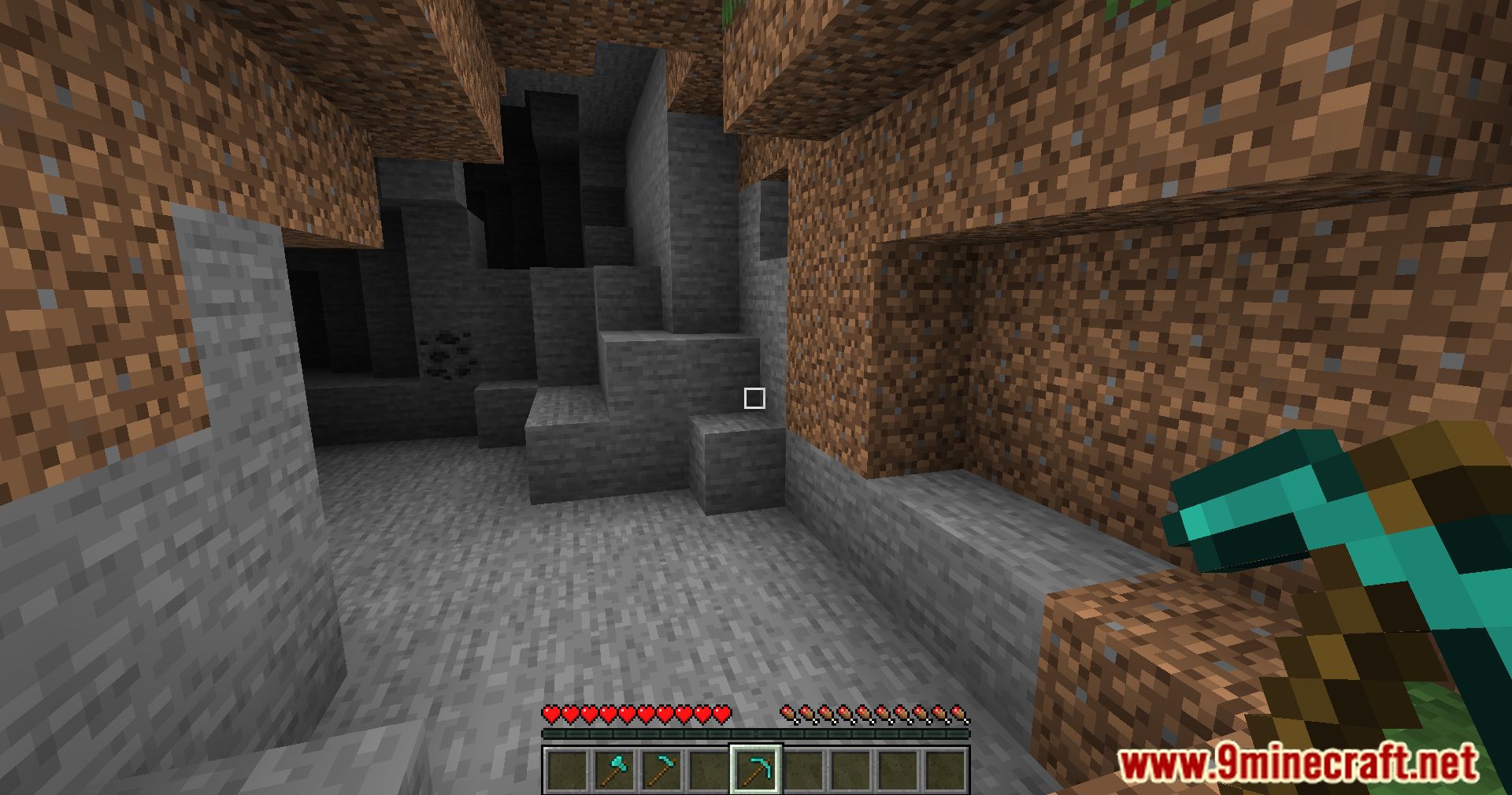
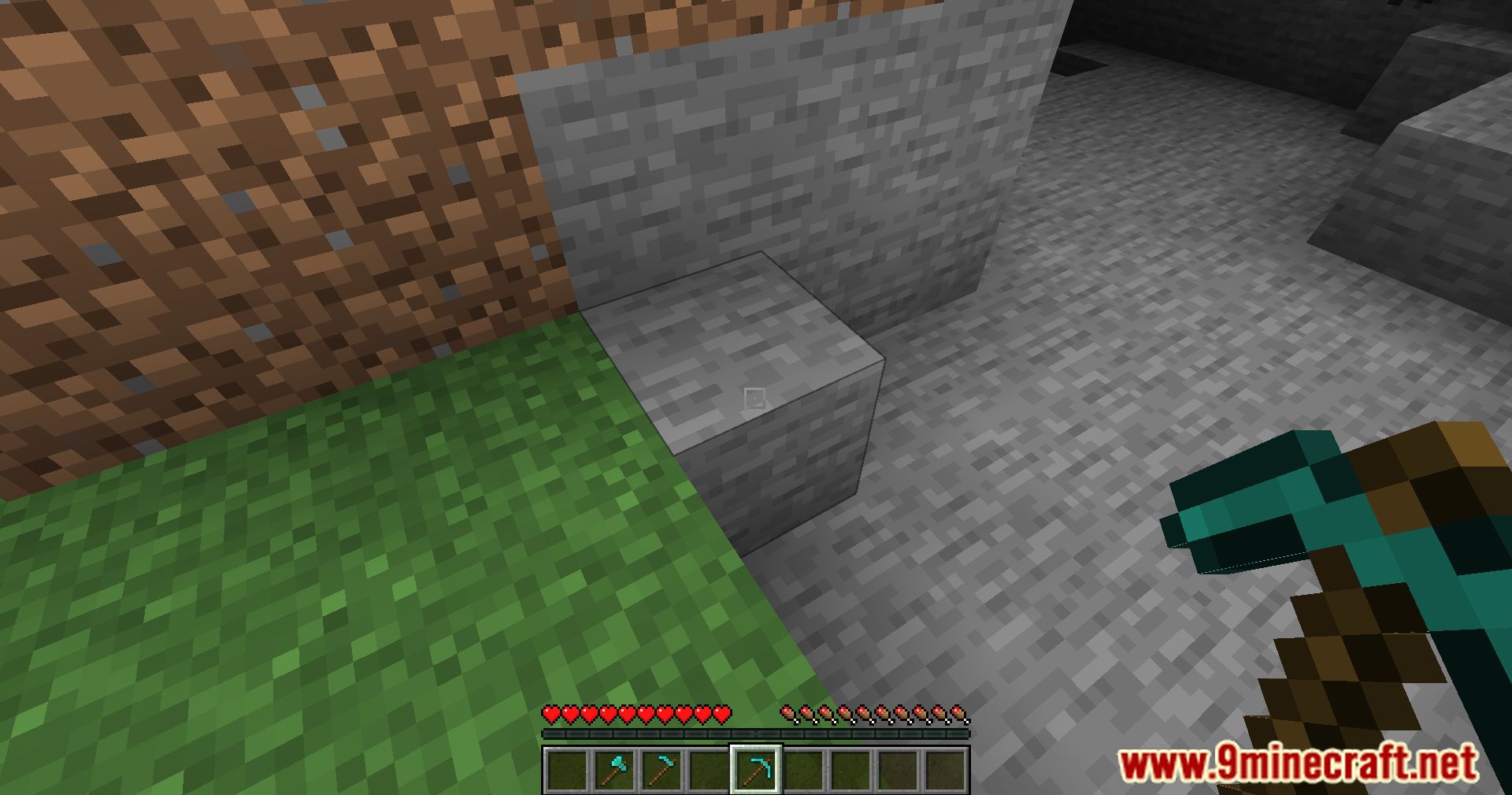
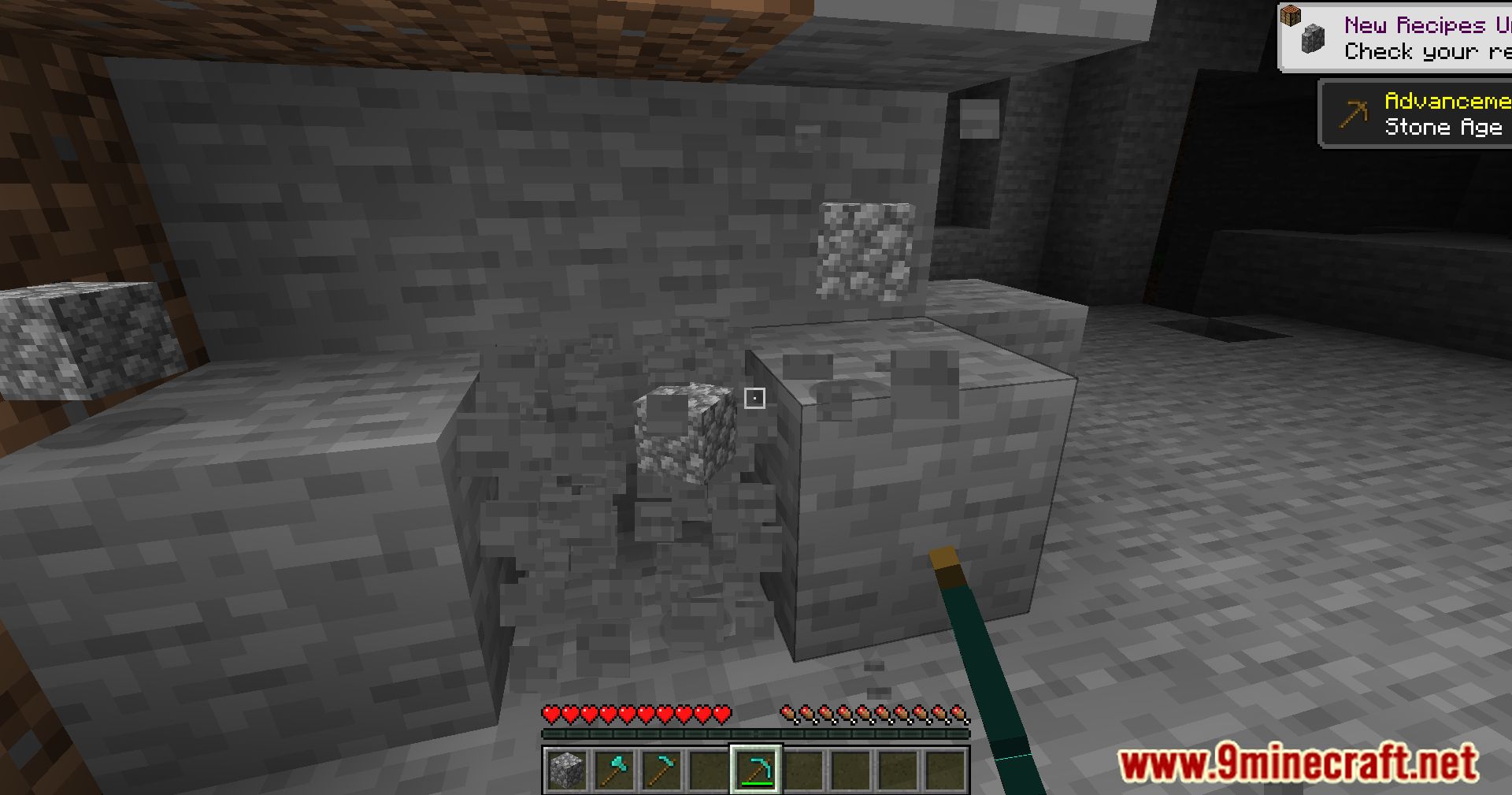
12 images from the Dynamic Crosshair Compat Mod page.
You May Also Like
Wikis that share the most with this one
More mod wikis on the site
The most downloaded mods that have a wiki here
A few wikis from each of the other kinds