

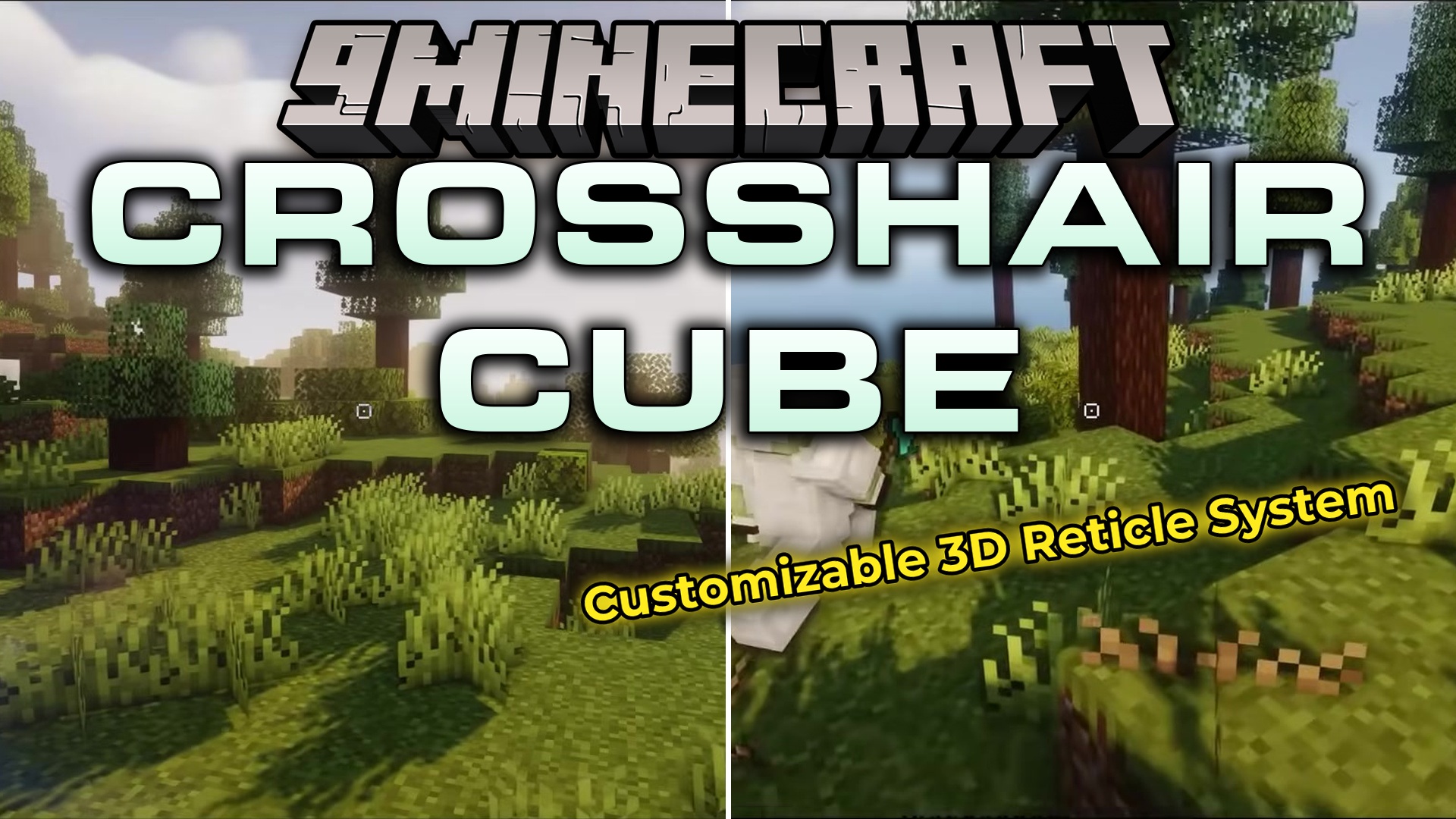
 DownloadCrosshair CUBE Resource Pack
Get the files on 9Minecraft
Guides
Step-by-step, in-game.
Add a Center Dot to Your Square CrosshairEdit the Crosshair Texture File Locate the crosshair PNG in textures/gui/ within your resource pack folder. Open it…Customize Your Crosshair ColorLocate the Crosshair Texture File Navigate to your resource pack folder and find the textures directory. The…Make Your Crosshair Thicker or ThinnerOpen the Crosshair Texture Find the crosshair PNG file in your resource pack's textures/gui/ folder. Open it with an…Revert to the Original CrosshairDisable the Resource Pack Open Minecraft and go to Options → Resource Packs . Find the Crosshair CUBE pack in your…
Frequently asked questions
How do I activate the square crosshair after installing the pack?
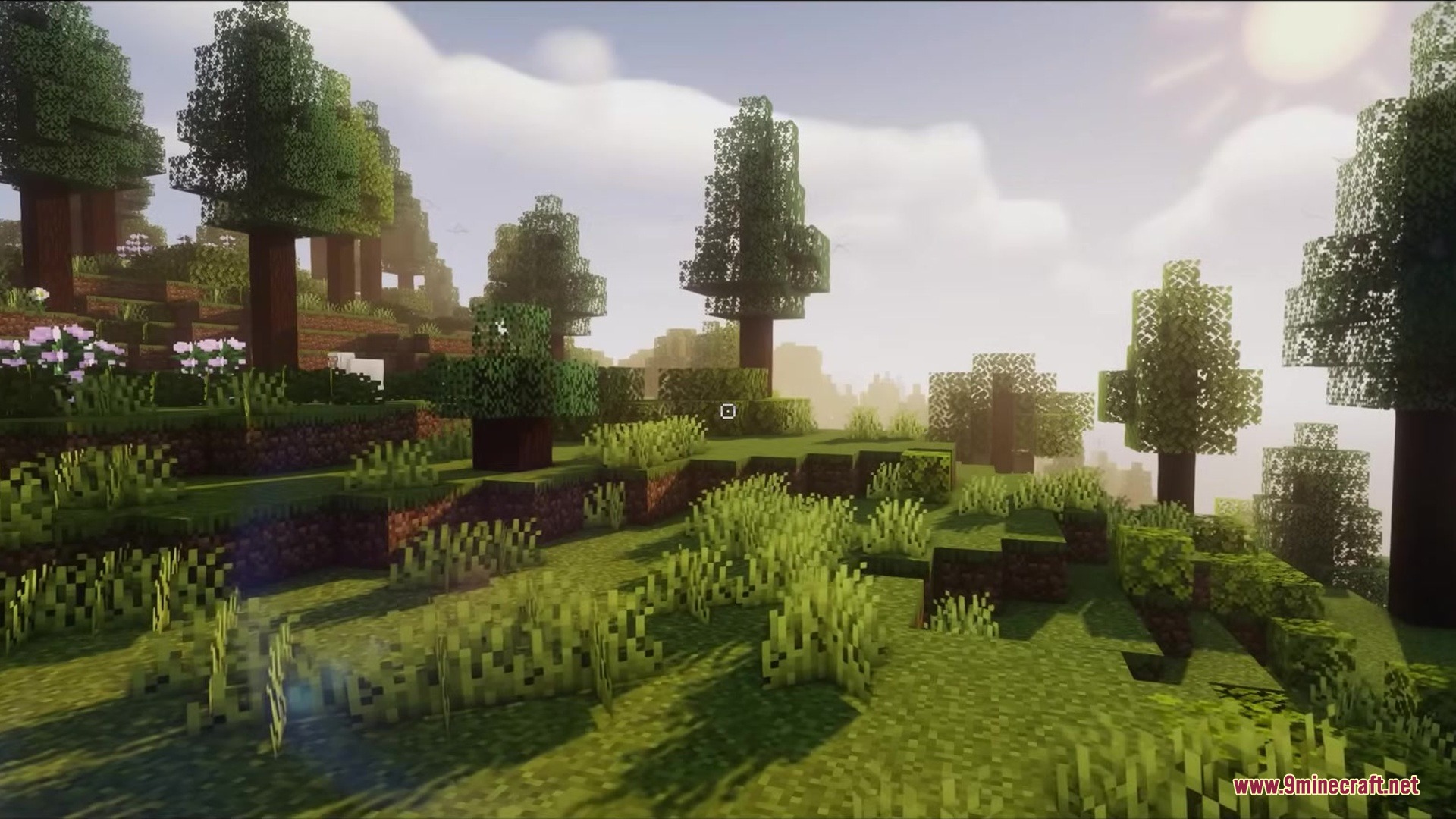
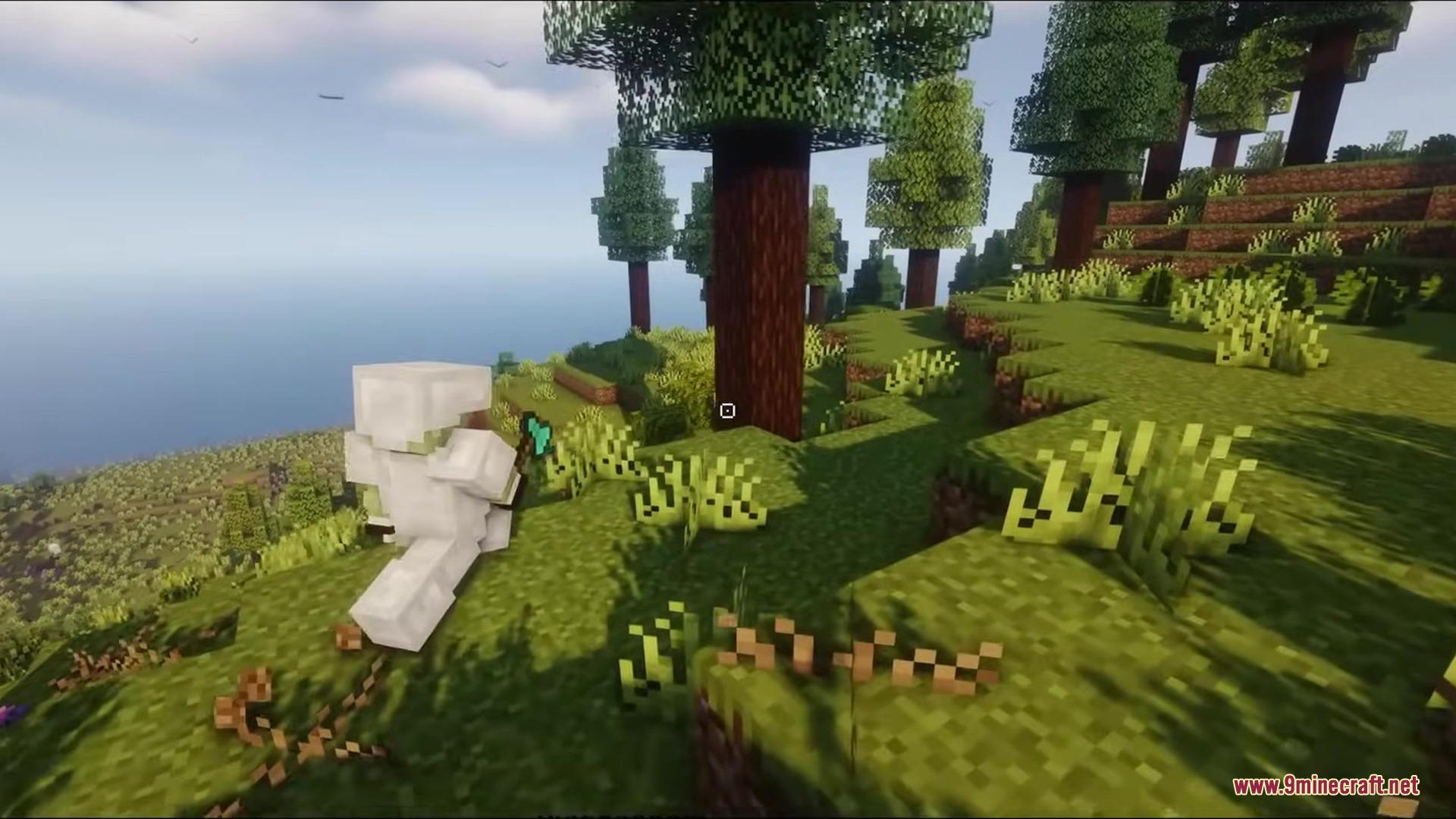
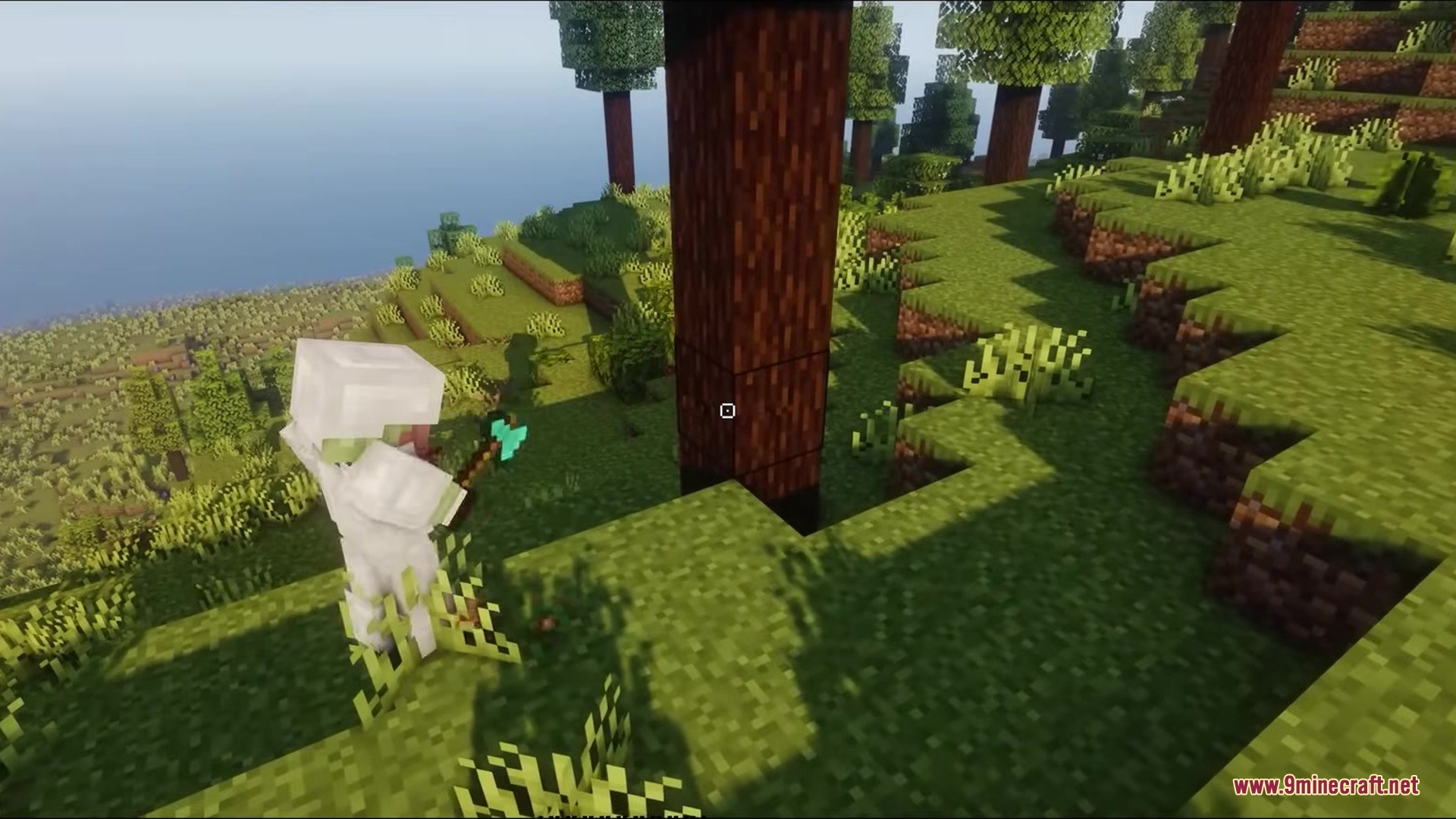
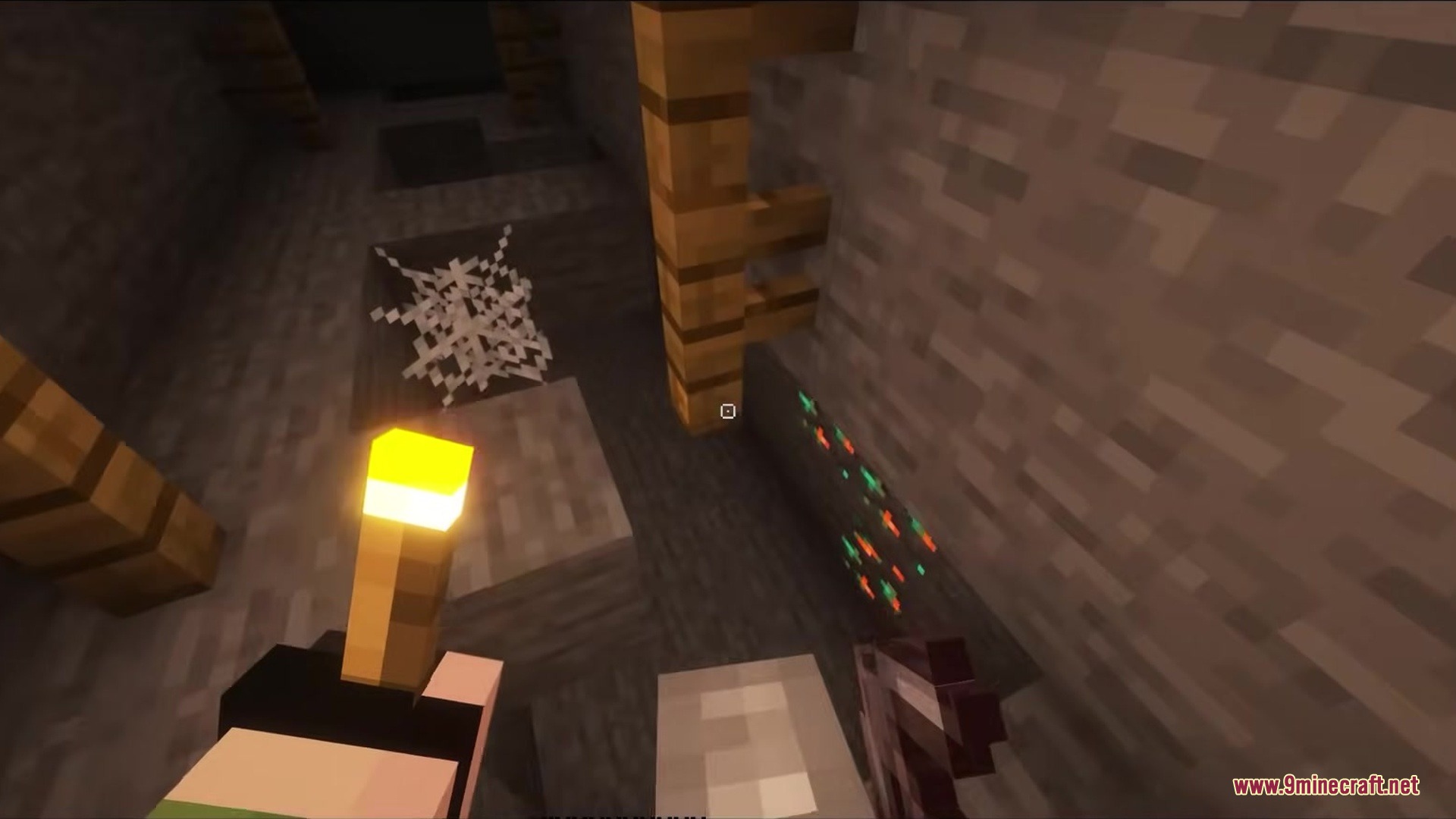
The square crosshair activates automatically once you select the Crosshair CUBE Resource Pack in your resource packs menu. No additional settings or commands are needed—just load a world and you'll see the new square design right away.
Can I make the crosshair bigger or smaller?
Yes, you can adjust the crosshair size by editing the texture file inside the resource pack. The guides for making your crosshair thicker or thinner walk through the exact steps to resize it to your preference.
Does the square crosshair work in PvP or combat?
The square crosshair works exactly like the vanilla crosshair for aiming and combat—it's purely a visual change. Many players find the square shape easier to see when targeting mobs or other players because it's more distinct than the thin plus sign.
Can I change the color of the square crosshair?
Yes, you can customize the crosshair color by editing the texture files in the resource pack. The guide on customizing your crosshair color shows you how to change it to any color you want.
See all 10 Crosshair CUBE questions ›
Gallery
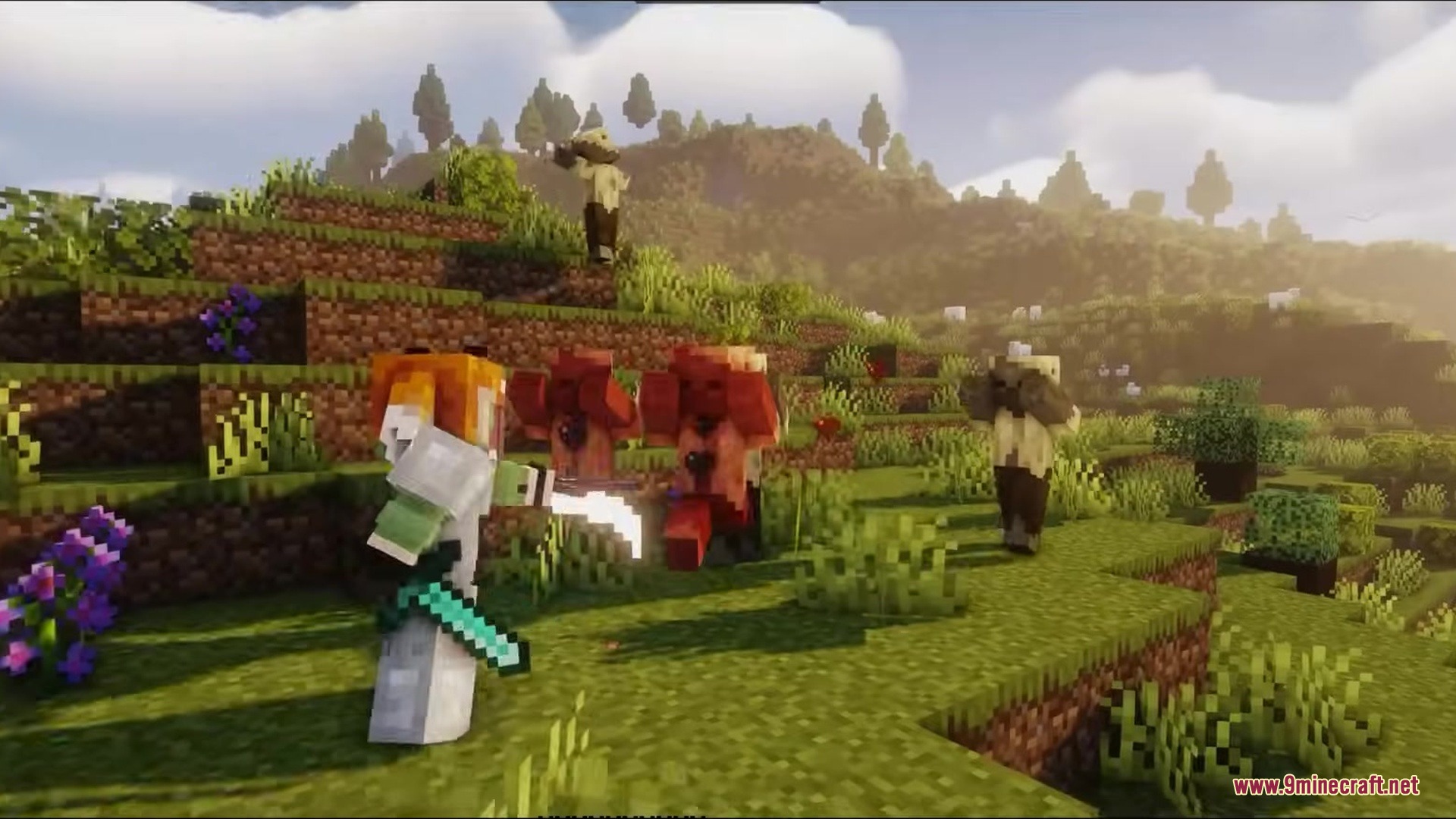
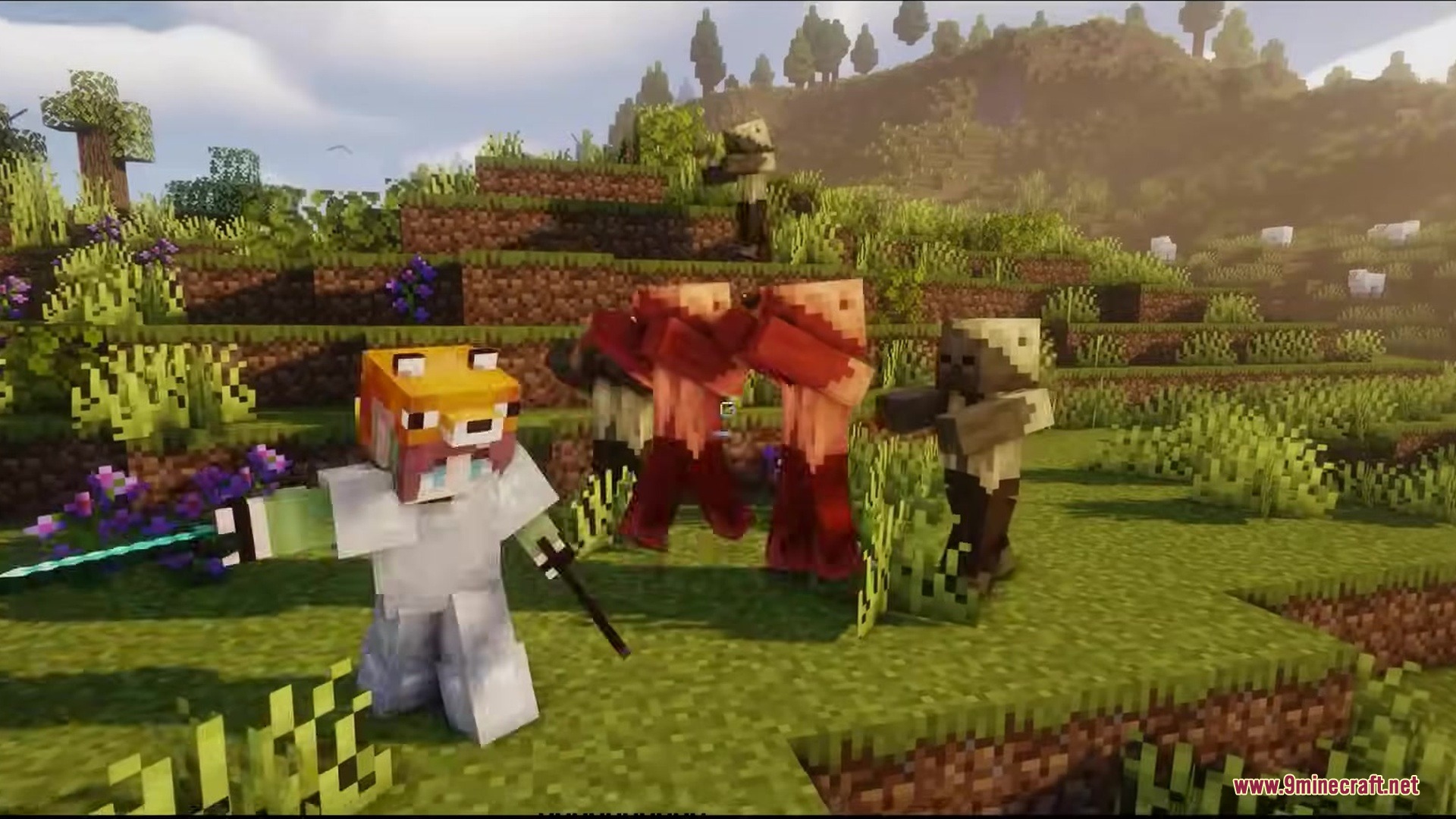
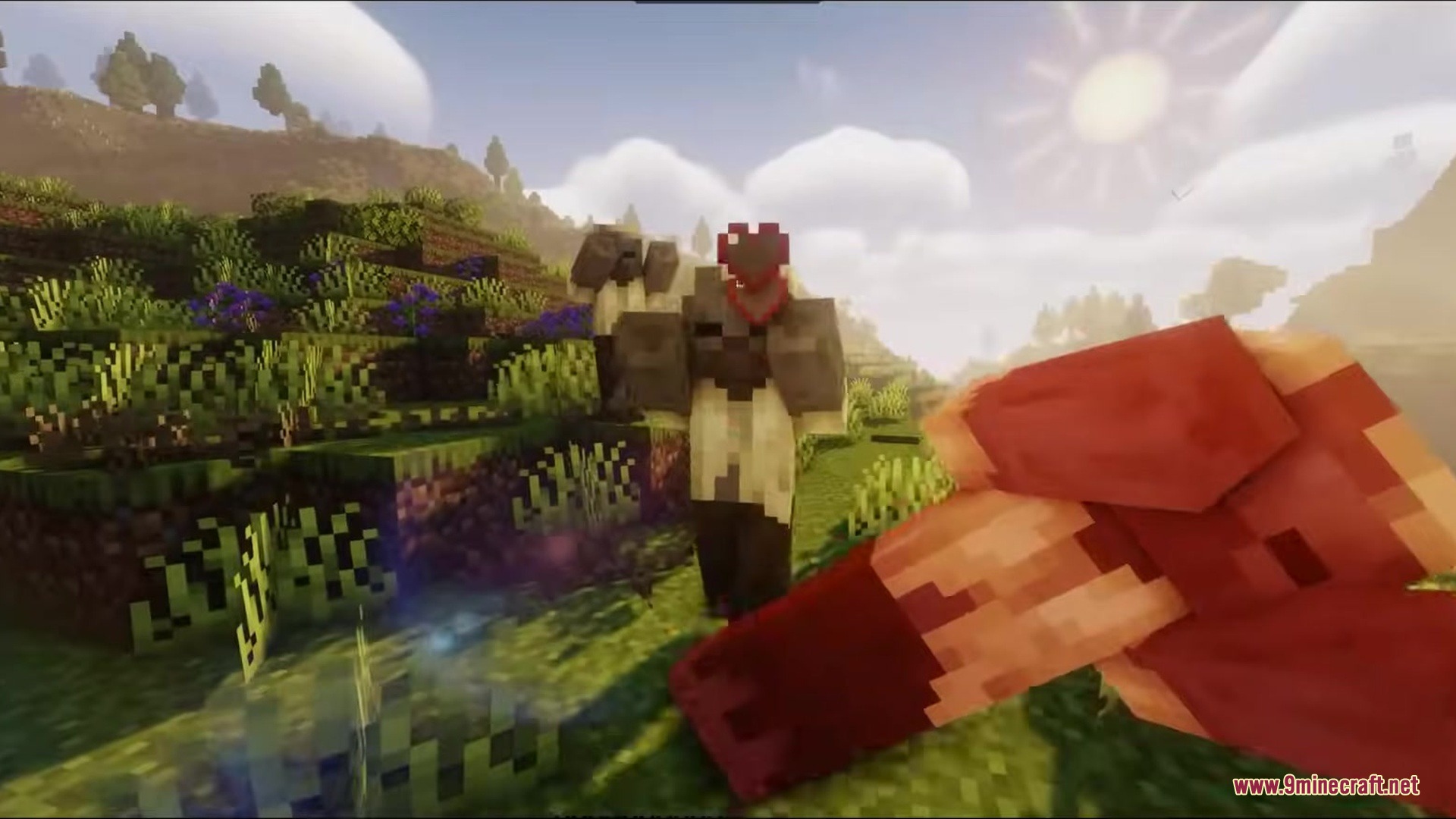
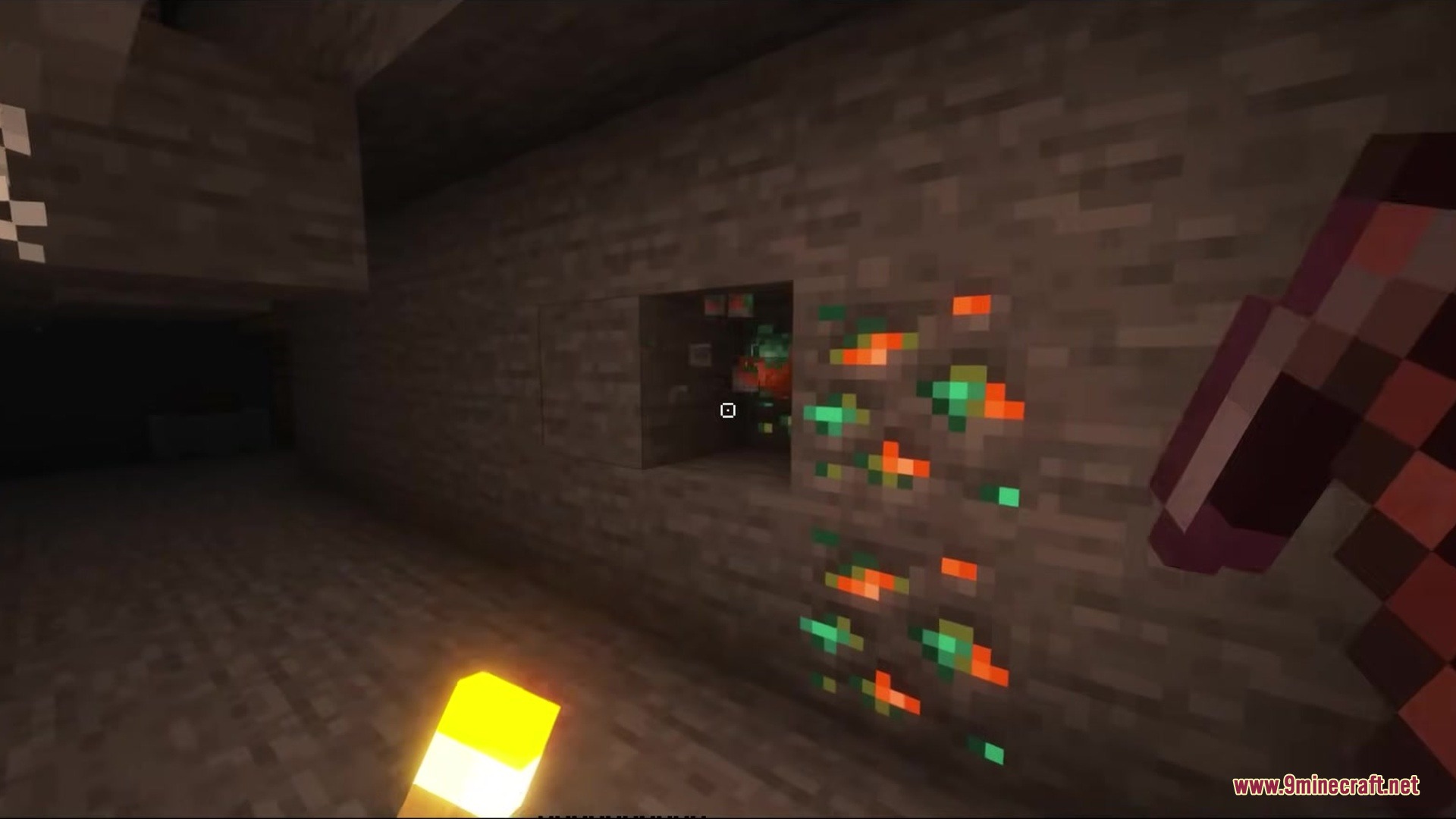
9 images from the Crosshair Cube Resource Pack page.
You May Also Like
Wikis that share the most with this one
More resource pack wikis on the site
Crops Plus Resource PackCrisp CTG Transit Resource PackCrimson Fist Legacy Resource PackCreepers Revamped 9minecraft Resource PackCreepers Refreshed Resource PackCreeper from a Minecraft Movie Resource PackCreeper Crosshair Resource PackCreatures Animated Resource PackCreate Style Variant Pack for Lightman’s Currency Resource PackCreate Style Sophisticated Backpacks 9minecraft Resource PackCreate Style Interface Resource PackCreate Style for Refined Storage Resource Pack
The most downloaded mods that have a wiki here
A few wikis from each of the other kinds