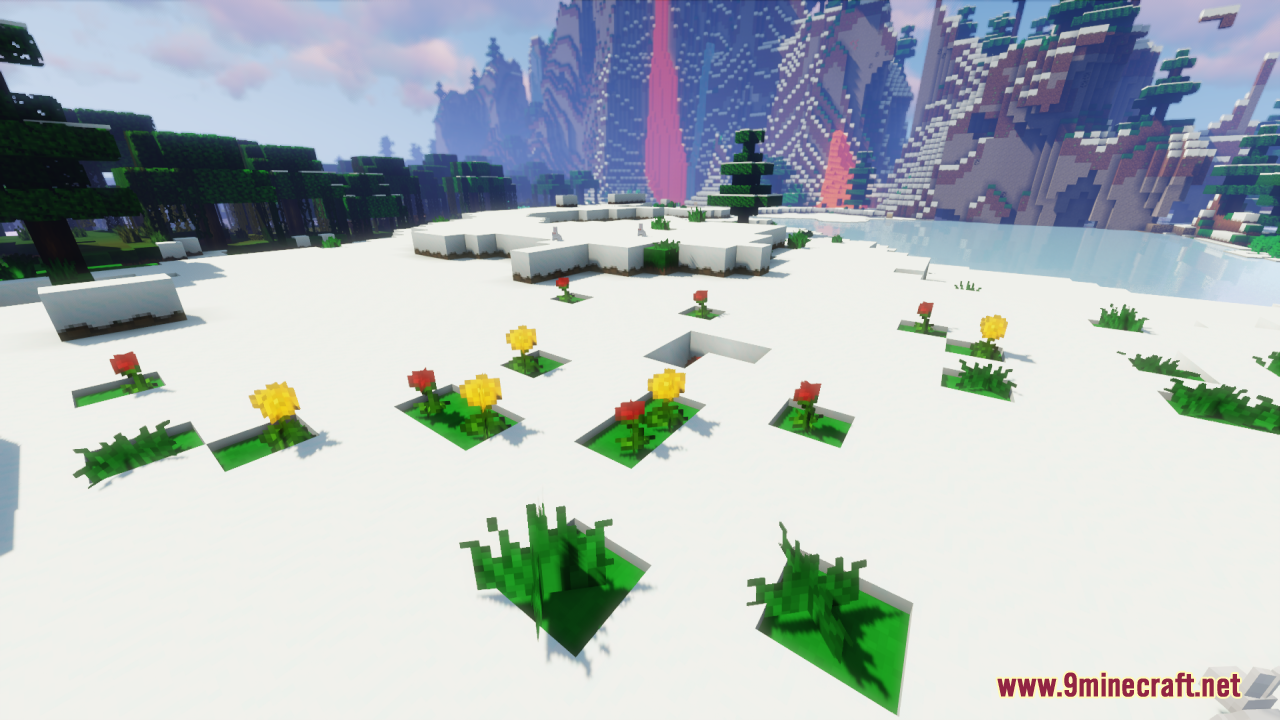
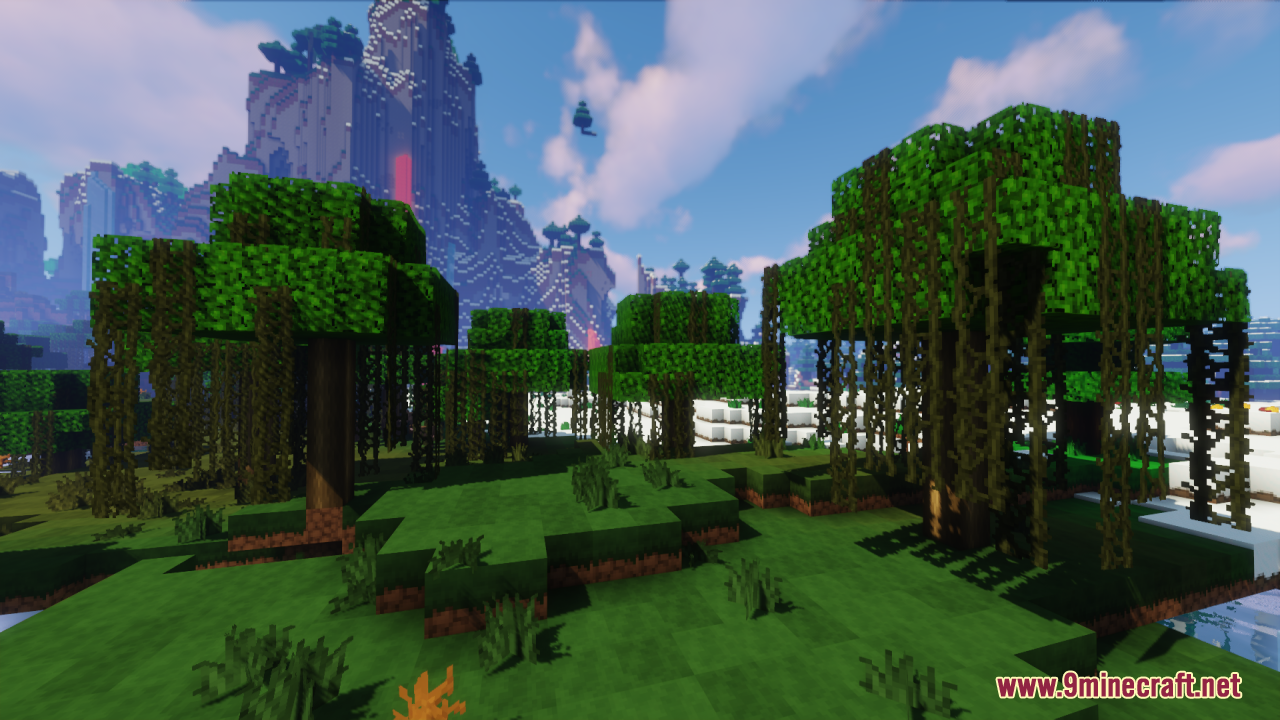
DownloadSapixcraft Resource Pack
Get the files on 9Minecraft
Contents (8)
Guides
Step-by-step, in-game.
Adjusting Texture Detail and SharpnessAccess Resource Pack Settings Sapixcraft's HD textures can be customized to match your system's performance and…Customizing Block and Item AppearanceUnderstanding Texture Variants Sapixcraft replaces Minecraft's default textures with cartoon-styled versions. While…Pairing Sapixcraft with Shader ModsCompatibility Considerations Sapixcraft's bright, cartoon aesthetic works well with many shader packs, but…Troubleshooting Missing or Incorrect TexturesIdentify Texture Problems If blocks, items, or UI elements appear purple-and-black checkered, or show default…
Items
388 items · showing 24. Browse all →
 Acacia Boat
 Acacia Boat with Chest
 Acacia Door
 Acacia Sign
 Amethyst Shard
 Angler Pottery Sherd
 Apple
 Archer Pottery Sherd
 Armadillo Scute
 Armor Stand
 Arms Up Pottery Sherd
 Arrow
 Baked Potato
 Bamboo
 Bamboo Door
 Bamboo Raft
 Bamboo Raft with Chest
 Bamboo Sign
 Banner Pattern (Mojang)
 Banner Pattern (Creeper)
 Banner Pattern (Piglin)
 Banner Pattern (Flow)
 Banner Pattern (Globe)
 Banner Pattern (Skull)
Blocks
533 blocks · showing 24. Browse all →
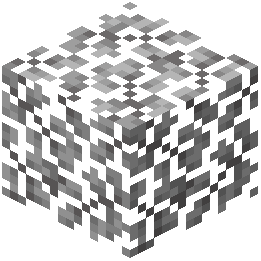 Acacia Leaves
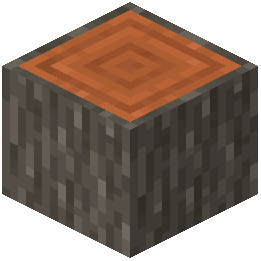 Acacia Log
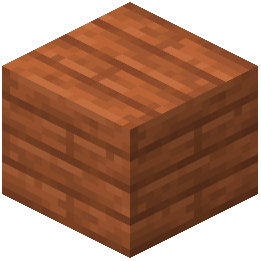 Acacia Planks
 Acacia Sapling
 Acacia Shelf
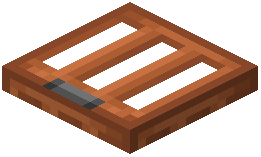 Acacia Trapdoor
 Activator Rail
 Allium
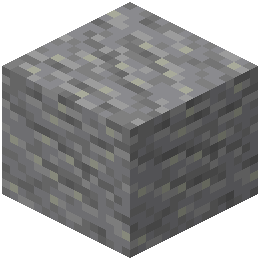 Andesite
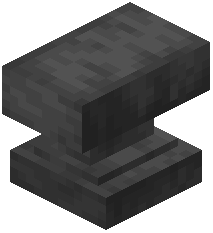 Anvil
 Attached Melon Stem
 Attached Pumpkin Stem
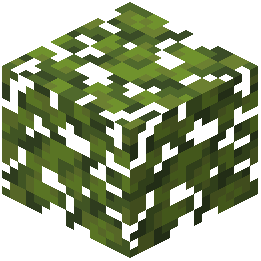 Azalea Leaves
 Azure Bluet
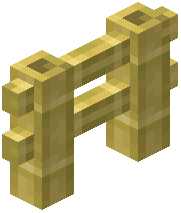 Bamboo Fence
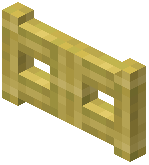 Bamboo Fence Gate
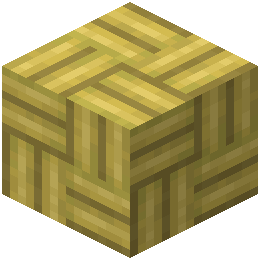 Bamboo Mosaic
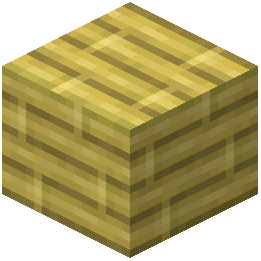 Bamboo Planks
 Bamboo Shelf
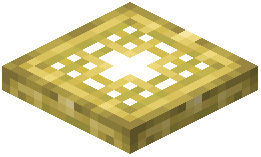 Bamboo Trapdoor
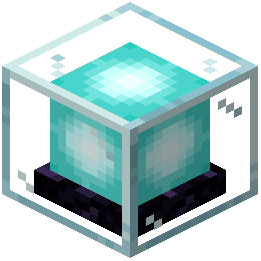 Beacon
 Bedrock
 Big Dripleaf Stem
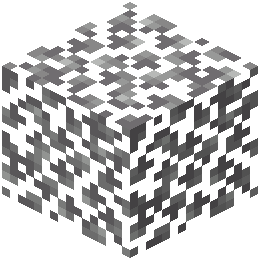 Birch Leaves
What this pack changes
Every texture group the pack replaces, counted from the pack itself.
| Area | Textures replaced |
|---|---|
| Blocks | 1,185 |
| Items | 652 |
| Mobs & entities | 312 |
| GUI & menus | 187 |
| Particles | 140 |
| Sky & weather | 15 |
| Status effects | 11 |
| Misc | 8 |
| Biome colours | 3 |
| Font | 2 |
| Maps | 2 |
| Paintings | 1 |
Pack format 94–95 (Minecraft 1.21.9)2,518 texture files in total
Extra features
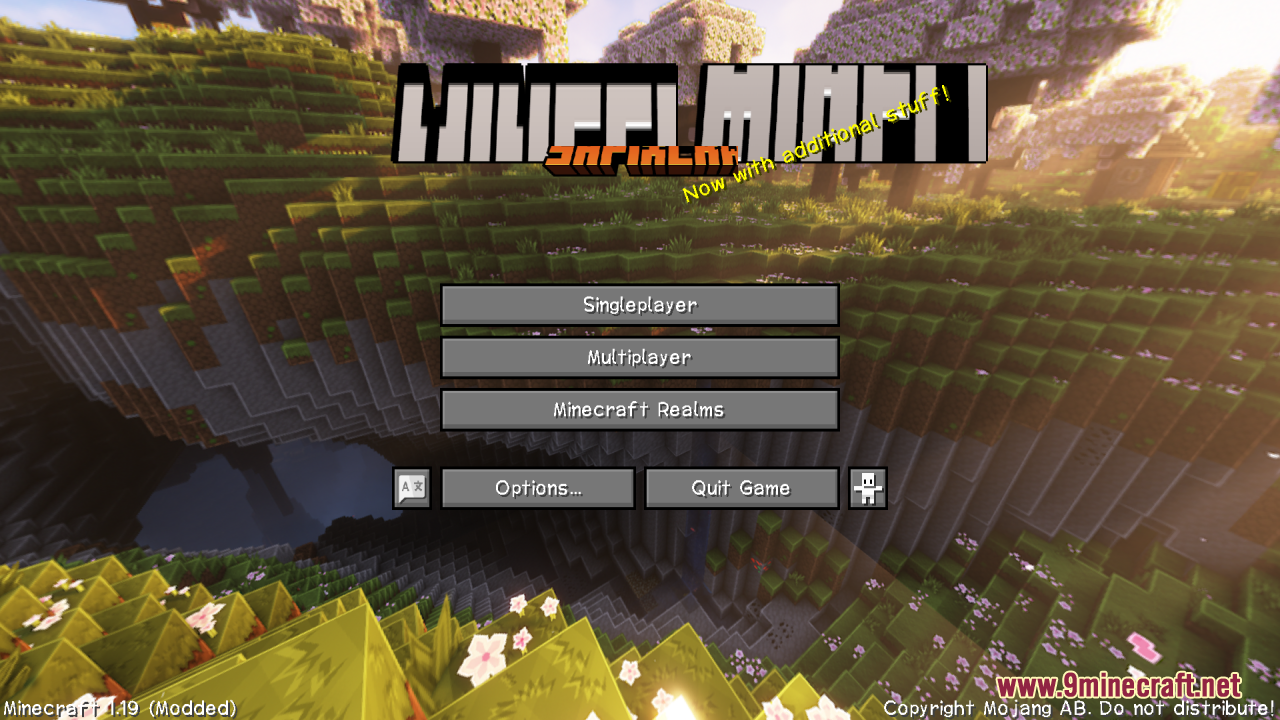
Custom font
Custom block/item models
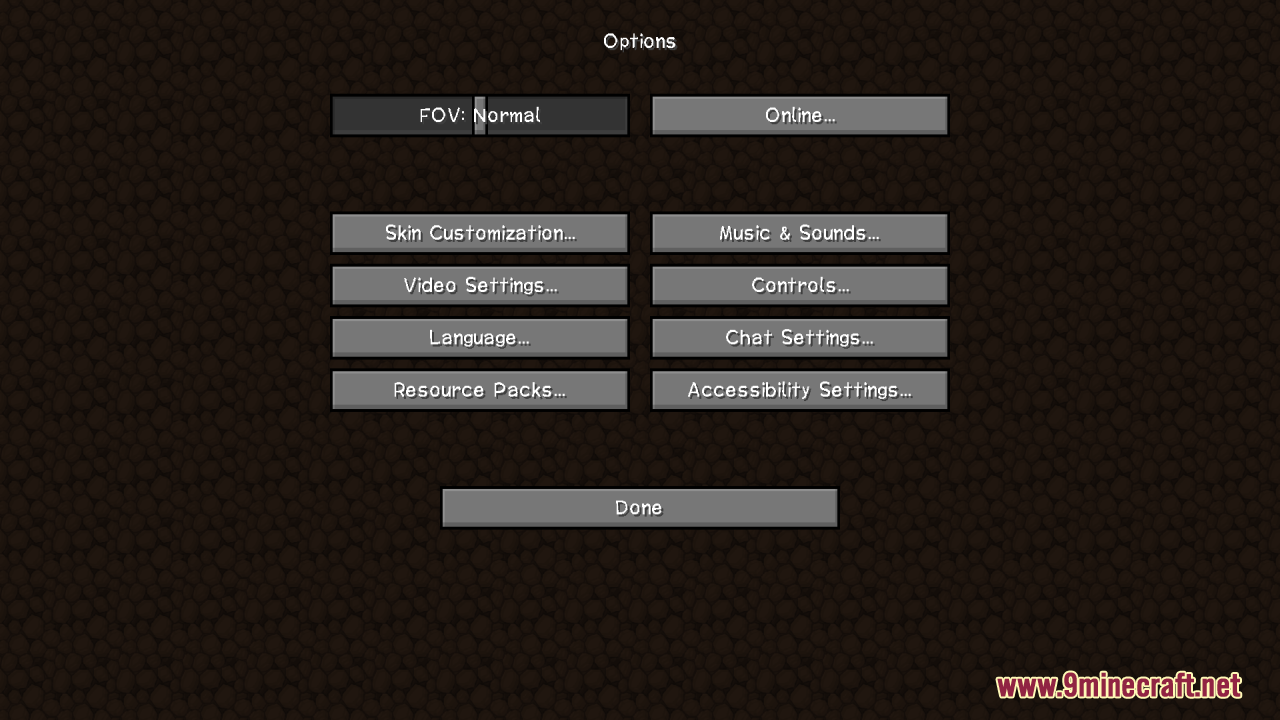
Reworked GUI
Frequently asked questions
How do I activate Sapixcraft after installing it?
Open your Resource Packs menu in Minecraft settings, find Sapixcraft in the available packs list, and click the arrow to move it to the active packs section. Make sure it's positioned above any conflicting packs and above Default if you want its textures to take priority.
Why do some of my blocks look wrong or still look vanilla?
Check that Sapixcraft is actually enabled and ranked above other resource packs in your active list. If textures are still missing, try deleting your shader cache and reloading the world, or verify the pack downloaded completely without corruption.
Can I use Sapixcraft with shader mods?
Yes, Sapixcraft works well with most shader mods like Complementary or BSL. Load Sapixcraft first in your resource pack list, then enable your shader—the textures will layer together for enhanced visuals.
Does Sapixcraft work on multiplayer servers?
Yes, resource packs are client-side only, so you can use Sapixcraft on any server without needing the server to have it installed. Other players won't see your custom textures, but your game will display them.
How do I make textures sharper or softer?
Most texture sharpness depends on your Minecraft video settings—try adjusting Mipmap Levels (lower = sharper) and Texture Filtering in options. Some players also pair Sapixcraft with shaders that offer their own sharpness controls.
Will Sapixcraft slow down my game?
Sapixcraft is an HD pack, so it uses more VRAM than default textures, but it shouldn't cause major FPS drops on modern systems. If you experience lag, lower your render distance or disable other resource-heavy mods.
Can I customize individual block or item textures?
Yes, you can edit the texture files inside the resource pack folder—locate the specific block or item PNG file in the assets folder and replace it with your own. Reload your resource packs in-game to see changes.
Does Sapixcraft include custom fonts or UI textures?
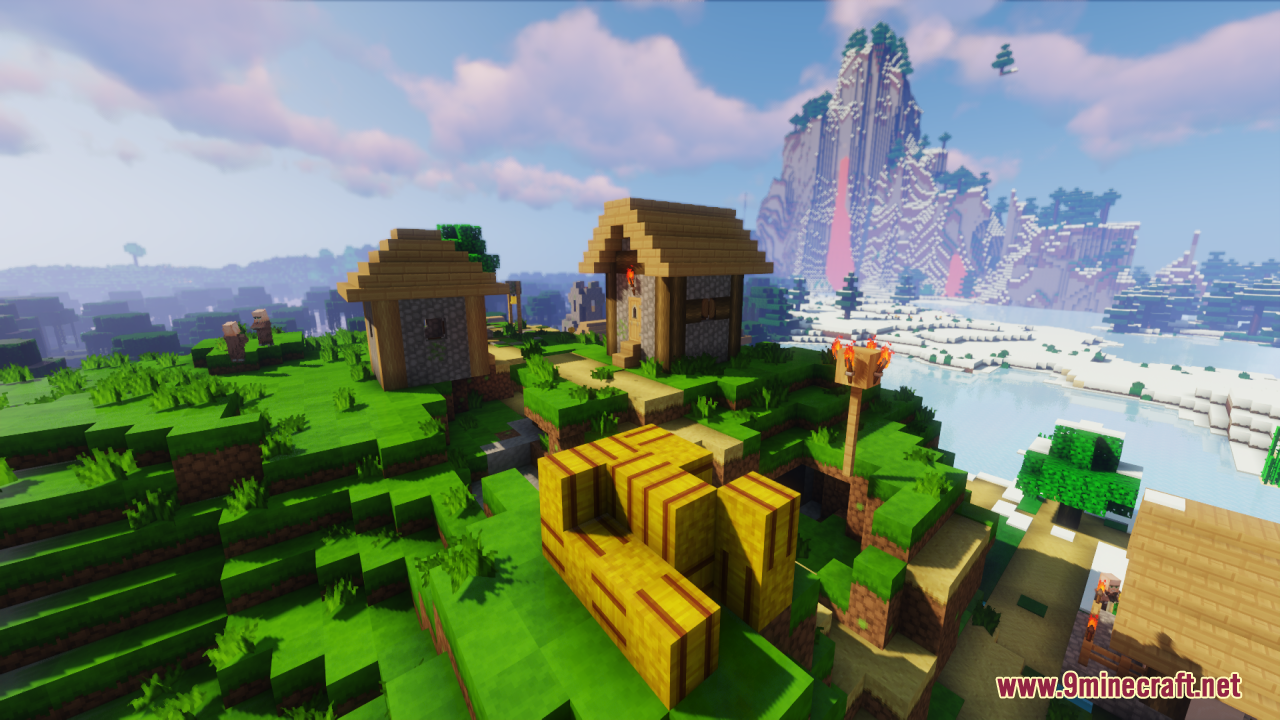
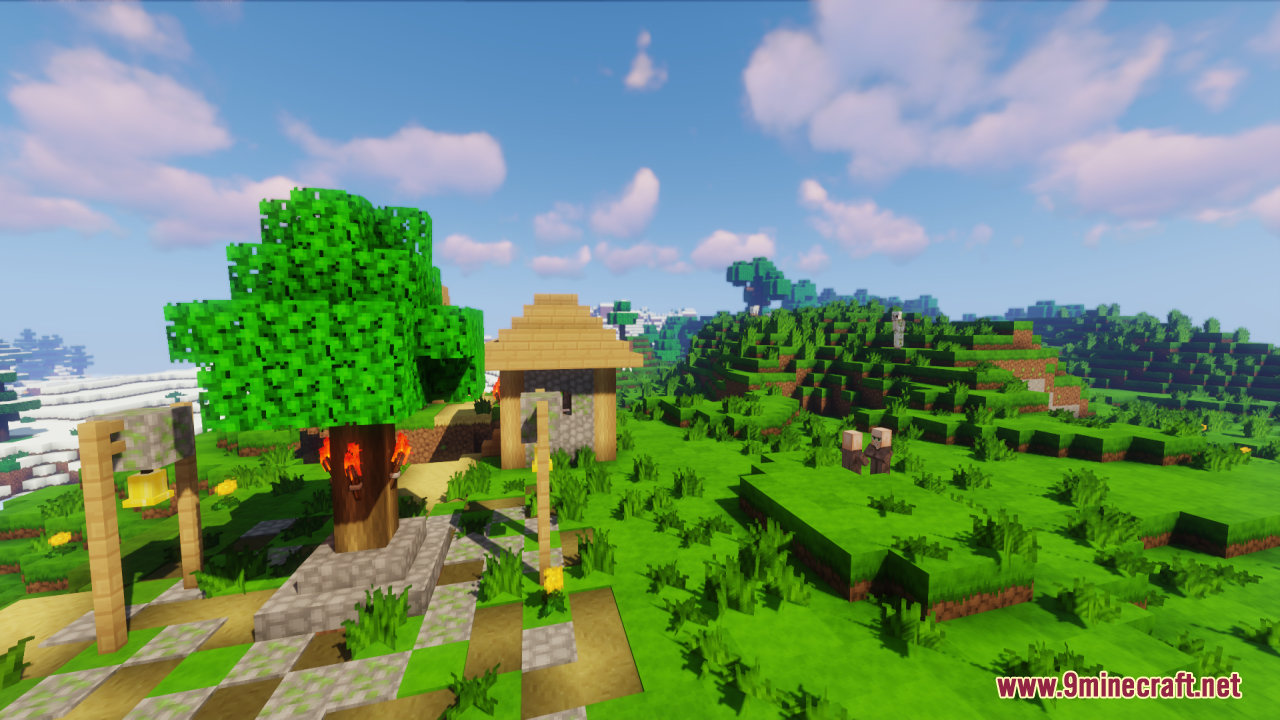
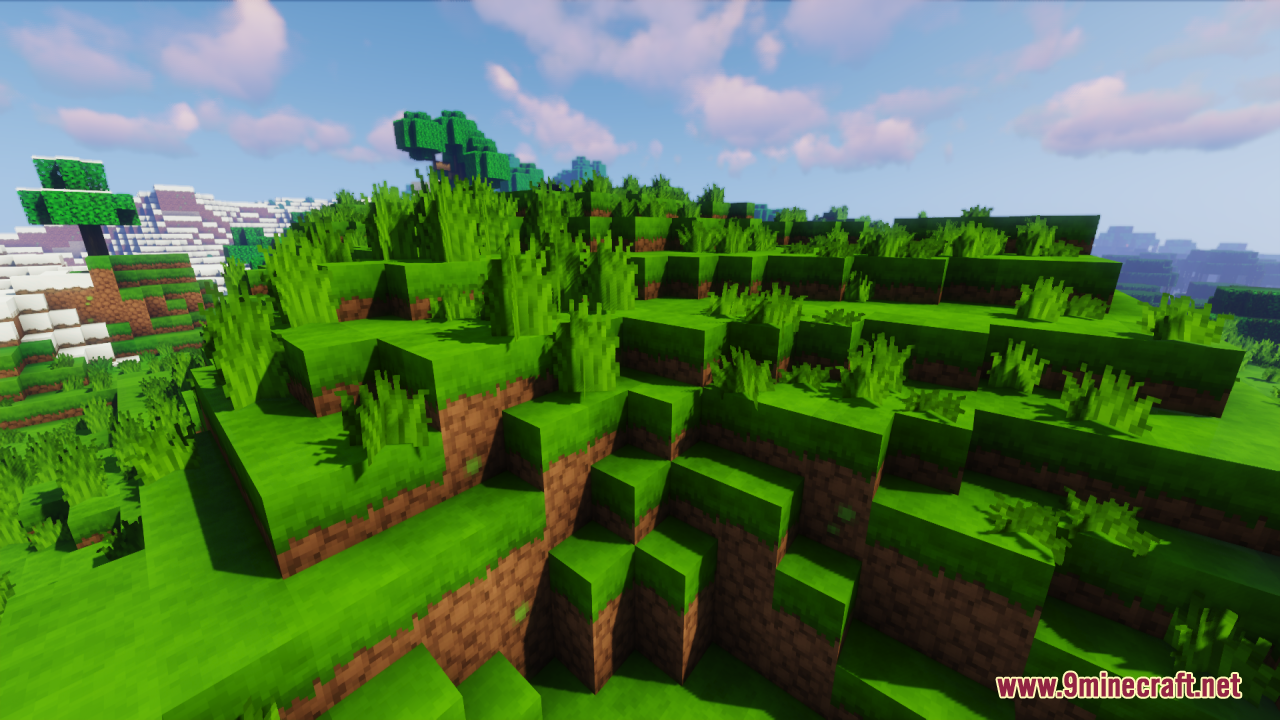
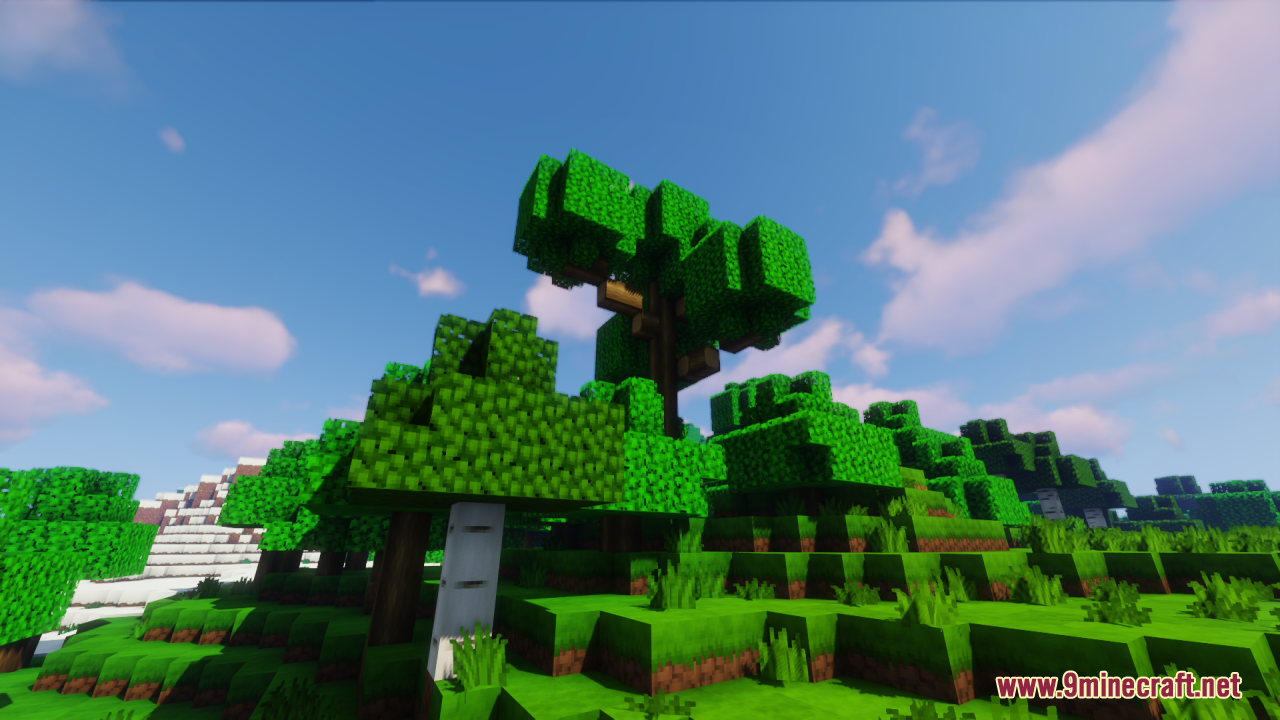
Sapixcraft primarily focuses on block and item textures in a cartoon style; check the pack's description or screenshots to see if it includes custom GUI or font elements for your version.
What Minecraft versions does Sapixcraft support?
Refer to the pack's download page or description for the specific versions it's built for—resource packs are version-specific, so using it on an unsupported version may cause texture errors.
How do I fix purple and black checkerboard textures?
This error means a texture file is missing or corrupted; try redownloading Sapixcraft completely, or check that you're using a compatible Minecraft version. If the issue persists, disable conflicting resource packs temporarily to isolate the problem.
You May Also Like
Wikis that share the most with this one
Wikis on the same theme: craft
More resource pack wikis on the site
Salmon Hunger Bar Resource PackSalmon Hearts Resource PackSable’s Armor Trims Resource PackS Bahn Berlin Pack Resource Pack Russo Tweaks Resource PackRpg Pvp Swords And Tools Resource PackRound Trees Resource PackRound Sun & Moon Resource PackRound Moon HD Resource PackRound Cacti Resource PackrotrBLOCKS Resource PackRojak Resource Pack
The most downloaded mods that have a wiki here
A few wikis from each of the other kinds
Gallery
12 images from the Sapixcraft Resource Pack page.