

 DownloadMizuno’s Fox Variants Resource Pack
Get the files on 9Minecraft
Guides
Step-by-step, in-game.
Optimize Performance While Using Fox VariantsPerformance Considerations Mizuno's Fox Variants is designed as a lightweight resource pack with minimal performance…See All Fox Variants in Your WorldFinding Diverse Fox Textures Mizuno's Fox Variants applies random textures to foxes as they spawn naturally. To…Understand How Fox Variants Are AssignedHow Randomization Works Mizuno's Fox Variants uses Custom Entity Models (CEM) to apply textures randomly at the…Use Fox Variants Alongside Other Mizuno PacksCompatibility with Mizuno's Art Style Mizuno's Fox Variants is built to complement other Mizuno resource packs. Since…
Frequently asked questions
How do I see all the different fox variants?
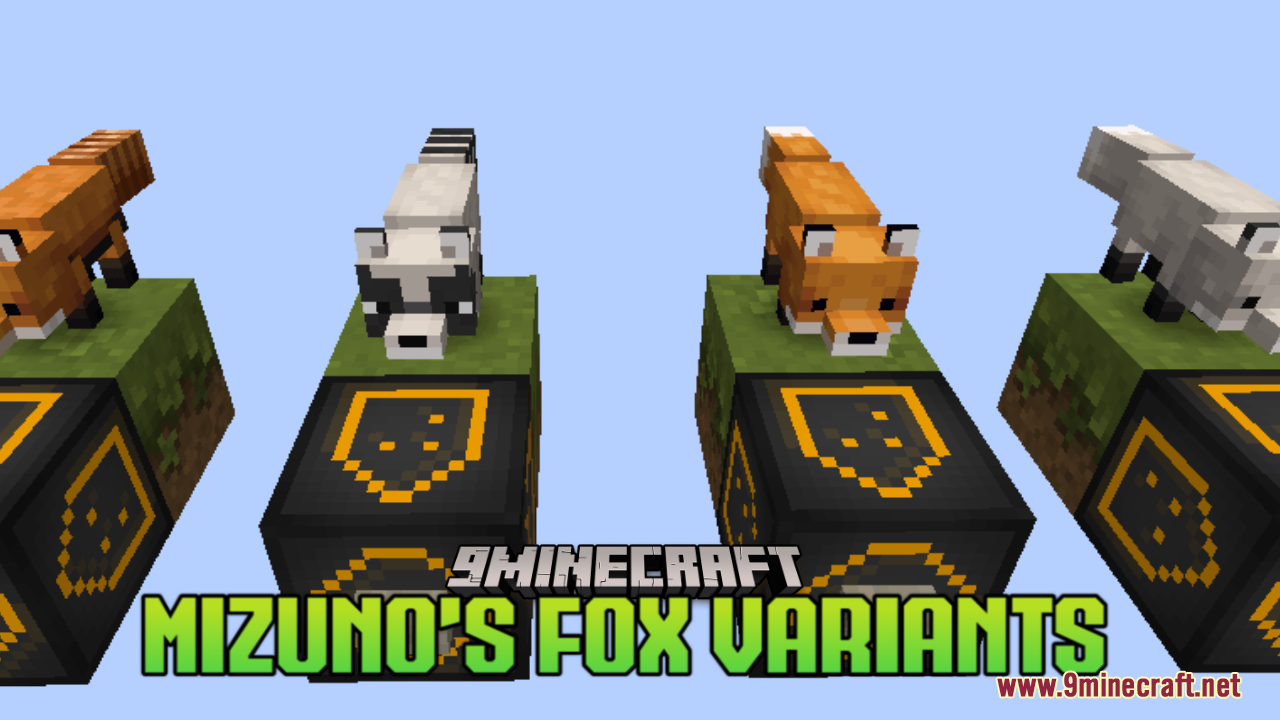
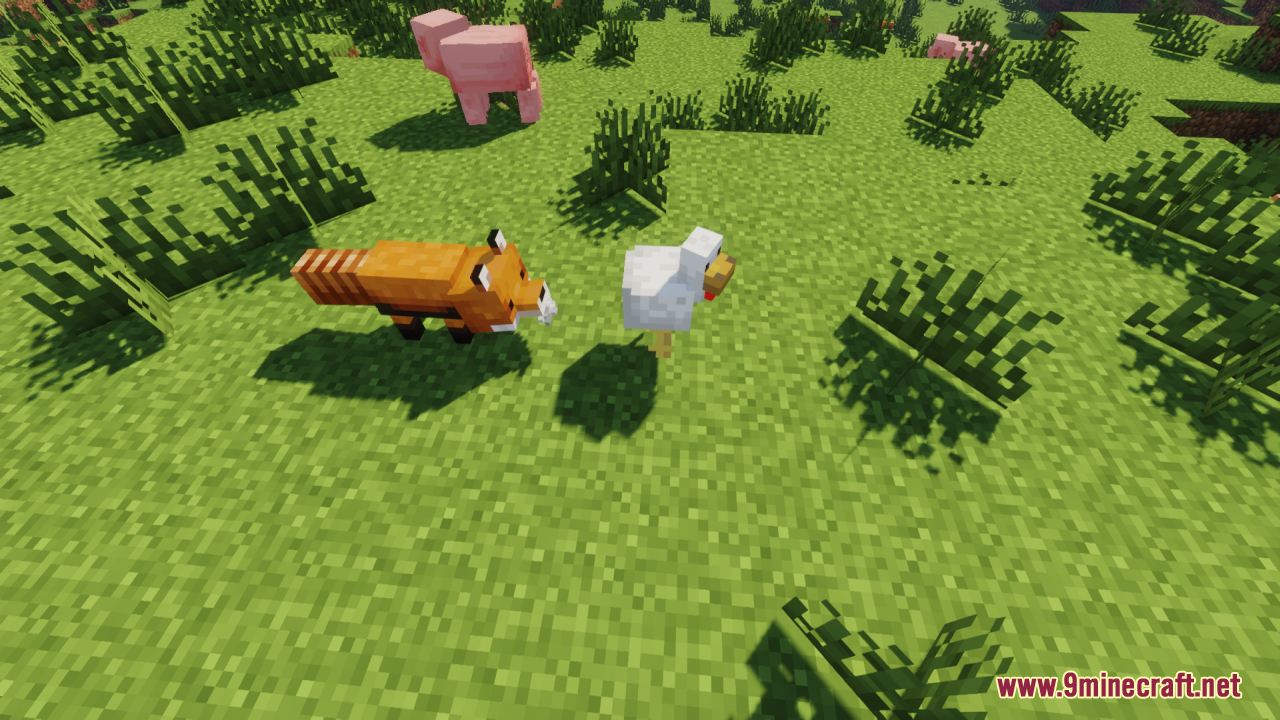
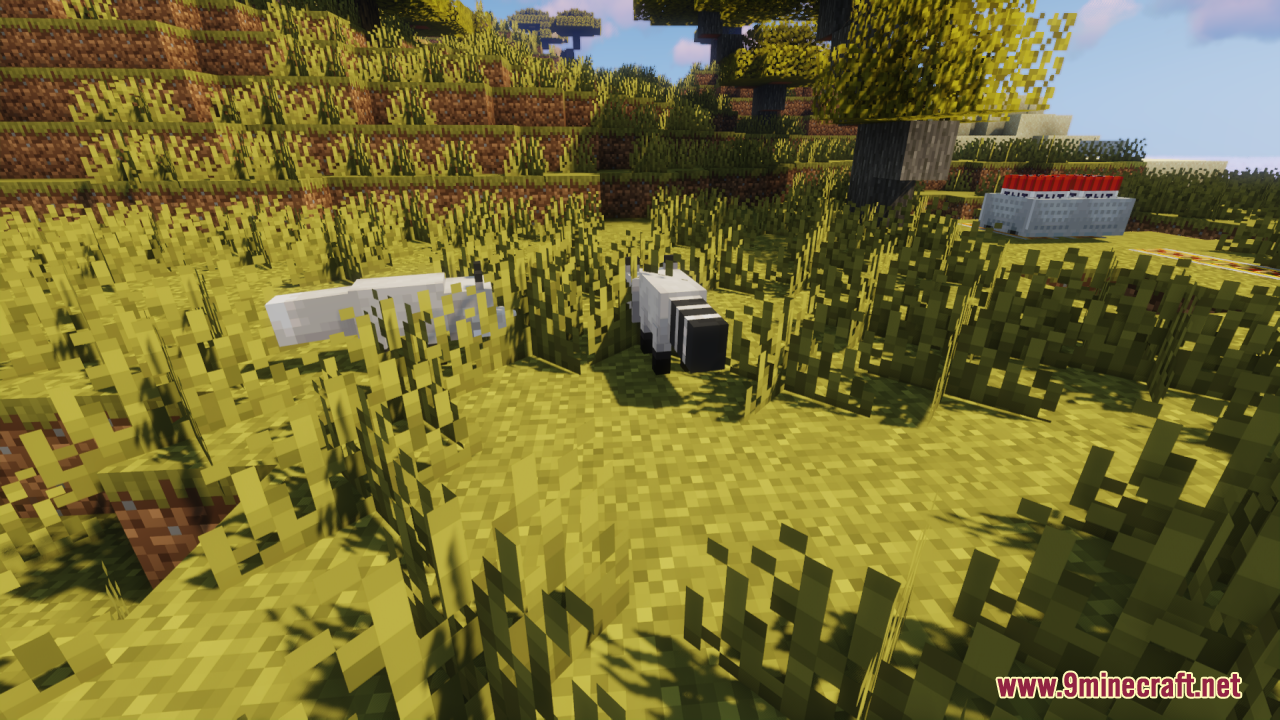
Spawn foxes naturally in taiga biomes or use spawn eggs, and they'll randomly receive different textures from the pack. You can also visit the "See All Fox Variants in Your World" guide for a complete visual reference of every available variant.
Do I need a mod loader or is this just a resource pack?
This is a resource pack that uses Custom Entity Models (CEM), so you'll need OptiFine or a compatible mod that supports CEM to see the variants display correctly.
Why do all my foxes look the same?
Make sure OptiFine is installed and Custom Entity Models are enabled in your settings. If variants still aren't showing, verify the resource pack is loaded above any conflicting packs in your load order.
Can I use this with other Mizuno resource packs?
Yes, but load order matters—place Fox Variants above other Mizuno packs to prevent texture conflicts. Check the "Use Fox Variants Alongside Other Mizuno Packs" guide for detailed stacking instructions.
See all 10 Mizuno’s Fox Variants questions ›
Gallery
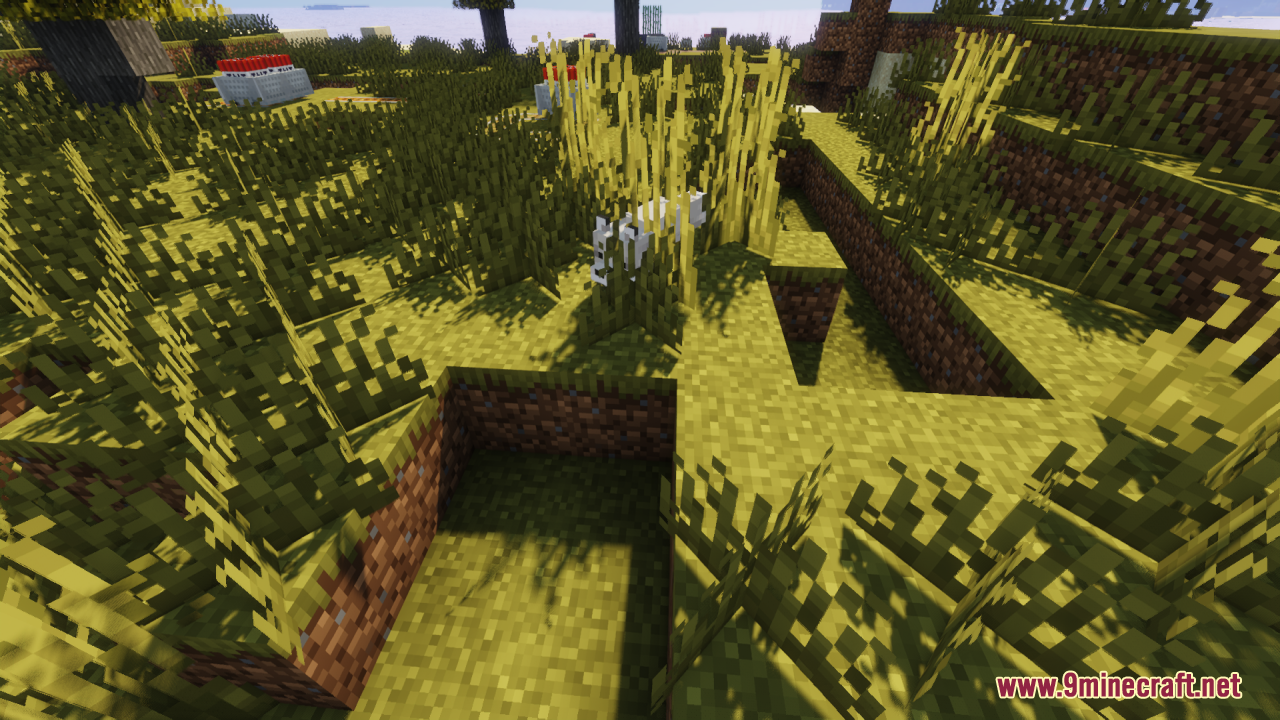
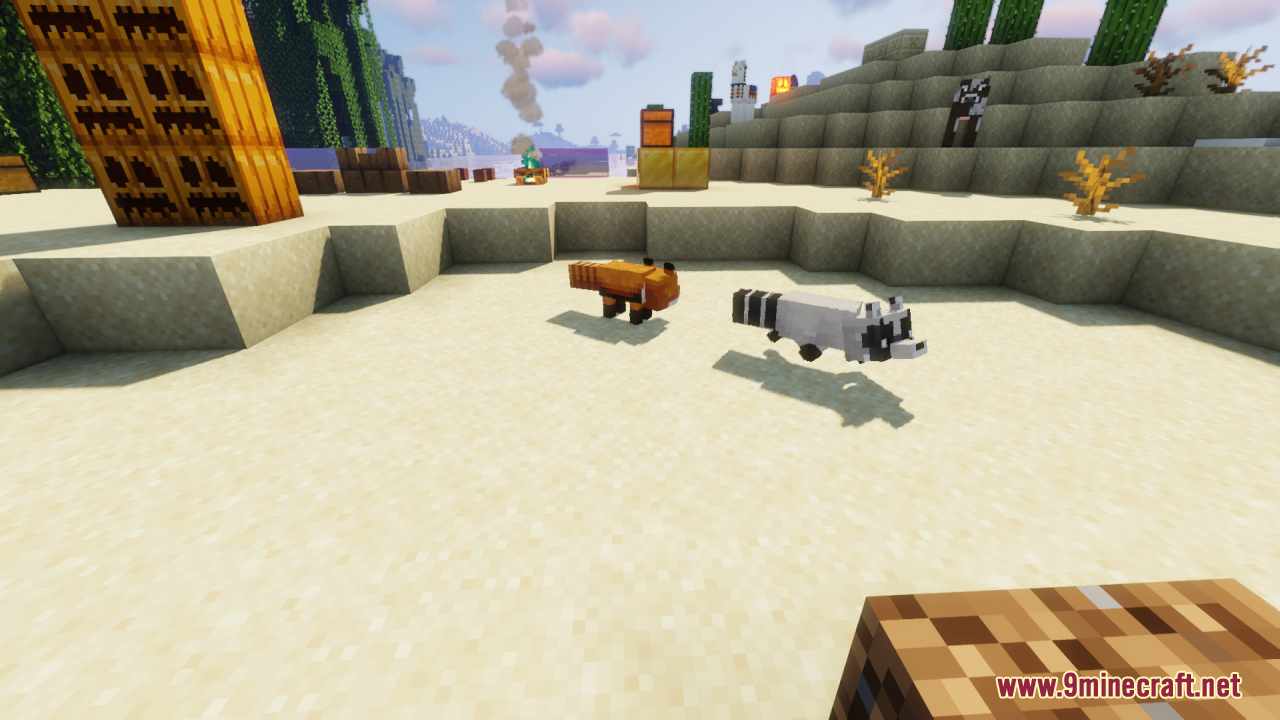
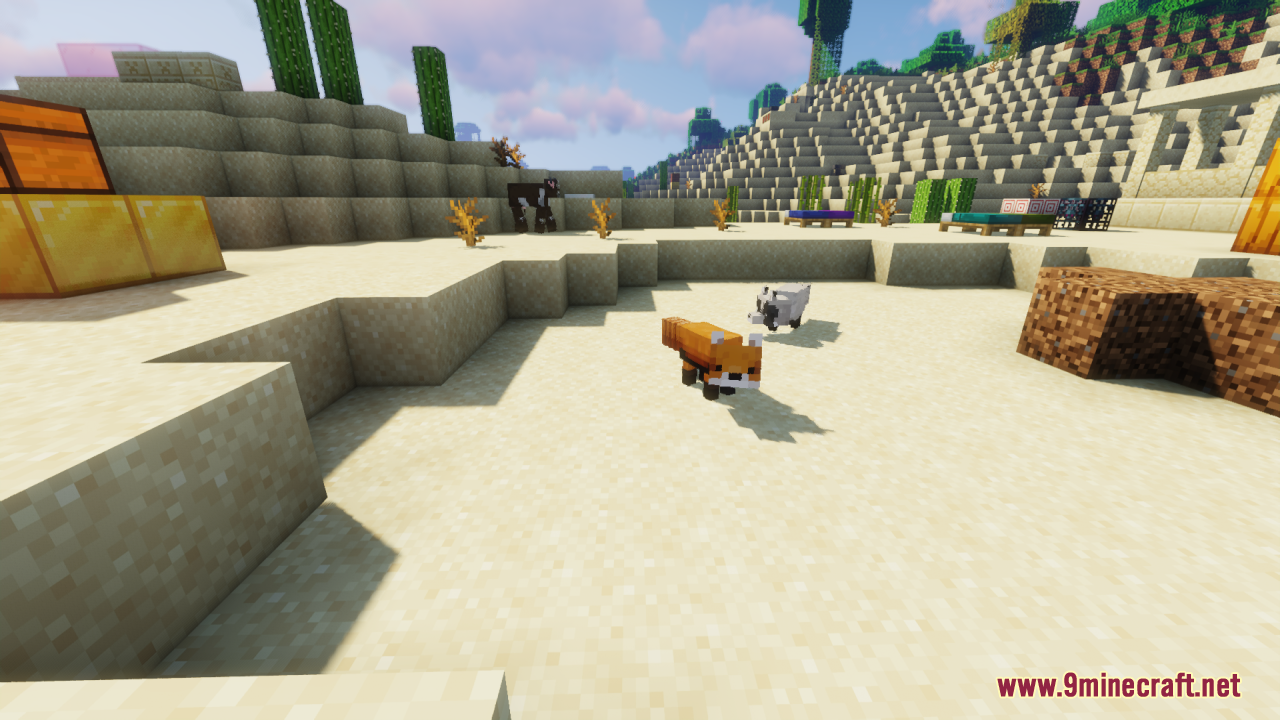
11 images from the Mizunos Fox Variants Resource Pack page.
You May Also Like
Wikis that share the most with this one
More resource pack wikis on the site
Mizuno’s Craft 9minecraft Resource PackMizuno’s Better Grass Resource PackMizuno Better Leaves Resource PackMissing Mobs Skeletons Resource PackMisas Realistic Resource PackMini Stuff Resource Pack MineRoomsMinecraft Hd64X Fan UpdatedMine Rooms Backrooms Blocks Resource PackMine Life 2 Resource Packmiles’s Enhanced Hud Resource PackMike Pack 20 Resource Pack
The most downloaded mods that have a wiki here
A few wikis from each of the other kinds