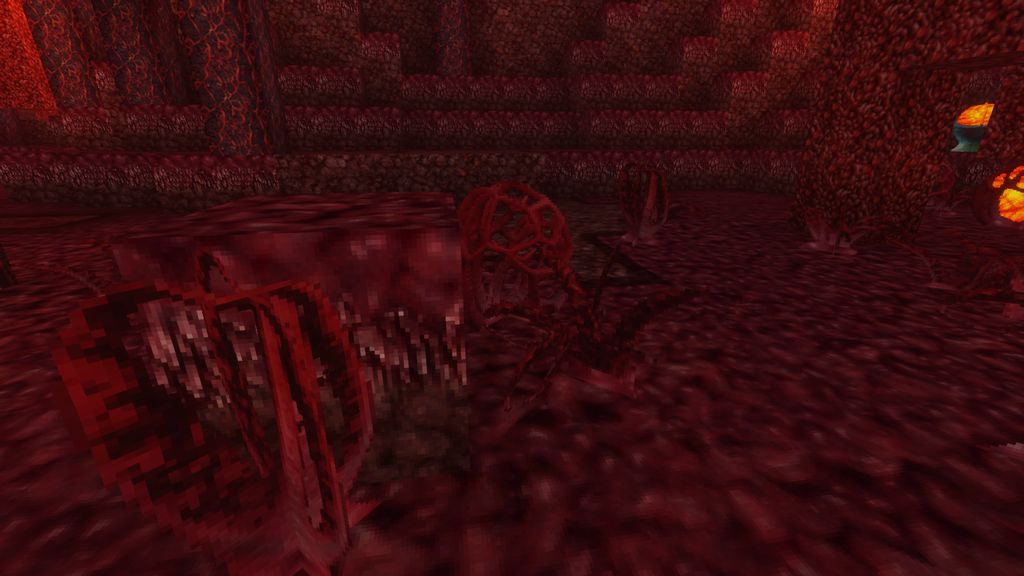
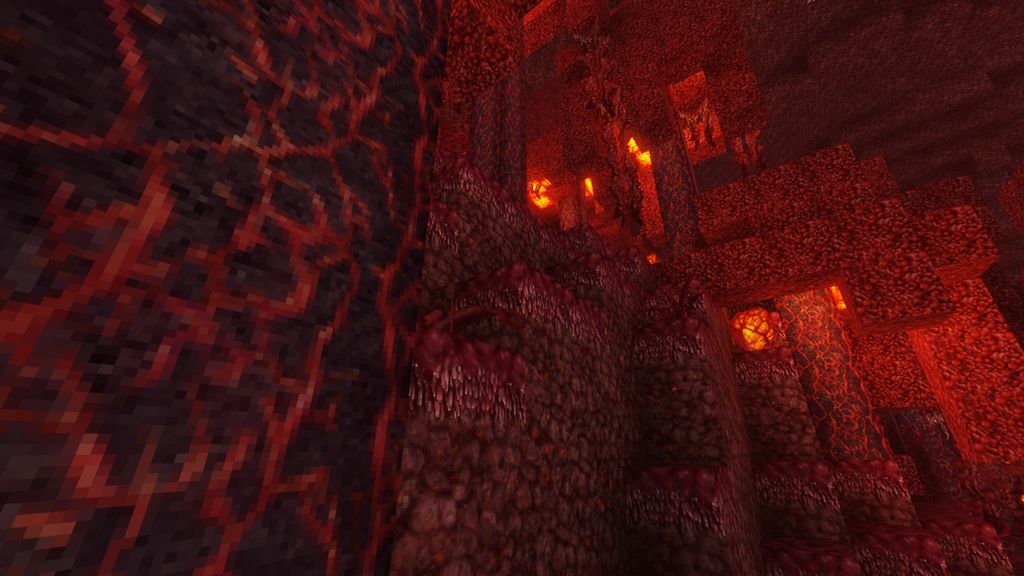
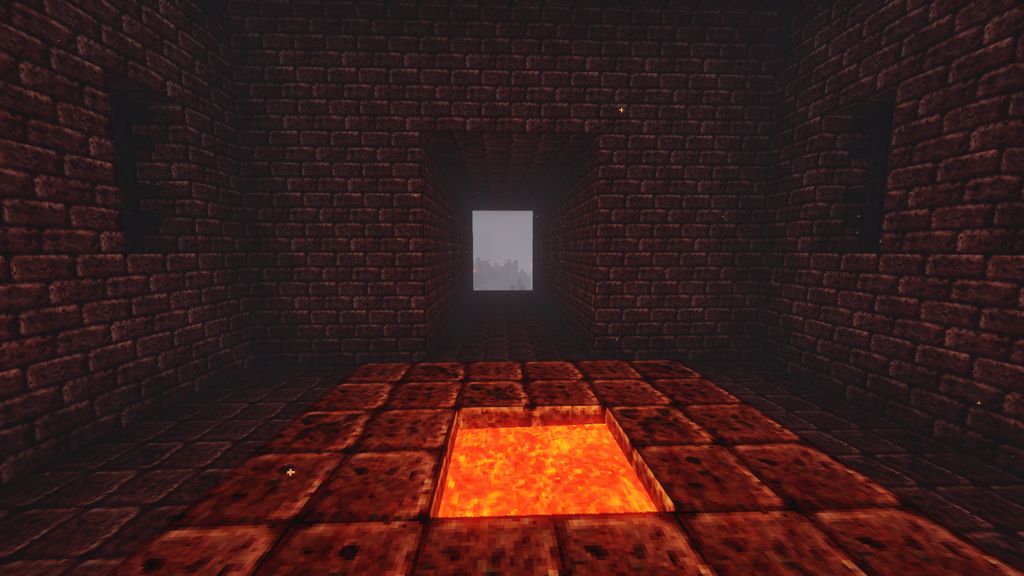
DownloadMisas Realistic Resource Pack
Get the files on 9Minecraft
Contents (8)
Guides
Step-by-step, in-game.
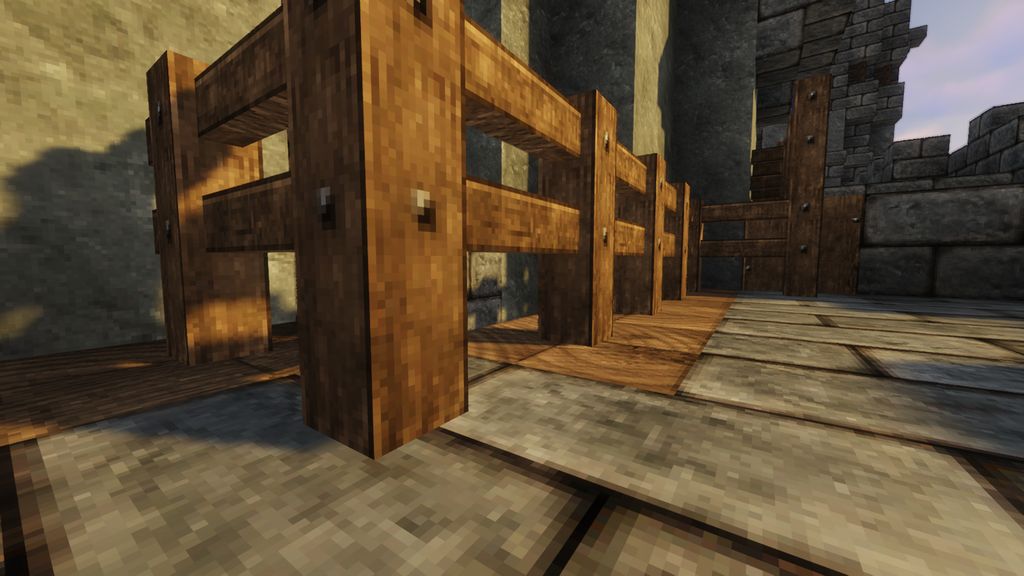
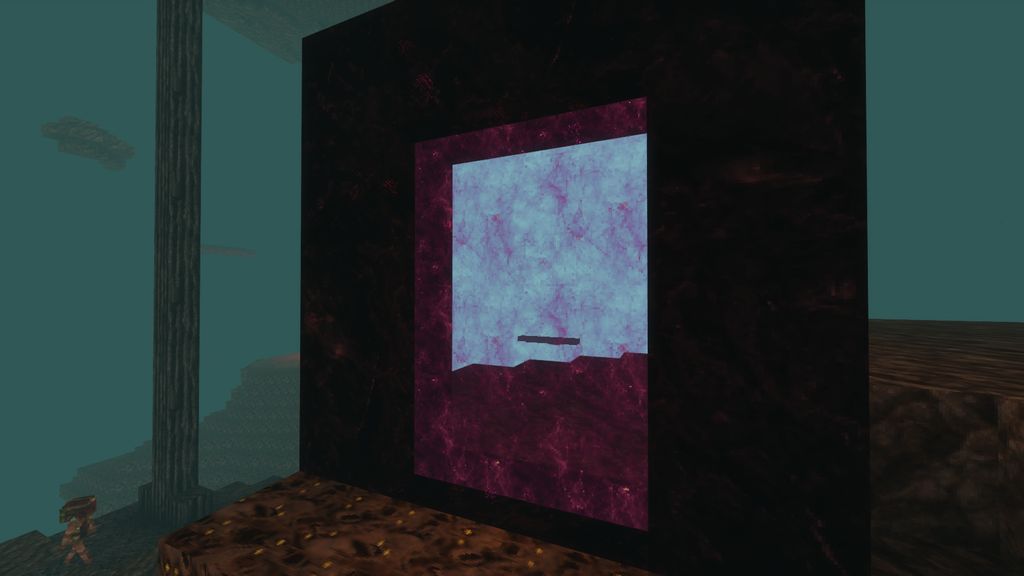
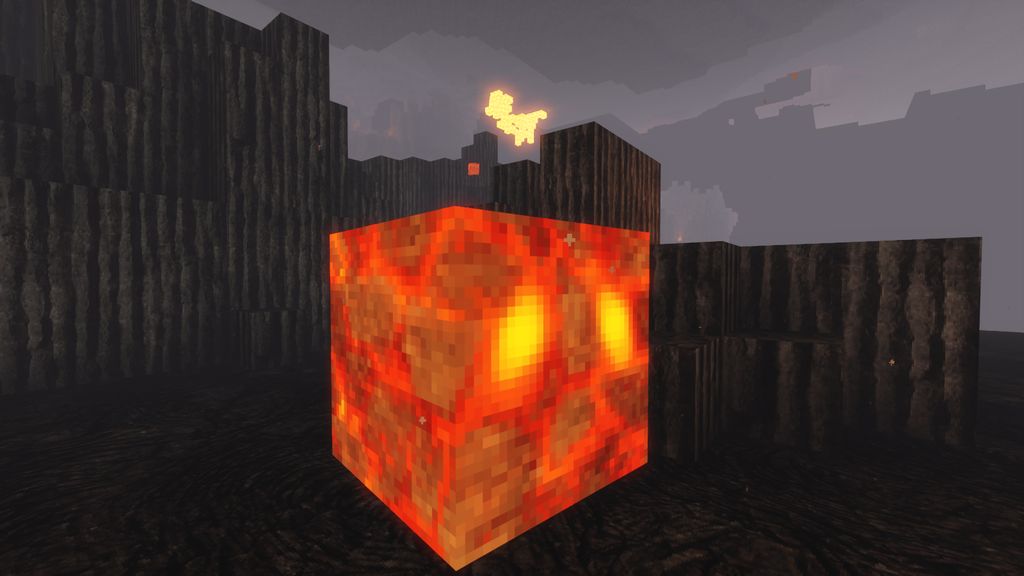
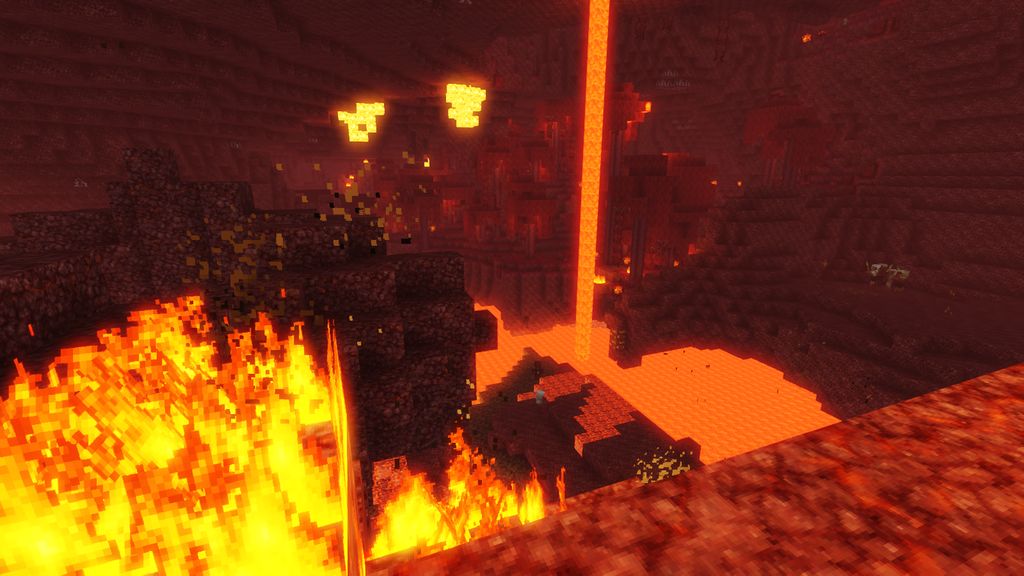
Creating an Immersive Base with Realistic Building BlocksLeveraging Enhanced Block Aesthetics Misas Realistic elevates building by providing more detailed and realistic…Identifying Ores and Resources with New TexturesAdapting to Revised Ore Appearance Misas Realistic redesigns ore textures for greater realism, which means ores may…Navigating the Nether with Enhanced VisibilityUnderstanding the New Nether Aesthetic Misas Realistic transforms the Nether into a visually complex environment with…Optimizing Performance with Realistic TexturesWhy Performance Matters Misas Realistic increases visual fidelity significantly, which demands more from your GPU and…
Items
407 items · showing 24. Browse all →
 Acacia Boat
 Acacia Boat with Chest
 Acacia Door
 Acacia Hanging Sign
 Acacia Sign
 Amethyst Shard
 Angler Pottery Sherd
 Apple
 Archer Pottery Sherd
 Armadillo Scute
 Armor Stand
 Arms Up Pottery Sherd
 Arrow
 Baked Potato
 Bamboo
 Bamboo Door
 Bamboo Hanging Sign
 Bamboo Raft
 Bamboo Raft with Chest
 Bamboo Sign
 Banner Pattern (Piglin)
 Banner Pattern (Globe)
 Banner Pattern (Flow)
 Banner Pattern (Flower)
Blocks
562 blocks · showing 24. Browse all →
 Acacia Leaves
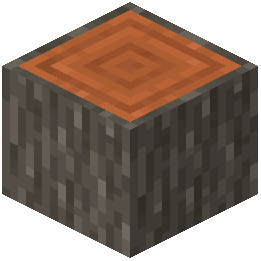 Acacia Log
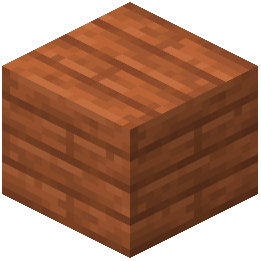 Acacia Planks
 Acacia Sapling
 Acacia Shelf
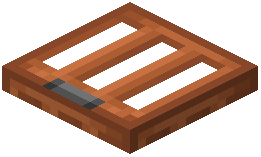 Acacia Trapdoor
 Activator Rail
 Allium
 Amethyst Cluster
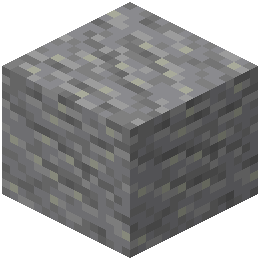 Andesite
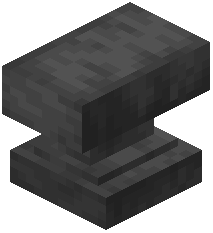 Anvil
 Attached Melon Stem
 Attached Pumpkin Stem
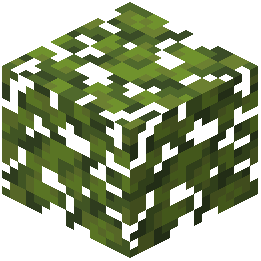 Azalea Leaves
 Azure Bluet
 Bamboo Button
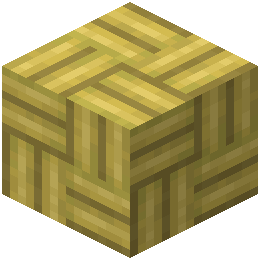 Bamboo Mosaic
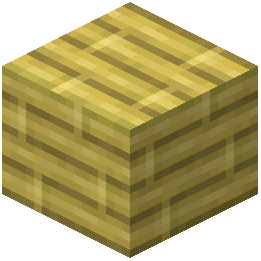 Bamboo Planks
 Bamboo Shelf
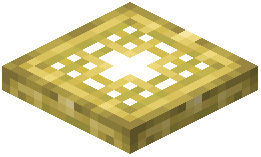 Bamboo Trapdoor
 Beacon
 Bedrock
 Big Dripleaf Stem
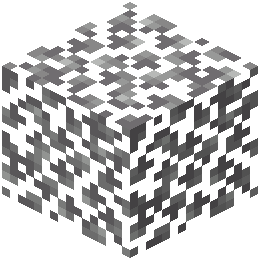 Birch Leaves
What this pack changes
Every texture group the pack replaces, counted from the pack itself.
| Area | Textures replaced |
|---|---|
| Blocks | 2,861 |
| Mobs & entities | 1,009 |
| Items | 862 |
| GUI & menus | 444 |
| Particles | 201 |
| Paintings | 47 |
| Maps | 36 |
| Status effects | 32 |
| Sky & weather | 16 |
| Models | 15 |
| Misc | 12 |
| Font | 4 |
| Armor trims | 4 |
| Biome colours | 3 |
Pack format 75 (Minecraft 1.21.9)5,546 texture files in total
Extra features
Custom entity models (OptiFine/CEM)
Custom font
Custom block/item models
Reworked GUI
Frequently asked questions
Why do some of my textures look blurry or low-res after installing?
You may have a conflicting resource pack loaded above this one in your resource pack list. Check your resource pack order in the options menu and ensure Misas Realistic is positioned where you want it, or remove competing packs entirely.
The Nether looks amazing but my FPS dropped significantly. How do I fix this?
The realistic textures and detail increase GPU demand; try lowering your render distance, disabling fancy graphics, or reducing your texture filtering settings in video options. You can also check the Performance Optimization guide for texture-specific tweaks.
Can I use this with other mods that add new blocks?
Yes, but only blocks that Misas Realistic includes textures for will be restyled; other mod blocks will use their default textures or fallback to a placeholder. Check compatibility with large mods like Twilight Forest or Create before assuming full coverage.
How do I tell ores apart now that they look different?
The new ore textures are more realistic but still distinct; refer to the Identifying Ores and Resources guide for a visual breakdown of each ore's new appearance and how to spot them quickly in the field.
Do I need a shader pack to use this, or does it work standalone?
This resource pack works completely standalone without shaders, though pairing it with a shader pack will enhance the realistic atmosphere even further if your system can handle it.
Some blocks in my base look inconsistent or don't match the pack style. Why?
Misas Realistic prioritizes certain blocks and areas (especially Nether blocks) over others; less commonly used building blocks may retain a simpler style. Check the Creating an Immersive Base guide for recommended blocks that integrate best with the pack's aesthetic.
Will this work with my current world, or do I need to start fresh?
Resource packs apply to any world instantly without affecting your save data, so you can enable it on an existing world and see the changes immediately.
The Nether is too dark now. Can I adjust the brightness?
Adjust your game's brightness slider in video options, or enable fullbright if available; the pack itself doesn't control light levels, only texture appearance. See the Navigating the Nether with Enhanced Visibility guide for tips on improving sight lines.
Is this compatible with Optifine or other optimization mods?
Yes, Optifine and similar mods generally work well with this pack, though you should test performance after installing to ensure no conflicts arise with connected textures or custom features.
Why do my custom maps or adventure maps look weird with this pack enabled?
Custom maps sometimes rely on specific vanilla textures for visual storytelling or puzzles; if the pack changes those textures significantly, it may break the intended look. Try disabling the pack for those worlds or check if the map creator recommends specific resource pack settings.
You May Also Like
Wikis that share the most with this one
 Realistic Dark Shaders
Wikis on the same theme: boat
More resource pack wikis on the site
Mini Stuff Resource Pack MineRoomsMinecraft Hd64X Fan UpdatedMine Rooms Backrooms Blocks Resource PackMine Life 2 Resource Packmiles’s Enhanced Hud Resource PackMike Pack 20 Resource PackMidnighttigger’s Default Connected Textures Resource PackMetals Ultra Resource PackMeowmrow Kittycat UI Resource PackMelody’s Cute Girl Illagers Resource PackMeineKraft Fanmade Resource Pack
The most downloaded mods that have a wiki here
A few wikis from each of the other kinds
Gallery
11 images from the Misas Realistic Resource Pack page.