

 DownloadCarpet Variants Mod
Get the files on 9Minecraft
Guides
Step-by-step, in-game.
Create Layered Carpet DesignsStacking and Overlapping You can layer multiple carpets on the same surface to create complex patterns and textures.…Decorate Ceilings with CarpetsAttaching Carpets to Ceilings Ceiling carpets add depth and visual interest to indoor spaces. Sneak and right-click…Place Carpets on WallsBasic Wall Placement Carpets can be attached to vertical surfaces just like they would on floors. Sneak (hold Shift)…Troubleshoot Carpet Placement IssuesCarpets Won't Place If carpets refuse to attach to a surface, verify that: You are sneaking (holding Shift) while…
Frequently asked questions
How do I place a carpet on a wall?
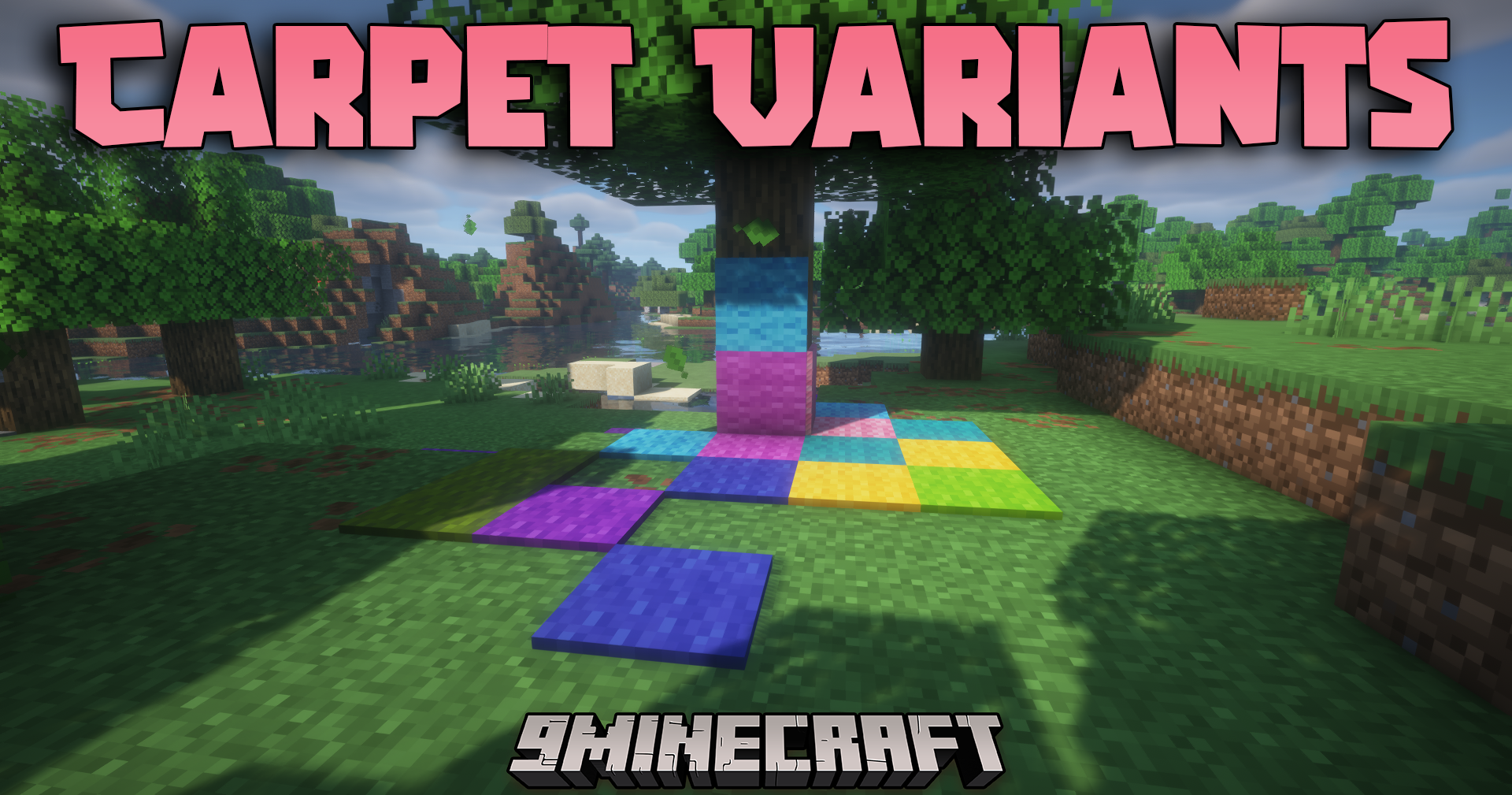
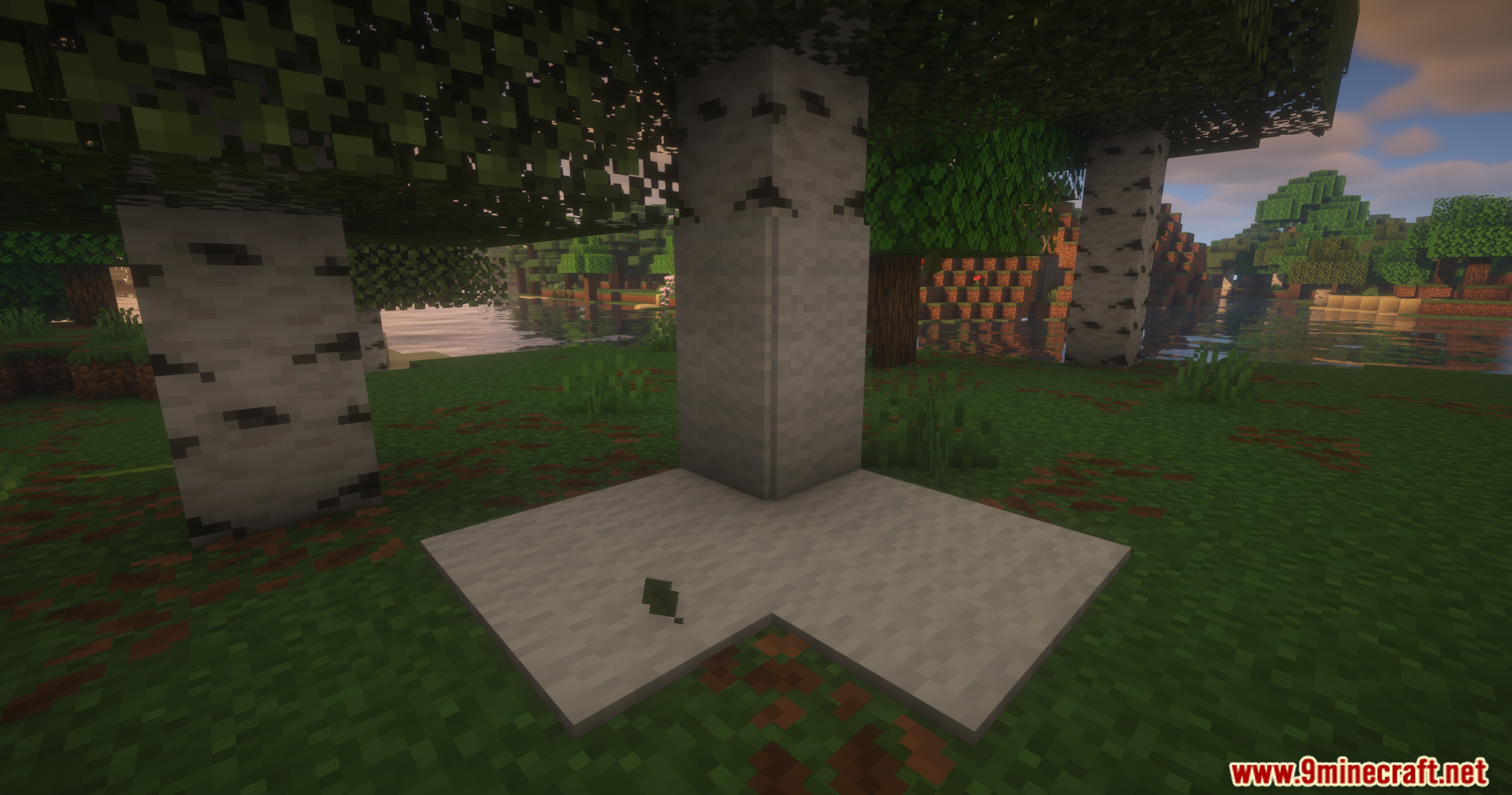
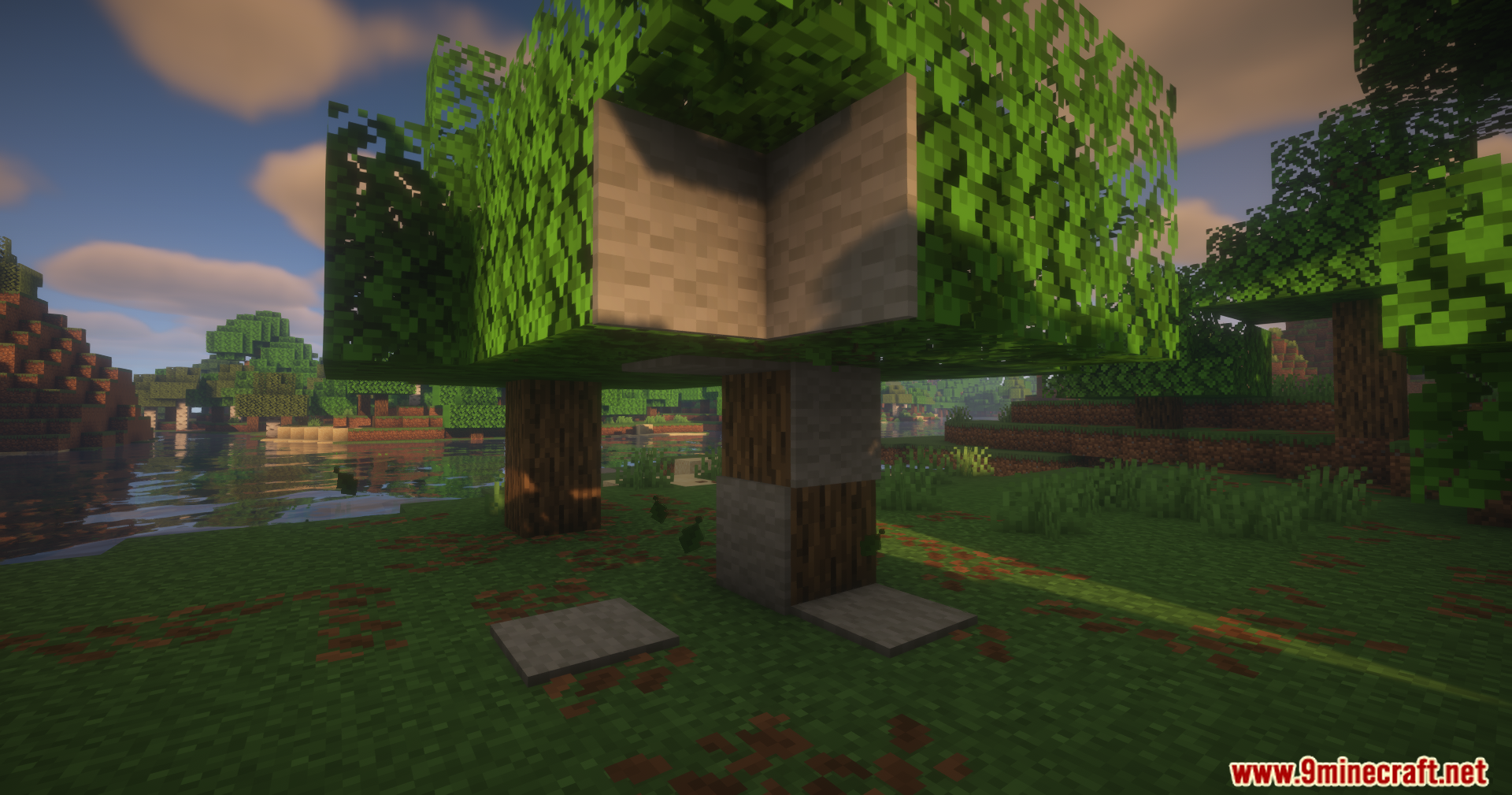
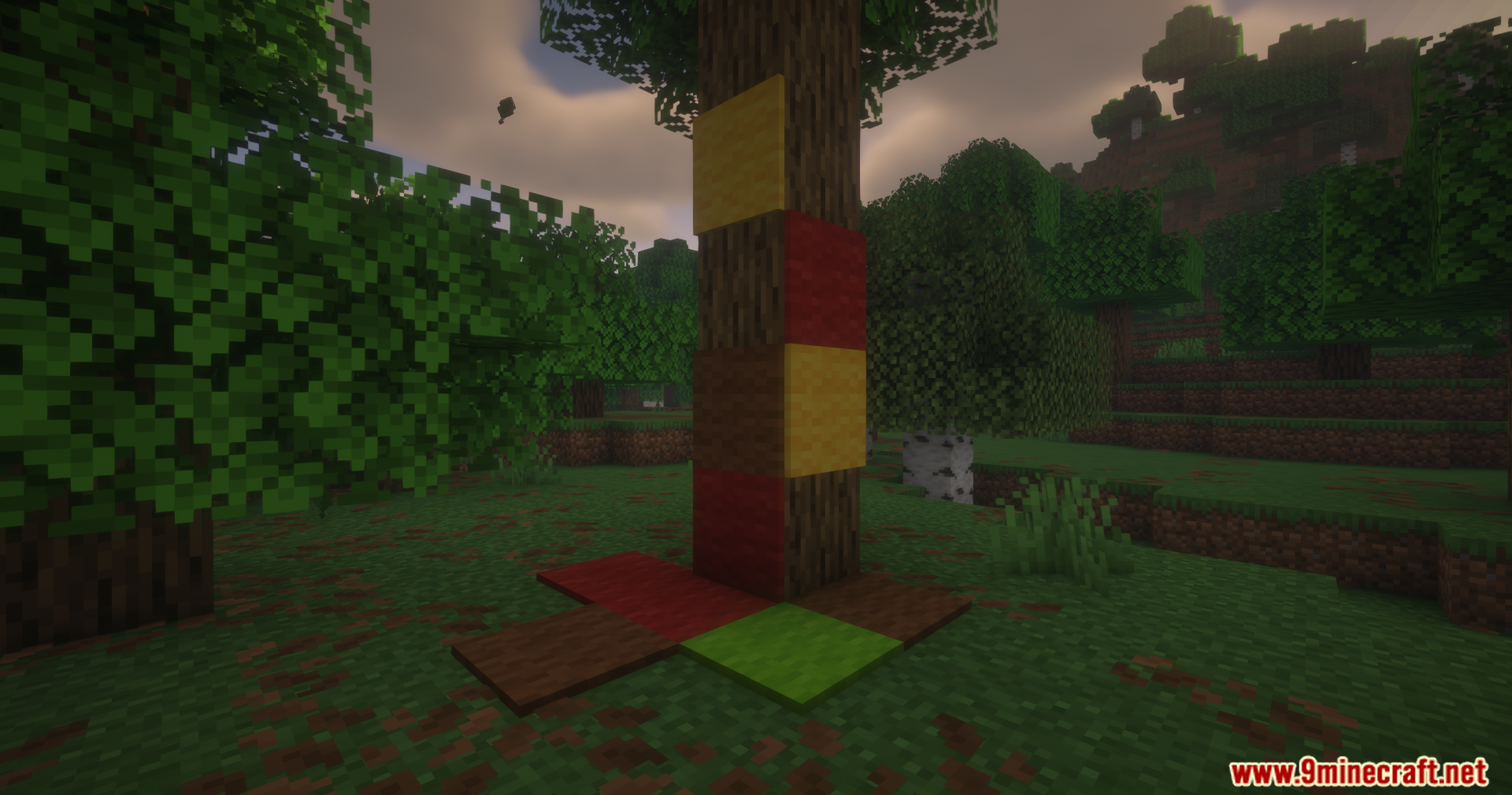
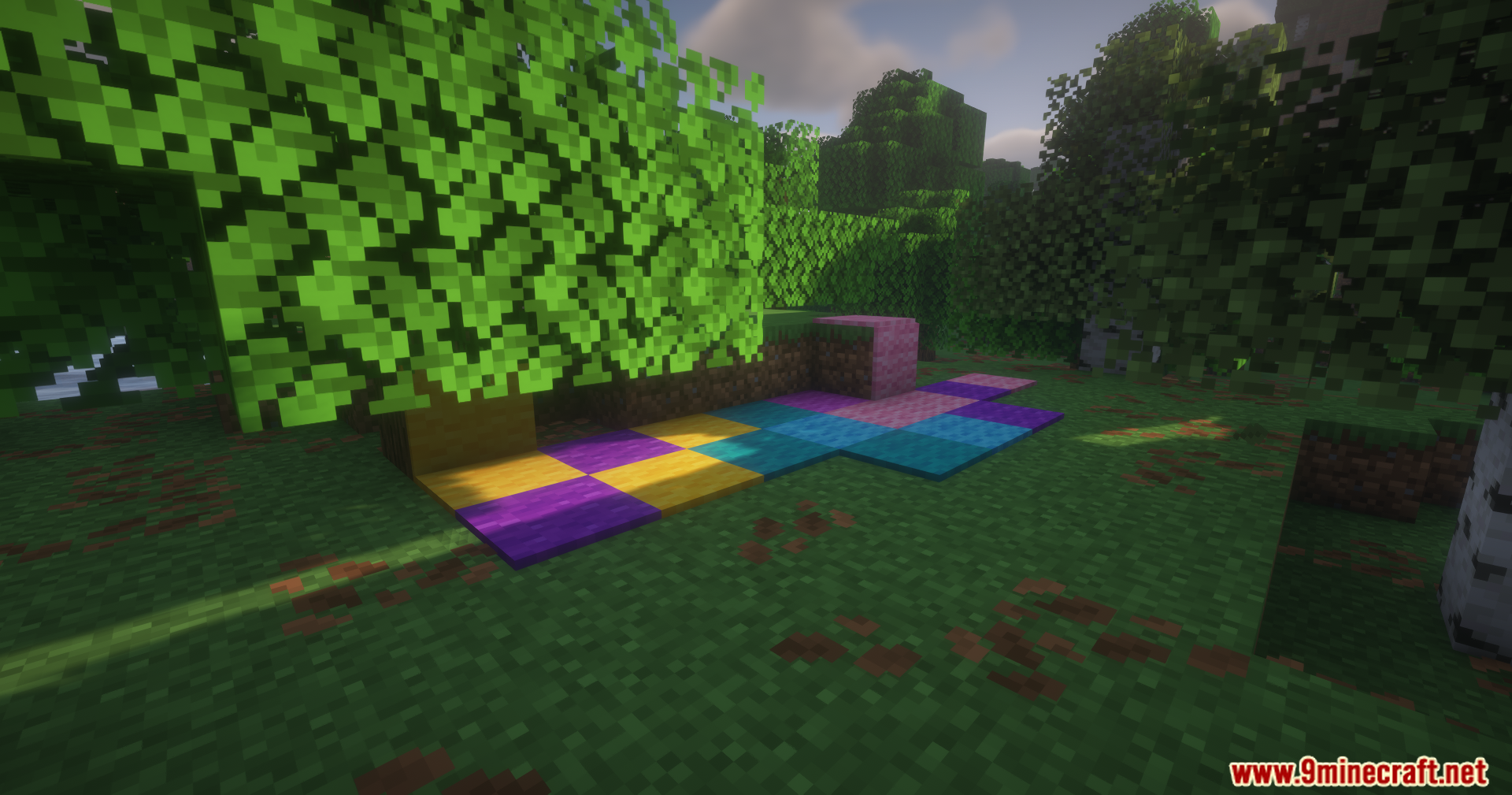
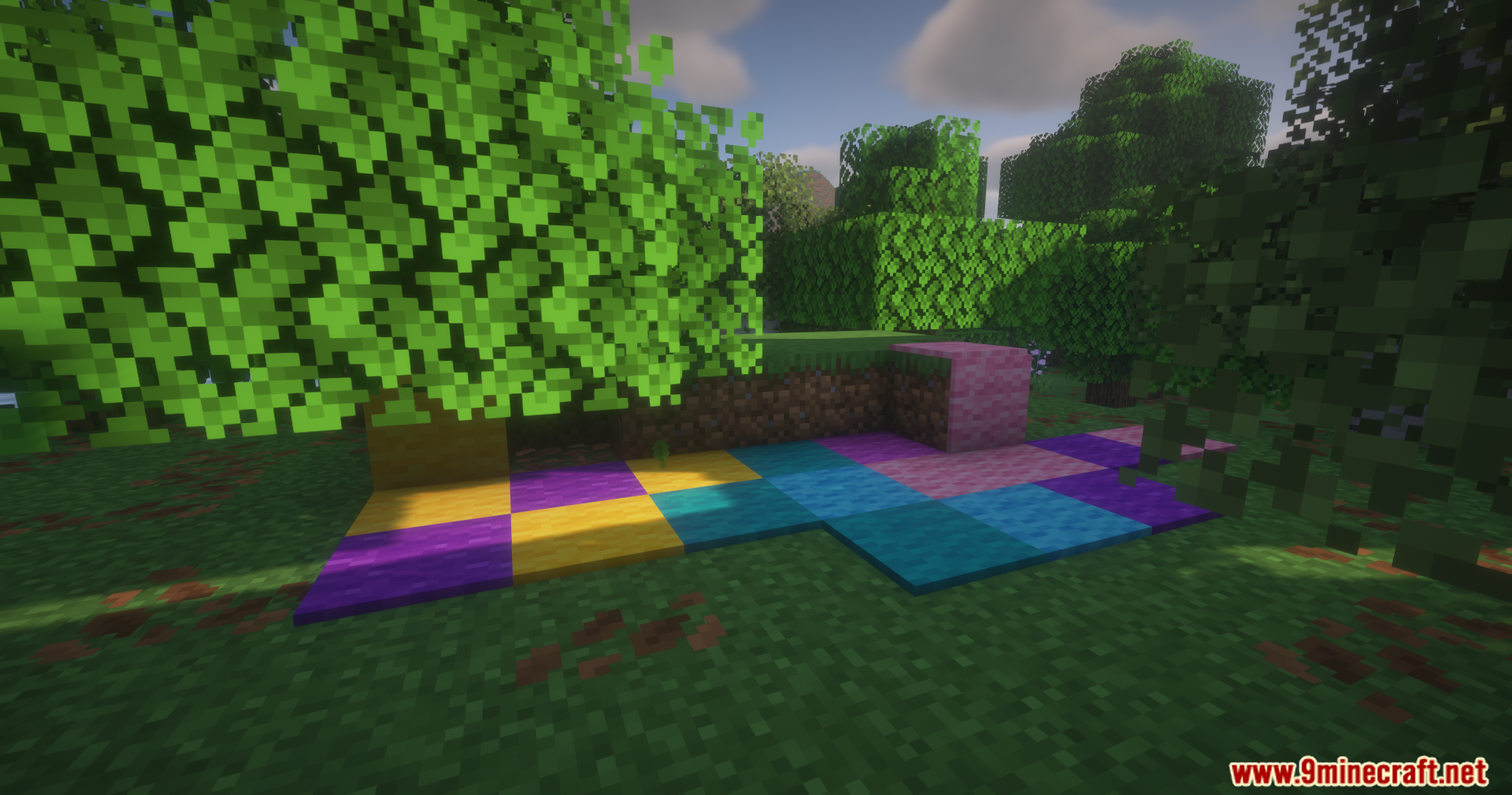
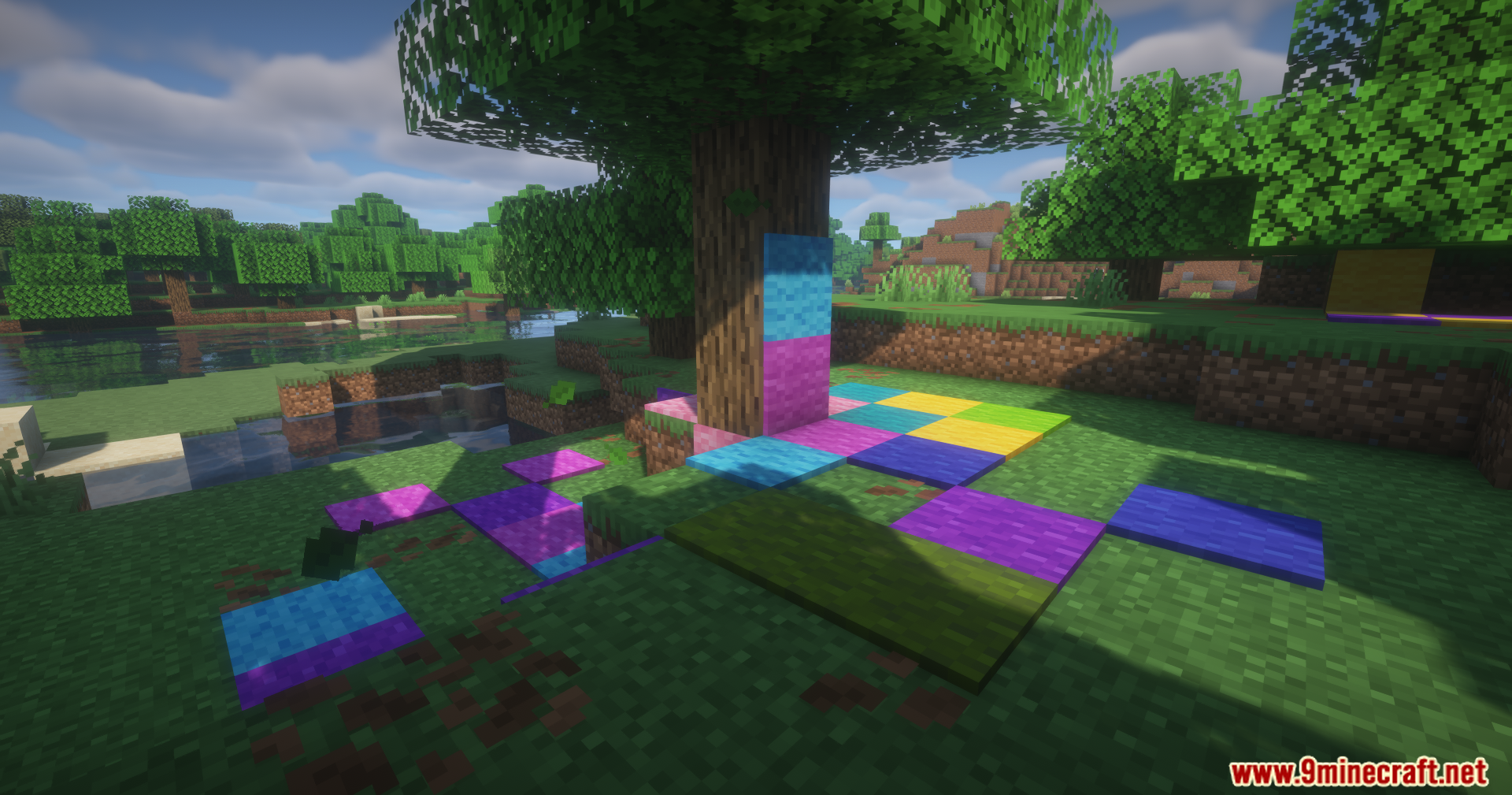
Hold a carpet in your hand, look at the wall where you want to place it, and right-click. The carpet will attach to that wall surface. You can place carpets on any wall direction—north, south, east, or west.
Can I put carpets on the ceiling?
Yes. Look up at the ceiling block you want to cover, hold a carpet, and right-click. The carpet will stick to the ceiling just like it does on walls and floors.
Do I need a special tool to place carpets on walls and ceilings?
No special tool is required—just hold any carpet variant and right-click on the surface where you want it. The mod works with vanilla carpets and their placement mechanics.
What carpet types work with this mod?
All vanilla carpet colors and variants work with Carpet Variants Mod. You can use white, orange, magenta, light blue, yellow, lime, pink, gray, light gray, cyan, purple, blue, brown, green, red, and black carpets.
See all 10 Carpet Variants questions ›
Gallery
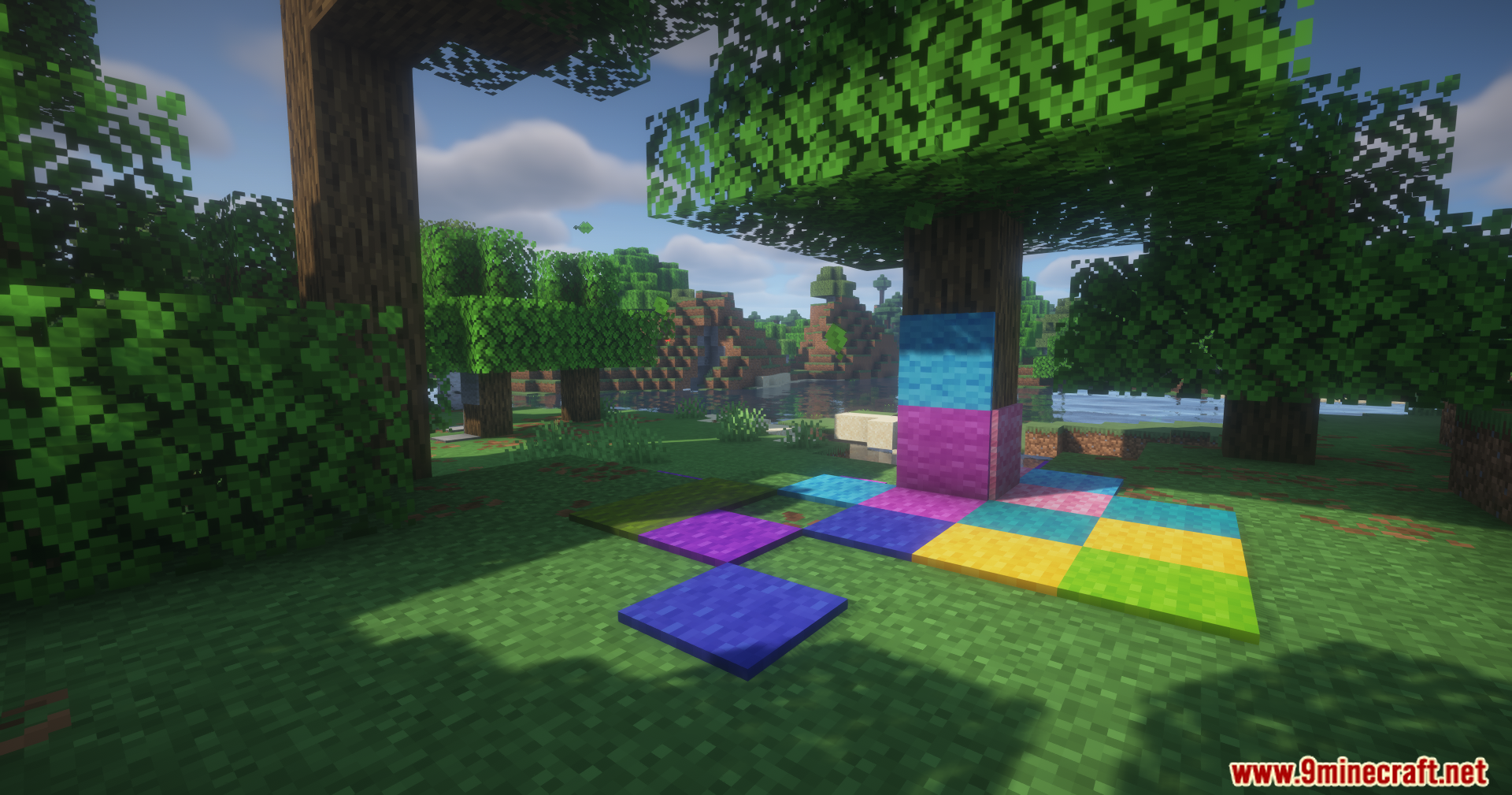
9 images from the Carpet Variants Mod page.
You May Also Like
Wikis that share the most with this one
Wikis on the same theme: pet
More mod wikis on the site
The most downloaded mods that have a wiki here
A few wikis from each of the other kinds