

 DownloadMax Realism Resource Pack
Get the files on 9Minecraft
Focus on High-Traffic Blocks
Max Realism Resource Pack prioritizes frequently seen survival blocks for maximum visual change. To experience the full effect, concentrate on blocks you'll interact with constantly.
Key Blocks to Build With
Use  stone,
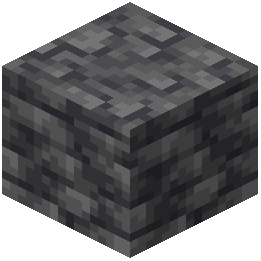 deepslate, wood planks, and logs as primary building materials. These blocks showcase the most dramatic texture improvements—stone gains visible layering and weathering, deepslate shows gritty mineral detail, and wood displays natural grain patterns that respond to lighting.
When mining, pay attention to ore blocks. They now display realistic mineral veins embedded in surrounding rock, making ore discovery more visually rewarding.
Terrain Interaction
Explore caves and underground caverns to see photorealistic rock faces and cavern walls. Ground-level terrain—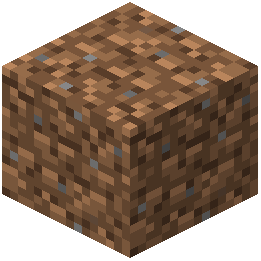 dirt,
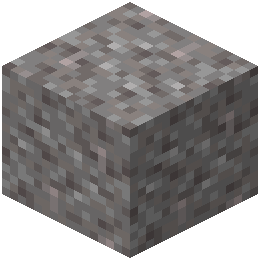 gravel, and
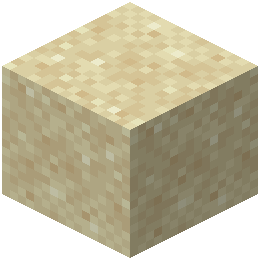 sand—now displays textured surface detail that makes landscapes feel more natural.
Lighting Matters
The pack's realistic textures are most visible under varied lighting. Build near water, skylights, or use torches strategically. Rough surfaces like bark and stone will show depth and grain patterns as light catches them at different angles. Underground, use varied light sources to see how textures respond.