

 DownloadImmersive Bucket Resource Pack
Get the files on 9Minecraft
Guides
Step-by-step, in-game.
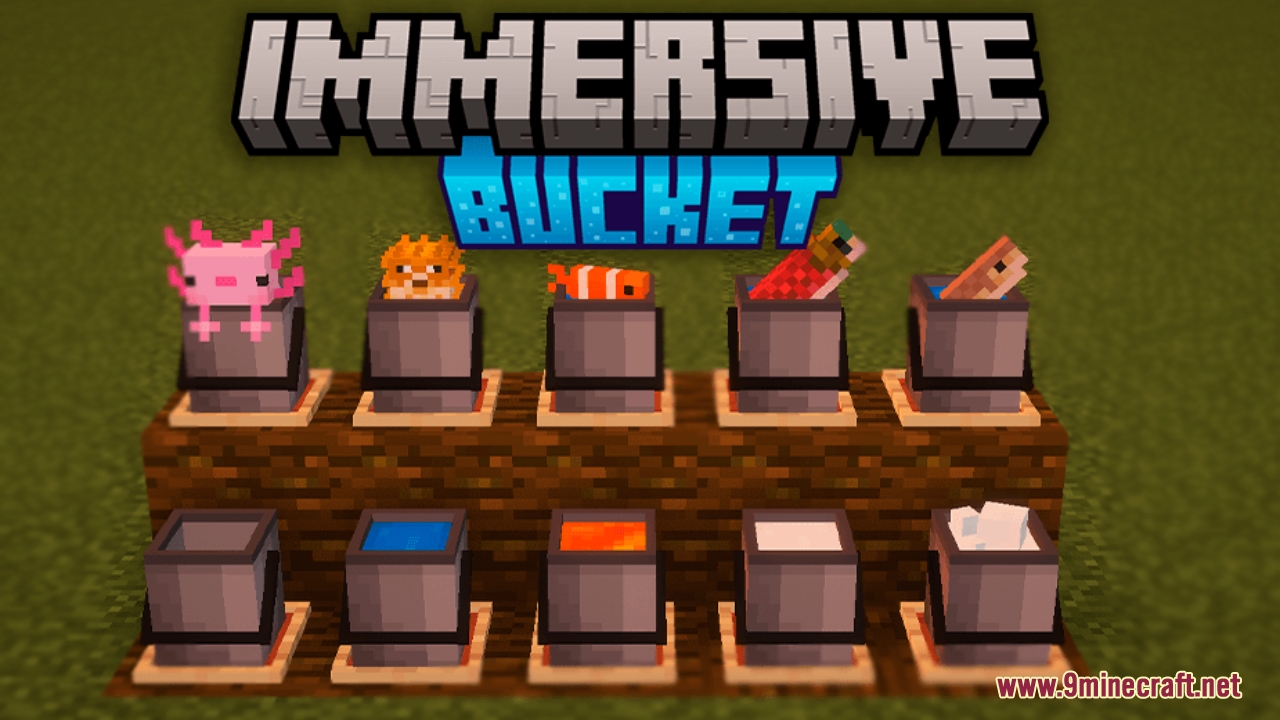
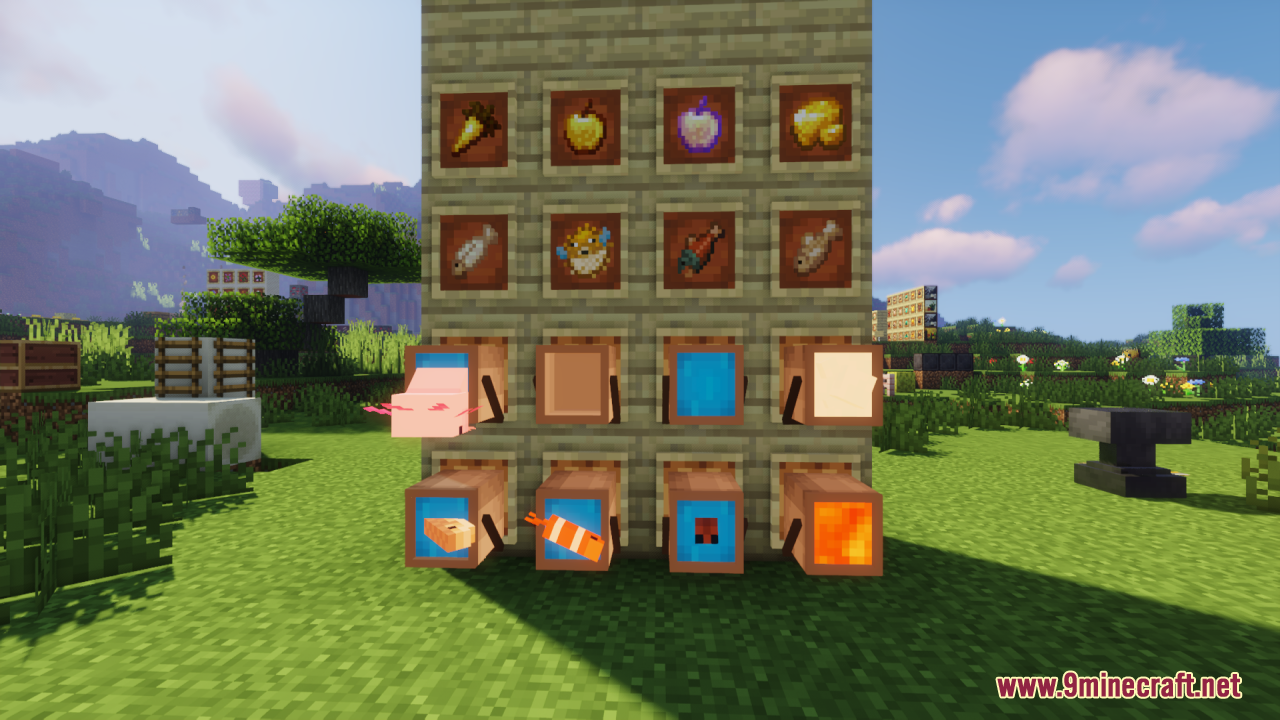
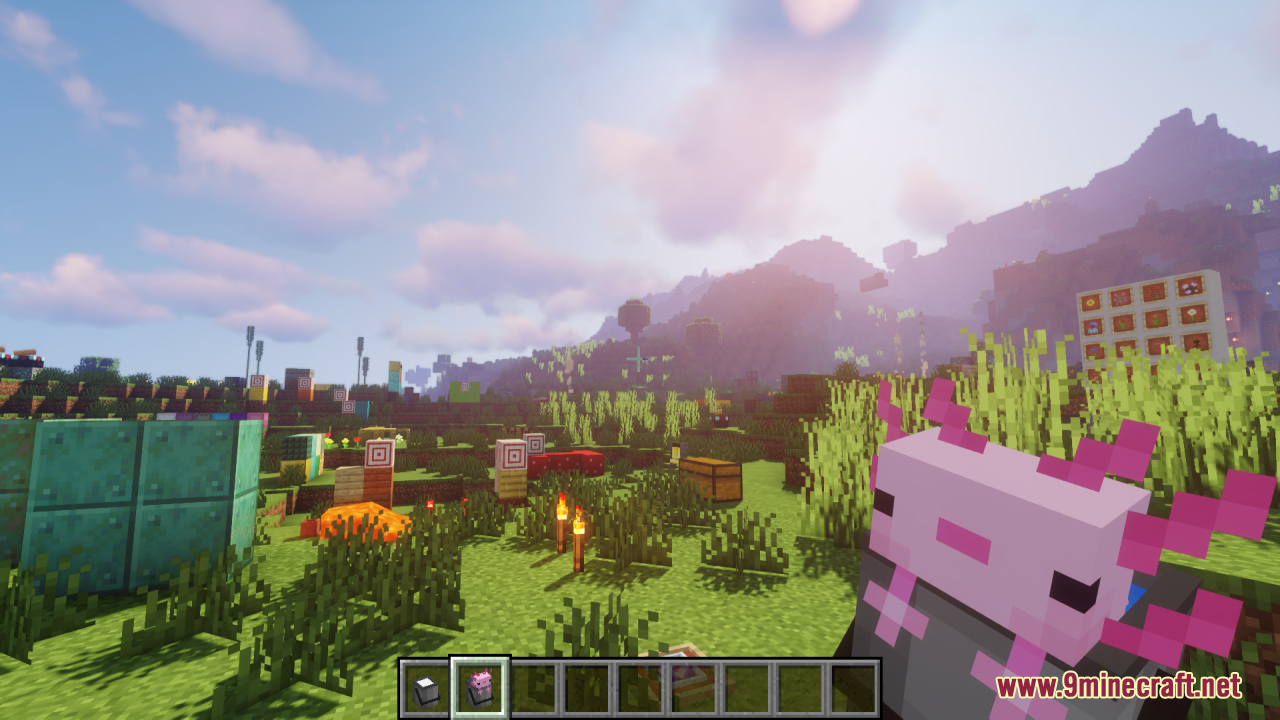
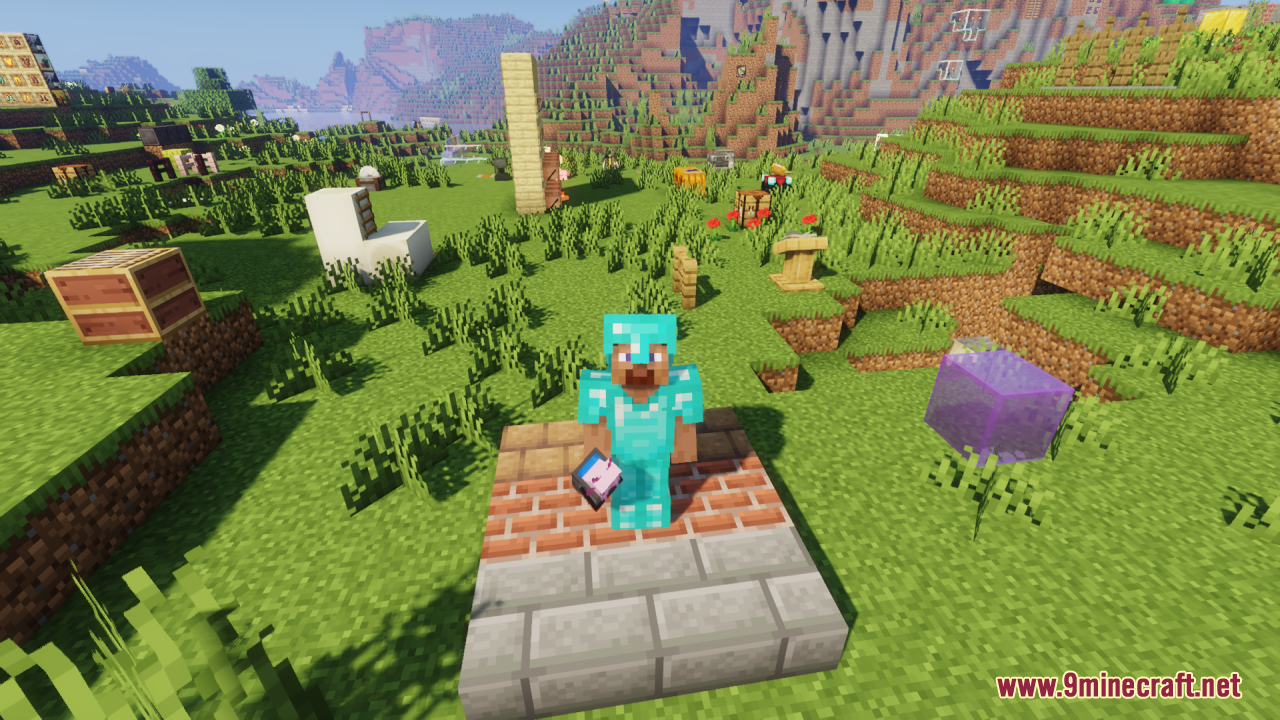
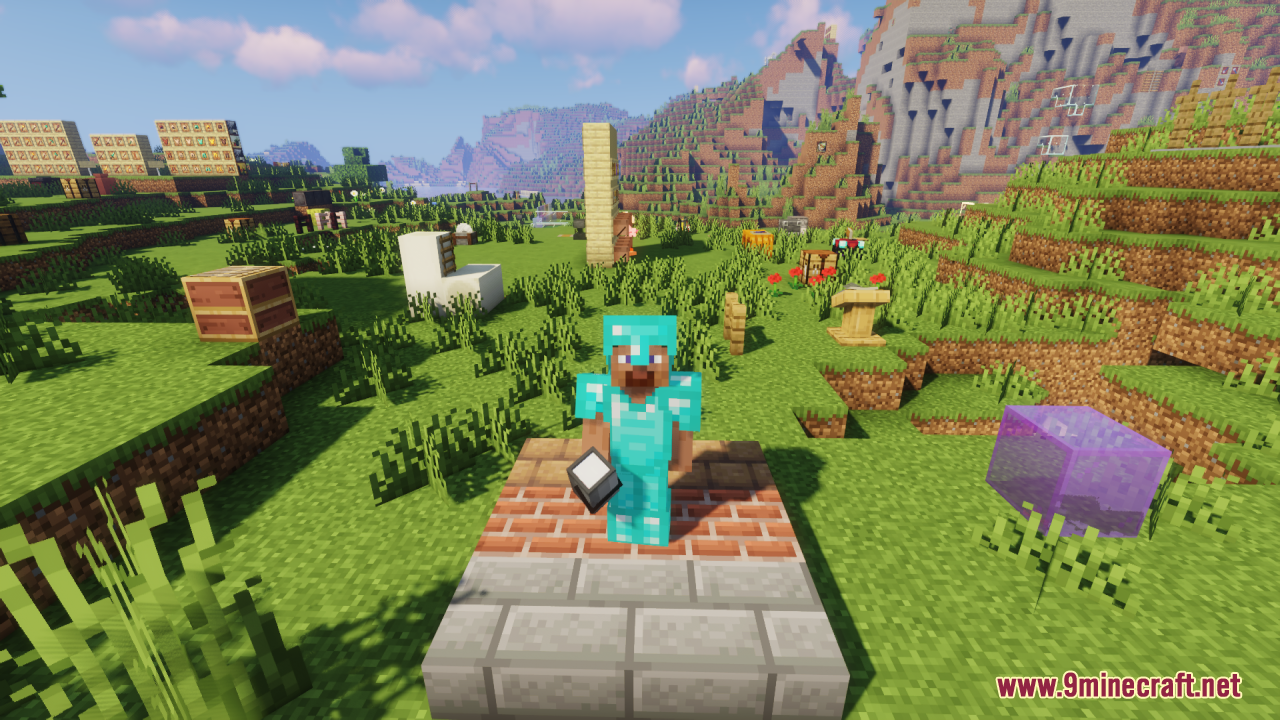
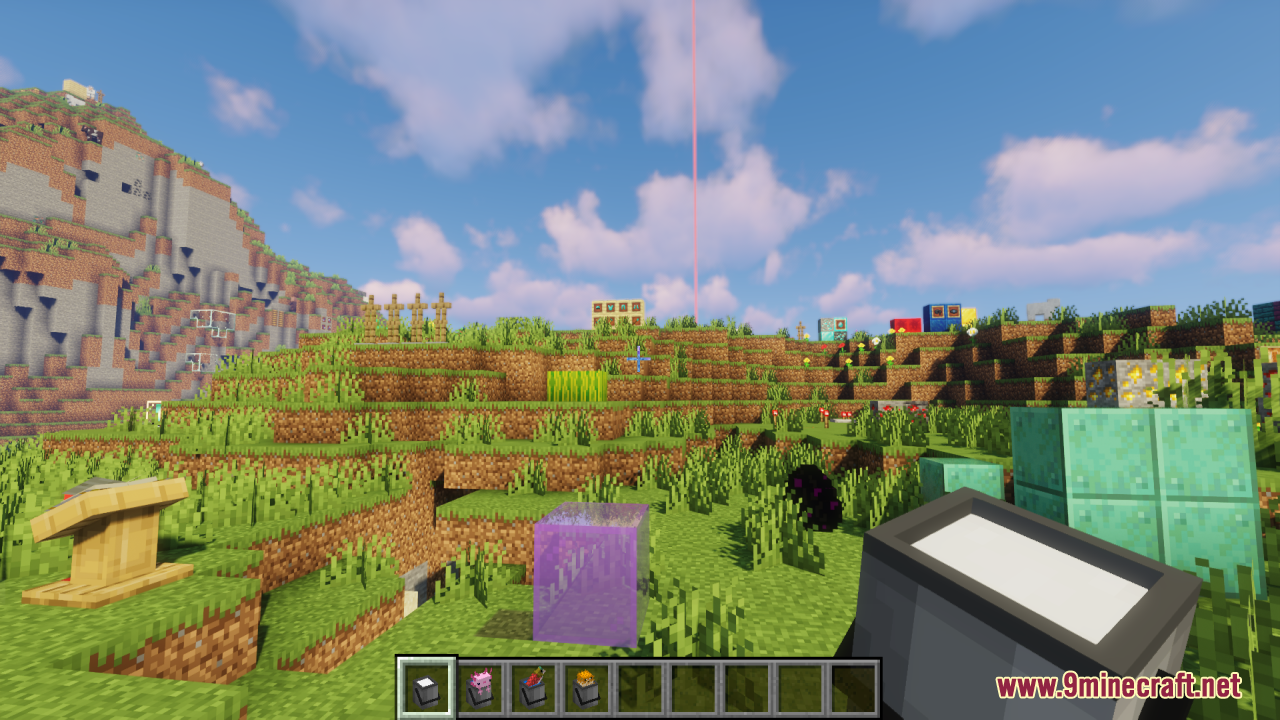
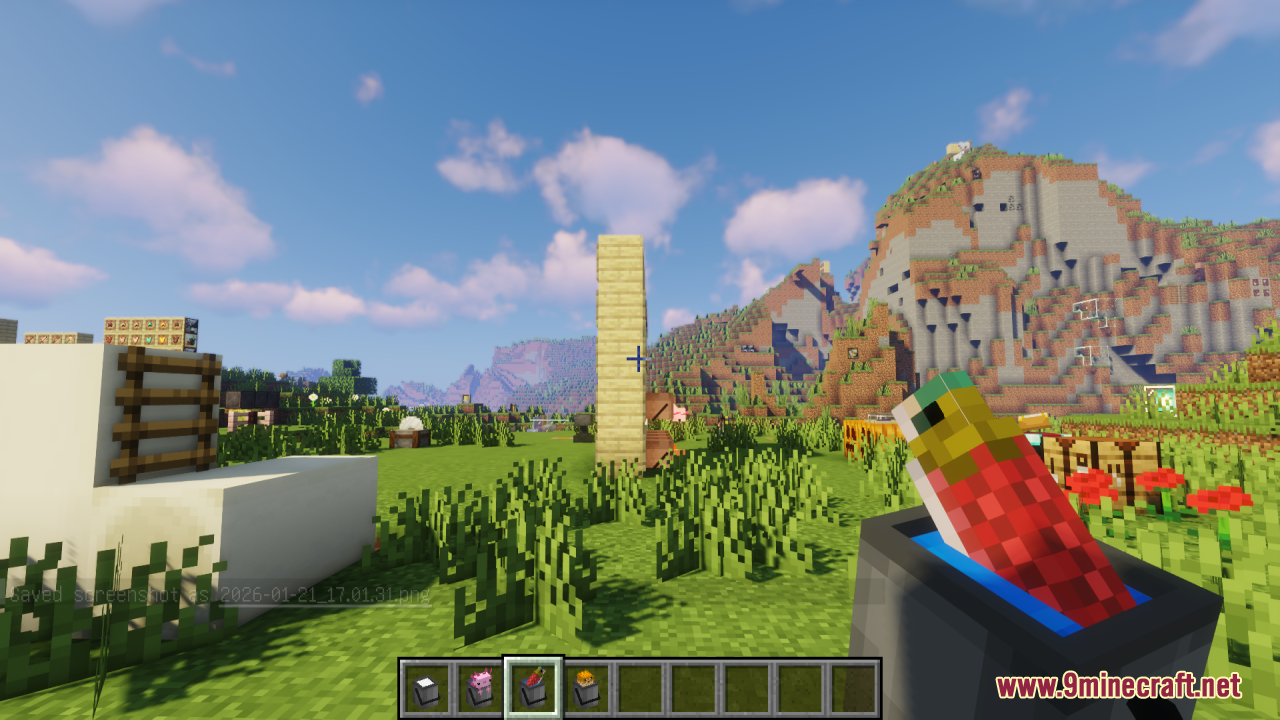
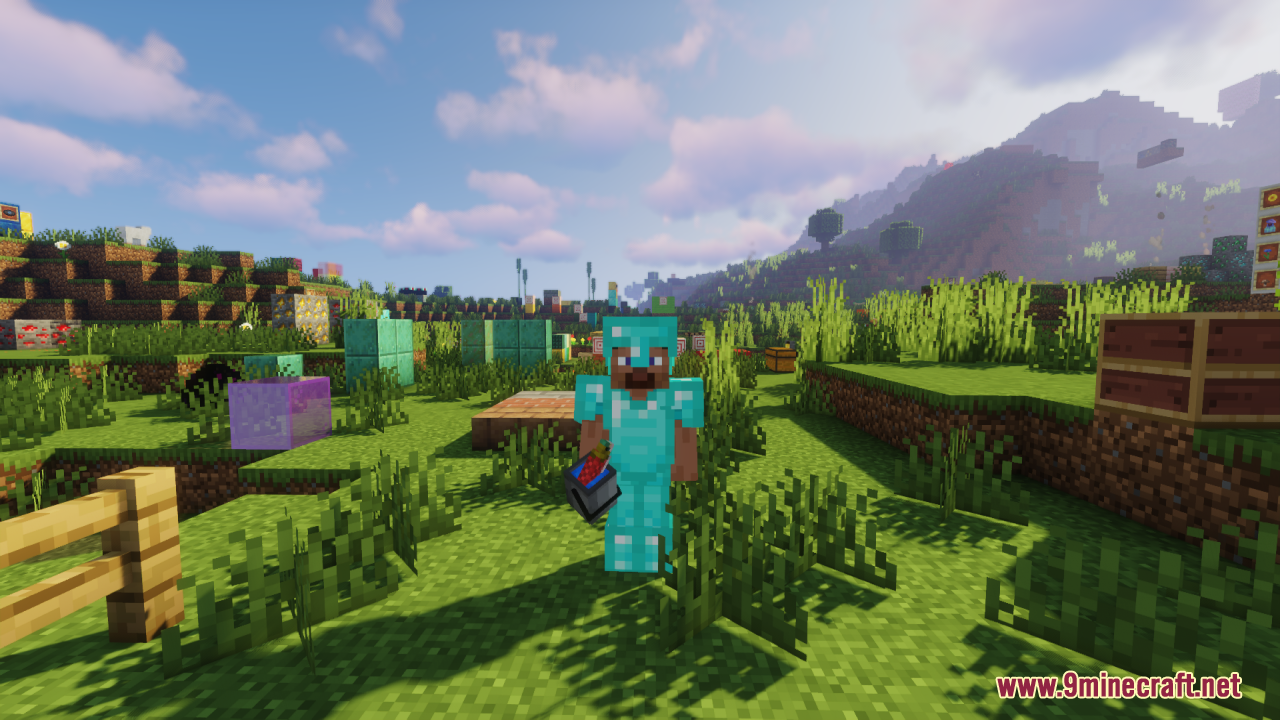
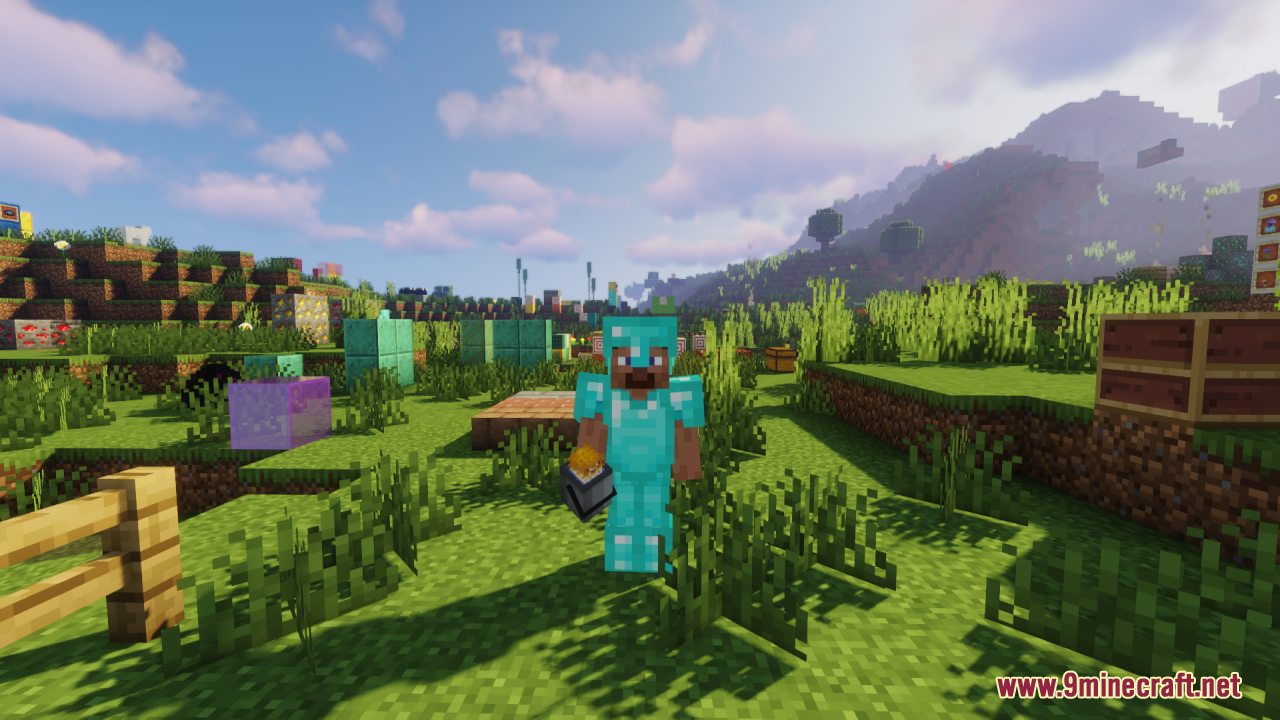
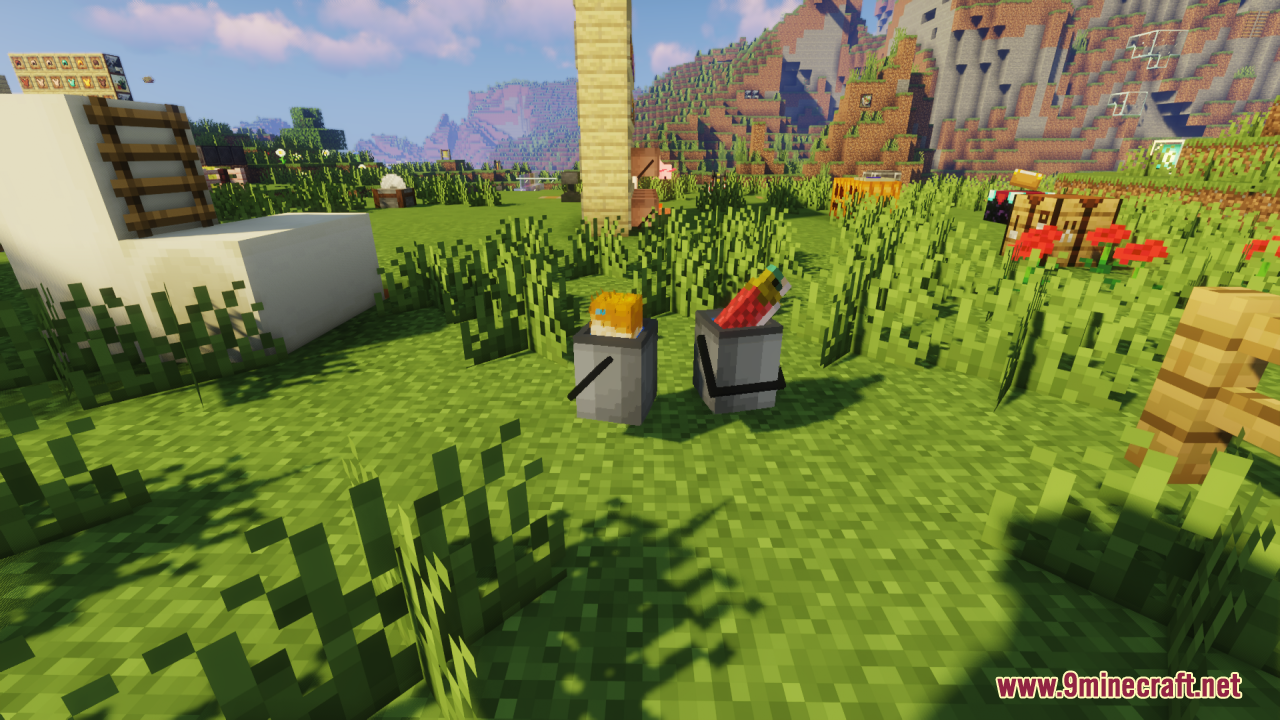
Maximize the Visual Quality of 3D BucketsResource Pack Settings The Immersive Bucket Resource Pack works best with your graphics settings optimized. Use a GPU…Understand What Each Filled Bucket Looks LikeVisual Differences by Content Each bucket type has a distinct 3D appearance so you can identify what you're carrying…Use 3D Buckets in Multiplayer and ServersClient-Side Only The Immersive Bucket Resource Pack is client-side, meaning it only affects what you see. Other…View Your Bucket in 3D While Holding ItEquip and Inspect The 3D bucket models display automatically when you hold any bucket variant in your main hand.…
Frequently asked questions
Do I need to do anything to enable the 3D buckets or do they work automatically?
The 3D buckets work automatically once the resource pack is applied to your world or server—no configuration needed. Simply load the pack in your resource pack folder and select it in your world settings.
Will the 3D bucket models work if I'm using other resource packs at the same time?
Yes, but placement order matters. Place the Immersive Bucket Resource Pack above any conflicting packs in your resource pack list so its textures take priority.
Do the 3D buckets show up the same way for other players on a server?
Only if those players also have the resource pack installed on their client. Resource packs are client-side, so each player needs their own copy to see the 3D models.
Can I see the 3D bucket detail when it's in my inventory, or only when holding it?
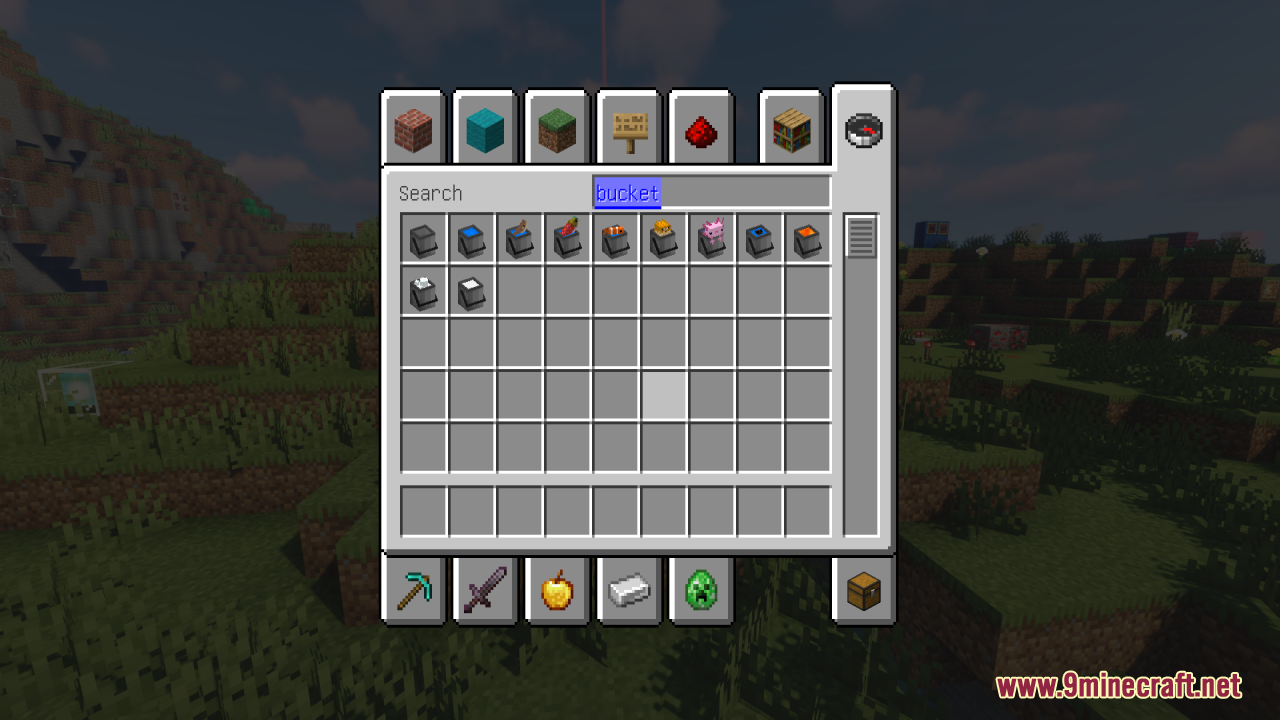
The 3D models are most visible when you're holding the bucket in your hand; the inventory view uses a flatter representation to keep the UI readable.
See all 10 Immersive Bucket questions ›
Gallery
12 images from the Immersive Bucket Resource Pack page.
You May Also Like
Wikis that share the most with this one
Wikis on the same theme: ore
More resource pack wikis on the site
Ignaf’s QuadralIcy’s Horse Breeds Resource PackIconsIcon Xaero’s Resource PackIcon Xaero'sIcea’s Variants Resource PackIce & Fire Dragonsteel Weaponry Resource PackHyxerion 16X Minecraft Pvp Texturepack Resource PackHyper Punchy Resource PackHydron Clear Water Resource PackHurkledurkle S Animated Items Resource PackHuman Villagers Vanilla Style Resource Pack
The most downloaded mods that have a wiki here
A few wikis from each of the other kinds