

 DownloadGUI Retextures Resource Pack
Get the files on 9Minecraft
Guides
Step-by-step, in-game.
Customize GUI Colors and ThemesAccessing Theme Settings The GUI Retextures Resource Pack includes customizable color schemes to match your…Fix Overlapping or Misaligned GUI ElementsIdentifying Compatibility Issues Occasionally, GUI Retextures may conflict with other mods or resource packs, causing…Make GUI Text More ReadableUnderstanding Text Rendering GUI Retextures improves text clarity through sharper font rendering and better contrast…Restore Default GUI Elements Not Covered by the PackUnderstanding Coverage Gaps GUI Retextures focuses on core menus and screens, but some mod-added interfaces or niche…
Frequently asked questions
How do I apply the resource pack to my world?
Open your world, go to Settings > Resource Packs, and move the GUI Retextures pack from Available to Active. The changes apply immediately without restarting.
Can I use this with other resource packs?
Yes, but pack order matters—place GUI Retextures above packs that also modify GUIs if you want its textures to take priority, or below if you prefer other packs' interfaces.
Why do some buttons look cut off or stretched?
This usually happens when the pack conflicts with your screen resolution or another resource pack's GUI modifications; try disabling other packs temporarily or adjusting your GUI scale in Video Settings.
The text in menus is too small to read. What do I do?
Increase your GUI Scale in Video Settings (Options > Video Settings > GUI Scale), or check if a custom theme in the pack's settings has a smaller font size you can adjust.
See all 10 GUI Retextures questions ›
Gallery
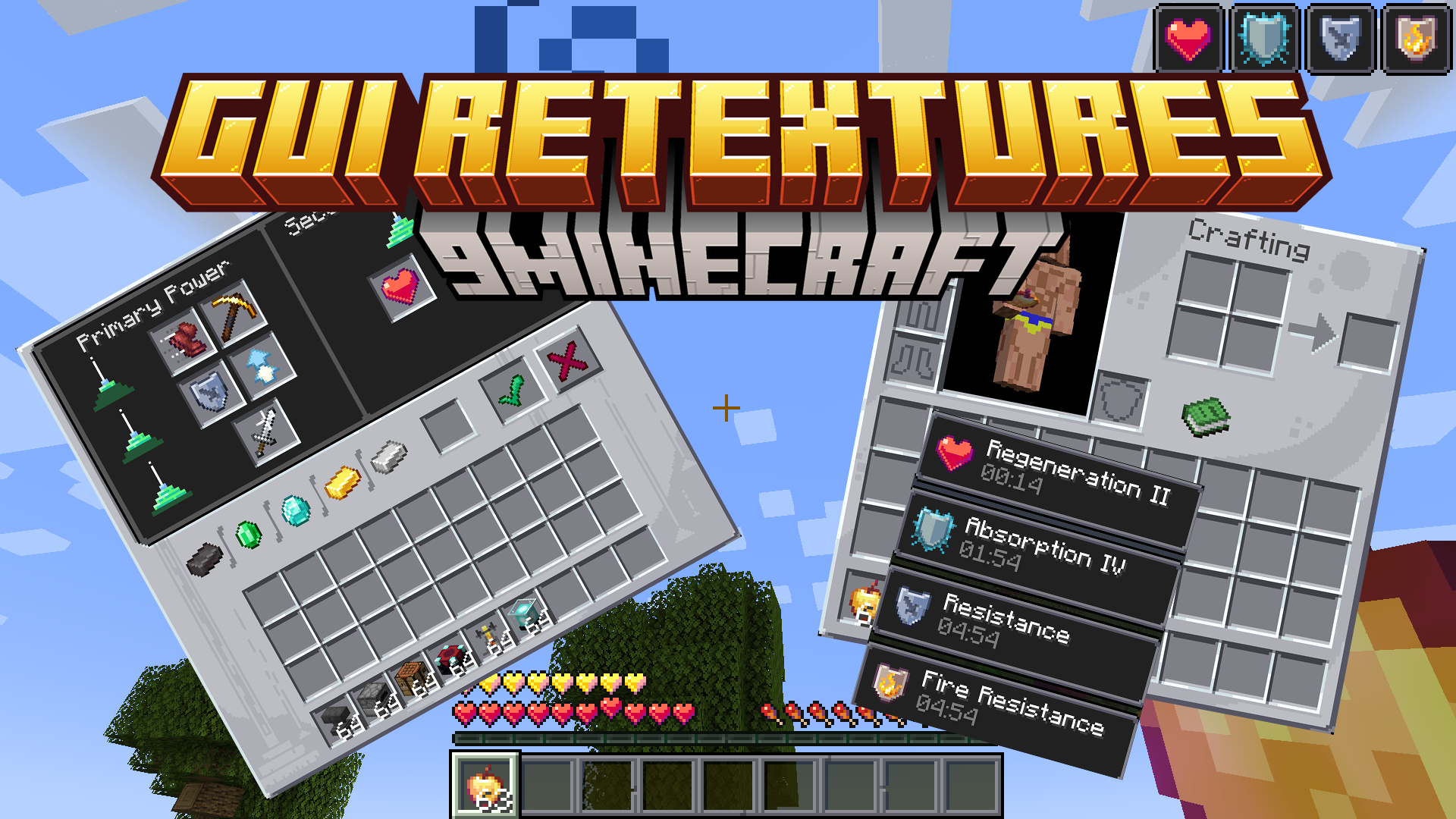
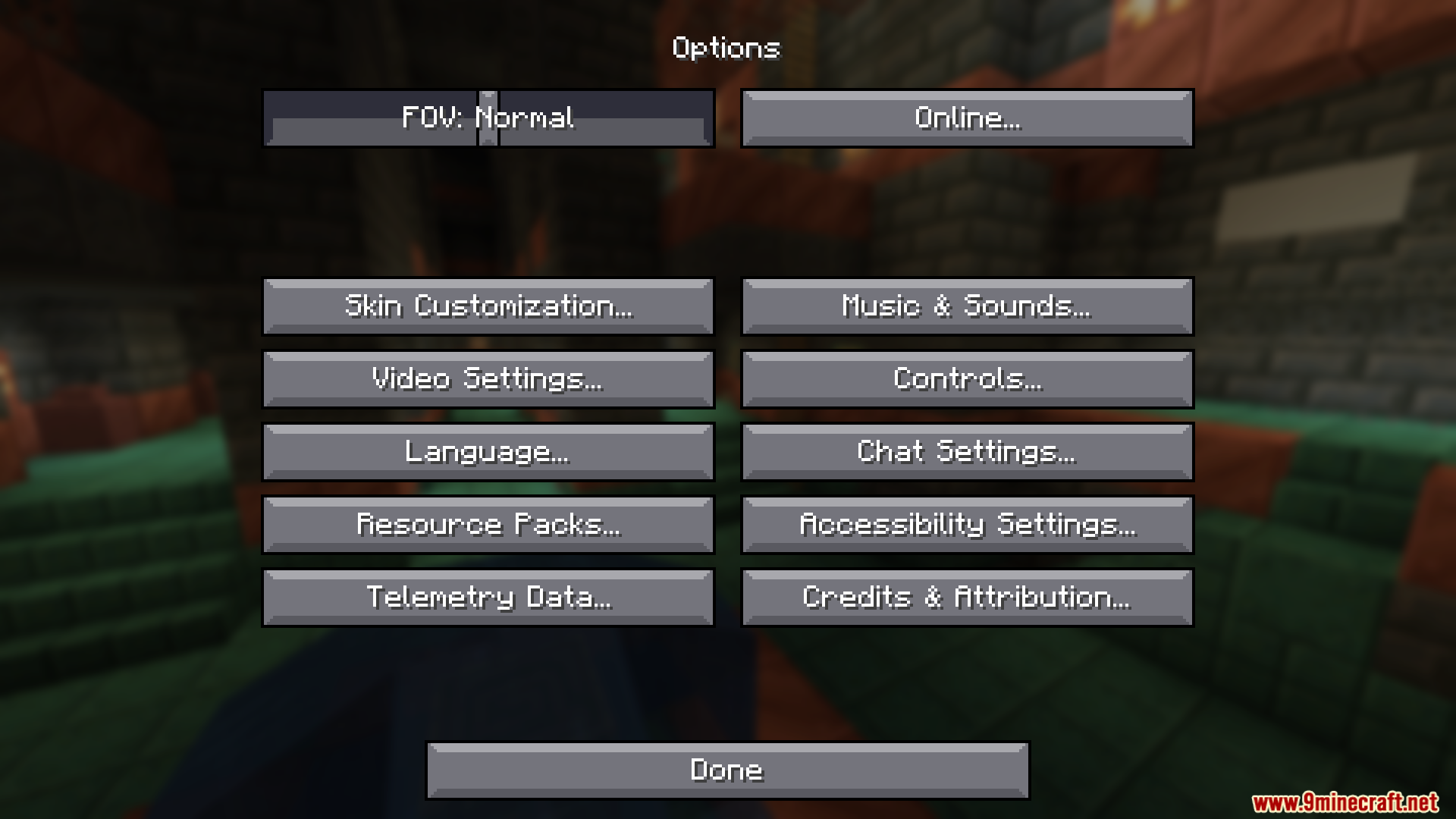
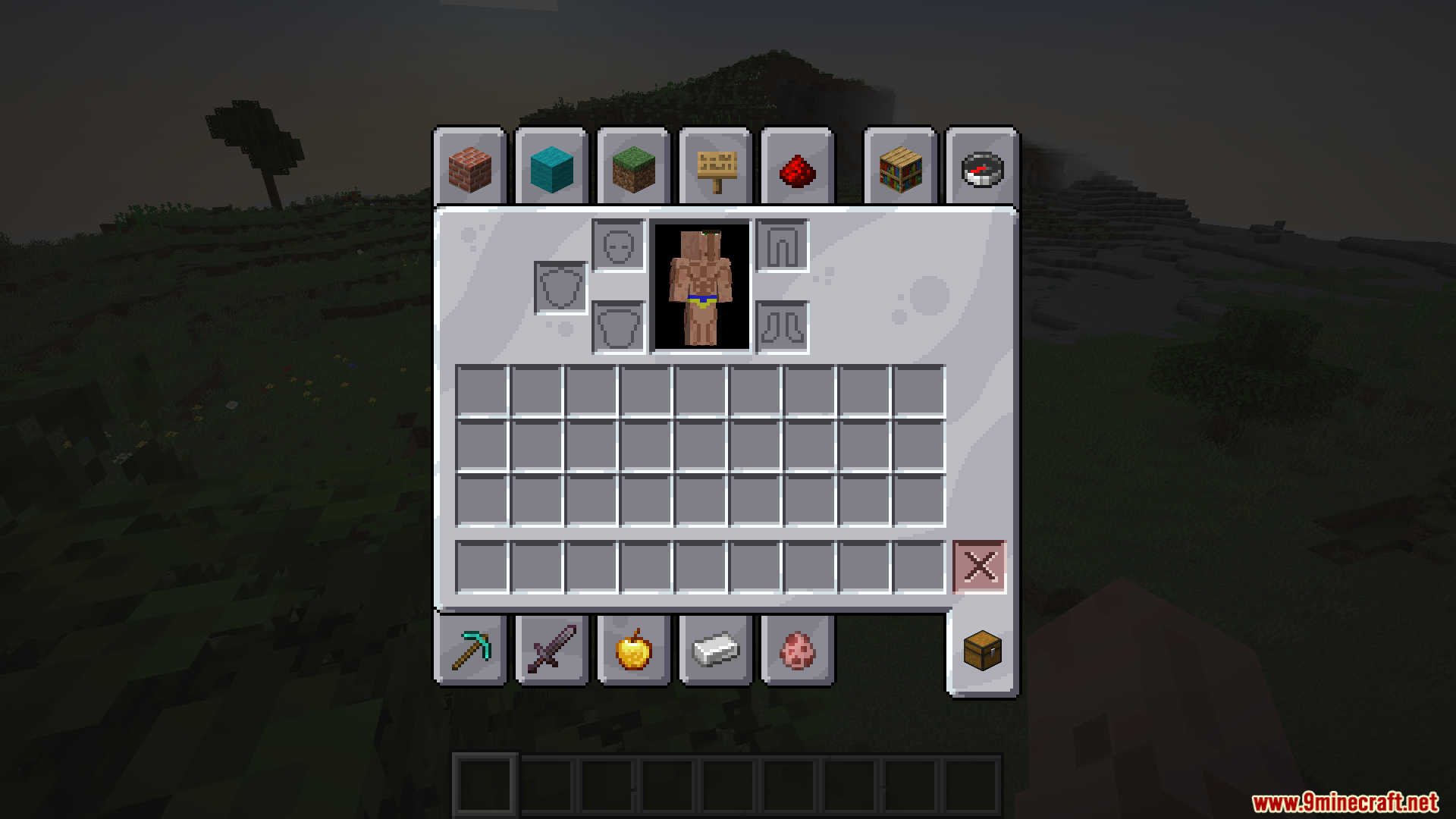
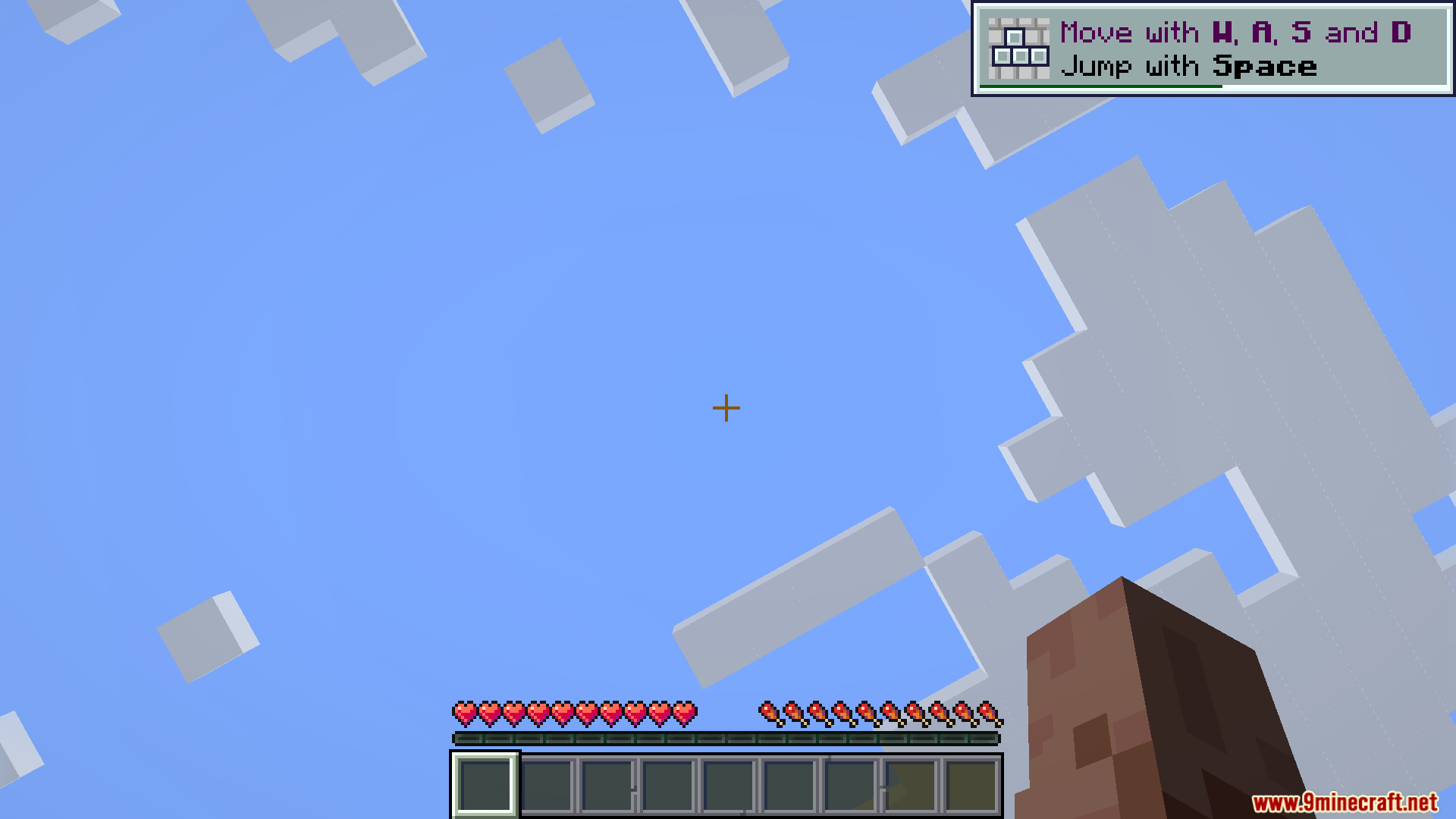
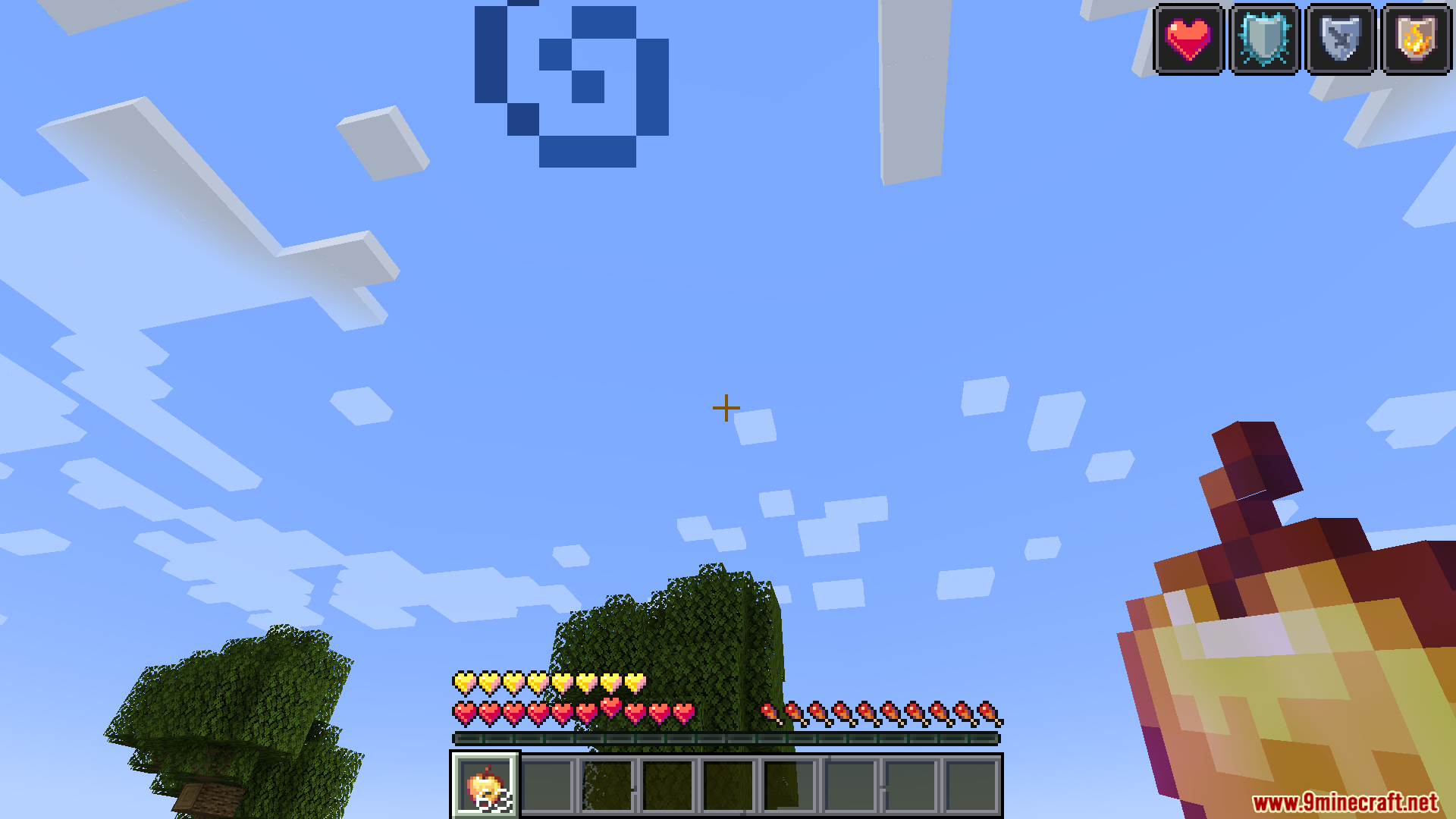
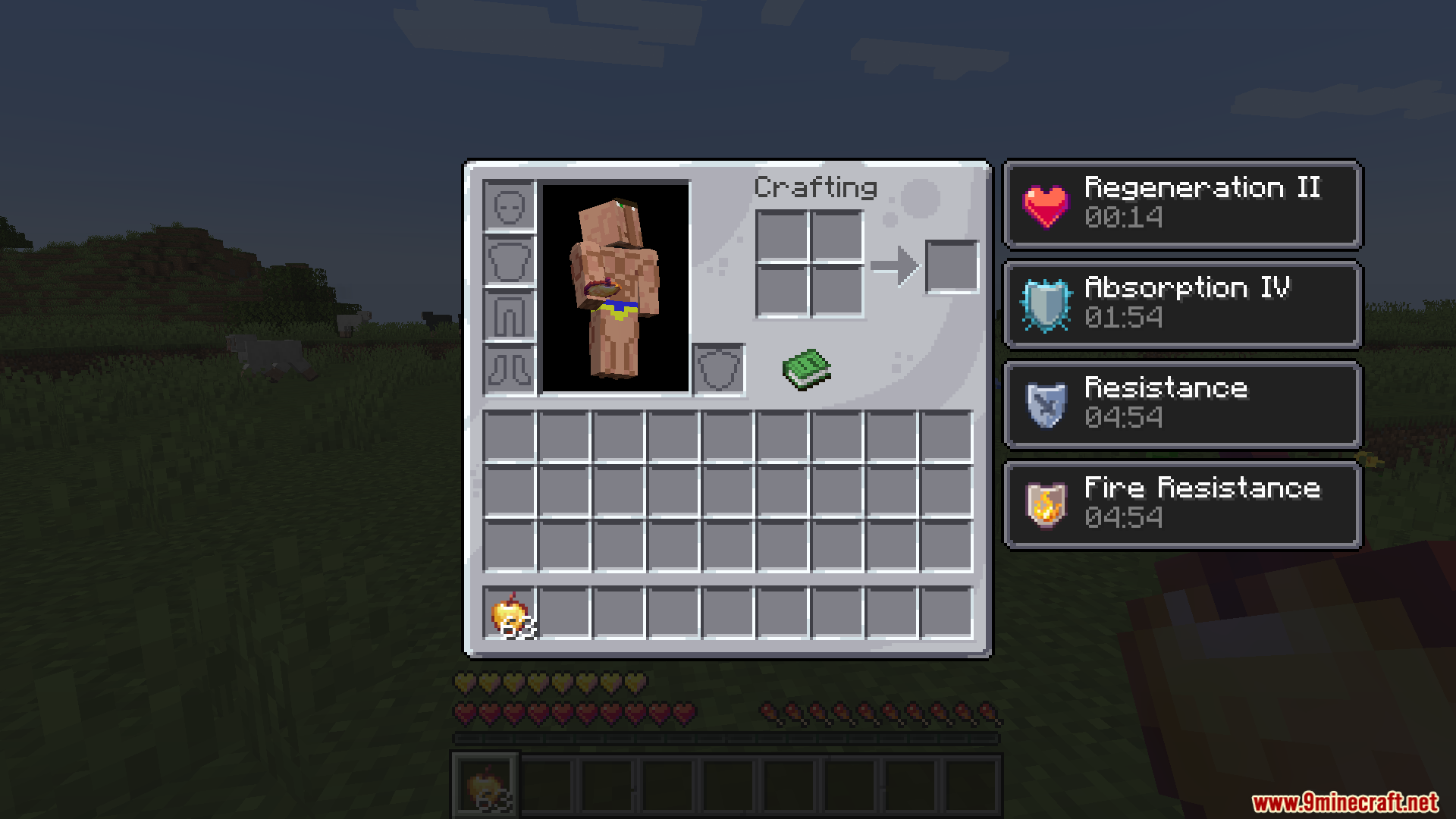
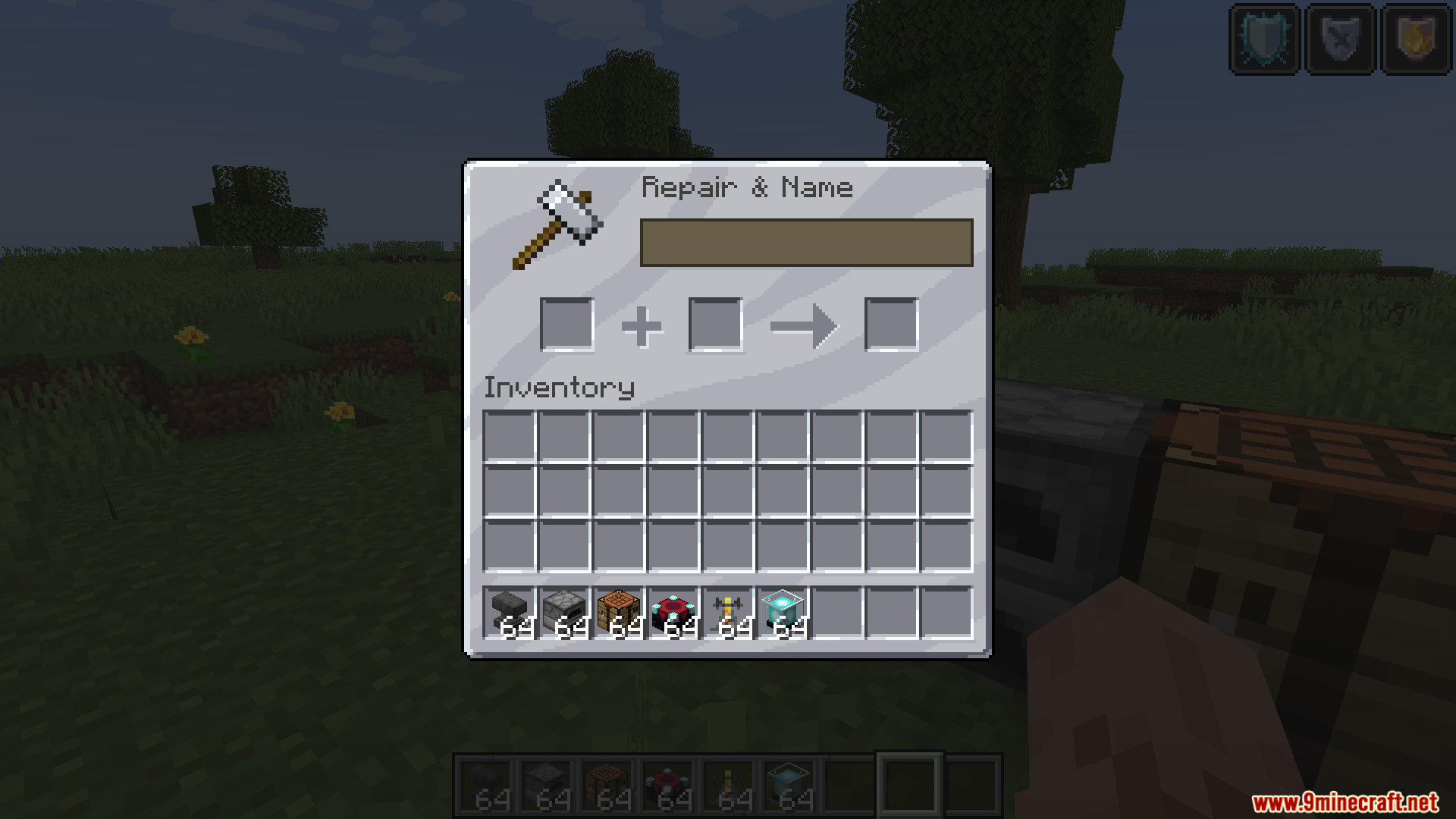
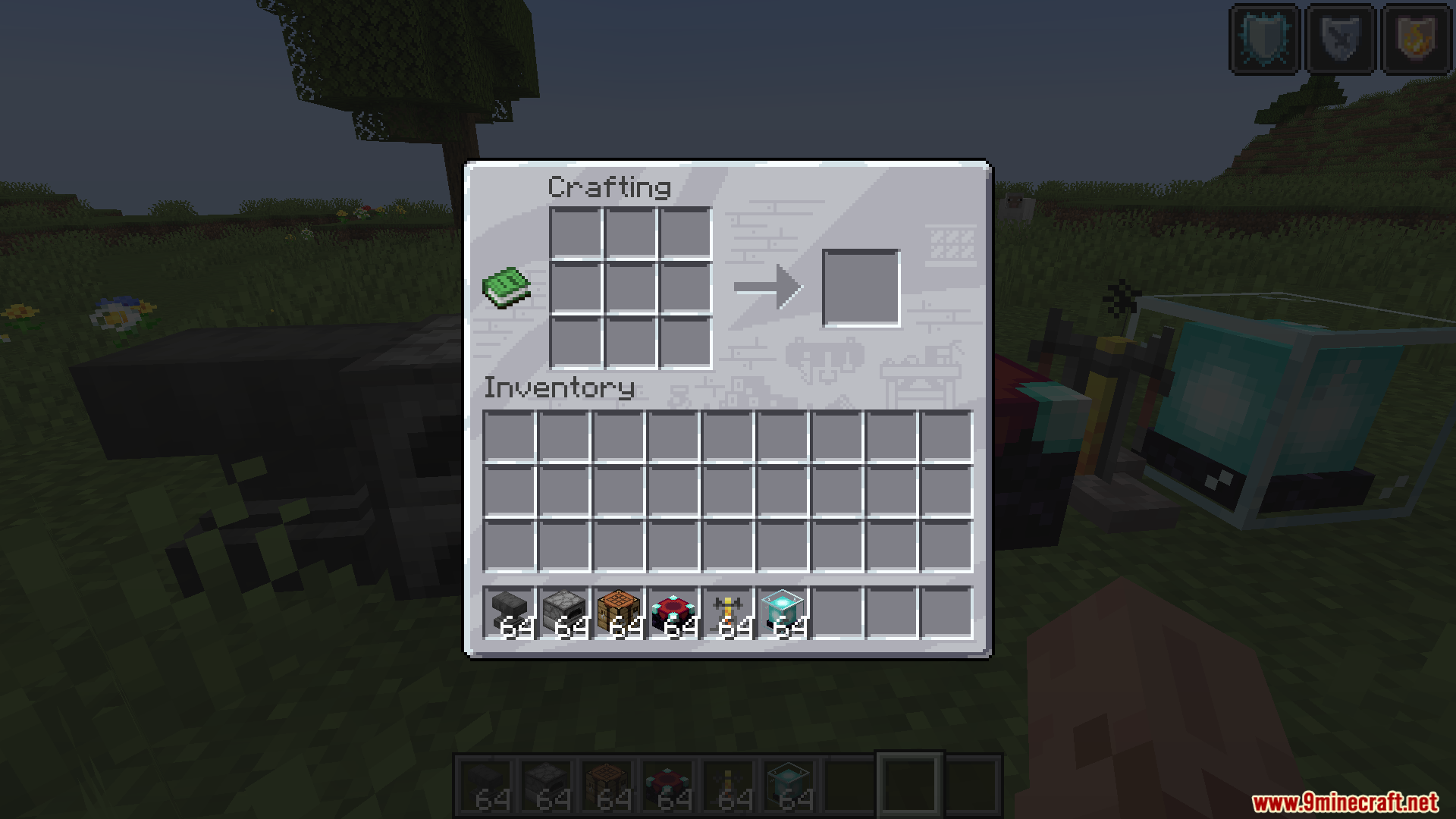
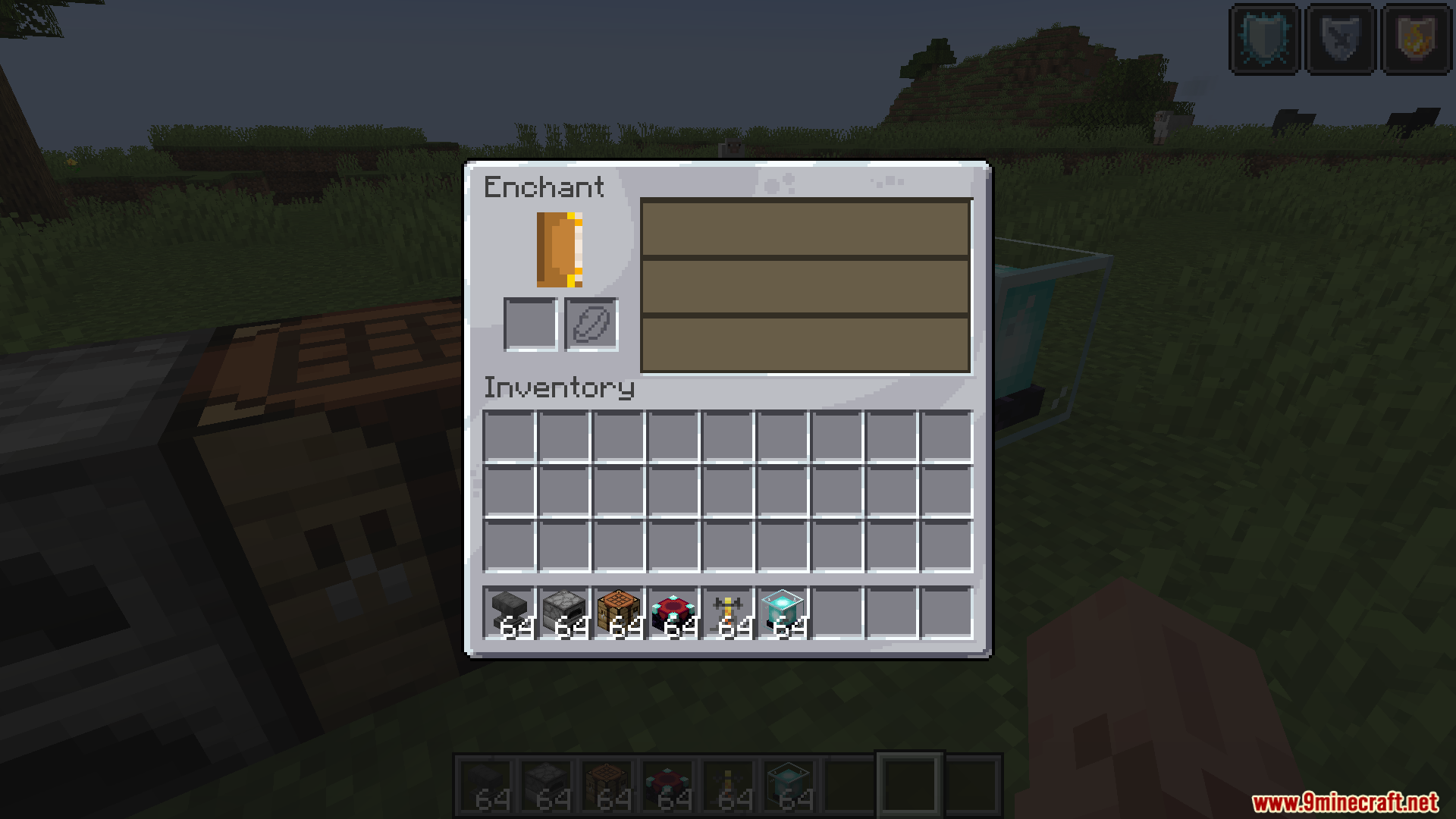
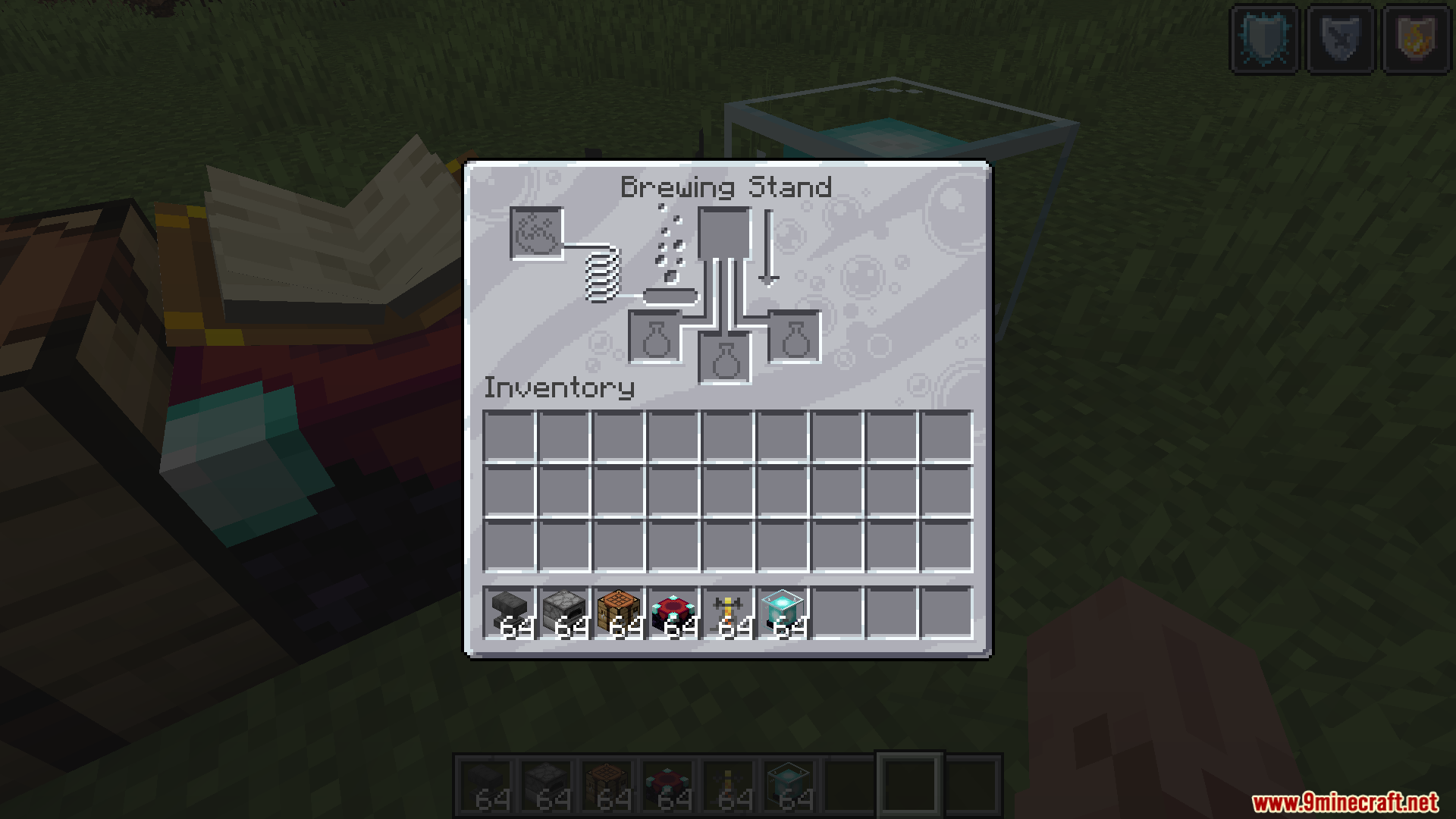
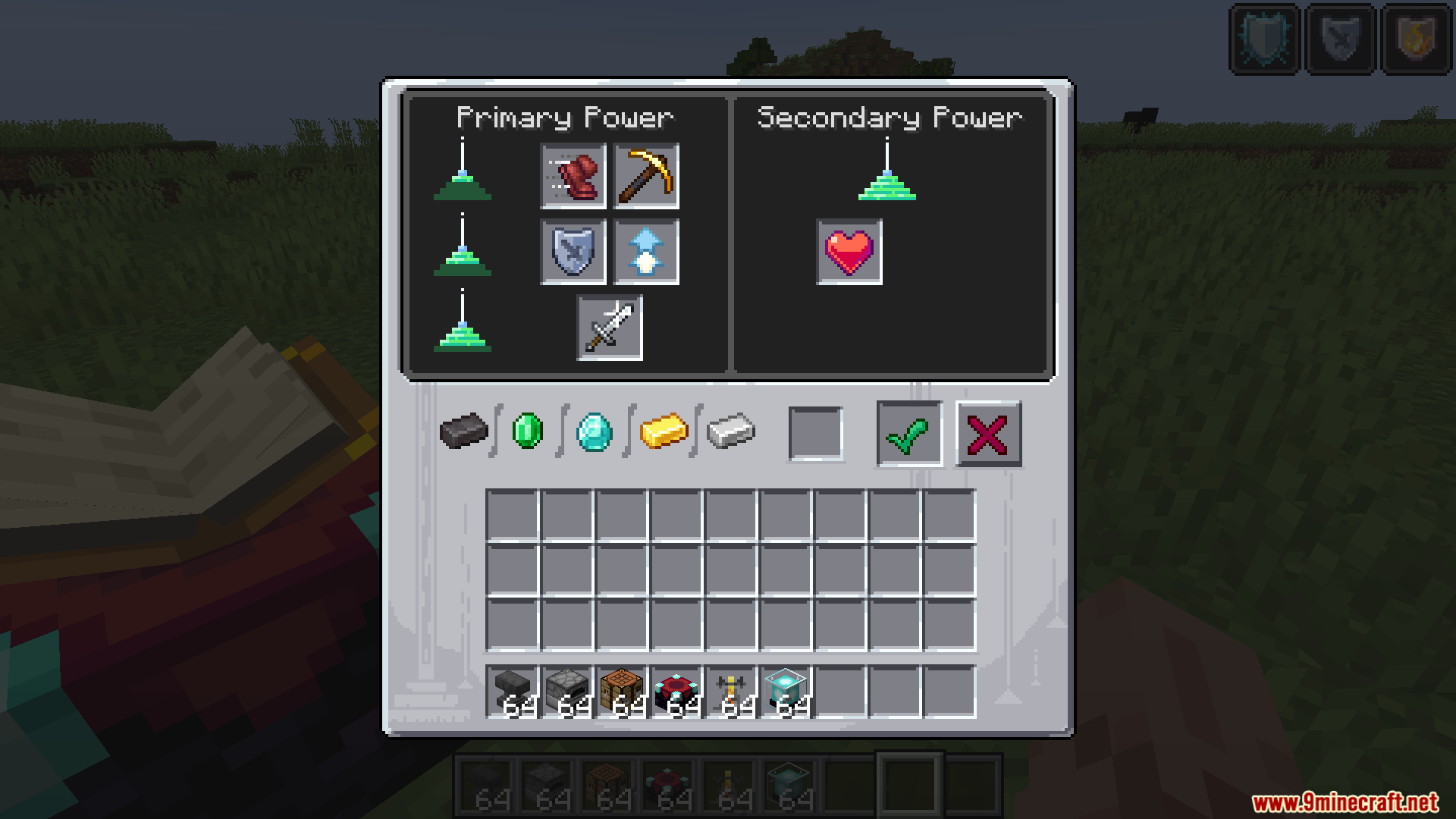
11 images from the Gui Retextures Resource Pack page.
You May Also Like
Wikis that share the most with this one
Retextures O’ Plenty Texture Pack Resource PackGray’s Villager Overhaul Resource PackGray’s Mob Overhaul X Fresh Animations Resource PackGreek Mythology Mash Up Resource PackGrey64 S Animated Items Resource PackGroot Totem of Undying Resource PackGrowy Forest Resource PackGUI NightStylized Resource PackGUI PurpleOLED Resource PackGUI Revision Compats Resource PackGUI Revision Dark Resource PackGUI Revision+ Resource Pack
More resource pack wikis on the site
Gray’s Monster Overhaul Resource PackGravel GUI Resource PackGrass Overhaul PT BR Translation Resource PackGrass Clovers Resource PackGradient Clouds Resource PackGothiclilys Glass Pack Resource PackGothiclilys Doors Resource PackGothic Medieval RPG Font Resource PackGordibuenas Textures X64 Resource PackGood Lookin Ground Resource PackGolem Girl Resource PackGolden Enchanted Glint Resource Pack
The most downloaded mods that have a wiki here
A few wikis from each of the other kinds