

 DownloadGUI PurpleOLED Resource Pack
Get the files on 9Minecraft
Guides
Step-by-step, in-game.
Adapt the Resource Pack for AccessibilityIncrease Overall Brightness if Needed If the deep OLED blacks feel too dark for your vision, slightly lighten the…Adjust Button Hover and Click EffectsFind Button Texture Files Open the resource pack and navigate to assets/minecraft/textures/gui . Look for files named…Customize Purple Accent Colors in Your UILocate the Resource Pack Files Navigate to your resource pack folder and open the GUI PurpleOLED pack directory. Look…Make Text More Readable in Dark Menu AreasIdentify Problem Areas Open menus where text feels hard to read—typically tooltips, item names in inventories, or…
Frequently asked questions
How do I apply this resource pack to my game?
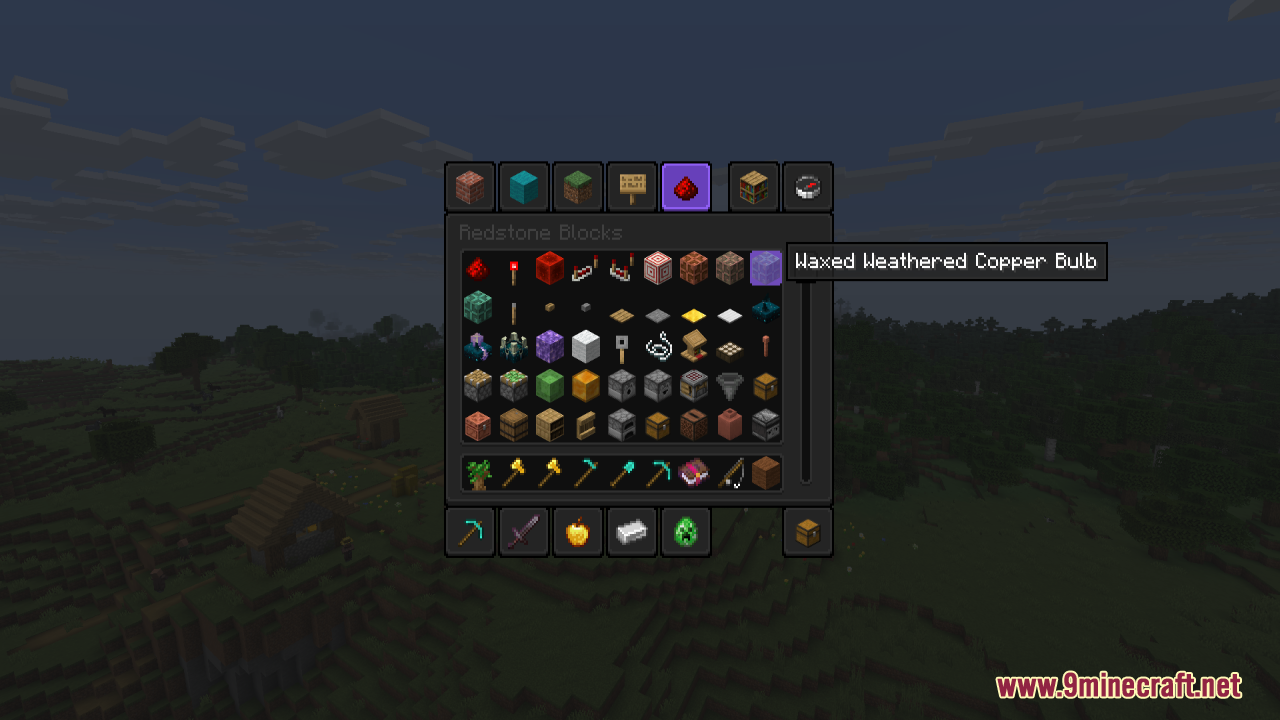
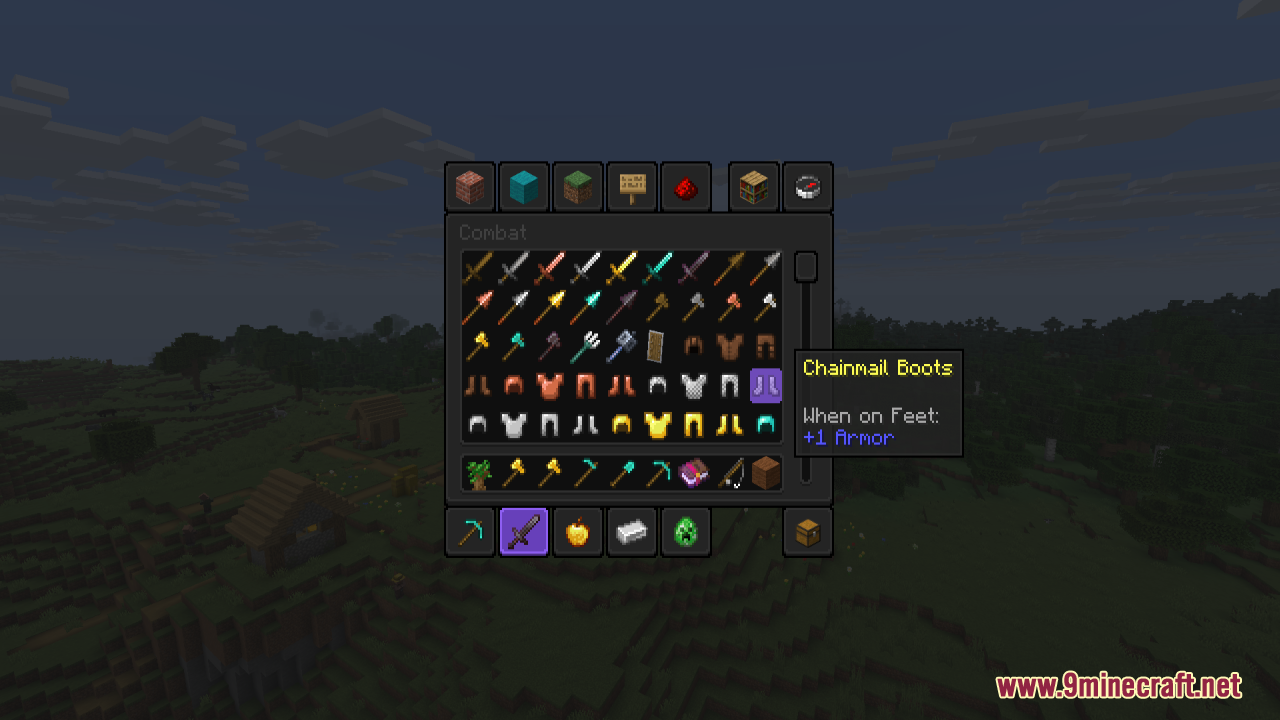
Place the GUI PurpleOLED Resource Pack folder into your resourcepacks directory, then open the Resource Packs menu in Minecraft settings and move it from Available to Active. The purple theme will apply immediately to all menus and UI elements.
Will this resource pack affect my game performance?
No, GUI PurpleOLED is lightweight and only retextures UI elements without adding extra models or particles. You should see no performance impact on recent Java versions.
Can I use this with other resource packs?
Yes, but resource pack order matters—place GUI PurpleOLED above any packs that also modify menus if you want the purple theme to take priority. Packs that only change blocks or mobs won't conflict.
The purple is too dark and I can't read text in menus—how do I fix this?
Check the guide on making text more readable in dark menu areas, which covers adjusting contrast and enabling text shadows. You can also customize the purple accent colors to use lighter shades if needed.
See all 10 GUI PurpleOLED questions ›
Gallery
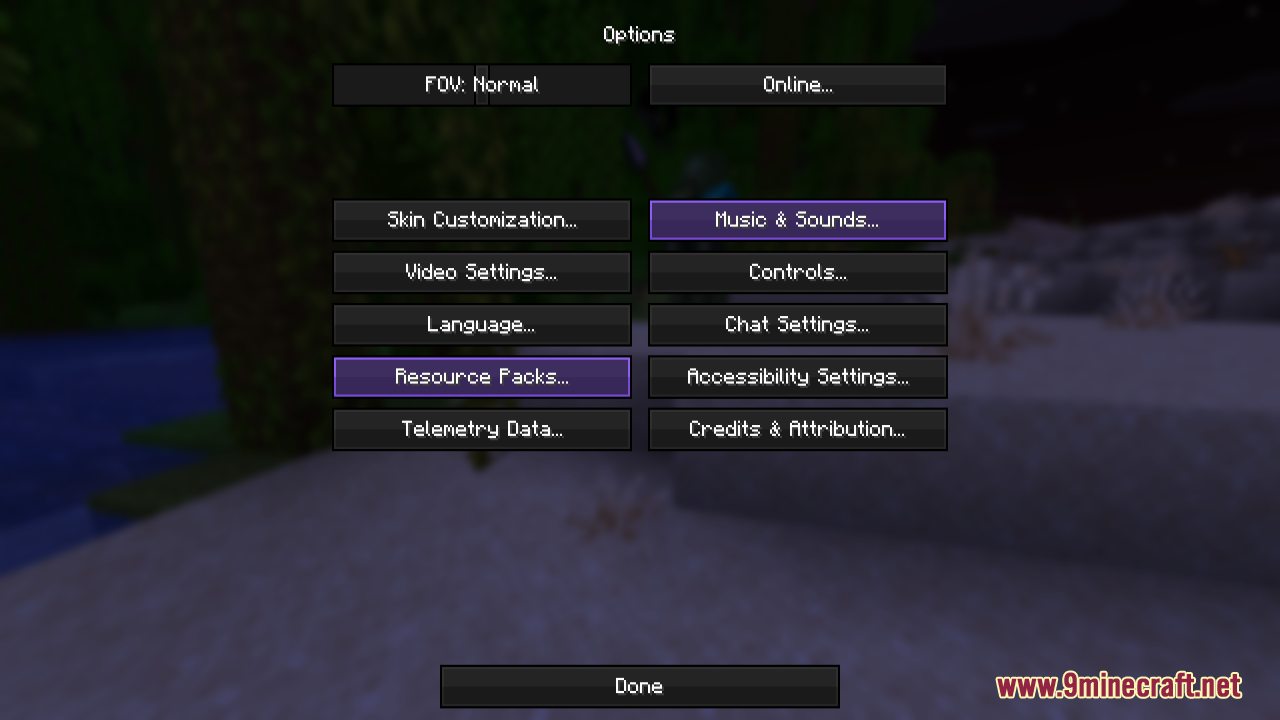
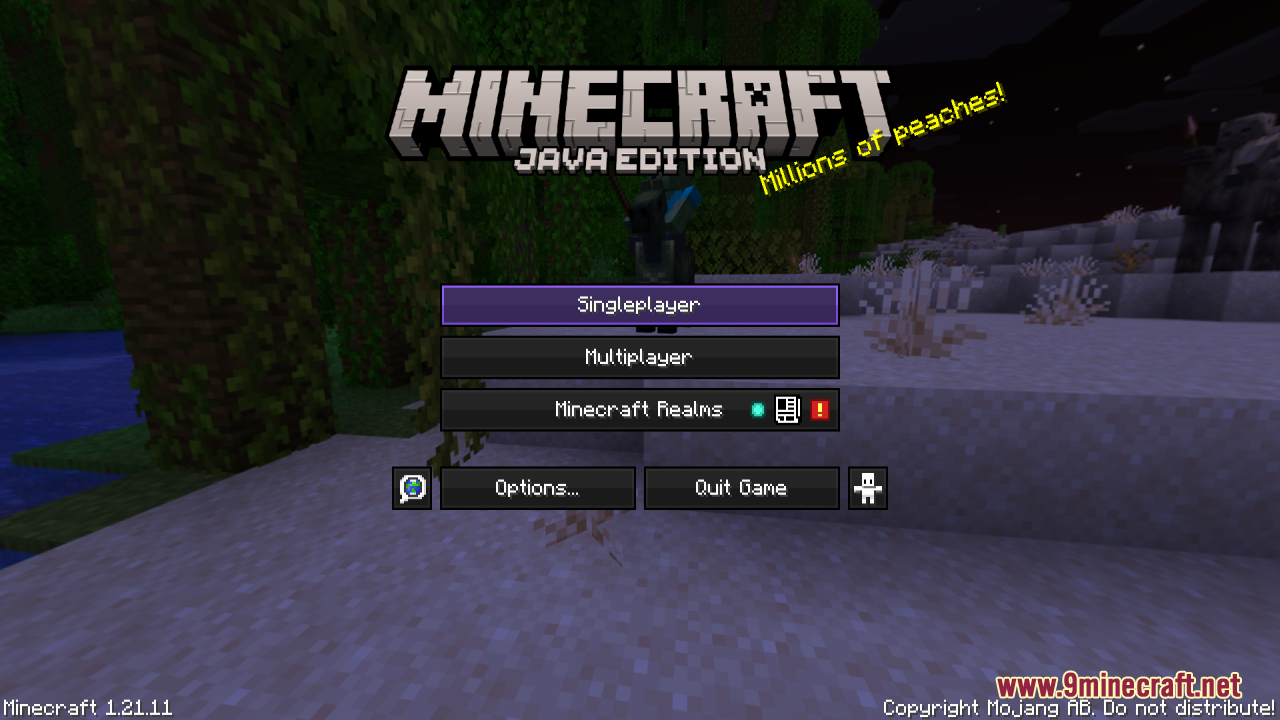
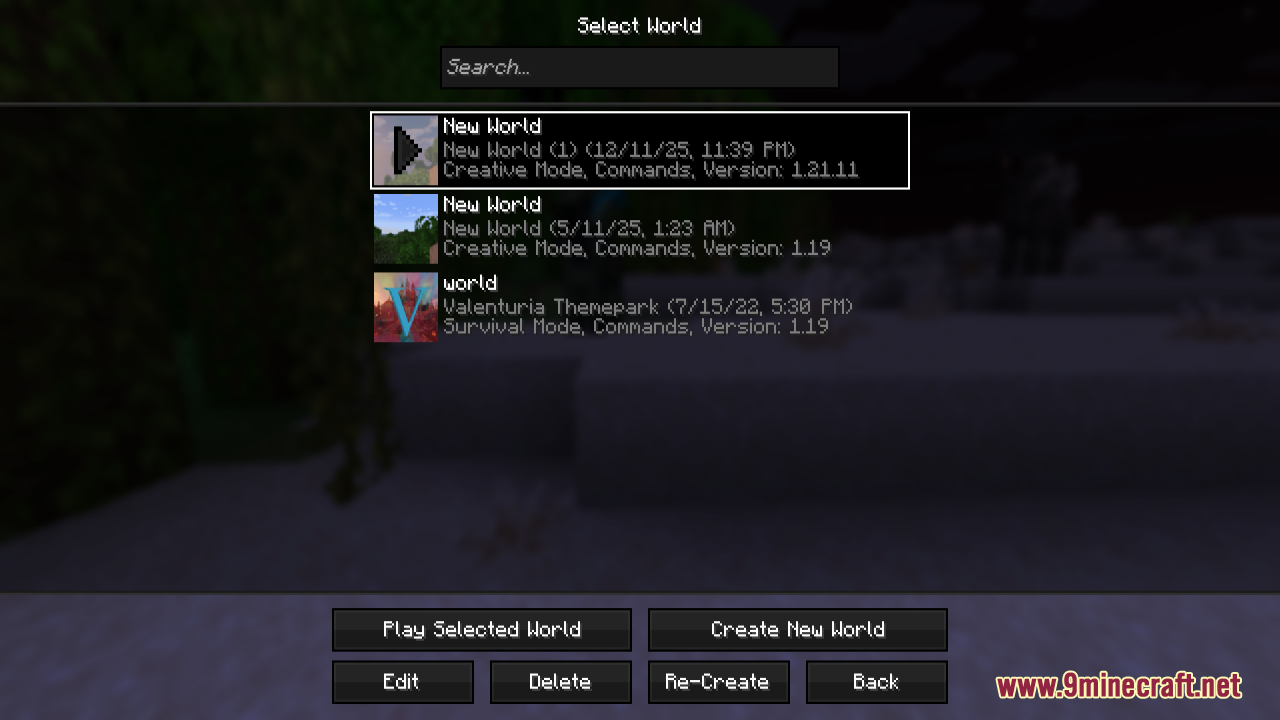
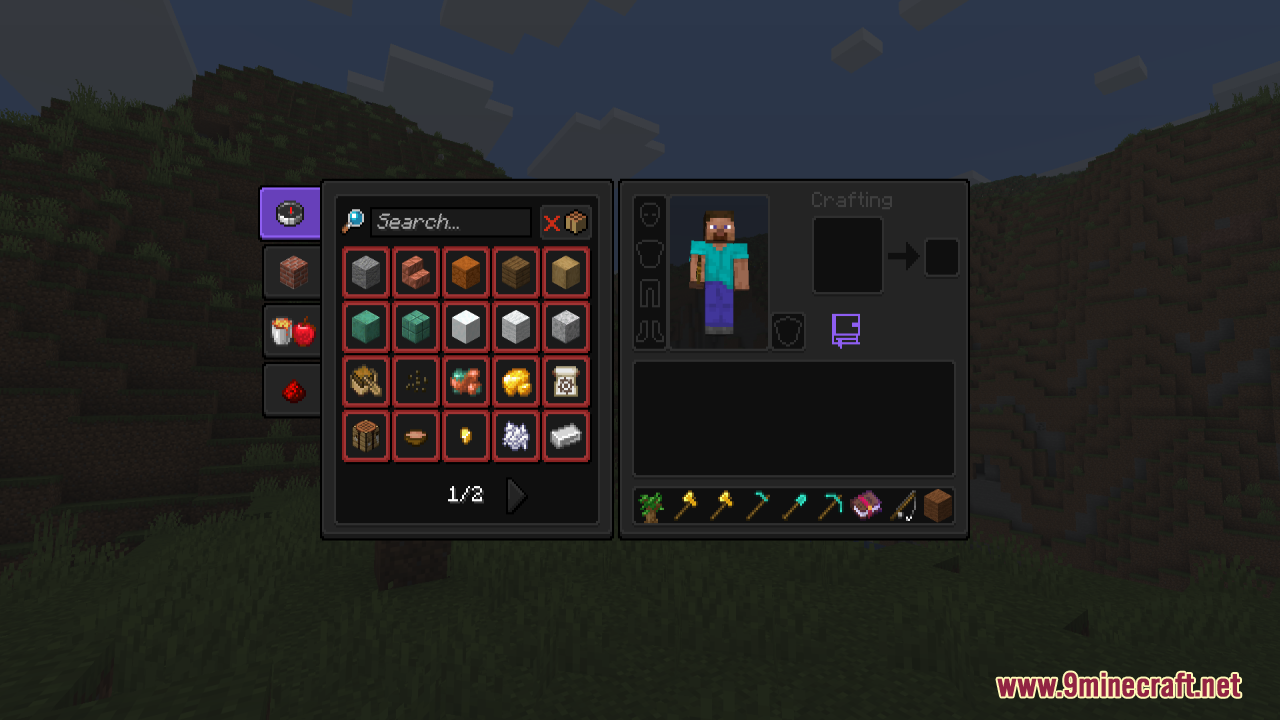
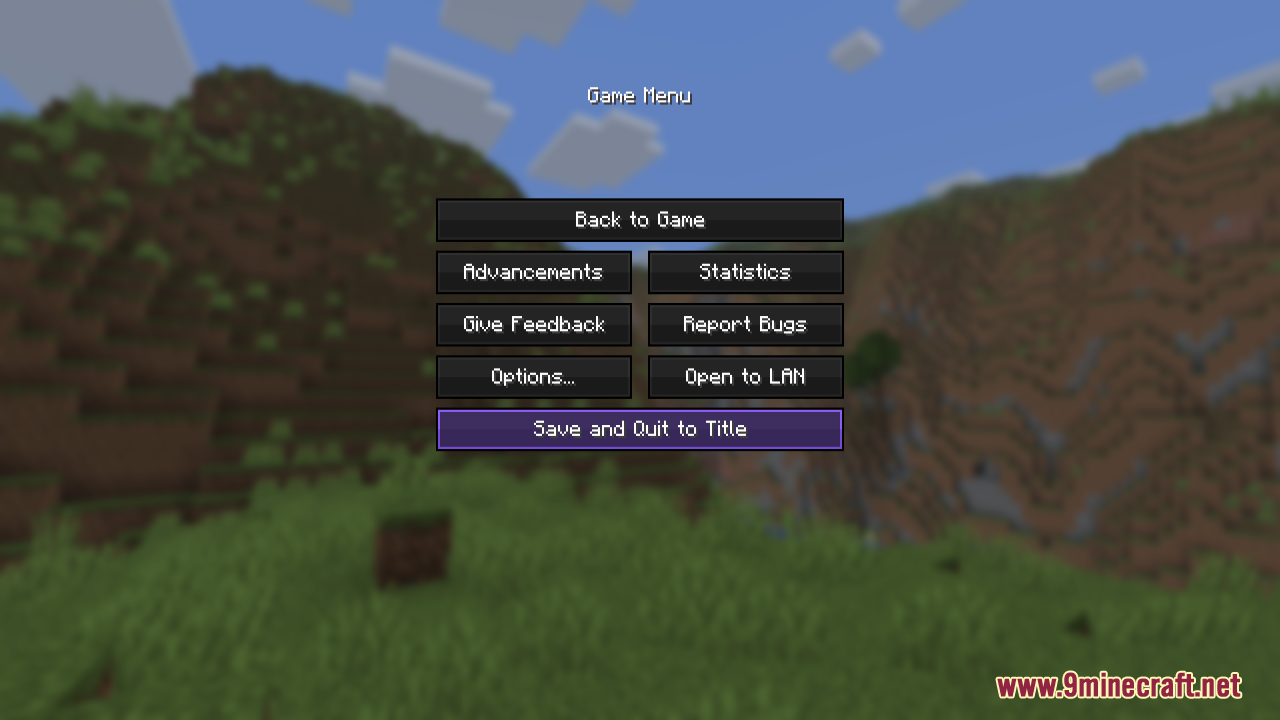
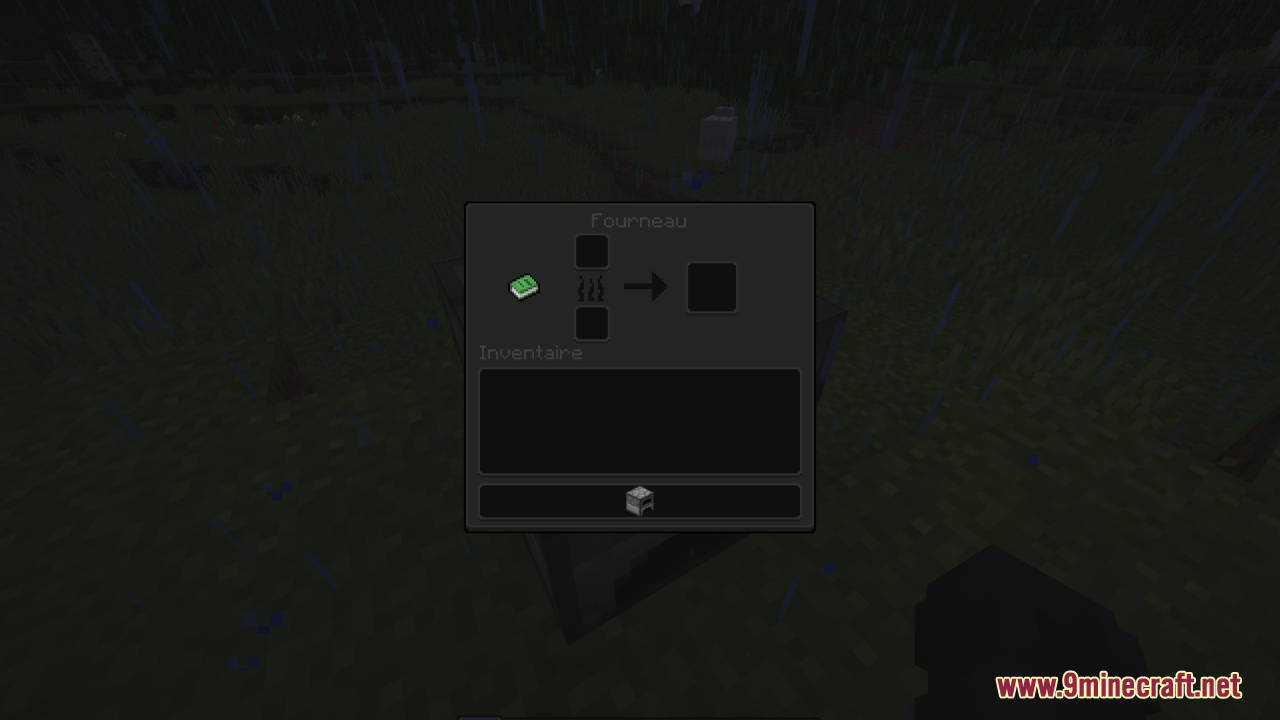
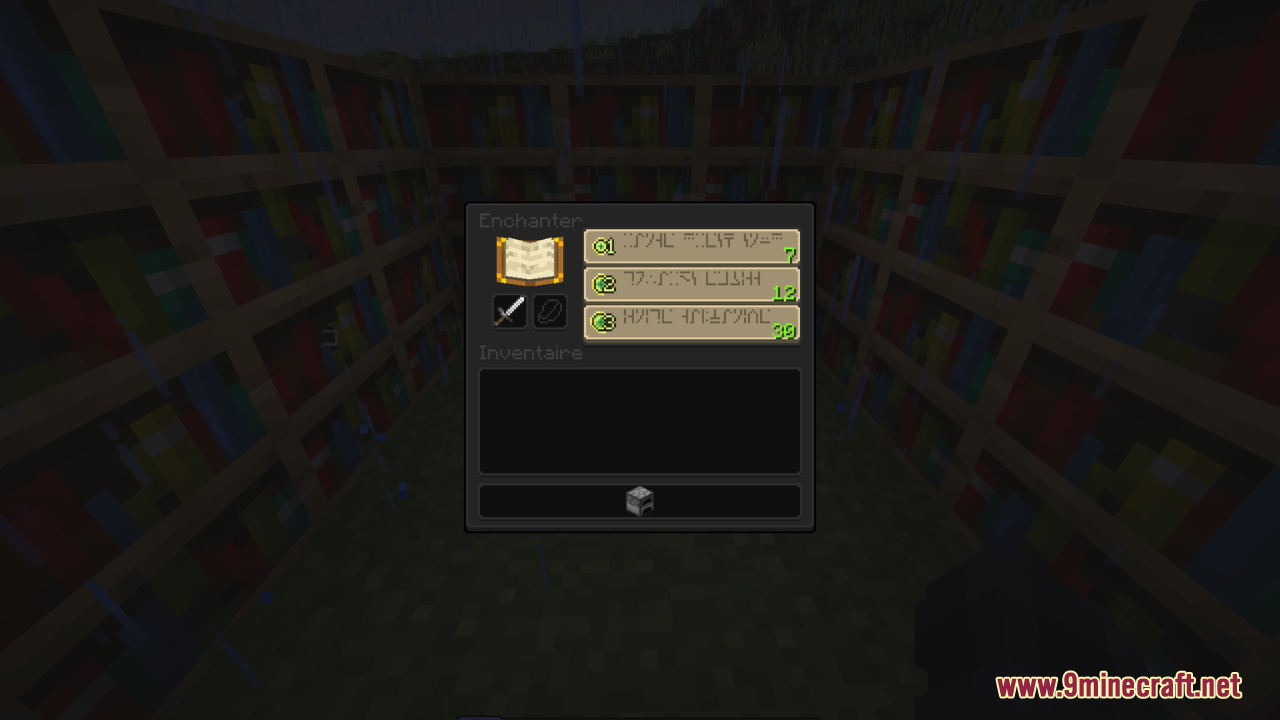
12 images from the Gui Purpleoled Resource Pack page.
You May Also Like
Wikis that share the most with this one
Gray’s Monster Overhaul Resource PackGray’s Villager Overhaul Resource PackGray’s Mob Overhaul X Fresh Animations Resource PackGreek Mythology Mash Up Resource PackGrey64 S Animated Items Resource PackGroot Totem of Undying Resource PackGrowy Forest Resource PackGUI NightStylized Resource PackGUI Retextures Resource PackGUI Revision Compats Resource PackGUI Revision Dark Resource PackGUI Revision+ Resource Pack
More resource pack wikis on the site
Gravel GUI Resource PackGrass Overhaul PT BR Translation Resource PackGrass Clovers Resource PackGradient Clouds Resource PackGothiclilys Glass Pack Resource PackGothiclilys Doors Resource PackGothic Medieval RPG Font Resource PackGordibuenas Textures X64 Resource PackGood Lookin Ground Resource PackGolem Girl Resource PackGolden Enchanted Glint Resource PackGolden Days Resource Pack
The most downloaded mods that have a wiki here
A few wikis from each of the other kinds