

 DownloadGradient Clouds Resource Pack
Get the files on 9Minecraft
Guides
Step-by-step, in-game.
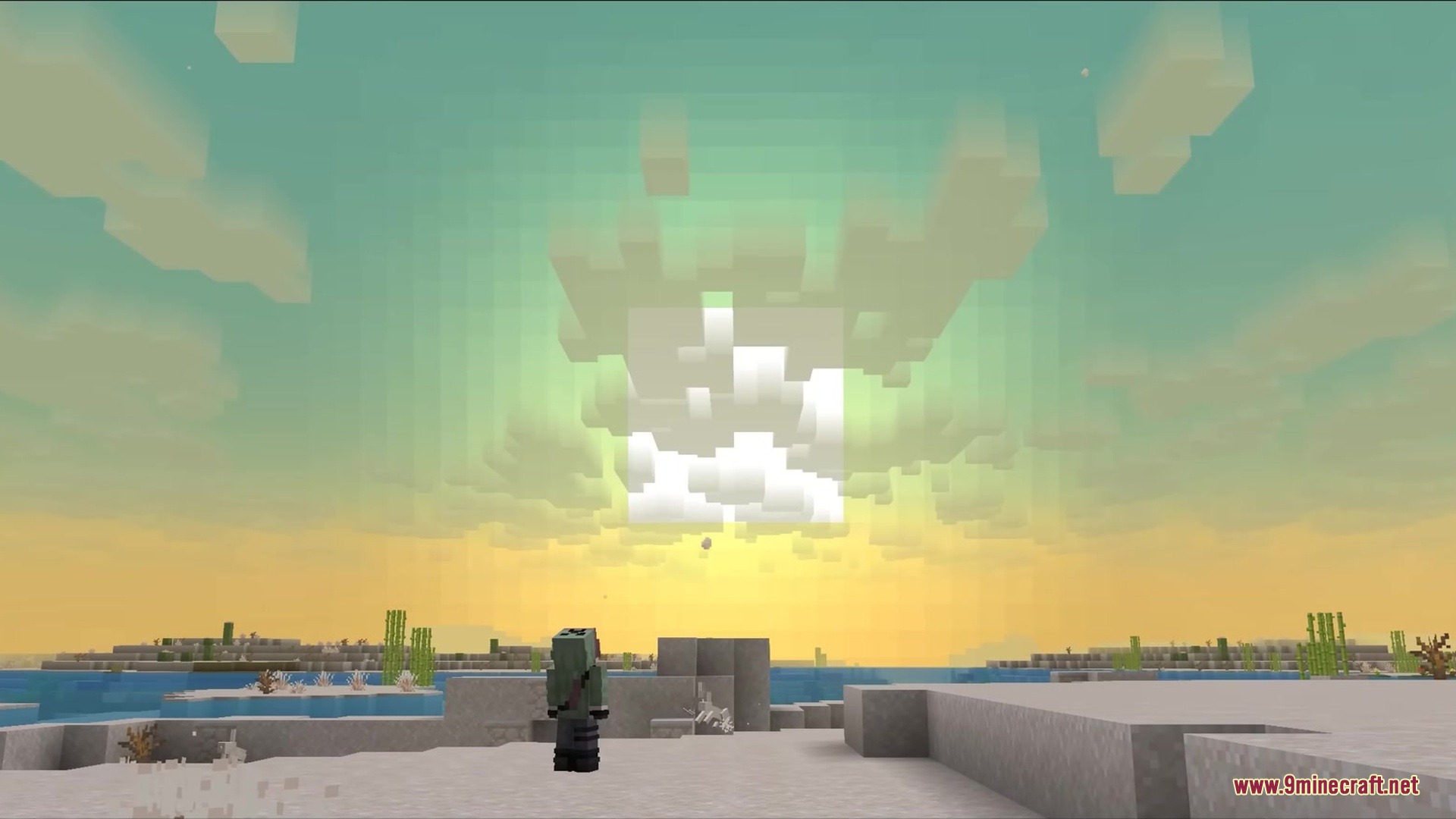
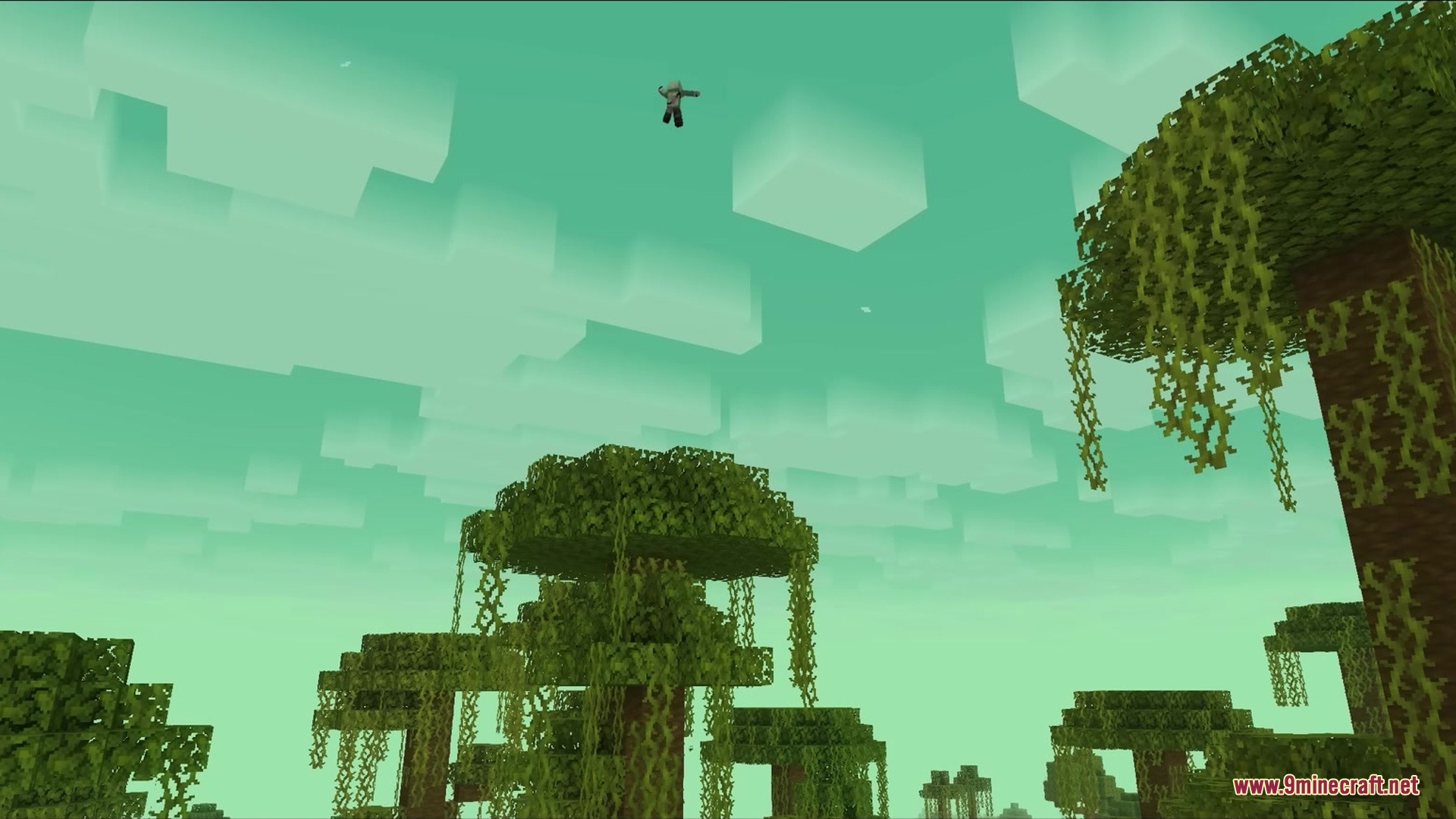
Appreciate Gradient Clouds in Different Biomes and Times of DayVisit Multiple Biomes The gradient effect looks different depending on your environment and lighting conditions. The…Enable Gradient Clouds in Your WorldCheck Your Video Settings Gradient Clouds only work when clouds are set to Fancy mode. This is essential—without it,…Experience the Flip Effect When Flying Above CloudsFly Into the Cloud Layer One of the pack's best features is how the gradient automatically flips when you change your…Troubleshoot Missing or Incorrect Gradient EffectsConfirm Fancy Clouds Are Enabled If you're not seeing the gradient fade effect, the most common cause is that clouds…
Frequently asked questions
Why don't I see the gradient effect on my clouds?
Make sure your video settings have clouds set to "Fancy" instead of "Fast" — the gradient effect only works with Fancy clouds. Also check that you're using vanilla rendering, as this pack doesn't work with Sodium or other incompatible rendering mods.
Do I need to enable shaders in my settings?
No, you don't need to install or enable a separate shader pack. The gradient effect uses core shaders that are built into the resource pack and work automatically once installed.
What happens when I fly above the clouds?
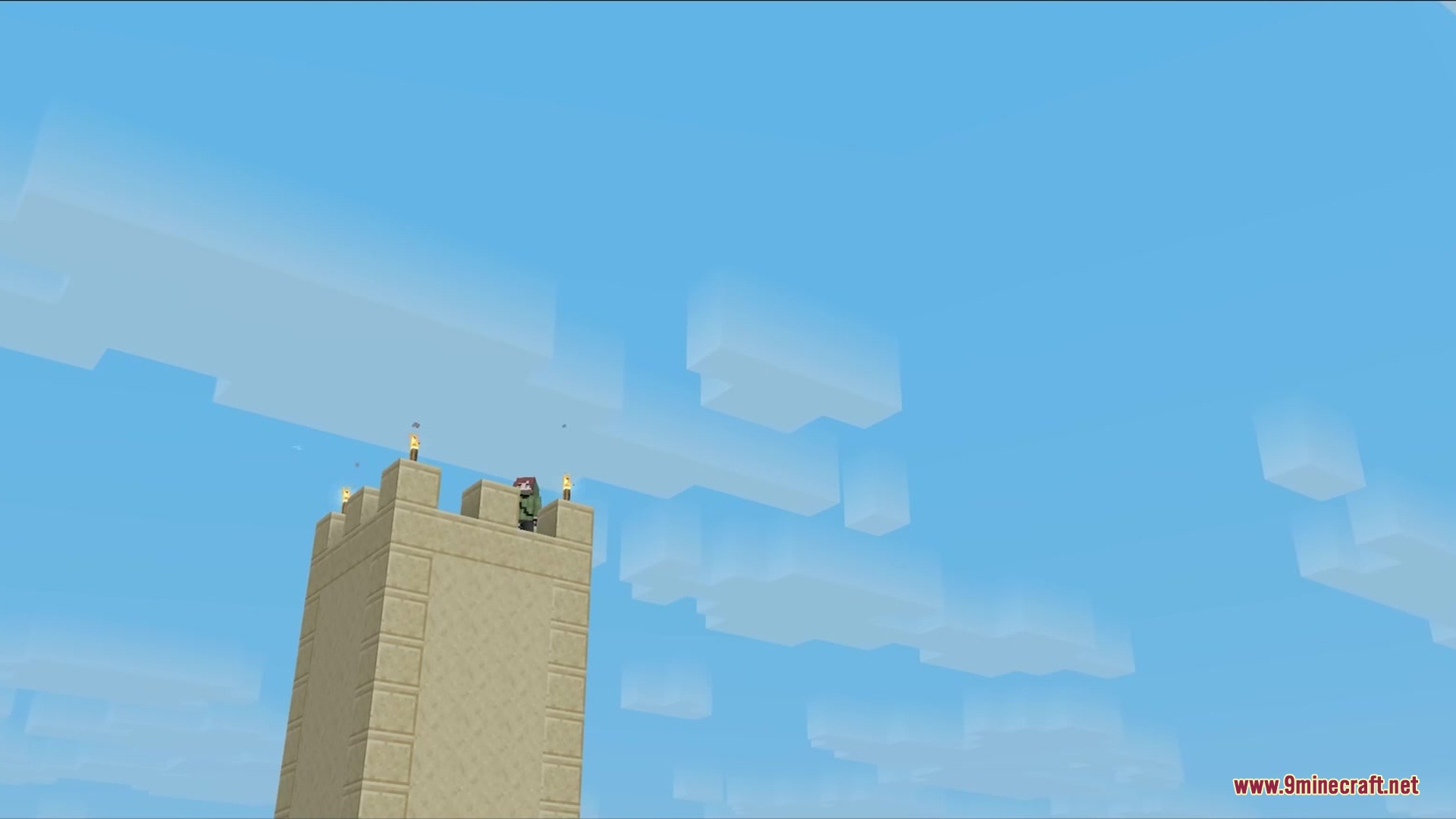
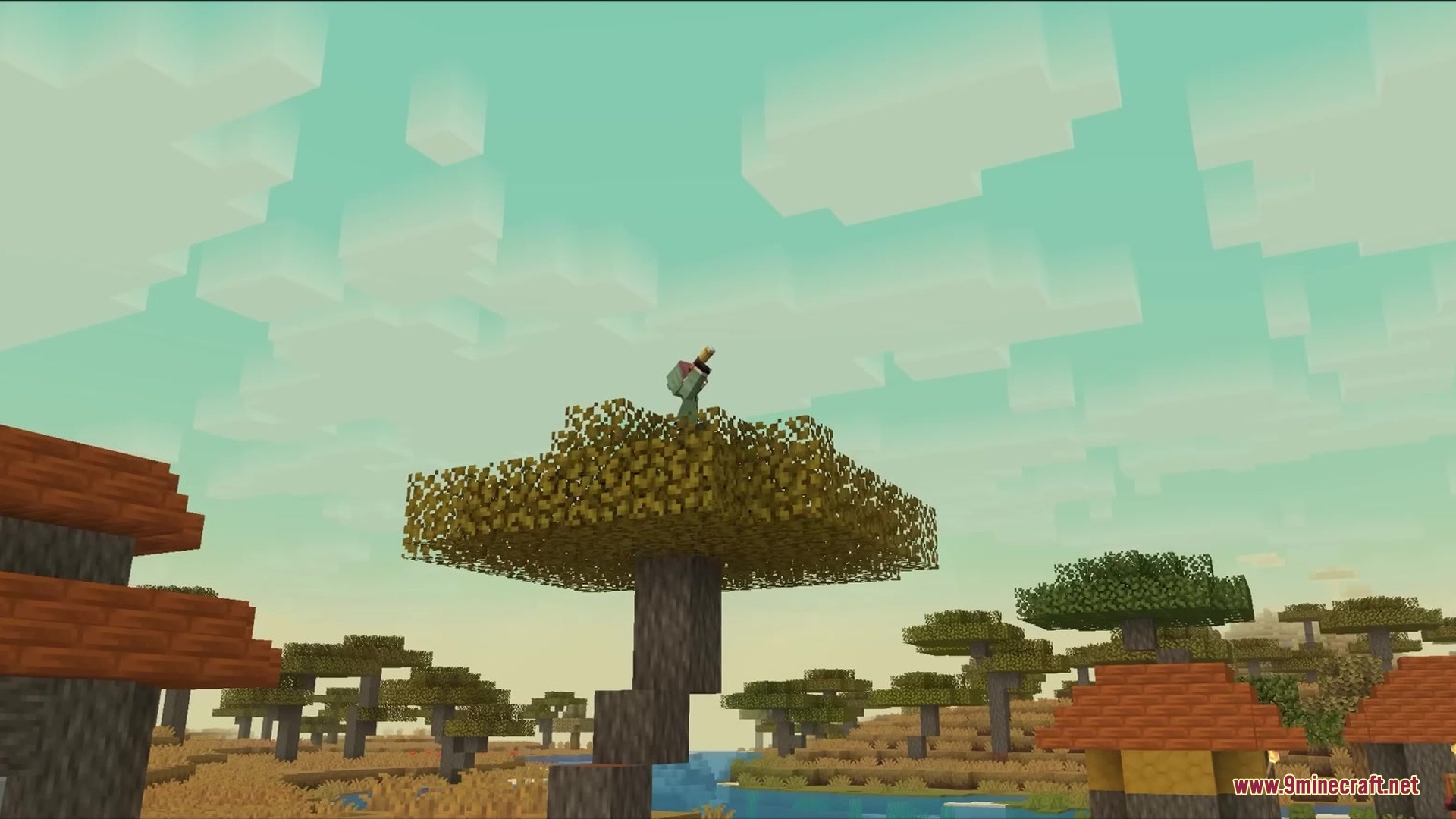
The gradient flips automatically — instead of fading from solid to clear going upward, it reverses so the top of the clouds stays solid and the bottom fades to clear, keeping the effect visually consistent from above.
Can I use this with Sodium?
No, this pack relies on vanilla core shaders which Sodium doesn't support. You'll need to use vanilla rendering or another compatible renderer.
See all 10 Gradient Clouds questions ›
Gallery
5 images from the Gradient Clouds Resource Pack page.
You May Also Like
Wikis that share the most with this one
Better Clouds ModLower Clouds ShadersHead In The Clouds ModFeather Gradient ShadersStory Mode Clouds Resource PackClimate Clouds Storms TechnologyFluffy Fancy Clouds Resource PackSuper Fancy Clouds Refabricated ModClouds Pack Relaunched Resource PackAutumn’s Realistic Clouds Resource PackSuper Fancy Clouds Refabricated by Rivmun ModGolden Days Resource Pack
More resource pack wikis on the site
Gothiclilys Glass Pack Resource PackGothiclilys Doors Resource PackGothic Medieval RPG Font Resource PackGordibuenas Textures X64 Resource PackGood Lookin Ground Resource PackGolem Girl Resource PackGolden Enchanted Glint Resource PackGoety Summons Resource PackGlowy Nether Portals Resource PackGlowing Trim Weapon & Tools Resource PackGlowing Trim Ultimate Resource PackGlowing Trim Totem Resource Pack
The most downloaded mods that have a wiki here
A few wikis from each of the other kinds