

 DownloadBetter Clouds Mod
Get the files on 9Minecraft
Guides
Step-by-step, in-game.
How to Change Cloud Style and Density in Better CloudsBetter Clouds replaces the flat vanilla cloud layer with volumetric, height-based clouds, and almost everything you…How to Configure Better Clouds Per World or ServerBetter Clouds is client-side, so its settings follow you everywhere rather than being stored in a world. That is…How to Fix Clouds Not Showing or Looking Wrong with Better CloudsIf the sky is empty, the clouds look blocky, or they vanish when you fly, the cause is almost always a conflict or a…How to Make Better Clouds Look Realistic Without Hurting FPSVolumetric clouds are heavier than vanilla's flat layer, so the goal is to find the heaviest look your machine holds…
Configuration
Every setting in the mod config file, with what it changes.
| Option | What it does |
|---|---|
cloudOverrideAlways Render Clouds | Render clouds regardless of the shader pack settings |
appearance | Appearance |
bottomColorBottom Color | (Blaze3D renderer only) The bottom of the clouds transitions towards this color |
bottomSparsityBottom sparsity | The percentage of all cloud cubes that will generate with another cube placed in the same location at a lower height, to fill the missing bottom face of the cloud |
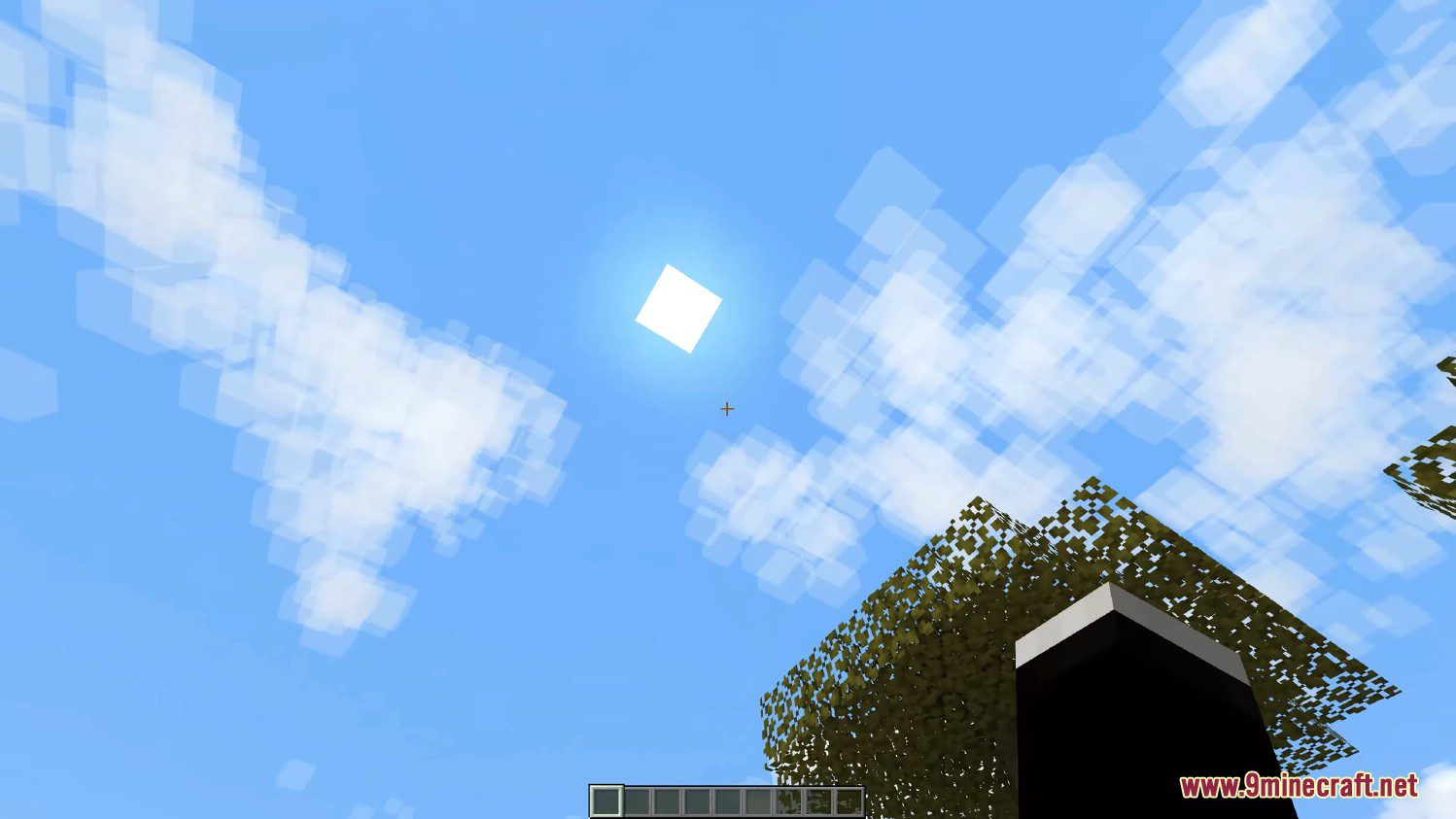
celestialBodyHaloCelestial Body Halo | A halo around the sun and moon, to simulate MIE scattering |
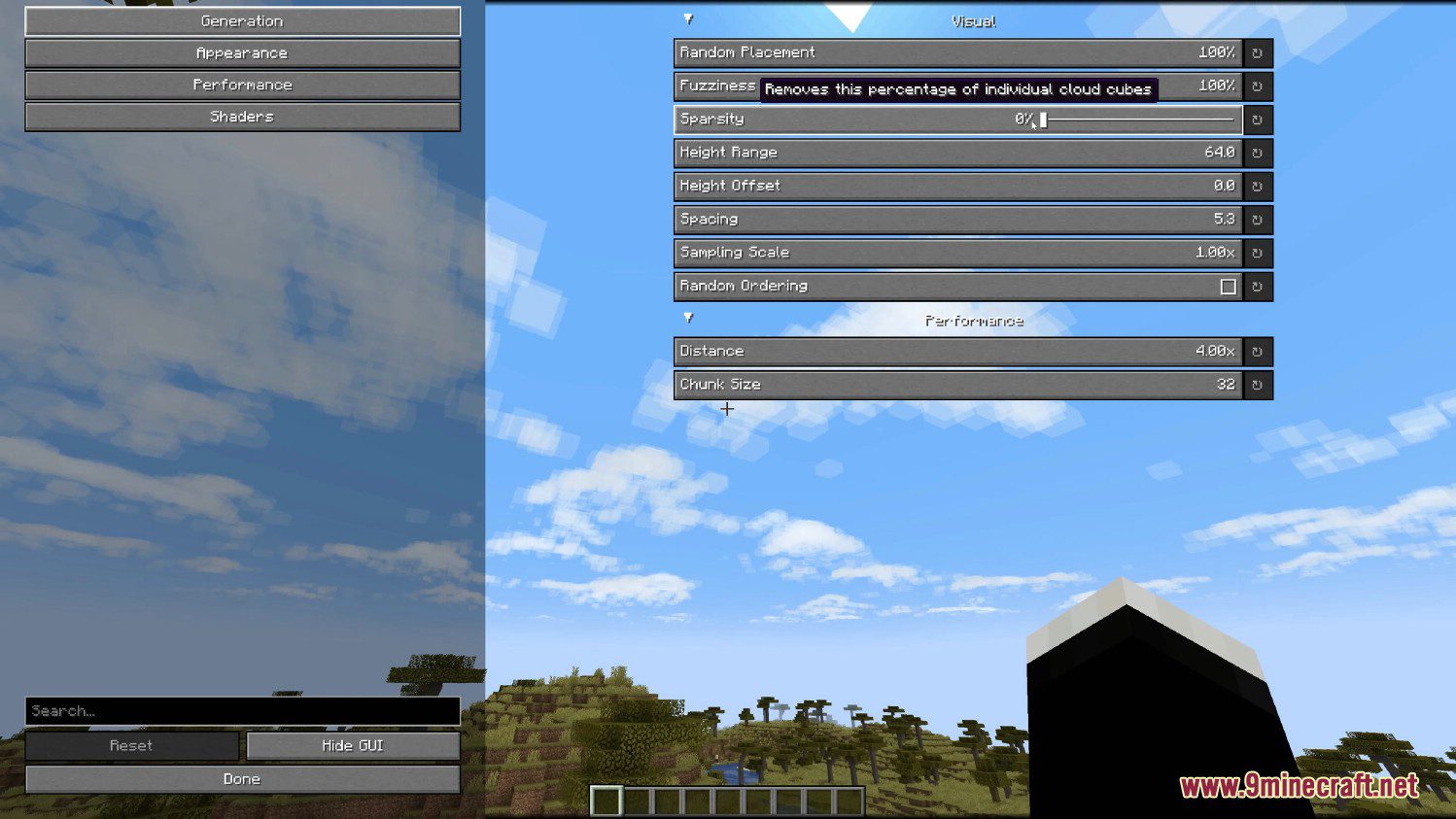
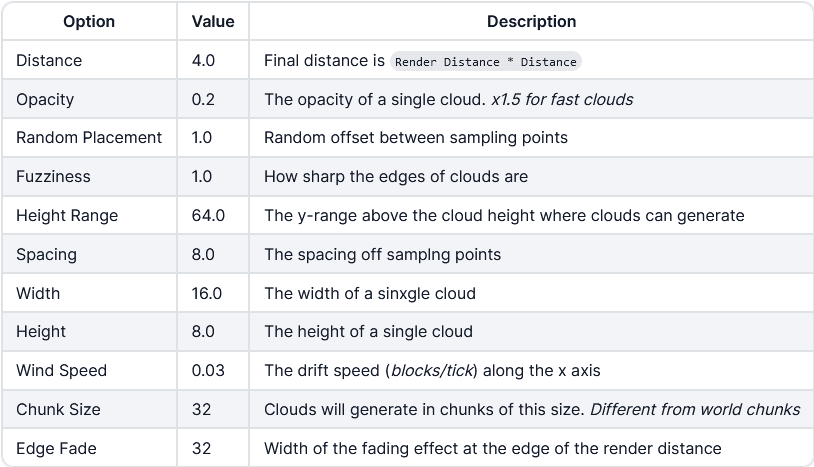
chunkSizeChunk Size | How many clouds are generated at once |
colorTransitionEndColor Transition End | This controls the percentage along the cloud height range where the bottom to top color transition finishes |
colorVariationFactorColor Variation Factor | How much the color of individual cloud cubes changes dynamically |
common | Common |
dayBrightnessDay Brightness | The brightness during daytime |
presetDescription | Description |
distanceDistance | A factor of the regular view distance |
fieldControlledByNoisePreset | Duplicate the currently selected noise preset to edit this option! |
fieldControlledByShaderPreset | Duplicate the currently selected shader preset to edit this option! |
enabledEnabled | Enable/Disable Better Clouds |
nearCloudFadeFade close clouds | (Blaze3D renderer only) Fade out clouds that are within 40 blocks of the camera |
fogEndFactorFog Distance Factor | Controls the fade-out end distance |
fogRangeFactorFog Transition Factor | Controls the fade-out range |
useFrustumCullingFrustum Culling | Culls clouds not visible to the camera |
fuzzinessFuzziness | How well defined the outline of clouds are |
gammaGamma | Affects the brightness and contrast Negative values represent 1/γ |
generation | Generation |
sizeYHeight | The height of an individual cloud cube |
yOffsetHeight Offset | Adjusts the y level of the clouds |
Frequently asked questions
How do I open the Better Clouds settings?
Open the mod list from the pause menu, select Better Clouds, and click the config button to reach its options screen. If your mod loader has a Mods button on the main menu, you can also get there without loading a world.
How do I turn the clouds off completely?
In the mod's config, disable cloud rendering or set the cloud mode to off, which hides the mod's clouds entirely. Note that vanilla's own cloud toggle in Video Settings is separate, so check both if clouds still appear.
Why do my clouds look flat or vanilla instead of the new style?
The mod's clouds only render when vanilla clouds are enabled in Video Settings, so turn those back on. Also make sure another cloud-altering mod or resource pack isn't overriding the renderer.
Can I use Better Clouds on a server with friends?
Yes, it's client-side, so you can join any server and only you will see the new clouds. Other players without the mod keep seeing vanilla clouds, and the server doesn't need to install anything.
See all 10 Better Clouds questions ›
Gallery
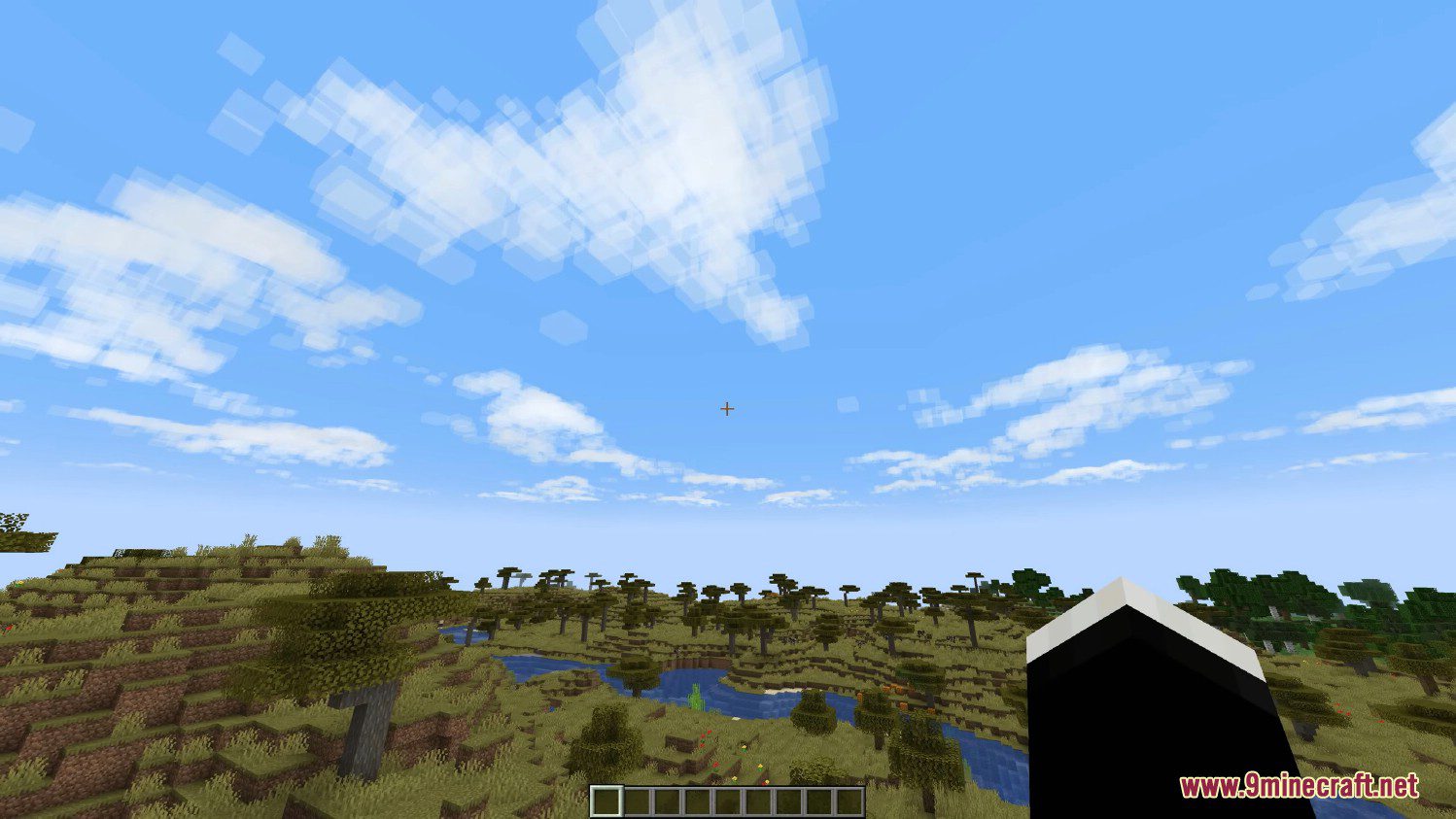
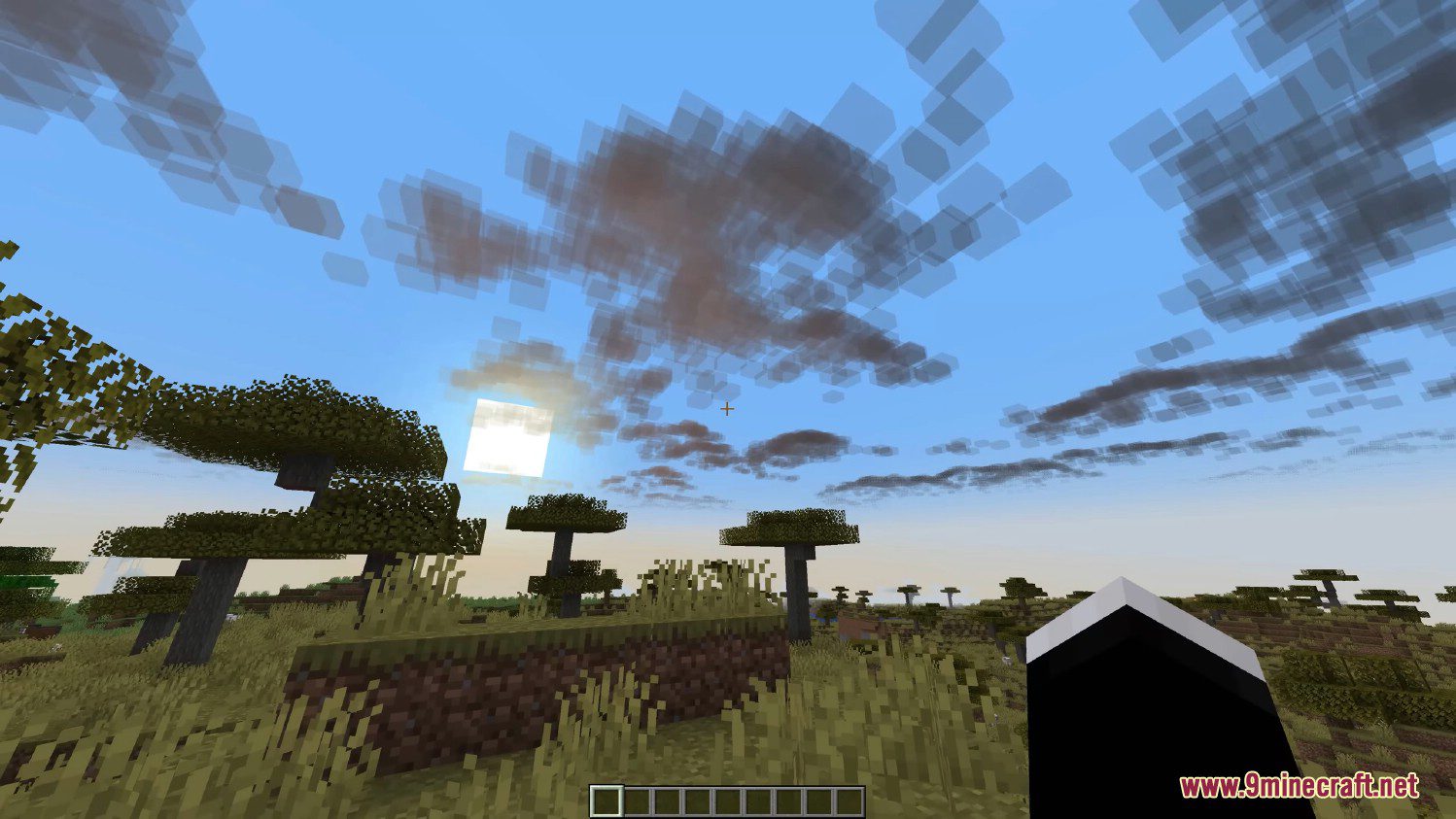
8 images from the Better Clouds Mod page.

You May Also Like
Wikis that share the most with this one
More mod wikis on the site
The most downloaded mods that have a wiki here
A few wikis from each of the other kinds