

 DownloadFaithless UI Resource Pack
Get the files on 9Minecraft
Guides
Step-by-step, in-game.
Customize Your Main Menu AppearanceMain Menu Updates Faithless UI replaces the default main menu background with a fresh image and adds a clear display…Navigate Menus with Cleaner, Smaller TextFont Improvements Faithless UI replaces Minecraft's default large, blocky fonts with a cleaner, smaller typeface.…Reduce Shield Obstruction in First-Person ViewThe Shield Problem When holding a shield in your off-hand, the vanilla model takes up a large portion of your screen,…See Your Surroundings While Managing InventoryWhy Your View Is Blocked By default, Minecraft's inventory screen covers your entire world. Faithless UI makes…
Frequently asked questions
How do I enable the resource pack after downloading it?
Open your Resource Packs folder in Minecraft settings, place the Faithless UI pack there, then select it from the available packs list and move it to the active side. Restart your game or go back to the main menu for changes to take effect.
Why can't I see my inventory items clearly?
Make sure the resource pack is actually active in your Resource Packs menu—it should appear in the right column, not the left. If it's active but items still look unclear, try moving it higher in the pack order by dragging it above other packs.
Does this work with other resource packs?
Yes, but pack order matters. Place Faithless UI lower in your active packs list (below other packs) so its changes don't override custom textures you want to keep from other packs.
Will this affect my performance or FPS?
No, this is a resource pack that only changes textures and UI appearance, not game mechanics or rendering. It should have no impact on your frame rate.
See all 10 Faithless UI questions ›
Gallery
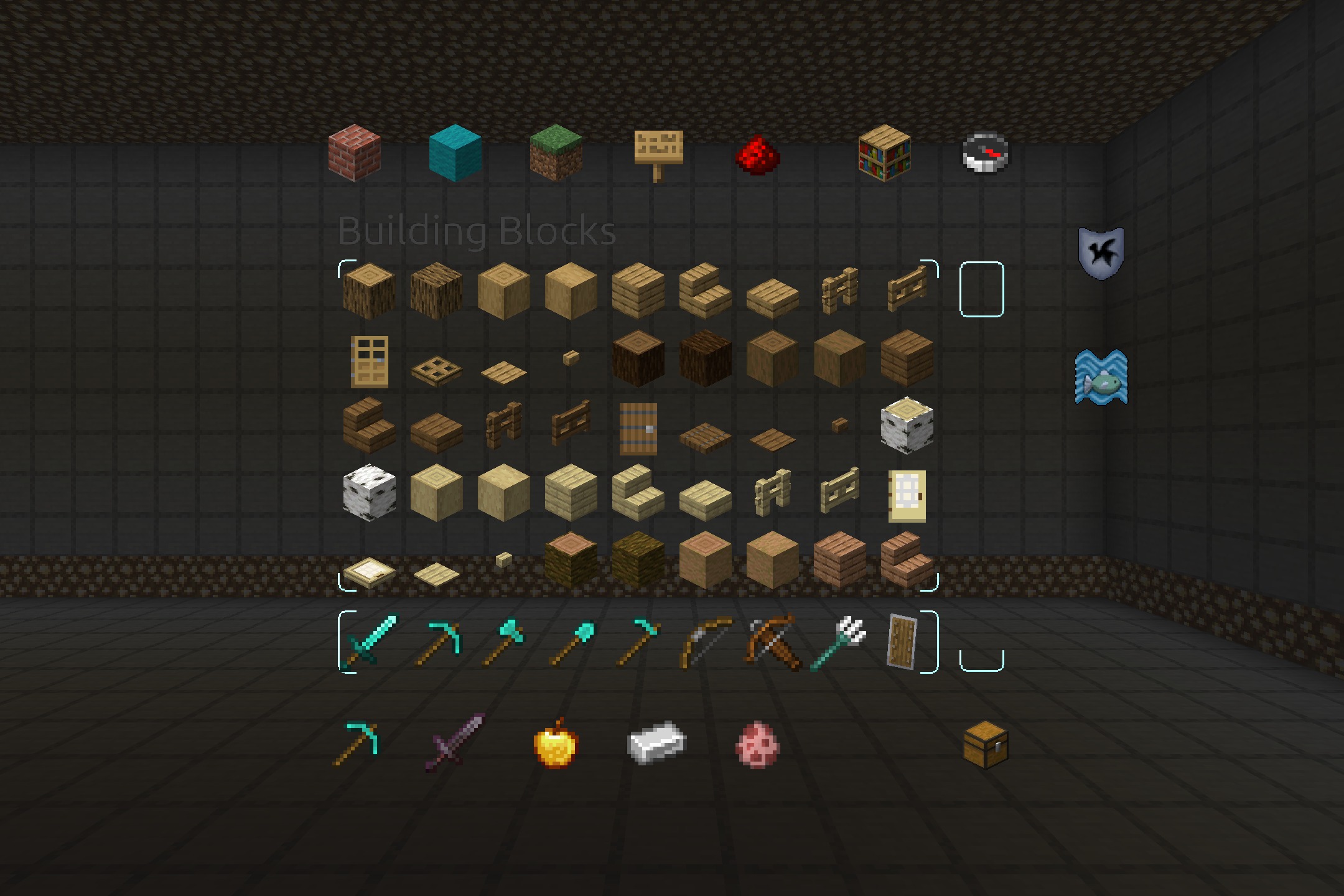
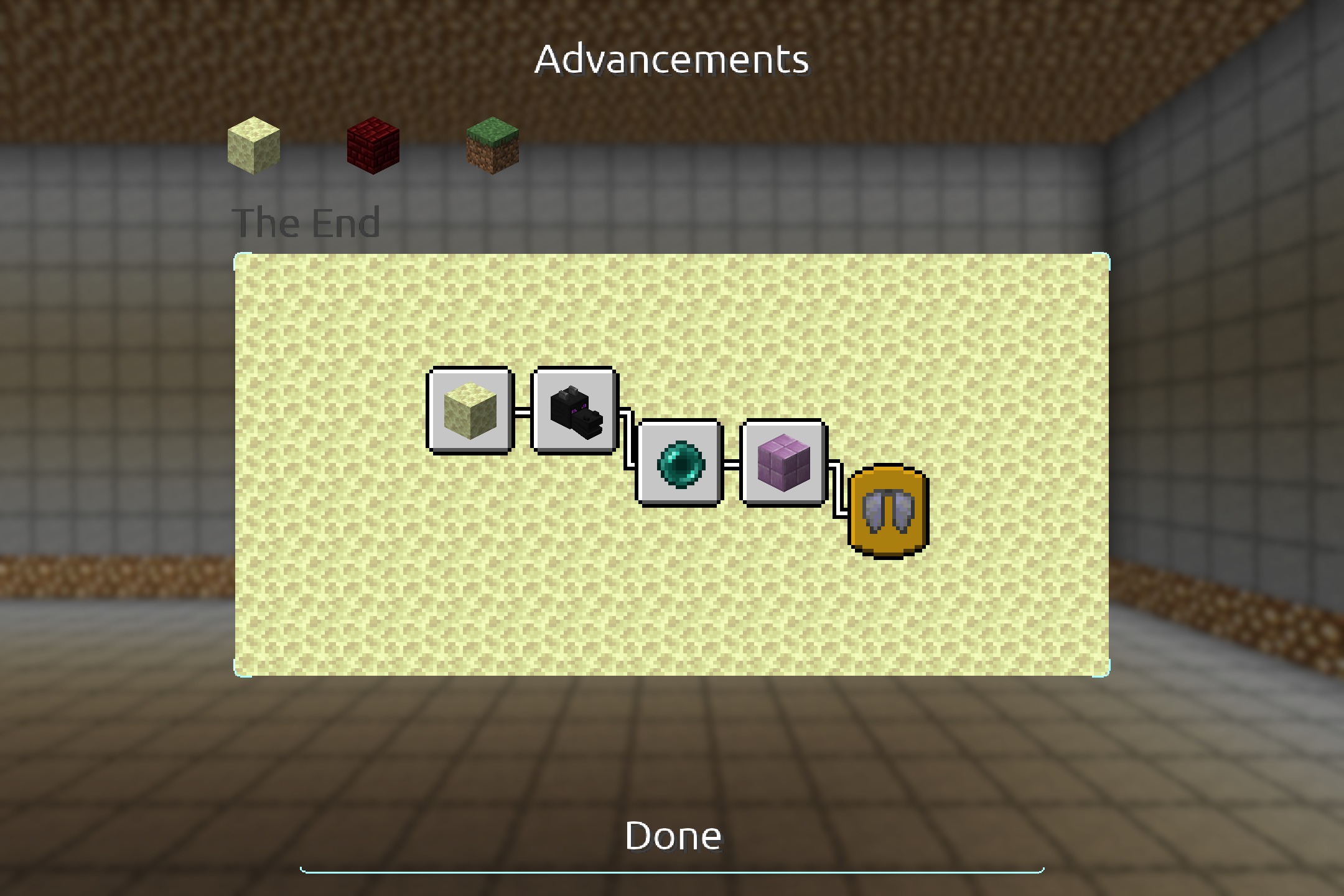
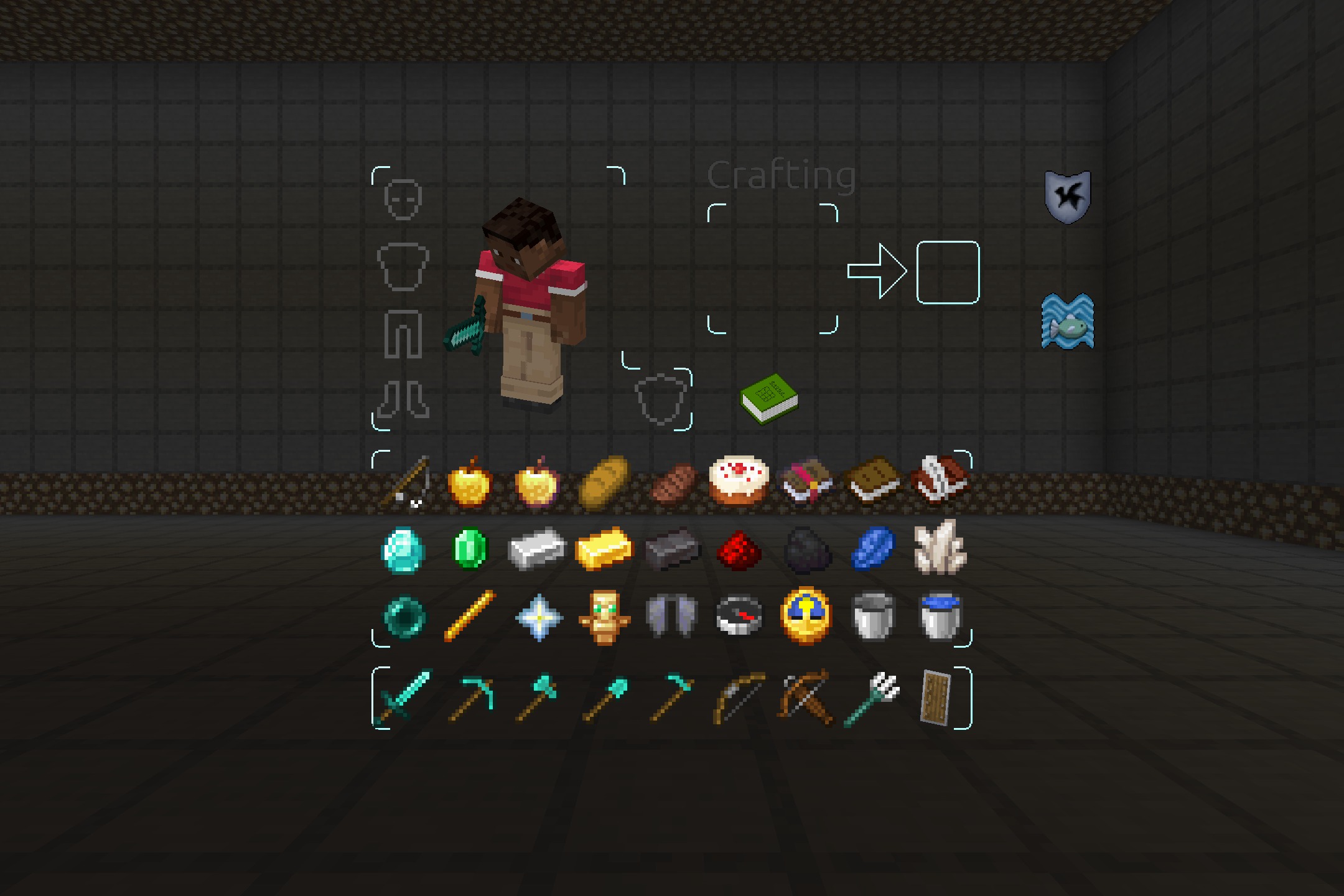
4 images from the Faithless Ui Resource Pack page.
You May Also Like
Wikis that share the most with this one
FaithlessFabulous 3D Resource PackFabulous Fences Resource PackFairy Wings Elytra Resource PackFaithful 32x Lower Grass Sides Resource PackFaithful 32x Modded Resource PackFaithful Pbr 256X Resource PackFaithful Resource PackFake Hardcore Heart Resource PackFake Shades Iterationt Resource PackFalse Hardcore Heart Resource PackFancy End End Aesthetic Overhaul Resource Pack
More resource pack wikis on the site
 Extra Data Models Trivia Resource PackExtended Illumina Resource PackExcalibur Sophisticated Support Resource PackExcaliburExcalibur Realm RPG Fallen Adventurers Support Resource PackExcalibur Lootr Support Resource PackExcalibur Just Enough Items JEI Support Resource PackExcalibur Just Enough Items JEI Support by Ruseki_ Resource PackExcalibur Friends and Foes Support Resource PackExcalibur Fresh Animations Patch Resource PackExcalibur Deeper and Darker Support Resource PackExcalibur Create Support Resource Pack
The most downloaded mods that have a wiki here
A few wikis from each of the other kinds