

 DownloadEugenes 3D Stuffs Resource Pack
Get the files on 9Minecraft
Contents (7)
Guides
Step-by-step, in-game.
Combining Eugene's 3D Stuffs with Other Resource PacksResource Pack Load Order When using multiple resource packs, load order determines which textures and models take…Ensuring All Items Render in 3DChecking Resource Pack Status Not all items may display in 3D if the resource pack isn't fully applied: 1. Open…Optimizing Performance with 3D Item ModelsUnderstanding Performance Impact 3D item models are more detailed than flat sprites, which can affect frame rates…Viewing 3D Items in Your InventoryHow Item Models Display With Eugene's 3D Stuffs installed, items in your inventory and hand will render as full 3D…
Items
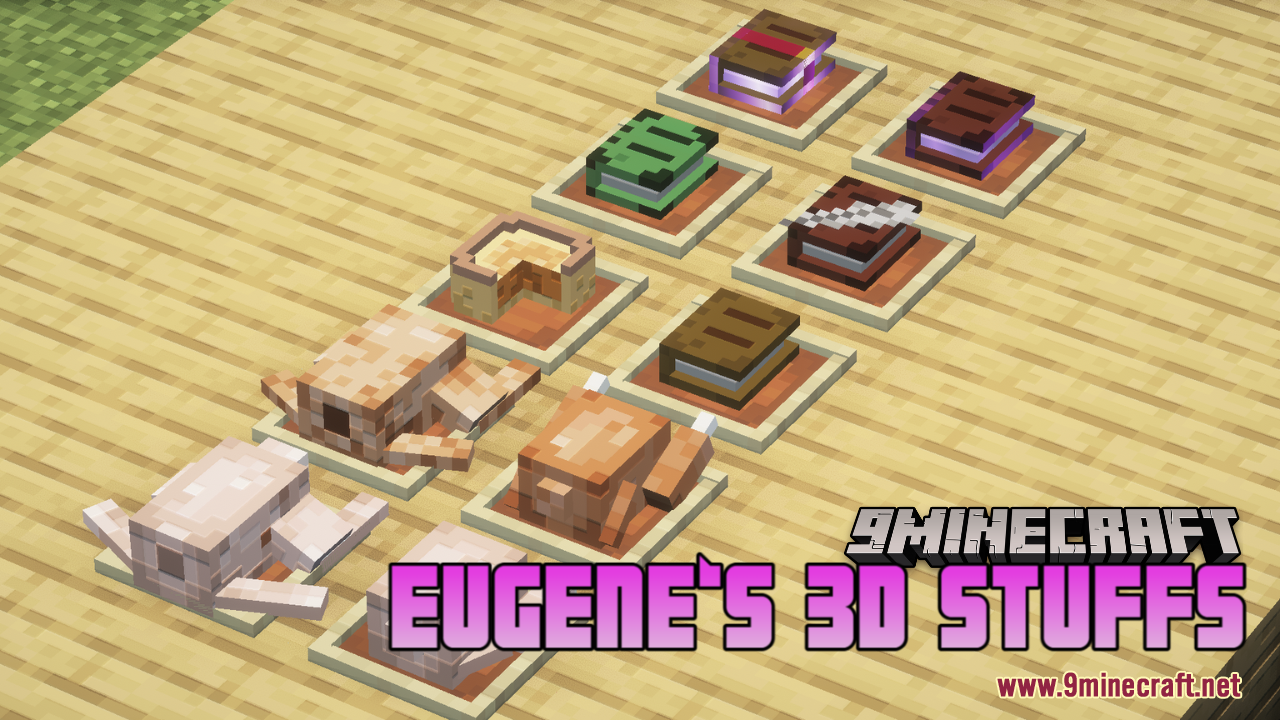
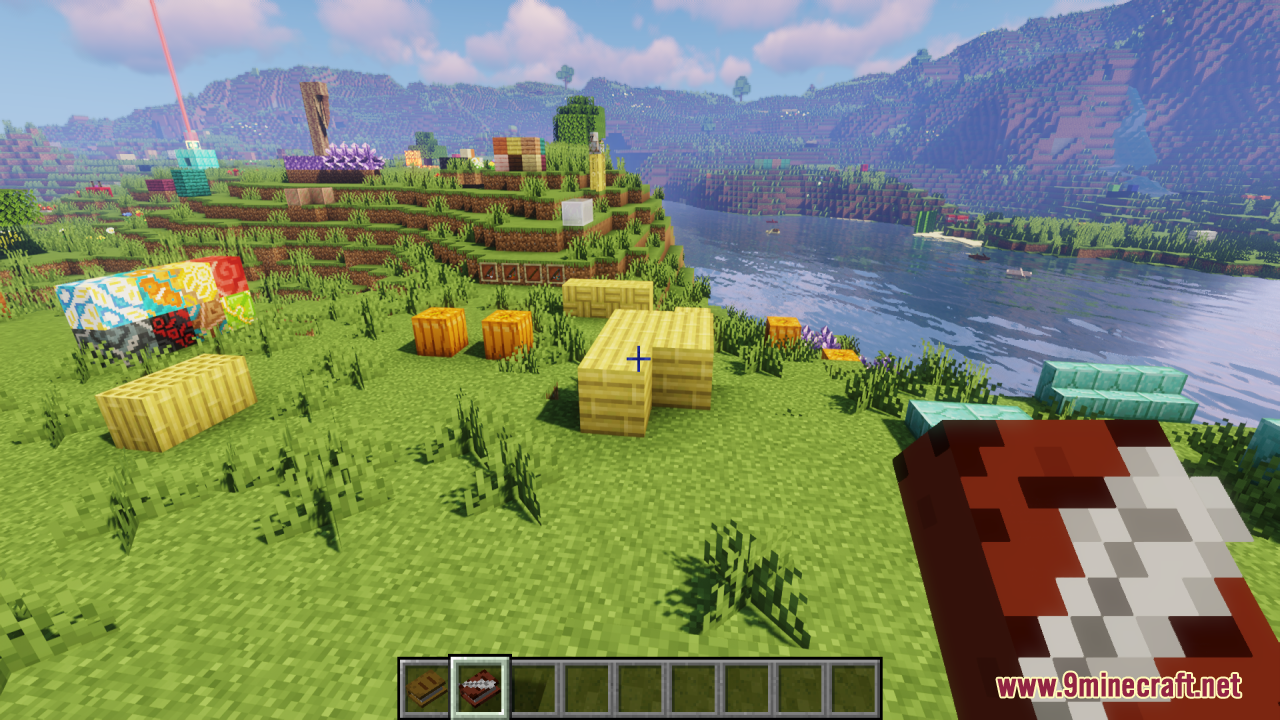
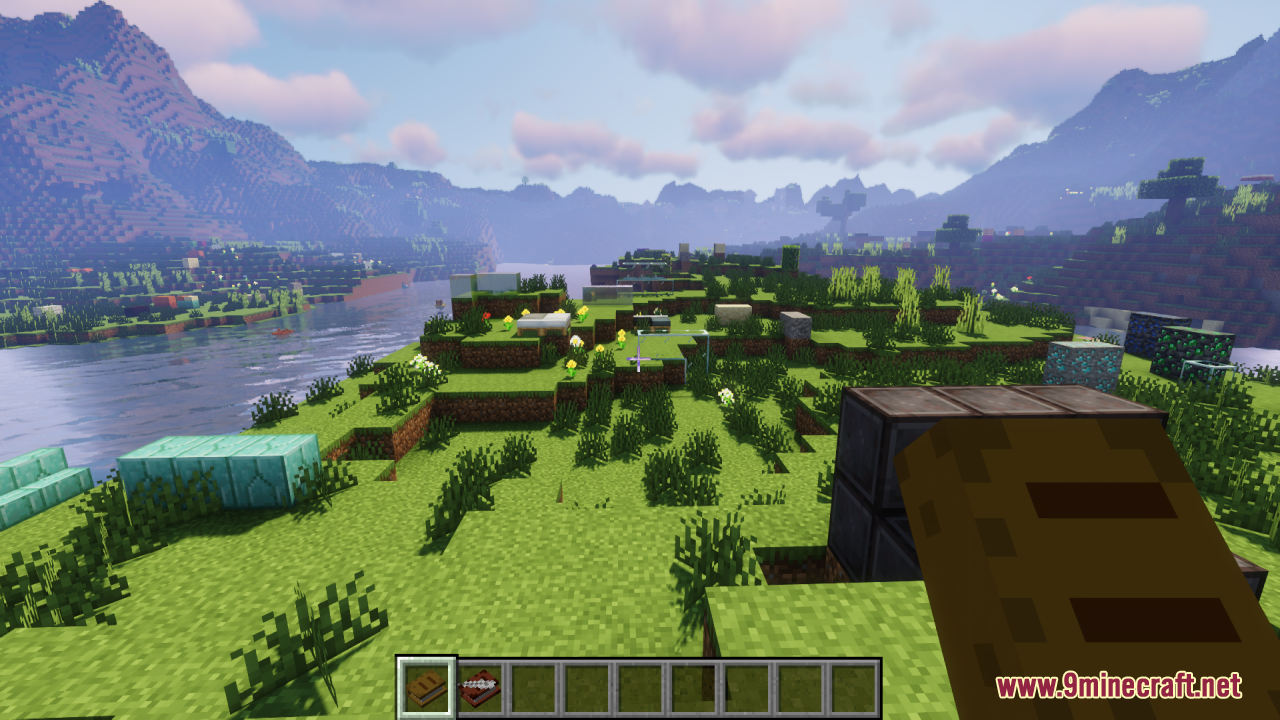
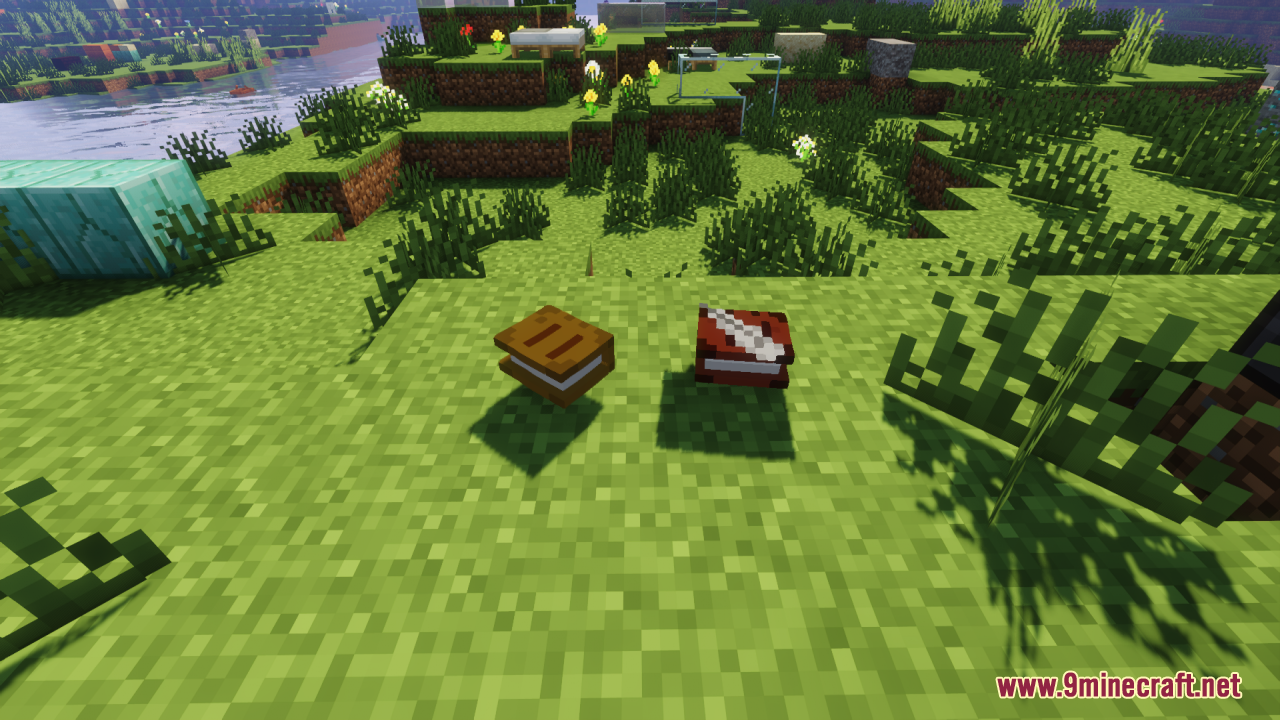
 Book
 Book and Quill
 Cooked Chicken
 Cooked Rabbit
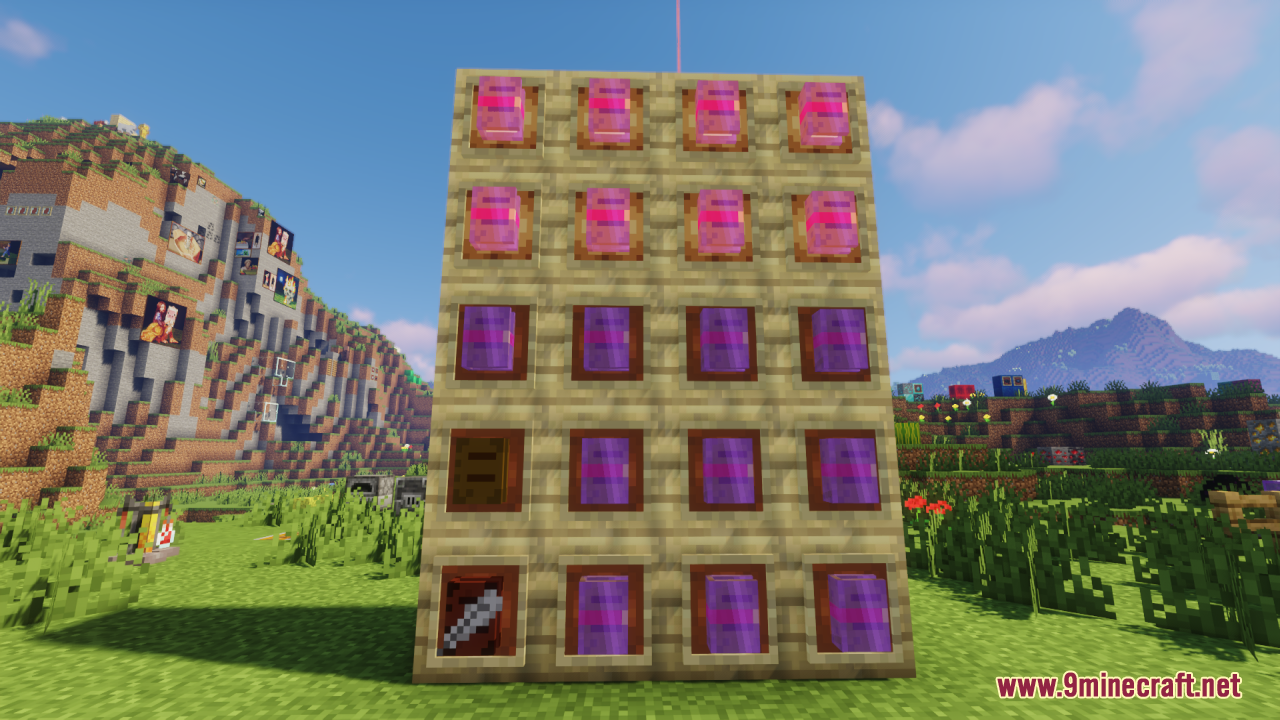
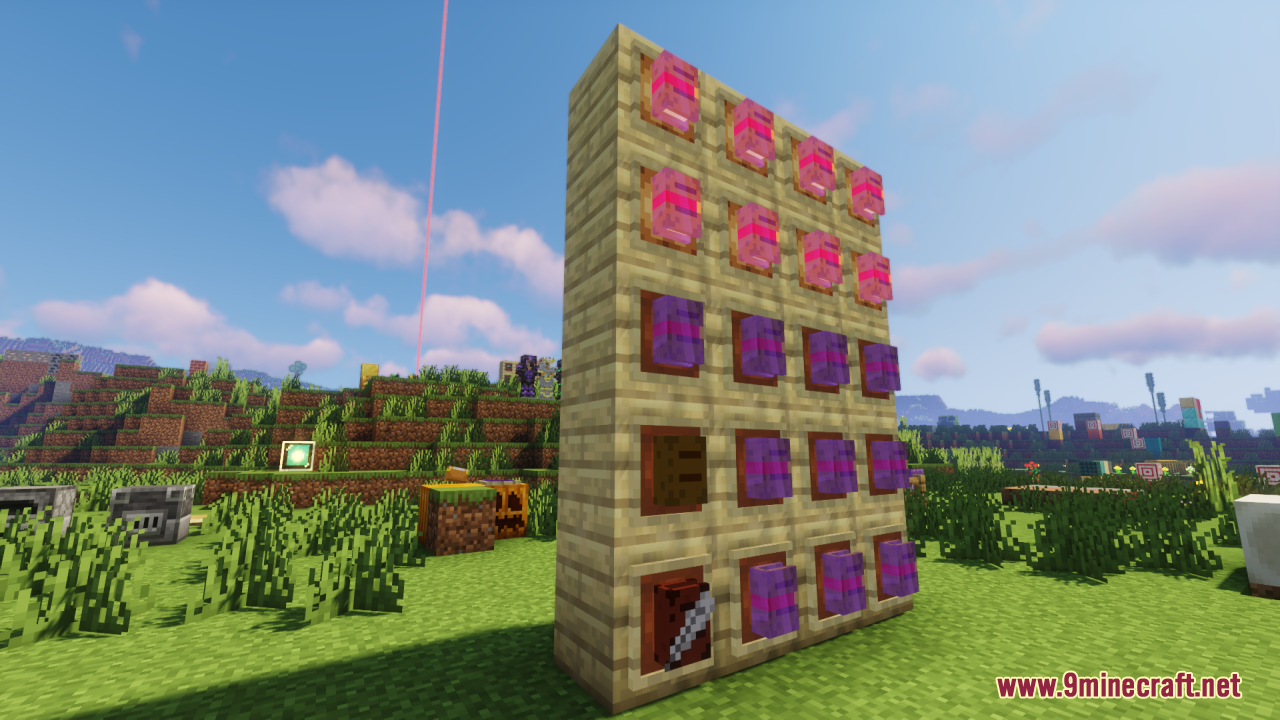
 Enchanted Book
 Firework Rocket
 Knowledge Book
 Pumpkin Pie
 Raw Chicken
 Raw Rabbit
 Written Book
What this pack changes
Every texture group the pack replaces, counted from the pack itself.
| Area | Textures replaced |
|---|---|
| Items | 16 |
Pack format 75 (Minecraft 1.21.9)16 texture files in total
Extra features
Custom block/item models
Frequently asked questions
Why do my items still look flat even though I installed the pack?
Make sure the resource pack is enabled and ranked above any conflicting packs in your resource pack list. If you're using Optifine or similar mods, verify that custom model data is enabled in the mod settings.
Do 3D items show up in my inventory or only in the world?
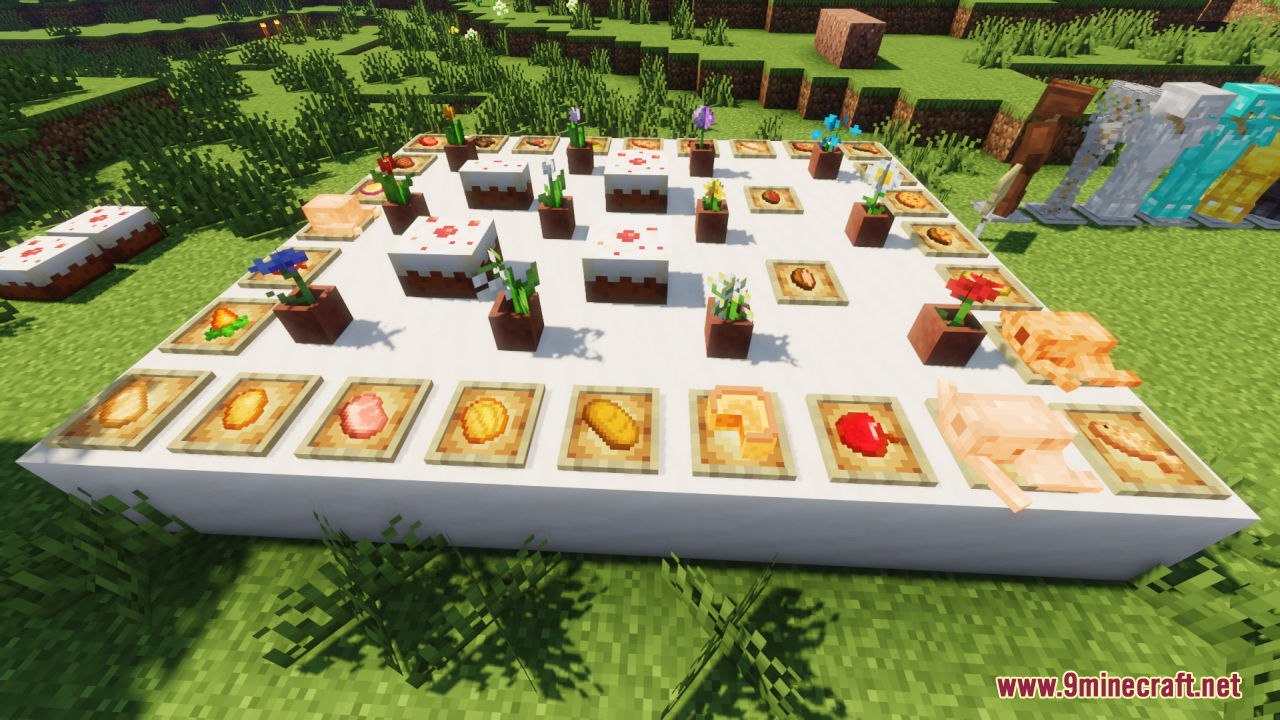
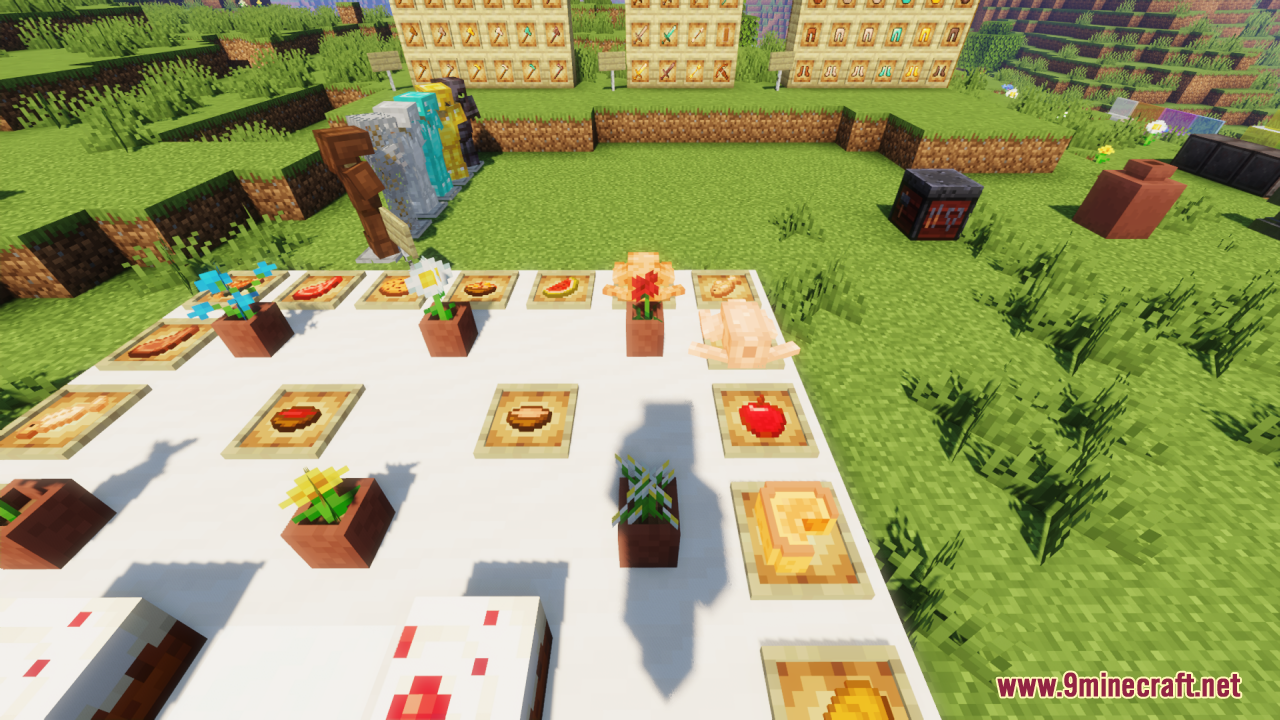
3D item models display in your inventory, hotbar, and hand when held. They won't appear on the ground as dropped items—those remain 2D sprites.
Will this pack work with my other resource packs?
Yes, but pack order matters. Place Eugene's 3D Stuffs above other packs in your resource pack list if you want its models to take priority, or below if you prefer other packs' textures for specific items.
Is this pack compatible with Optifine?
Yes, the pack works with Optifine. Make sure custom model data is enabled in Optifine's settings for best results.
See all 10 Eugenes 3D Stuffs questions ›
Gallery
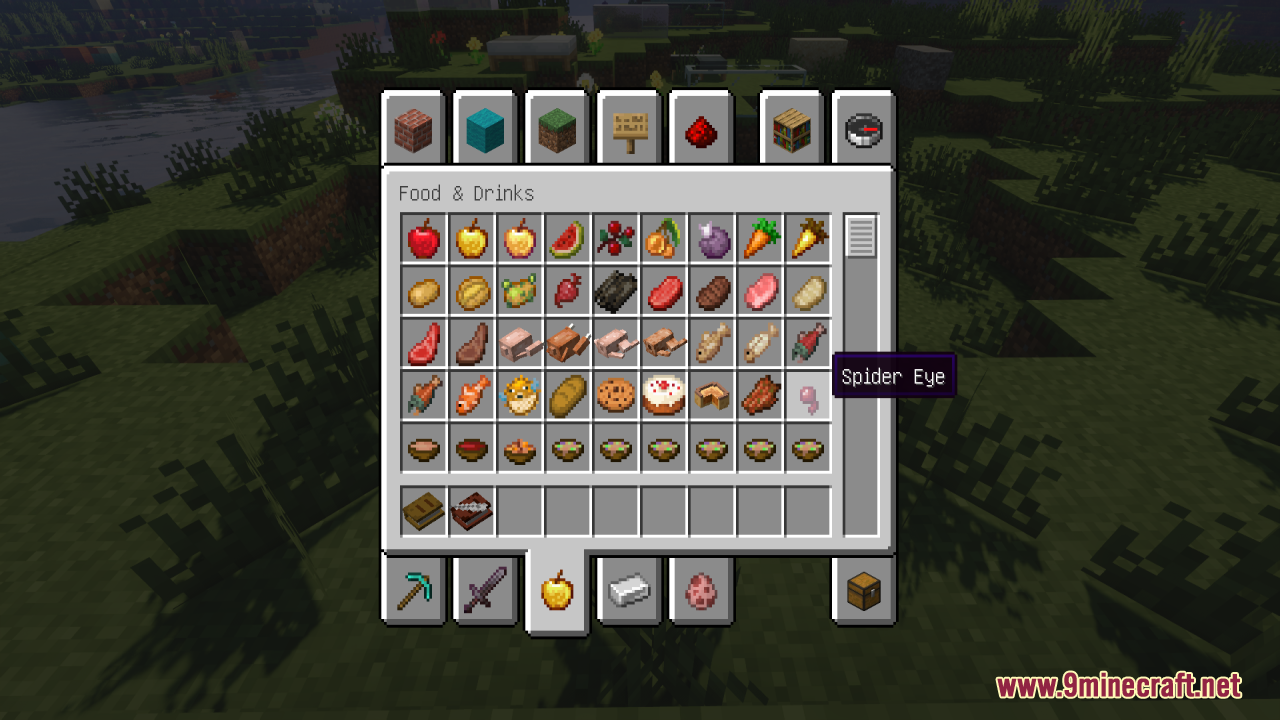
12 images from the Eugenes 3D Stuffs Resource Pack page.


You May Also Like
Wikis that share the most with this one
Just 3 D Stuffs Resource PackPlasticraftRojak Resource PackTetoholic Resource PackFresh Food Resource PackTiny Meals Resource PackNythral Pvp Resource PackConsumability Resource PackBrush And Juice Resource PackEnhanced Colour Resource PackA Vanilla Overlay Resource PackBare Bones X Mods Resource Pack
Wikis on the same theme: food
Mostly True Above Resource PackFresh Food 9minecraft Resource PackMatcha Vanilla Flavoured Resource PackHurkledurkle S Animated Items Resource PackApple Skin Vanilla Food Information Resource PackComprogrammer Programmer Art Mod Compat CompliationComprogrammer Programmer Art Mod Compat Compliation Resource PackMapleNearsBurgerAuroralCheesus
More resource pack wikis on the site
Essential UI Resource PackEspanol Para RL Craft Resource PackEquine Idols Resource PackEpic Fight Extra’s Sword Trail Optimization Pack Resource PackEpic Adventures Enough Of Sprouts Resource PackEnhanced Evil Resource PackEnhanced Default Resource PackEnhanced Boss Bars Resource PackEnhanced Audio Resource PackEnhanced Audio Ambience Sound Pack Resource PackEnderman Totem of Undying Resource Pack
The most downloaded mods that have a wiki here
A few wikis from each of the other kinds