

 DownloadCobblemon Interface Modded Resource Pack
Get the files on 9Minecraft
Guides
Step-by-step, in-game.
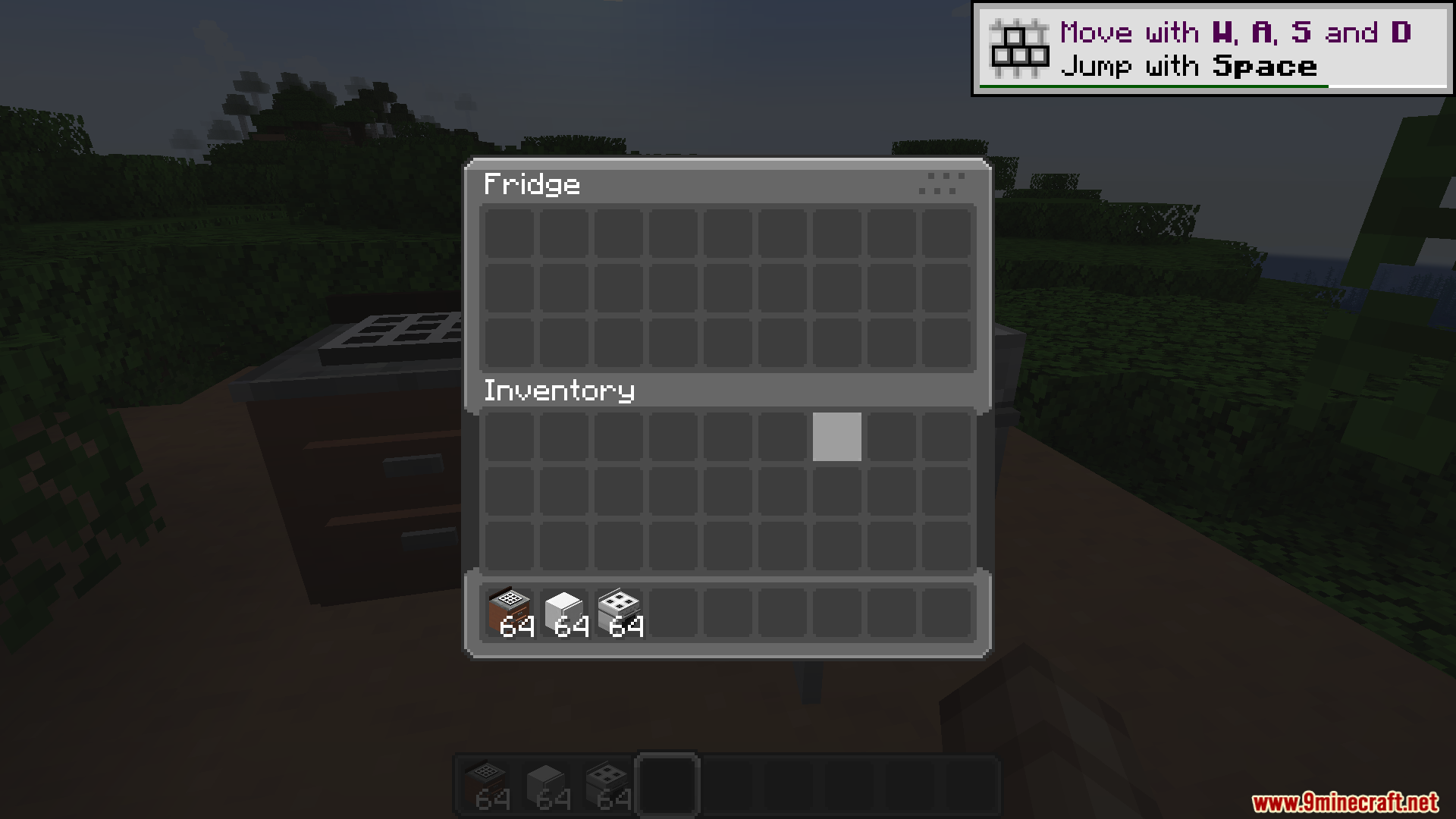
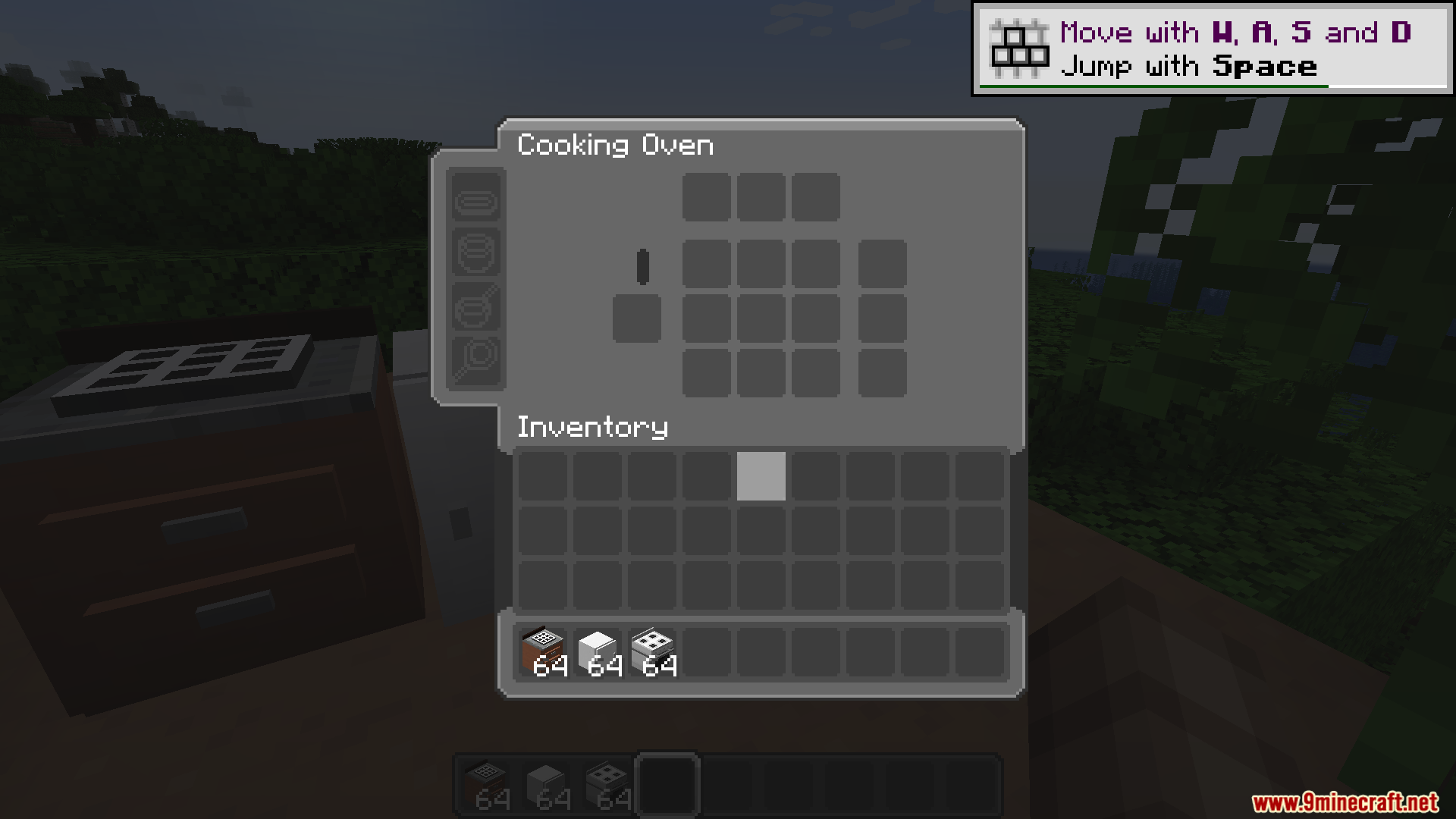
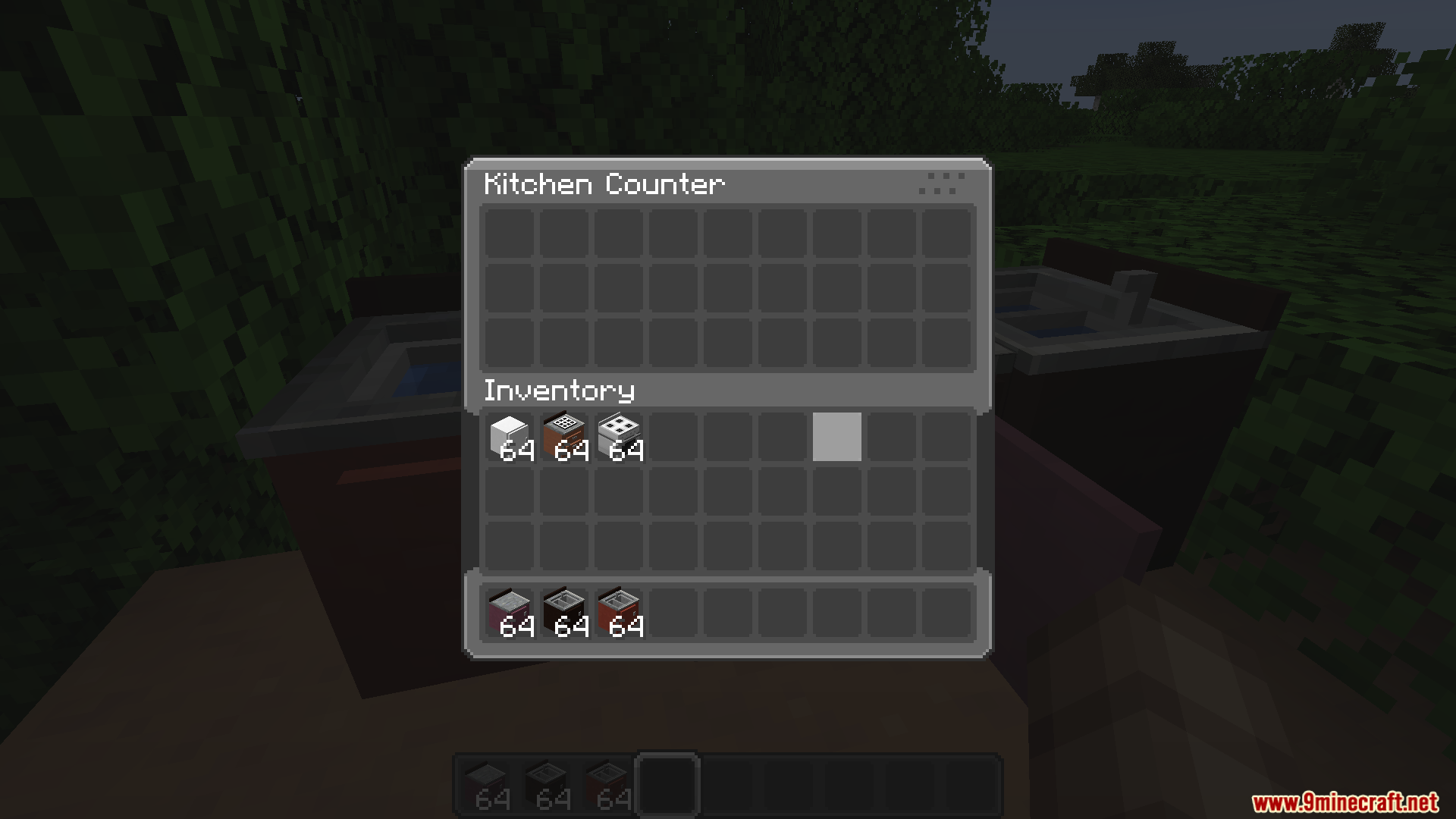
Make Your Storage Screens Match Your Cobblemon ThemeApplying the Resource Pack to Storage Mods Once you have the Cobblemon Interface Modded Resource Pack installed, your…Set Up Cooking and Farming Interfaces with Pocket Monster StyleRestyling Your Food Preparation Screens The Cobblemon Interface Modded Resource Pack transforms cooking and farming…Transform Tech and Magic Mod Screens to Match Your World ThemeUpdating Complex Machinery Interfaces The Cobblemon Interface Modded Resource Pack covers over 60 mods, including…Troubleshoot Texture Clipping and Slot Alignment IssuesFixing Cut-Off Rounded Textures If you notice rounded corners or interface elements getting clipped at the bottom of…
Frequently asked questions
Why do some of my mod menus still look vanilla?
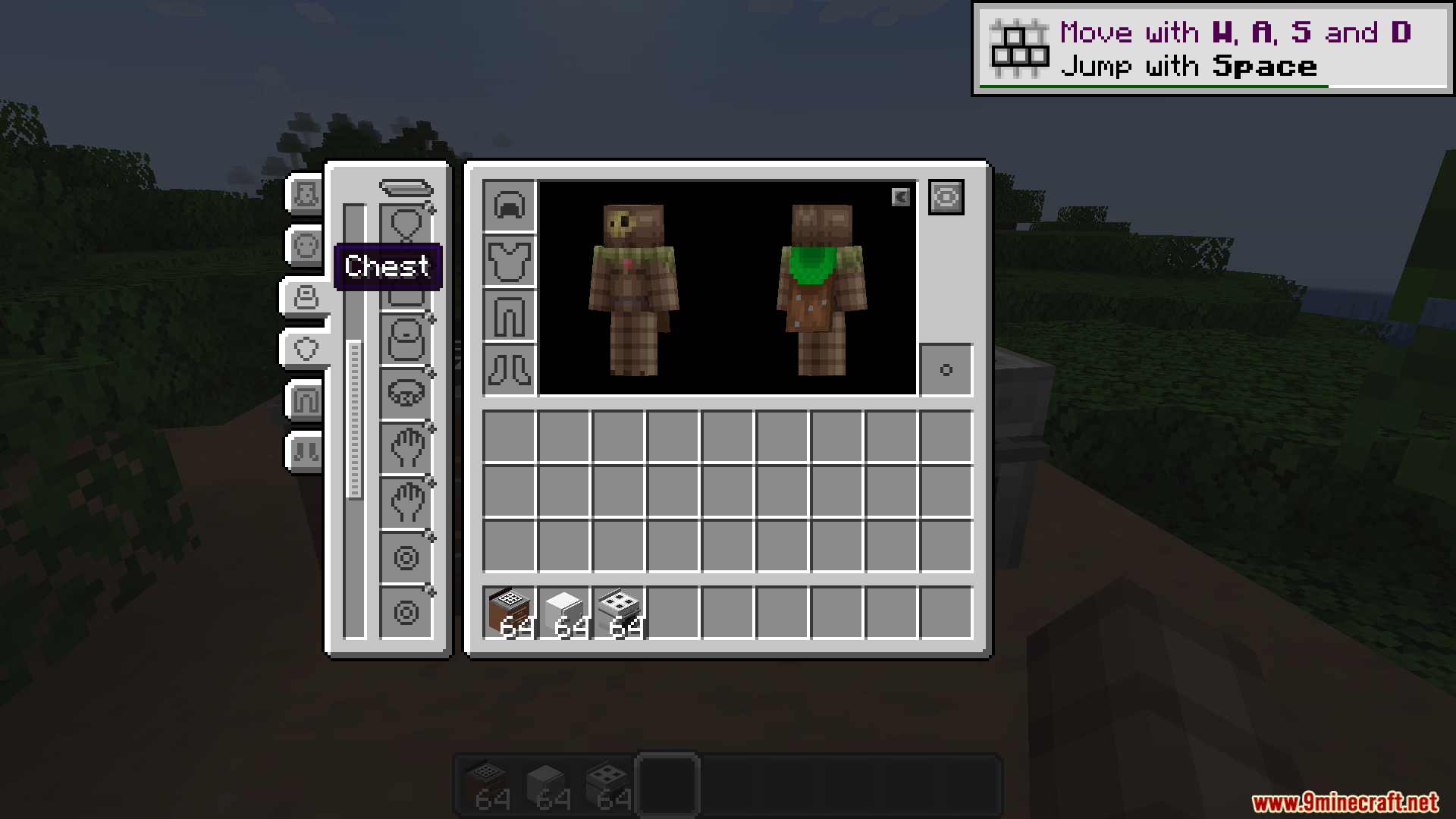
The Cobblemon Interface Modded Resource Pack covers over 60 mods, but not every mod addition has a custom design yet. Check the mod list on the wiki to see which mods are supported; unsupported mods will keep their default appearance.
My inventory slots are getting cut off at the bottom of the screen
Install the Raised mod alongside this pack—it shifts your hotbar up slightly so the rounded textures display completely without clipping into the screen edge.
How do I enable the custom sounds?
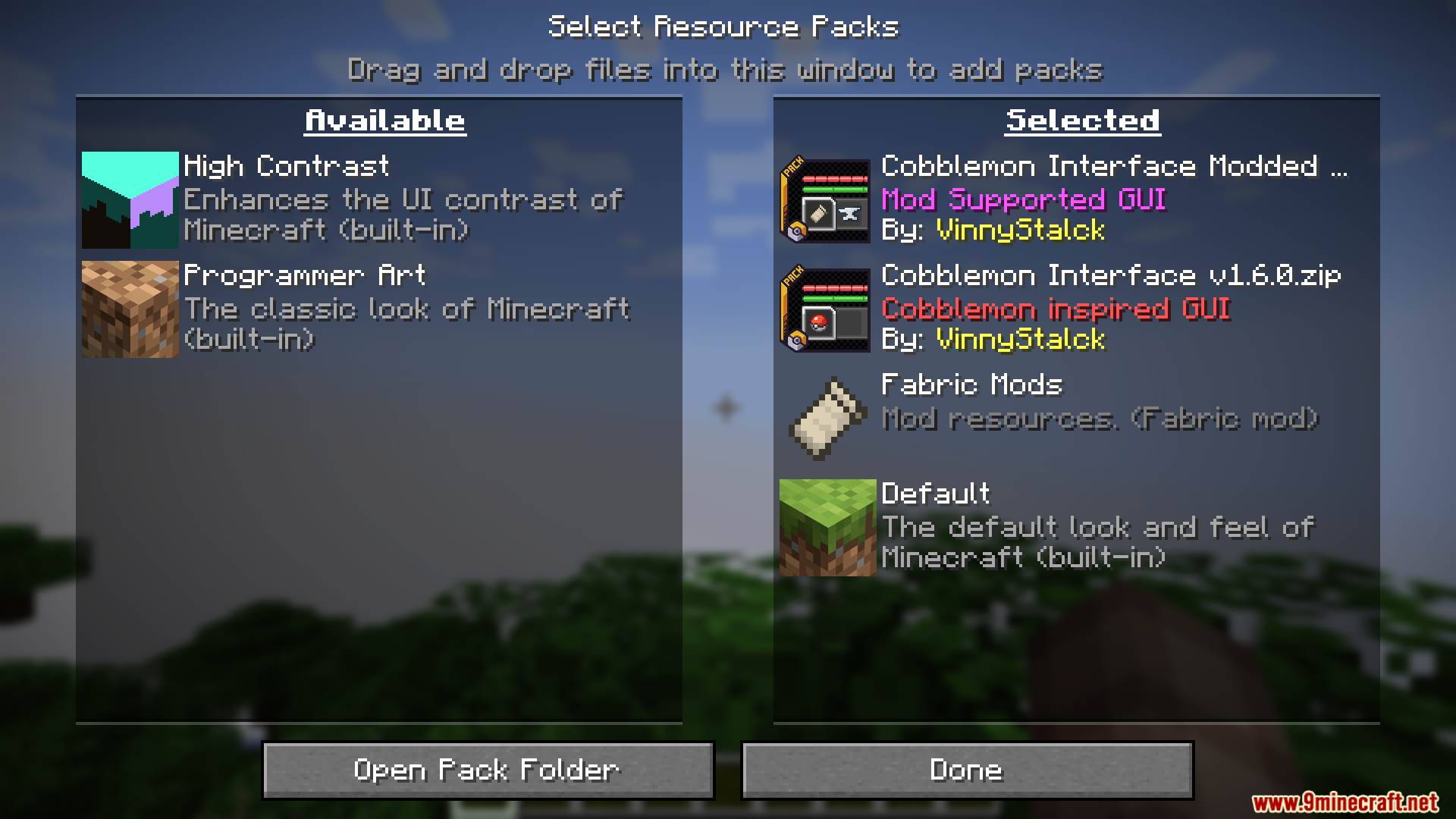
The custom pocket monster-style clicking sounds are included automatically when you activate the resource pack; no separate installation needed. Make sure your resource pack is loaded above any conflicting sound packs in your load order.
Can I adjust the visual settings without editing files?
Yes, if you install the Respackopts menu tool, you can tweak certain visual settings directly in-game while playing without restarting.
See all 10 Cobblemon Interface Modded questions ›
Gallery
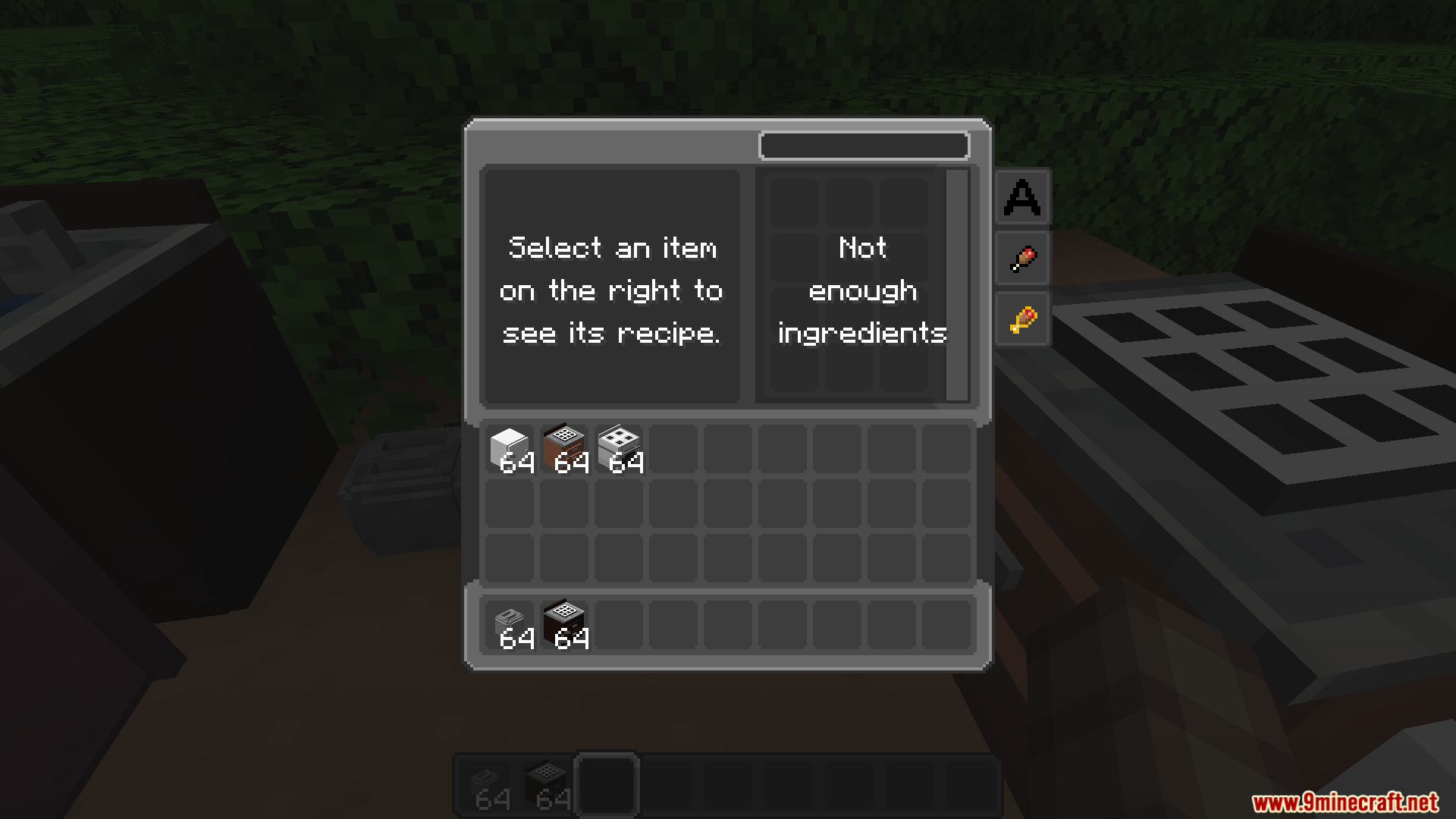
9 images from the Cobblemon Interface Modded Resource Pack page.
You May Also Like
Wikis that share the most with this one
More resource pack wikis on the site
Cobblemon Emissive Ores Resource PackCobblemon Cities & Structures Resource PackCobblemon Better Caps Resource PackCobblemon 3D Poke Rods Resource PackClovers Pack Resource PackClouds Pack Relaunched Resource PackClearest Glass Resource PackClear Vision Plus Resource PackClear UI Resource PackClear Lava Resource PackClear Lava and Water Resource PackClear Glass With Connected Textures Resource Pack
The most downloaded mods that have a wiki here
A few wikis from each of the other kinds