

 DownloadClear UI Resource Pack
Get the files on 9Minecraft
Guides
Step-by-step, in-game.
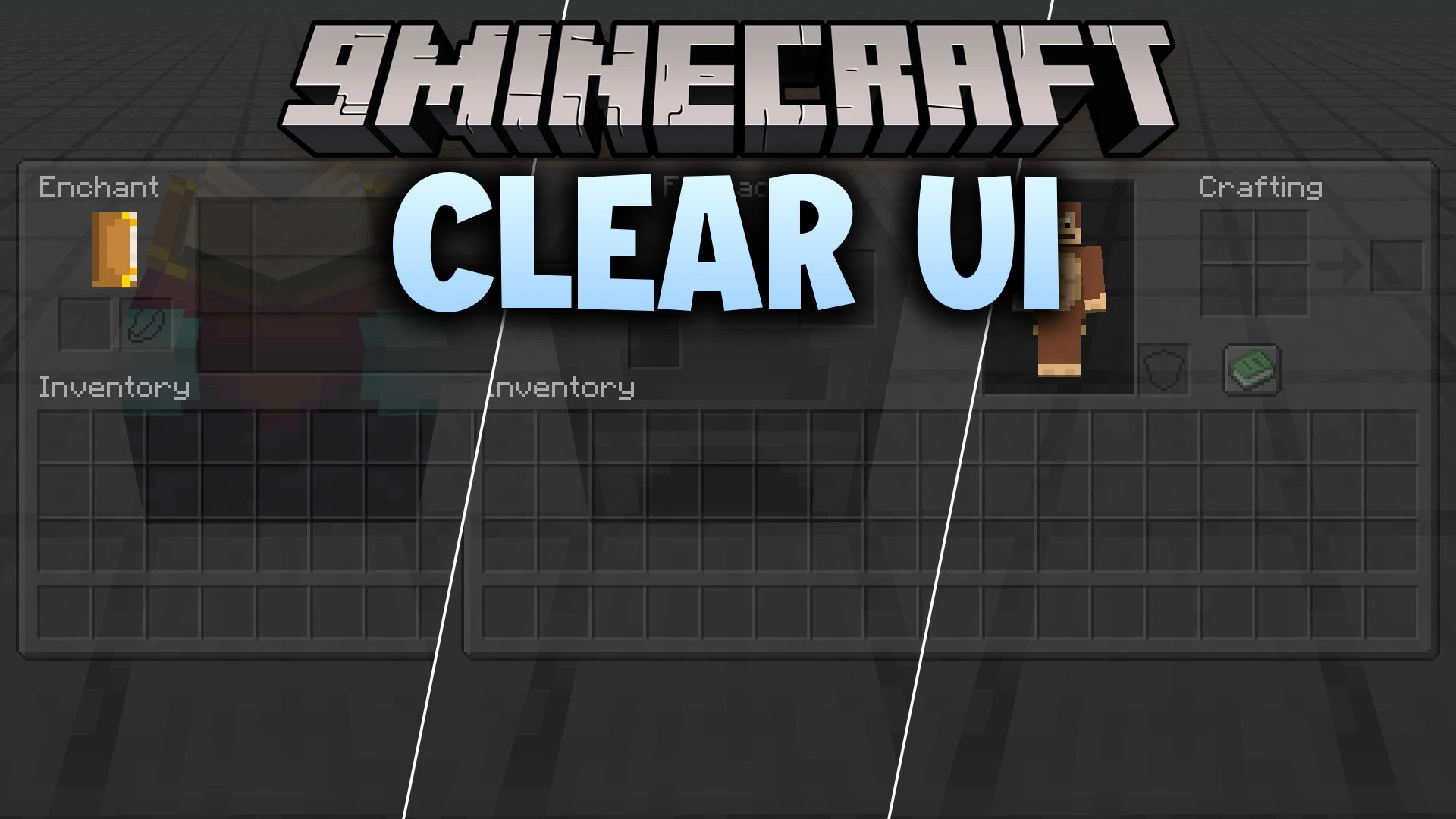
Brew Potions While Monitoring Your SurroundingsTransparent Brewing for Safer Potion Making Clear UI makes brewing stands semi-transparent, so you can watch your…Craft and Check Progress Without Closing MenusSee Your Surroundings While Crafting Clear UI makes crafting tables, furnaces, and other workstations transparent so…Monitor Mobs While Organizing Your InventoryWhy Transparency Matters for Safety Clear UI's transparent inventory screens let you keep watch on your surroundings…Trade with Villagers While Staying AwareSee Beyond the Trading Window Clear UI applies transparency to villager and wandering trader interaction screens,…
Frequently asked questions
Why can't I see my inventory items clearly through the transparent menus?
Clear UI maintains full readability of slots, icons, and item borders despite the transparency—if text or items appear blurry, try adjusting your GUI scale in video settings or ensure you're using a compatible font resource pack alongside Clear UI.
Does this pack work with my other resource packs?
Clear UI can conflict with other packs that modify the same interface textures; load Clear UI last in your resource pack order, or use a pack merger tool if you need multiple packs active simultaneously.
How do I apply Clear UI to my world?
Place the Clear UI resource pack file in your resourcepacks folder, then open your world or create a new one, go to resource packs in settings, and move Clear UI from available to active packs.
Will transparent menus affect my game performance?
Transparent textures have minimal performance impact since they use the same rendering as solid textures; if you experience lag, it's likely unrelated to this pack.
See all 10 Clear UI questions ›
Gallery
9 images from the Clear Ui Resource Pack page.


You May Also Like
Wikis that share the most with this one
Clear Lava Resource PackVivid Clear Glow ShadersClean and Clear Glass ModSwift Radiant Clear ShadersVivid Clear Horizons ShadersClear Vision Plus Resource PackClear Water Lava PowderSnow ModPristine Clear Lighting ShadersBetter Clear Glass Resource PackHydron Clear Water Resource PackPerfect Clear Glass Resource PackClear Lava and Water Resource Pack
More resource pack wikis on the site
Clear Glass With Connected Textures Resource PackClear Glass Connected Resource PackClear Glass Better Clear Glass Resource PackClean Water Resource PackClean Swords Resource Pack Clean Stained Glass Resource PackClean Rain Resource PackClean Glass Tinted Glass Resource PackClean Connected Glass Resource PackClayful 512x Resource PackClayful 256X Resource PackClassic Glint Resource Pack
The most downloaded mods that have a wiki here
A few wikis from each of the other kinds