

 DownloadSimple Voice Chat Mod
Get the files on 9Minecraft
Guides
Step-by-step, in-game.
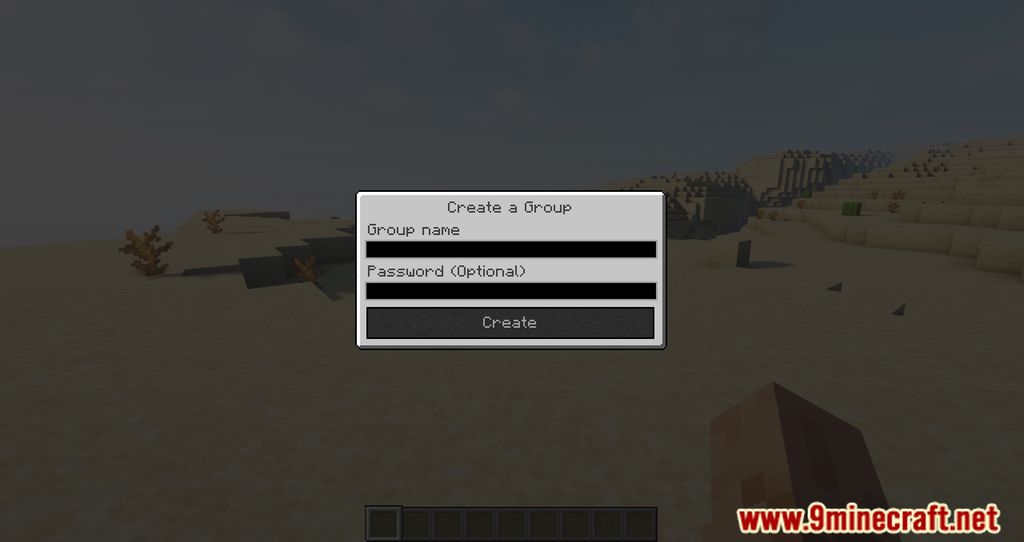
How to Create and Join Password-Protected Group ChatsCreating a Group Open the voice chat interface and choose the option to create a group. Give it a name and set a…How to Fix Simple Voice Chat Not Connecting or Showing a Plug IconCheck the Connection Status First The plug or warning icon means the client could not reach the voice server. Open…How to Set Up Simple Voice Chat on Your Server and Get Everyone ConnectedOpening the Port and Configuring the Server Simple Voice Chat runs its own voice server alongside Minecraft, so the…How to Use Push to Talk, Voice Activation, and the Whisper FunctionChoosing Your Activation Mode Open the voice chat settings from the mod's keybind or the settings menu. You can pick…
Frequently asked questions
How do I open the voice chat settings menu?
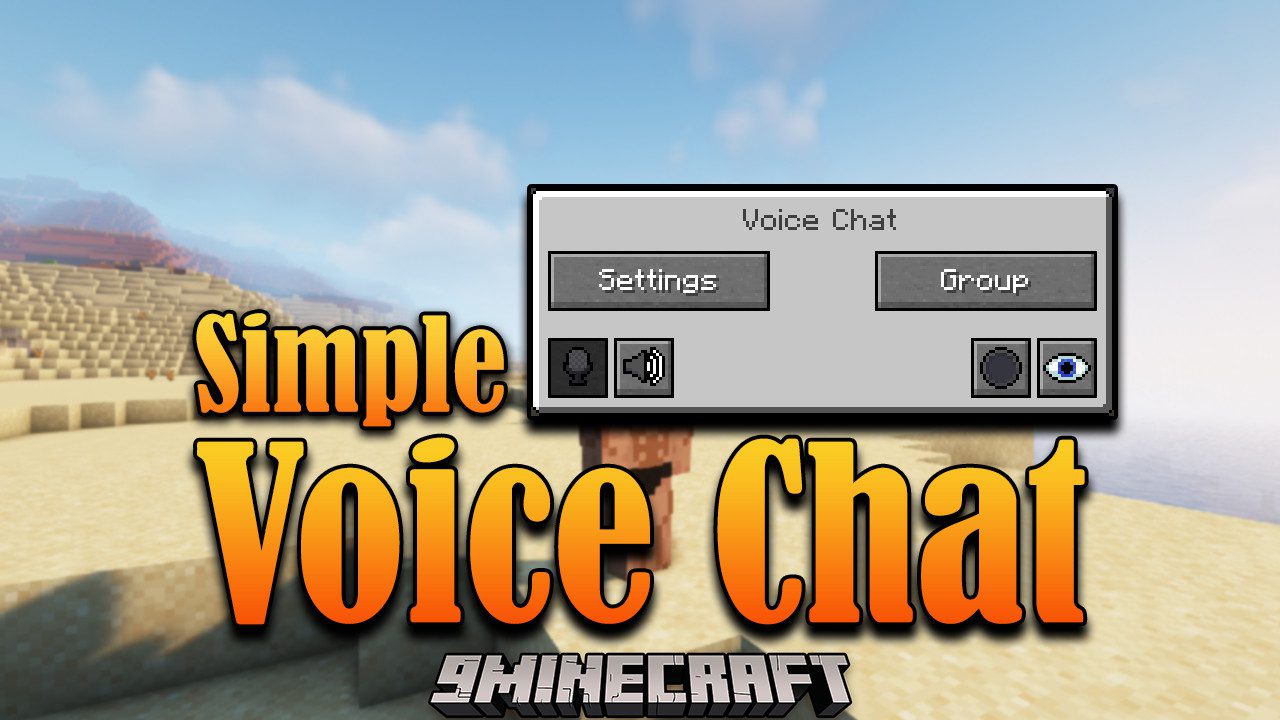
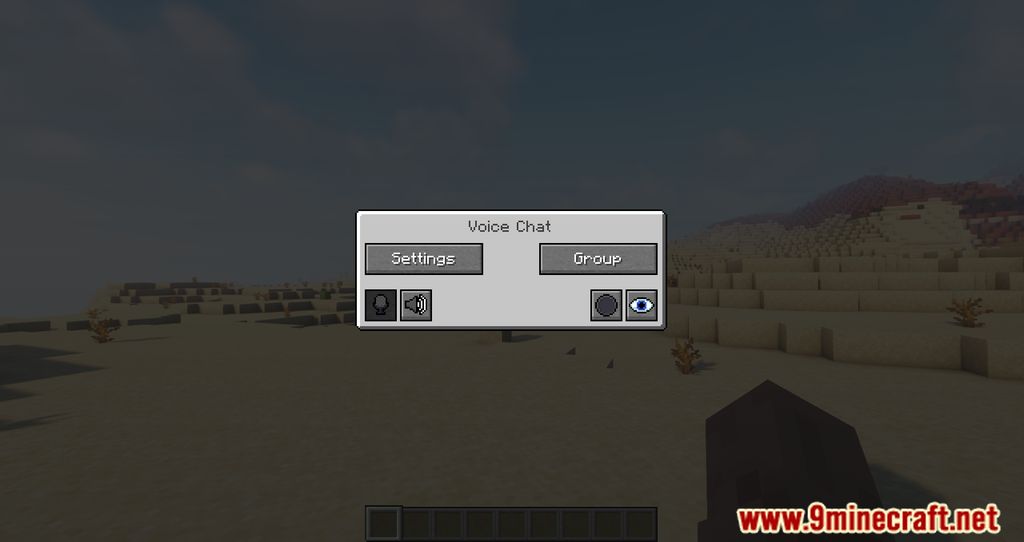
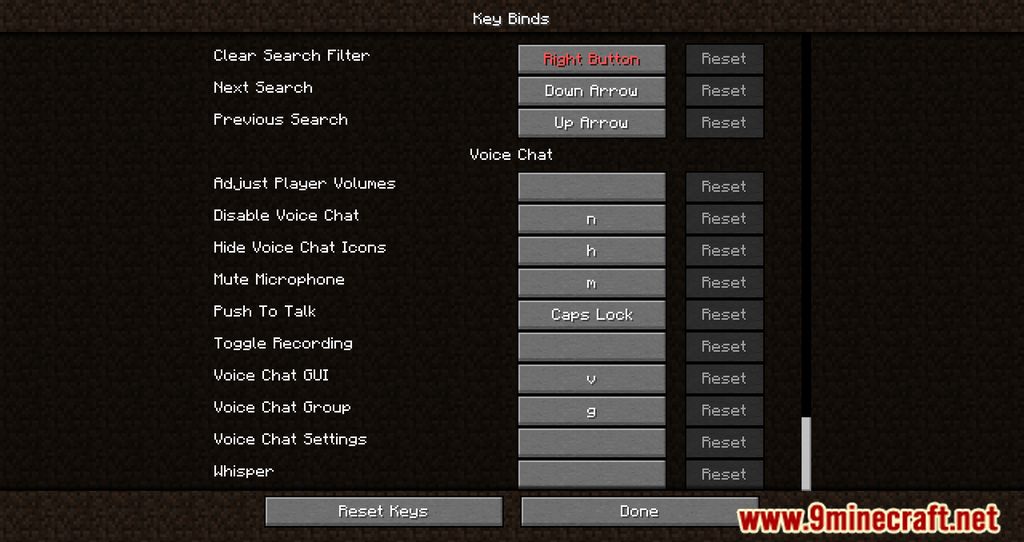
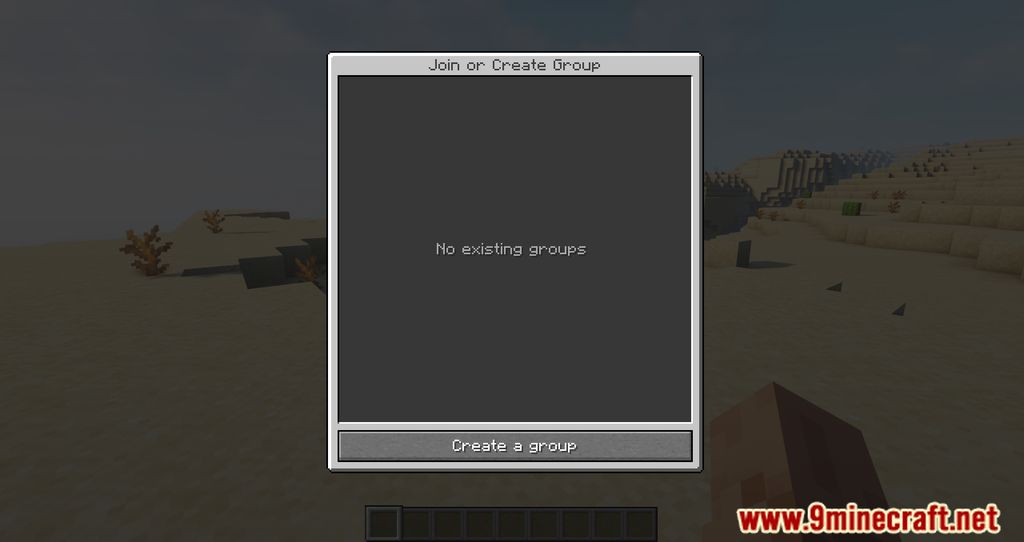
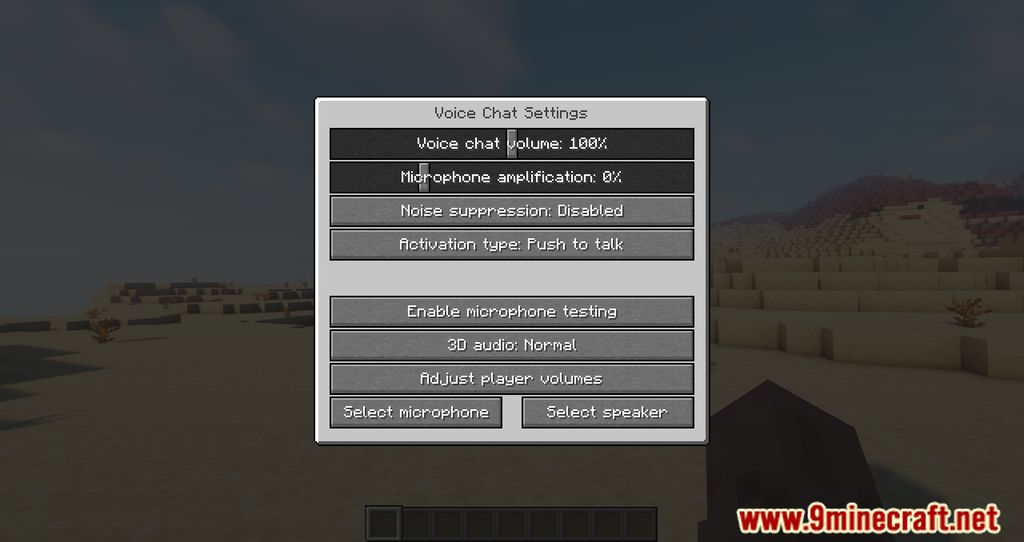
Press the voice chat keybind (default is V) to open the voice chat GUI, then click the settings icon to reach all options. If the key does nothing, check your Controls settings and make sure the keybind isn't conflicting with another mod.
Why can't other players hear me but I can hear them?
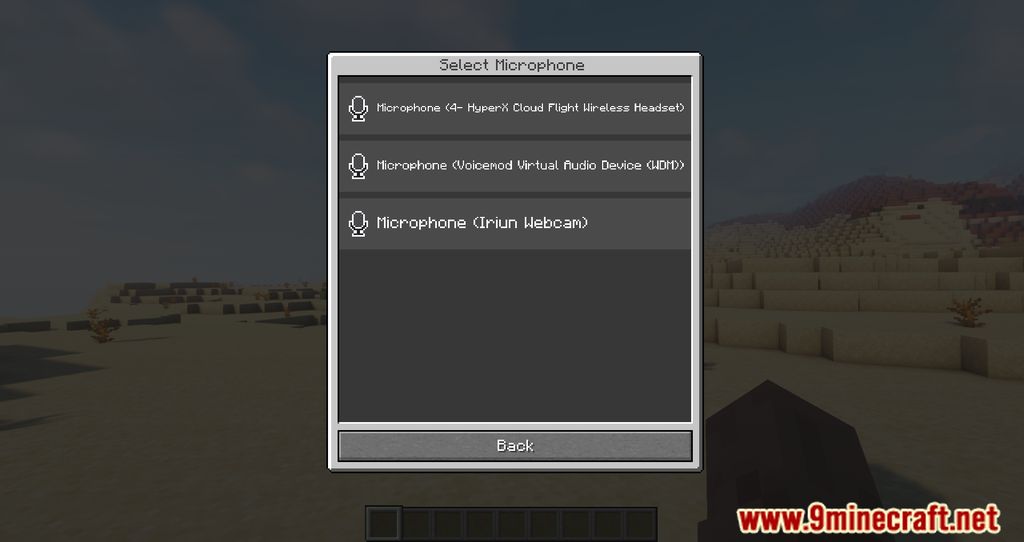
This usually means your microphone isn't selected or is muted. Open the voice chat settings, go to the microphone section, pick the correct input device, and use the test/activation slider to confirm your voice is registering.
How do I know if voice chat is working on a server?
When you join a server that has the mod installed, you'll see a voice chat icon or connection message in chat, and the voice chat GUI will show nearby players. If the server doesn't have the mod, voice chat simply won't connect and you'll get no audio from other players.
Do other players need the mod installed to hear me?
Yes. Simple Voice Chat is required on both the client and the server for anyone to hear or speak. Players without the mod installed won't receive any voice audio at all.
See all 20 Simple Voice Chat questions ›
Gallery
11 images from the Simple Voice Chat page.
You May Also Like
Wikis that share the most with this one
Simple Voice Chat PluginSimple Voice Chat Discord Bridge ModSimple Voice Chat Enhanced Groups ModCustomizable Player Models Simple Voice Chat Compat ModReplay Voice Chat ModHypixel Simple Chat ModSuper Simple Voice RadioSimple Voice Radio PluginVoice Chat Interaction ModChat HeadsSimple CornSimple Tomb
More mod wikis on the site
The most downloaded mods that have a wiki here
A few wikis from each of the other kinds