

 DownloadXPlus PerioTable Modpack
Get the files on 9Minecraft
Guides
Step-by-step, in-game.
Configuring Information Displays and HUD Elements in XPlus PerioTableAccessing the HUD Config XPlus PerioTable bundles several information display mods that show FPS, TPS, biome,…How to Enable and Configure Shaders in XPlus PerioTableTurning On Shaders XPlus PerioTable ships with Iris, so you do not need to install a separate shader loader. Open…How to Use REI for Recipe Lookup and Item SearchingOpening the Recipe Viewer REI ( Roughly Enough Items ) is included in XPlus PerioTable and opens with the inventory…Using the Minimap and Waypoints to Navigate in XPlus PerioTableReading the Minimap XPlus PerioTable includes a minimap mod that shows terrain, entities, and your current…
Frequently asked questions
How do I open the modpack's settings menu to change keybinds?
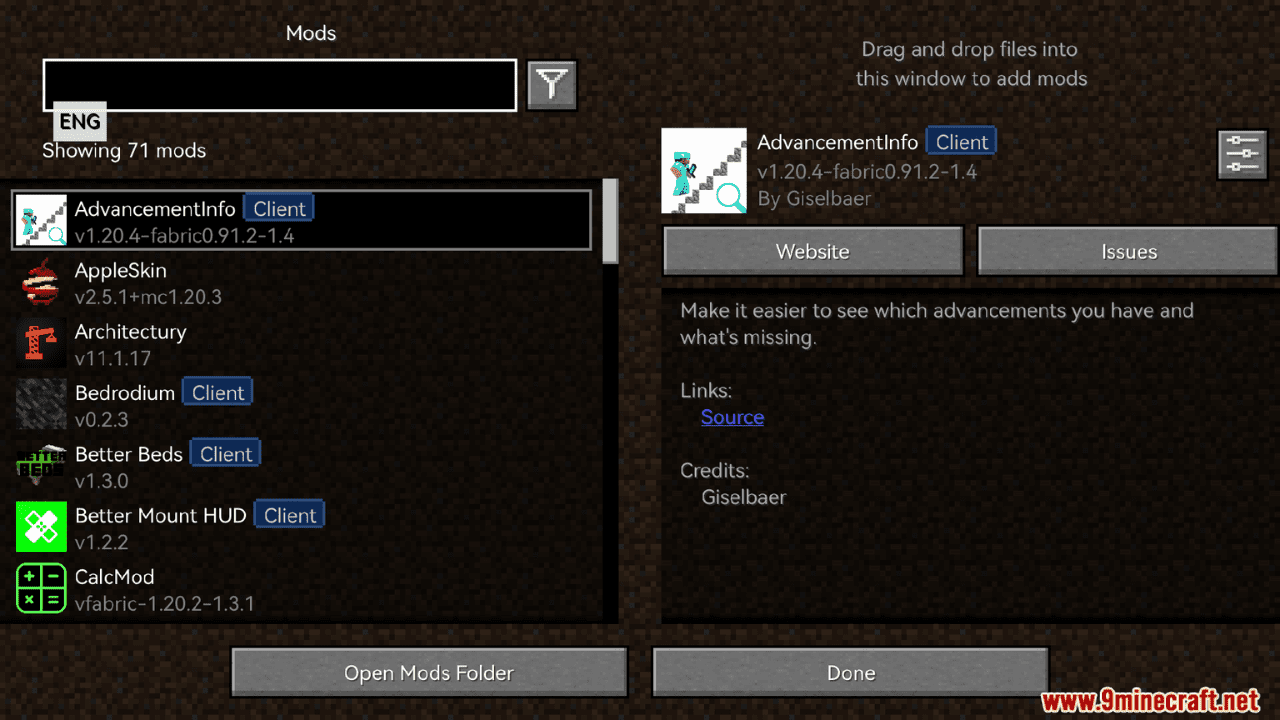
Press Escape and go to Options, then Controls, where each included mod registers its own keybind category. You can also open  Mod Menu from the main menu to reach per-mod config screens directly.
Why does my game look the same after installing the pack?
Shaders are not enabled by default, so you need to turn them on in the Iris shader settings and pick a shaderpack. Without a shaderpack selected, Iris stays inactive and the game renders in vanilla style.
How do I sort my inventory with one key?
The pack includes an R-key (middle-click)  inventory sorting mod, so pressing R while hovering over a container or your inventory sorts the items. Check the Controls menu if the key conflicts with another mod's bind.
How do I look up a recipe for an item I'm holding?
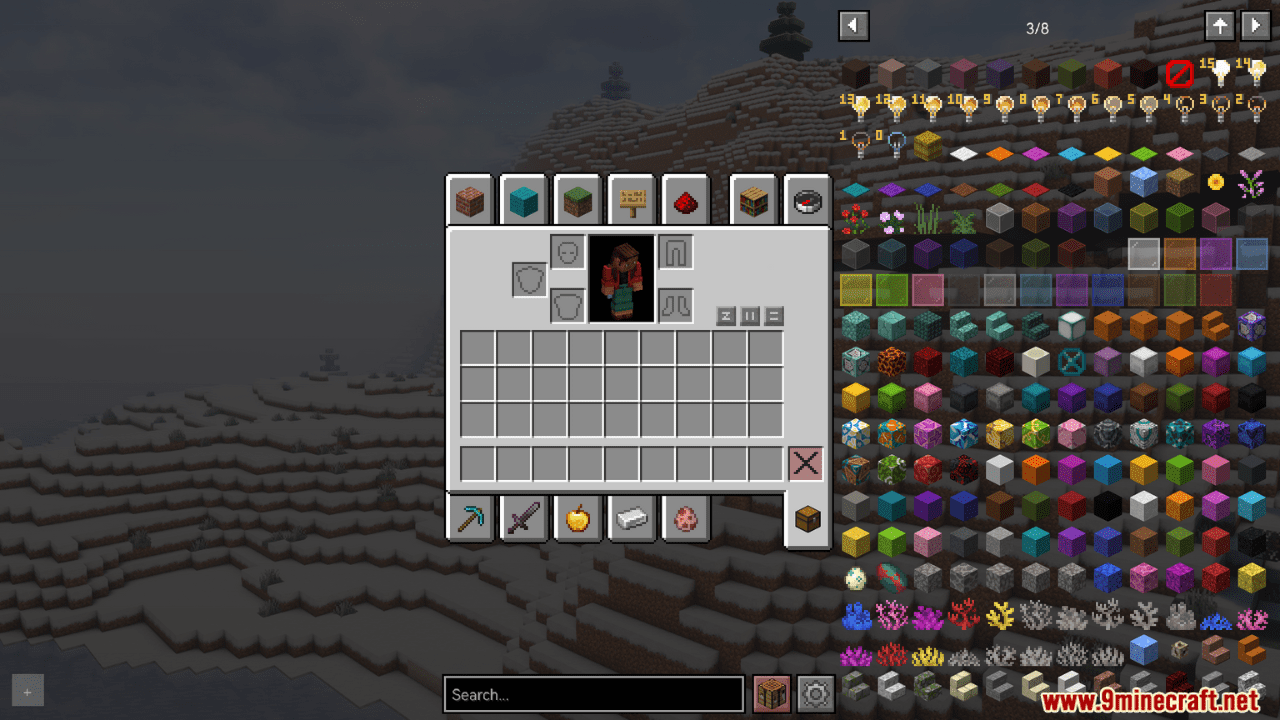
Open your inventory and hover over the item, then press the REI recipe key (default is usually R or U depending on your bind) to see how it's crafted or used. You can also search the REI item list on the right side of the inventory screen.
See all 10 XPlus PerioTable Modpack questions ›
Gallery
12 images from the Xplus Periotable Modpack page.





You May Also Like
Wikis that share the most with this one
More modpack wikis on the site
World Destroying Apocalypse Zombie ModpackVivid Survival Storage ModpackVampires Strike Back ModpackVagrant Saga RPG Survival Adventure ModpackTwixxel Stalker Reimagined Main Modpack IsTNP Limitless 8 LL8 ModpackTNP Limitless 7 LL7 ModpackThe Dark Fantasy ModpackTerramity Awakened ModpackTerra Firma Rebirth 2 ModpackTensura Neo Otherworld ModpackTech Academy Modpack
The most downloaded mods that have a wiki here