

 DownloadSVC For Lunar Client Modpack
Get the files on 9Minecraft
Guides
Step-by-step, in-game.
How to Adjust Proximity Voice Chat Distance and Audio SettingsUnderstanding Proximity Chat SVC uses proximity-based voice, meaning how far away a player is in the world determines…How to Fix Common SVC Voice Chat Problems on Lunar ClientNo Microphone Icon or Menu Won't Open If the voice chat icon is missing from your HUD, the mod likely isn't loading…How to Set Up and Use Voice Chat with SVC on Lunar ClientGetting Voice Chat Running Once SVC is installed alongside Lunar Client, launch the game and join any world or…How to Use Push-to-Talk and Manage Players in SVCEnabling Push-to-Talk By default, SVC may use voice activation, where your mic transmits whenever it detects sound.…
Frequently asked questions
How do I start voice chat in SVC on Lunar Client?
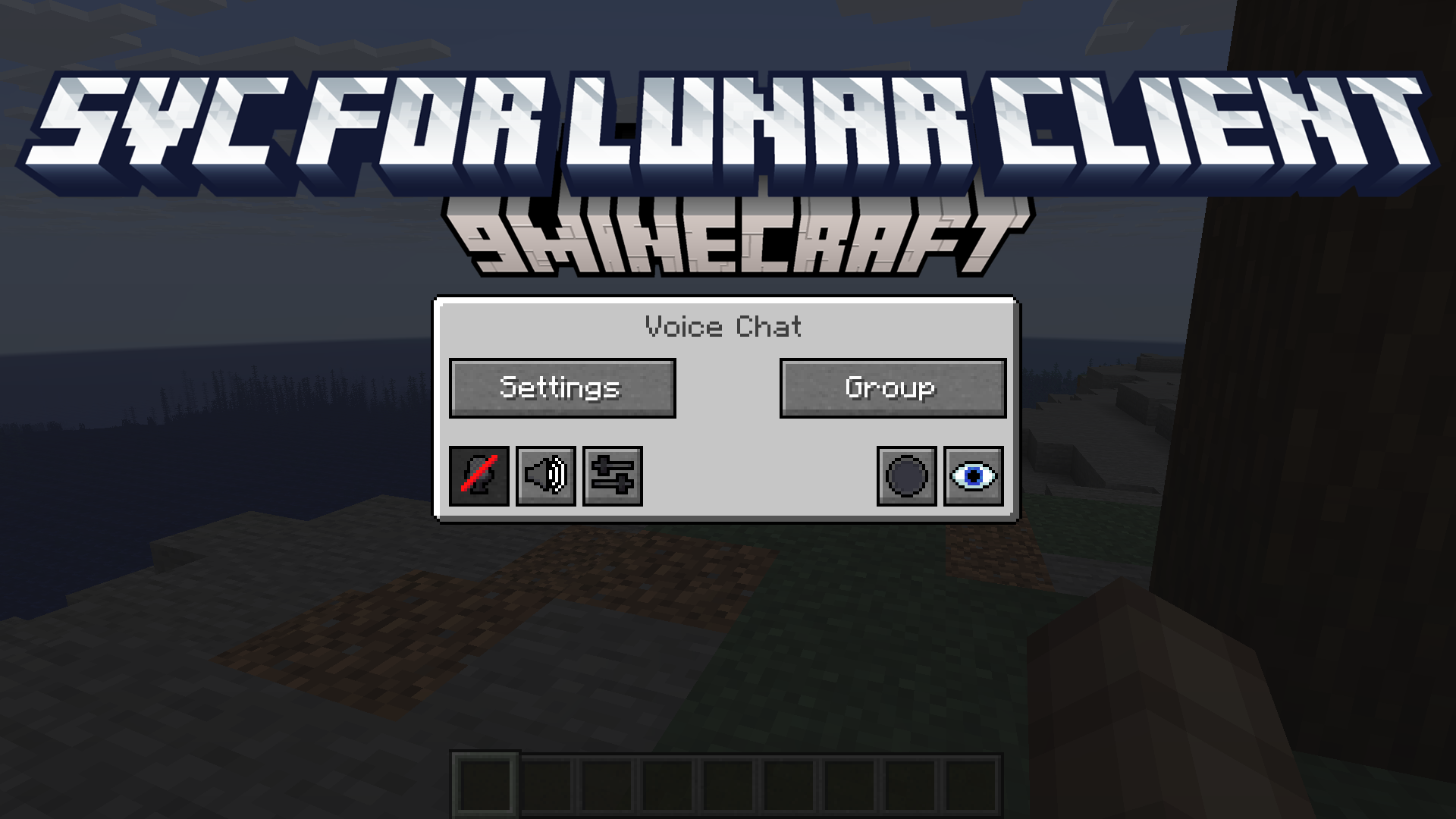
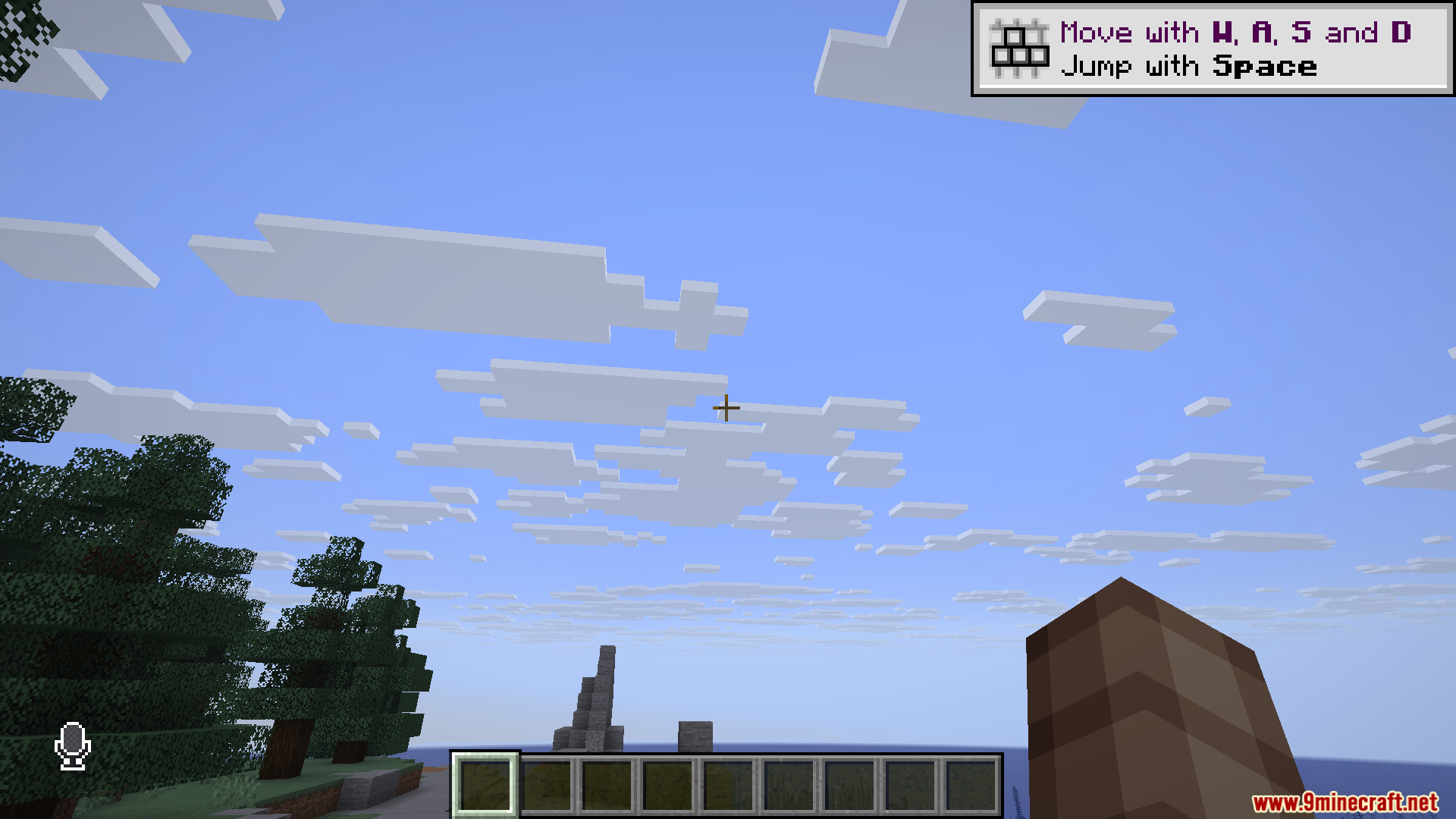
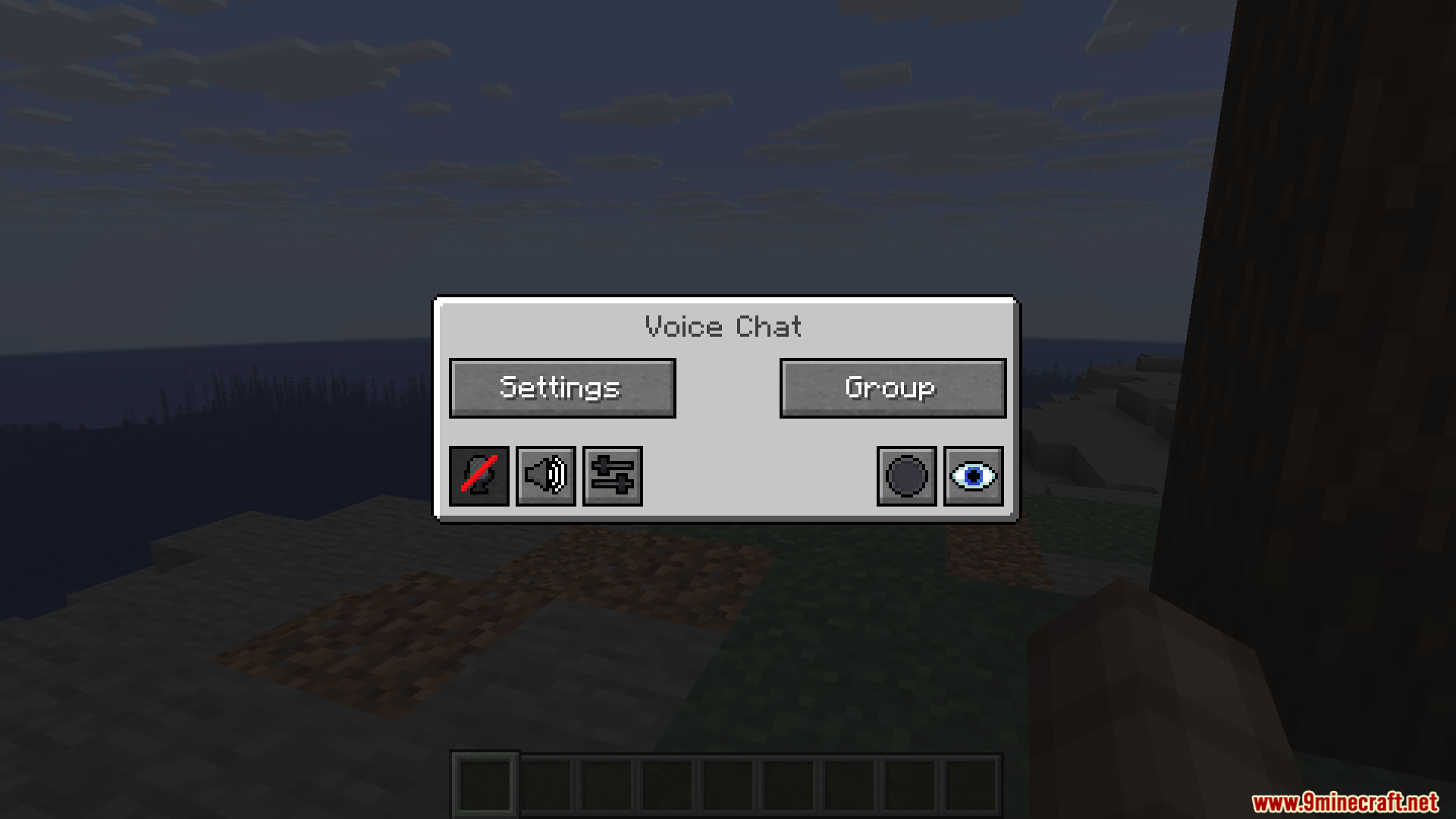
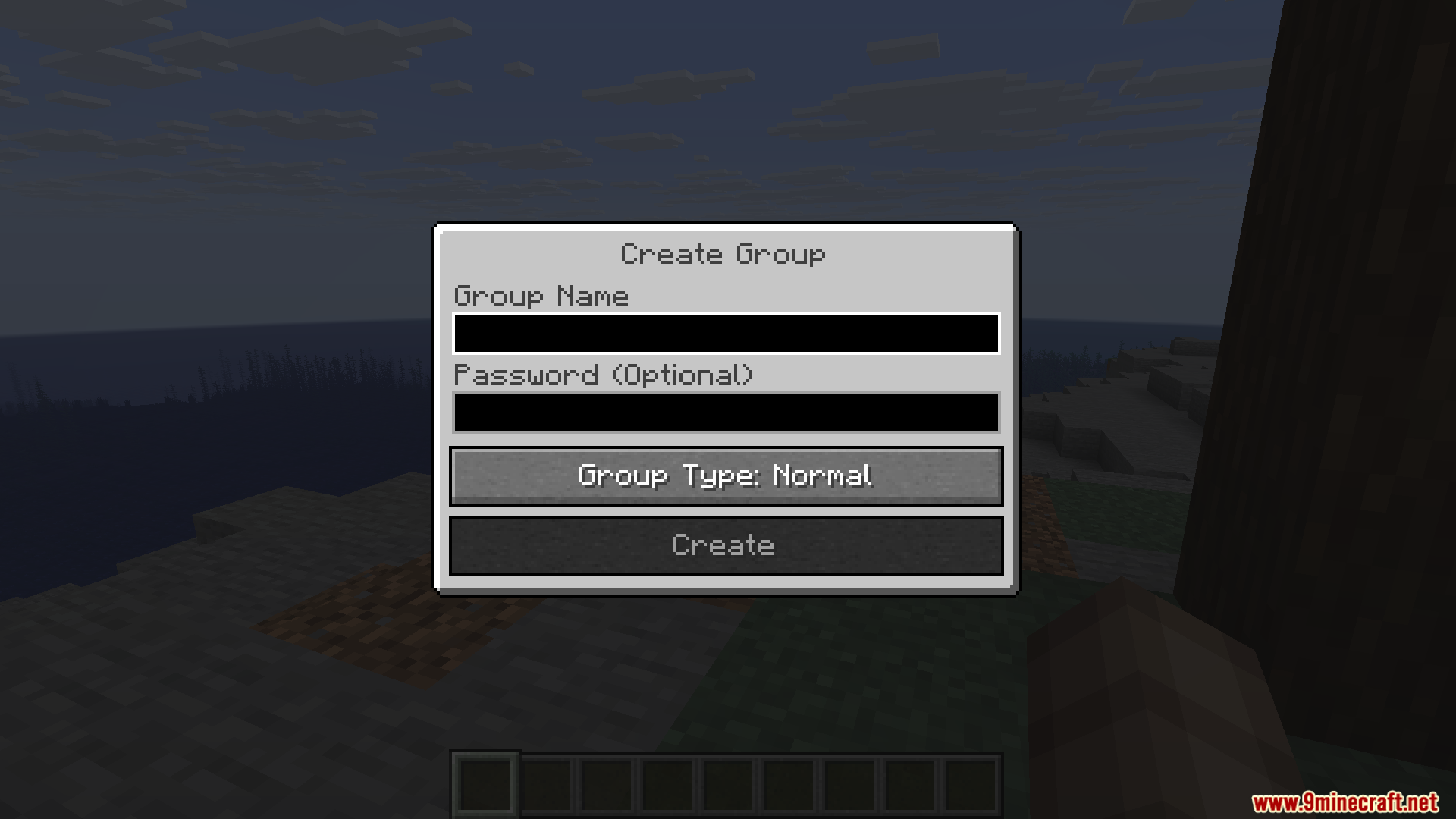
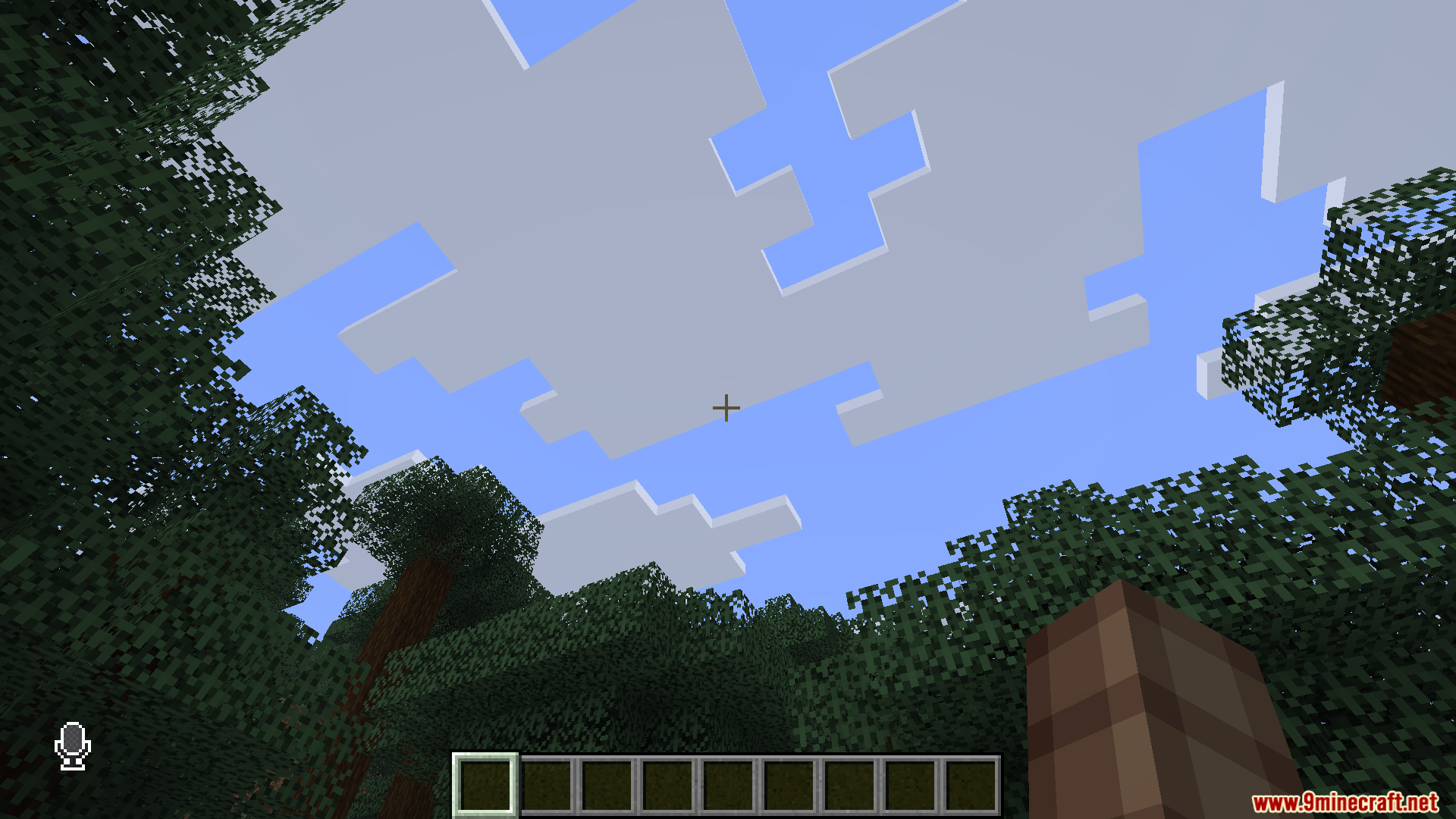
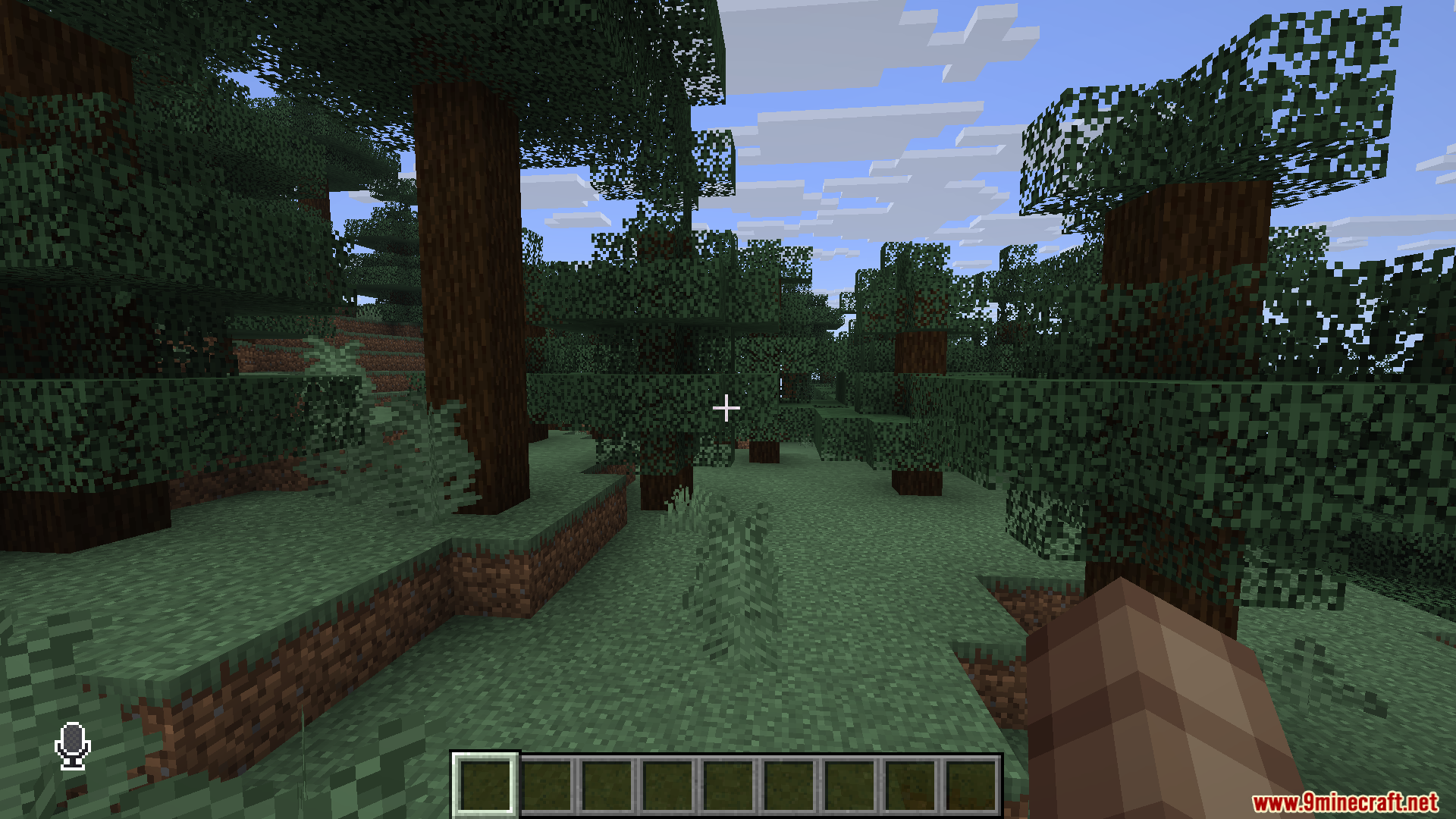
Join a world or server and press the voice chat keybind (default is V) to open the voice chat GUI, then click the microphone icon to activate your mic. Once enabled, you'll see a speaker icon next to players who are talking.
Why can't other players hear me in SVC?
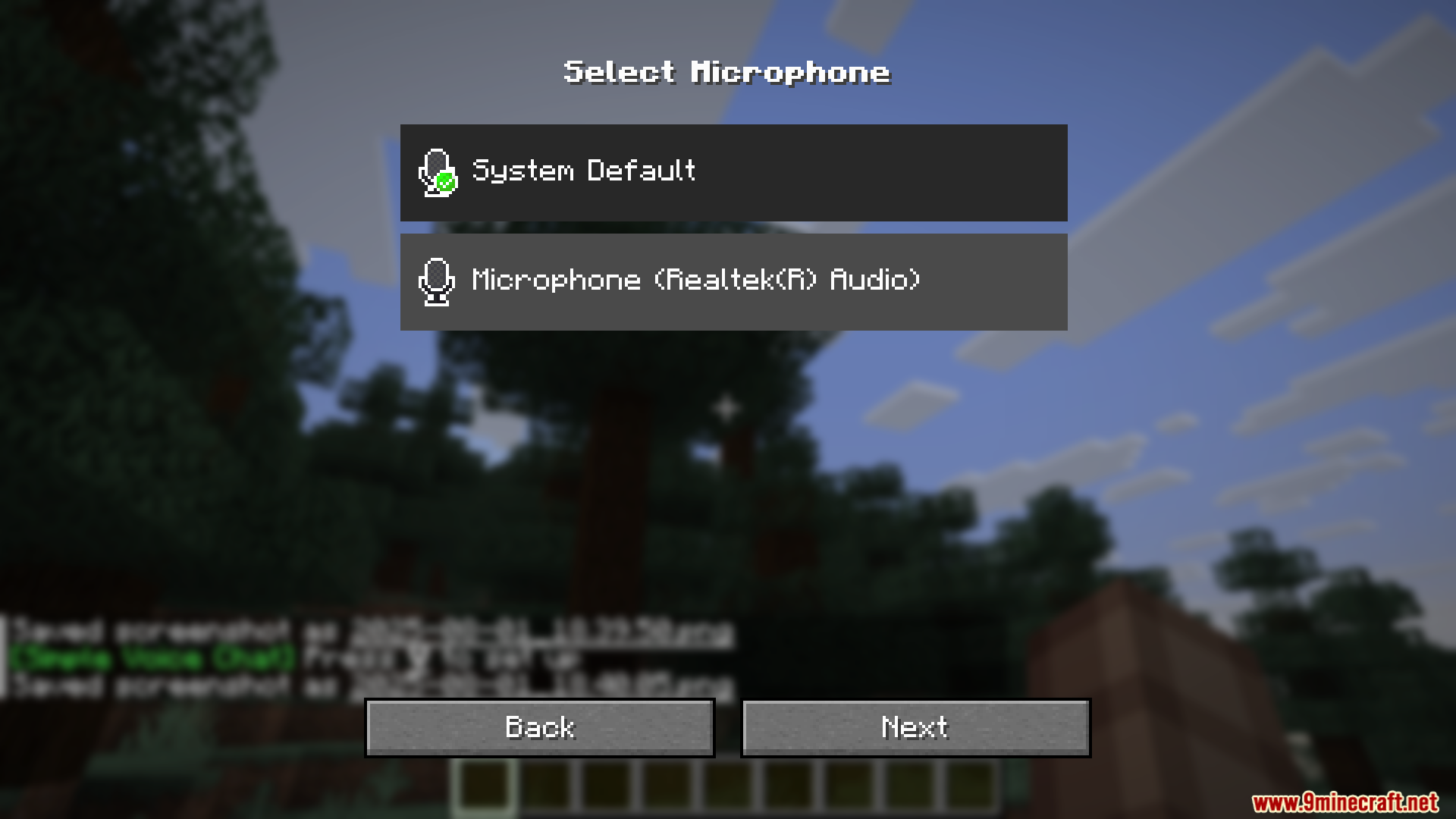
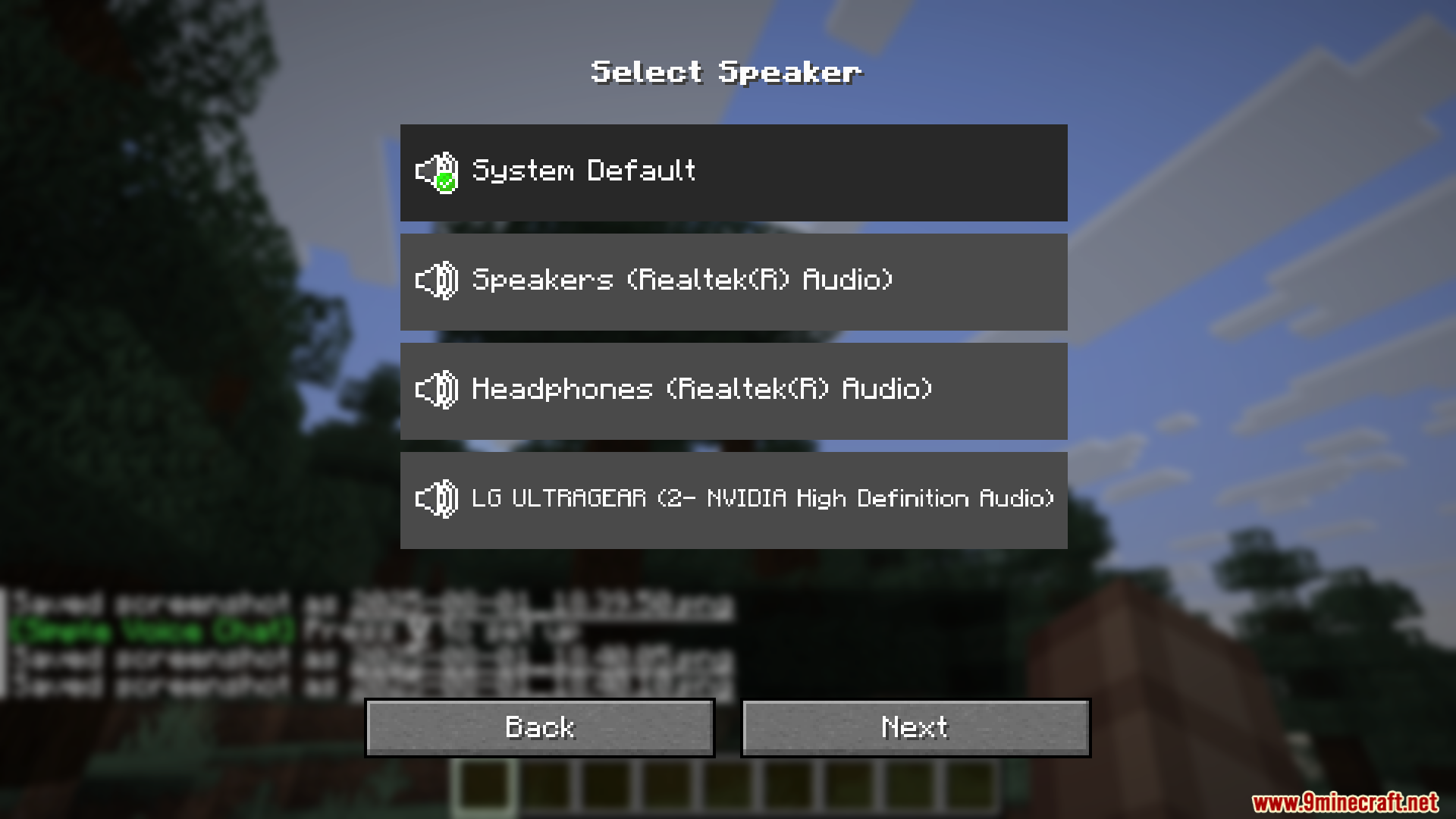
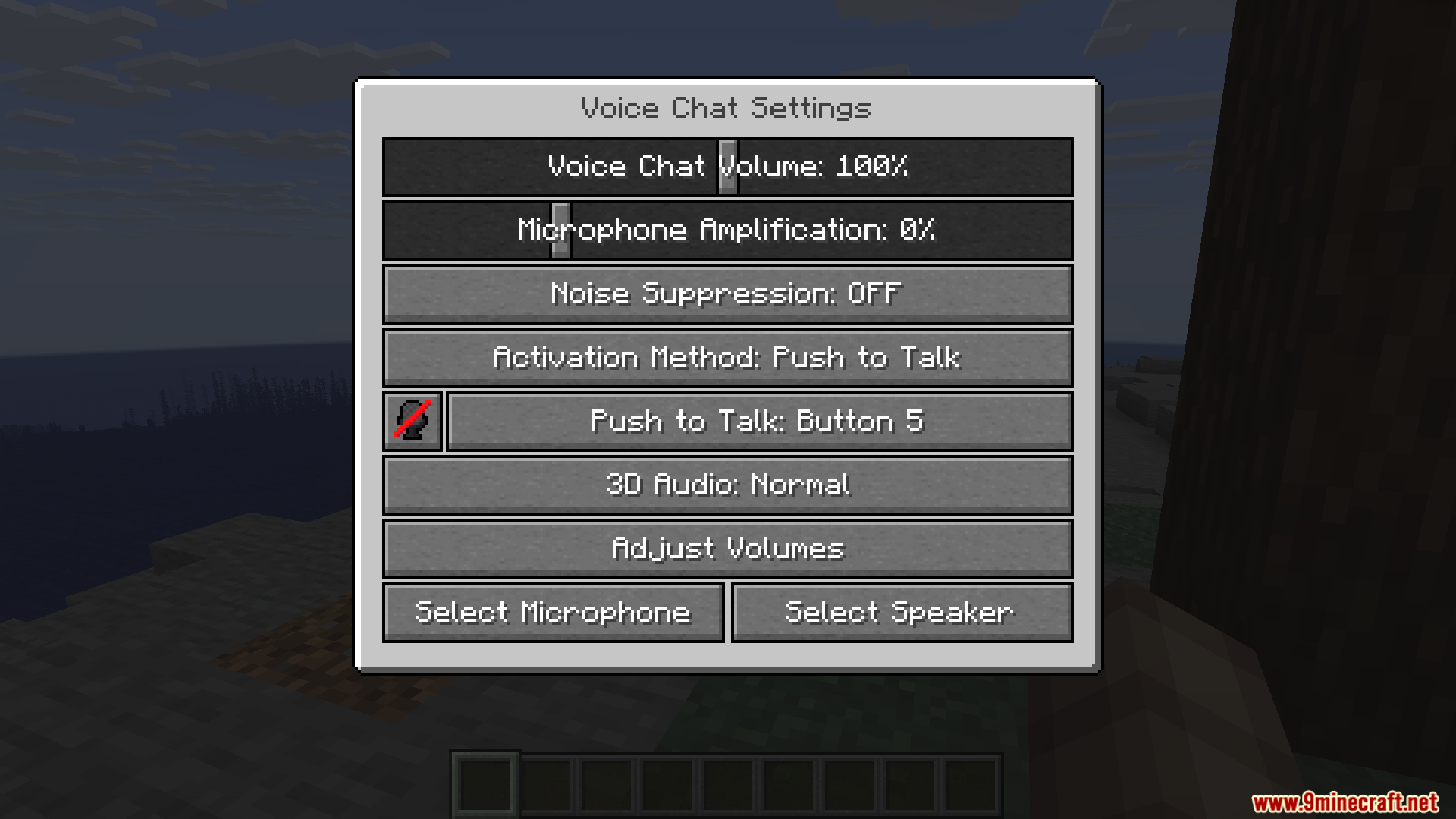
Check that your microphone is selected in the voice chat settings and that you aren't muted in the GUI. Also make sure the server you're on has the Simple Voice Chat plugin or mod installed, since voice only works when both sides support it.
Does SVC work on every server or only some?
Voice chat only works on servers that have  Simple Voice Chat installed server-side. On servers without it, you can still open the GUI but no one will hear you and you won't hear anyone.
How does proximity voice chat work in SVC?
Your voice fades with distance, so players close to you hear you clearly while those far away hear you faintly or not at all. The server admin sets the maximum range, and you can adjust your own volume and mic sensitivity in the voice chat settings.
See all 10 SVC For Lunar Client Modpack questions ›
Gallery
11 images from the Svc For Lunar Client Modpack page.
You May Also Like
Wikis that share the most with this one
More modpack wikis on the site
Spunky Boost ModpackSevTech Ages ModpackRestless Horizons ModpackRemarkably Optimized Modpack Remade And Remastered ModpackRedstone Optimization ModpackProject Infinity 0.1 ModpackPokemon Adventure ModpackOptimized FPS ModpackOptimization ModpackOptiFine Alternative ModpackMystic Realm Awakened Modpack
The most downloaded mods that have a wiki here