

 DownloadYet Another Bingo Mod
Get the files on 9Minecraft
Guides
Step-by-step, in-game.
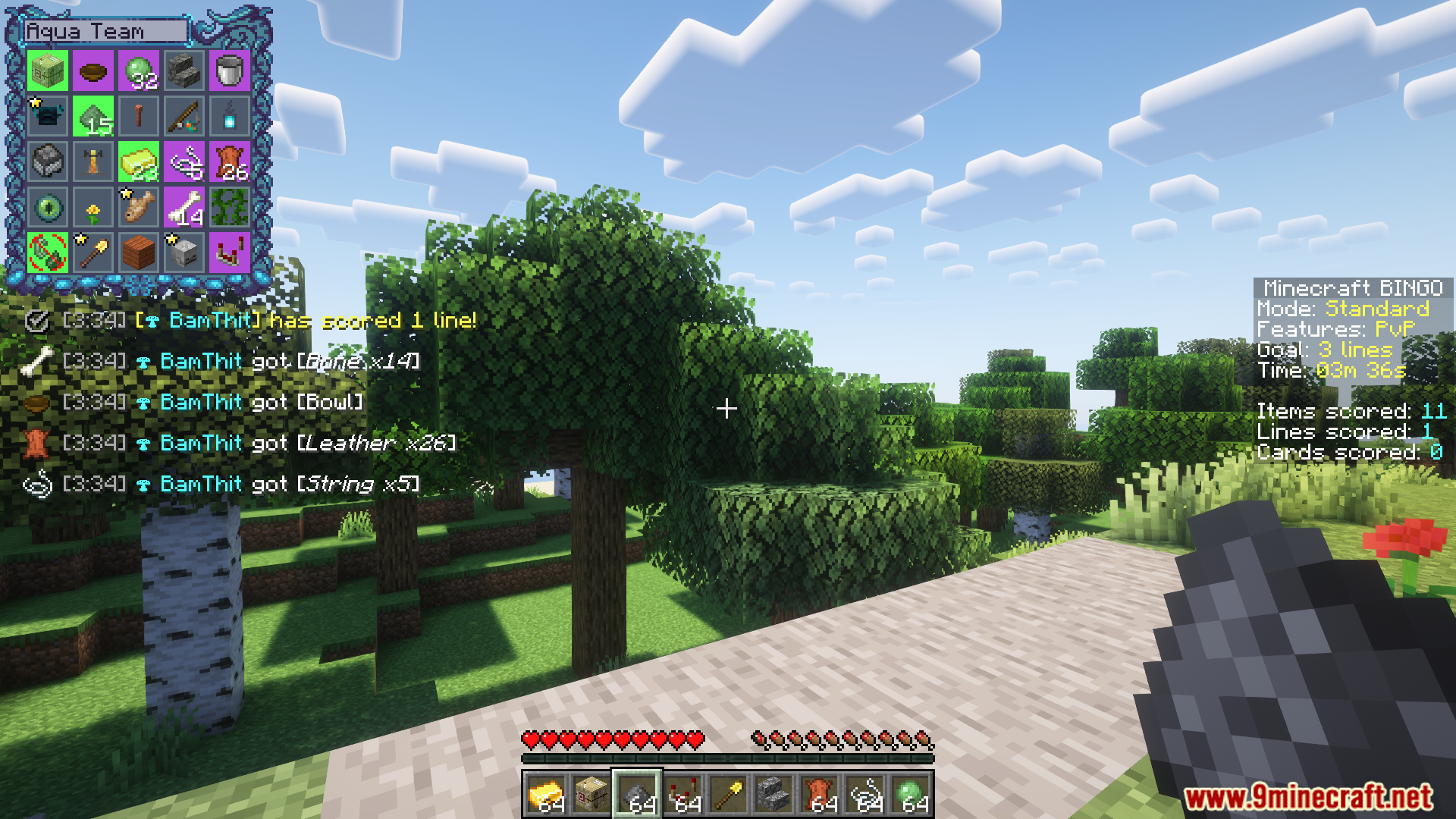
Complete a Bingo Line and WinUnderstand Win Conditions You win by completing a full horizontal, vertical, or diagonal line on your Bingo card.…Manage Teams and Coordinate in LobbyJoin or Switch Teams In the lobby, use /join <team> to select your team. Operators can move players between teams…Set Up a Custom Spawn Kit for Your TeamAccess the Configuration Menu Open Mod Menu (if installed) and navigate to Yet Another Bingo Mod settings. Look for…Use Recipe Lookup to Find Bingo ItemsOpen Recipe Lookup from the Card Press Y to view your Bingo card in inventory mode. Hover over any item you need to…
Frequently asked questions
How do I start a Bingo game with my friends?
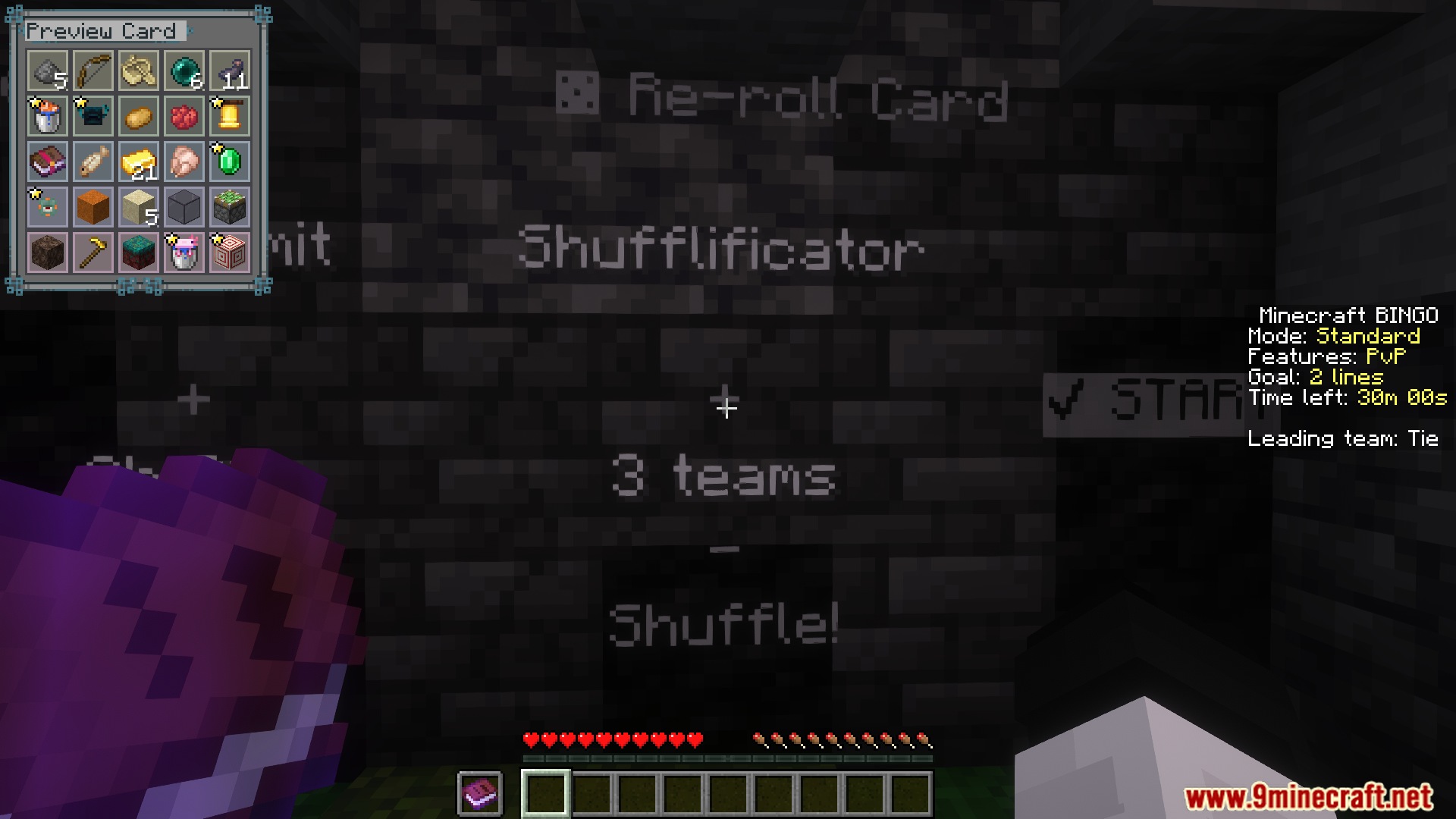
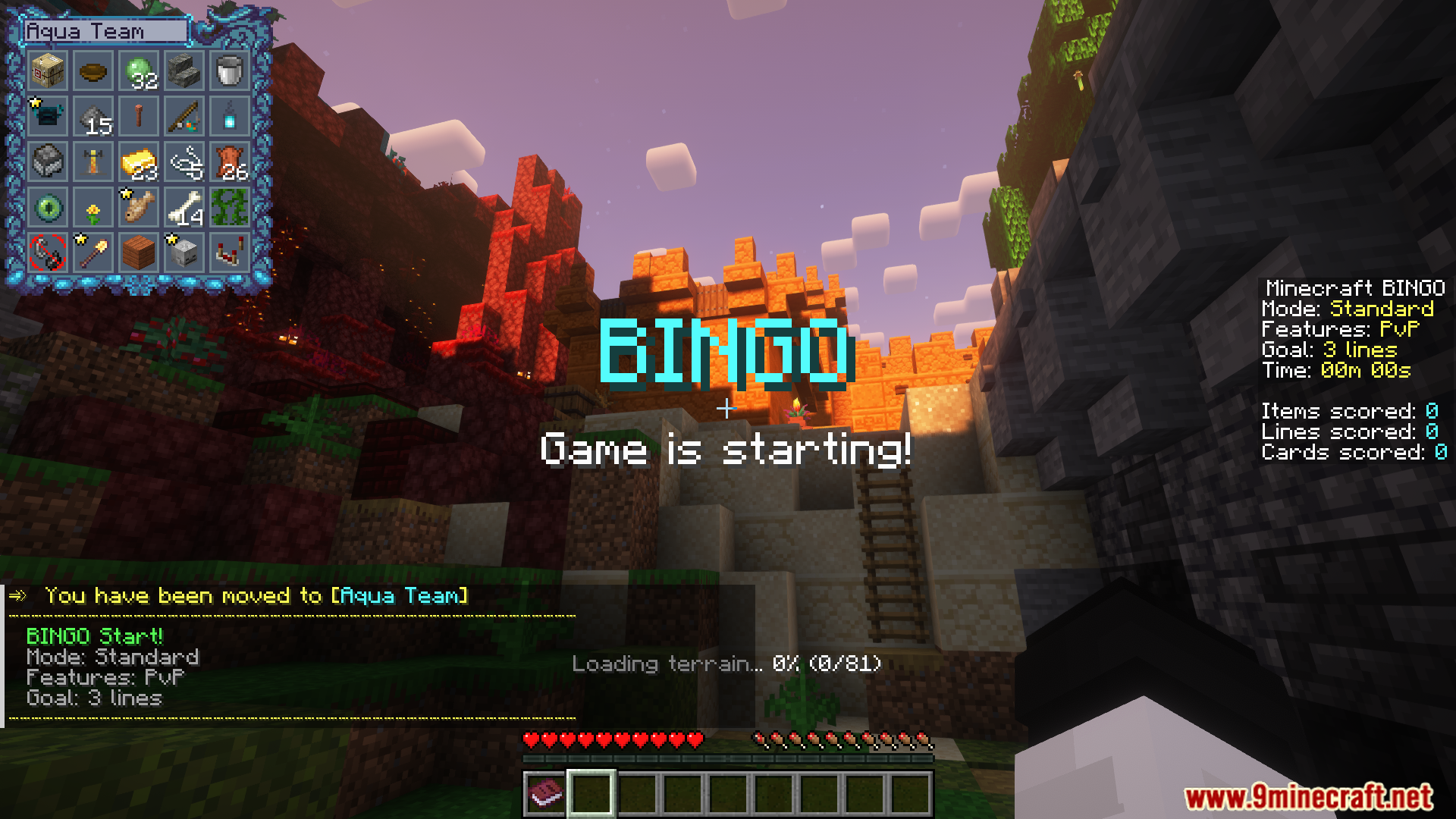
Create or join a server with the mod installed, then in the lobby use /join to pick a team. Once all players are ready, press the ready button or wait for the host to start—the Bingo card will generate and the game begins.
Can vanilla players join a server running this mod?
Yes, vanilla players can join without installing the mod. They won't see the Bingo card in their inventory but can right-click the Bingo map item to view it and participate in the game.
How do I open the Bingo card during a game?
Press Y to open the Bingo card in an inventory view on the client. Vanilla players can right-click the Bingo map item instead.
What's the difference between Standard, Lockout, and other game modes?
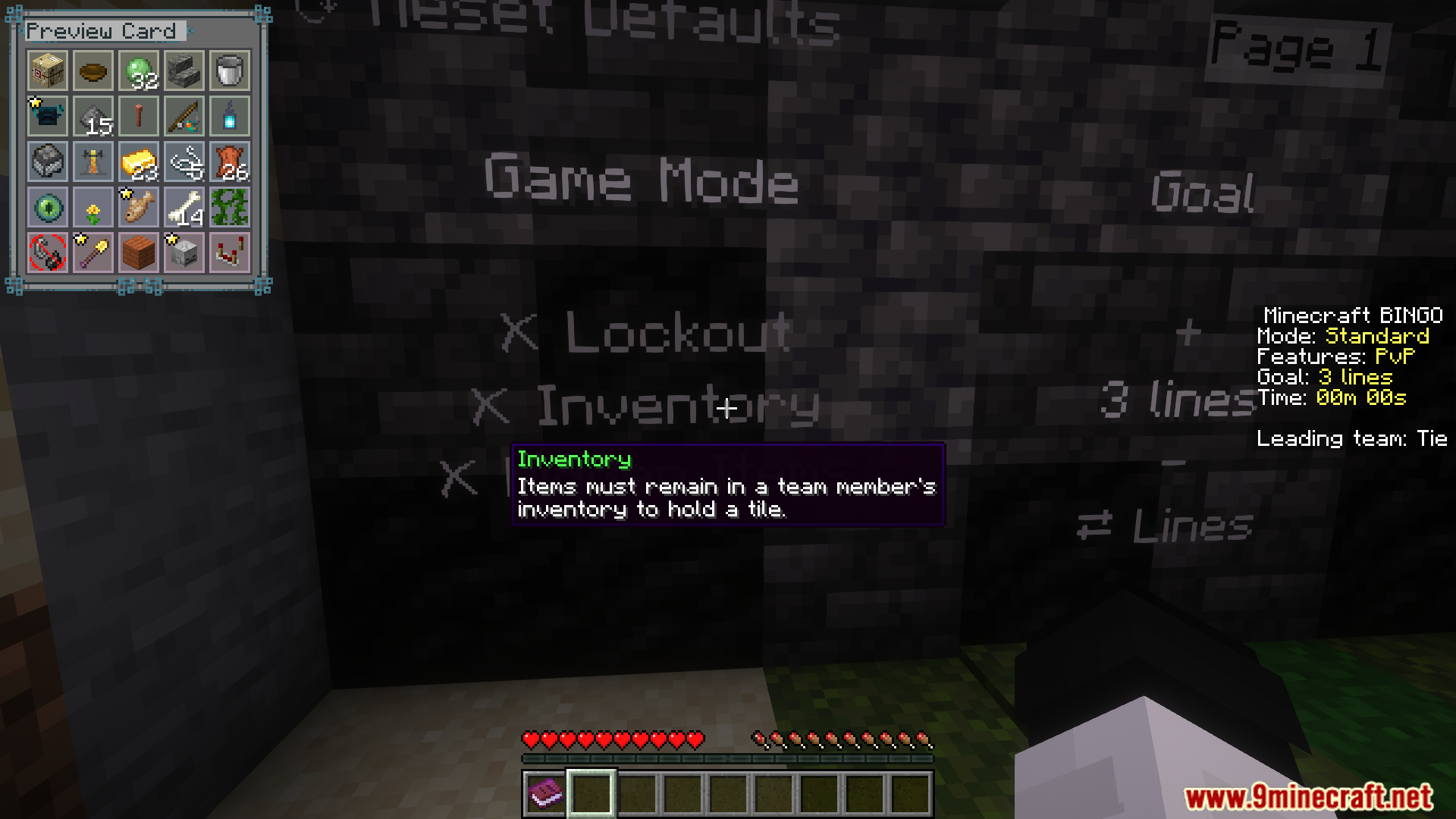
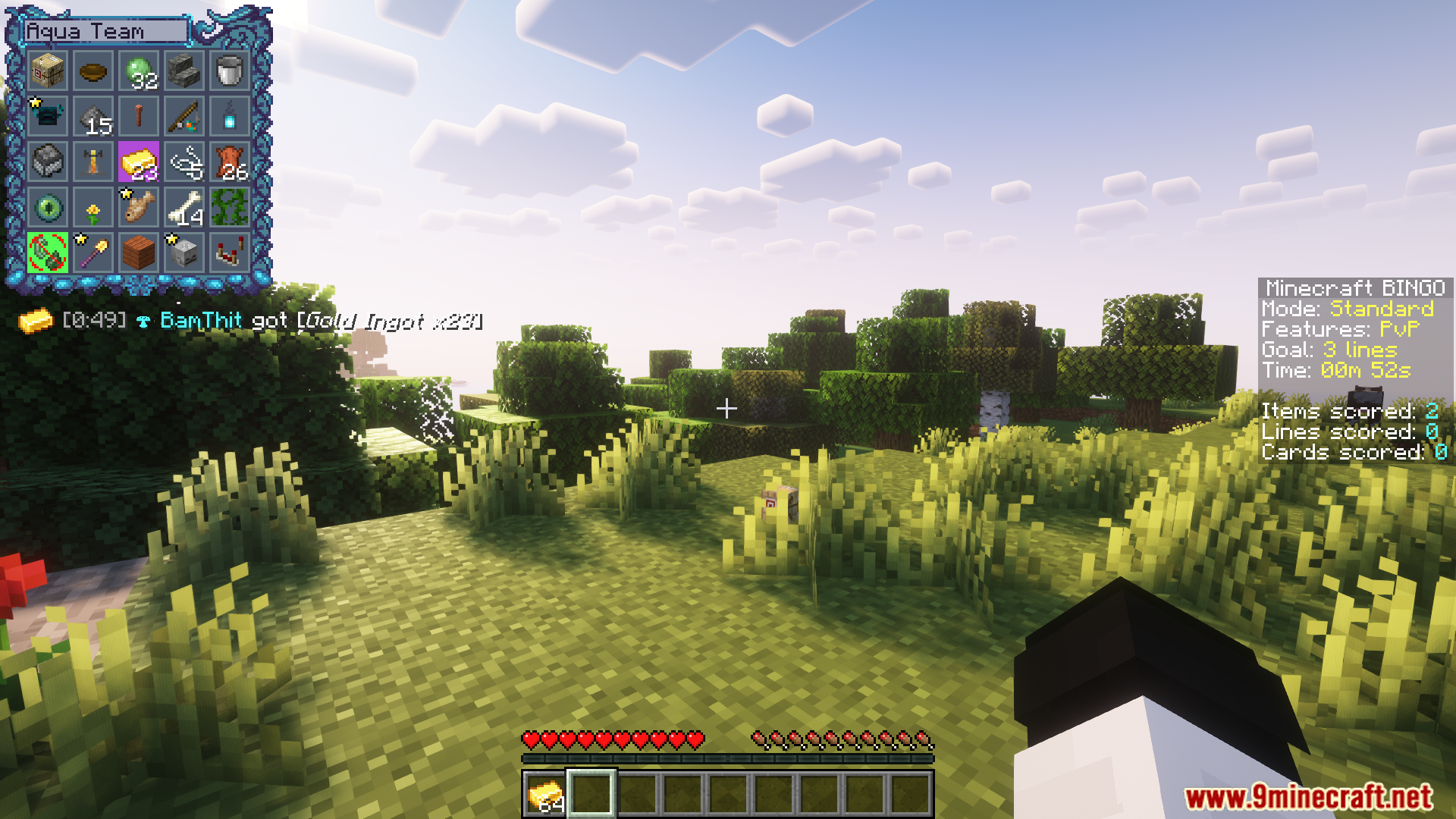
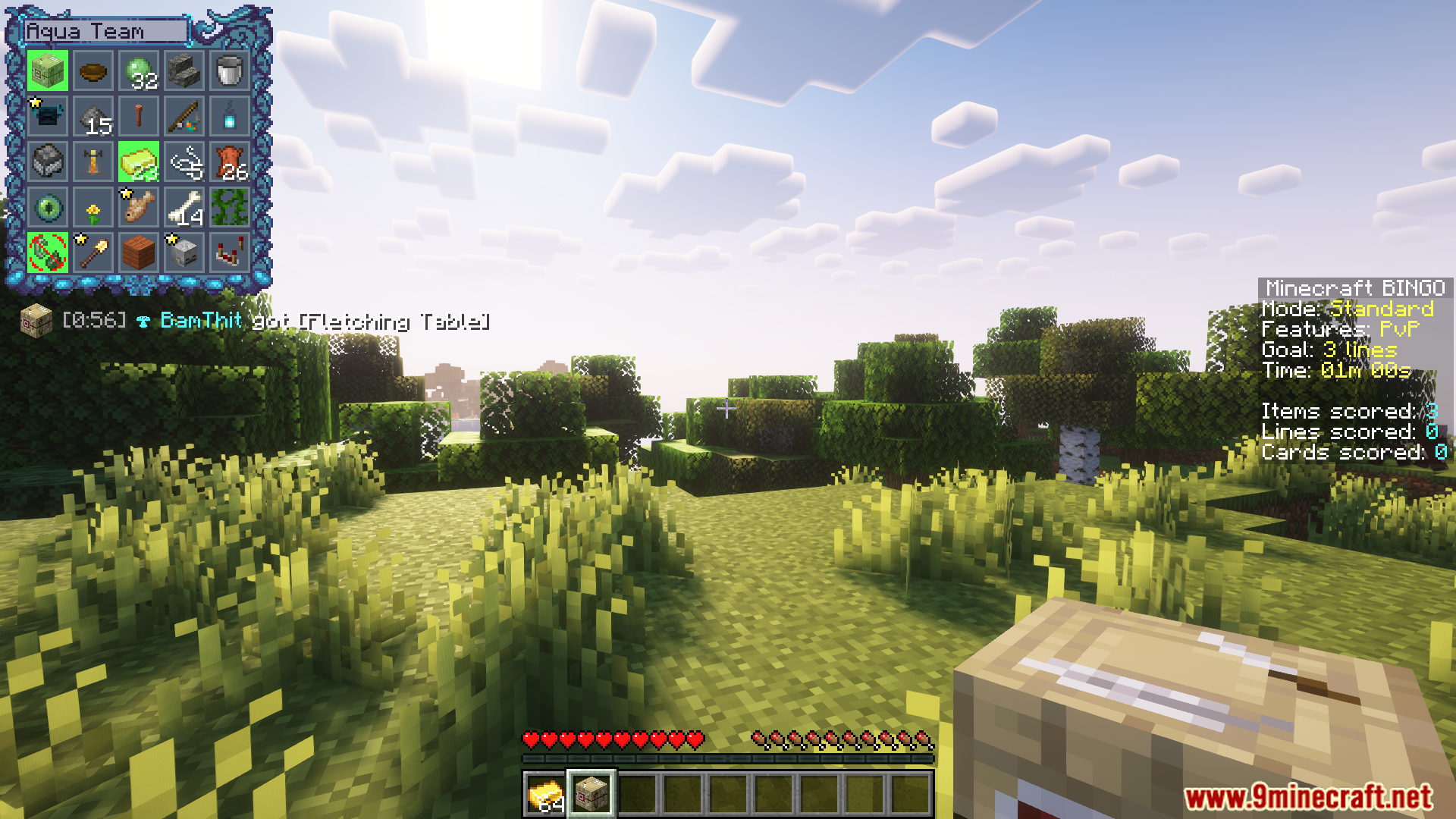
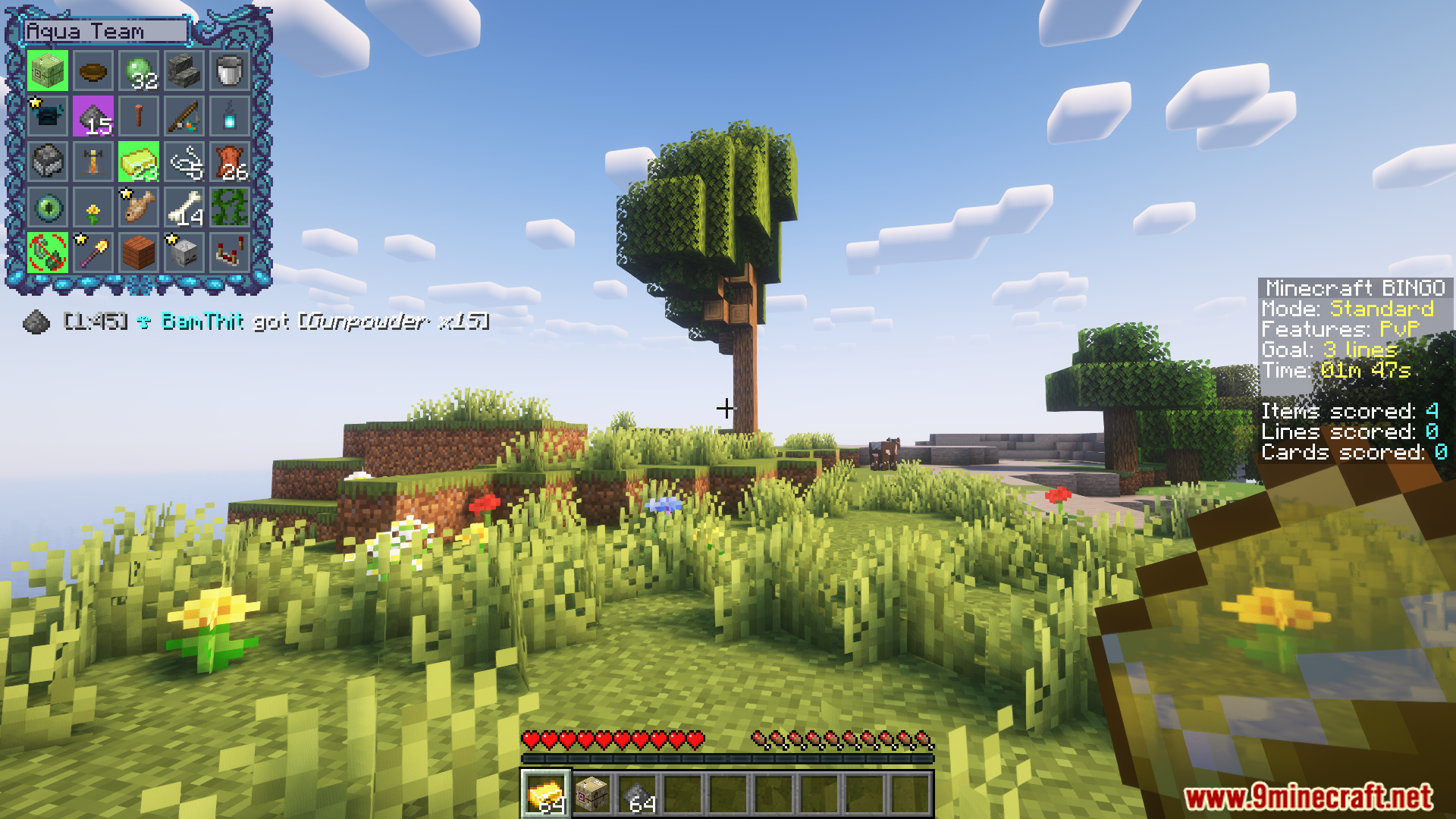
Standard Bingo requires you to complete a full row, column, or diagonal to win. Lockout mode prevents other teams from scoring the same items you collect, making strategy more competitive. Hidden Items and Replace Goals modes add different twists to item collection and card objectives.
See all 10 Yet Another Bingo questions ›
Gallery
12 images from the Yet Another Bingo Mod page.
You May Also Like
Wikis that share the most with this one
 Fetchr Bingo Data Pack
More mod wikis on the site
The most downloaded mods that have a wiki here
A few wikis from each of the other kinds