

 DownloadYes Steve Model Mod
Get the files on 9Minecraft
Guides
Step-by-step, in-game.
How to Create Your Own Custom Model and Animations for Yes Steve ModelAuthoring the Model Yes Steve Model uses Blockbench as its authoring tool. Start a new project in Blockbench, choose…How to Fix Common Yes Steve Model Problems (Model Not Showing, Animations Broken, Sync Fails)Model Does Not Appear in the Menu This is almost always a file layout problem. The mod expects each model in its own…How to Load and Apply a Custom Model to Your Player in Yes Steve ModelGetting the Model Files In Place Yes Steve Model reads models from a dedicated folder inside your Minecraft instance,…How to Set Up Model Permissions and Sync Models on a ServerWhy Server-Side Setup Matters Yes Steve Model is built for servers. When a vanilla client joins, the server pushes…
Configuration
Every setting in the mod config file, with what it changes.
| Option | What it does |
|---|---|
sound_volume | Animation Sound Volume: |
disable_external_first_person_anim | Disable external first person animation. |
disable_player_render | Disable extra player render |
disable_loading_state_screen | Disable loading state screen |
loading_state_position | Loading state screen position |
disable_other_model | Prevents rendering of other player's model |
disable_projectile_model | Prevents rendering of projectile model |
disable_self_hands | Prevents rendering of self player's hands |
disable_self_model | Prevents rendering of self player's model |
disable_vehicle_model | Prevents rendering of vehicle model |
model_info | Show YSM Model Info |
use_compatibility_renderer | Use compatibility renderer |
print_animation_roulette_msg | Whether to print animation roulette play message |
Frequently asked questions
How do I open the model selection menu in Yes Steve Model?
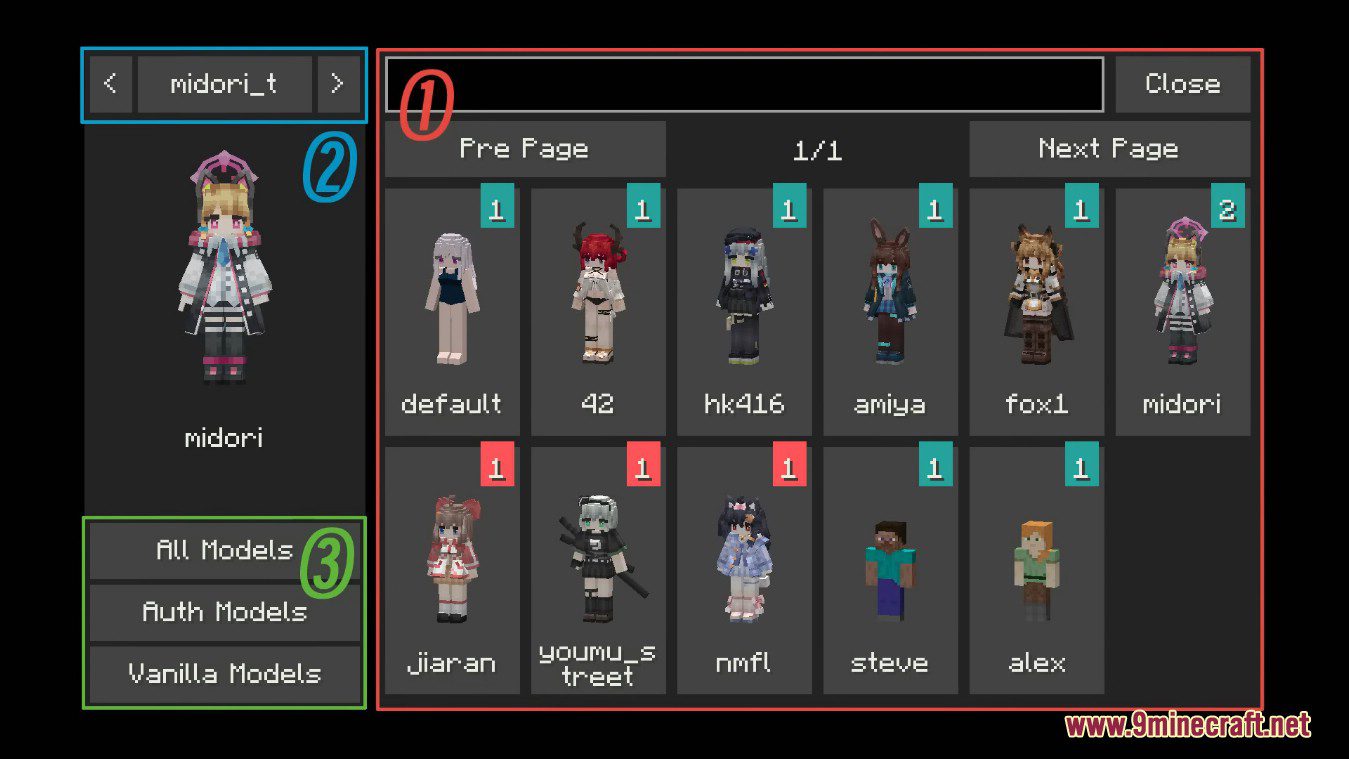
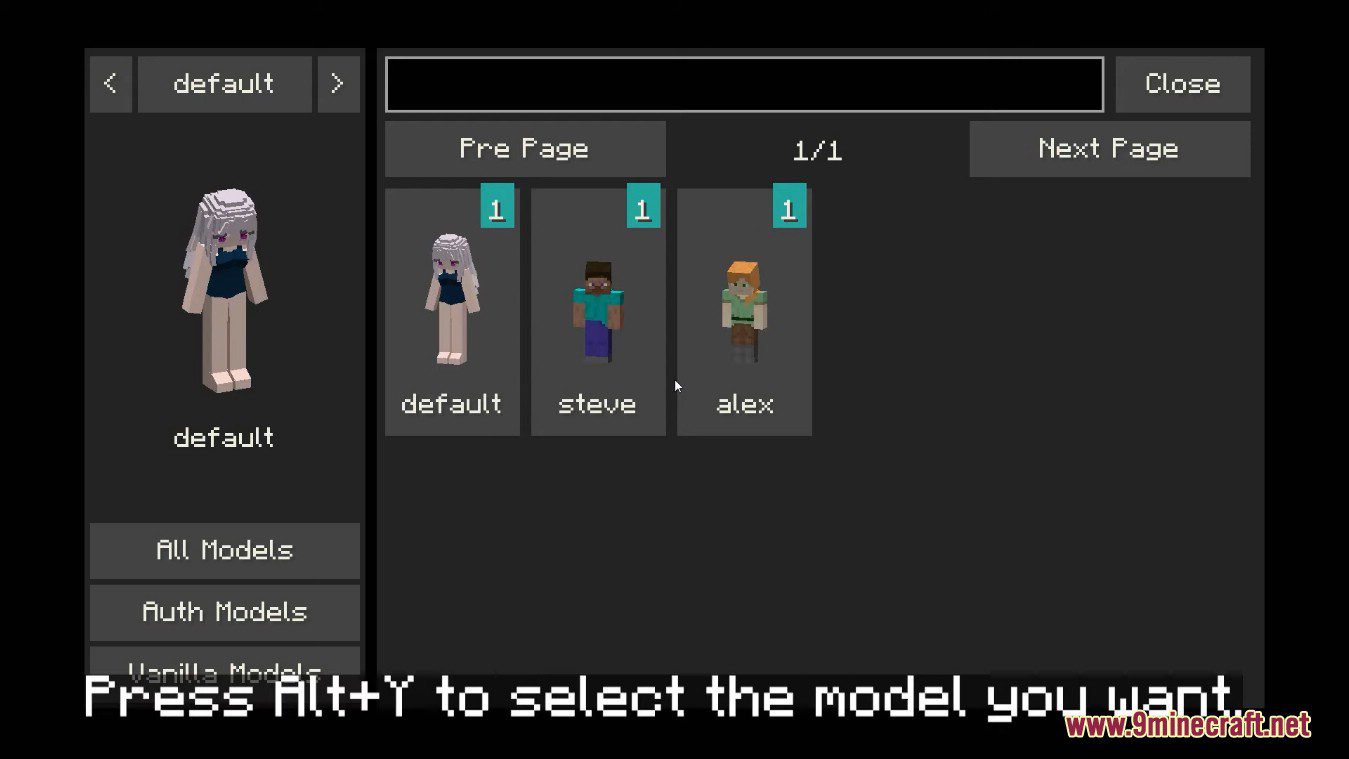
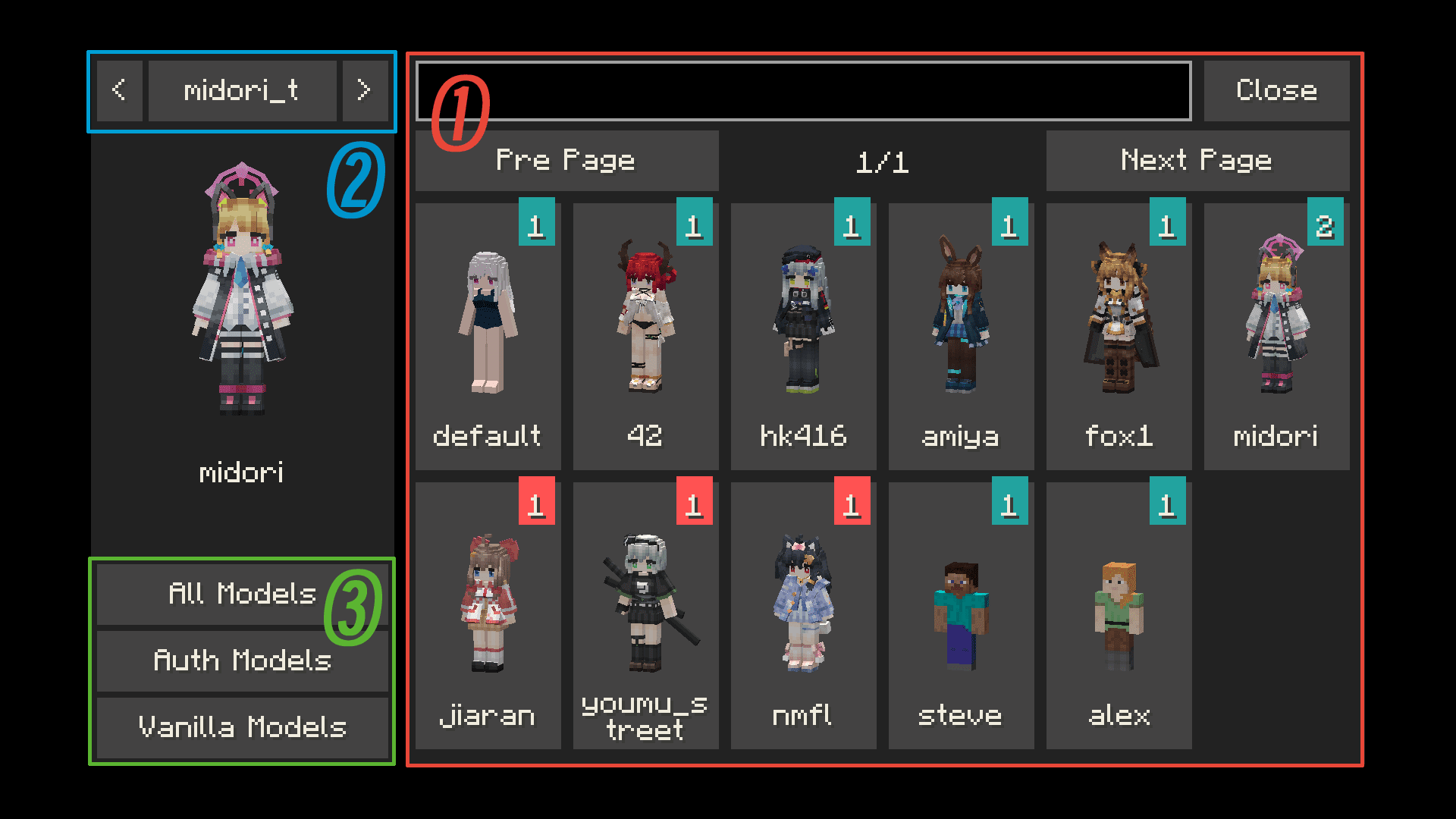
Press the mod's assigned keybind (check your Controls settings for the Yes Steve Model category) to open the model picker in-game. From there you can browse your loaded models and click one to apply it to your player.
Where do I put custom model files so the mod can find them?
Drop your model folders or files into the mod's models directory inside your Minecraft instance folder. The mod scans that folder on load, so restart or reload the model list after adding new files.
Why is my custom model not showing up on my player?
The most common causes are a malformed model folder structure, a missing or broken animation file, or the model not being selected in the picker. Check the mod's log for parsing errors and confirm the model appears in the selection menu before applying it.
Do other players need the mod installed to see my model?
On a server running the mod, vanilla or non-modded players will have models synced to them automatically by the server. In singleplayer or on servers without the mod, only players who have the mod and the model file will see it.
See all 10 Yes Steve Model questions ›
Gallery
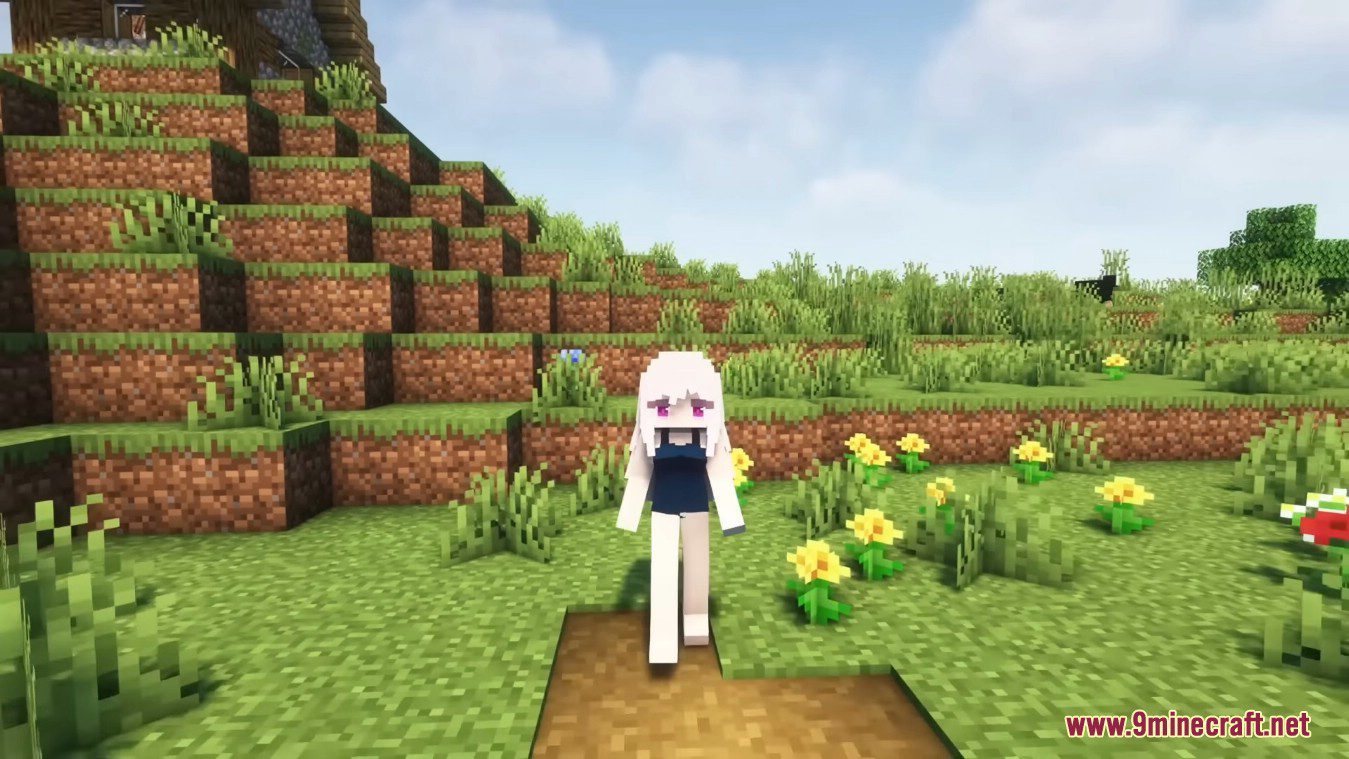
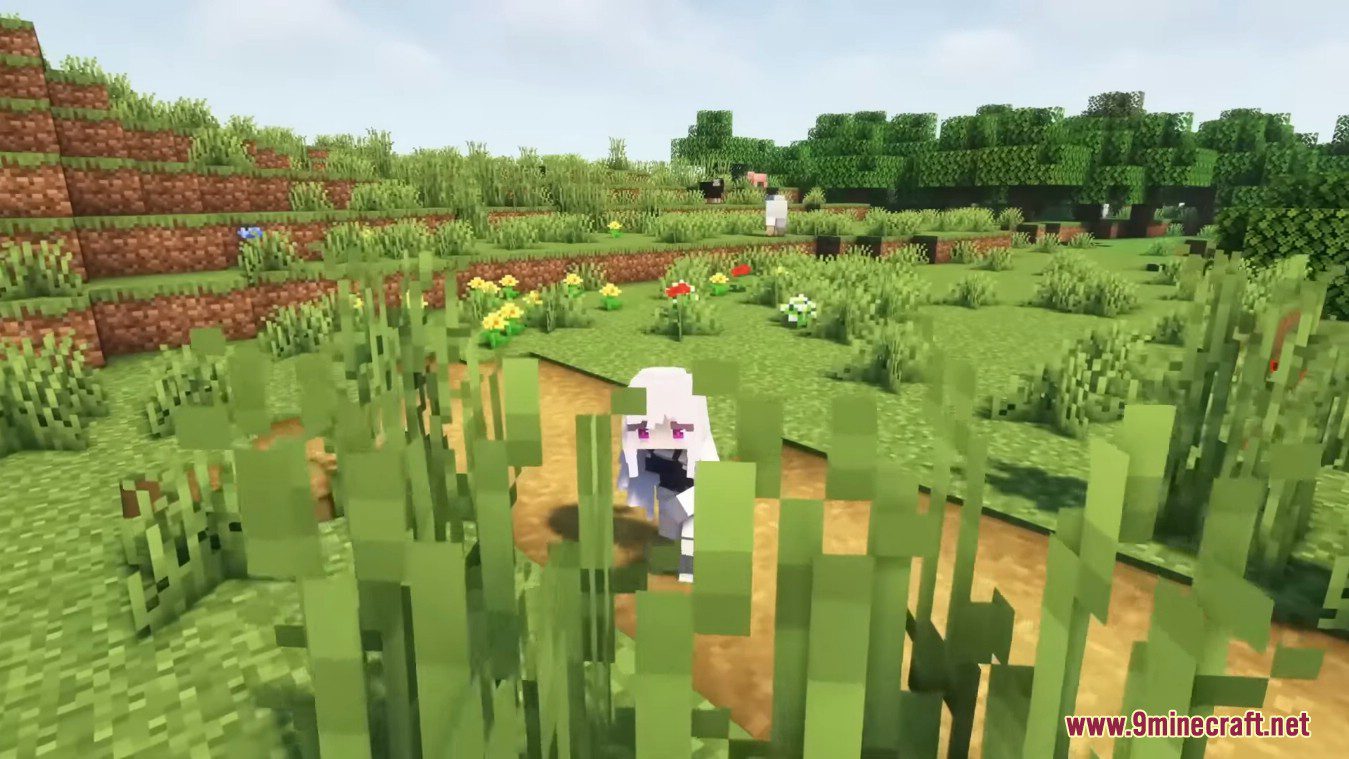
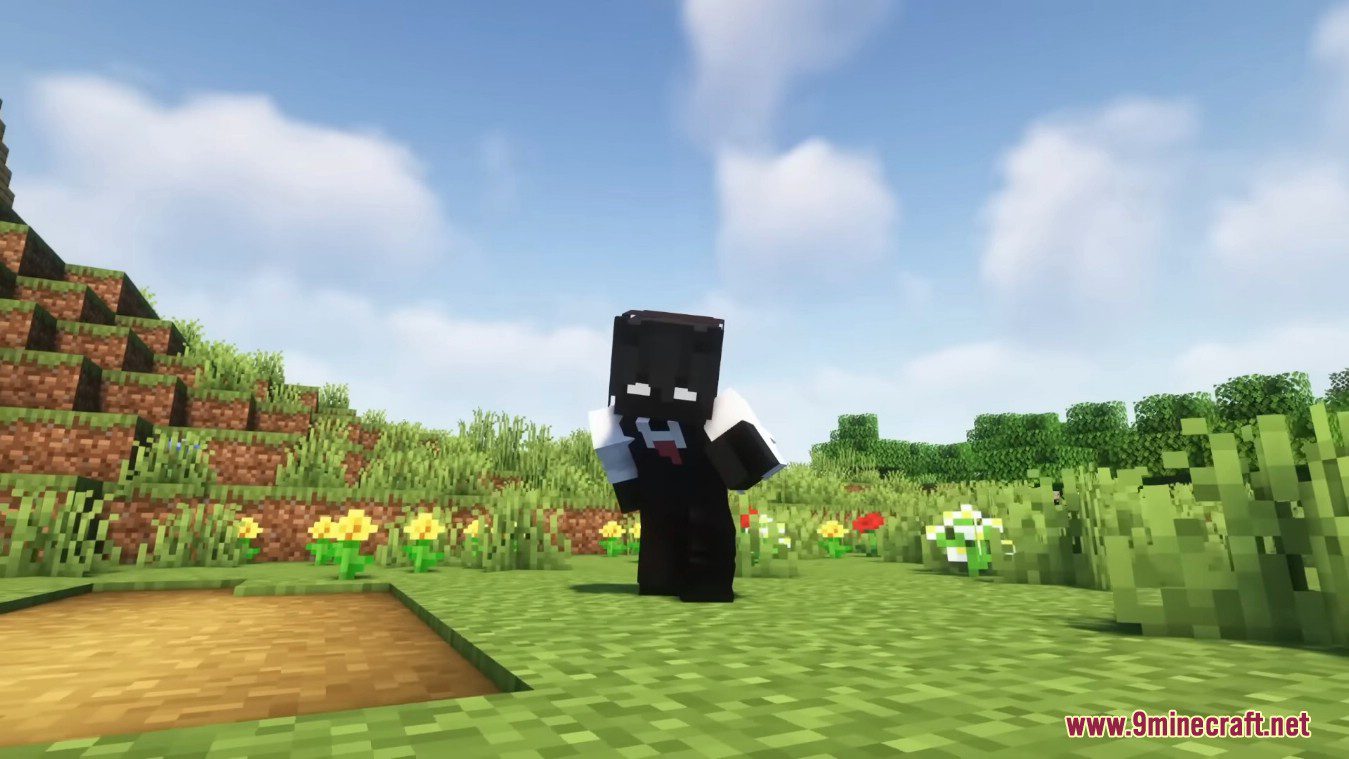
8 images from the Yes Steve Model Mod page.
You May Also Like
Wikis that share the most with this one
More mod wikis on the site
The most downloaded mods that have a wiki here
A few wikis from each of the other kinds