

 DownloadSunken Topography Mod
Get the files on 9Minecraft
Guides
Step-by-step, in-game.
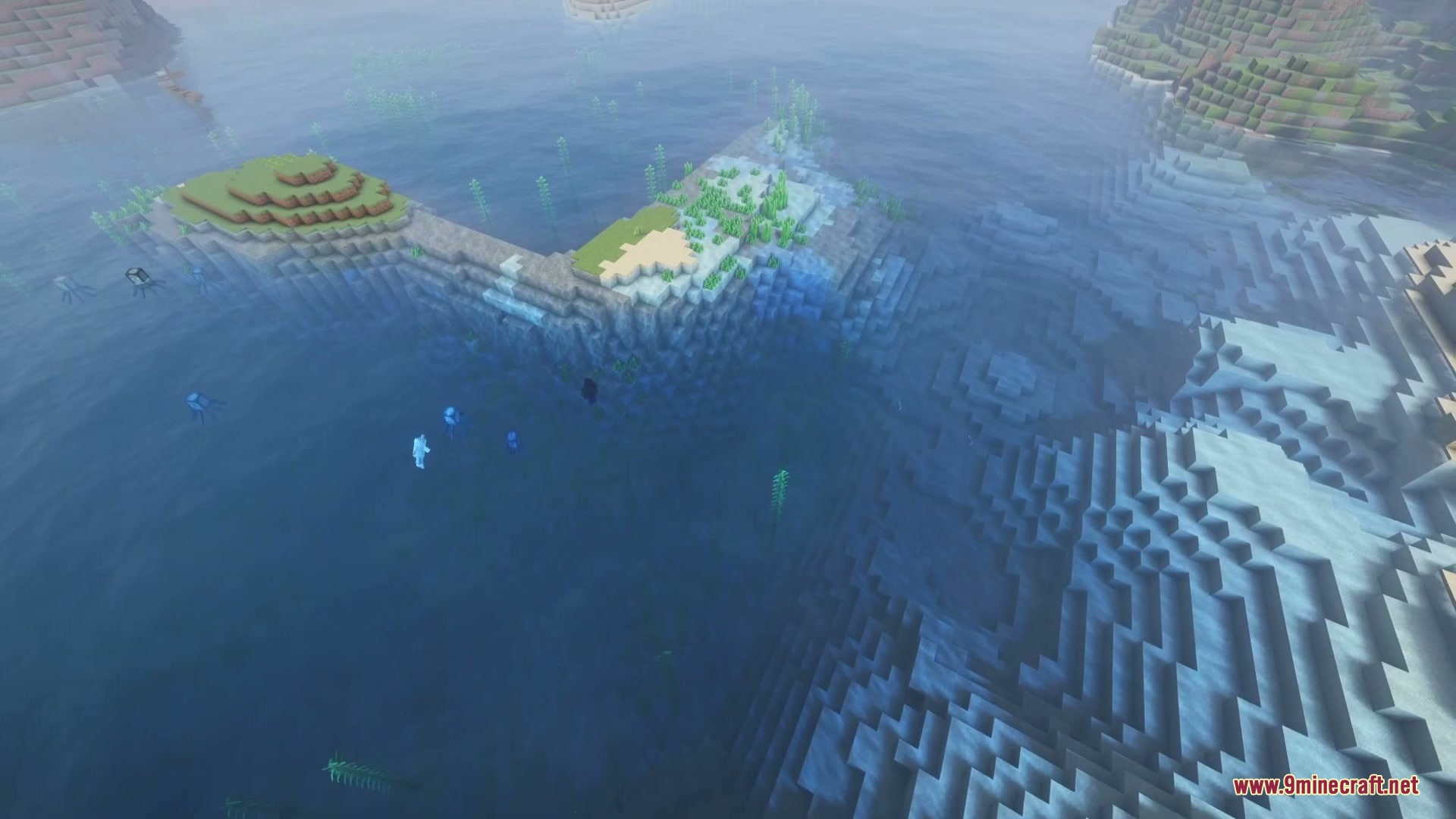
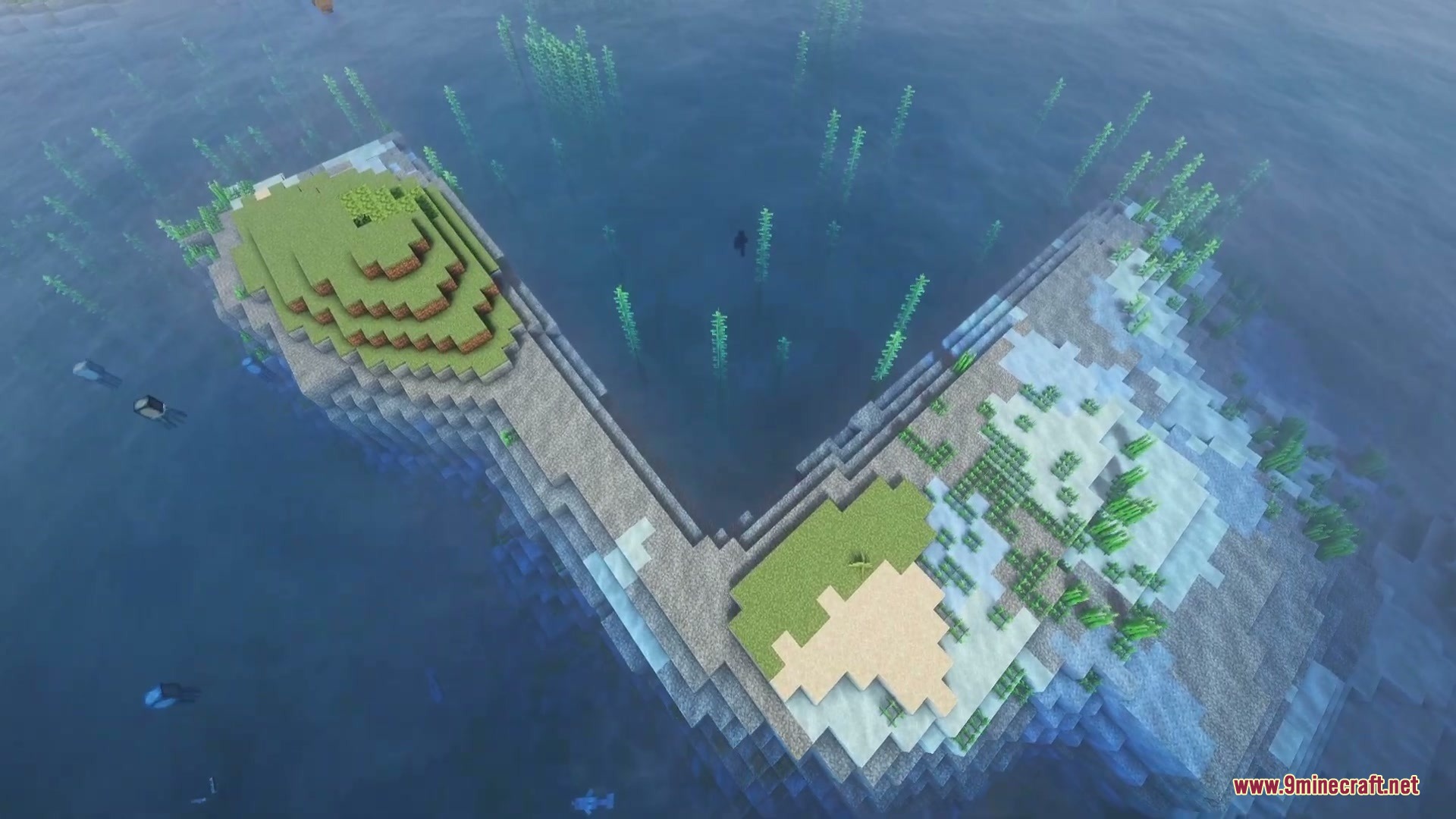
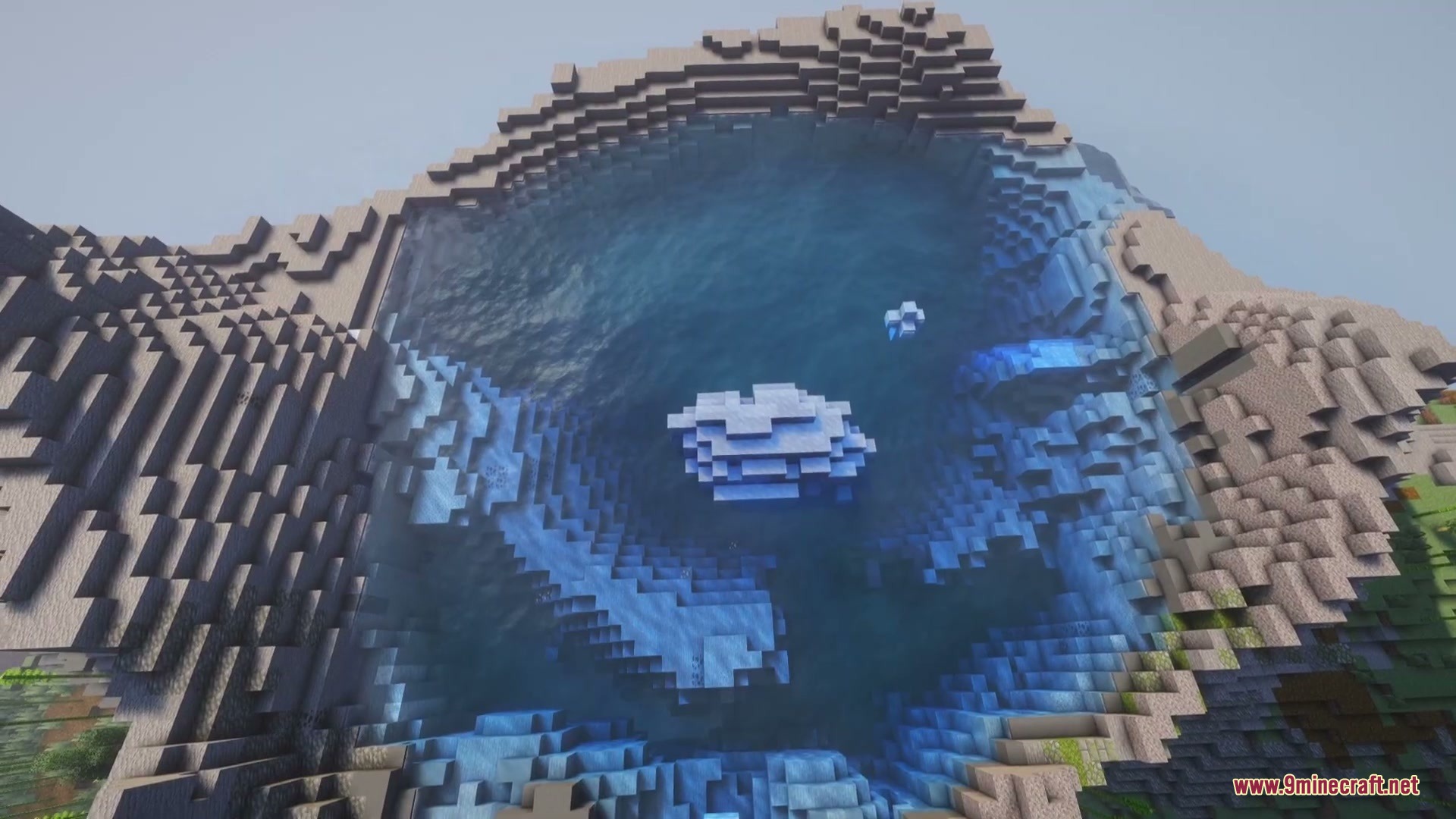
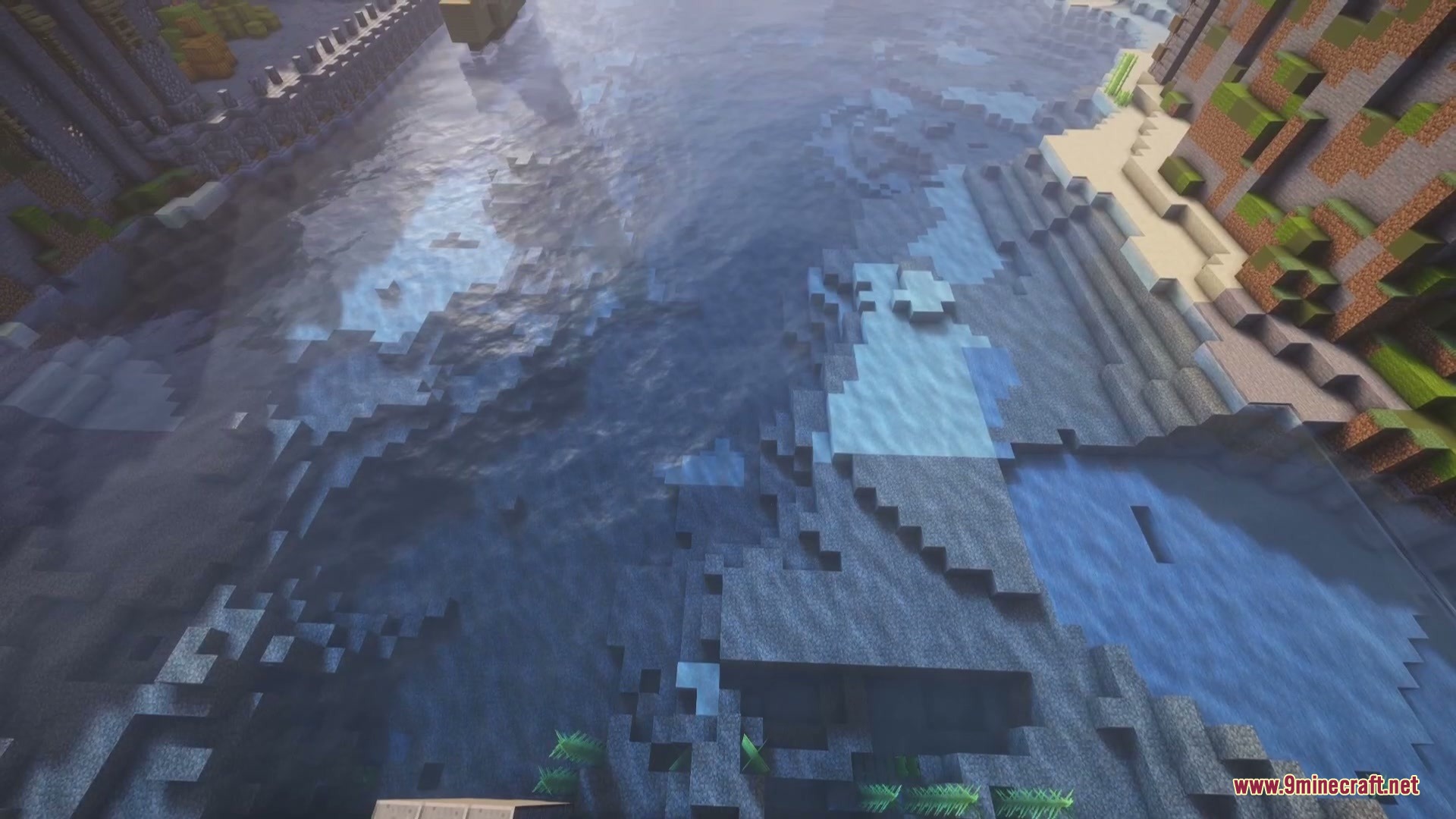
Adjust Water Colors to Match Your Biome PaletteCustomize shallow and deep water tints The mod multiplies its depth effect onto vanilla biome colors rather than…Find Ocean Trenches and Deep Underwater CanyonsSpot depth changes from the surface Ocean trenches appear as noticeably darker patches of water when viewed from…Improve Underwater Visibility While SwimmingEnable and configure underwater fog The mod includes optional depth-based fog that thickens as you dive deeper,…Map Ocean Floor Terrain Without DivingRead underwater topography from above water The mod's primary strength is revealing ocean floor shape through water…
Frequently asked questions
How do I turn on the mod after installing it?
The mod is enabled by default once installed. Open your config screen (usually accessible from the main menu or pause menu depending on your mod loader) and look for Sunken Topography settings to adjust colors and depth thresholds to your preference.
Why does my water still look flat in some areas?
Water only shows depth gradients where there's actual terrain variation below the surface. Perfectly flat ocean floors won't show color changes—look for areas with underwater cliffs, trenches, or varied seabed to see the effect.
Can I use this mod on a multiplayer server?
Yes, the mod runs entirely on your client side, so you don't need the server to have it installed. Other players won't see your depth-based water colors unless they also have the mod.
Does this mod work with custom biome mods?
Yes, the mod multiplies its depth shading onto existing biome water colors rather than replacing them, so it works alongside biome data packs and custom biome mods.
See all 10 Sunken Topography questions ›
Gallery
6 images from the Sunken Topography Mod page.
You May Also Like
Wikis that share the most with this one
More mod wikis on the site
The most downloaded mods that have a wiki here
A few wikis from each of the other kinds