

 DownloadWI Freecam Mod
Get the files on 9Minecraft
Guides
Step-by-step, in-game.
Adjust Camera Speed for Precise or Fast MovementControl Your Flight Speed WI Freecam Mod lets you adjust how fast your camera moves, with separate control over…Inspect Tall Structures and Hidden DetailsFly Around Buildings Without Scaffolding Freecam lets you examine tall structures, roofs, and hidden redstone…Switch Between Camera Control and Character ControlToggle Between Freecam and Normal Movement You can seamlessly switch control between your detached camera and your…Take Clean Screenshots Without Your Character's HandHide Your Hand for Perfect Shots When taking screenshots, your character's hand holding a tool or block can obstruct…
Frequently asked questions
How do I turn on freecam?
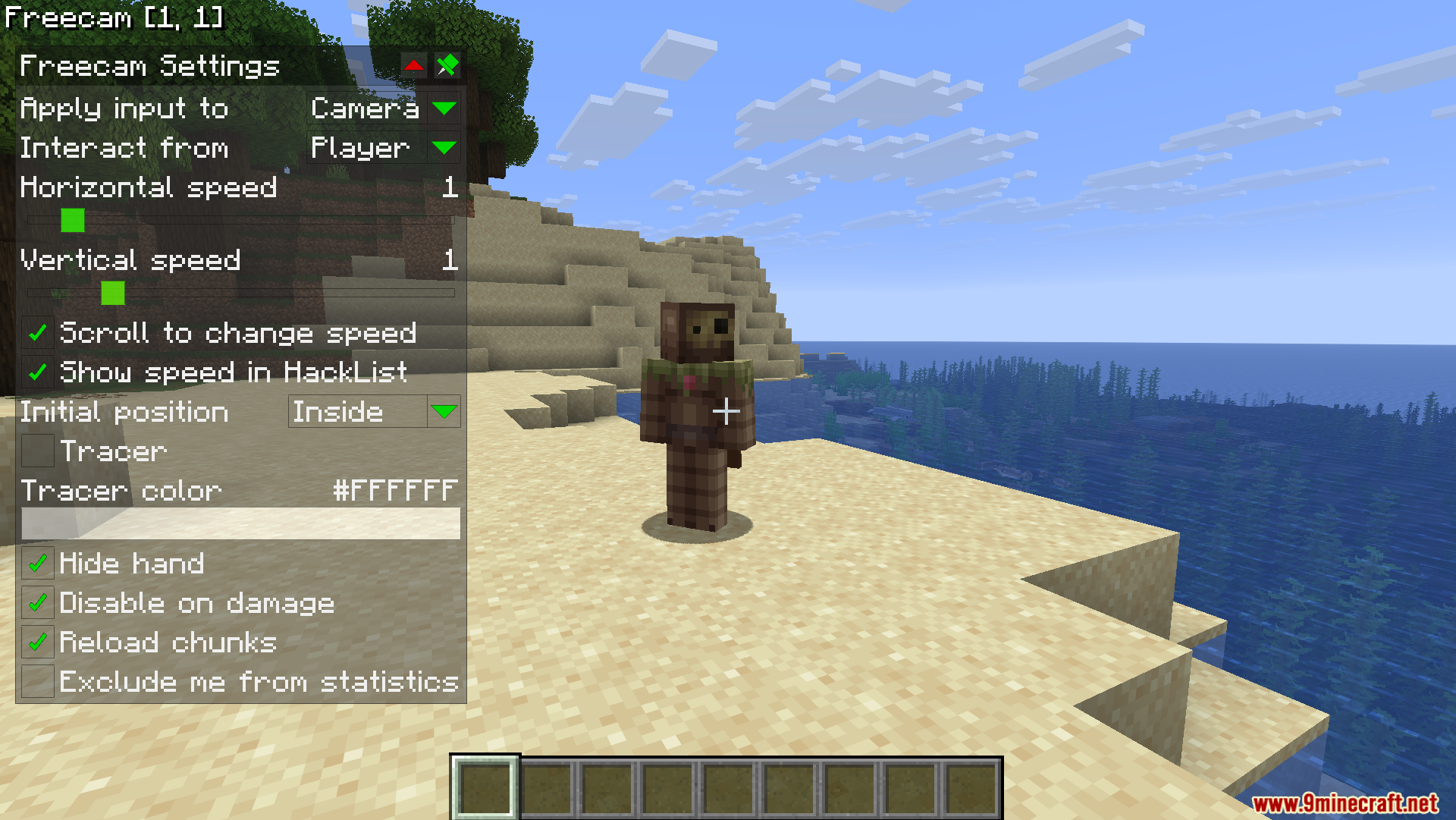
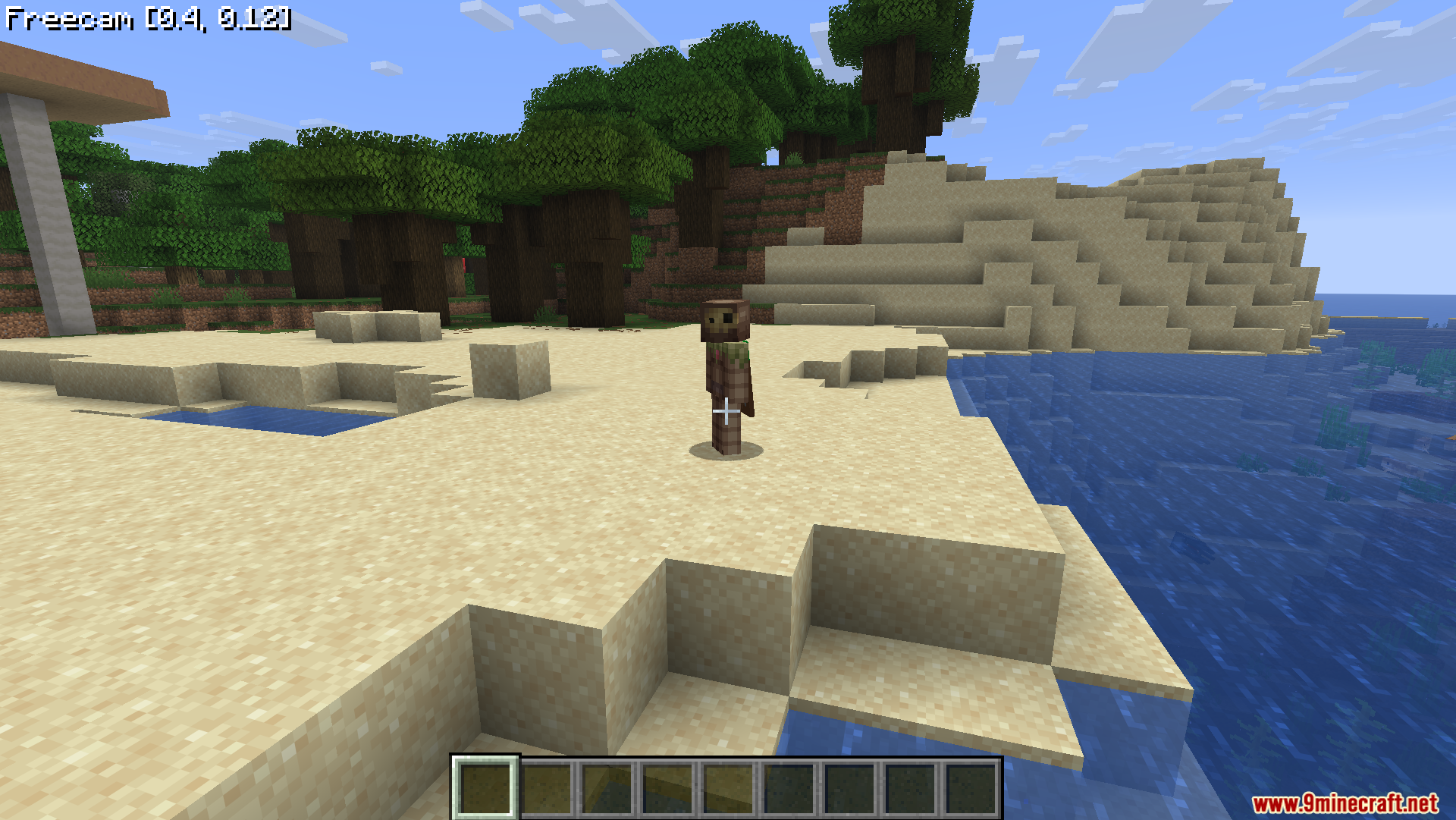
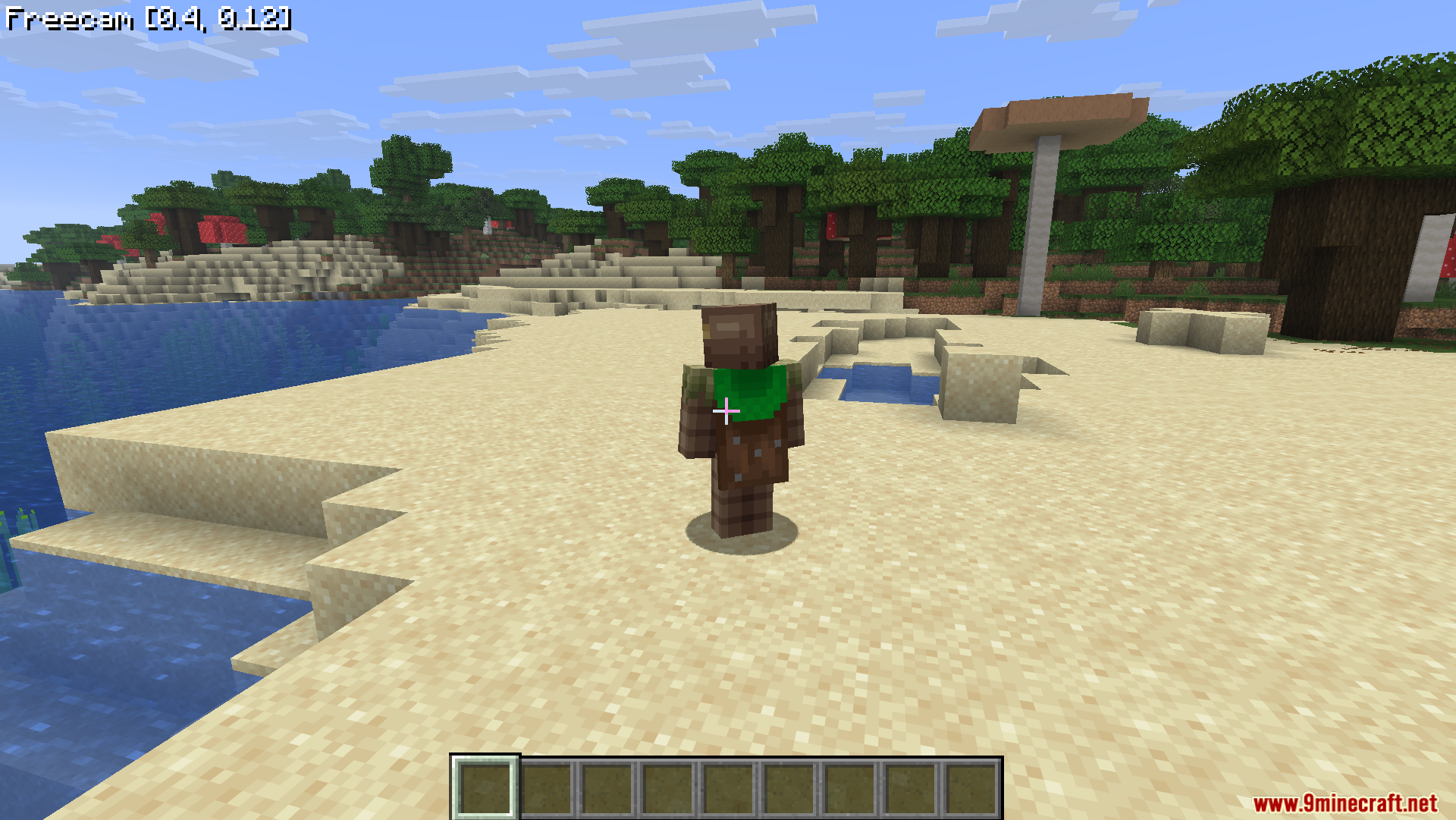
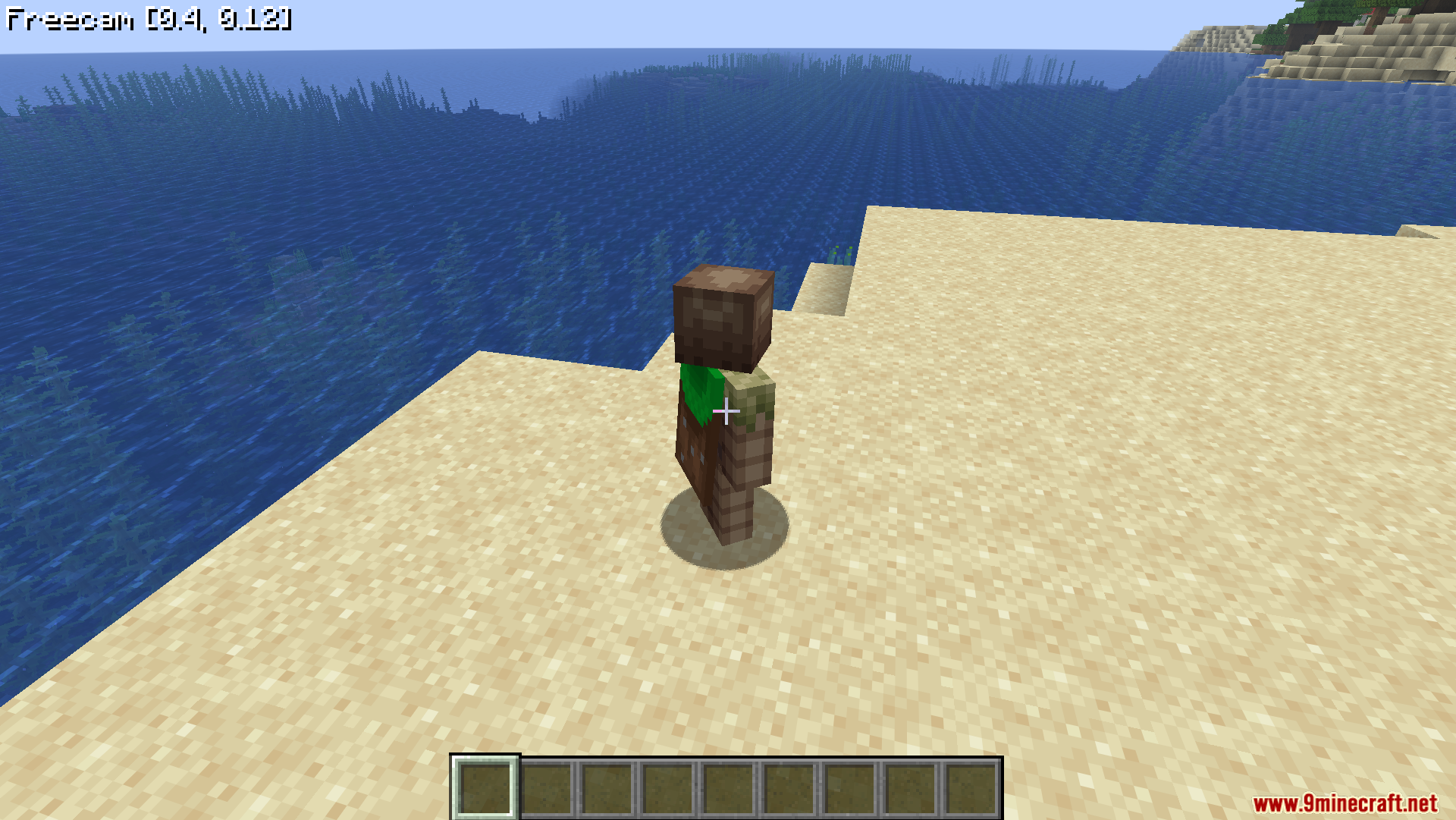
Press U on your keyboard to toggle the free camera on and off. Your character will stay in place while your camera detaches and you can fly around freely.
How do I move the camera around?
Use WASD to move horizontally, Space to move up, and Shift to move down. The camera stops instantly when you release the keys without any sliding.
Can I change how fast the camera moves?
Yes, scroll your mouse wheel up to go faster or down to go slower. The current speed is displayed on your screen so you always know your velocity.
How do I access the settings menu?
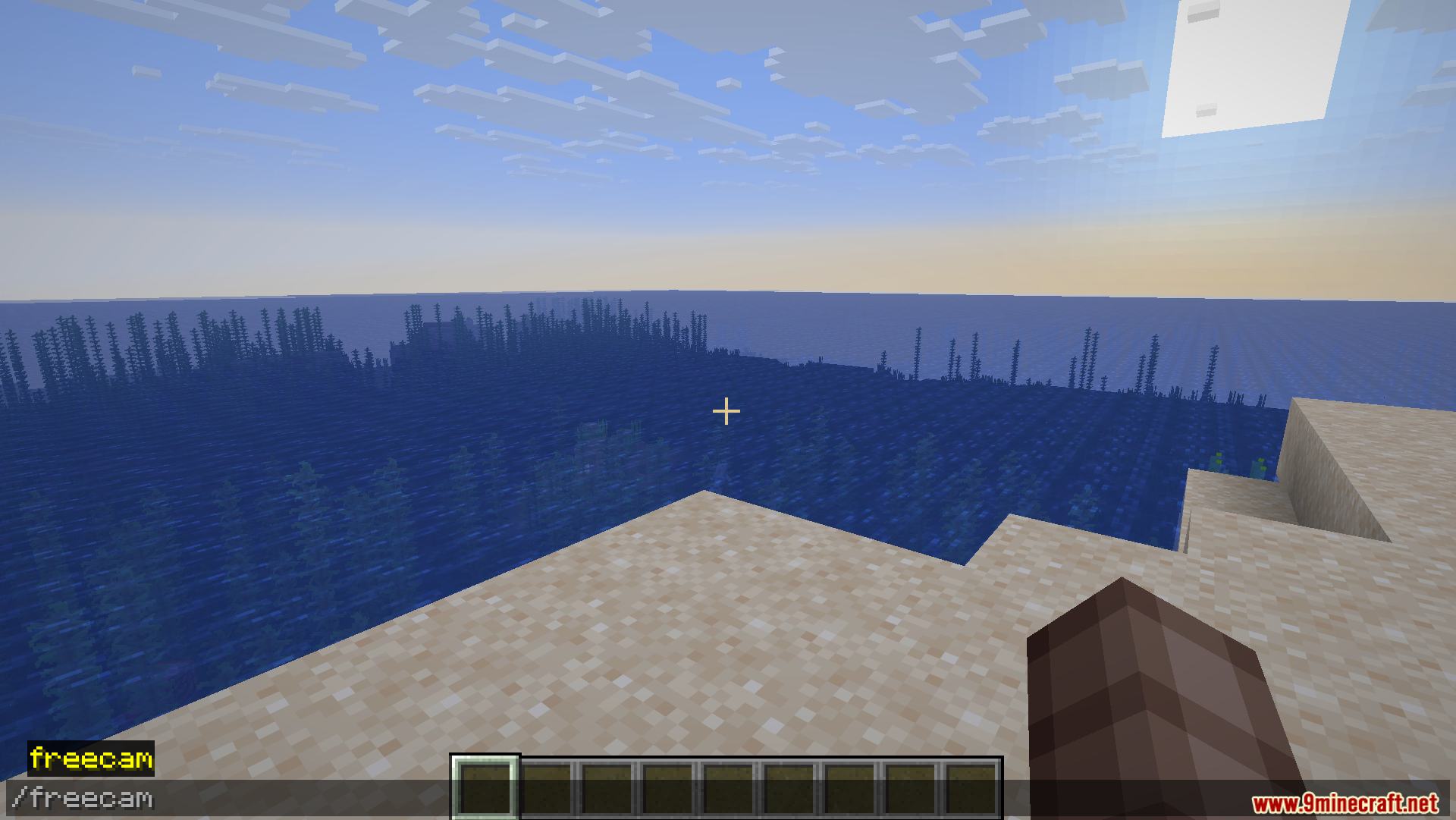
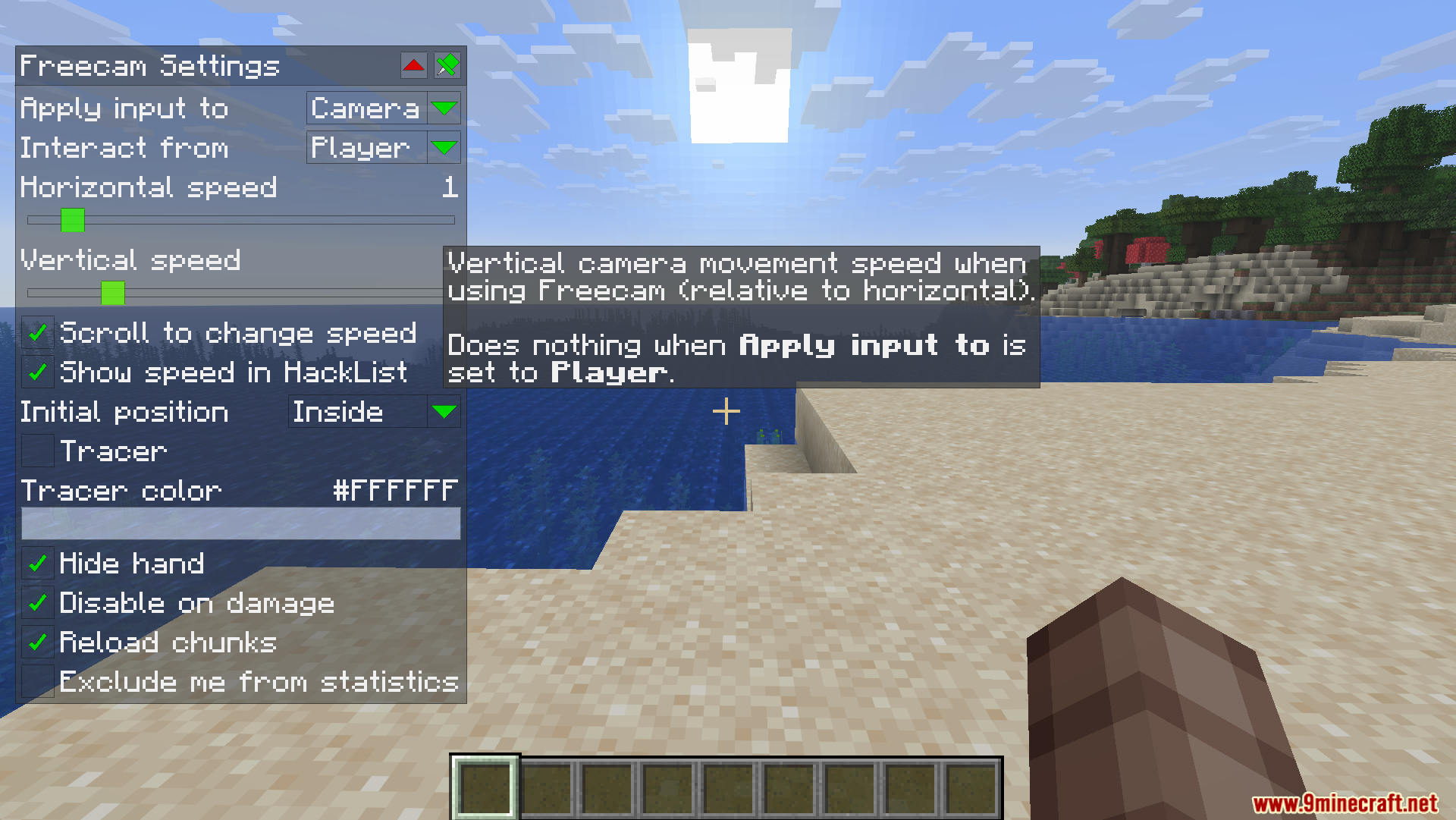
Press Right CTRL to open the settings menu, or use the command /freecam. You can hold CTRL and click any slider to type in an exact number instead of dragging.
See all 10 WI Freecam questions ›
Gallery
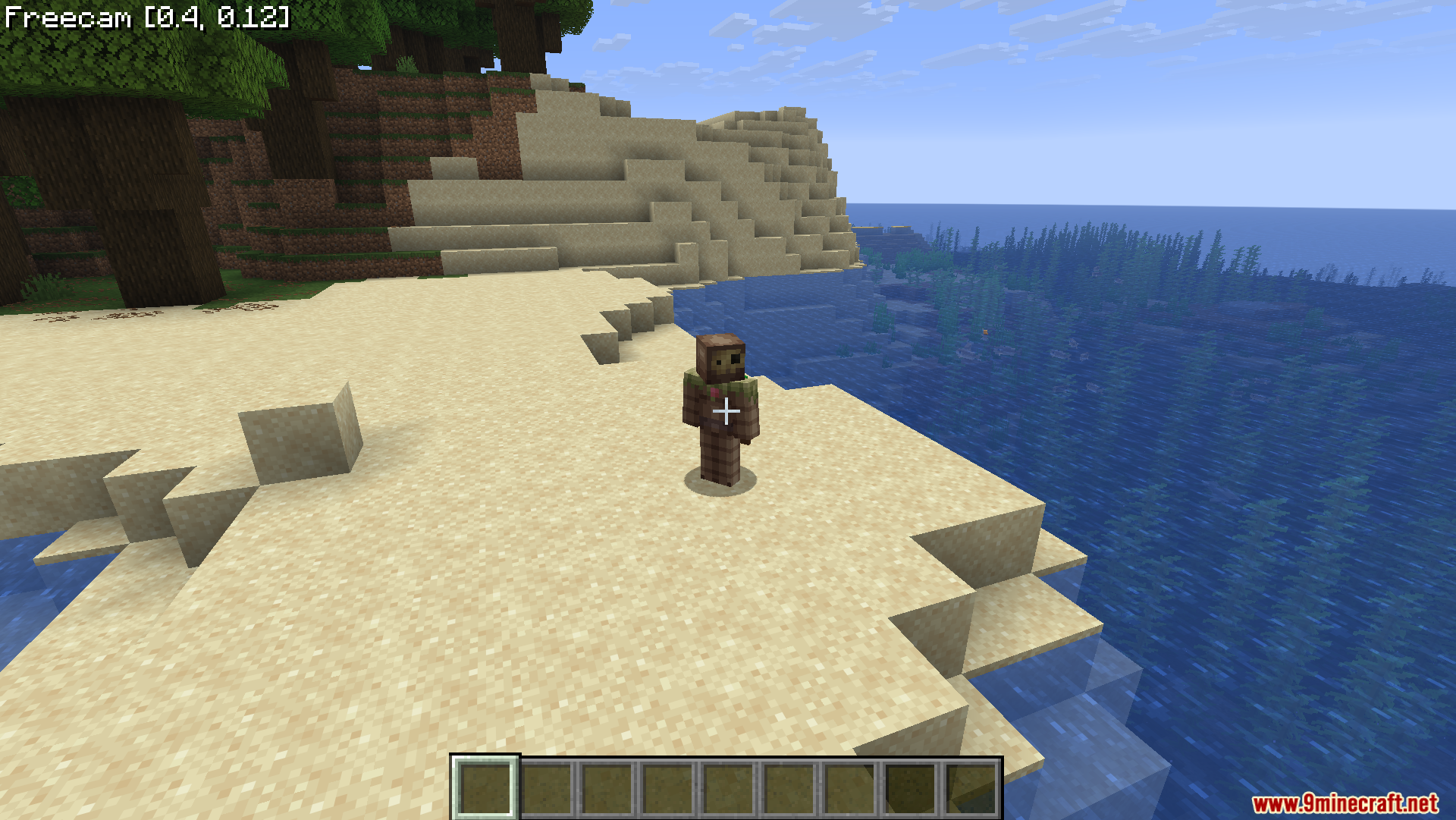
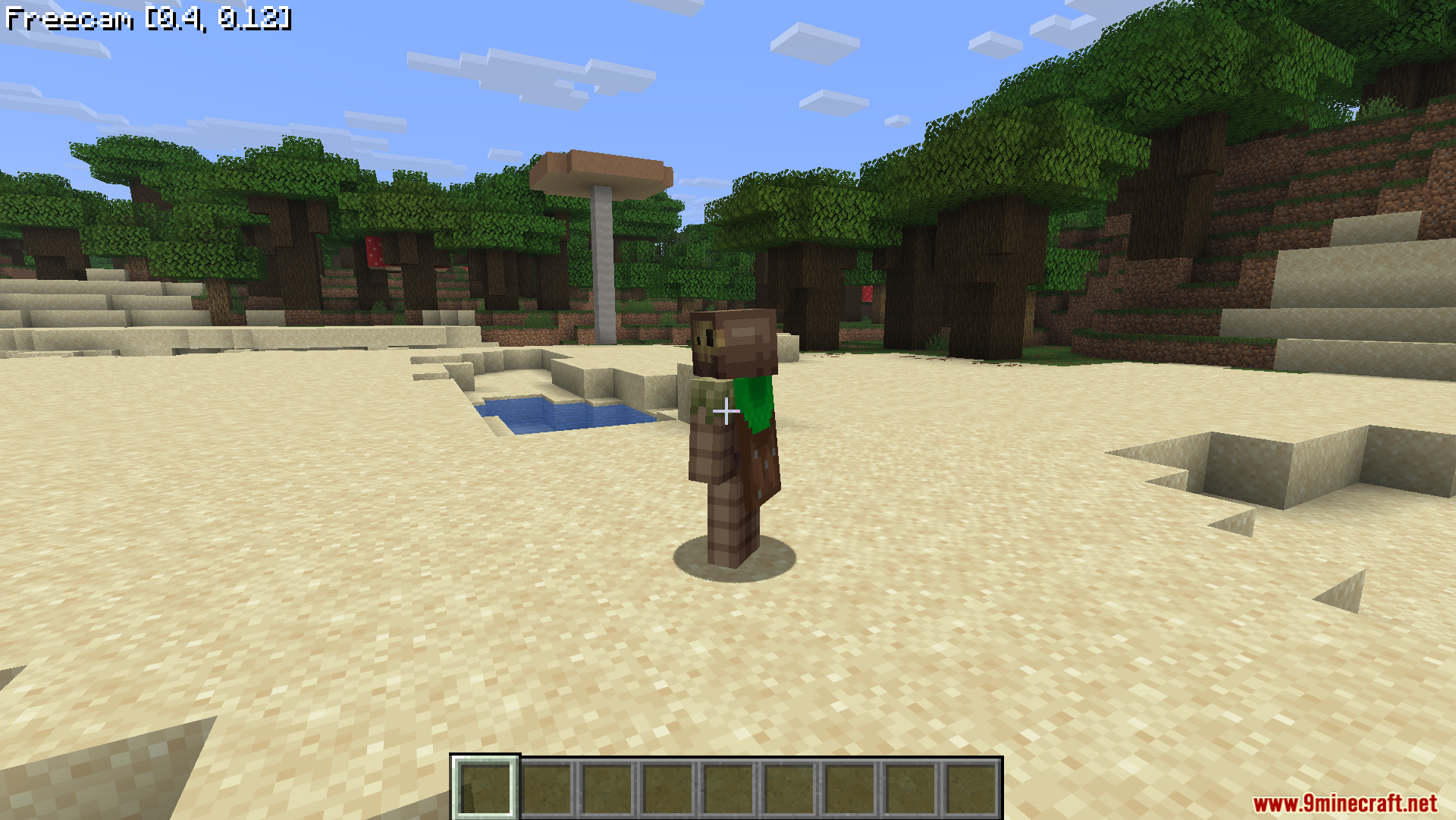
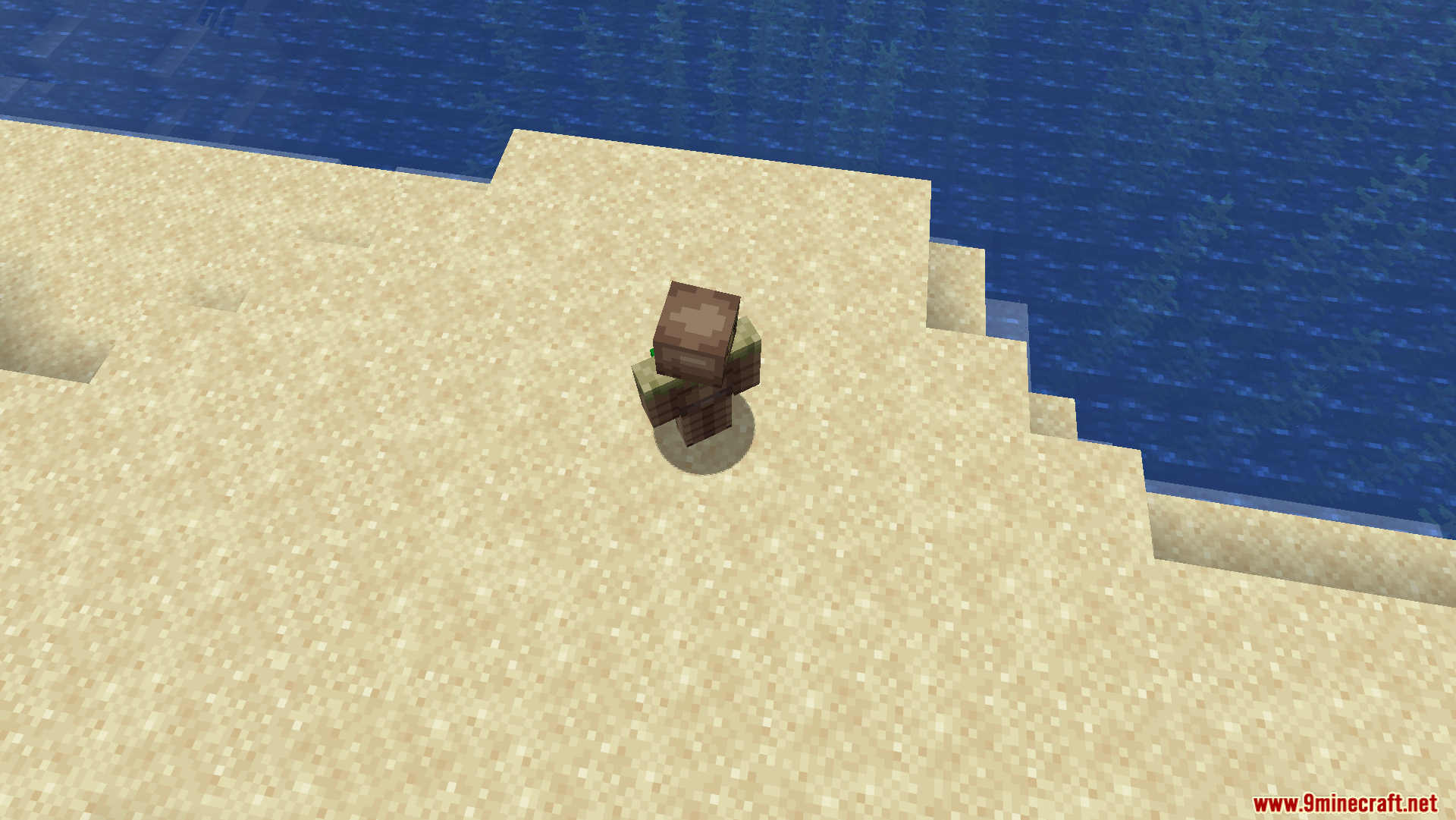
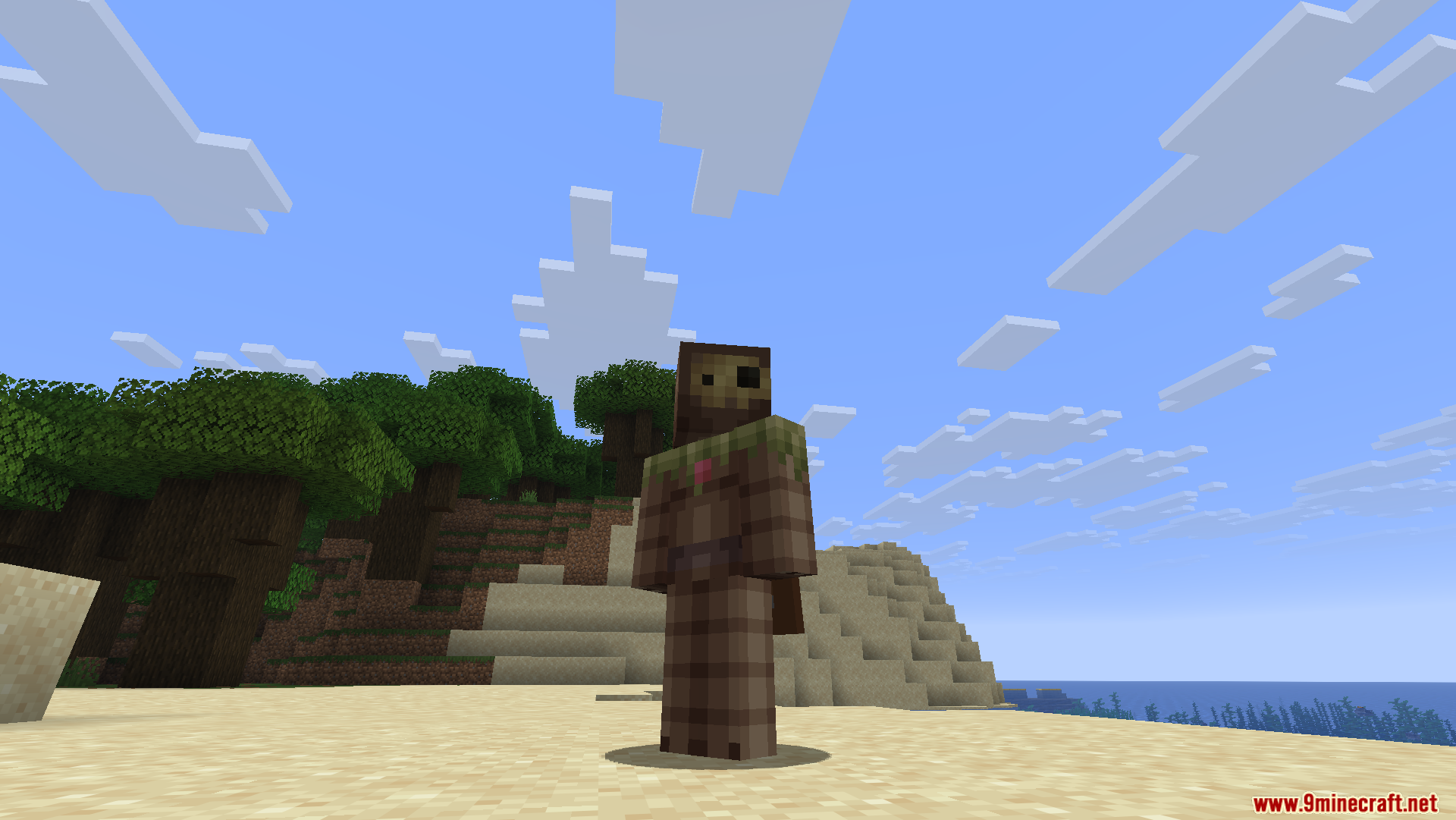
11 images from the Wi Freecam Mod page.
You May Also Like
Wikis that share the most with this one
More mod wikis on the site
The most downloaded mods that have a wiki here
A few wikis from each of the other kinds