

 DownloadViewmodel Changer Mod
Get the files on 9Minecraft
Guides
Step-by-step, in-game.
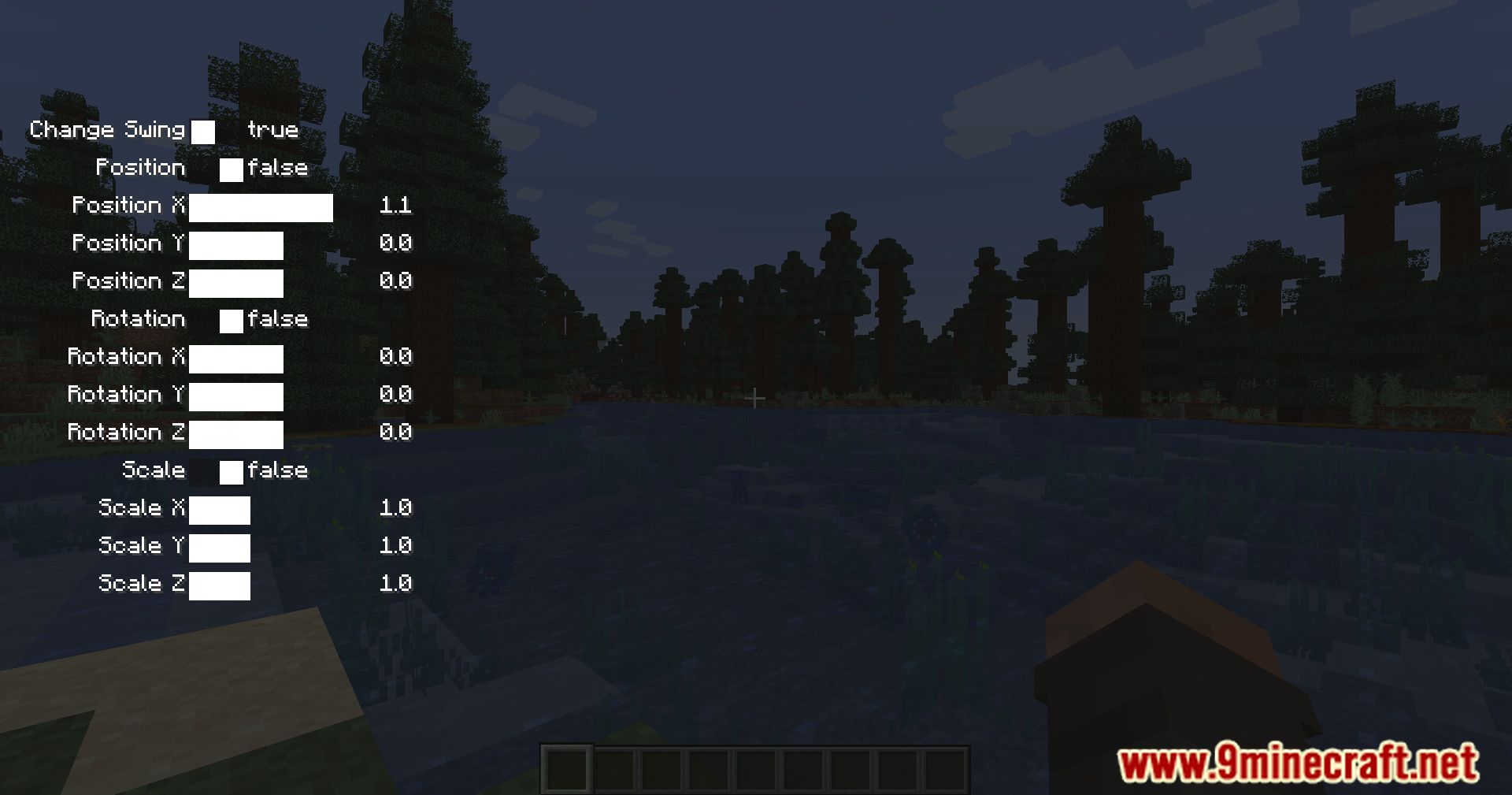
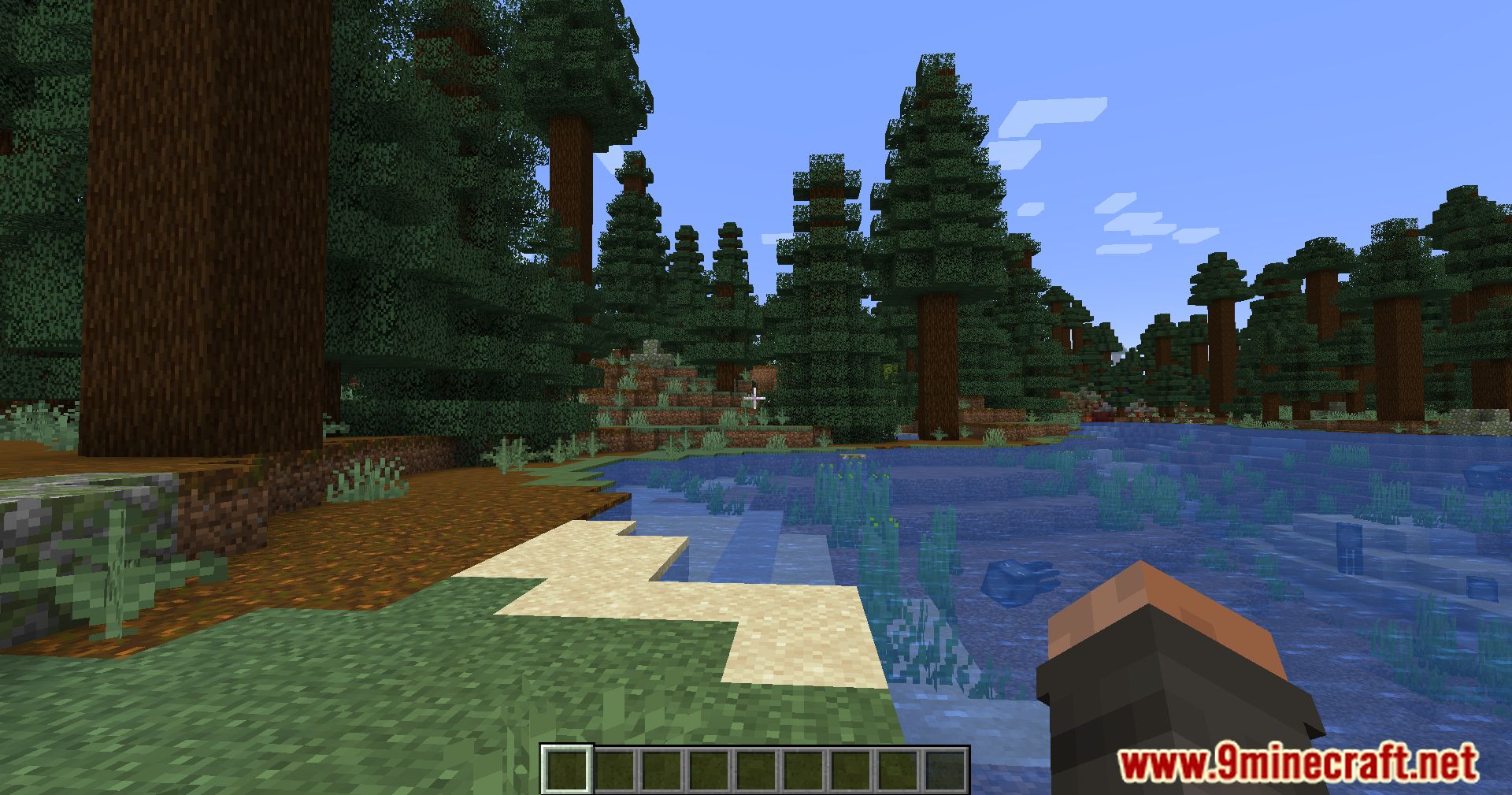
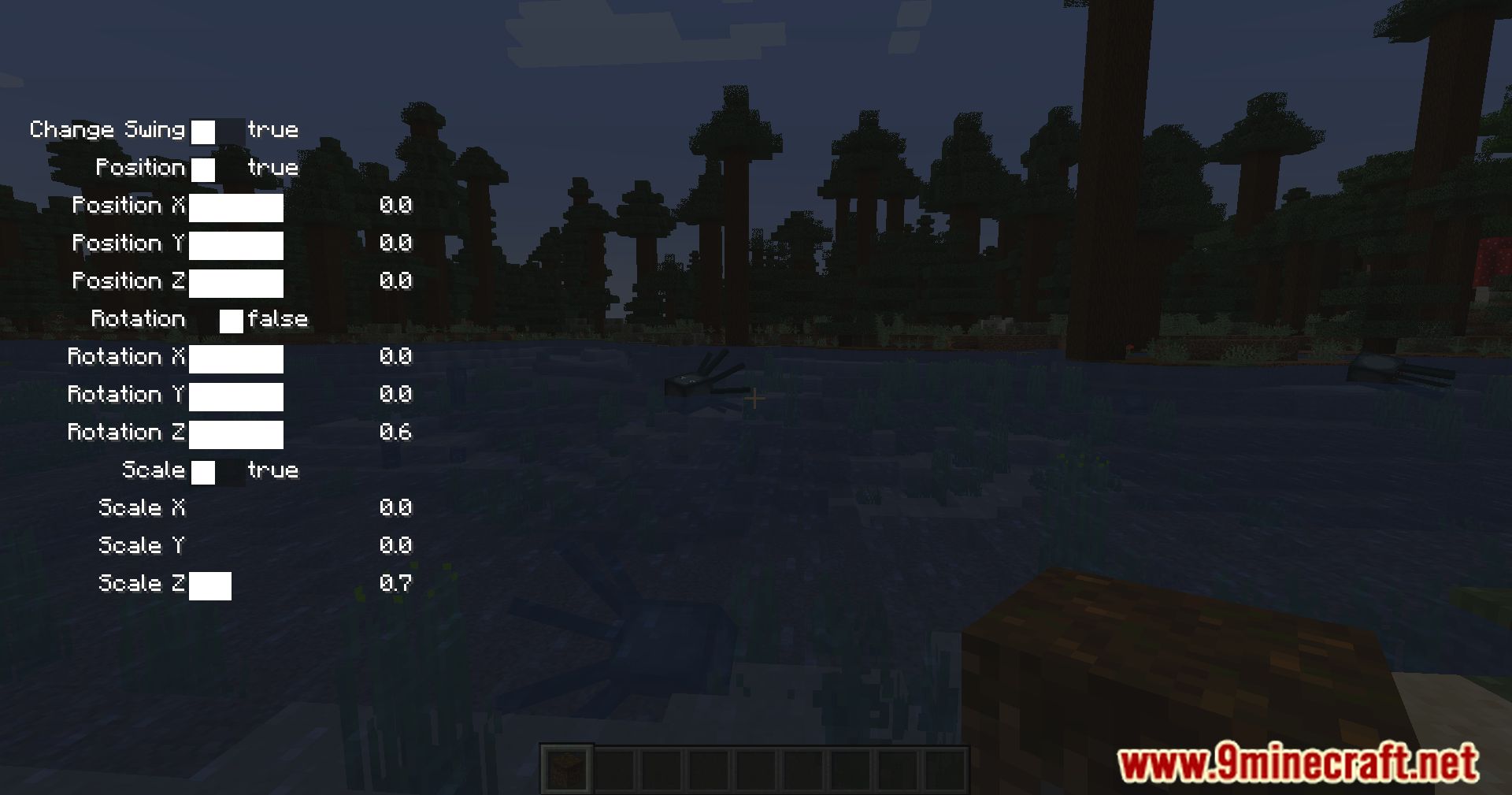
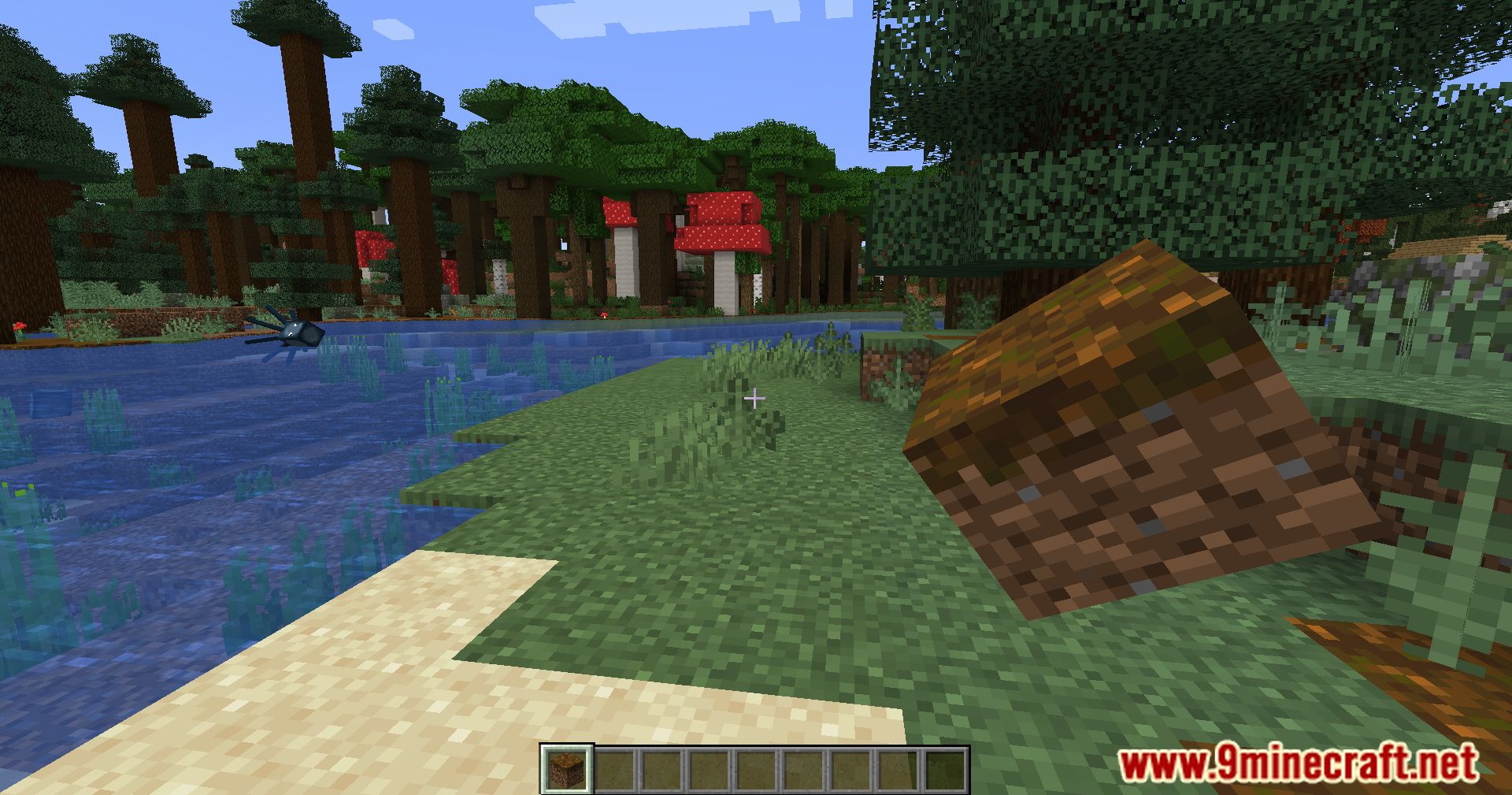
Adjust Your First-Person Hand Position and ScaleOpening the Viewmodel Settings Press BACKSLASH to open the Viewmodel Changer GUI. You'll see a panel with multiple…Create a Custom Viewmodel for PvP or BuildingPlanning Your Setup Decide what you need: PvP players often prefer a viewmodel positioned to the side with minimal…Enable or Disable Viewmodel Features with TogglesFinding Toggle Switches Open the Viewmodel Changer GUI by pressing BACKSLASH. You'll see several clickable toggle…Reset Viewmodel Settings to DefaultLocating the Reset Option Open the Viewmodel Changer GUI by pressing BACKSLASH. Look for a reset button or…
Frequently asked questions
How do I open the viewmodel settings?
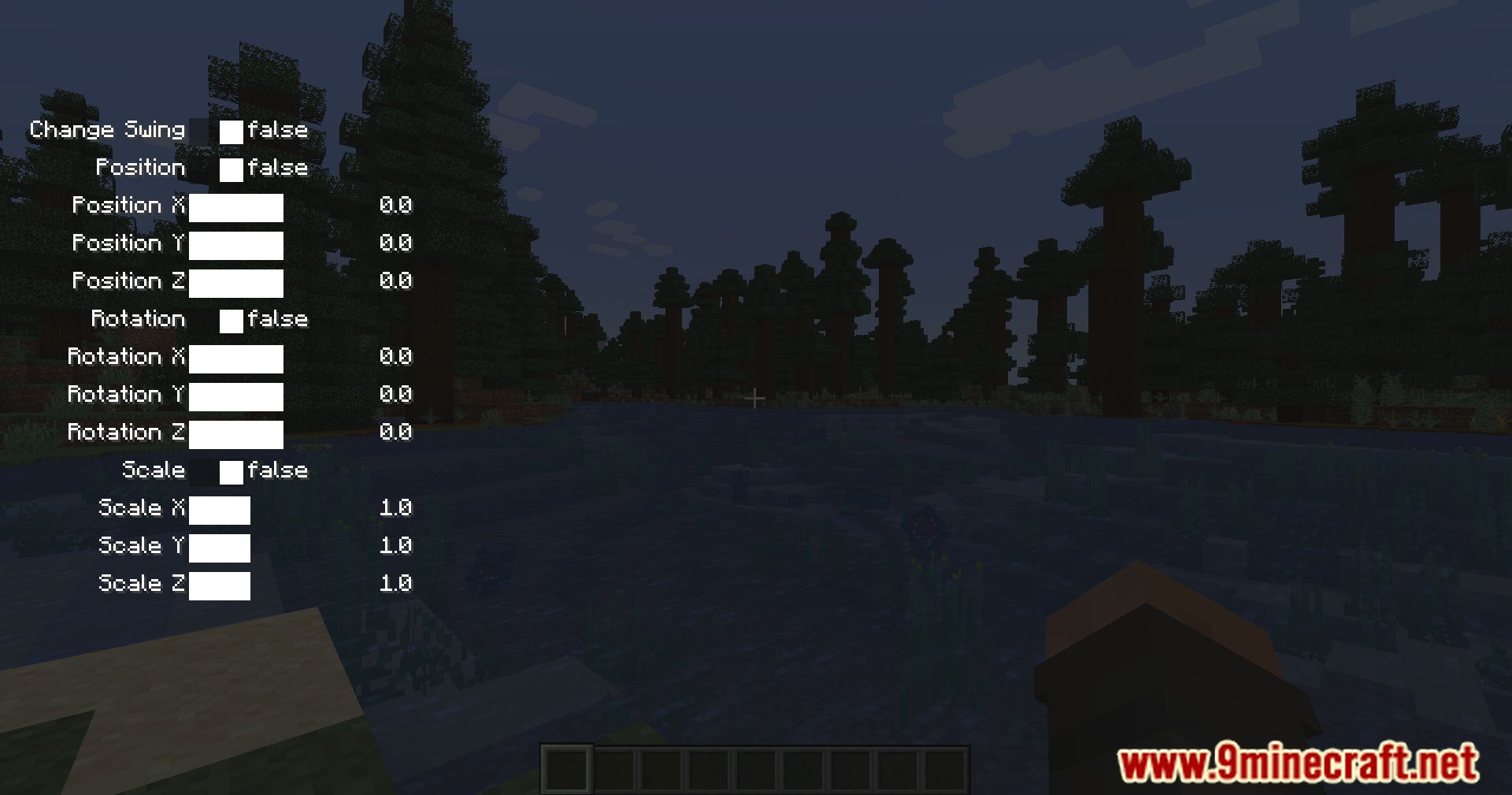
Press the BACKSLASH key (\) to open the Viewmodel Changer GUI. If this key is already bound to another action, you can rebind it in your controls settings.
What's the difference between sliders and toggles?
Sliders let you adjust continuous values like position and scale by clicking specific spots or using the mouse wheel. Toggles are on/off switches that enable or disable individual features with a single click.
Can I save multiple viewmodel presets?
Yes, the mod allows you to save and load different viewmodel configurations so you can quickly switch between setups for PvP, building, or other playstyles.
How do I reset my viewmodel to default?
Open the GUI and look for a reset button or option to restore all settings to their default values. This will undo all your customizations at once.
See all 10 Viewmodel Changer questions ›
Gallery
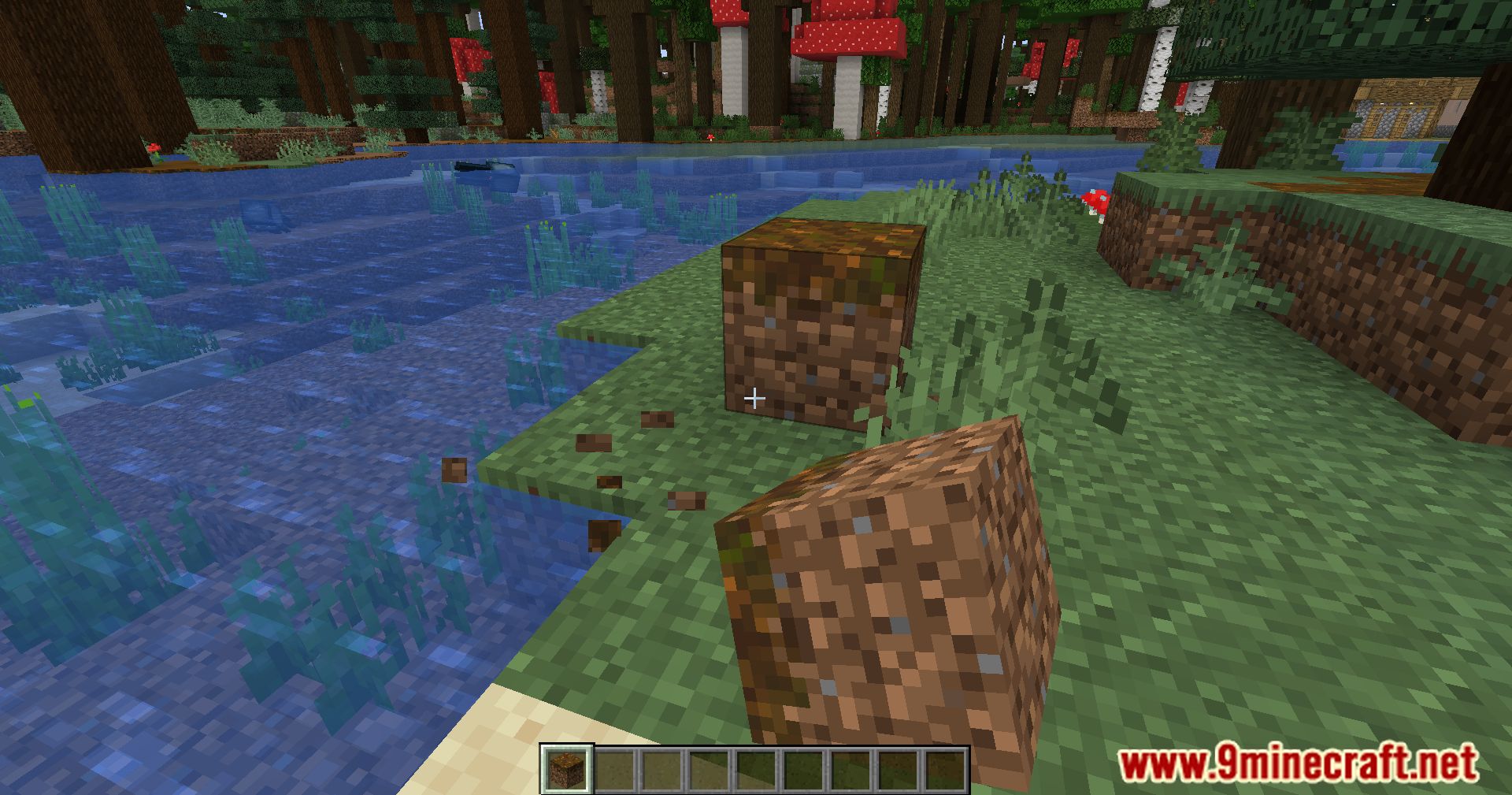
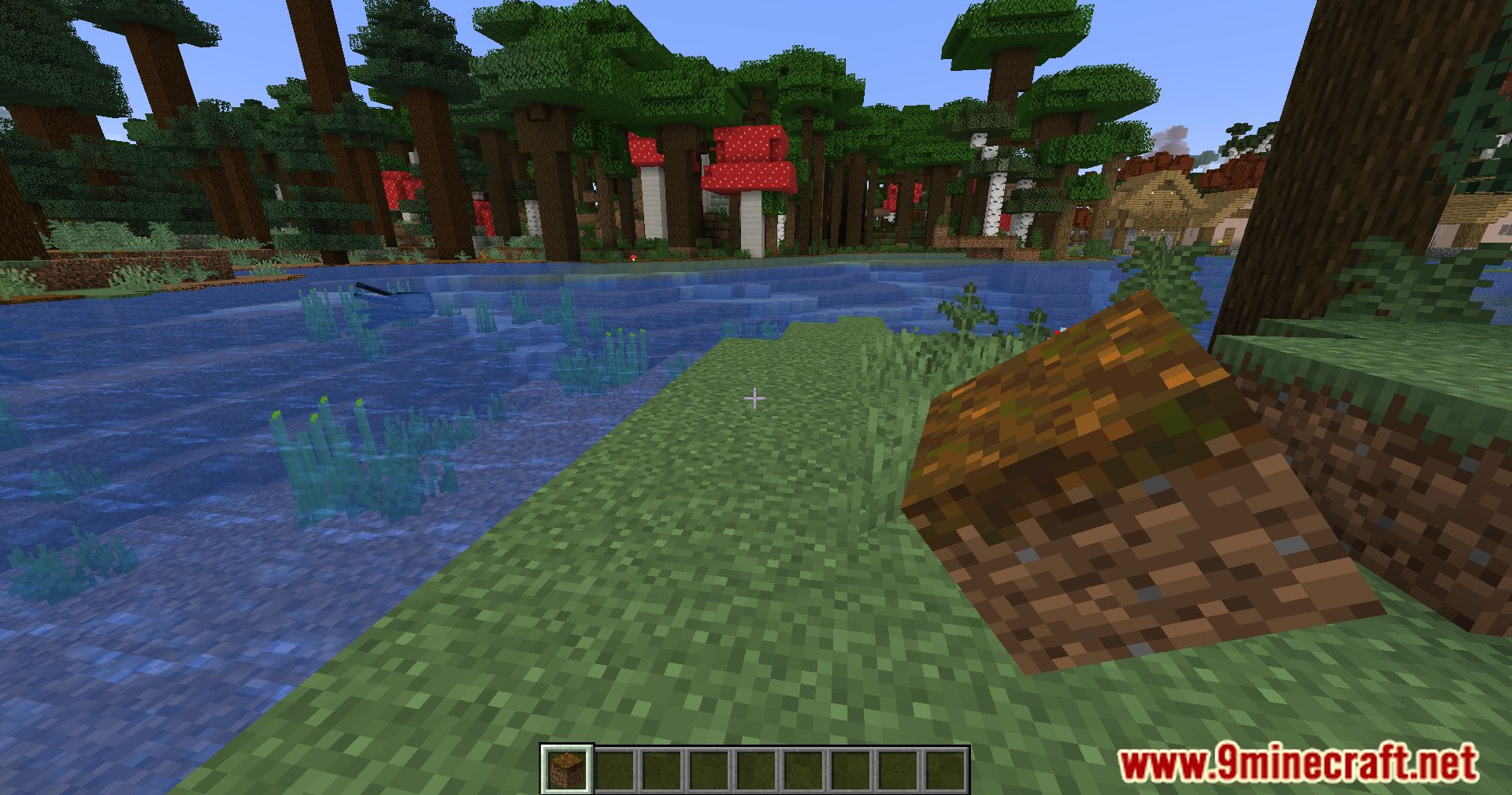
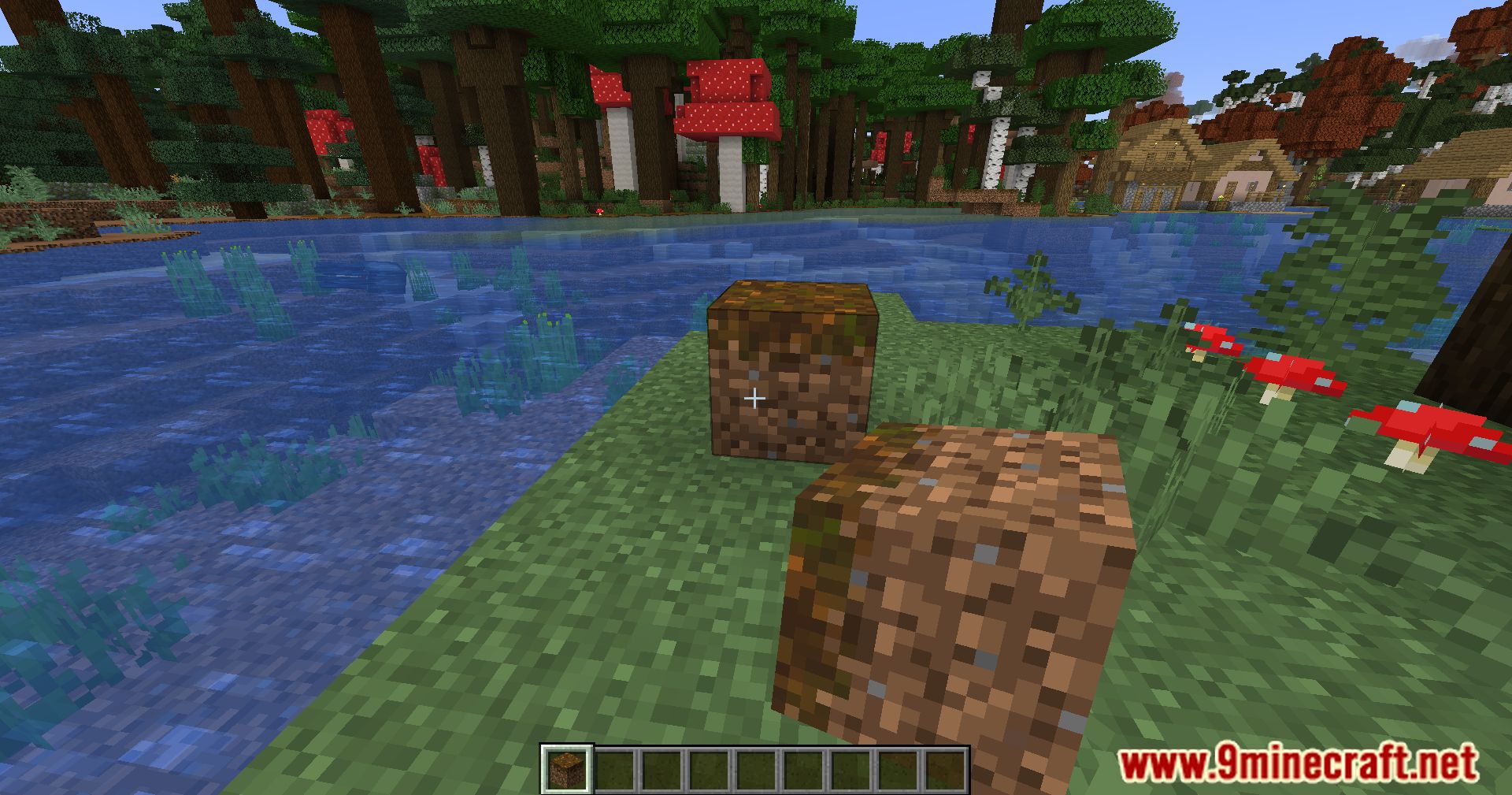
11 images from the Viewmodel Changer Mod page.
You May Also Like
Wikis that share the most with this one
More mod wikis on the site
The most downloaded mods that have a wiki here
A few wikis from each of the other kinds